Inicio de UXMagic
  • English
  • Español
  • हिन्दी
  • Bahasa Indonesia
  • Tiếng Việt
  • Português
  • Русский
  • 中文
  • العربية
  • Deutsch
  • Français
  • Funciones
  • Bibliotecas
  • Plantillas
  • Precios
  • Afiliados
  • Recursos
Inicio de UXMagic
  • English
  • Español
  • हिन्दी
  • Bahasa Indonesia
  • Tiếng Việt
  • Português
  • Русский
  • 中文
  • العربية
  • Deutsch
  • Français
Inicio de UXMagic

Bibliotecas

PlantillasNuevo
Diseños de la comunidad
Precios
Afiliados

Recursos

Síguenos en:
  • Síguenos en Slack
  • Síguenos en Twitter
  • Síguenos en LinkedIn
  • Síguenos en YouTube
  • Síguenos en Instagram
  1. Templates
  2. /
  3. Tech & AI
  4. /
  5. AI SaaS Landing Page Template
Full screen
Loading the design…

AI SaaS Landing Page Template

UXMagic — AI UI Generator — describe, design & ship: AI UI generator

A light, fourteen-section landing page for an AI product, built around showing the thing working rather than describing it. The inputs, fidelity, style and flow sections each carry a live canvas demonstration, and the page closes with numbers, pricing, an FAQ and a call to action.

Free to browse and preview. Starting a project from a template needs a paid plan.

Or make it yours as it opens

Leave blank to start from the design as it is

About this template

AI products have a specific credibility problem: every competitor makes the same claims. This page answers it by demonstrating — each capability section runs a small live piece rather than showing a screenshot, which is the only thing that separates a real product page from a landing page generator's output.

The numbers section before the pricing is doing deliberate work. Concrete figures immediately before a price is the arrangement that makes a price feel earned.

What's included (14)

  1. 1Header
  2. 2Hud
  3. 3Describe, Frame · auto layout ↓ design ship.
  4. 4Start from words, a napkin, a screenshot or a URL.
  5. 5Scroll it from pencil to production.
  6. 6Your brand, not a template .
  7. 7One prompt. Four connected screens.
  8. 8Figma, HTML, React Webflow, from one model .
  9. 9Go from design to deploy with MCP .
  10. 10UXMagic in numbers
  11. 11Start free. Pay when you ship more .
  12. 12Fair questions .
  13. 13Your next idea deserves to exist.
  14. 14Footer

Design system

Palette

  • --paper: #f2efe7
  • --paper-2: #e8e4d8
  • --paper-3: #dcd6c6
  • --ink: #16151a
  • --ink-2: #403e47
  • --ink-3: #5d5a64
  • --pencil: rgba(22,21,26,.14)
  • --pencil-2: rgba(22,21,26,.26)
  • --b0: #0a2f8f
  • --b1: #0d44bf
  • --b2: #256bfa
  • --b3: #4f8ef7

Typefaces

  • Unbounded
  • Plus Jakarta Sans
  • JetBrains Mono
  • ' fam.join('
  • ') '

Who it's for

  • AI and machine-learning products
  • Generative design and content tools
  • Developer-facing AI APIs and platforms
  • Any product where the demo is the argument

Specification

Layout
1440px wide
Page length
15,900px
Sections
14
Colour scheme
Light
Typefaces
5
  • Scroll-driven — the page responds as you move down it
  • 2 canvas visualisations, drawn live
  • Includes a form
  • No photography — everything is drawn in code, so it stays sharp

How to use this template

  1. 1

    Look through the design

    Scroll the live preview on this page. It is the real ai saas landing page template running in the browser, not a screenshot, so what you see is what you get.

  2. 2

    Say what you want it to be

    Type your business, product or subject into the box, or leave it blank to start from the design exactly as it is. Starting a project from a template is a paid-plan feature; looking through them is not.

  3. 3

    Let it be rebuilt around you

    The copy, the palette and the imagery are rewritten for your subject while the layout, typography and motion of the original are kept.

  4. 4

    Keep editing, then export

    Open it on the canvas to change anything by prompt or by hand, then publish it or export the code.

Questions

Are the demos real?

+

Yes — each capability section runs a live canvas piece in the browser rather than showing a captured image.

Can I adapt it to a non-AI product?

+

Yes. The structure — capabilities demonstrated, then numbers, then pricing — works for any product with something to show.

Is this ai saas landing page template free to use?

+

Browsing is free and needs no account — you can scroll the whole design on this page, at desktop and at mobile width, before deciding anything. Starting a project from a template is on the paid plans.

Can I change the colours and fonts?

+

Yes — every colour in this design is a named token and every typeface is declared once, so asking for your own brand rewrites a handful of declarations rather than regenerating the page. This template currently uses Unbounded, Plus Jakarta Sans, JetBrains Mono, ' fam.join(' and ') '.

Do I need an account to look at the templates?

+

No. Every template page, its live preview and all the category pages are open to anyone — no account, no sign-up wall. An account and a paid plan are needed only when you start a project from one.

Do I need to know how to design or code?

+

No. You describe what you want in plain language and the page is rebuilt around it. If you do write code, you can export the HTML and CSS and take it with you.

Can I use it for a commercial project?

+

Yes. Pages you make from a template are yours to publish and to use commercially.

More Tech & AI templates

See all tech & ai templates
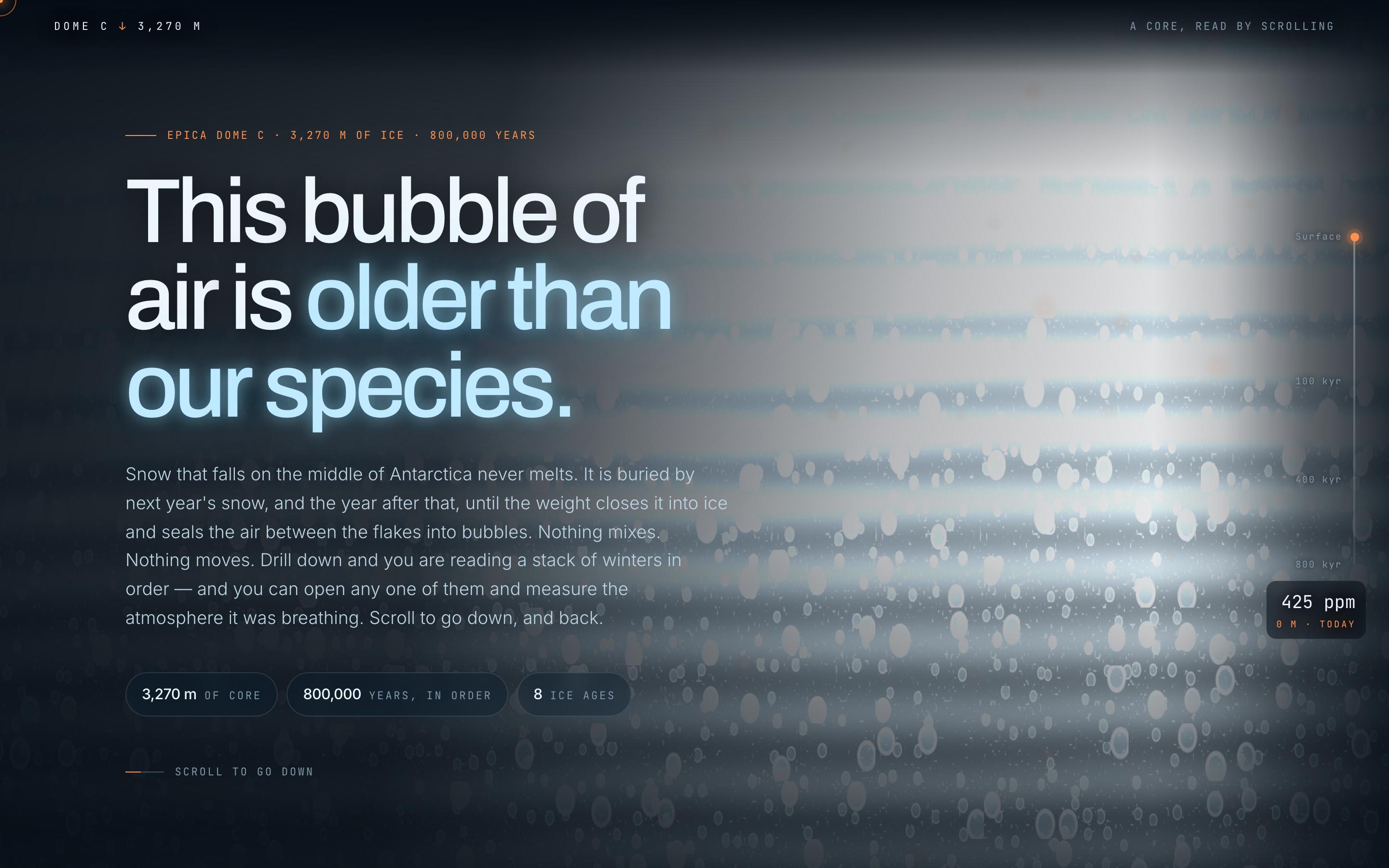
Climate Science Scrollytelling Template — preview

Climate Science Scrollytelling Template

Education

Antarctic Ice Core

This bubble of air is older than our species

CanvasWebGLScroll-driven
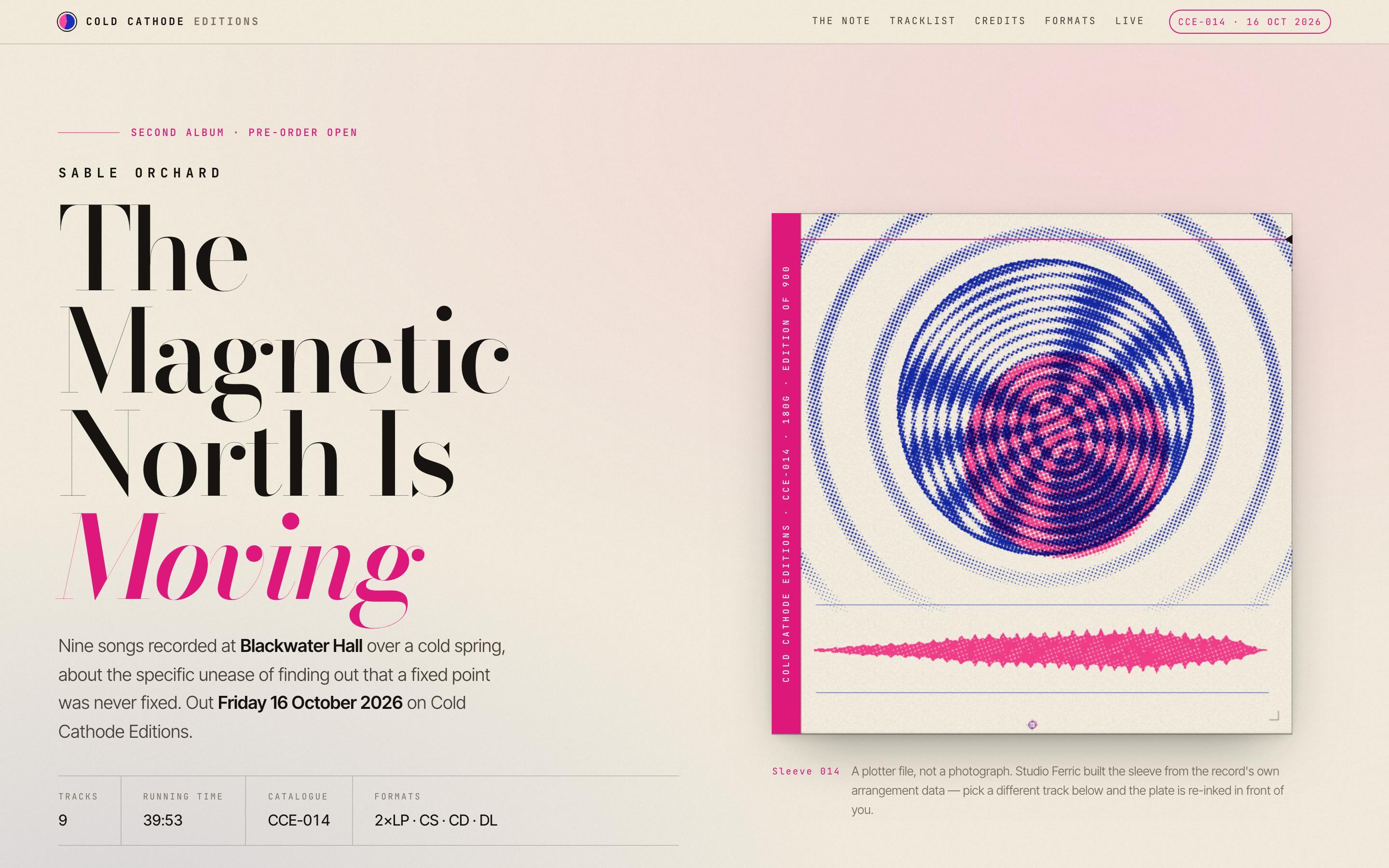
Album Release Website Template — preview

Album Release Website Template

Entertainment

Sable Orchard — Album Release

The Magnetic North Is Moving · Cold Cathode Editions

CanvasScroll-driven
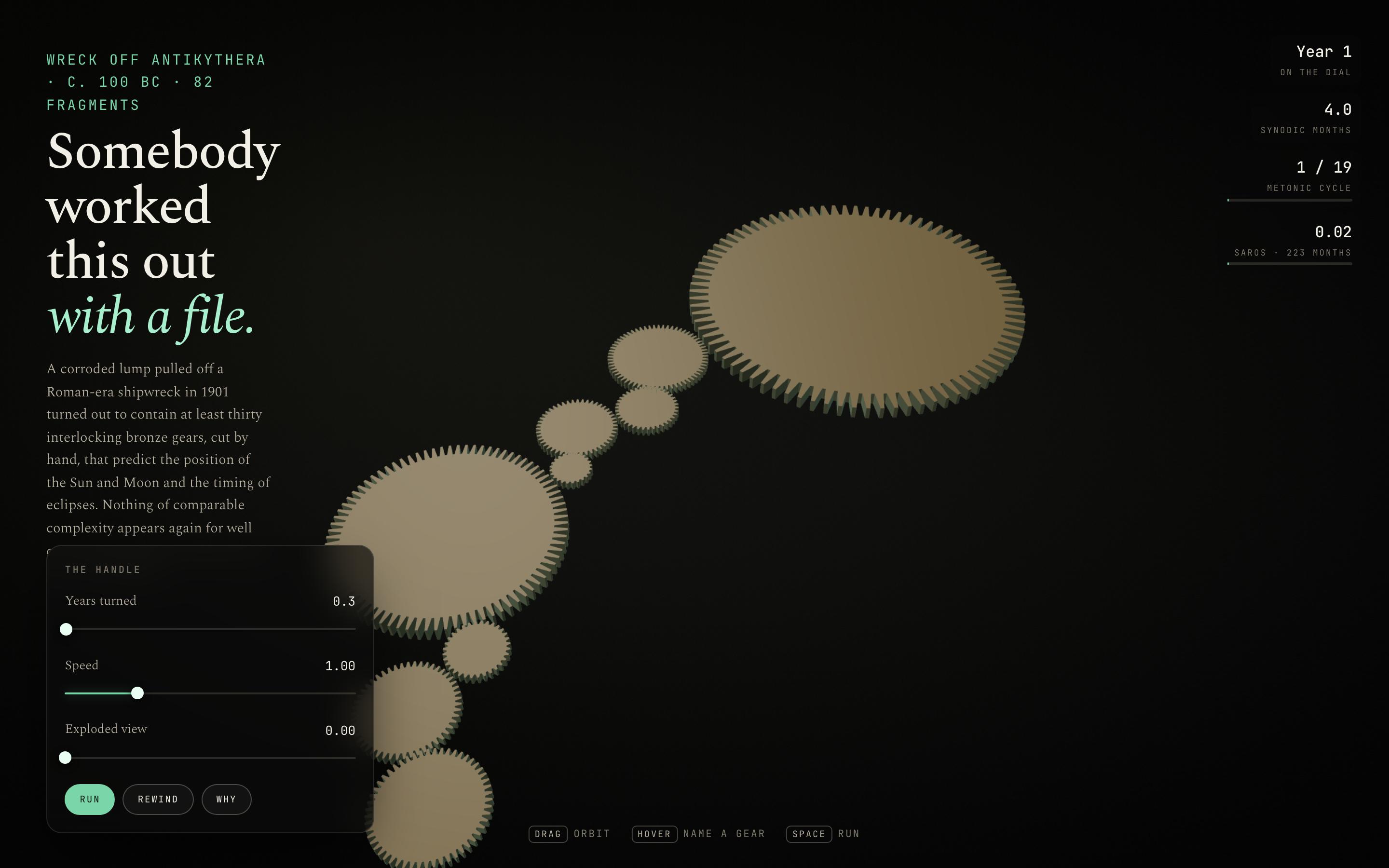
Interactive Mechanism Explainer Template — preview

Interactive Mechanism Explainer Template

Education

The Antikythera Mechanism

Somebody worked this out with a file

CanvasWebGLSingle screen
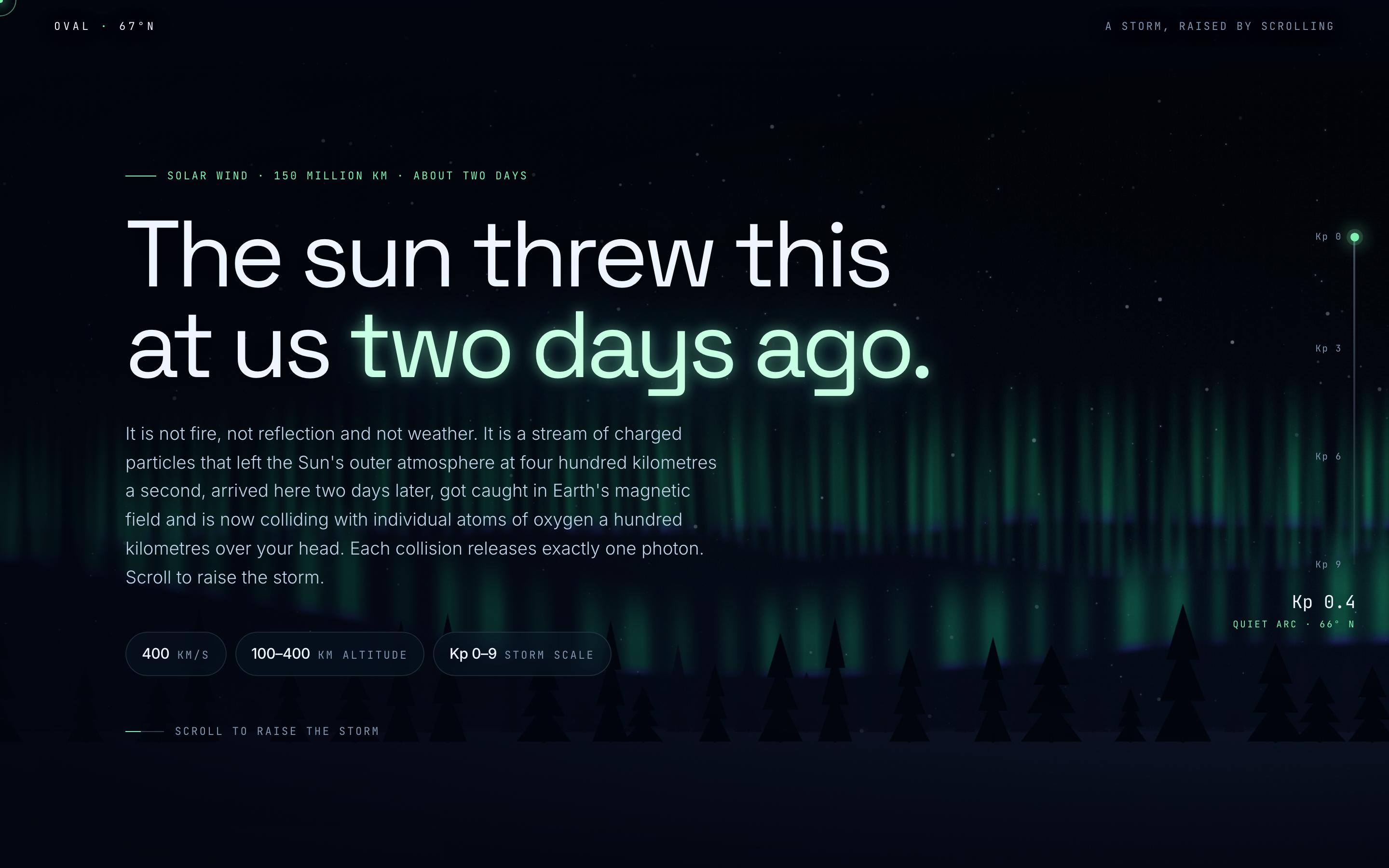
Space Weather Explainer Template — preview

Space Weather Explainer Template

Education

Aurora Borealis

The sun threw this at us two days ago

CanvasWebGLScroll-driven
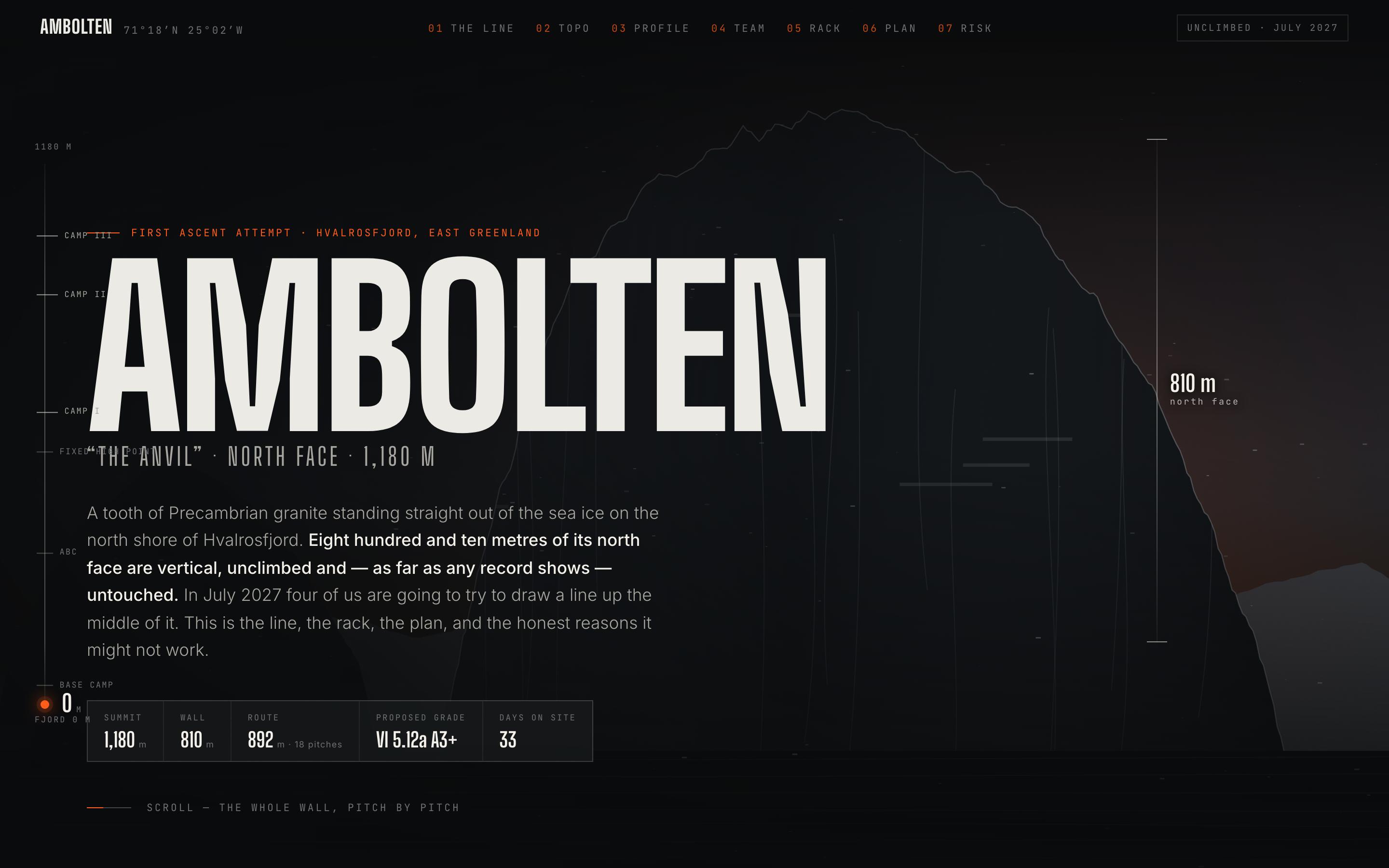
Climbing Expedition Website Template — preview

Climbing Expedition Website Template

Travel

Ambolten — Big Wall Expedition

810 metres of unclimbed granite, and the line we think goes

CanvasScroll-driven
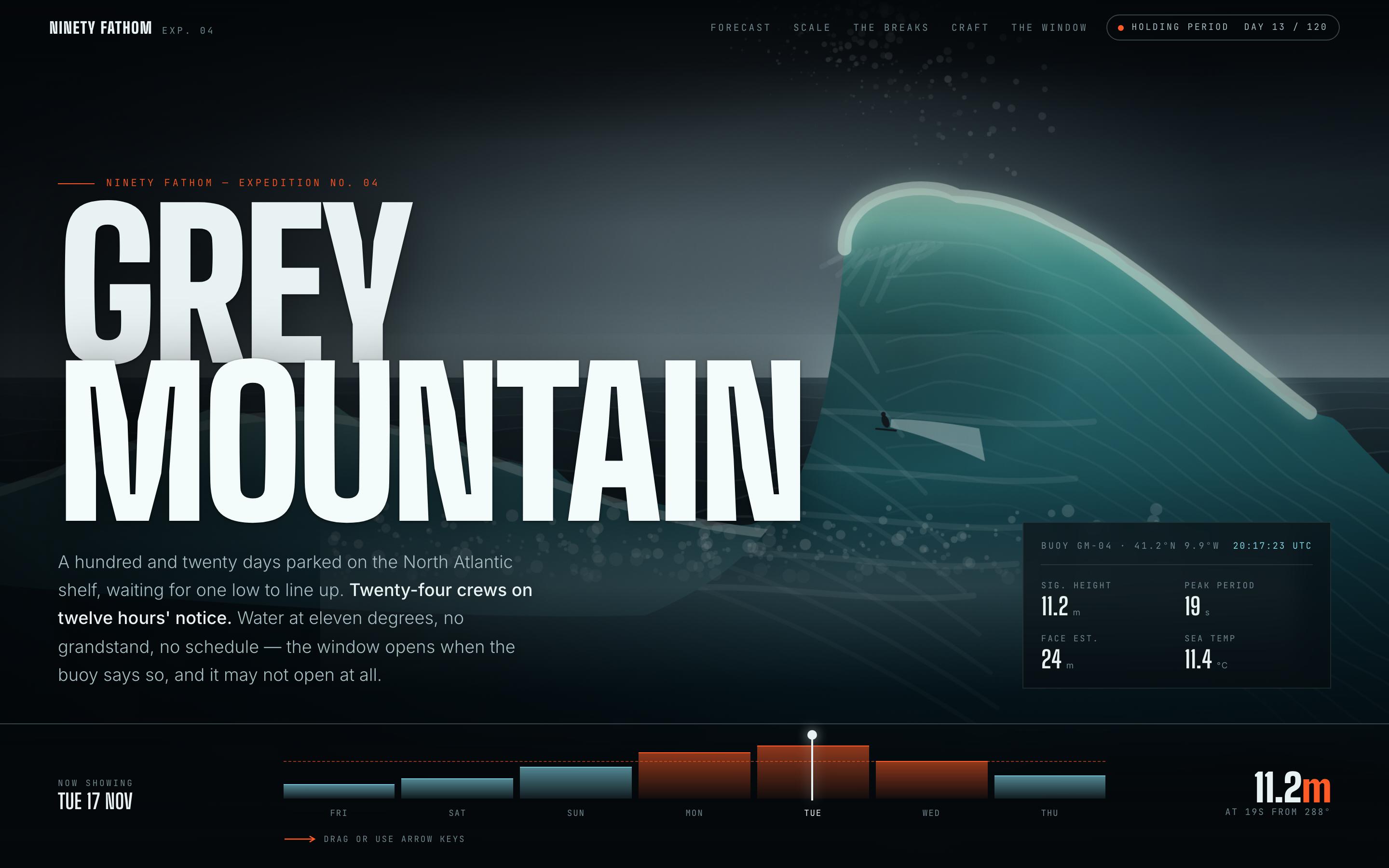
Surf Forecast Website Template — preview

Surf Forecast Website Template

Fitness

Grey Mountain — Big Wave Forecast

a 120-day holding period on the North Atlantic shelf

CanvasScroll-driven

tu próxima idea
merece existir

deja de darle vueltas. solo escríbela. Mal, a medias, como sea. Nosotros la convertiremos en algo real.

Producto

  • Plantillas
  • Comunidad
  • Planes de precios
  • Programa de afiliados
  • UXMagic MCP
  • Claude MCP
  • Información para IA

Recursos

  • Centro de ayuda
  • Biblioteca de Figma
  • Biblioteca de React
  • Plantillas de apps móviles
  • Documentación
  • Tutoriales

Funciones

  • De prompt a UI
  • De imagen a UI
  • De boceto a UI
  • Clonar sitio web
  • Importar desde Figma
  • AI Wireframe Generator
  • AI Mockup Generator
  • AI Prototype Generator
  • AI Dashboard Generator
  • Todas las funciones

Comparar

  • vs UX Pilot
  • vs Relume
  • vs MagicPath
  • vs Magic Patterns
  • vs Banani
  • vs Galileo AI
  • vs v0
  • vs Lovable
  • vs Base44
  • Todos los competidores

Blogs

  • IA en el flujo de trabajo de diseño UX: lo que realmente funciona
  • Plantillas de prompts para dashboards SaaS
  • Prompts reales que usamos para generar flujos de producto
  • Prompt engineering para diseñadores UX
  • Las mejores herramientas de wireframing en 2026: 10 opciones gratuitas y de pago comparadas
  • Todos los blogs

Empresa y soporte

  • Empleo
  • Contáctanos
  • Política de privacidad
  • Términos de uso
  • Configuración de cookies
  • Síguenos en Slack
  • Síguenos en Twitter
  • Síguenos en LinkedIn
  • Síguenos en YouTube
  • Síguenos en Instagram

© 2026 UXMagic AI Technologies Inc.