
You just vibe-coded an entire SaaS MVP in twenty minutes but you’ve spent the last three weeks burning API credits fixing routing bugs and wondering why every button is a different shade of blue.
That’s the real state of the AI app builder ecosystem in 2026. Generating code is trivial. Preventing design drift, schema duplication, and infrastructure lock-in is the actual work.
Most teams aren’t asking can AI build apps anymore. They’re asking whether their stack will survive real users or collapse into a Page-Shaped Object the second production data shows up.
The 10 Best AI App Builders for Non-Developers in 2026
Most comparison lists mix AI IDEs with app generators. That’s how founders end up opening Cursor and immediately closing it again.
Here’s the actual landscape split by what each tool really does.
- UXMagic
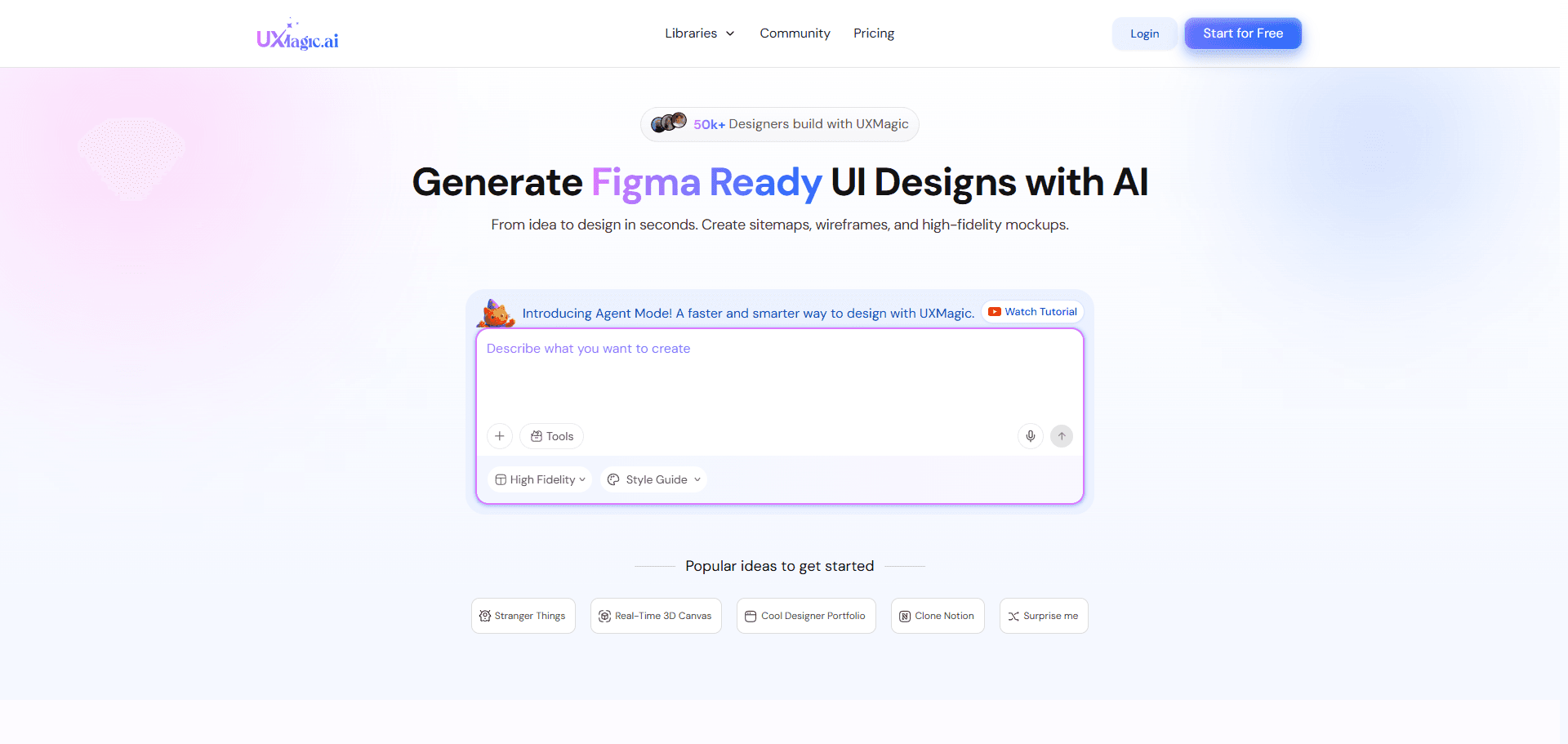
UXMagic fills the gap most AI app builders ignore—the visual architecture phase before engineering starts.
It helps teams:
- generate connected multi-screen product flows
- enforce design tokens and brand consistency
- prevent layout drift across pages
- export structured UI to Figma or React/HTML scaffolds
This matters because fixing spacing, typography, and hierarchy inside chat-based builders like Lovable or Bolt burns credits fast. Locking the interface first keeps engineering tools focused on wiring logic instead of redesigning screens.
UXMagic works best as the constraint layer that stabilizes your product before full-stack generation begins. Check it for yourself and get the magic done in your life: https://uxmagic.ai/features-list
- Lovable: The Best Full-Stack Generator for React & Supabase
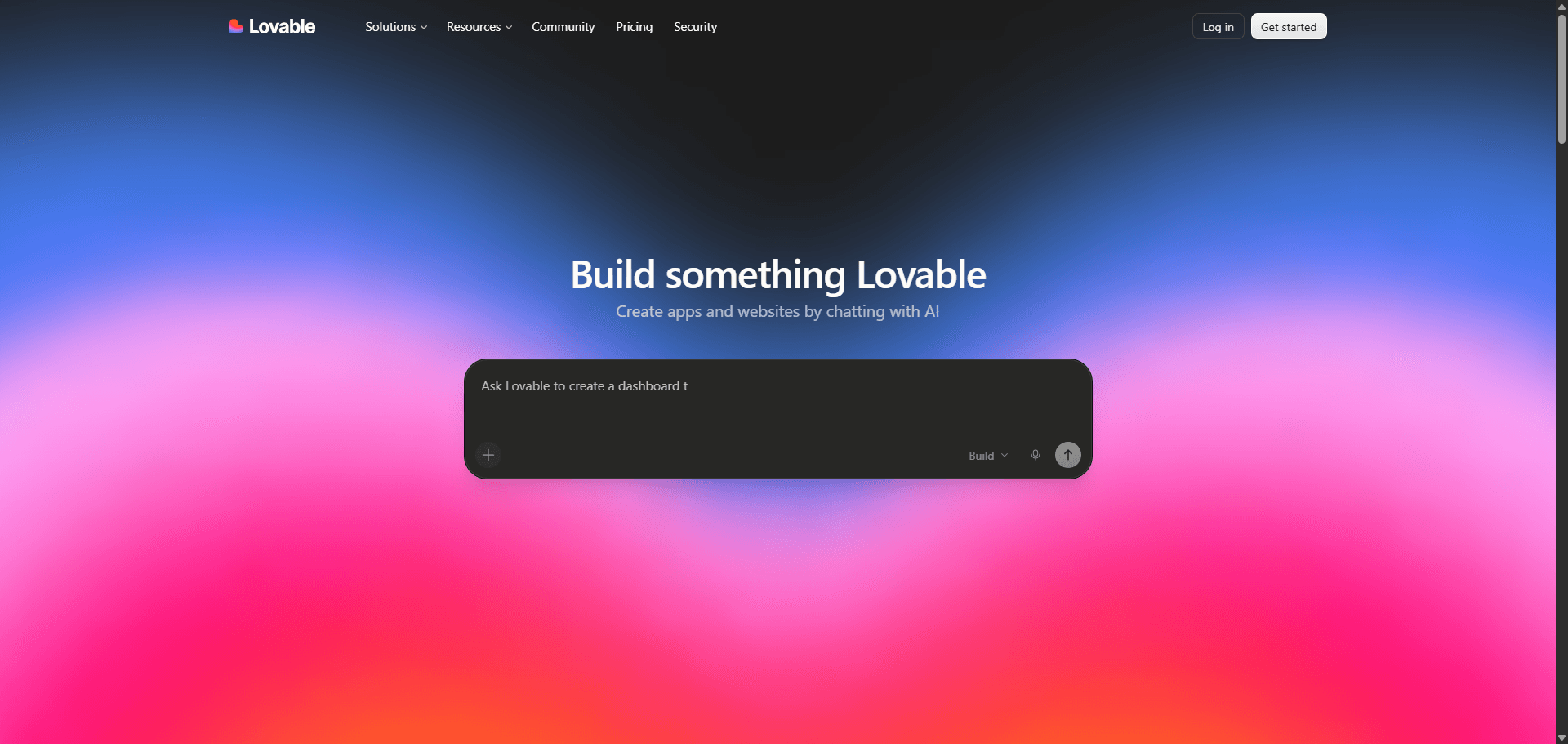
Lovable is the closest thing to a real autonomous product builder for non-technical teams.
It:
- provisions Supabase automatically
- wires authentication
- manages storage
- exports clean React/TypeScript to GitHub
That last point matters. Exportability determines whether your MVP survives contact with scale.
The limitation is credit burn. If you’re nudging padding through chat prompts, you’re spending budget on the wrong layer. Lock layout earlier using a structured design workflow like the one described in how designers actually use AI in real projects without creating UX debt.
- Bolt.new: The Fastest Browser-Native App Builder
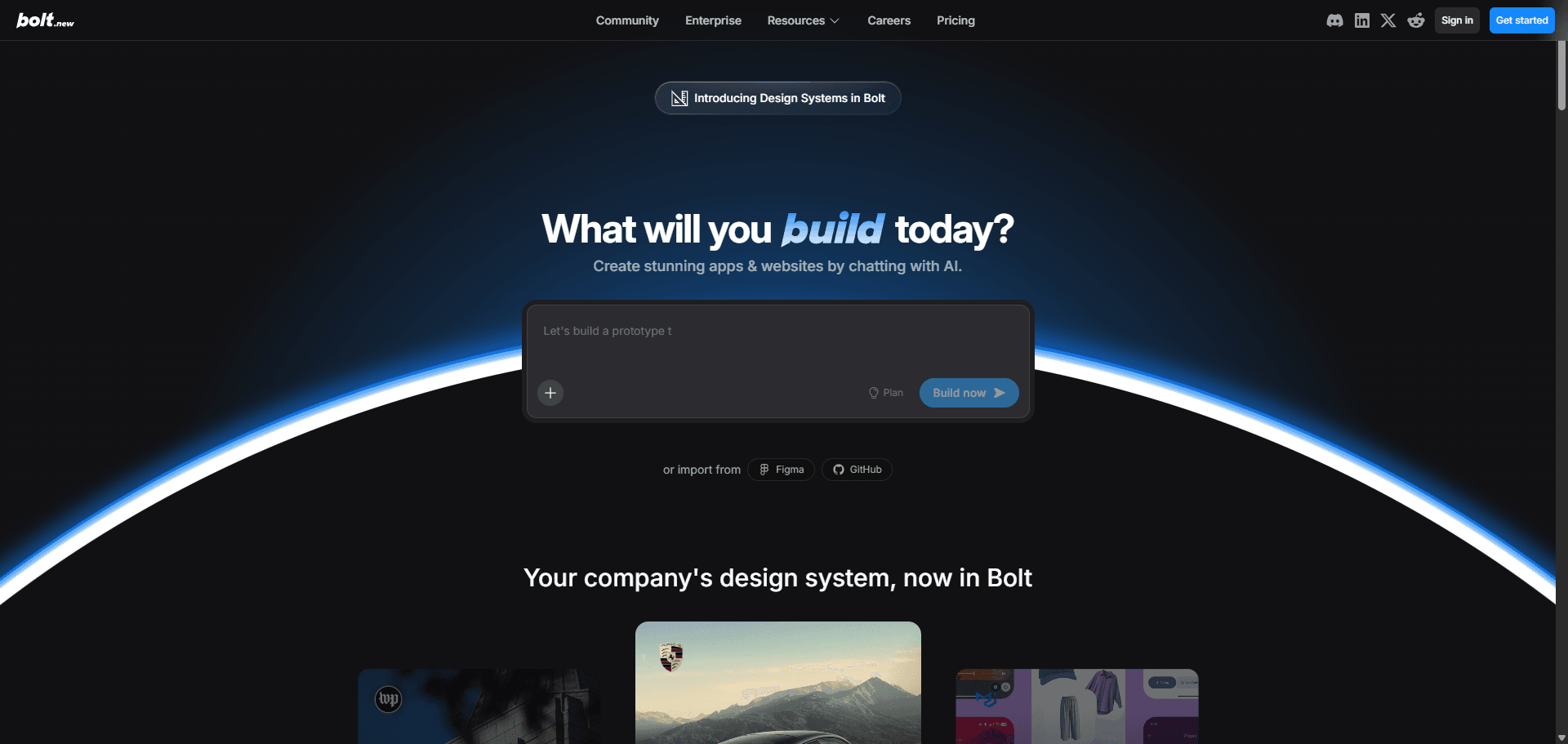
Bolt.new runs on StackBlitz WebContainers. That means real execution speed inside the browser not simulated previews.
It supports:
- Vue
- Svelte
- React
- instant code iteration
Developers love it. Non-developers struggle with it.
Bolt doesn’t manage your database decisions. It expects architectural intent upfront. Without that, it happily generates beautiful but fragile UI shells.
- Replit Agent: Best for Backend Logic and Python APIs
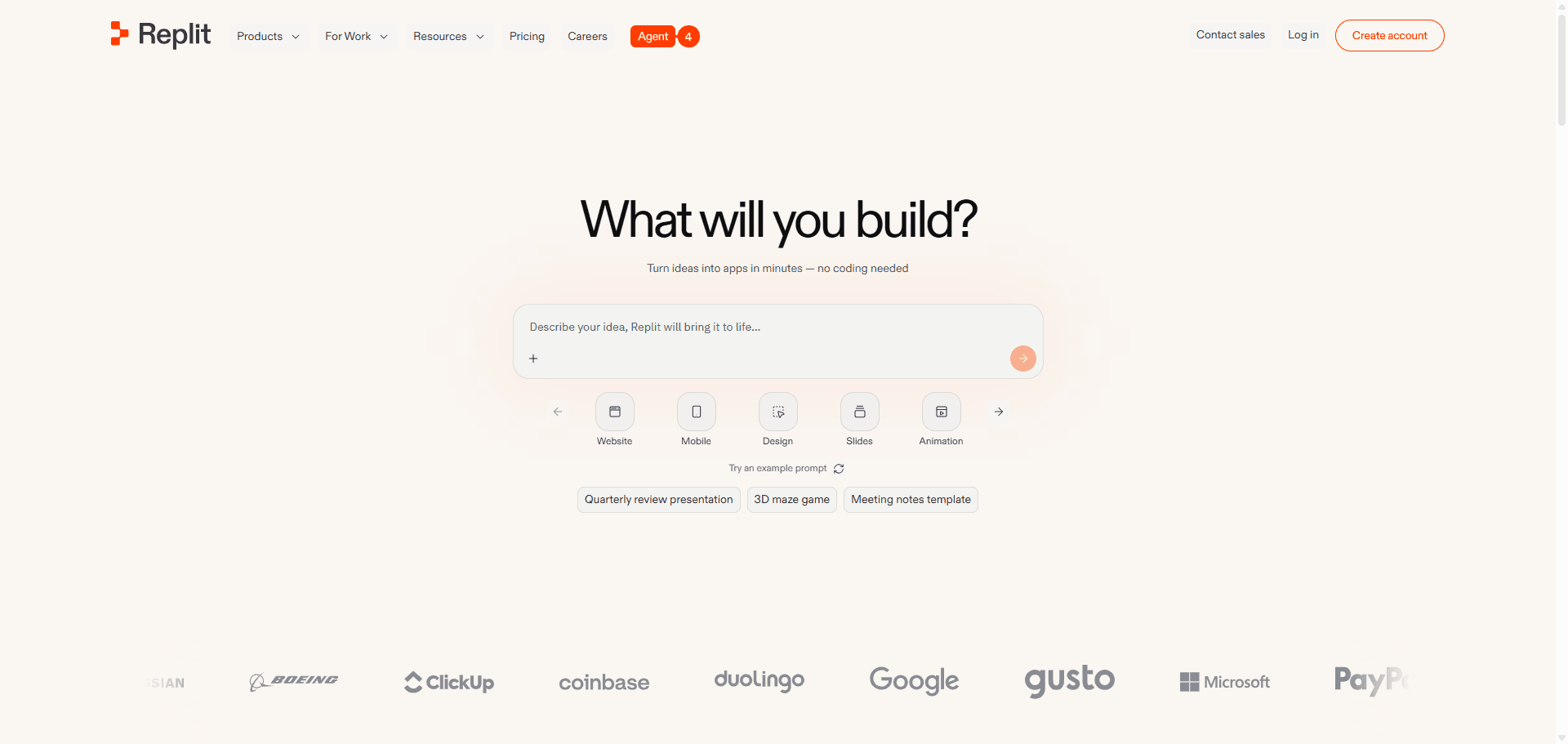
Replit Agent is incredible for backend-heavy automation and API tooling.
It excels at:
- persistent cloud IDE workflows
- Python agents
- server-side logic orchestration
The tradeoff is infrastructure coupling.
Once your hosting, database, and environment variables live inside a proprietary ecosystem, migration becomes expensive and slow. That’s fine for experiments. Risky for products.
- v0 (Vercel): Best for Next.js Frontend Components
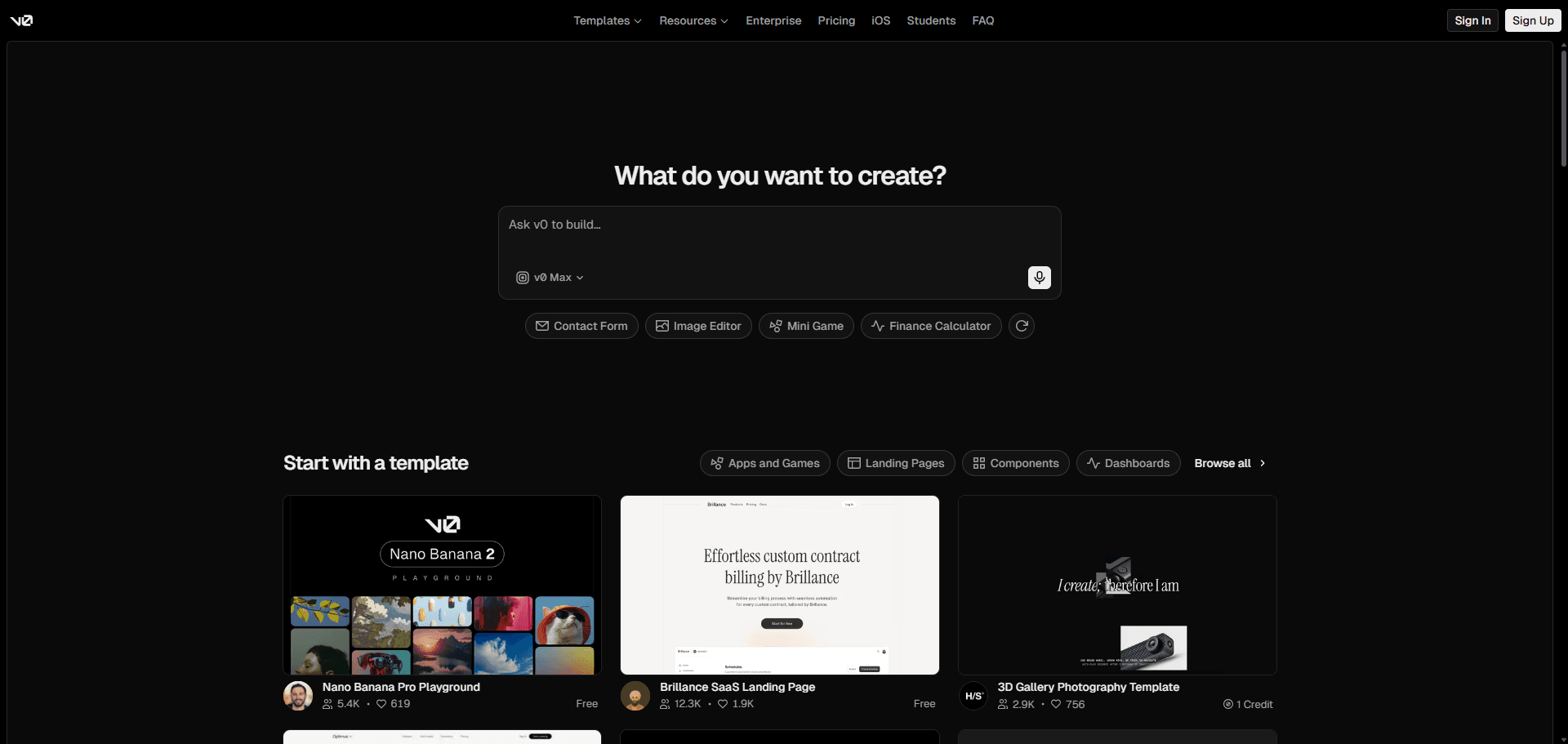
v0 generates production-grade frontend React components aligned with modern styling practices.
It does not generate:
- backend logic
- authentication systems
- databases
Treat it like a UI accelerator not an app builder.
Used correctly, it speeds iteration. Used incorrectly, it creates polished landing pages with zero operational logic behind them.
- Base44: Fastest Path to a Hosted MVP
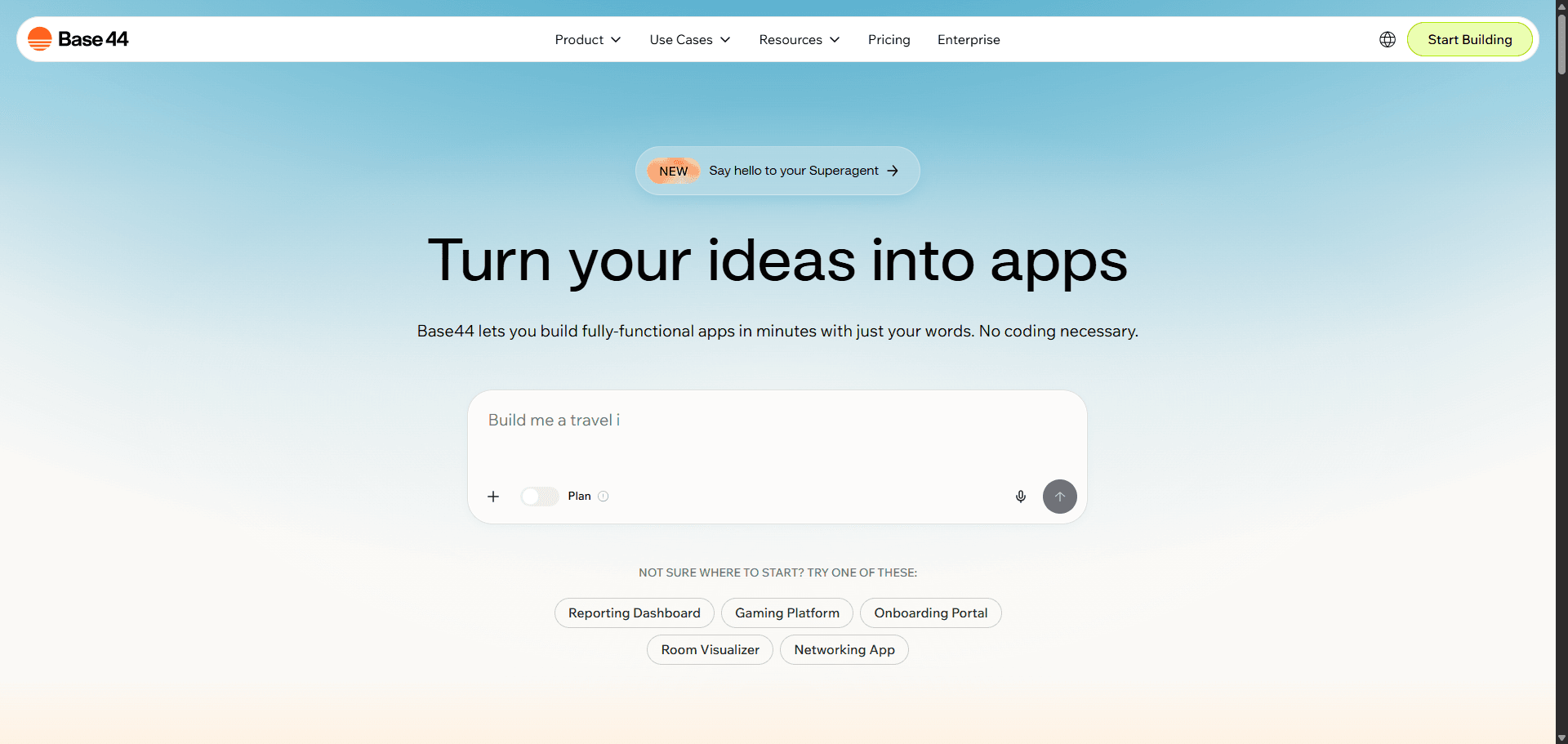
Base44 targets absolute beginners who need something working immediately.
Strength:
- deployable output in minutes
Limitation:
- rigid templates
- minimal customization
- heavy editor lock-in
If branding matters, you’ll outgrow it quickly.
- FlutterFlow (with AI): Cross-Platform Mobile Builder
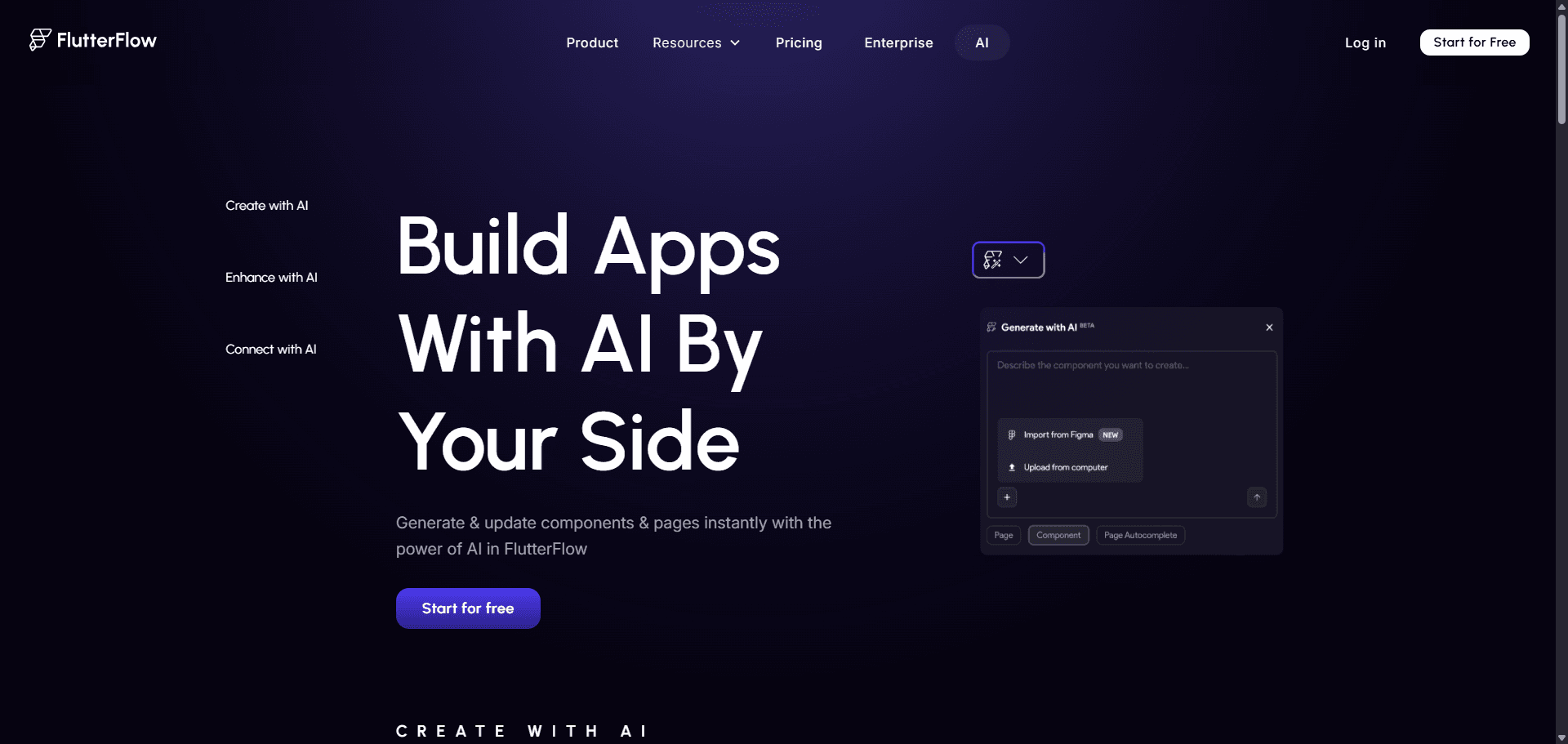
FlutterFlow generates exportable Flutter code for iOS and Android workflows.
That solves one problem: platform coverage.
It doesn’t solve another: UI assembly speed. Even with AI features, complex layouts still require manual construction. That defeats the purpose of an AI-first pipeline.
- Bubble: Visual Logic Without Code Export Flexibility
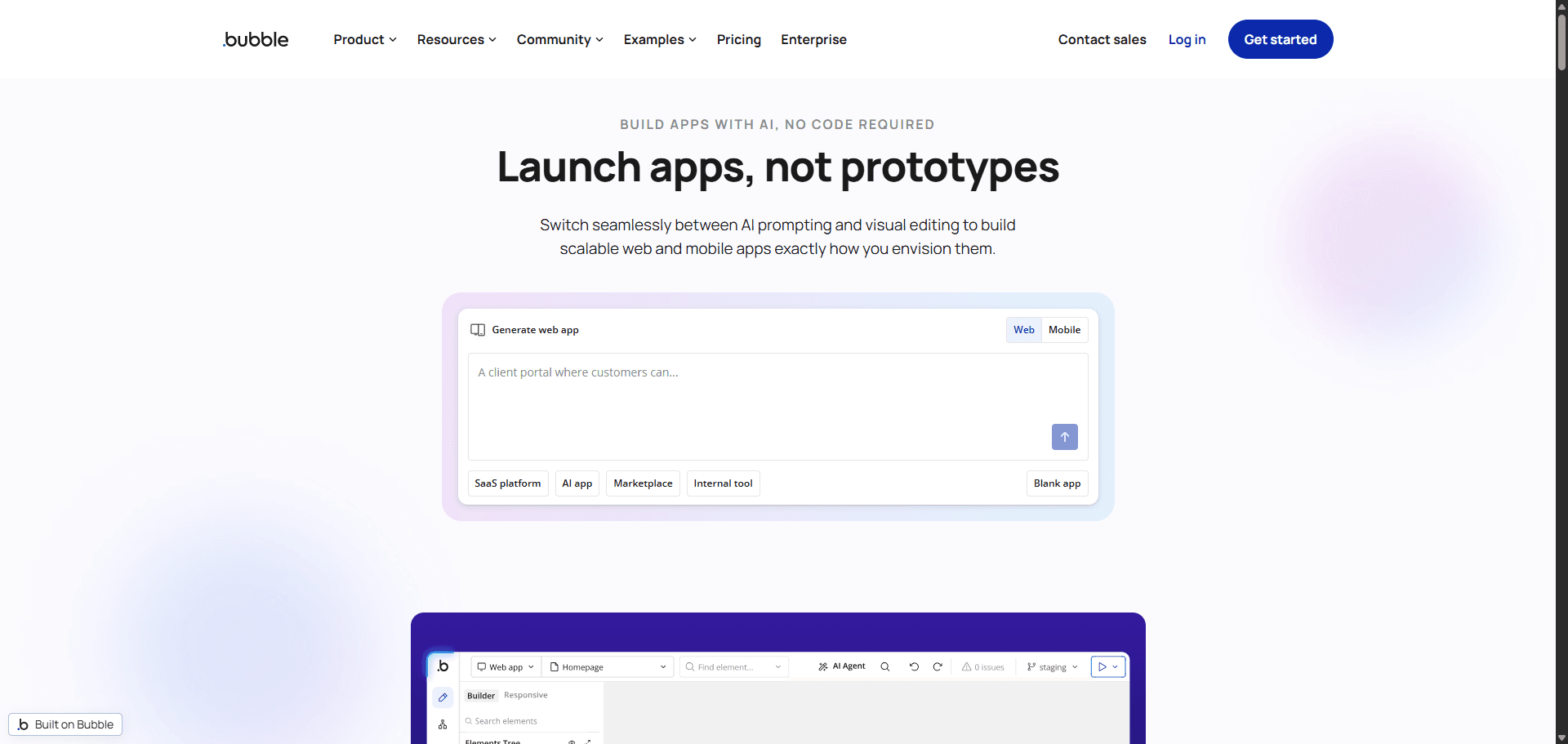
Bubble remains powerful for logic-heavy internal tooling.
But its biggest tradeoff hasn’t changed:
- deep platform dependence
- limited portability
- migration friction later
It’s fast today. Expensive tomorrow.
- Glide: Spreadsheet-Driven App Generation
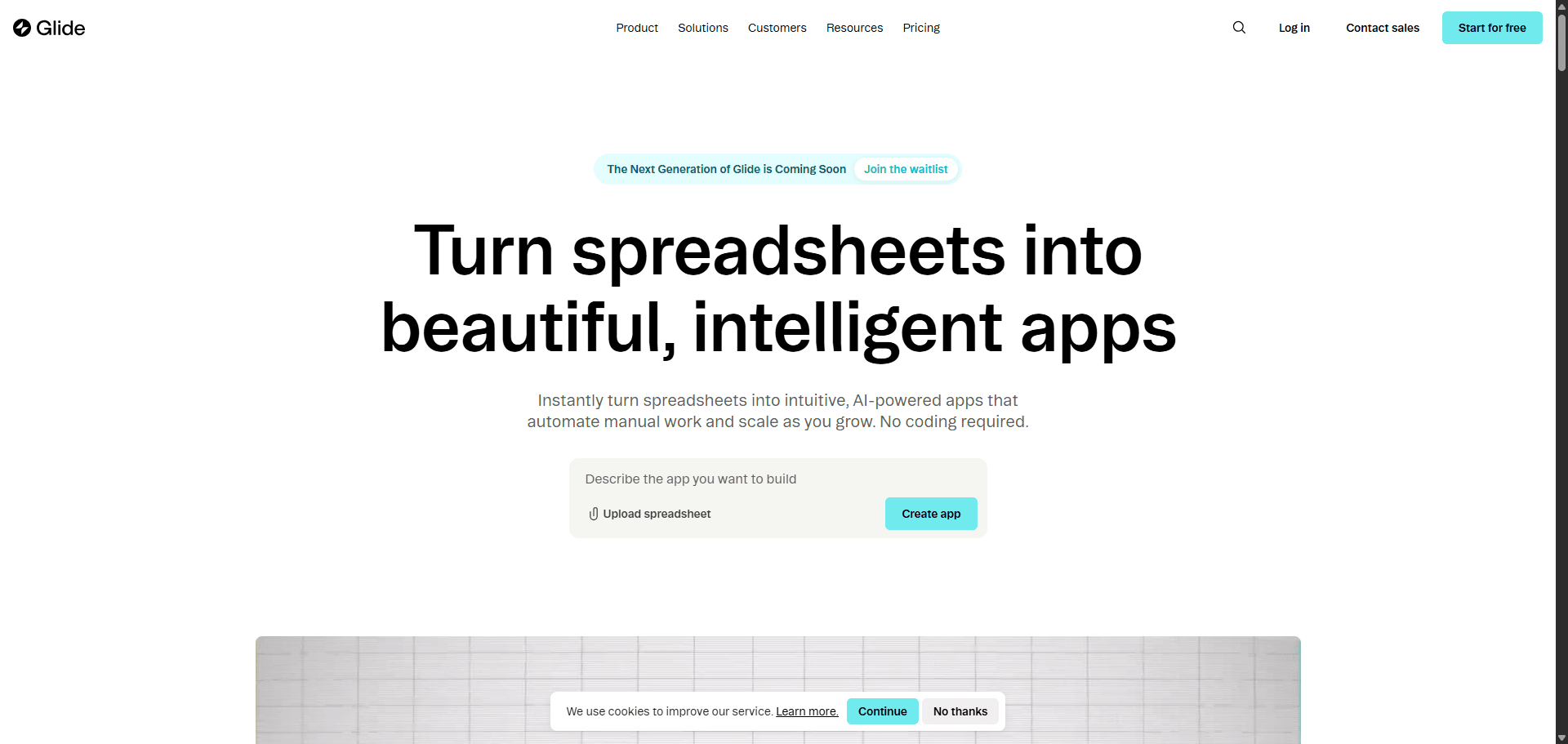
Glide turns structured data into interfaces quickly.
Best for:
- internal dashboards
- lightweight operations tools
Not suited for:
- complex relational systems
- custom UI architecture
- Softr: Database-First Interface Builder
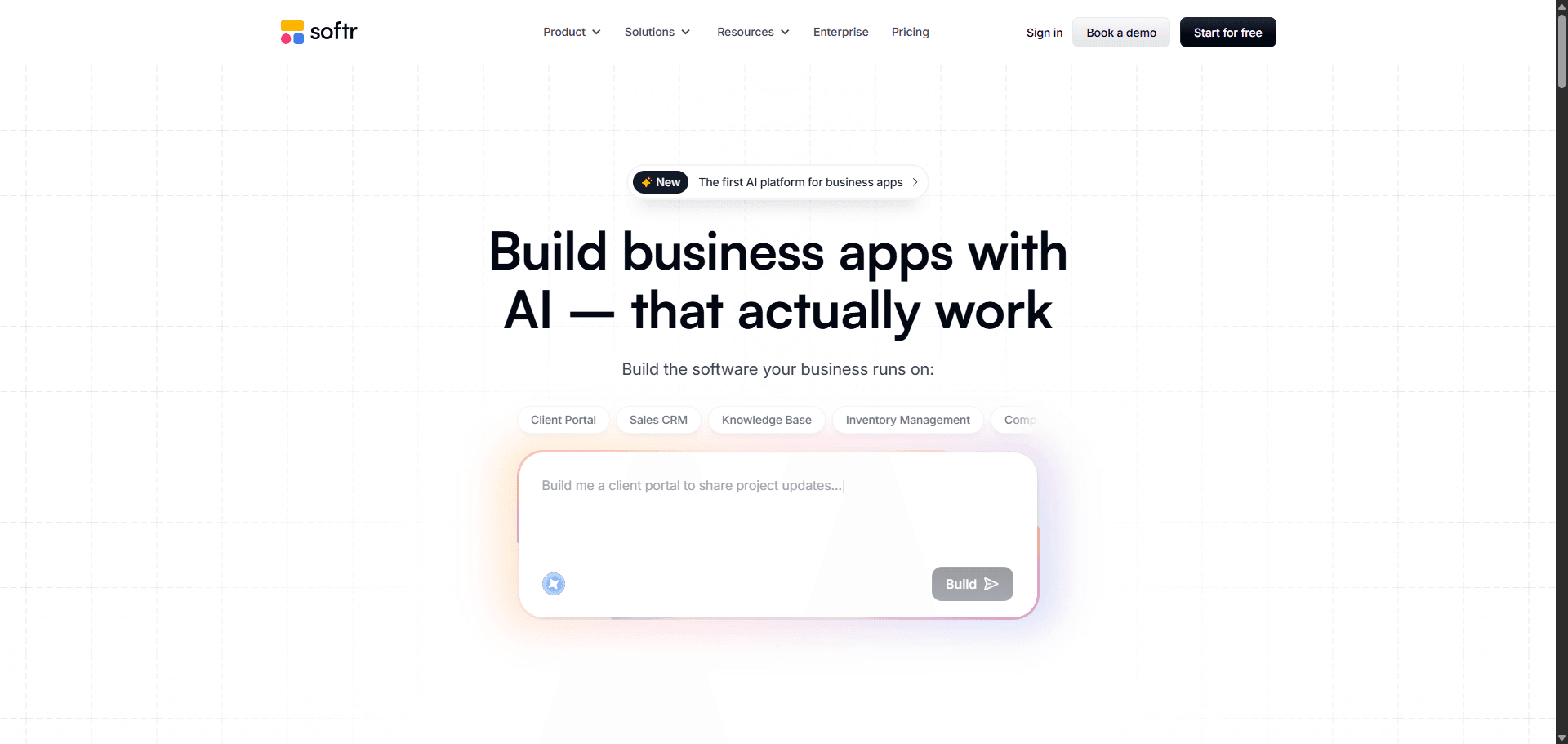
Softr sits between spreadsheet tools and SaaS builders.
Useful when:
- workflows revolve around structured records
- teams need internal portals fast
Less useful when:
- branding matters
- architecture evolves quickly
The Hidden Trap of “Vibe Coding” (And Why Your AI App Will Break)
“Vibe coding” sounds efficient until you try scaling it.
Then the problems start.
The Problem with “Page-Shaped Objects”
A Page-Shaped Object looks like software but behaves like a screenshot with buttons.
Typical symptoms:
- pagination breaks with real datasets
- toggles don’t map to state
- pricing tiers are hardcoded text
- forms don’t connect to APIs
Most guides celebrate generation speed. That’s wrong because speed without ontology creates rewrite debt later.
Credit Burn and the Verification Tax
Every prompt you send to fix spacing inside a chat-based builder costs money.
This becomes the Verification Tax:
debugging hallucinated UI with paid tokens
Teams regularly spend most of their monthly credits fixing:
- modal transitions
- typography drift
- padding alignment
- routing mismatches
A smarter approach is solving structure before code generation using workflows like Blank Canvas Syndrome prevention strategies.
Why You Need an AI “Design Layer” Before You Generate Code
Code generation is solved.
System integrity isn’t.
Most builders jump straight from prompt to React output. That’s how schema drift starts and design tokens disappear.
The missing layer is visual architecture.
How UXMagic Solves “Context Amnesia” in AI Apps
LLMs treat every prompt as a new canvas.
That’s why your sidebar changes color between screens.
Using a flow-level design layer before engineering:
- locks spacing multiples
- preserves hex tokens
- stabilizes navigation hierarchy
- prevents duplicate schemas
Instead of generating isolated screens, connected flows stay consistent across the product.
This is exactly why teams generating production-ready UI from text prompts inside UXMagic export stable structures before handing work to Bolt or Lovable.
How to Choose the Right AI App Builder Stack
Choosing the wrong category of tool is the fastest way to stall a product.
Here’s the decision logic that actually works.
Lovable vs Bolt.new vs Replit: Which Should You Use?
Use Lovable if:
- you need database provisioning
- authentication must work immediately
- you don’t want to manage infrastructure
Use Bolt.new if:
- you want framework flexibility
- you can reason about React output
- speed matters more than automation
Use Replit Agent if:
- backend logic dominates the product
- Python workflows drive the stack
- hosting lock-in is acceptable short term
Do not use Cursor or Windsurf if you cannot debug terminal errors. They are IDEs, not builders.
The Hidden Cost Most AI App Builder Guides Ignore
The real bottleneck isn’t generation.
It’s drift.
Every time an AI invents:
- new typography scales
- alternate auth schemas
- duplicate navigation systems
you’re accumulating invisible UX debt.
That’s why separating architecture from implementation outlined in Human-in-the-Loop AI design workflows is becoming the default professional approach.
The “Sandwich Method”: Prompt-to-Production Workflow That Actually Works
Reliable AI product stacks follow one rule:
Human → AI → Human.
Phase 1: Human Context & Architectural Definition
Start offline.
Define:
- entities
- relationships
- flows
- permissions
Prompting “build a CRM” produces fragile scaffolds.
Prompting structured ontology produces systems.
Phase 2: The Design Layer (Flow Mode Execution)
Before backend generation:
- map flows
- enforce tokens
- define spacing systems
- lock hierarchy
Generating isolated screens guarantees context loss. Generating sequences prevents it.
Phase 3: Constrained Code Generation
Once UI architecture is stable:
export structured layout
then instruct engineering builders:
implement this exact structure
Use AI for wiring logic not inventing layout.
This approach avoids expensive conversational debugging loops discussed in production-ready AI design prompts for SaaS.
Phase 4: Human-in-the-Loop Refinement & Scaling
Deploy staging builds.
Validate:
- database relationships
- RLS policies
- permission hierarchies
- error states
Because the UI layer is decoupled, backend refactors don’t destroy the interface.
That’s the difference between prototypes and products.
AI app builders don’t fail because they generate bad code they fail because teams skip the design layer and try to debug architecture through chat prompts. The fastest way to ship in 2026 isn’t prompting more. It’s constraining earlier.
Stop Paying the Verification Tax
Pick one screen in your current project and map the entire flow around it before touching your builder again.
If your sidebar changes color after that step, your stack not your prompt is the problem.
Stop Fixing UI Inside Chat Prompts
Define your flows and lock your design tokens before you generate code. Try UXMagic free and build a multi-screen product structure in minutes instead of debugging layouts for weeks.