Главная UXMagic
  • English
  • Español
  • हिन्दी
  • Bahasa Indonesia
  • Tiếng Việt
  • Português
  • Русский
  • 中文
  • العربية
  • Deutsch
  • Français
  • Возможности
  • Библиотеки
  • Шаблоны
  • Тарифы
  • Партнёрам
  • Ресурсы
Главная UXMagic
  • English
  • Español
  • हिन्दी
  • Bahasa Indonesia
  • Tiếng Việt
  • Português
  • Русский
  • 中文
  • العربية
  • Deutsch
  • Français
Главная UXMagic

Библиотеки

ШаблоныНовое
Фреймы сообщества
Тарифы
Партнёрам

Ресурсы

Мы в соцсетях:
  • Подписывайтесь на нас в Slack
  • Подписывайтесь на нас в Twitter
  • Подписывайтесь на нас в LinkedIn
  • Подписывайтесь на нас в YouTube
  • Подписывайтесь на нас в Instagram
  1. Templates
  2. /
  3. Dashboards
  4. /
  5. Mission Control Dashboard Template
Full screen
Loading the design…

Mission Control Dashboard Template

Kittiwake-3 Mission Control — KITTIWAKE-3 · Ground Segment Console

A dark, single-screen operations console built the way a real ground segment console is built: everything on one screen, nothing behind a tab, and the numbers moving on their own. The satellite ground track is drawn live on canvas, not screenshotted.

Free to browse and preview. Starting a project from a template needs a paid plan.

Or make it yours as it opens

Leave blank to start from the design as it is

About this template

The layout is a true console rather than a reporting dashboard. It fills exactly one viewport and never scrolls, so every panel has to earn its place — a world map with the ground track and terminator, the next-pass countdown, ground-station status and a transport-layer readout down the side. That constraint is what makes it a good starting point for any product where an operator watches one screen for hours.

Because it is a fixed-viewport design, the editing rules treat it differently from a scrolling page: you change what the panels say and how they look, rather than adding sections to the bottom. Ask for your own metrics, your own station names and your own accent colour, and the console keeps its proportions.

What's included (5)

  1. 1Kittiwake -3
  2. 2Ground Track
  3. 3Orbit Next Pass
  4. 4Ground Segment
  5. 5Transport

Design system

Palette

  • --bg: #04070a
  • --bg-2: #070c10
  • --panel: #080d11
  • --panel-2: #0a1116
  • --line: rgba(138,214,199,.115)
  • --line-2: rgba(138,214,199,.26)
  • --ink: #dfece9
  • --ink-2: #8ba3a0
  • --ink-3: #556869

Typefaces

  • Antonio
  • Azeret Mono

Who it's for

  • Satellite, drone and fleet operations teams
  • Infrastructure and network operations centres
  • IoT and telemetry products with a live device map
  • Anyone pitching a control-room product and needing a screen that looks real

Specification

Layout
1440px wide
Page length
One screen, no scroll
Sections
5
Colour scheme
Dark
Typefaces
2
  • Scroll-driven — the page responds as you move down it
  • 3 canvas visualisations, drawn live
  • Fits one screen exactly, with nothing below the fold
  • No photography — everything is drawn in code, so it stays sharp

How to use this template

  1. 1

    Look through the design

    Scroll the live preview on this page. It is the real mission control dashboard template running in the browser, not a screenshot, so what you see is what you get.

  2. 2

    Say what you want it to be

    Type your business, product or subject into the box, or leave it blank to start from the design exactly as it is. Starting a project from a template is a paid-plan feature; looking through them is not.

  3. 3

    Let it be rebuilt around you

    The copy, the palette and the imagery are rewritten for your subject while the layout, typography and motion of the original are kept.

  4. 4

    Keep editing, then export

    Open it on the canvas to change anything by prompt or by hand, then publish it or export the code.

Questions

Does the map actually move?

+

Yes. The ground track, the terminator and the pass timers are drawn on canvas and animate on their own — the page is not a screenshot of a dashboard, it is a running one.

Can I add more sections to it?

+

This one is a fixed-viewport design, so it is meant to stay a single screen. You can change every panel, swap the metrics and restyle it, and if you need a scrolling page around it you can ask for that too.

Is this mission control dashboard template free to use?

+

Browsing is free and needs no account — you can scroll the whole design on this page, at desktop and at mobile width, before deciding anything. Starting a project from a template is on the paid plans.

Can I change the colours and fonts?

+

Yes — every colour in this design is a named token and every typeface is declared once, so asking for your own brand rewrites a handful of declarations rather than regenerating the page. This template currently uses Antonio and Azeret Mono.

Do I need an account to look at the templates?

+

No. Every template page, its live preview and all the category pages are open to anyone — no account, no sign-up wall. An account and a paid plan are needed only when you start a project from one.

Do I need to know how to design or code?

+

No. You describe what you want in plain language and the page is rebuilt around it. If you do write code, you can export the HTML and CSS and take it with you.

Can I use it for a commercial project?

+

Yes. Pages you make from a template are yours to publish and to use commercially.

More Dashboards templates

See all dashboards templates
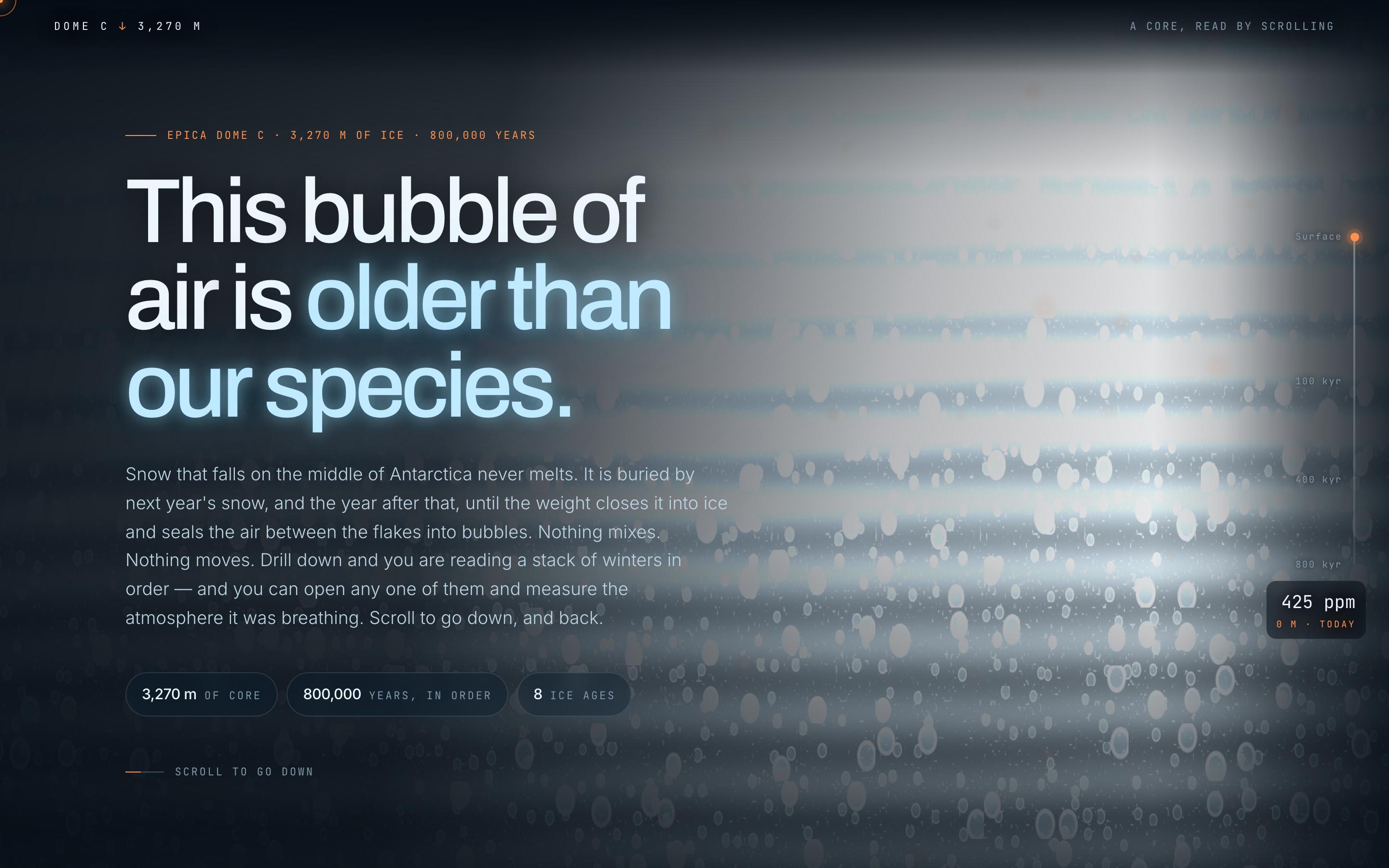
Climate Science Scrollytelling Template — preview

Climate Science Scrollytelling Template

Education

Antarctic Ice Core

This bubble of air is older than our species

CanvasWebGLScroll-driven
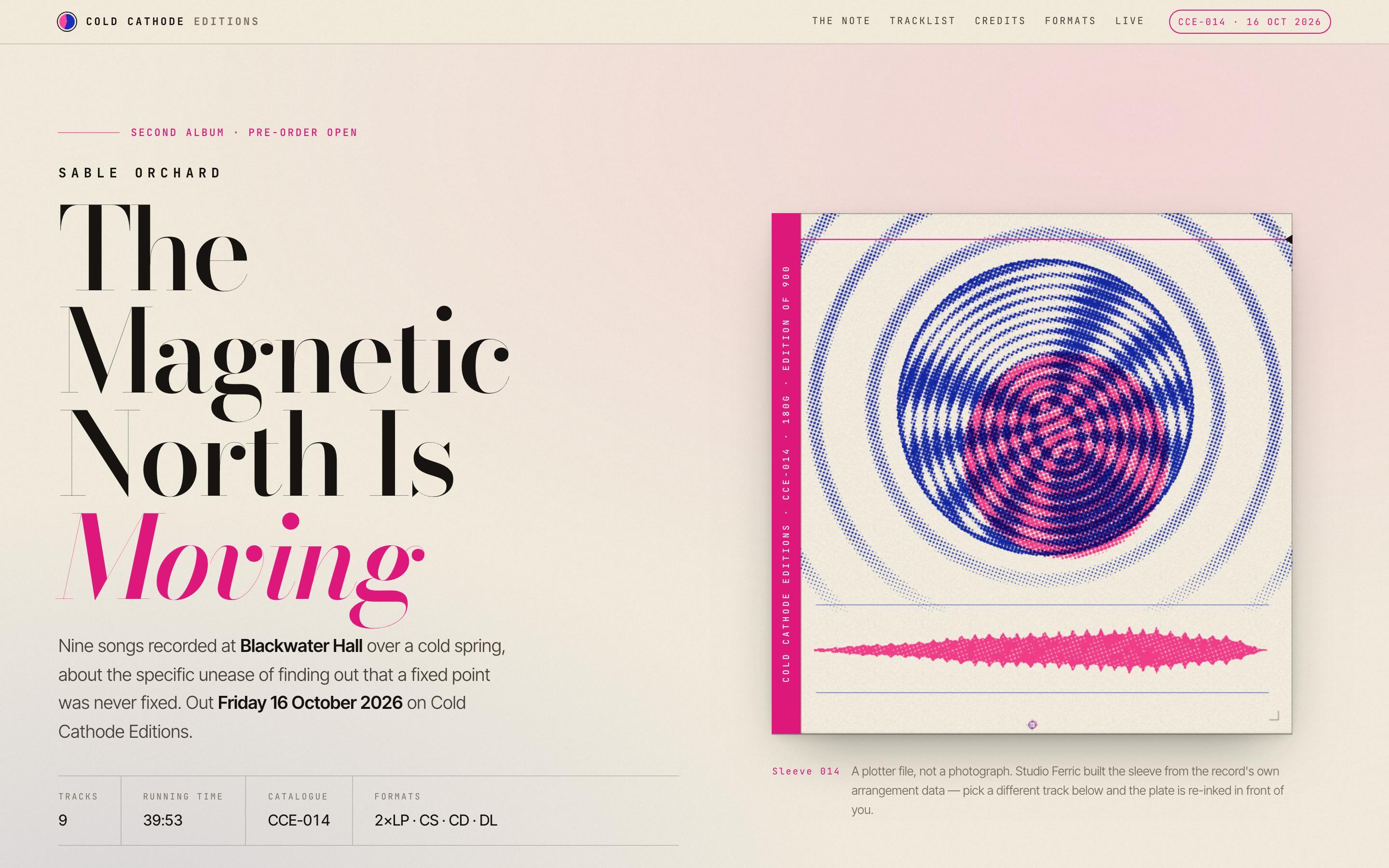
Album Release Website Template — preview

Album Release Website Template

Entertainment

Sable Orchard — Album Release

The Magnetic North Is Moving · Cold Cathode Editions

CanvasScroll-driven
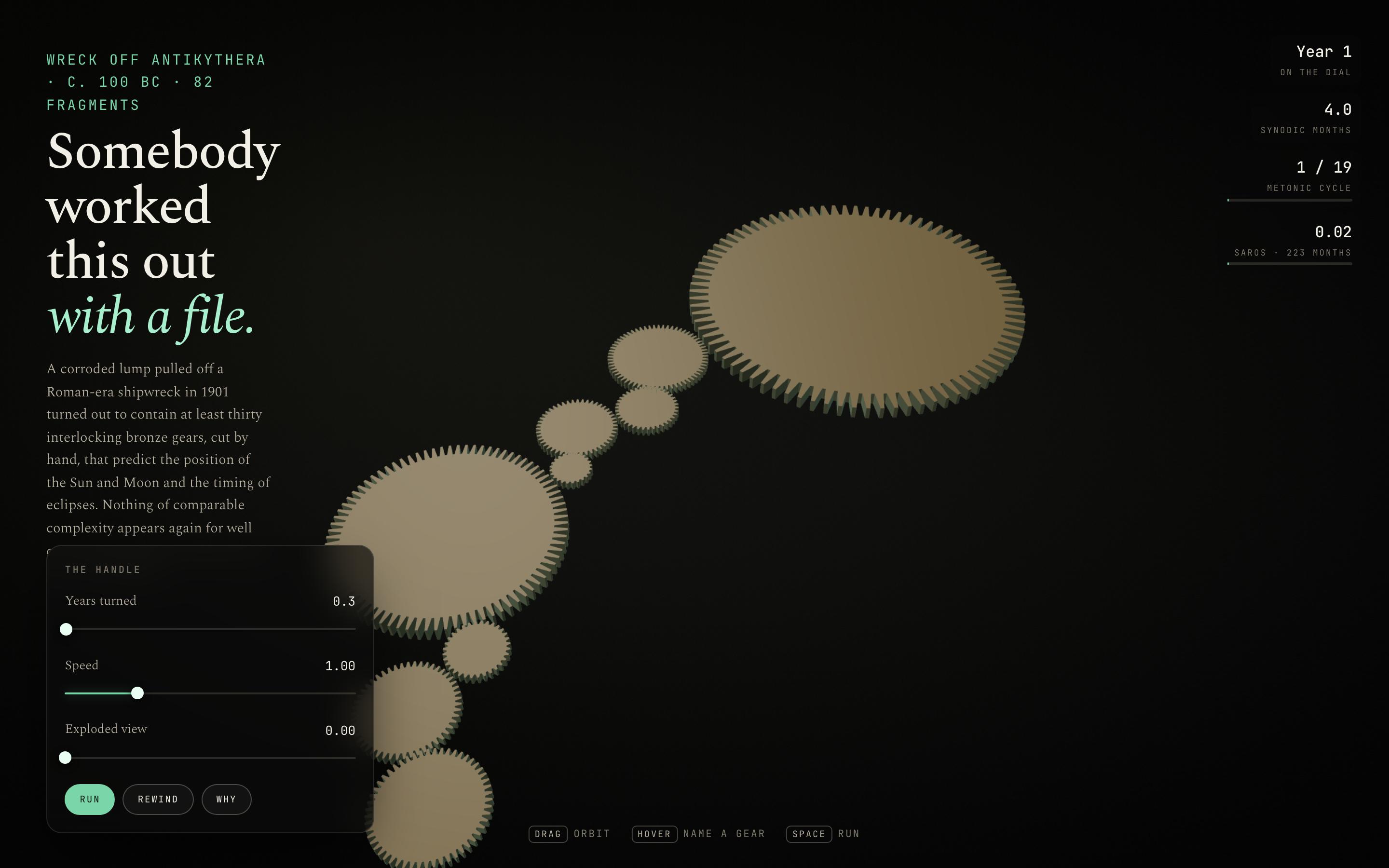
Interactive Mechanism Explainer Template — preview

Interactive Mechanism Explainer Template

Education

The Antikythera Mechanism

Somebody worked this out with a file

CanvasWebGLSingle screen
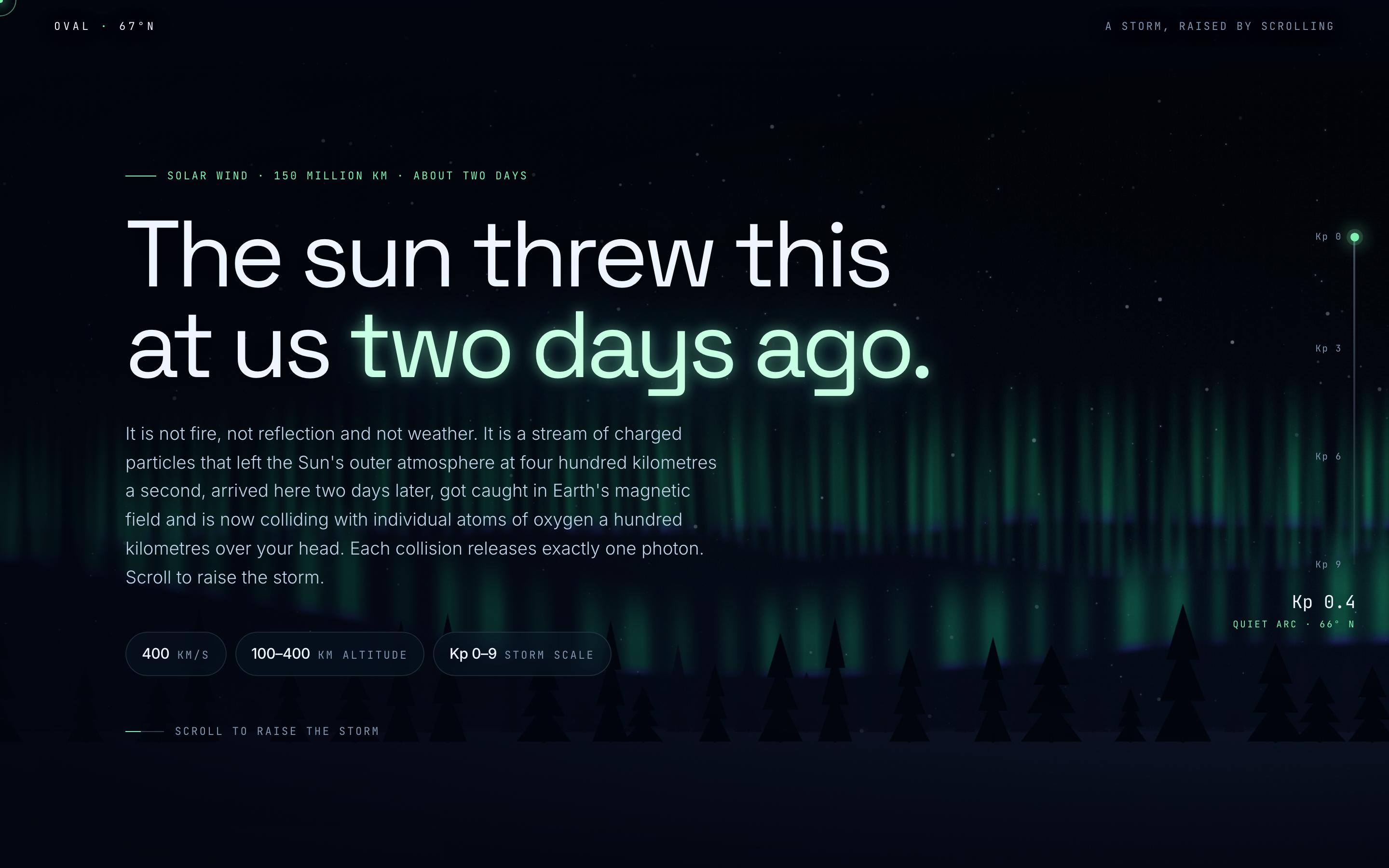
Space Weather Explainer Template — preview

Space Weather Explainer Template

Education

Aurora Borealis

The sun threw this at us two days ago

CanvasWebGLScroll-driven
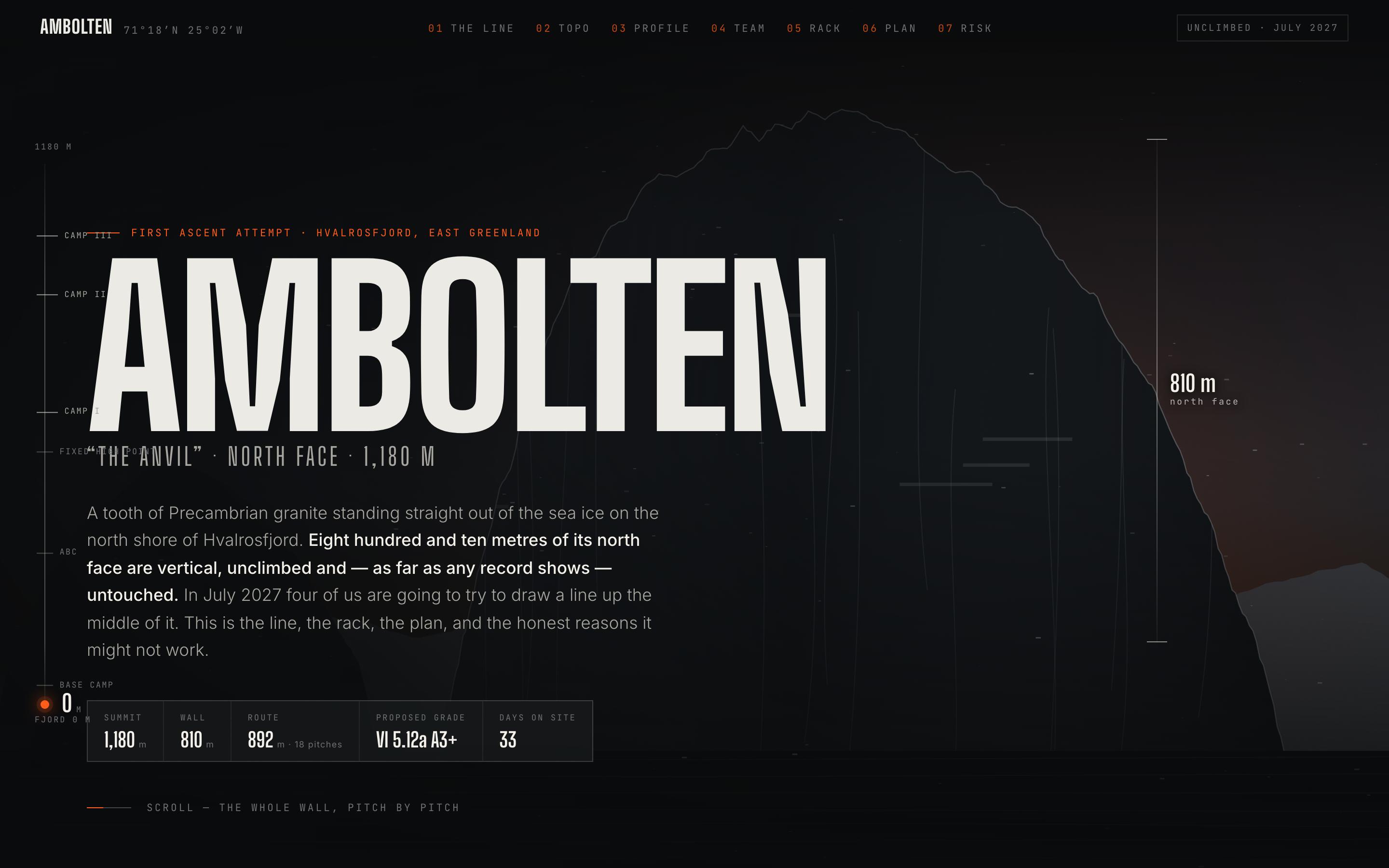
Climbing Expedition Website Template — preview

Climbing Expedition Website Template

Travel

Ambolten — Big Wall Expedition

810 metres of unclimbed granite, and the line we think goes

CanvasScroll-driven
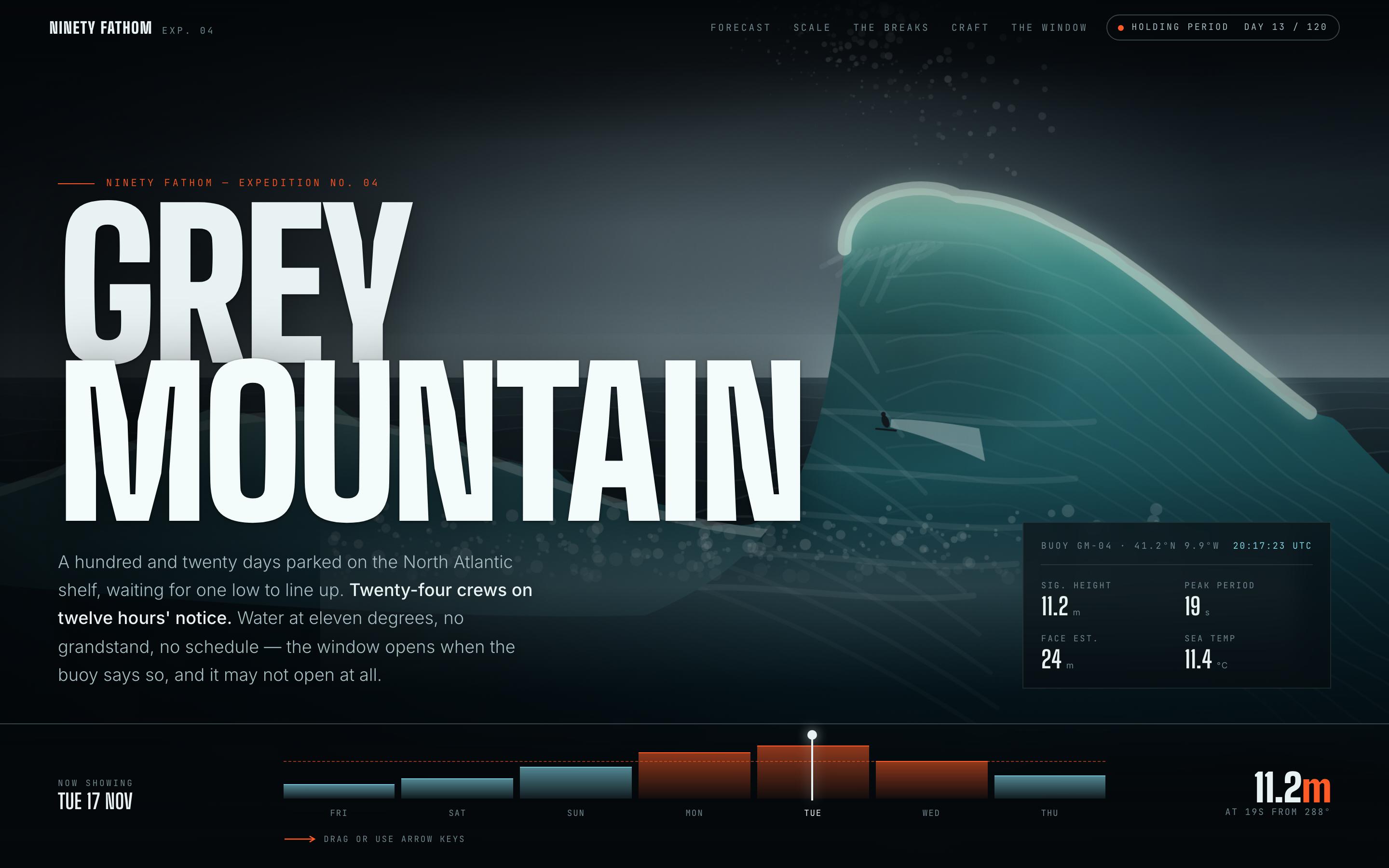
Surf Forecast Website Template — preview

Surf Forecast Website Template

Fitness

Grey Mountain — Big Wave Forecast

a 120-day holding period on the North Atlantic shelf

CanvasScroll-driven

ваша следующая идея
заслуживает воплощения

хватит просто думать о ней. возьмите и напишите её. Криво, наполовину — как угодно. Мы превратим её во что-то настоящее.

Продукт

  • Шаблоны
  • Сообщество
  • Тарифные планы
  • Партнёрская программа
  • UXMagic MCP
  • Claude MCP
  • Информация для ИИ

Ресурсы

  • Справочный центр
  • Библиотека Figma
  • Библиотека React
  • Шаблоны мобильных приложений
  • Документация
  • Туториалы

Возможности

  • Из промпта в UI
  • Из изображения в UI
  • Из скетча в UI
  • Клонировать сайт
  • Импорт из Figma
  • AI Wireframe Generator
  • AI Mockup Generator
  • AI Prototype Generator
  • AI Dashboard Generator
  • Все возможности

Сравнения

  • vs UX Pilot
  • vs Relume
  • vs MagicPath
  • vs Magic Patterns
  • vs Banani
  • vs Galileo AI
  • vs v0
  • vs Lovable
  • vs Base44
  • Все конкуренты

Блог

  • AI в воркфлоу UX-дизайнера: что реально работает
  • Шаблоны промптов для SaaS-дашбордов
  • Реальные промпты, которыми мы генерируем продуктовые флоу
  • Промпт-инжиниринг для UX-дизайнеров
  • Лучшие инструменты для вайрфреймов в 2026: сравниваем 10 бесплатных и Pro-вариантов
  • Все статьи

Компания и поддержка

  • Карьера
  • Связаться с нами
  • Политика конфиденциальности
  • Условия использования
  • Настройки cookie
  • Подписывайтесь на нас в Slack
  • Подписывайтесь на нас в Twitter
  • Подписывайтесь на нас в LinkedIn
  • Подписывайтесь на нас в YouTube
  • Подписывайтесь на нас в Instagram

© 2026 UXMagic AI Technologies Inc.