Output Comparison
Create a multi-page SaaS website with a pricing page, blog, and dashboard. Include responsive layouts.
UXMagic

The design is visually rich and effective, with a real image of people working that helps users connect with the product's purpose.
It provides a clear and compelling value proposition and social proof with the 'Trusted by 10,000+ businesses' line.
The overall layout and design are conventional and may not stand out from other SaaS landing pages.
The design uses a stock image, which could be less impactful than a unique, custom visual that directly relates to the product's functionality.
Relume

The design is very clean and structured, with a clear and concise value proposition and calls to action.
It uses a minimalist black-and-white color palette, which gives it a professional and universal feel, easily adaptable to any brand.
The hero section is a placeholder, which is not visually engaging and fails to provide a tangible representation of the product or service.
The overall aesthetic is somewhat generic and lacks a unique brand identity, making it less memorable.
Design a portfolio site for a freelance photographer, with gallery, contact form, and about page.
UXMagic

The design is highly personalized and visually engaging, showcasing real, high-quality images to immediately establish credibility and a professional brand.
The tagline 'Capturing real stories in natural light' is specific and compelling, effectively communicating a unique style and value.
The success of the design is highly dependent on the quality of the provided photography, making it less suitable for users without a strong visual library.
The layout, while modern, is less conventional than a standard hero section and might not be as intuitive for users expecting a large, central image.
Relume
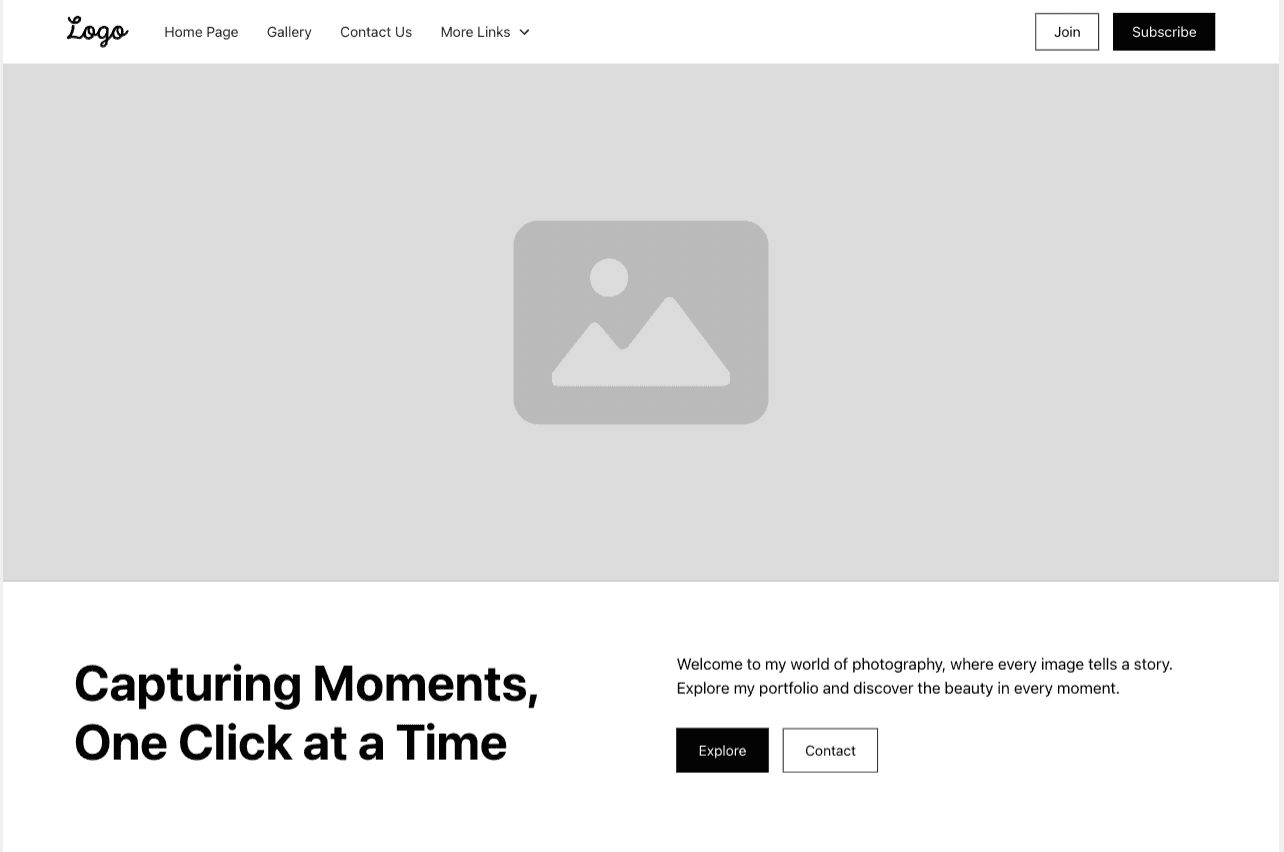
The design is very clean and structured, using a minimalist black-and-white layout that serves as a versatile template.
It has a clear hierarchy and straightforward navigation, making it easy to adapt for various types of businesses or portfolios.
The use of a placeholder image makes the design feel incomplete and impersonal, lacking visual appeal and a unique brand identity.
The tagline and content are generic, which may not resonate with a specific audience or effectively communicate a unique value proposition.

UXMagic
UXMagic is an AI-powered design copilot that transforms prompts, sketches, screenshots, and even full URLs into Figma files, high-fidelity mockups, and production-ready code. With one-click exports to platforms like Webflow, WordPress, Shopify, and React, UXMagic streamlines the entire design-to-ship process.

Relume
Relume is an AI website builder for Webflow professionals. It focuses on generating sitemaps, wireframes, and component-based designs aligned with the Client-First design system. Relume’s strength lies in structured, agency-grade workflows, making it a favorite for Webflow designers who prioritize scalability and maintainable code.
Feature Comparison
| Feature | UXMagic | Relume |
|---|---|---|
| Prompt to UI | Text, sketch, image, or URL → Figma & code | Text prompts → Sitemap & wireframes |
| Style Guide | AI-generated visual style guides | Smarter Style Guide (LLM-powered, Webflow-first) |
| Component Editing | Supports brand import + editing | Save & share custom components |
| Figma Plugin | Yes, prompt-to-UI in Figma | Copy-paste workflow into Figma |
| Real-Time Preview | High-fidelity mockups with auto-layout | New “Design View” previews |
uxmagic
Pricing Comparison

Free – $0
60 credits, 1 Figma export
Premium – $14/mo
20 projects + 480 credits (~80 screens) + advanced exports
Ultimate – $28/mo
Unlimited projects + 1, 500 credits (~250 screens) + URL-to-UI + system imports

Free – $0
5 project, 30 components
Starter – $32/mo
3 projects, 1, 000+ components
Pro – $40/mo,
Unlimited projects
Final Verdict
The UXMagic vs Relume debate comes down to specialist vs generalist
If you’re a startup, freelancer, or team needing fast prototyping, multi-platform exports, and production-ready code, UXMagic is the better investment
If you’re a Webflow-first agency that values Client-First code and structured workflows, Relume is a strong pick
For 2026, UXMagic’s end-to-end versatility makes it the clear choice for builders who want to design and ship faster across multiple ecosystems
есть вопросы?у нас есть ответы.
Relume focuses on Webflow and Client-First workflows, while UXMagic supports multiple platforms with prompt-to-UI and code export.
Yes. UXMagic is a Relume alternative for teams needing broader export options like WordPress, Shopify, and React.
Relume uses fixed subscriptions starting at $32/mo, while UXMagic has credit-based pricing starting at $14/mo.
Relume does offer Relume React components, but UXMagic exports full production-ready React/HTML code with auto-layout fidelity.
Choose Relume if you’re a Webflow agency. Choose UXMagic if you want multi-platform flexibility and faster end-to-end workflows.
Ознакомьтесь с нашими функциями








Related comparisons
Weighing up more than one tool? Here is how UXMagic compares against the closest alternatives.