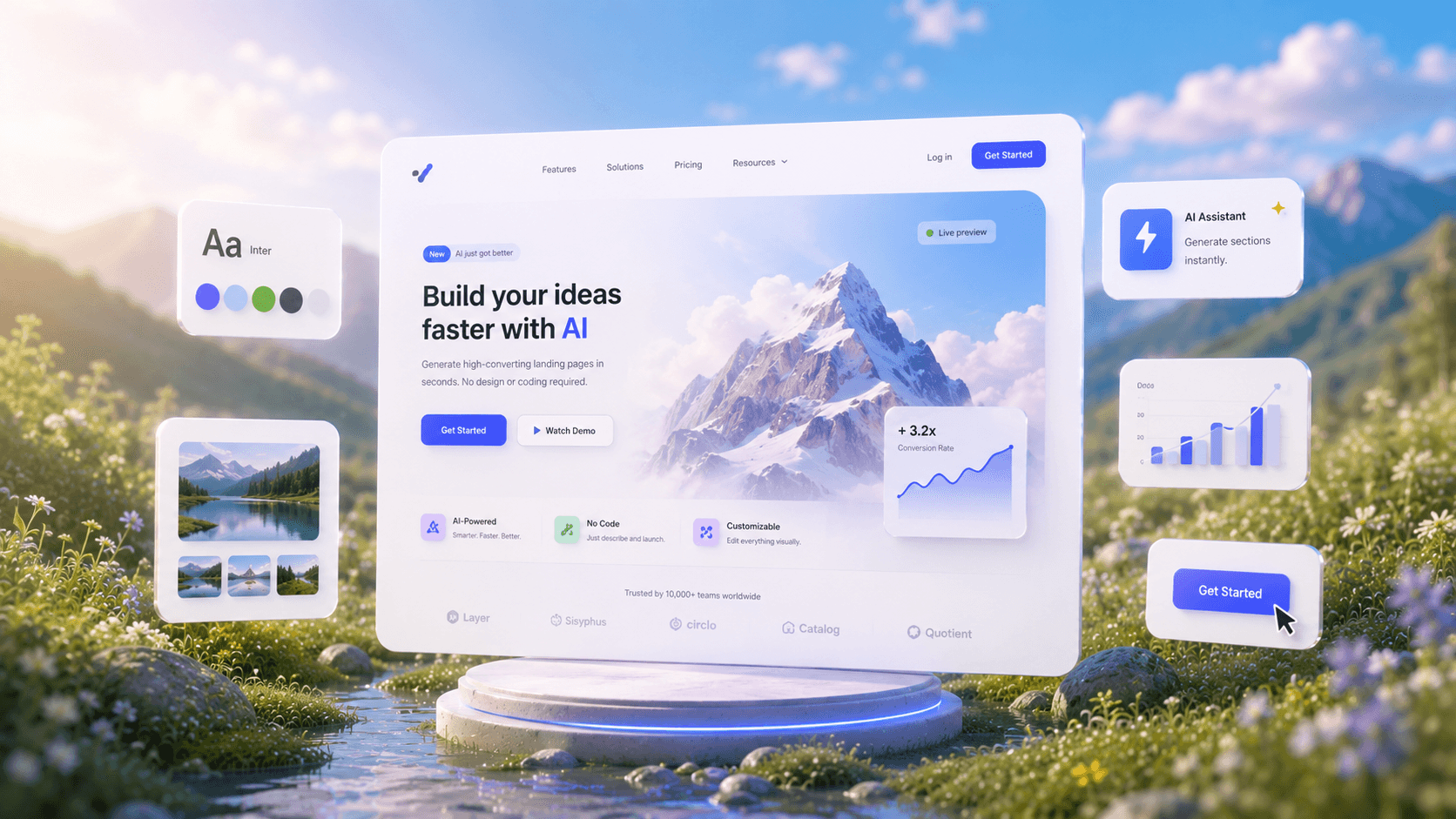
AI Website GeneratorFrom Prompt to Pixel-Perfect.
See How AI GeneratesWebsites Instantly
Trusted by Designers and Developers
Faster than manual design
Responsive by default
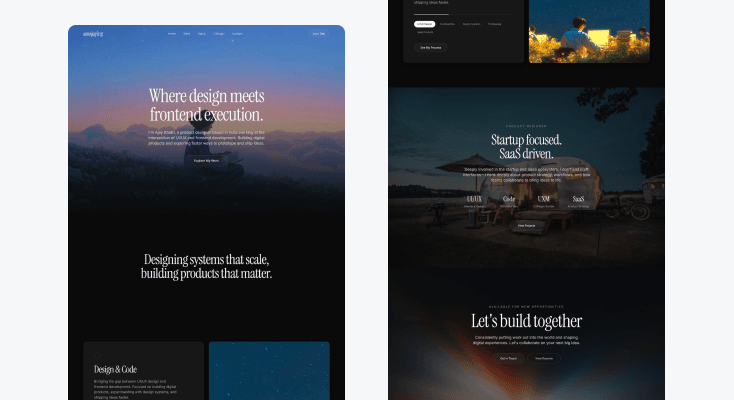
PortfolioWebsite
Design a premium portfolio website for a designer and developer featuring cinematic imagery, elegant serif typography, dark luxury aesthetics, and editorial-style layouts. Include a bold hero section, expertise showcase, project highlights, startup-focused content, refined call-to-actions, and a sophisticated footer. Inspired by Framer, and high-end creative portfolios. Ultra-detailed, modern, production-ready, Pinterest-worthy website design.
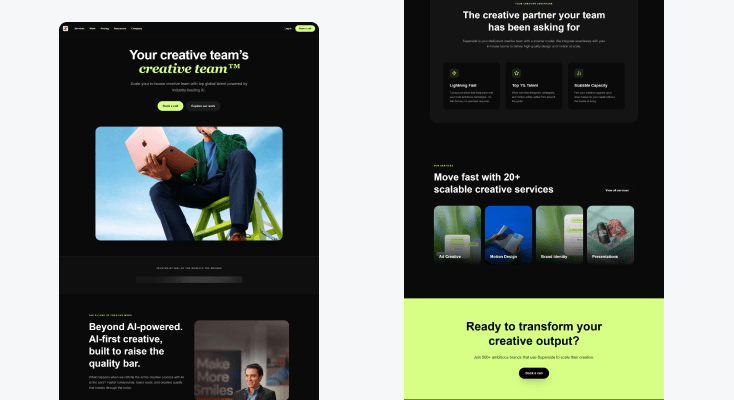
AI CreativeAgency Website
Design a premium AI creative agency website with a bold dark-mode aesthetic, oversized typography, lime-green accents, and modern SaaS layouts. Include a high-impact hero, brand logos, AI workflow showcase, feature cards, service offerings, and strong call-to-action sections. Use clean grids, spacious layouts, rounded containers, and premium visual hierarchy inspired by Superside and Linear. Ultra-detailed, production-ready, Pinterest-worthy website design.
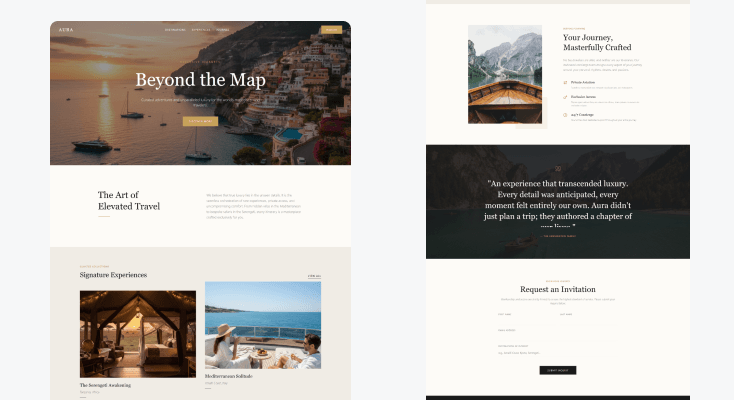
LuxuryTravel Website
Design a premium single-screen website for an exclusive travel and adventure company. Feature immersive destination imagery, curated experiences, personalized itineraries, luxury accommodations, customer stories, and elegant booking sections. Use editorial layouts, cinematic visuals, premium typography, sophisticated spacing, and world-class travel aesthetics inspired by luxury hospitality brands. Ultra-detailed, aspirational, visually stunning, Pinterest-worthy website design.
AutomotiveProduct Website
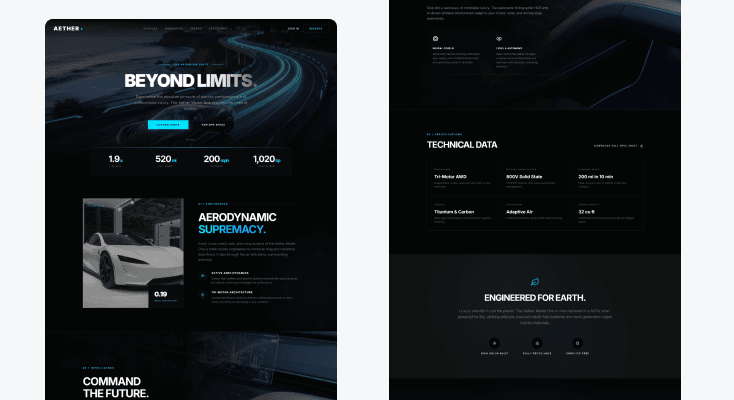
Design a premium single-screen website for a futuristic electric vehicle company. Showcase the flagship vehicle with immersive hero visuals, performance highlights, technology features, sustainability messaging, interactive specifications, and reservation call-to-actions. Use sleek layouts, cinematic renders, premium animations, modern typography, and world-class product presentation inspired by Tesla, Rivian, and luxury automotive brands. Ultra-detailed, futuristic, production-ready, Pinterest-worthy website design.
HOW IT WORKSThree Steps from Idea to Website
Describe your website
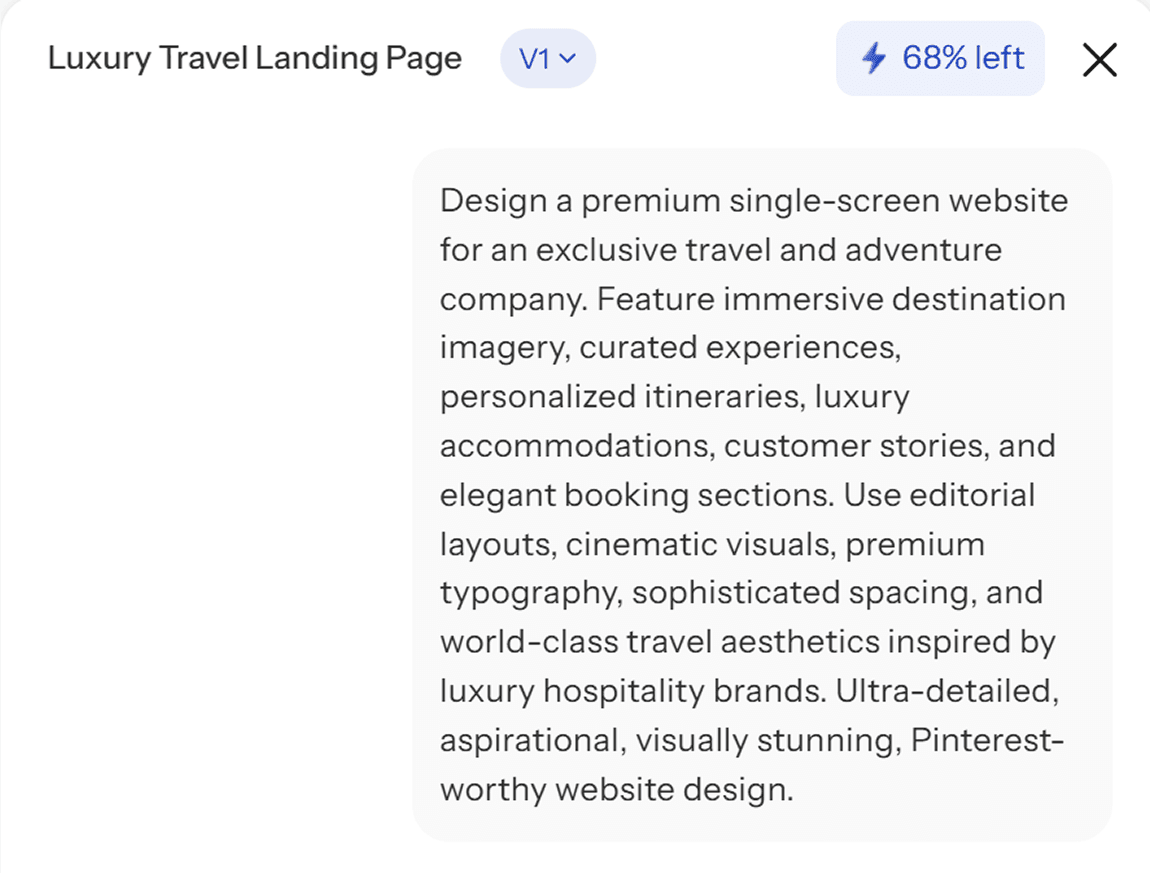
Tell UXMagic what you are building, the type of business, the pages you need, the tone you want. The AI website generator reads your intent and starts structuring the full site.
Review the generated design
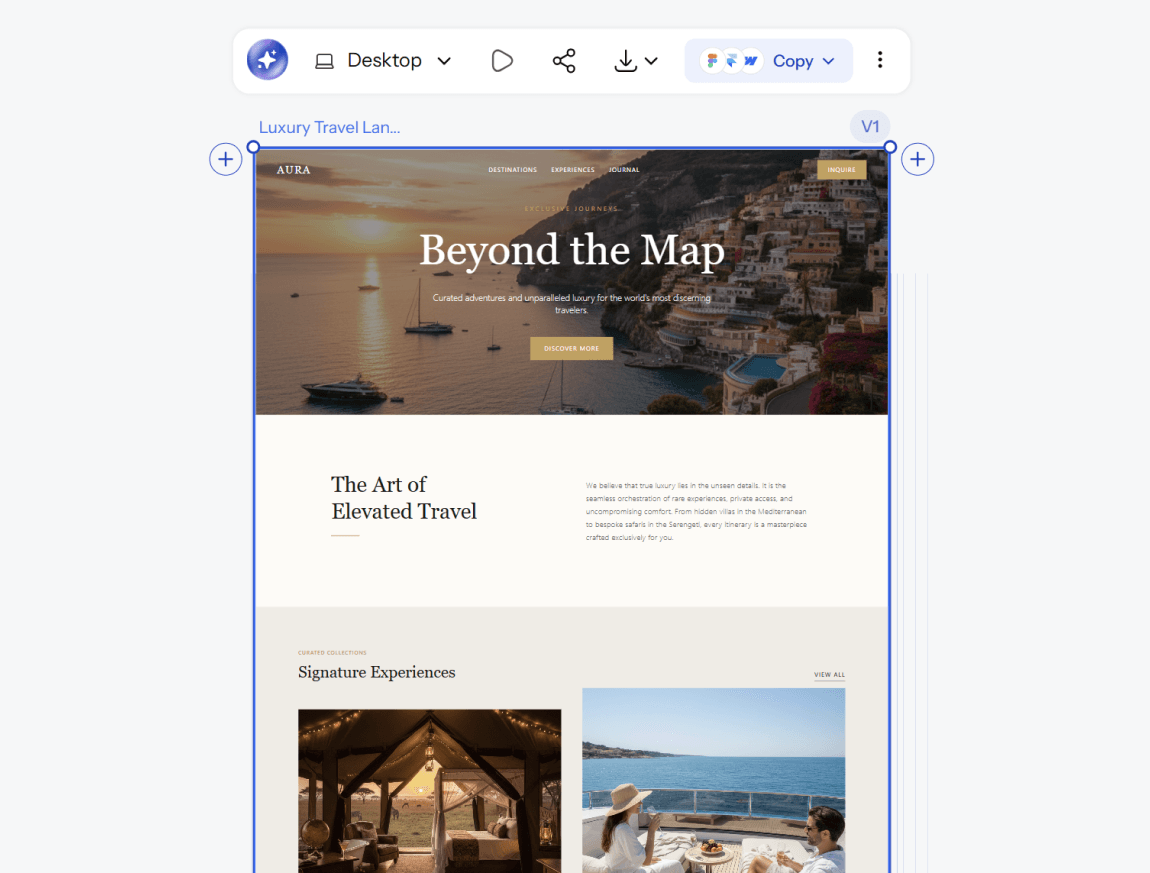
Get a complete, multi-page website design with consistent navigation and layout logic across every screen. Refine specific sections with AI chat or adjust manually until it matches what you had in mind.
Export to Figma or code
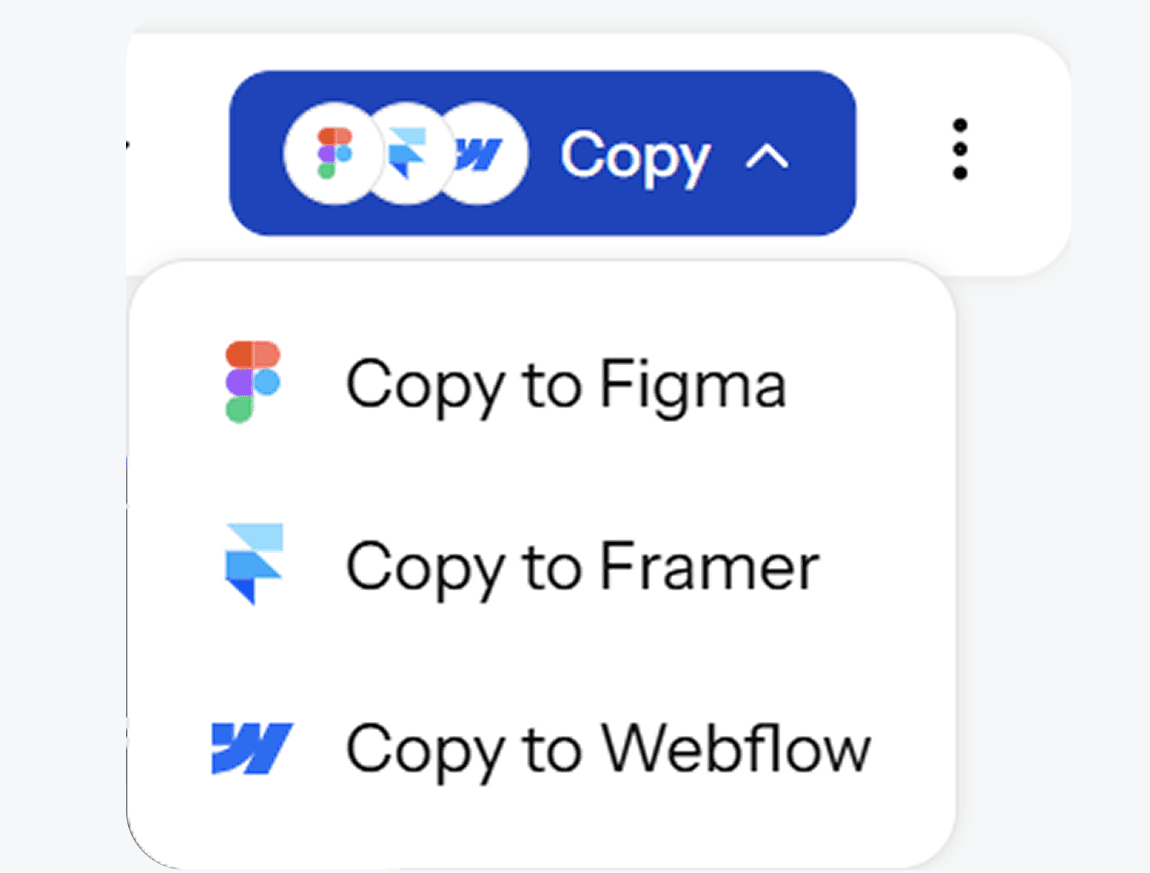
Send your finished design straight into Figma as editable layers, or export clean, production-ready code. Either way, your website moves from idea to build without a rebuild in between.
Describe your website
Tell UXMagic what you are building, the type of business, the pages you need, the tone you want. The AI website generator reads your intent and starts structuring the full site.
Review the generated design
Get a complete, multi-page website design with consistent navigation and layout logic across every screen. Refine specific sections with AI chat or adjust manually until it matches what you had in mind.
Export to Figma or code
Send your finished design straight into Figma as editable layers, or export clean, production-ready code. Either way, your website moves from idea to build without a rebuild in between.
What you walk away with
A complete website, not just a homepage
Every core page generated together, connected and consistent, so you are not stitching together five separately designed screens that do not quite match.
A design that holds up at every size
Mobile and desktop versions generated from the same source, so your website looks intentional everywhere it is viewed, not just on the screen size you happened to design for first.
Code and design both ready to use
Export to Figma for further refinement, or export clean code and start building immediately. The distance between your design and your live website is shorter here than with a typical mockup tool.
UXMagic vs Figma vs UXPilot vs Banani vs Uizard vs Google Stitch vs Replit
A lot of tools call themselves an AI website generator. Here is what separates them when you look at what teams actually need:
| Feature | Figma (native AI) | UXPilot | Banani | Uizard | Google Stitch | Replit | UXMagic |
|---|---|---|---|---|---|---|---|
| AI prompt to website design | |||||||
| Multi-page site generation in one flow | |||||||
| Works without a Figma account | |||||||
| Pixel-perfect, editable design output | |||||||
| Design-first output, not code-only | |||||||
| Export to Figma | |||||||
| Production-ready code export |
got questions?we have answers.
built by real people.remixed endlessly.
Be the first to publish something here