UXMagic Documentation
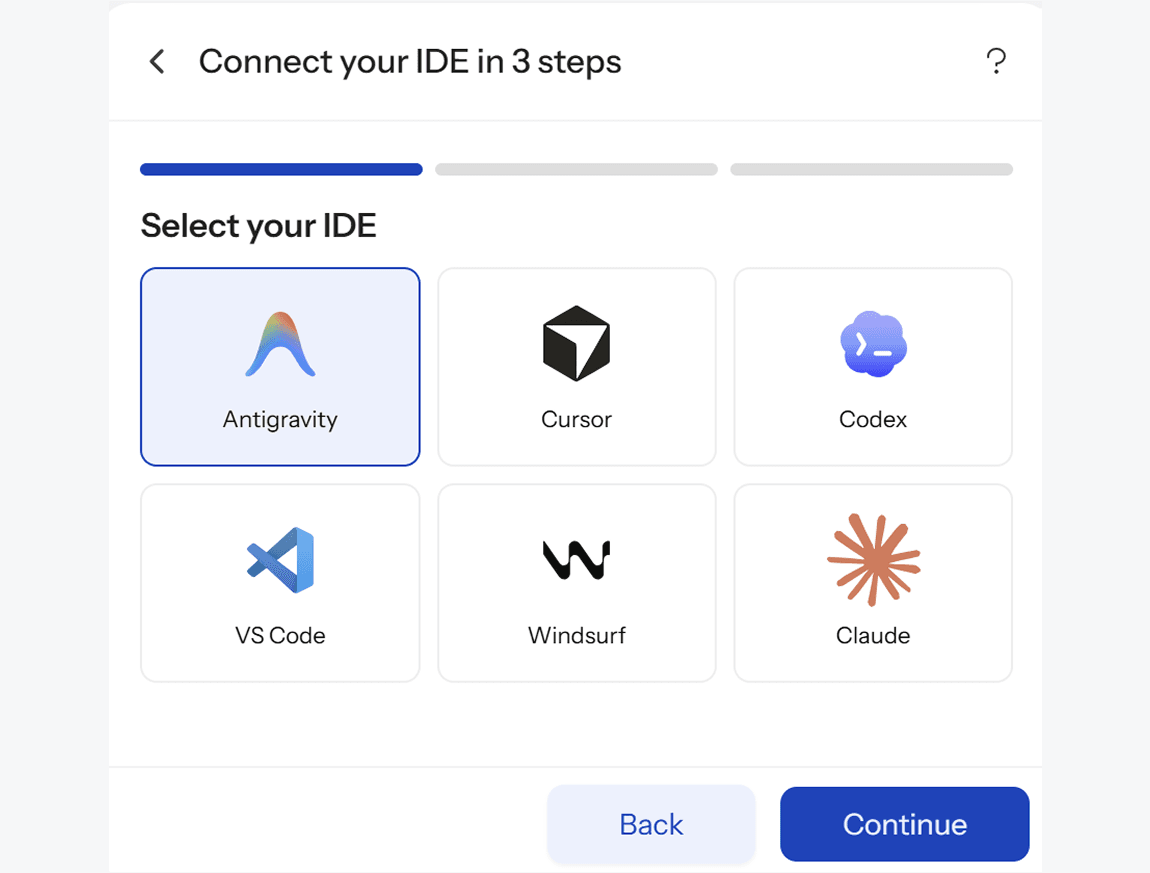
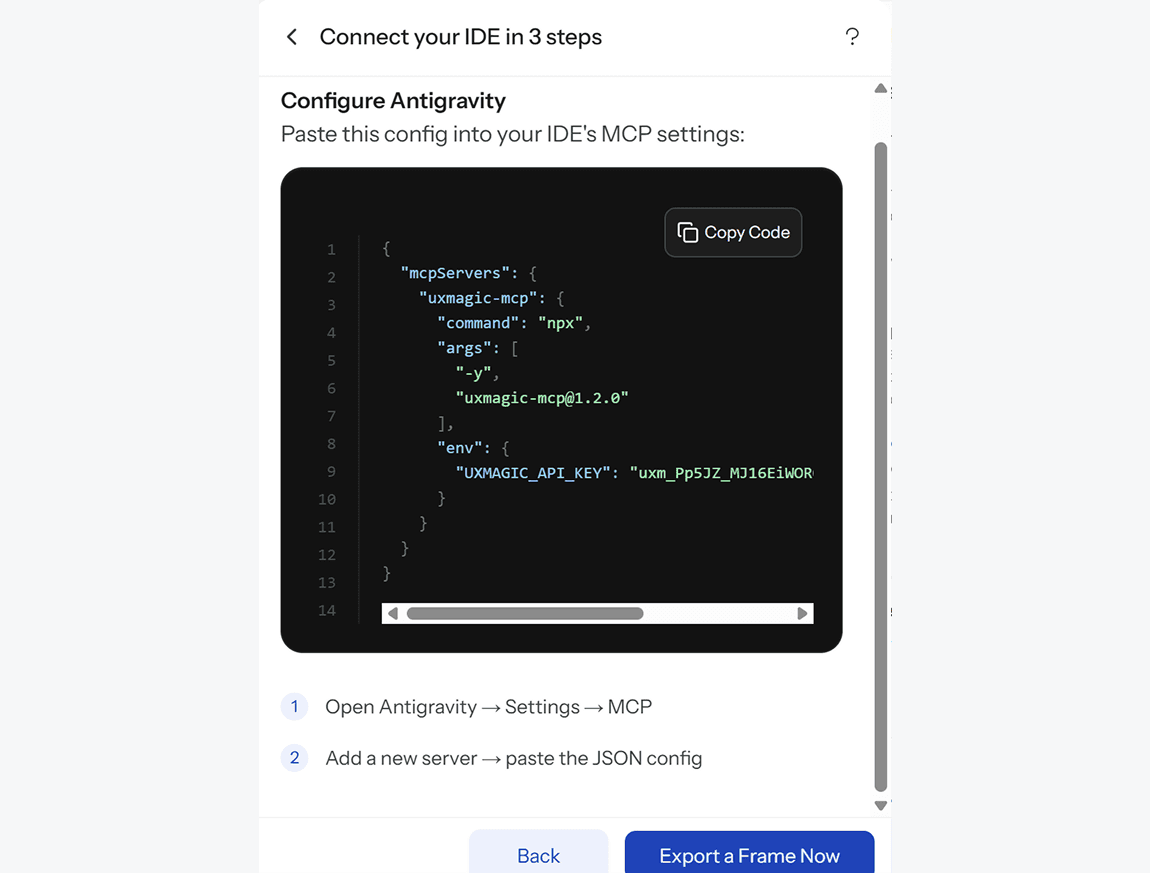
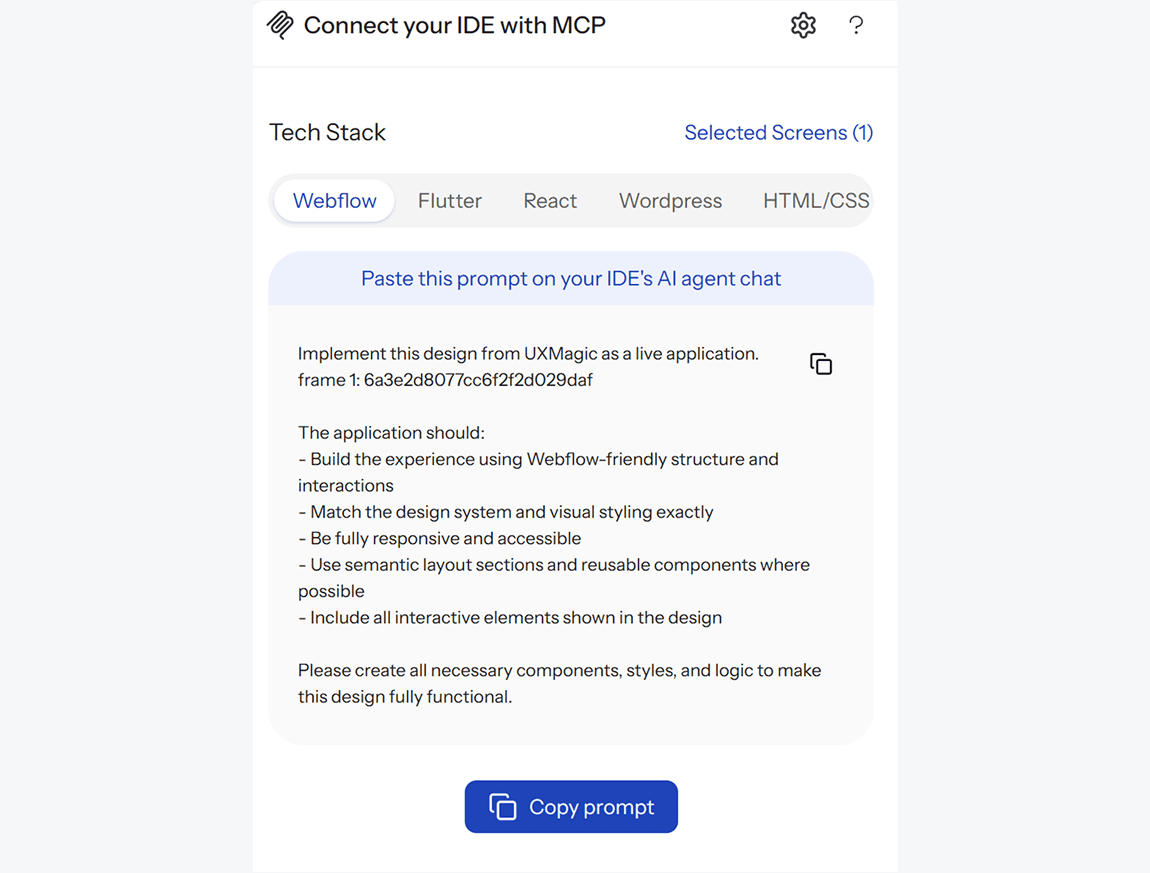
Welcome to the UXMagic docs. Start with the Model Context Protocol (MCP) server — it connects your AI coding agent (Cursor, VS Code, Windsurf, Antigravity, Claude) to the full UXMagic design toolset so you can read, generate, and edit your designs straight from your IDE.
What you can do with MCP
- Read, generate, and edit UXMagic designs, themes, frames, and projects from your agent.
- Run AI design generation and targeted edits, and export to Figma.
- Authenticate with your own UXMagic API key — the toolset always reflects the live server.
Pick a guide below to get connected in a few minutes.