Turn Sketches intoUI Designs with AI
Upload your Sketch/Image
Turn any image into UI
Instant Result
From Sketch to UIwithout redrawing everything
From Sketch to UI Without Redrawing EverythingTURN IMAGE TO FIGMA DESIGN
1
Upload a sketch or wireframe
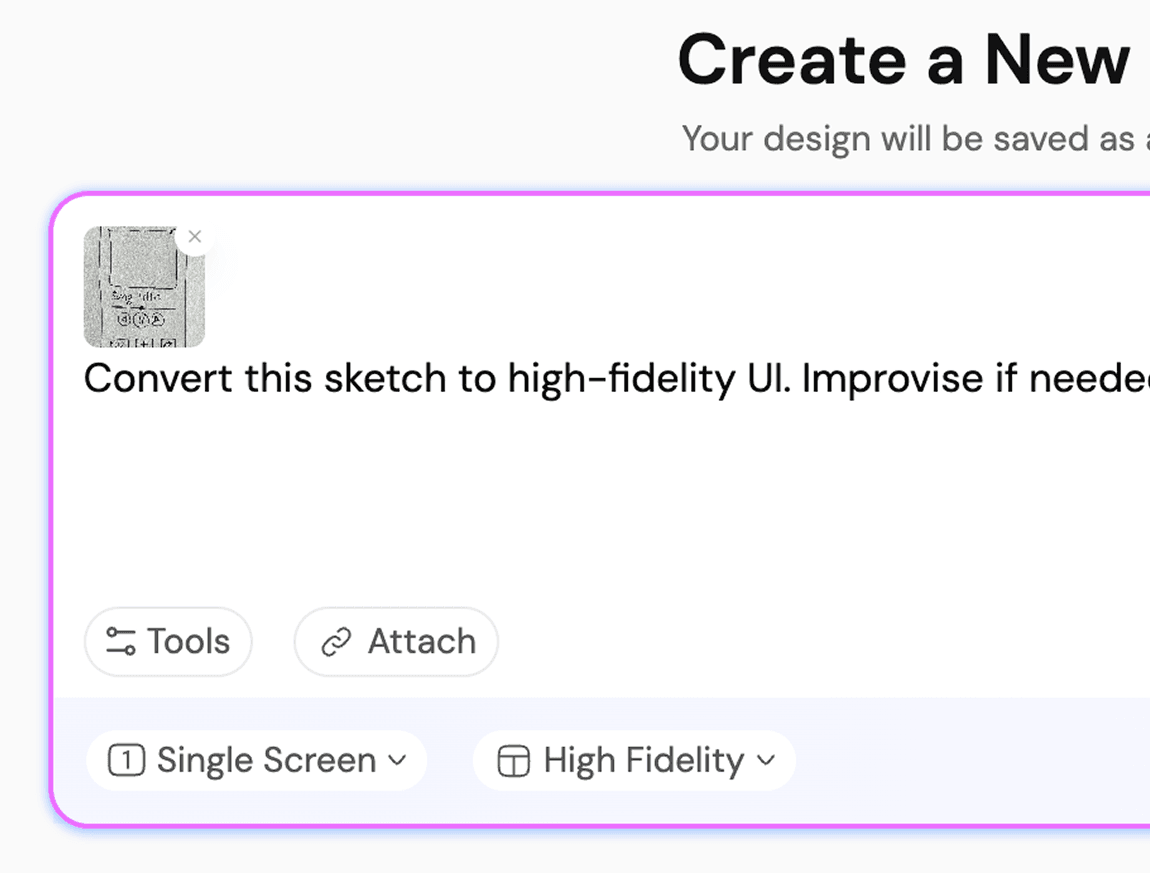
AI interprets layout and hierarchy.
2
Convert sketch to UI structure
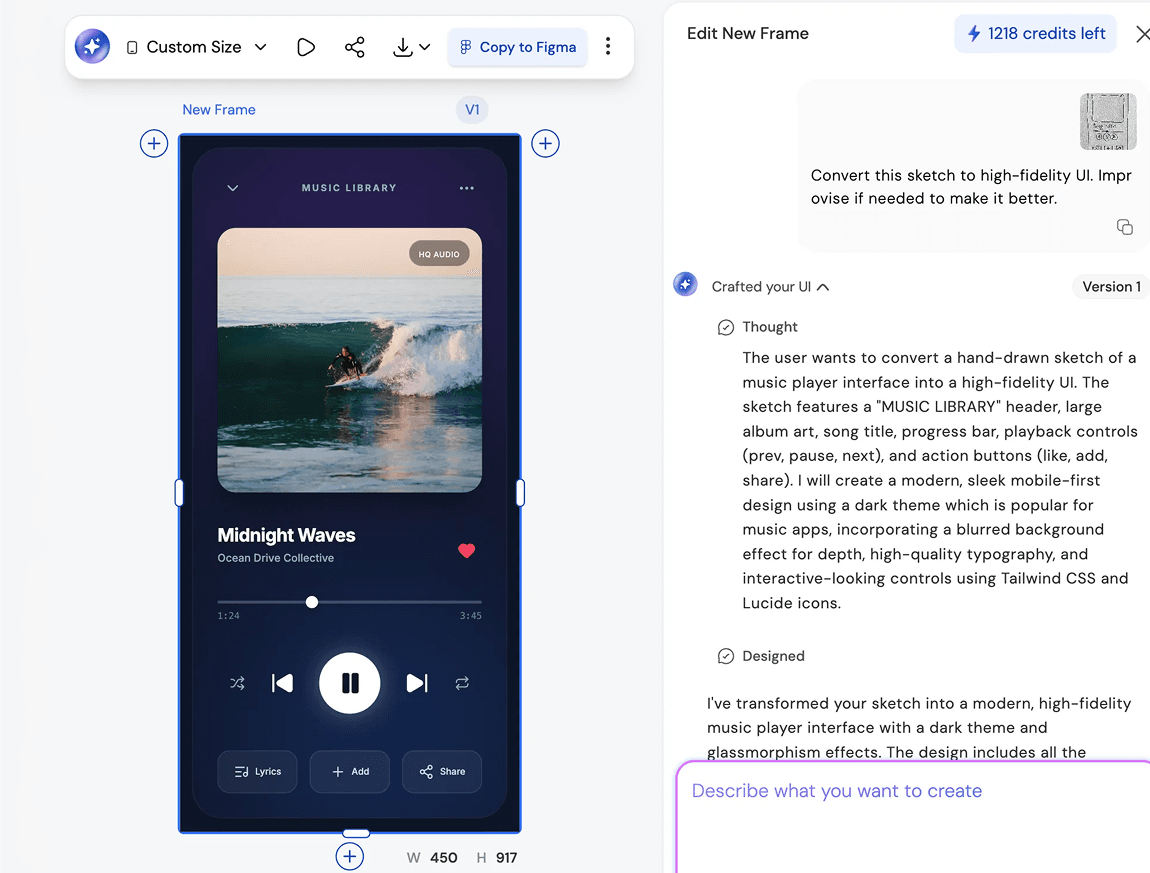
3
Refine, Iterate, and ship better UI/UX
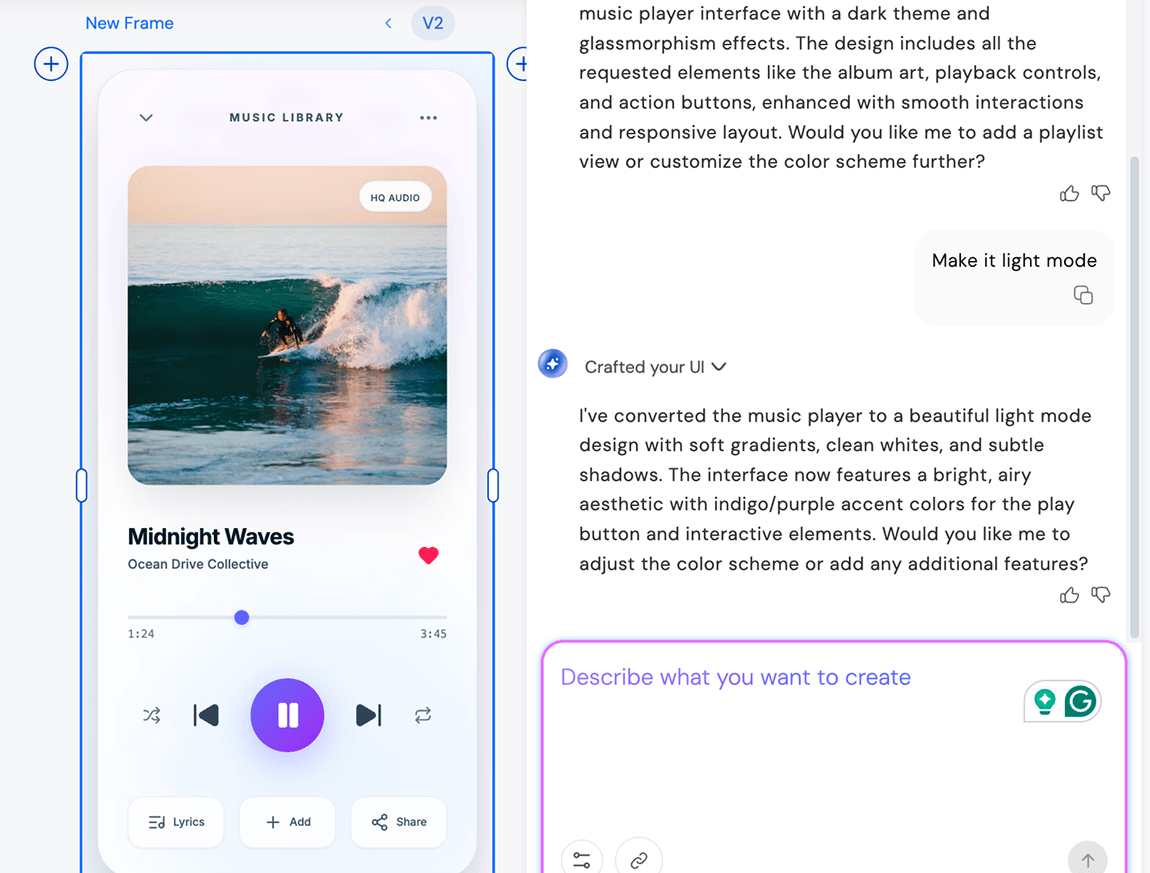
1
Upload a sketch or wireframe
AI interprets layout and hierarchy.
2
Convert sketch to UI structure
3
Refine, Iterate, and ship better UI/UX
UXMagic vs UXPilot vs Banani vs Uizard vs Visily vs Figma AI vs Framer AIBEST IMAGE TO WIREFRAME & WEBSITE MOCKUP GENERATORS
Compare UXMagic with other leading AI wireframing and design tools. Design smarter and faster with the best AI wireframe generator for web, app, and product teams. Want the full breakdown? Explore our detailed feature comparisons to see how UXMagic leads in accuracy, flexibility, and workflow speed.
| Feature | Banani | UXPilot | Uizard | Visily | Figma AI | Framer AI | UXMagic |
|---|---|---|---|---|---|---|---|
| Text & Image to Wireframe | |||||||
| AI Wireframe Generator | |||||||
| Website Mockup Generator | |||||||
| Low/High Fidelity Support | |||||||
| AI Design Style/System | |||||||
| HTML Code Generation | |||||||
| Figma Responsive Autolayout Design Export |
Faq
got questions?we have answers.
A wireframe is a simplified blueprint of a website, app, or product UI focusing on layout, user flow, and hierarchy before adding full design.
Absolutely, send to Figma, export for Framer AI website builder, or hand off responsive code to your developers.
Unlike UXPilot, Banani, or most other wireframing tools, UXMagic supports full design system application, batch generation, and advanced editing with natural language commands. Users benefit from rapid, accurate website and app wireframing, robust export options for Figma and code, and a workflow built for both designers and non-designers looking for maximum speed, flexibility, and creative control.
Describe your idea or upload an image, and the AI automatically creates a structured wireframe using best UX and web design practices.
Yes! The AI wireframe generator is fully integrated with the UXMagic AI Design Generator plugin for Figma. This means you can generate wireframes from text, images, or sketches directly in your Figma workspace, instantly apply your design system, and switch between low- and high-fidelity modes. The plugin streamlines your workflow, allowing for in-place editing, rapid iteration, and seamless handoff to developers, all without ever leaving Figma.
Yes! Choose low-fidelity for quick sketches, or upgrade to hi-fidelity for detailed UI mockups.
Our platform acts as a wireframe creator, blueprint generator, wirefram software, wireframe ai, and free website wireframe tool so you no longer need to juggle multiple programs.
Community
built by real people.remixed endlessly.
No results found.
Be the first to publish something here