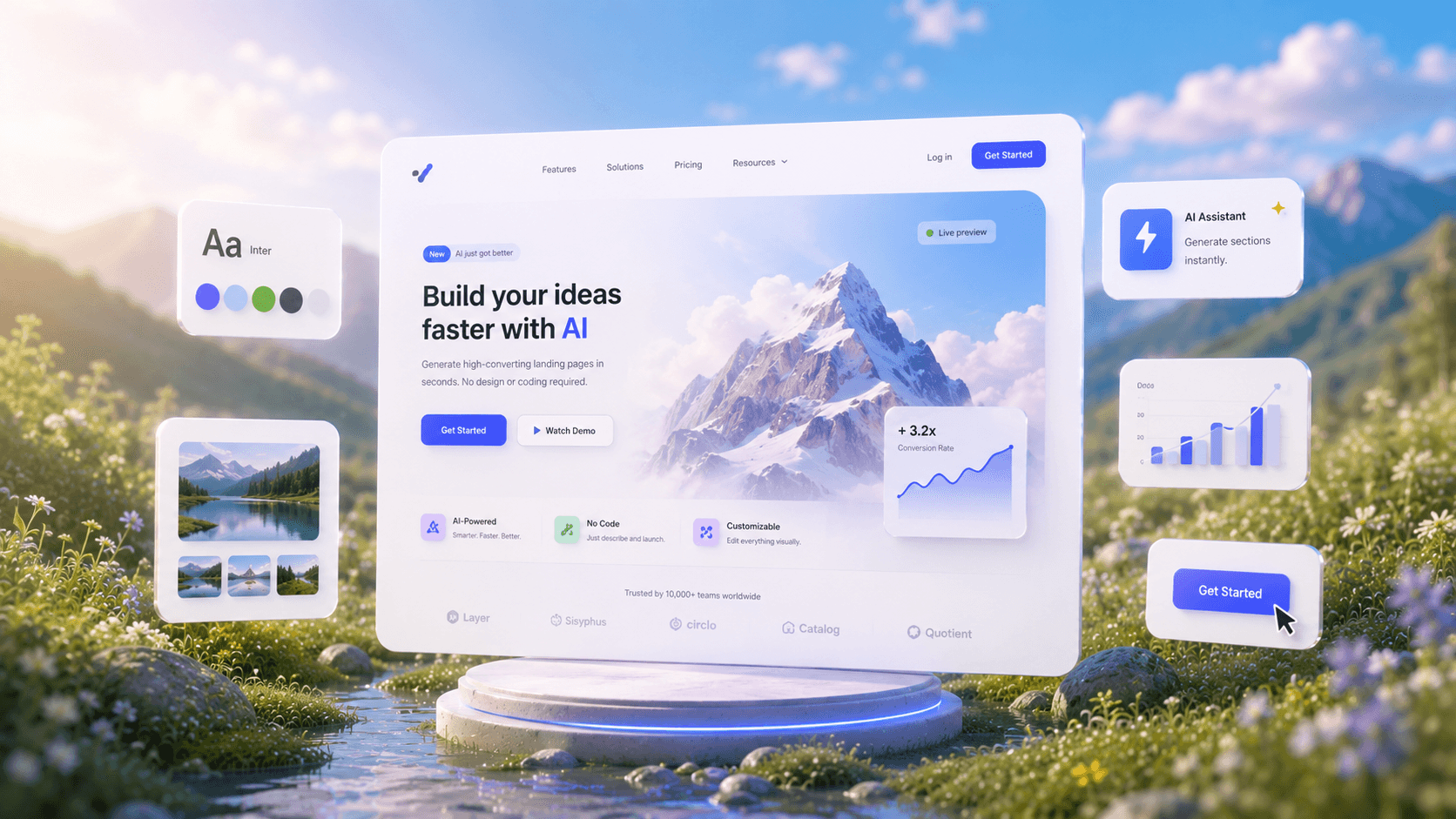
Create Mockups with AIIn Seconds.
See How AI GeneratesMockups Instantly
Trusted by Designers and Developers
Faster than manual design
Responsive by default
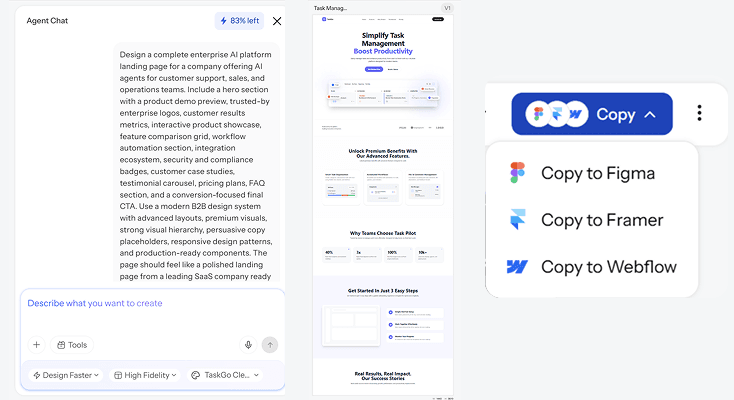
Type it, see itship it
A mockup generator should not require you to already know what good design looks like. With UXMagic, you describe what you are building, a login screen, a pricing page, an app dashboard, and the AI mockup generator builds the full layout for you. No templates to hunt through, no component library to learn first. Just a prompt and a result you can actually use.
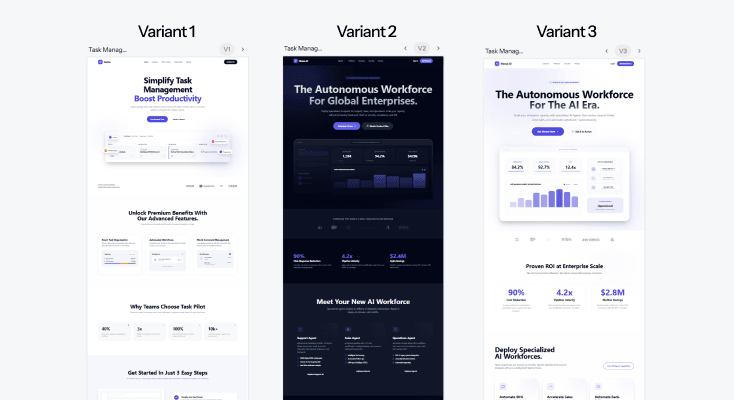
One concept,several directions
Every project has more than one way it could look. UXMagic generates multiple mockup styles from a single prompt, so instead of committing to the first idea, you can compare directions side by side and pick the one that actually fits your product before you invest time refining it.
Mockups that alreadyknow your brand
Upload a reference image, a logo, or an existing design, and UXMagic's AI extracts the visual language and applies it directly to your new mockup. Colors, type, spacing, all pulled from what you already have. This is what makes the output feel intentional instead of generic.
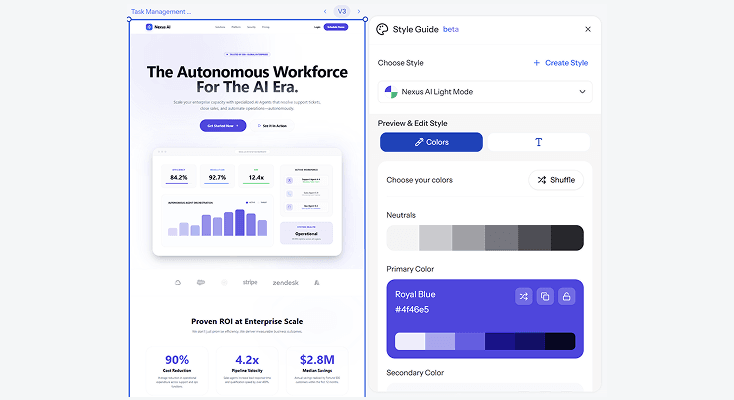
From mockup toproduction ready design/code
A mockup that only exists as a static image is half finished. UXMagic exports clean, implementation-ready files so your mockup can move straight into a real build, whether that means handing it to a developer or continuing to refine it as a full product design.
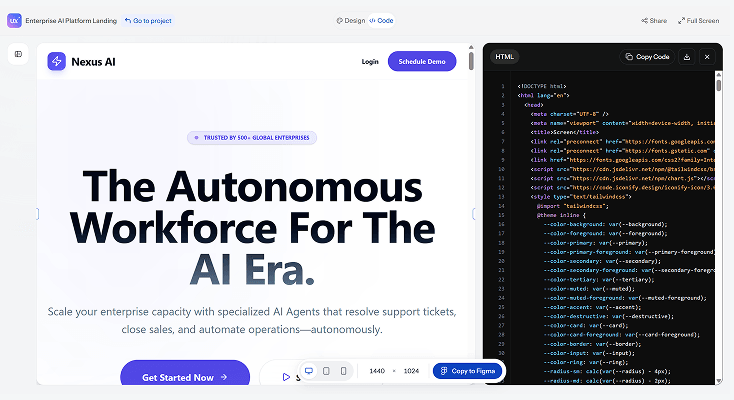
HOW IT WORKSThree Steps from Idea to Mockup
Describe what you are building
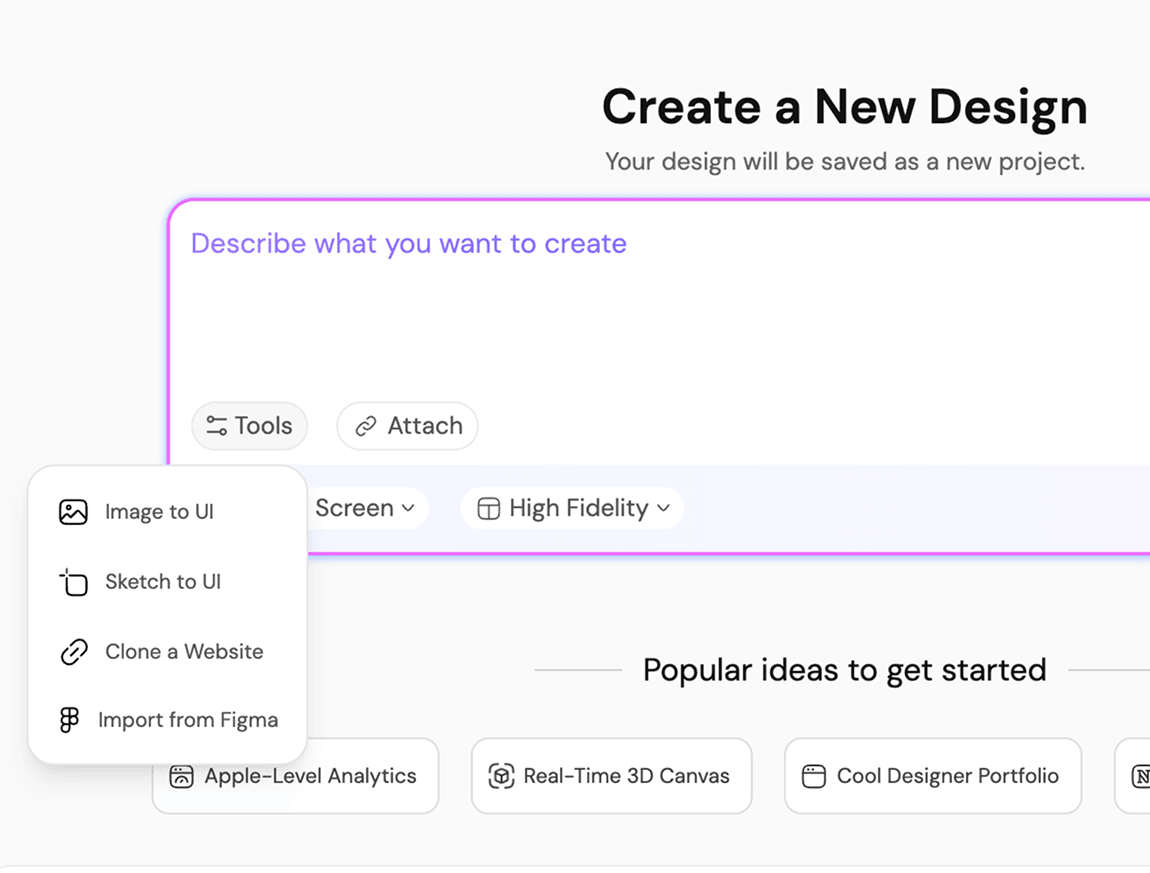
Type a prompt describing the screen or product you have in mind. Want a starting reference? Upload an image and UXMagic will build a mockup that matches its style and structure.
Get structured, editable layers instantly
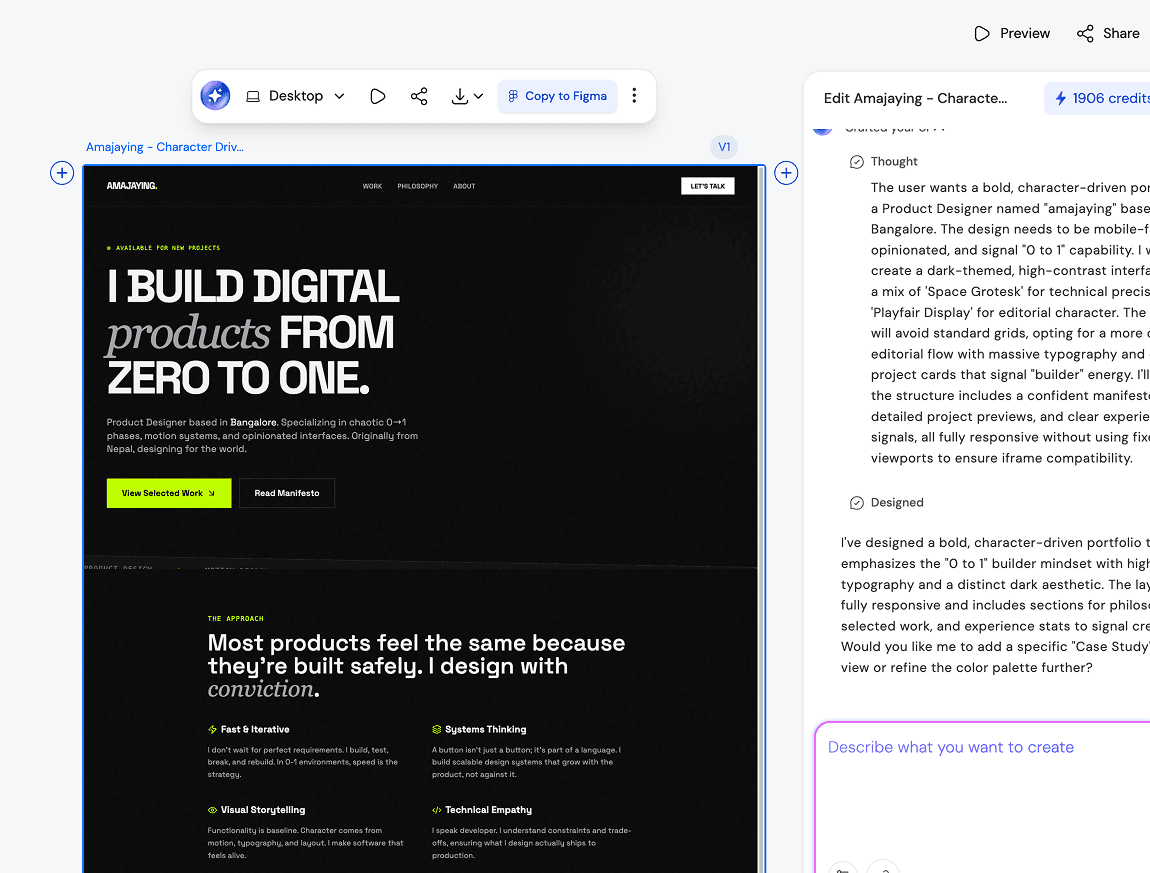
UXMagic breaks every generated design into organized layers and components, capturing the right spacing, typography, and layout logic automatically. It works like an AI UI builder that understands design systems, not just visual output. Export directly to Figma or download production-ready React, HTML, or CSS.
Export and use it
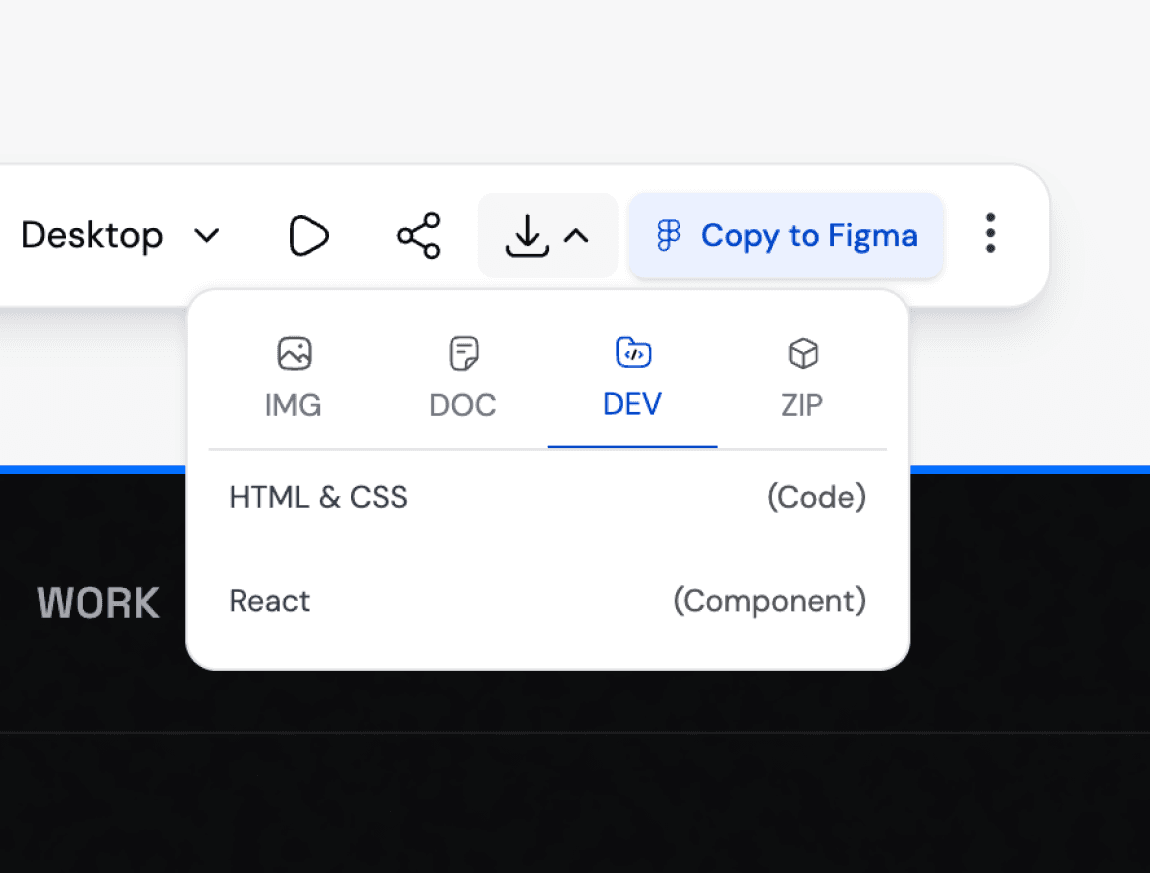
Download your finished mockup as an implementation-ready file, or continue building it out as a full design. No watermarks, no extra steps standing between your mockup and actually using it.
Describe what you are building
Type a prompt describing the screen or product you have in mind. Want a starting reference? Upload an image and UXMagic will build a mockup that matches its style and structure.
Get structured, editable layers instantly
UXMagic breaks every generated design into organized layers and components, capturing the right spacing, typography, and layout logic automatically. It works like an AI UI builder that understands design systems, not just visual output. Export directly to Figma or download production-ready React, HTML, or CSS.
Export and use it
Download your finished mockup as an implementation-ready file, or continue building it out as a full design. No watermarks, no extra steps standing between your mockup and actually using it.
What you walk away with
A mockup that looks like it took hours, not seconds
UXMagic's output is built on real design patterns and structured layouts, not generic placeholder graphics. What you get looks considered, because it actually was.
A mockup you can build from
This is not a flat image meant only for a slide deck. Every mockup comes with implementation-ready structure so it can move into actual product development without a rebuild.
Room to explore before you commit
Generate several directions from the same idea instead of locking into the first result. Compare, refine, and choose the version that genuinely fits before moving forward.
UXMagic vs Figma vs UXPilot vs Banani vs Uizard vs Google StitchFEATURE COMPARISON
A lot of tools call themselves a mockup generator. Here is what matters when you actually need one that works:
| Feature | Figma (native AI) | UXPilot | Banani | Uizard | Google Stitch | UXMagic |
|---|---|---|---|---|---|---|
| AI prompt to mockup | ||||||
| Multiple style variations per prompt | ||||||
| Upload reference image for style matching | ||||||
| Brand style extraction and application | ||||||
| Consistent layout across multi-screen flows | ||||||
| Conversion-aware layout logic | ||||||
| Implementation-ready export |
got questions?we have answers.
built by real people.remixed endlessly.
Be the first to publish something here