
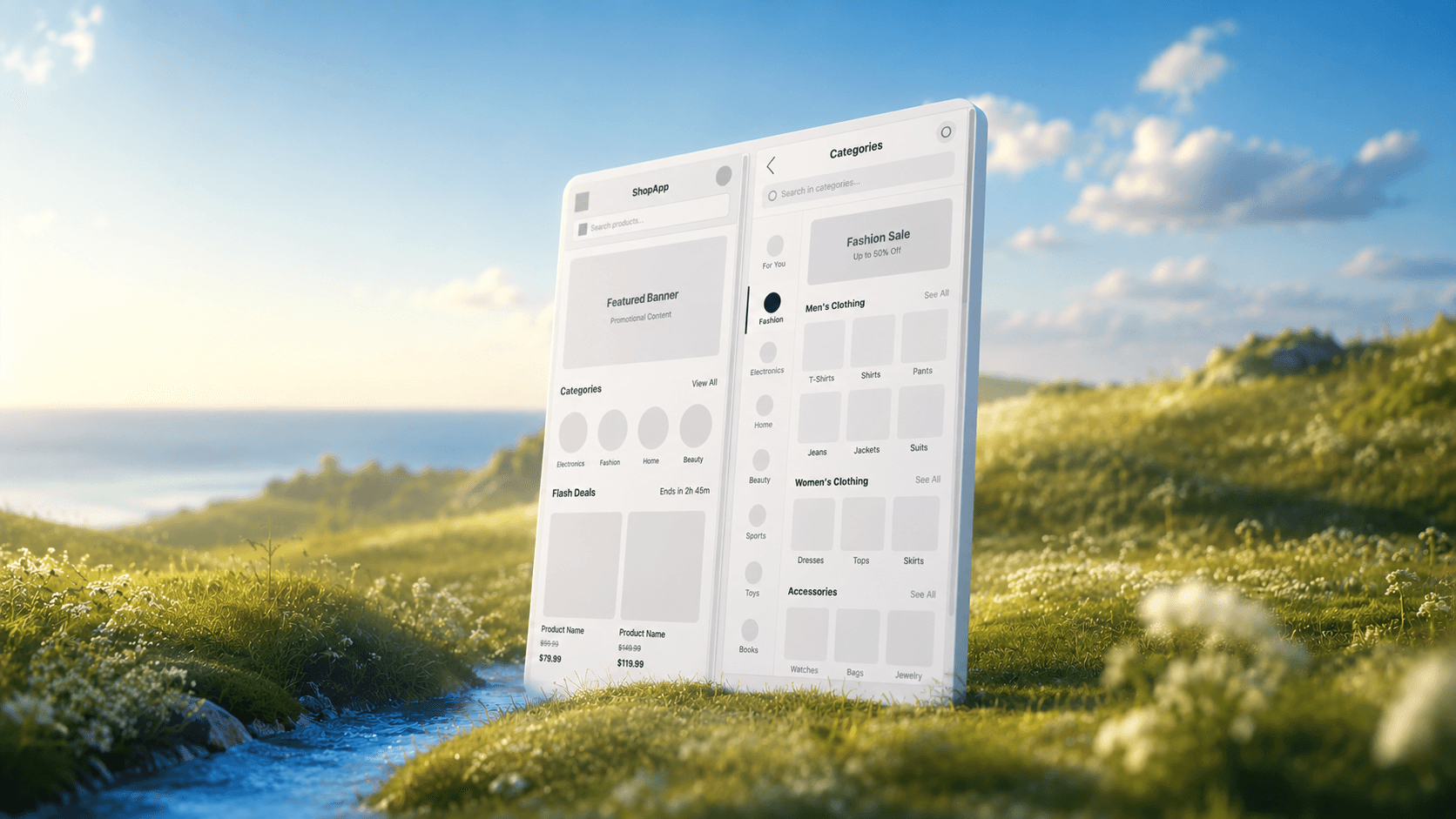
TL;DR: The best wireframing tools in 2026 split by job. For AI-generated, connected wireframes that can become real UI, start with UXMagic's AI wireframe generator. Pick Balsamiq or Whimsical for classic low-fi, Figma or Miro for team collaboration, Uizard or Visily if you are not a designer, and Penpot or Google Stitch if budget is zero. Our comparison of AI wireframe platforms goes deeper on the generators.
Wireframing used to be the quiet part of product design. Grey boxes, a few arrows, a meeting to agree on the flow, then someone rebuilt everything in high fidelity.
Two things changed. First, almost every wireframe tool now has an AI button, so the first draft of a screen takes seconds rather than an afternoon. Second, the gap between "wireframe" and "real UI" has shrunk: the better tools let an approved wireframe become a styled screen without redrawing it. That makes the choice of wireframe software more consequential than it used to be. Pick a tool whose output is a dead end and you pay for the rebuild later.
This guide, updated for September 2026, groups the ten wireframing tools we see product teams actually shortlist by the job you need done. We build UXMagic, so we are clear about where it fits and where another tool is the better call. Every competitor price below was checked against the vendor's own pricing page this month.
Quick picks: best wireframing tools by use case
| Use case | Best pick | Also consider | Free option |
|---|---|---|---|
| AI wireframes that become real UI | UXMagic | Google Stitch | Yes, 20 credits/day |
| Deliberately rough, low-fidelity sketches | Balsamiq | Whimsical | 14-day trial / limited free plan |
| Wireframes inside a team design file | Figma | Penpot | Starter plan, capped AI |
| Wireframes on a shared whiteboard | Miro | Whimsical | 3 editable boards |
| Non-designers (PMs, founders) | Visily | Uizard | Yes, capped AI |
| Completely free | Penpot | Google Stitch | Yes |
| Complex logic and conditional flows | Axure RP | Figma prototypes | Education licence only |
What a wireframing tool needs to do in 2026
A wireframe settles structure: what goes on each screen, in what order, and how screens connect. If you want the longer argument for why that still matters, read our piece on low-fidelity wireframes in the AI era, and if the terms blur together, wireframe vs mockup vs prototype lays out where each artefact belongs.
We judge wireframe software on five things:
- Speed to a first draft. A prompt, a screenshot or a sketch should get you to something reviewable in minutes.
- Flows, not single screens. Real products are journeys. A tool that makes one great screen and then forgets its own layout on screen four is creating work, a problem we unpack in why gray-box website wireframes fail.
- A path to high fidelity. Can the approved wireframe become styled UI, a Figma file or code, or does someone redraw it?
- Collaboration. Comments, share links and a way for non-editors to review.
- Honest pricing. Watch for exports, AI credits or board limits locked behind paid tiers. Our wireframe tool cost-benefit breakdown does the maths by team size.
Best AI wireframing tools
- UXMagic
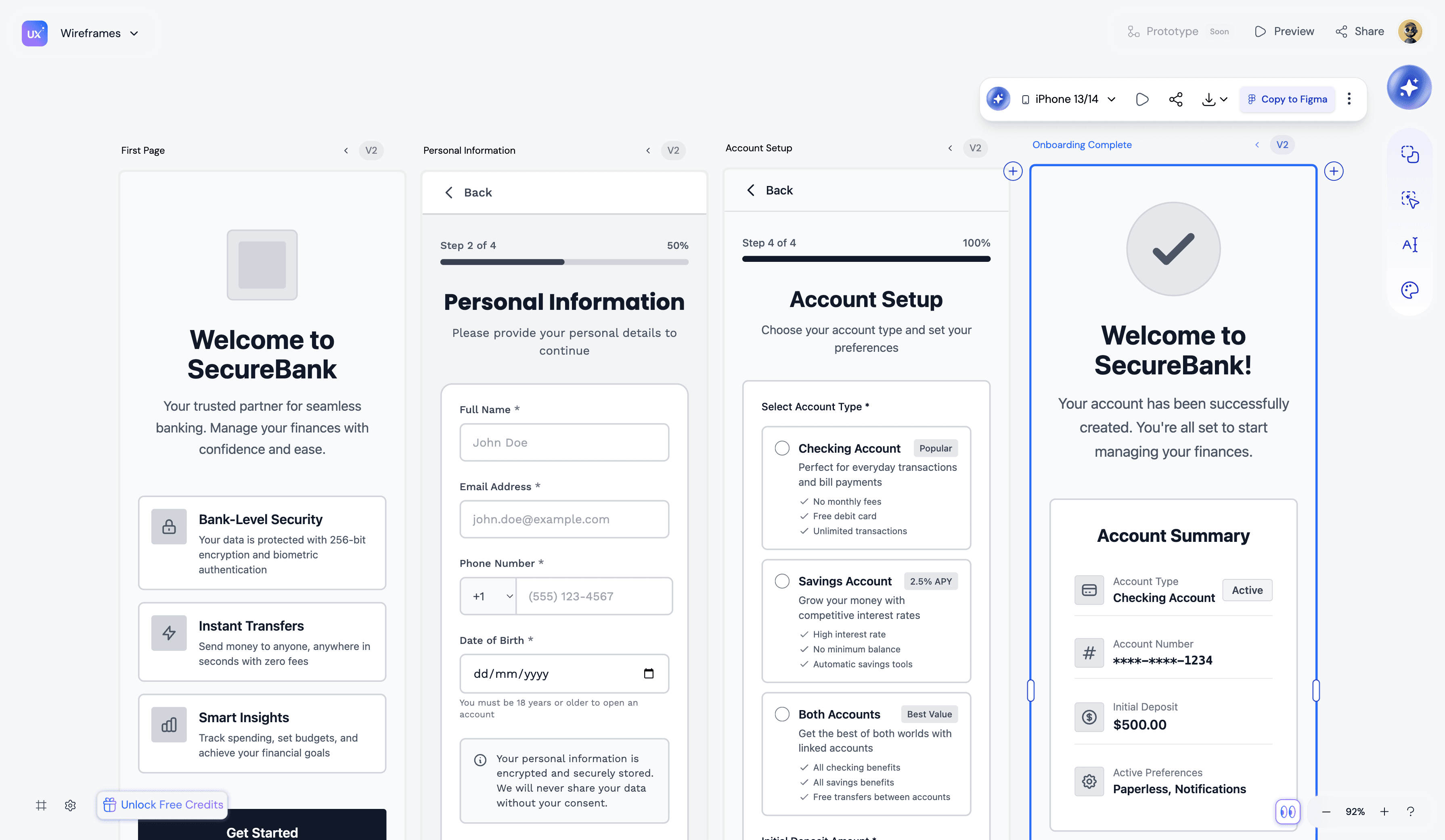
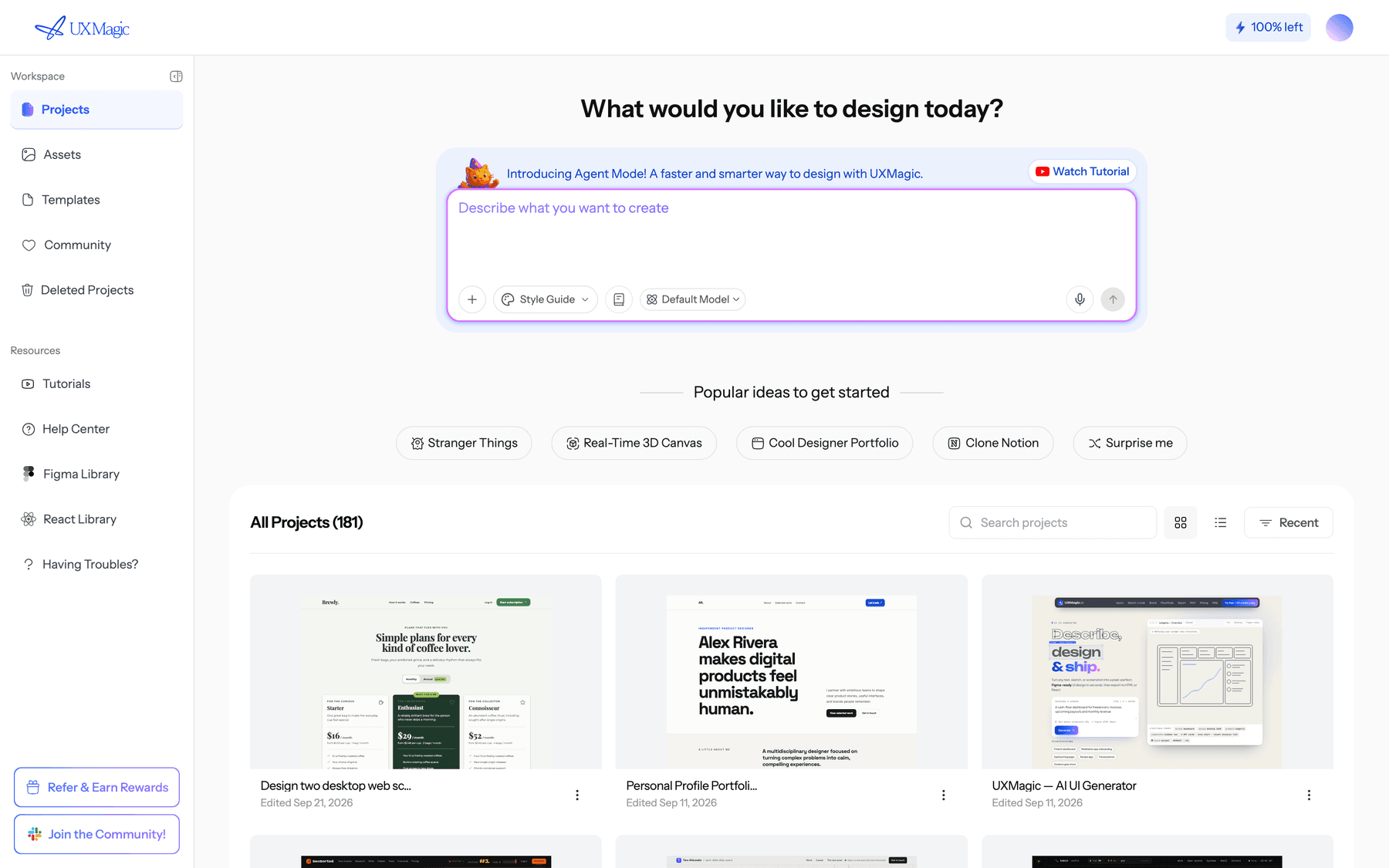
UXMagic is an AI UI and UX design tool that works on an infinite canvas. You describe a product, hand it a screenshot or a photo of a sketch, and it produces editable screens. For wireframing, the relevant piece is wireframe mode: ask for a wireframe explicitly ("Wireframe the checkout flow: cart, shipping, payment, confirmation") and you get deliberately plain greyscale screens with boxes, labels and hierarchy, and no brand colours, imagery or styling opinions.
What makes it different from a single-screen generator is the plan step. For a new project, the AI proposes a screen plan, a named list of screens with a one-line purpose each, and you approve, edit or reject it before anything is designed. Flow mode then designs the whole journey with a shared theme and navigation, and you can add screens later ("add a forgot password screen") without breaking the structure.
Best for: founders, PMs and designers who want a multi-screen wireframe the team can agree on, then turn into styled UI, a Figma file or front-end code without redrawing it.
What it does well:
- Three starting points for wireframes: a text prompt, a screenshot you want restructured via image to wireframe, or a whiteboard photo through sketch to UI.
- Going from wireframe to high fidelity is a prompt, not a rebuild. Ask for the high-fidelity version of the approved wireframes and the structure carries over with the theme applied on top.
- Exports to Figma as auto-layout frames with editable text layers, or to HTML and React with Tailwind.
- Read-only preview links and threaded comments for stakeholder review.
Where it falls short: it is not a whiteboard. If you want sticky notes, freehand arrows and a workshop board next to the wireframes, Miro or Whimsical fits better. It also is not a sketch-style tool; wireframe mode is clean greyscale, not hand-drawn. Multi-screen runs are charged per screen, so check your balance before a large flow.
Pricing: Free gives 20 credits every day (up to 3 screens a day across 5 projects, plus 1 Figma export) with no card. Pro is $35/month, or $17.50/month billed annually, with 2,400 credits a month (up to 400 screens) and 250 Figma exports. A new screen costs 3 credits; see how credits work.
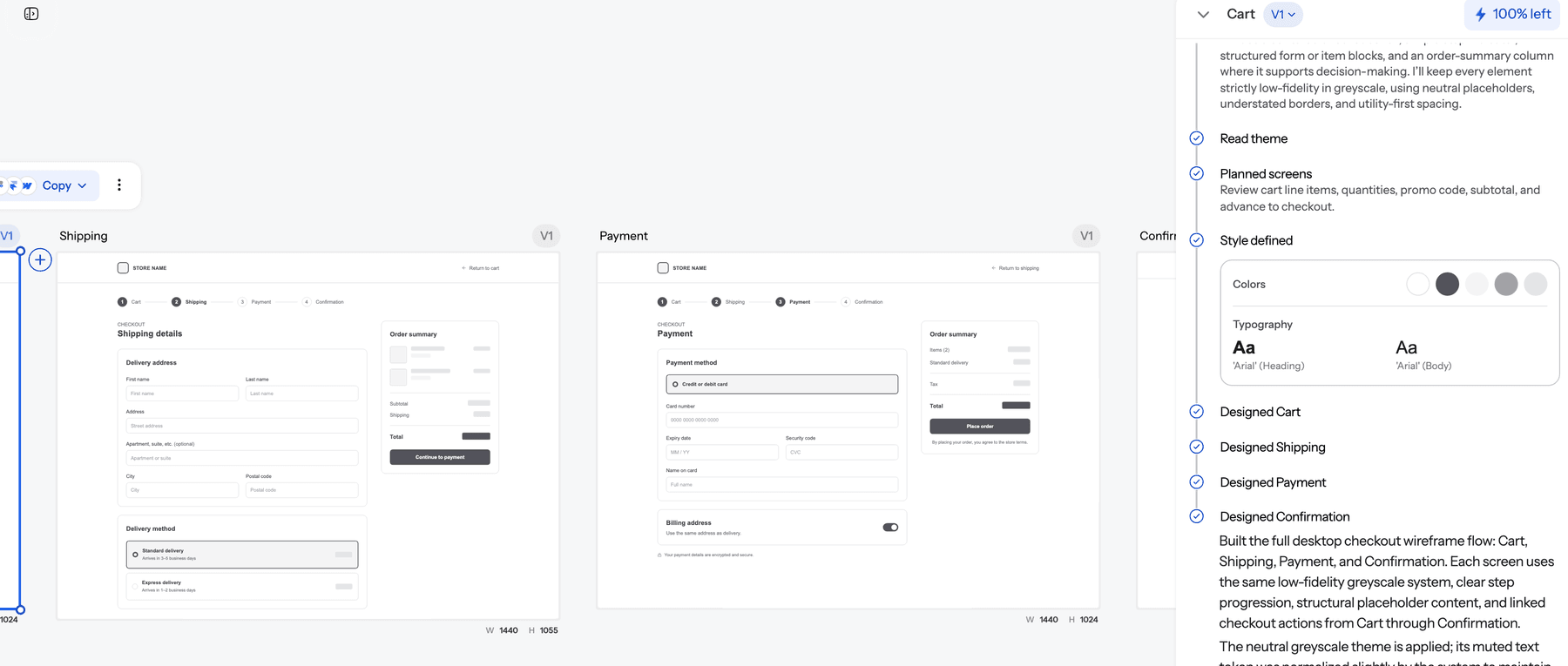
For a step-by-step walkthrough, see our wireframe builder guide. Mobile teams should also read our guide to the AI wireframe generator for mobile apps.
- Google Stitch
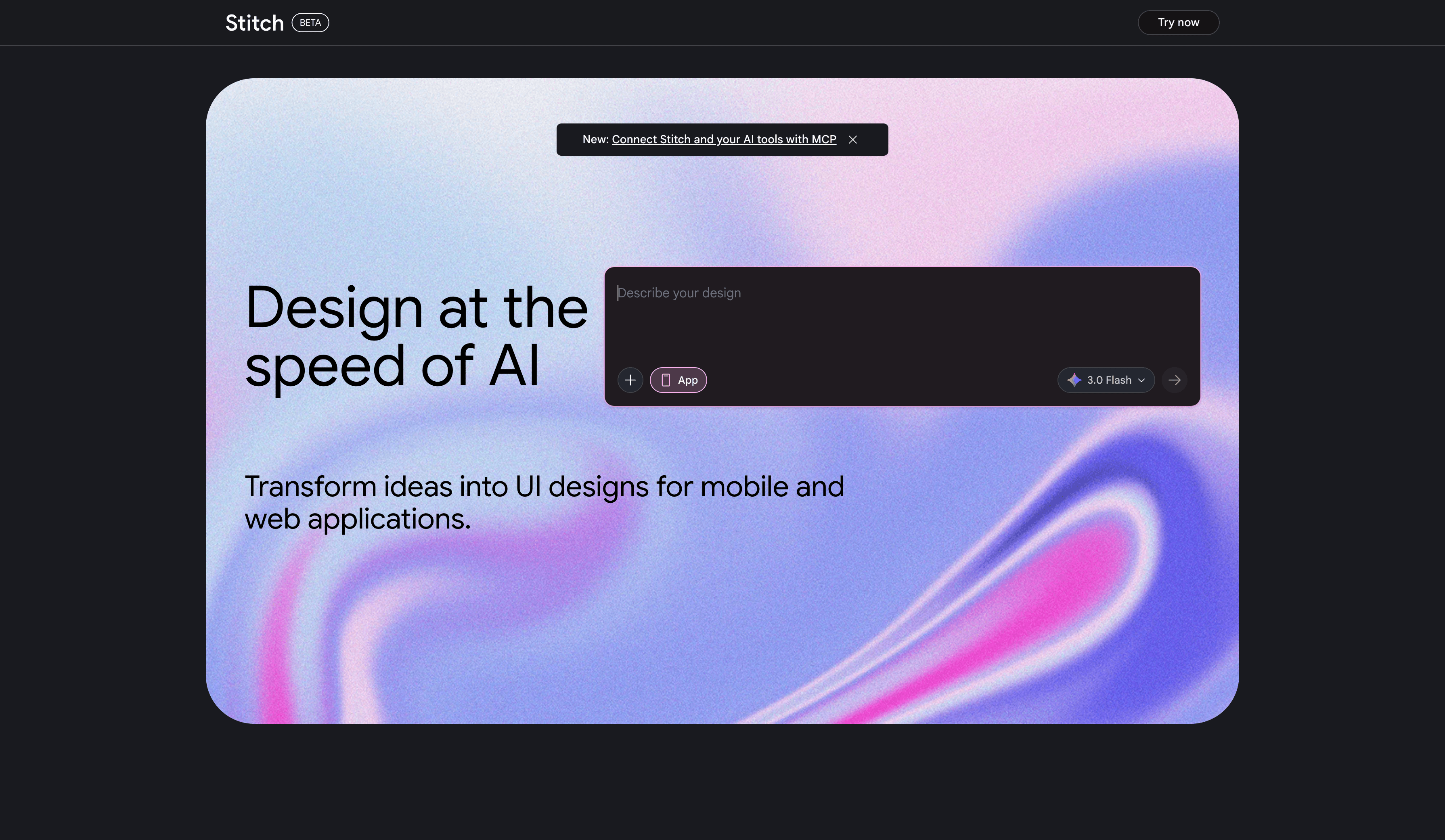
Stitch is Google Labs' Gemini-powered UI generator and the successor to Galileo AI. It turns a text prompt or a reference image into web or mobile screens, can hand designs to Figma and export front-end code. It is not a wireframe tool in the classic sense; it usually jumps straight to a styled screen, although you can prompt for a low-fidelity layout.
Best for: exploring layout ideas for free, especially single screens and short flows.
Where it falls short: Stitch runs on a daily generation allowance and Google has not published a way to buy more. Longer journeys need more manual work to keep consistent, and because it is a Labs experiment, its limits and features change without much notice.
Pricing: free with a Google account, subject to daily limits.
Read our Google Stitch review, or see the Google Stitch alternatives that teams move to when they outgrow the free tier.
Best classic low-fidelity wireframing tools
- Balsamiq
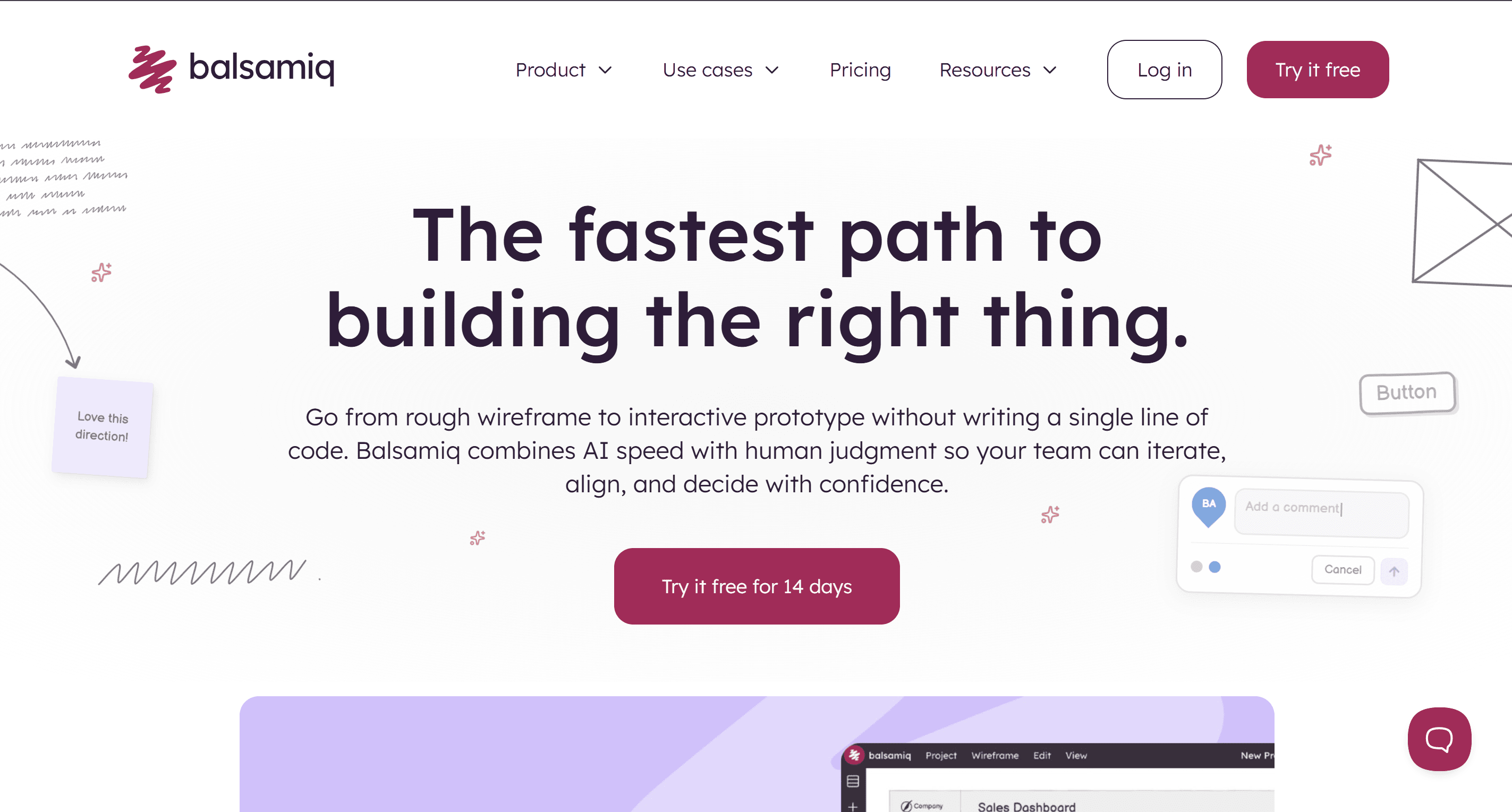
Balsamiq is the tool most people picture when they hear "wireframe". Its sketch-style components look intentionally unfinished, which is the point: nobody debates the brand colour of a hand-drawn button. It now includes AI credits on every plan for creating and editing wireframes, converting screenshots into wireframes and generating clickable prototypes.
Best for: teams that want stakeholders focused on structure and content, and designers who like a fast drag-and-drop library with almost no learning curve.
Where it falls short: the sketch aesthetic is a ceiling as well as a feature. Balsamiq output does not grow into high-fidelity UI or code, so the wireframe gets redrawn in another tool once structure is agreed. There is a free trial, not a free plan.
Pricing: 14-day free trial. Starter is $16 per editor a month billed annually (10 projects, 500 AI credits a month), Teams is $24 and Enterprise $35, all with unlimited free reviewers (Balsamiq pricing).
- Whimsical
Whimsical combines flowcharts, mind maps, docs and wireframes in one lightweight workspace. Its wireframe library is deliberately limited, which keeps screens simple, and its AI Wireframes feature turns a text prompt into editable wireframes and wireflows for web and mobile.
Best for: PMs and small teams who want the user flow, the spec and the wireframe side by side. It pairs well with our guide to user flow diagrams.
Where it falls short: the free plan is small (50 board objects a month, 10 AI credits per member, watermarked exports), and wireframes stay low-fidelity. There is no route to styled UI or production code.
Pricing: Pro is $10 per editor a month and Business $20, with annual billing saving about 17% (Whimsical pricing).
Best wireframing tools for team collaboration
- Figma
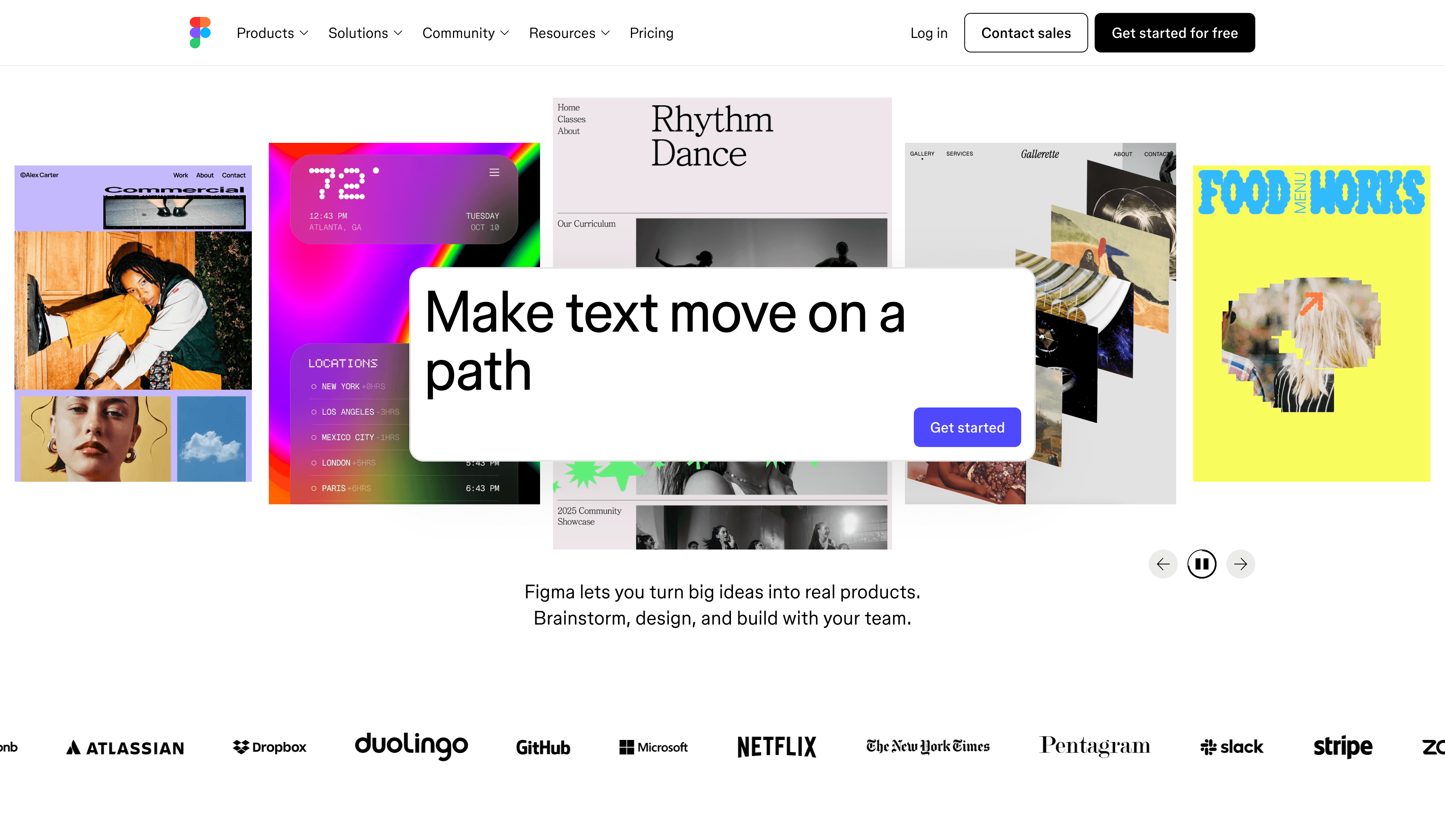
Figma is where most product teams already design, so wireframing there means the wireframe and final UI share one file, one component library and one comment history. Auto layout and components make responsive wireframes reliable, and Figma Make adds prompt-to-prototype generation.
Best for: design teams that want one source of truth from wireframe to handoff.
Where it falls short: wireframes are drawn manually unless you use Figma Make, and Make needs a Full seat on a paid plan for regular use. AI credits are shared across all of Figma's AI features, so heavy generation draws down the same pool. Multi-screen consistency is still your job.
Pricing: Starter is free with 150 AI credits a day, up to 500 a month. A Professional Full seat is $16 a month with 3,000 AI credits; Dev seats are $12 and Collab seats $3 (Figma pricing).
Read what Figma AI can do and our list of Figma Make alternatives. If you want generated wireframes to land in Figma, UXMagic's Figma AI generator exports editable auto-layout frames.
- Miro
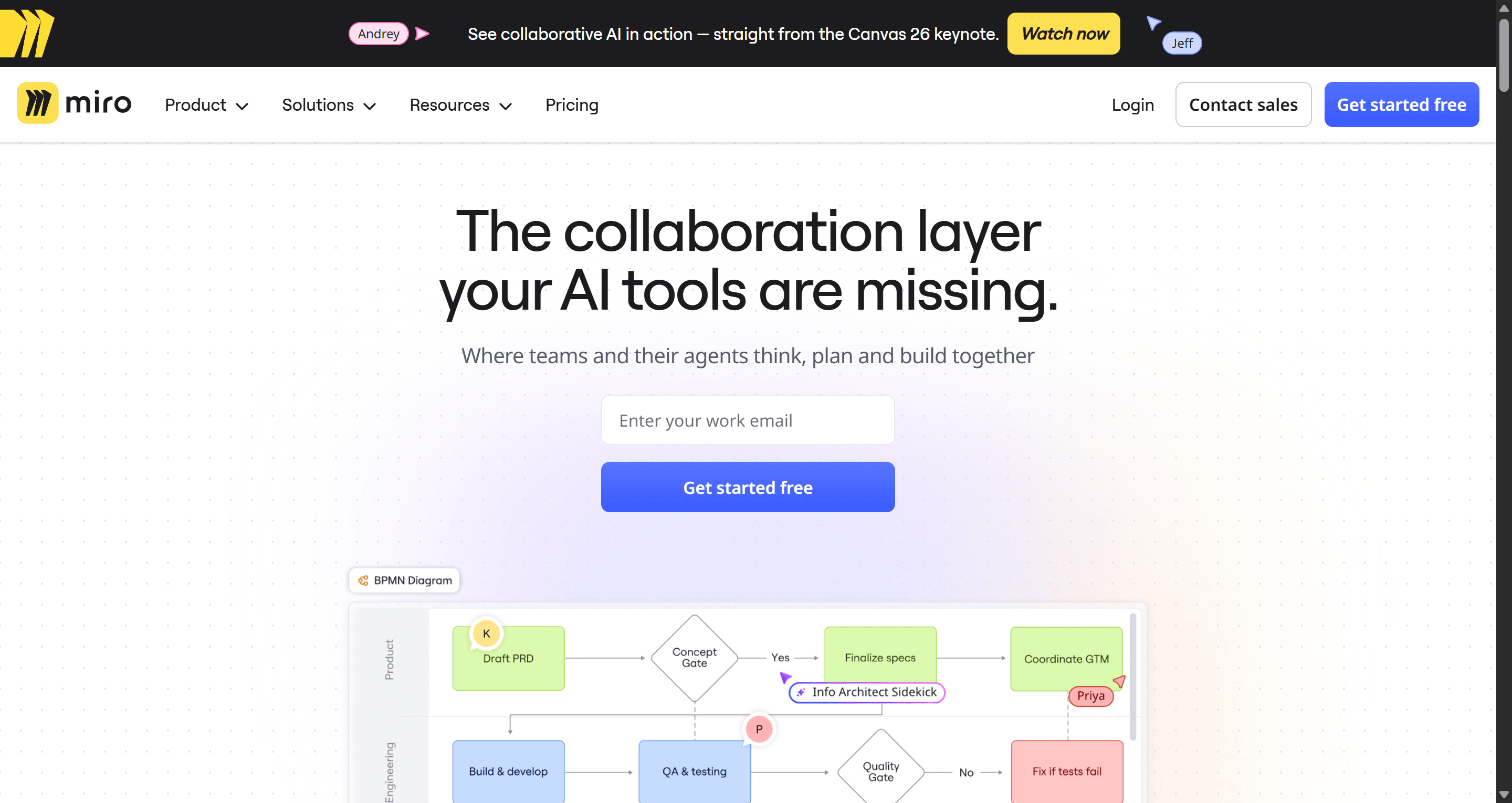
Miro is the whiteboard many teams already use for workshops, journey maps and retros. Its wireframe library and "Create with AI" option in the Prototype menu generate low-fidelity wireframes from a prompt, which you can then link into a simple clickable prototype on the same board.
Best for: cross-functional workshops where research, sticky notes and early screens need to sit together.
Where it falls short: wireframes are low fidelity and stay on the board. Precise layout, components and design-to-code handoff are not what Miro is built for, and the Free plan limits you to 3 editable boards and a small AI trial allowance.
Pricing: Starter is $8 per member a month and Business $20, both billed annually, with 25 and 50 AI credits per member a month respectively (Miro pricing). For options built more for UX work, see our best Miro alternatives for UX teams.
Best wireframing tools for non-designers
- Visily
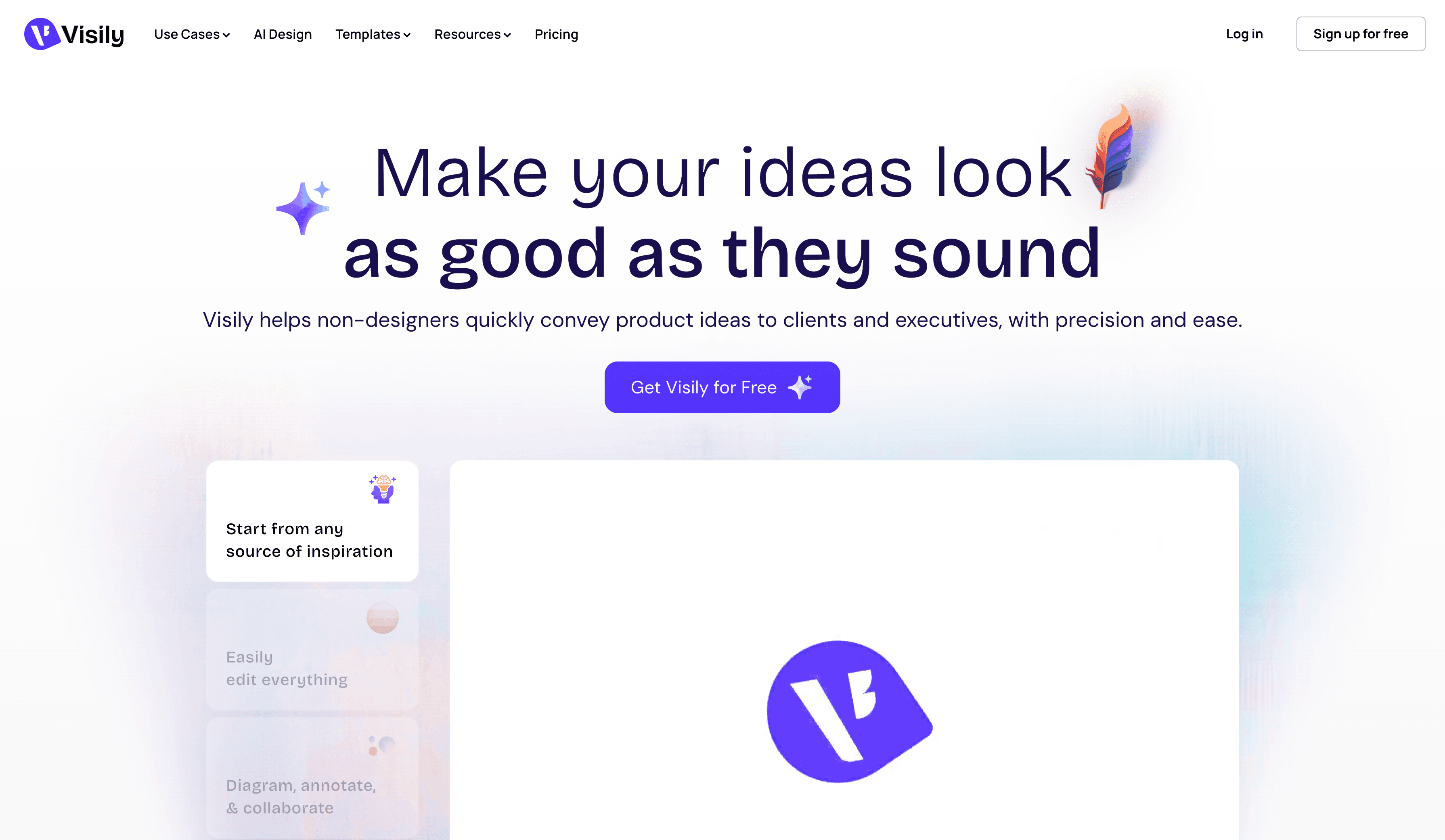
Visily targets PMs, founders and analysts. It generates wireframes from text descriptions, converts screenshots and diagrams into editable screens, and ships thousands of templates plus AI chat editing, auto-prototyping and on-canvas comments.
Best for: non-designers who need a credible wireframe or clickable prototype to align a team.
Where it falls short: Figma import and export, code export and the deeper AI design features sit on paid plans, and the free Starter plan is capped at 2 editable boards.
Pricing: Starter is free with 300 AI credits a month (600 in the first month). Pro is $14 per editor a month with 3,000 credits, and Business is $29 per editor a month billed annually.
Read our Visily AI review or the UXMagic vs Visily comparison.
- Uizard
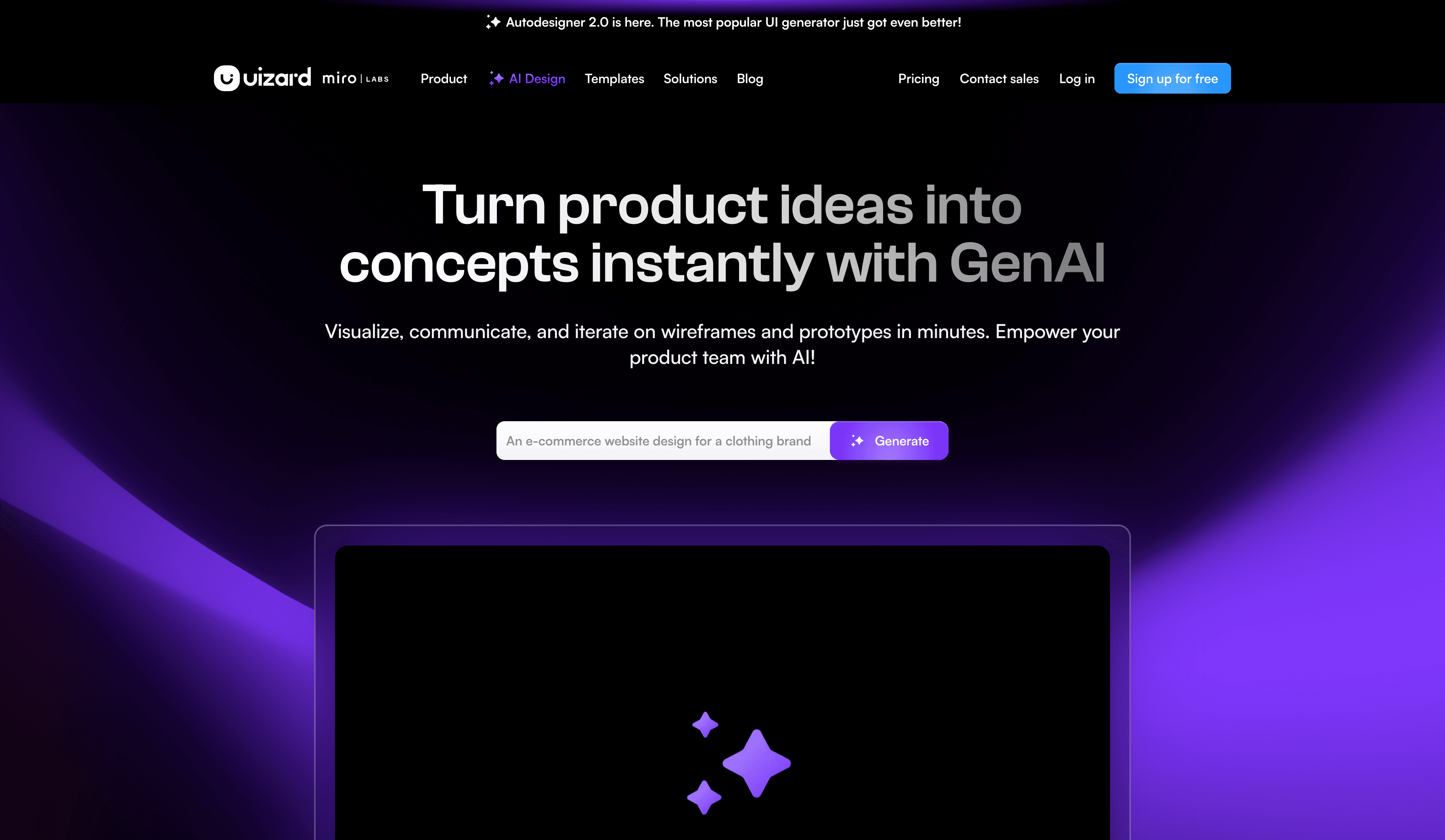
Uizard was one of the first AI design tools for non-designers. Its Wireframe Scanner turns hand-drawn sketches into editable designs, the Screenshot Scanner does the same for existing UI, and a one-click toggle switches a design between wireframe and high-fidelity mockup. Autodesigner 2.0 generates projects, screens and themes from a prompt.
Best for: founders who want to turn a paper sketch into something clickable for a user test or pitch.
Where it falls short: output tends toward generic templates, and the free plan is very tight. It rarely survives a move into a professional Figma or code workflow without rework.
Pricing: Free includes 2 projects and 3 AI generations a month, without Autodesigner 2.0. Pro is $12 per month billed annually with 500 generations; Business is $39 per month billed annually.
Read our Uizard review and our round-up of Uizard alternatives.
Best free wireframing tools
- Penpot
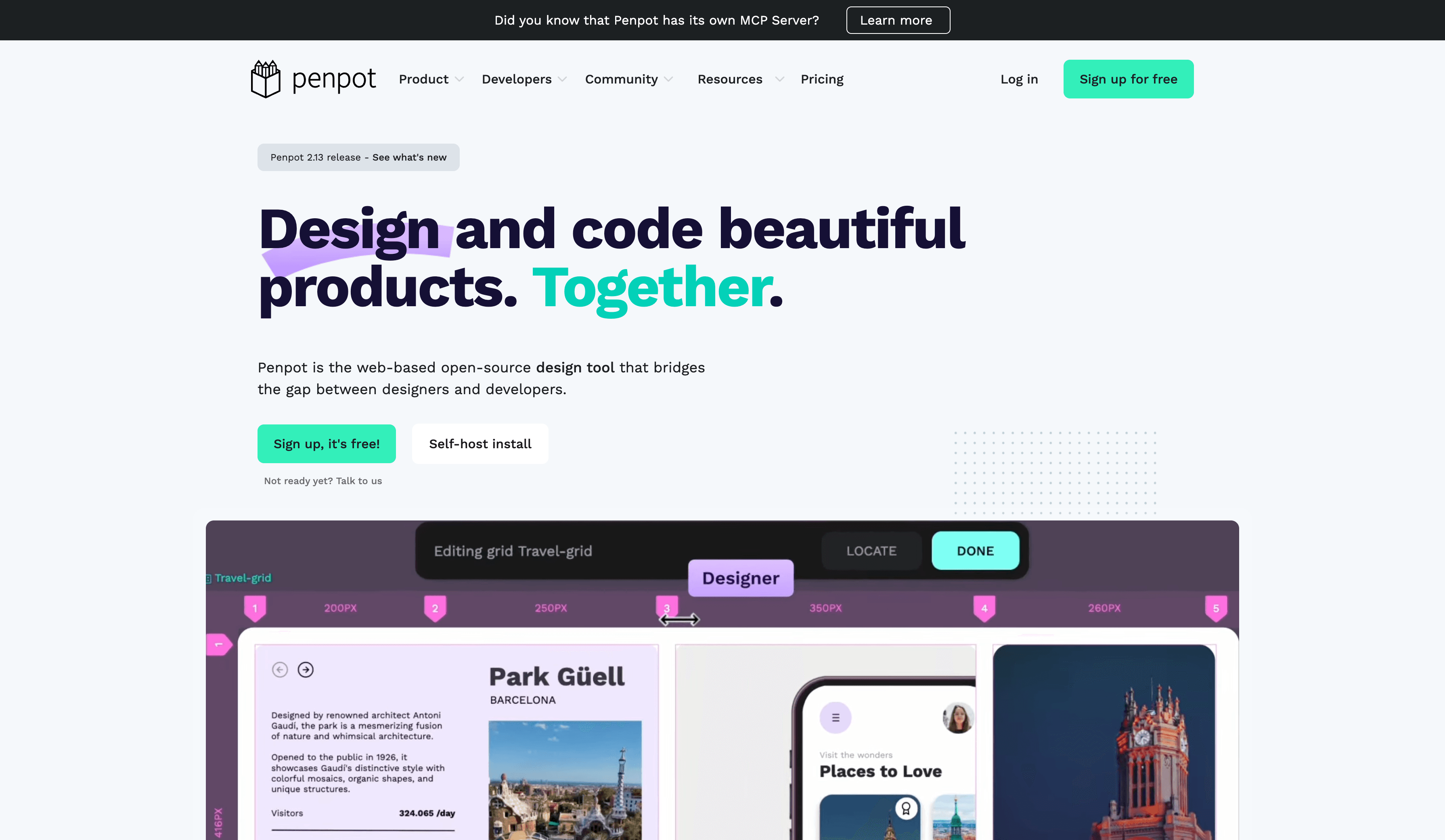
Penpot is the open-source, self-hostable alternative to Figma. Its layouts are built on web standards (flex and grid), which makes developer handoff predictable, and there are no file or team limits on the free cloud plan. Penpot does not ship a native one-click AI wireframe generator; instead it offers an official MCP server so an AI agent such as Claude can read and create design elements in your files.
Best for: teams that need a genuinely free wireframe tool, want to self-host, or care about open standards.
Where it falls short: wireframing is manual unless you set up an AI agent through MCP, which is a technical step. The plugin and template ecosystem is smaller than Figma's.
Pricing: the Professional cloud plan is free with unlimited files and teams. Unlimited is $7 per editor a month, capped at $175 a month, and self-hosting is free (Penpot pricing).
Free tiers compared
Most "free wireframe tool" searches end on a free plan that caps something. Here is what you actually get before paying.
| Tool | What the free plan gives you | First paid tier |
|---|---|---|
| UXMagic | 20 credits/day, 3 screens/day, 5 projects, 1 Figma export | Pro $17.50/mo billed annually |
| Google Stitch | Free Labs experiment, daily limits | None published |
| Penpot | Unlimited files and teams, 10GB storage | Unlimited $7/editor/mo |
| Figma | Starter, 150 AI credits/day up to 500/mo | Professional $16/mo Full seat |
| Miro | 3 editable boards, 10 AI credits/mo | Starter $8/member/mo (annual) |
| Visily | 2 boards, 300 AI credits/mo | Pro $14/editor/mo |
| Uizard | 2 projects, 3 AI generations/mo | Pro $12/mo (annual) |
| Whimsical | 50 board objects/mo, 10 AI credits | Pro $10/editor/mo |
| Balsamiq | 14-day trial only | Starter $16/editor/mo (annual) |
UXMagic's full breakdown lives on the pricing page and in plans and limits.
Best for complex logic
- Axure RP
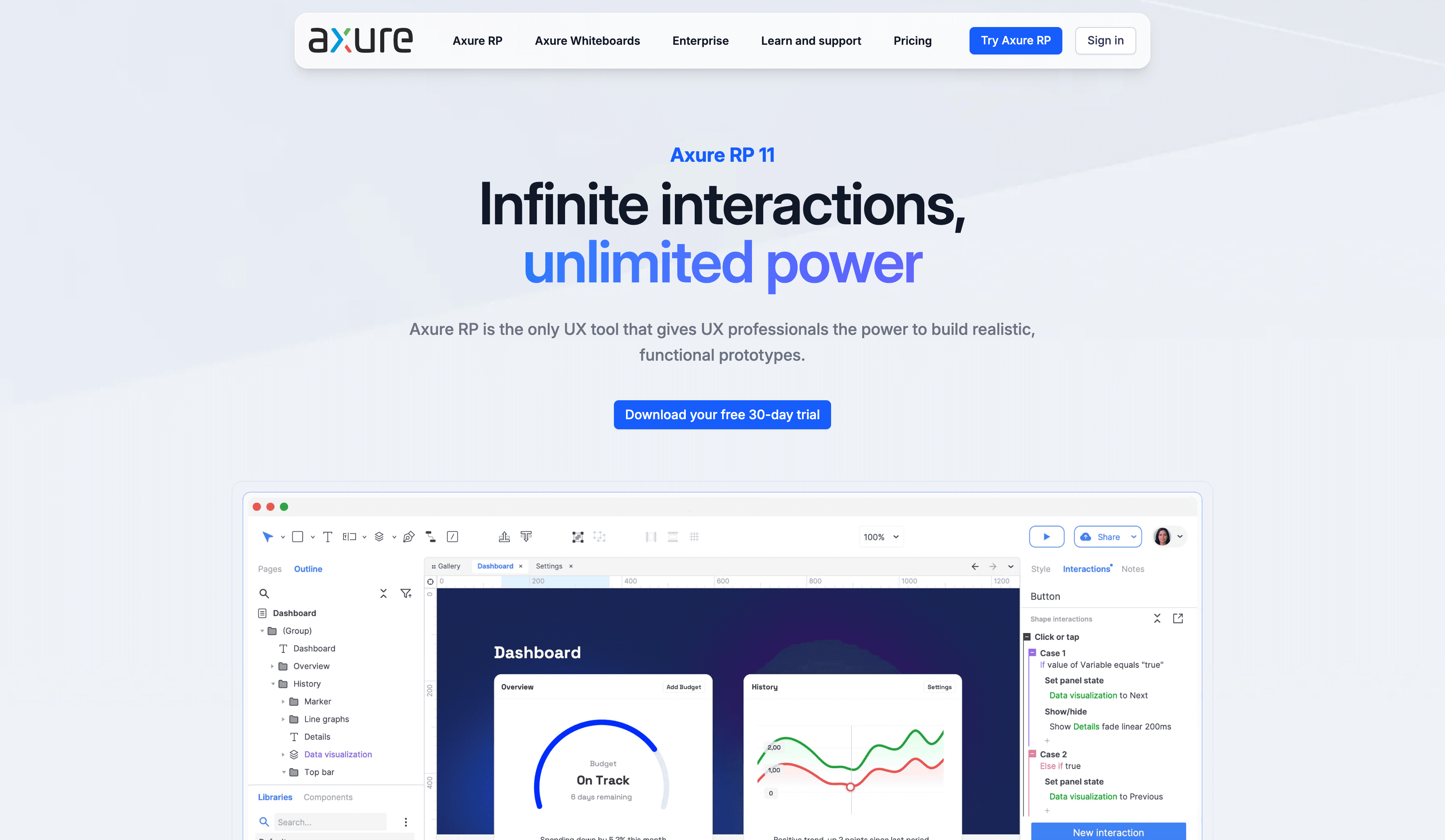
Axure RP is still the tool for wireframes and prototypes that need real logic: conditions, variables, repeaters and data-driven states. Teams designing complex enterprise, fintech or healthcare workflows use it to validate behaviour before engineering starts.
Best for: UX specialists who must prove that a multi-branch flow works, not just that it looks right.
Where it falls short: a steep learning curve, no AI generation on its pricing page, and a price that is hard to justify for early-stage ideation.
Pricing: Pro is $29 per user a month and Team $49, billed annually; free licences are available to qualifying students and educators (Axure pricing).
Other wireframing tools worth knowing
- MockFlow pairs a wireframe editor with Mida, an AI assistant that can generate wireframes, flowcharts and schemas from one brief. Its free plan allows 1 editor, 4 projects and 100 AI credits a month.
- UX Pilot generates wireframes and hi-fi screens as a web app and Figma plugin; read our UX Pilot review.
- UXPin renders prototypes with real code components, which suits design-system teams; see UXMagic vs UXPin.
- v0 and Lovable skip the wireframe entirely and generate working front-end code. Useful for developers, but you lose the cheap structural review step; see our v0 alternatives and Lovable review.
- Claude Design is Anthropic's design surface on paid Claude plans; our Claude Design alternatives compares it with dedicated tools.
- Motiff was on earlier versions of this list; our Motiff review covers its shutdown timeline and where to migrate.
How to choose the right wireframe software
Answer three questions and the list narrows fast.
1. What happens after the wireframe is approved? If it gets redrawn in Figma anyway, a sketch tool like Balsamiq or a whiteboard like Miro is fine. If you want the wireframe to become the styled screen, the Figma file or the React code, pick a tool that carries structure forward, such as Figma for manual teams or an AI wireframe generator like UXMagic.
2. Who is holding the mouse? Designers are comfortable in Figma, Penpot or Axure. PMs and founders get further, faster in Visily, Uizard or a prompt-first tool. For workshops where everyone contributes, a whiteboard wins.
3. Where do your ideas start? If they start on paper, choose a tool with reliable sketch input. Our sketch to prototype workflow shows how to photograph and label a sketch so AI reads it correctly. If they start from an existing product or competitor page, screenshot-to-wireframe matters more.
A practical AI wireframing workflow
This is the loop we recommend, whichever tool you pick. It is written for UXMagic, but the steps transfer.
- Describe the journey, not a screen. "A mobile invoicing app: landing, sign up, onboarding, invoice list, invoice detail." Our guide to prompting for user flows has templates.
- Fix the plan before generating. Rename, reorder or remove screens in the screen plan. The flow mode and screen plans guide explains why a plan edit costs a fraction of regenerating wrong screens.
- Ask for wireframes explicitly. Keep the first round greyscale so reviewers talk about hierarchy, not colour.
- Review with stakeholders. Share a preview link and collect comments and feedback, then batch them into two or three specific chat instructions.
- Promote to high fidelity. Ask for the high-fidelity version of the approved wireframes, apply a theme, then export to Figma or code with the design to code generator.
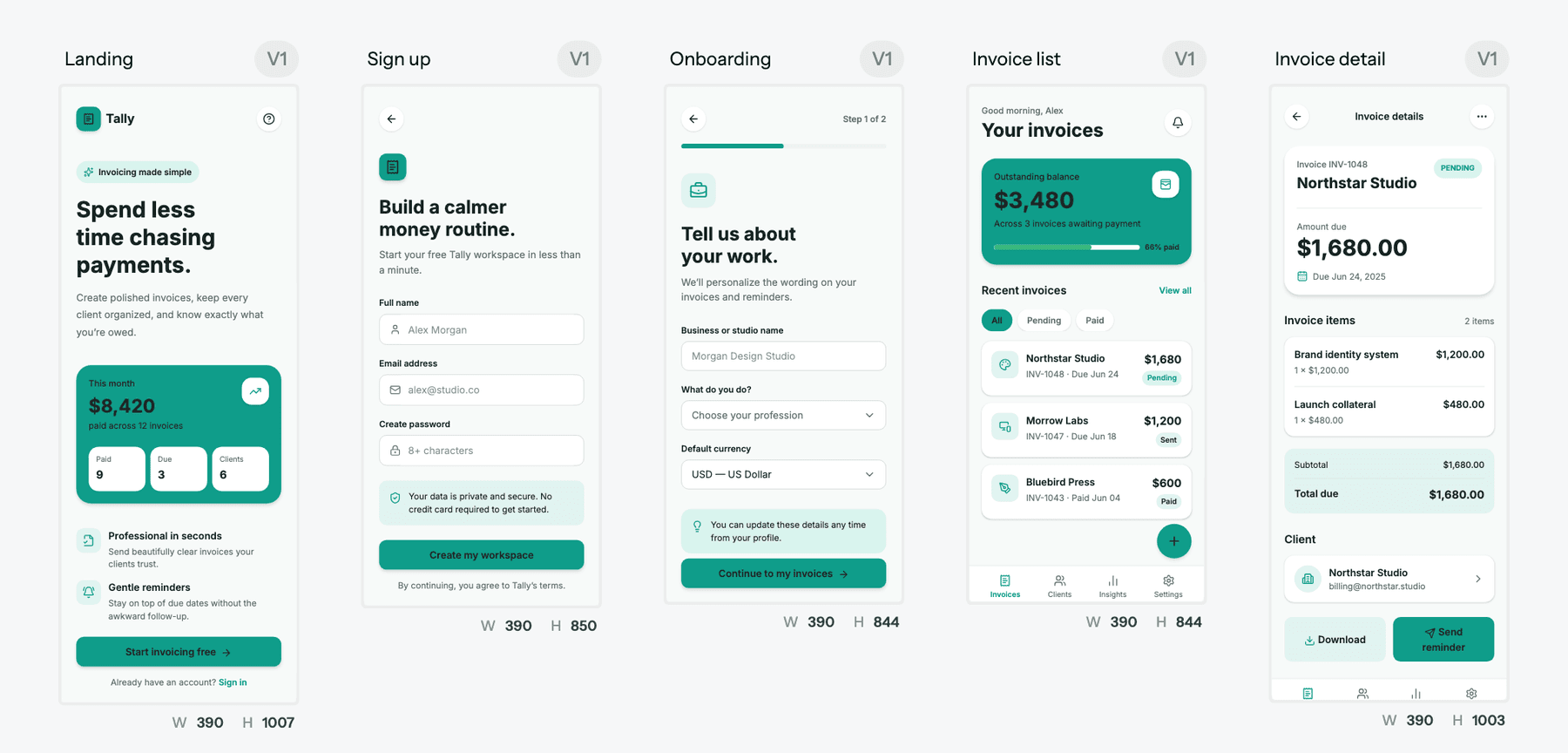
Wireframe a whole flow from one prompt
Describe the journey, approve the screen plan, and get connected greyscale wireframes you can turn into high-fidelity UI when the structure is agreed.

Starting from something you already have
Not every wireframe starts from a blank prompt. Three common starting points, and the UXMagic feature for each:
- A screenshot of an existing product. Upload it and ask UXMagic to turn it into a wireframe so you can restructure it. The screenshot to UI guide covers resolution and cropping tips that apply here too.
- A whiteboard or paper sketch. Label the boxes, photograph it straight on, and ask for a wireframe rather than a finished screen, as described in the sketch to UI help article.
- A live website. Clone any website from its URL to get an editable version, then strip it back to structure before a redesign.
Our recommendation
There is no single best wireframing tool, but there is a best fit for most product teams in 2026.
If your wireframes are a thinking tool that gets thrown away, Balsamiq, Whimsical and Miro are cheap, fast and familiar. If your team lives in Figma and has the seats, wireframe there. If budget is zero, Penpot and Google Stitch are genuinely free.
If you want the wireframe to be the first version of the product rather than a throwaway, that is what we built UXMagic for: a screen plan you approve first, greyscale wireframes for the structural argument, then the same screens promoted to styled UI, a Figma file or React code. Be honest about its scope: it is not a whiteboard, and it is not an illustration tool. For the wider landscape, see our ranking of the best AI design tools in 2026 and our guide to designing UI with AI, or browse UXMagic templates for a head start.
Related guides
- 15 Best UX/UI Design Tools for 2026, Plus a Startup Stack
- 9 Best UX Pilot Alternatives in 2026, Grouped by Use Case
- Penpot vs Figma in 2026: Open Source or the Industry Standard?
- The Best AI Prototyping Tools in 2026, Grouped by Use Case
- 10 Best Magic Patterns Alternatives in 2026, Grouped by Workflow
- 9 Best MagicPath Alternatives in 2026, Grouped by How You Work
- Figma Pricing 2026: Seats, AI Credits, Make and What Teams Really Pay
- Canva Alternatives for UI Design: 9 Tools Built for Product Screens
- MVP Design: How to Design a SaaS MVP Users Actually Adopt (2026)
- Galileo AI Is Now Google Stitch: Here's the 2026 Review
Start wireframing with UXMagic
20 free credits every day, no card required. Wireframe mode, flow mode and sketch-to-UI are all on the Free plan.