AI Prototype GeneratorFrom Idea to Interaction
See How AI GeneratesPrototypes Instantly
Trusted by Designers and Developers
Faster than manual design
Responsive by default
A prototype thatactually behaves like one
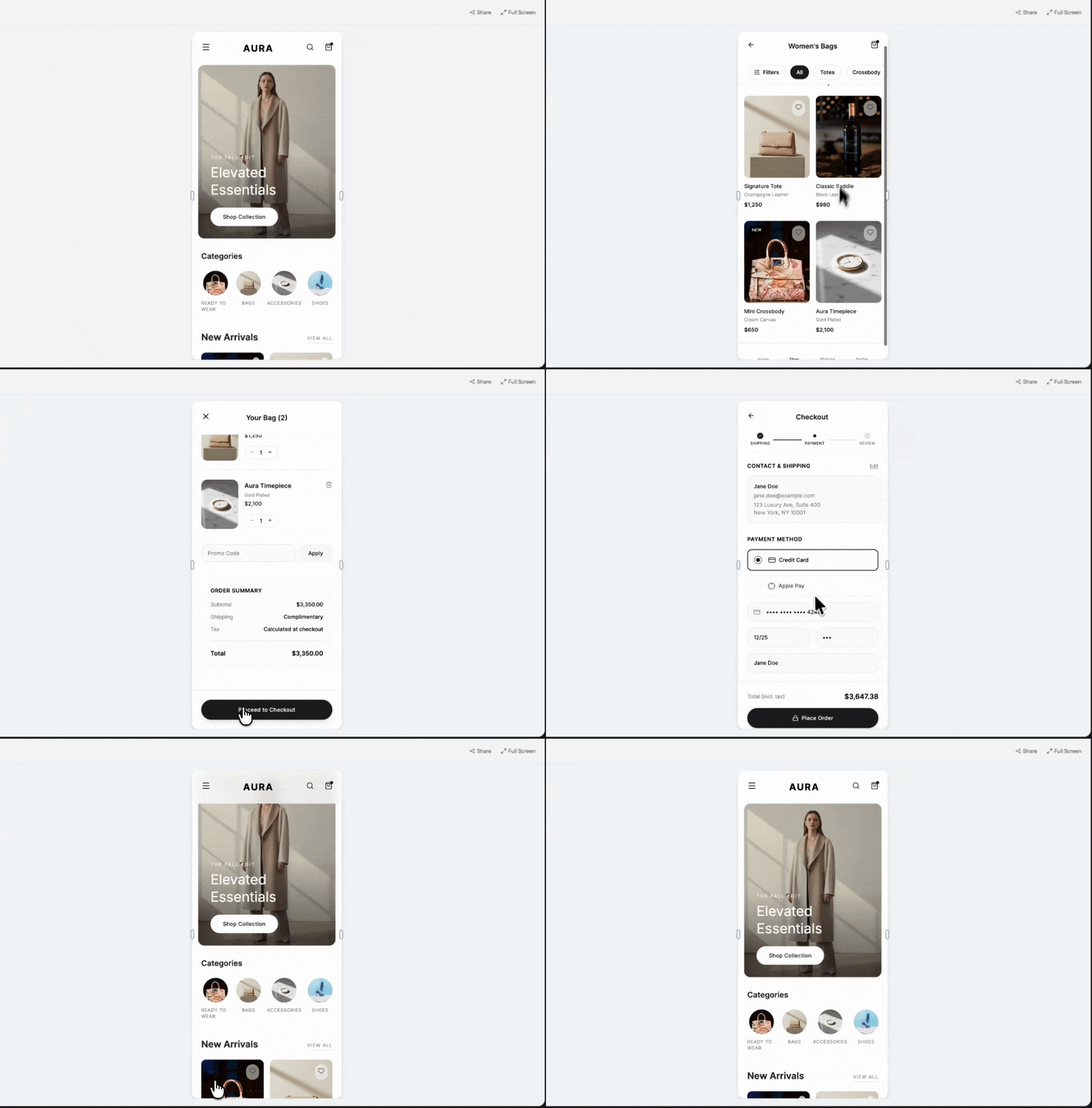
A static mockup shows what something looks like. A prototype shows what it feels like to use. UXMagic's AI prototype generator connects every screen it creates into a clickable flow from the start, so you can move through your product the way a real user would, not just look at a series of disconnected images.
Multiple screens,one coherent flow
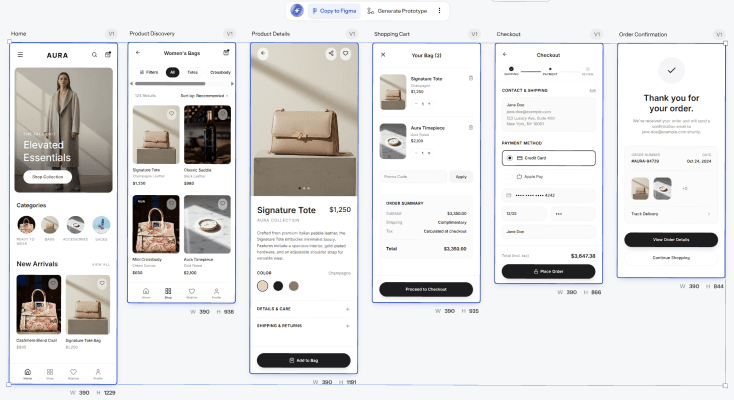
Describe your product once and UXMagic builds out the full journey, onboarding, core screens, confirmation states, all linked together with working navigation between them. No manually wiring up click targets after the fact.
Test it beforeanyone builds it
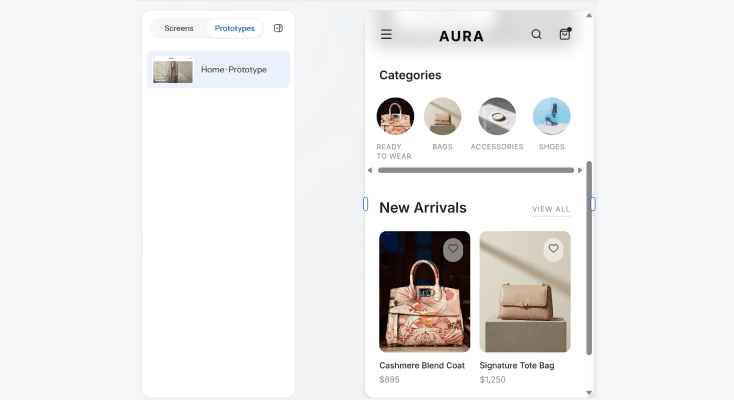
Share a link and let your team, stakeholders, or test users click through the actual flow before a single line of production code gets written. Catching a confusing step at the prototype stage is a five-minute fix. Catching it after launch is not.
From prototypeto production path
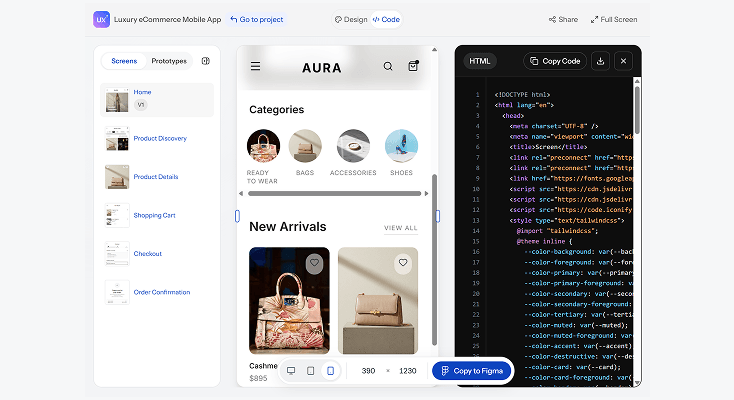
Once the flow is validated, UXMagic exports the prototype as editable Figma layers or clean, structured code, so the thing people just clicked through is the same thing that gets built, not a reference someone has to recreate.
HOW IT WORKSThree Steps to a Clickable Prototype
Get your screens ready on the canvas
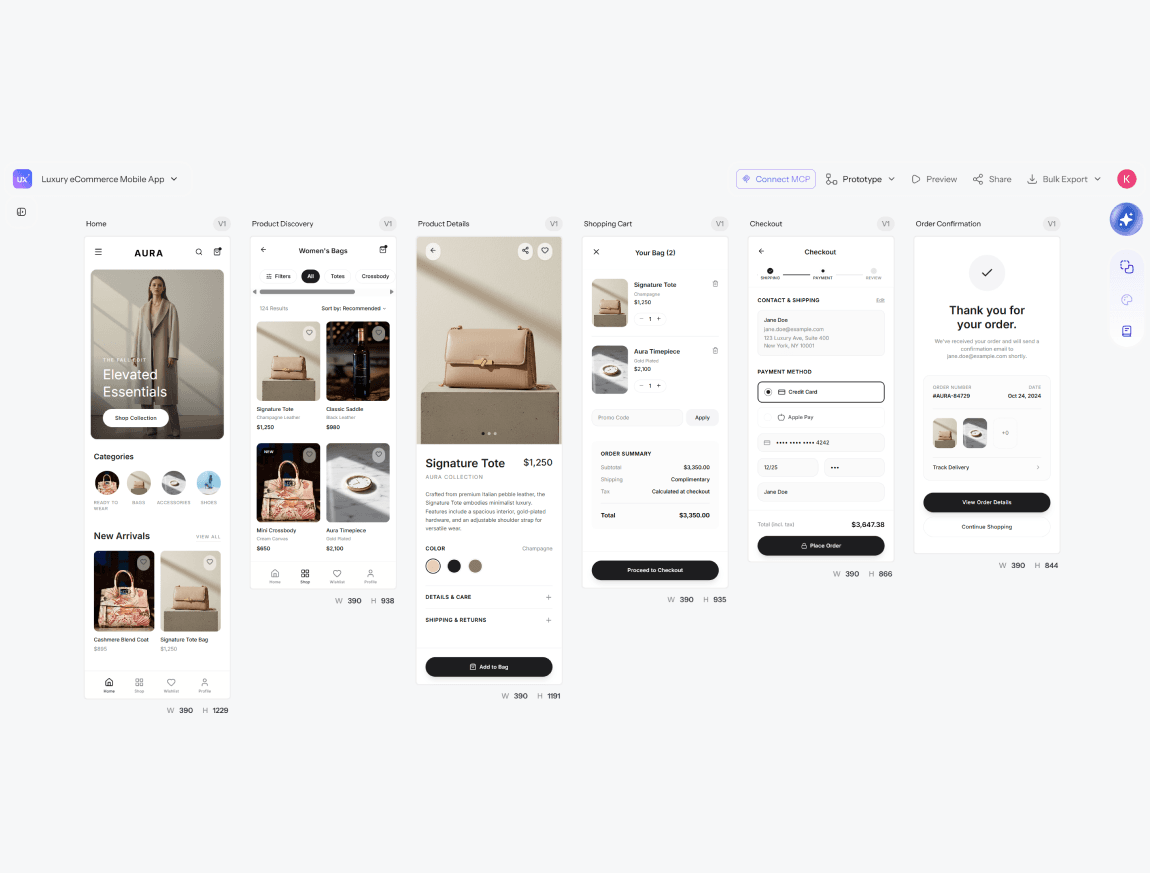
Generate or design the screens you need for your flow.
Select screens, Generate Prototype
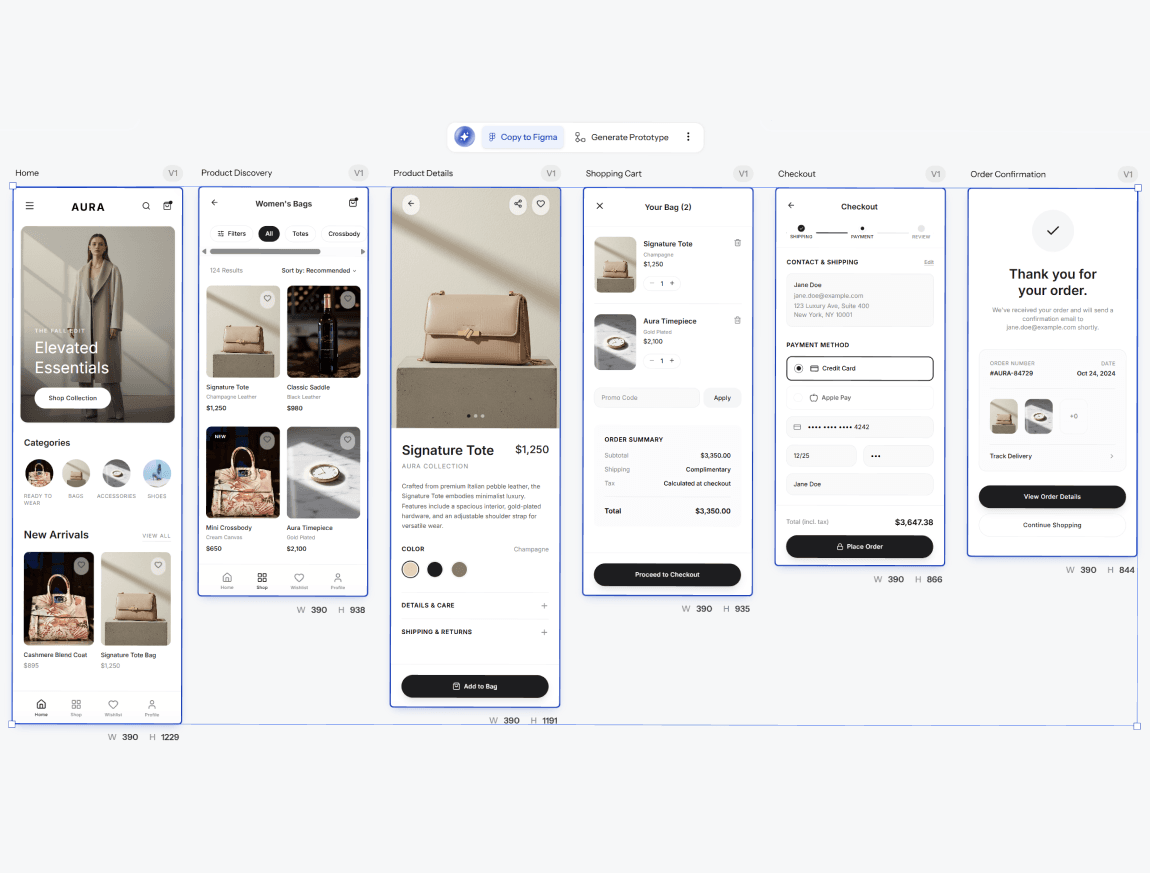
UXMagic connects them into one working flow with navigation built in.
Preview, export, or share
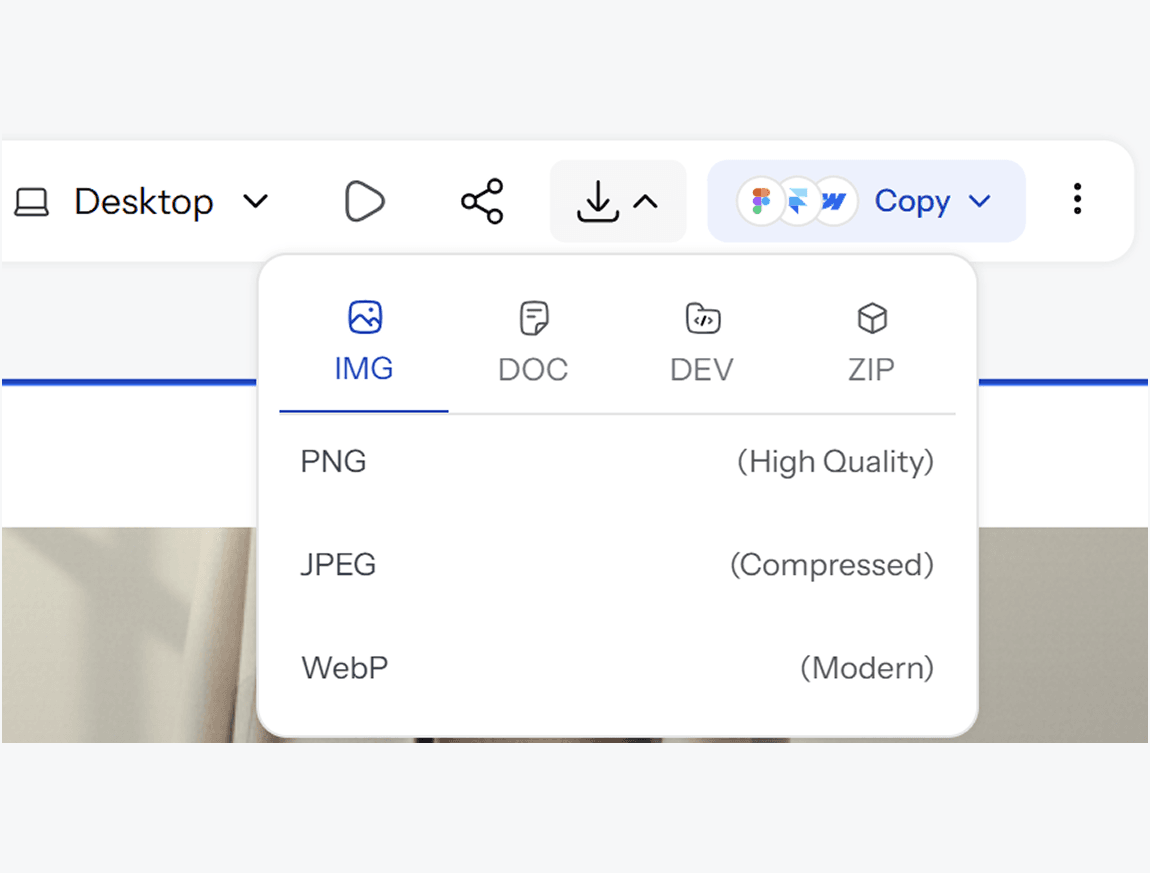
Get your screens ready on the canvas
Generate or design the screens you need for your flow.
Select screens, Generate Prototype
UXMagic connects them into one working flow with navigation built in.
Preview, export, or share
What you walk away with
A flow you can actually walk through
Not a slideshow of static screens. A connected, clickable sequence that behaves the way the real product will, so feedback on it actually means something.
Validation before you build
Catch confusing steps, missing states, or awkward transitions while it still costs you minutes to fix, not after development time has already gone into building the wrong thing.
A direct path from test to build
Once the prototype is validated, export straight to Figma or code. The flow people clicked through becomes the flow that ships, not a reference that gets rebuilt from scratch.
UXMagic vs Figma vs UXPilot vs Banani vs Uizard vs Google Stitch
A lot of tools call themselves a prototype generator. Here is what actually matters when the prototype needs to behave like the real thing:
| Feature | Figma (native AI) | UXPilot | Banani | Uizard | Google Stitch | UXMagic |
|---|---|---|---|---|---|---|
| AI prompt to prototype | ||||||
| Multi-screen flow generated together | ||||||
| Clickable navigation between screens | ||||||
| Works without a Figma account | ||||||
| Shareable link for stakeholder testing | ||||||
| Reference image or brand asset matching | ||||||
| Export to Figma | ||||||
| Production-ready code export | ||||||
| Stable, non-experimental product status |
got questions?we have answers.
built by real people.remixed endlessly.
Be the first to publish something here