There’s a quiet panic spreading across design teams.
A founder generates a landing page with AI in 30 seconds. A PM prompts a dashboard mockup during a meeting. And suddenly everyone starts asking the same question:
“Do we even need designers anymore?”
If your job was drawing rectangles in Figma, the answer is uncomfortable.
Because AI is replacing that work.
But if your job is building systems, enforcing constraints, and architecting flows that engineering can actually ship, then the situation looks very different.
The real shift isn’t designers disappearing.
It’s the death of pixel execution and the rise of systems architecture.
The teams that understand this shift are already moving faster than those stuck debating whether AI is a “tool” or a “threat.”
Why AI Is Not Replacing UX Designers in 2025
The internet keeps repeating the same comforting sentence: “AI won’t replace designers. Designers using AI will replace those who don’t.”
That line sounds smart, but it hides a more uncomfortable truth.
AI has already replaced large chunks of design execution.
Landing pages. Basic dashboards. Standard onboarding flows. Modal windows. Generic UI patterns.
These are now commodities.
What AI has not replaced is the architectural thinking required to ship real software.
The Strategic Shift From Pixel Execution to Systems Architecture
Modern product design is less about drawing UI and more about defining the logic behind it.
Senior designers are now responsible for:
- enforcing design tokens
- maintaining spatial constraints
- ensuring flow consistency
- managing accessibility compliance
- validating engineering feasibility
AI can render visuals.
It cannot understand how changing a single token like color.primary.action affects:
- hover states
- disabled states
- error states
- multi-step flows
- accessibility contrast ratios
That kind of systemic reasoning still requires human oversight. And the more complex the product becomes, the more valuable that oversight gets.
Where Generative AI Fails in Complex UI Design
The biggest misconception about AI design tools is that they are design tools.
Most of them are actually image generators pretending to be product tools.
That difference matters.
Because when you move beyond a single screen, the cracks appear immediately.
The “Vibe Coding” Trap and Enterprise Technical Debt
There’s a growing trend called vibe coding.
Someone prompts an AI tool: “Create a SaaS analytics dashboard.”
The output looks polished.
Stakeholders get excited.
Then engineering tries to build it.
And everything falls apart.
Why?
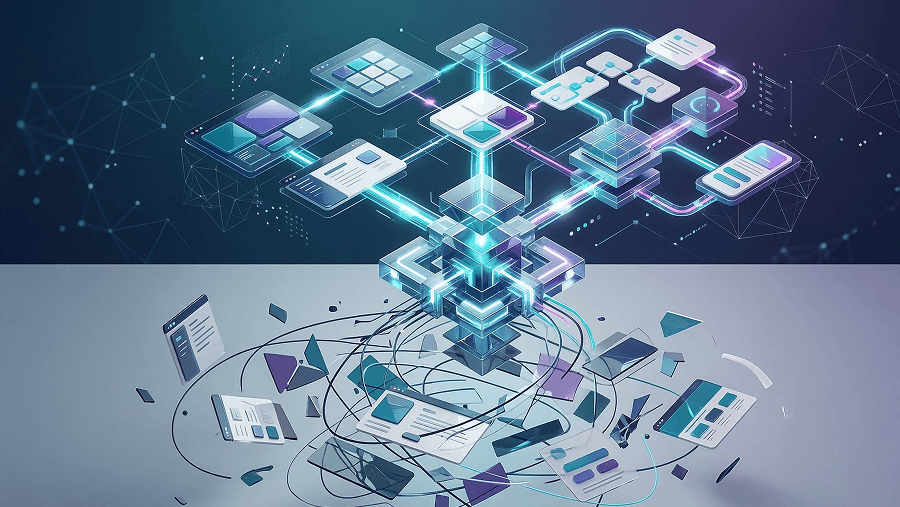
Because the design is a picture, not a system.
Common problems include:
- inconsistent spacing tokens
- arbitrary hex colors
- impossible layout constraints
- missing interaction states
The result is massive technical debt.
Engineers end up rebuilding the interface from scratch.
Velocity disappears.
What looked like speed was just deferred complexity.
Context Amnesia in Multi-Screen User Flows
Another failure point appears when teams try to generate flows.
You prompt an AI tool:
- “Generate dashboard screen.”
- “Now generate error state for step two.”
Suddenly the AI:
- moves the navigation
- changes typography
- invents new button styles
- forgets user state
This happens because generative models lack spatial memory.
They predict pixels probabilistically.
They don’t understand structural continuity across a product.
Which is why multi-screen journeys are where most AI UI tools completely collapse.
The Modern Senior Designer’s Workflow With AI Tools
AI didn’t just speed up the design process.
It restructured it entirely.
The old workflow looked like this:
Research → Wireframes → High-fidelity design → Handoff
That model is disappearing.
The modern workflow is logic-first and AI-augmented.
Automating UX Research Synthesis
Discovery used to involve weeks of manual synthesis.
Reading transcripts. Sorting survey responses. Building affinity maps.
Now NLP tools can process massive research datasets.
Designers use systems like:
- NotebookLM
- Gemini
- Dovetail
to:
- cluster behavioral patterns
- identify user friction points
- synthesize sentiment across thousands of responses
The AI handles data processing at scale.
The designer interprets what actually matters.
Because statistical clustering doesn’t understand business strategy.
Humans still define why the data matters.
Logic-First Component Assembly vs Raster Prototyping
Once constraints are defined, the generation phase begins.
But experienced teams follow a strict rule:
visual generators are for exploration only.
Tools that produce raster images are useful for:
- layout inspiration
- iconography direction
- visual exploration
They are not production tools.
Production-ready workflows require deterministic component assembly.
That means generating interfaces from:
- predefined components
- tokenized style systems
- structured layout constraints
Instead of prompting: “Design a dashboard.”
The prompt becomes: “Assemble a data-ingestion interface using the enterprise component library.”
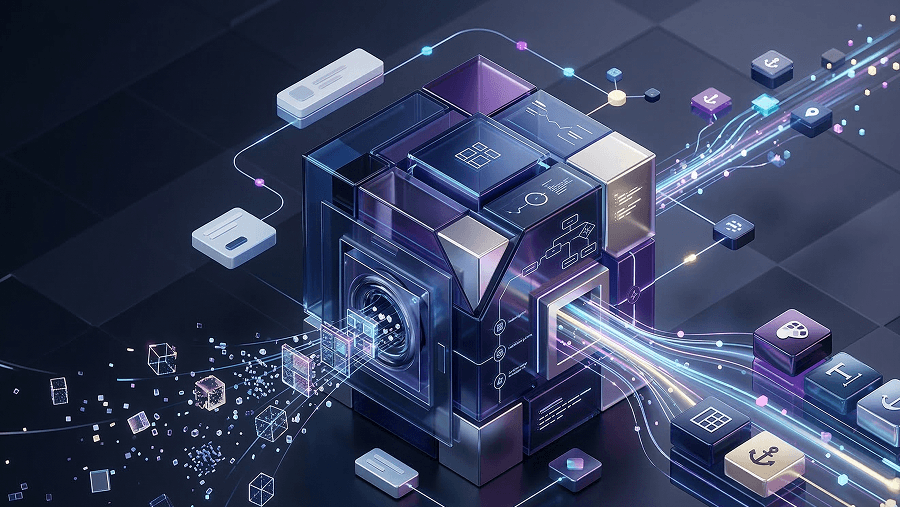
Now the AI behaves like a compiler.
Not an artist.
How UXMagic Enforces UI Consistency at Scale
This is where most AI design tools fall apart.
Maintaining consistency across multi-screen flows is the real technical challenge.
UXMagic approaches this differently.
Flow Mode and Multi-Screen Consistency
One of the biggest issues with generative UI tools is context amnesia.
Navigation changes. Headers disappear. Layouts drift.
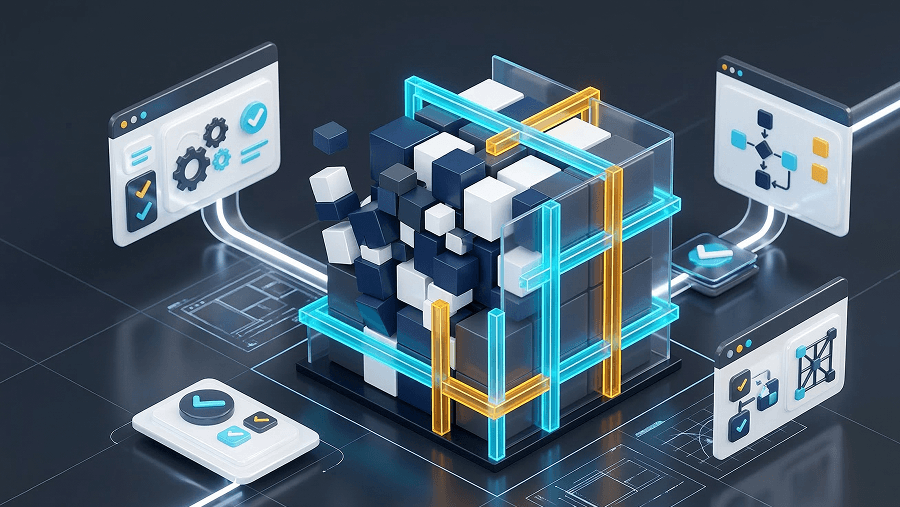
UXMagic’s Flow Mode prevents this by locking structural elements as anchors.
That means:
- side navigation stays fixed
- headers remain consistent
- layout containers stay identical
The AI can only generate content inside allowed zones.
This enforces cognitive consistency across the entire flow.
Which also aligns with accessibility requirements like:
- WCAG 3.2.3 (Consistent Navigation)
- WCAG 3.2.4 (Consistent Identification)
The system literally prevents structural hallucination.
Tokenized Systems and Developer Handoff
The second major problem with AI UI tools is developer handoff.
Raster outputs create ambiguity.
Engineers are forced to guess:
- spacing rules
- typography scales
- interaction states
UXMagic avoids this by assembling interfaces from a tokenized component system.
Instead of hardcoded visuals, the interface is built from variables.
For example:
- typography tokens
- spacing scales
- border radius variables
- color roles
Changing one token updates the entire flow instantly.
More importantly, the system outputs structured React or HTML.
That eliminates the messy translation step between design and engineering.
Which is exactly where most design systems break down.
If you want a deeper breakdown of how AI maintains design consistency across complex systems, explore our guide on managing complex design systems with AI.
Ready to Design With AI Without Breaking Your Product
AI can generate screens instantly.
But shipping a coherent product still requires systems thinking.
If your design workflow still depends on disconnected screens and manual cleanup, the bottleneck isn’t AI.
It’s the process.
Try building your next product flow using a logic-first workflow in UXMagic, where components, tokens, and developer handoff stay aligned from the first prompt to production code.
The designers who thrive in the AI era won’t be the fastest pixel pushers. They’ll be the ones who understand how to control the system behind the pixels.
Design With Systems, Not Screens
Try UXMagic to generate consistent multi-screen product flows using tokenized components and developer-ready outputs.