UXMagic Startseite
  • English
  • Español
  • हिन्दी
  • Bahasa Indonesia
  • Tiếng Việt
  • Português
  • Русский
  • 中文
  • العربية
  • Deutsch
  • Français
  • Funktionen
  • Bibliotheken
  • Vorlagen
  • Preise
  • Partnerprogramm
  • Ressourcen
UXMagic Startseite
  • English
  • Español
  • हिन्दी
  • Bahasa Indonesia
  • Tiếng Việt
  • Português
  • Русский
  • 中文
  • العربية
  • Deutsch
  • Français
UXMagic Startseite

Bibliotheken

VorlagenNeu
Community-Designs
Preise
Partnerprogramm

Ressourcen

Folge uns auf:
  • Folge uns auf Slack
  • Folge uns auf Twitter
  • Folge uns auf LinkedIn
  • Folge uns auf YouTube
  • Folge uns auf Instagram

Figma to Code in Minutes with AI-Powered Design Iteration

Instant Result

Your Figma designsshouldn’t stop at frames
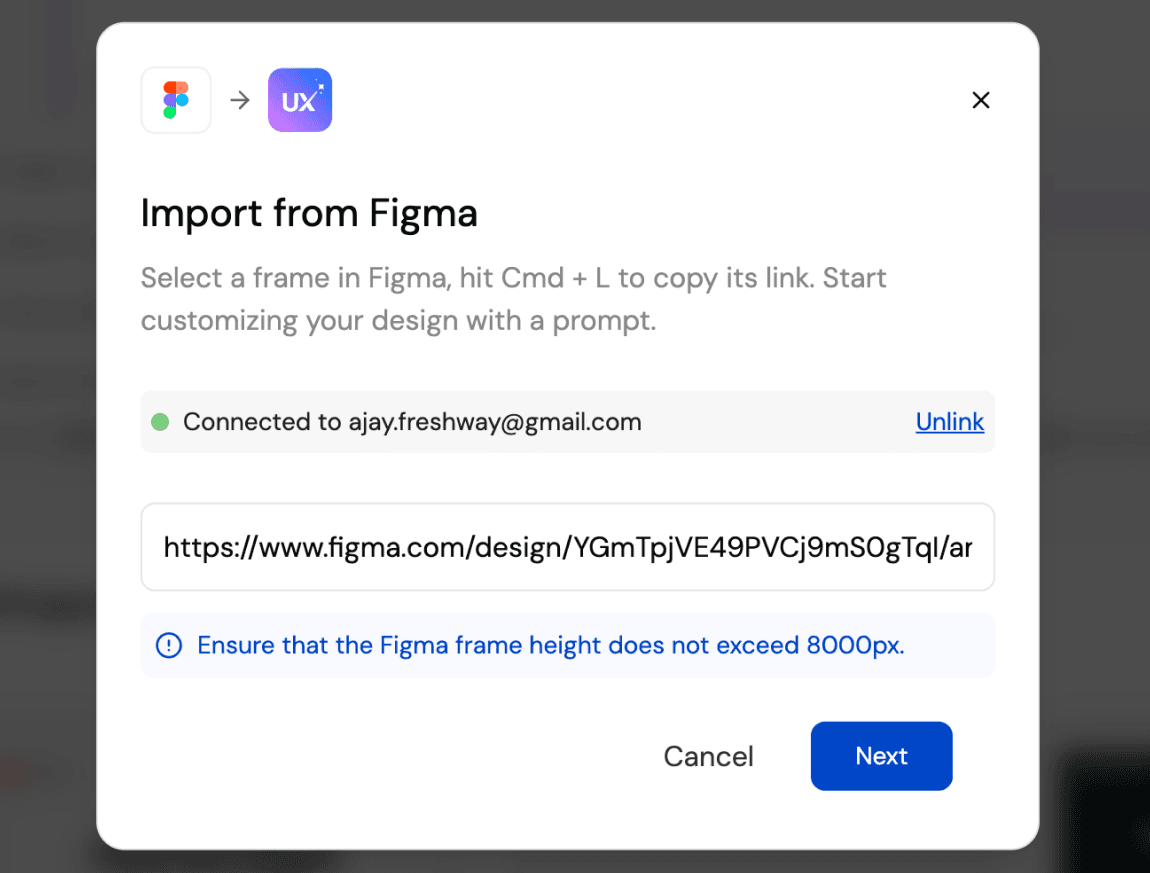
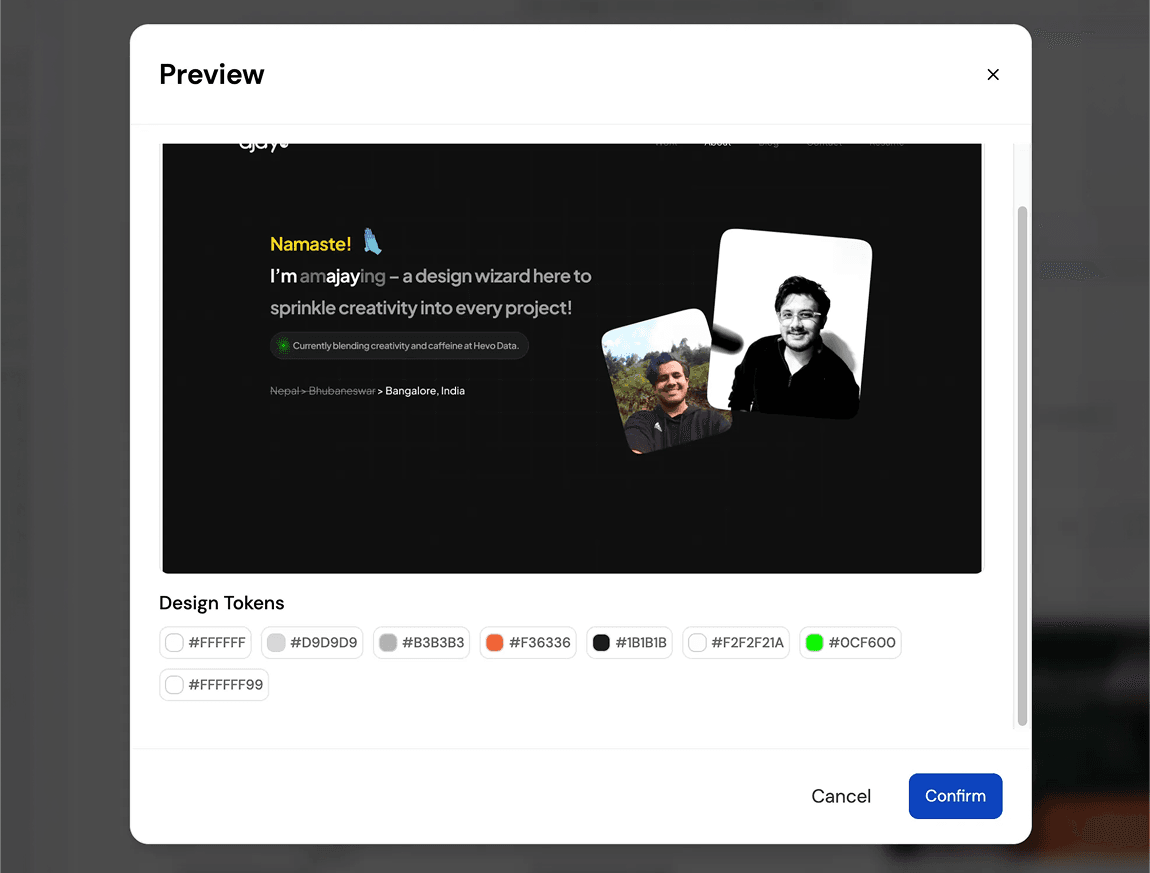
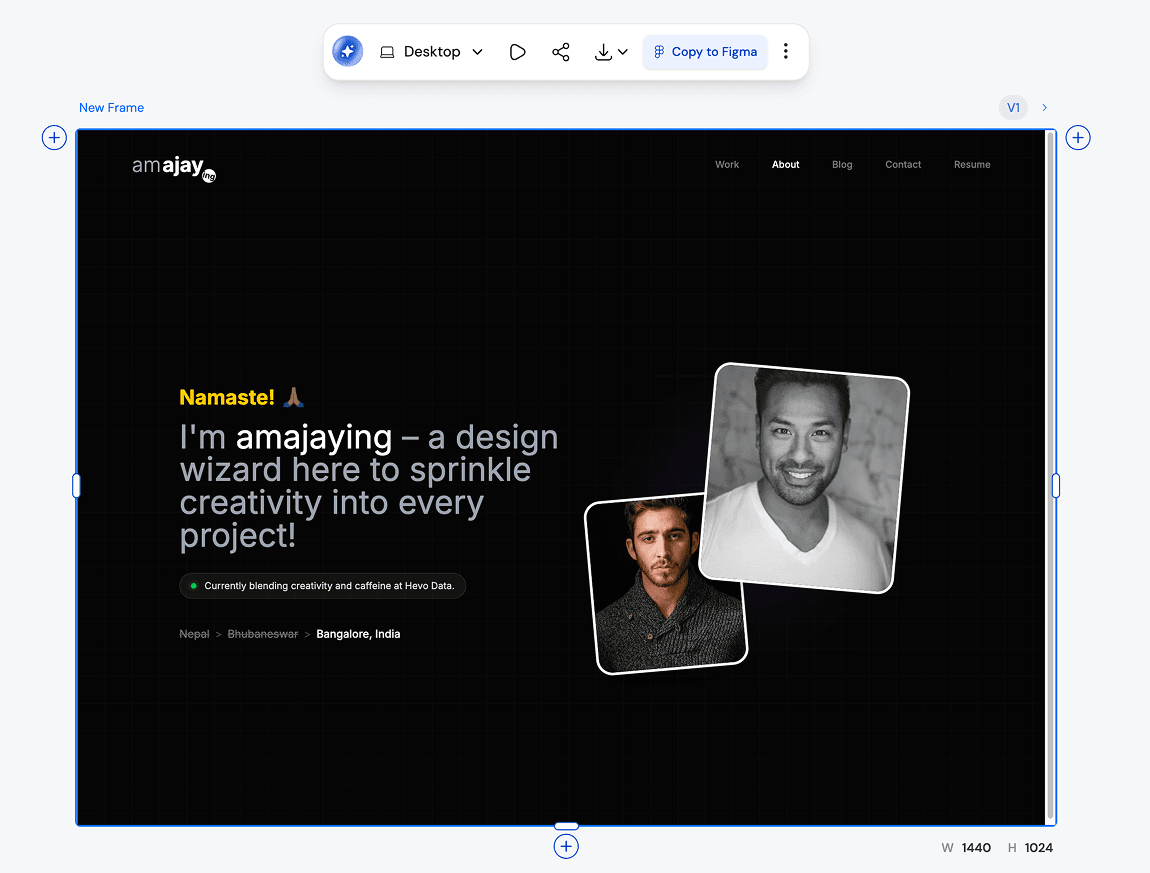
How Teams Convert Figma to Code Without Losing Structure:TURN IMAGE TO FIGMA DESIGN

1

Connect your Figma File

Schritt 1
2

Generate UI and code as a starting point

Schritt 2
3

Iterate, refine, and ship faster

Schritt 3
1

Connect your Figma File

Schritt 1
2

Generate UI and code as a starting point

Schritt 2
3

Iterate, refine, and ship faster

Schritt 3

UXMagic vs UXPilot vs Uizard vs BananiFEATURE COMPARISON

Unlike Uizard, Banani, or UXPilot, UXMagic keeps your Figma styles intact while adding AI-powered ideation, making it perfect for teams who want speed without sacrificing brand consistency.

FunktionUXPilotUizardBananiUXMagic
Import from Figma
AI Iteration with Brand Styles
Export Back to Figma
Code Generation
Responsive AutoLayout
Faq

noch Fragen?wir haben Antworten.

Yes. UXMagic respects your brand guidelines, typography, and color tokens. When you use AI to ideate or generate new screens, your original Figma styles remain intact.

Absolutely. Once you’re done iterating in UXMagic, you can export back to Figma. Your designs come with Auto Layout, style consistency, and responsiveness already applied.

You can import your Figma design files directly into UXMagic with one click. UXMagic automatically brings in your frames, layers, and style guide so you can start iterating with AI immediately—without changing anything inside your Figma workspace.

Yes. UXMagic lets you view and copy production-ready code for your imported Figma designs. It supports HTML, CSS, and responsive layout so developers can move faster.

Unlike Uizard, UXPilot, or Banani, UXMagic allows you to work directly with your existing Figma files and brand styles, not just generate new mockups. With UXMagic, you can import from Figma, iterate using AI, export back with Auto Layout intact, and even generate developer-friendly code—all in one workflow.

Community

von echten Menschen gebaut.endlos remixt.

Keine Ergebnisse gefunden.

Sei die erste Person, die hier etwas veröffentlicht

UXMAGIC-FUNKTIONEN

Entdecke unsere Funktionen

Prompt to UI

Prompt to UI

Instantly turn text descriptions into functional UI designs.

Design Faster with Figma AI

Design Faster with Figma AI

Describe your idea and generate high-fidelity Figma-ready screens instantly.

AI Style Guide Generator

AI Style Guide Generator

Generate a brand style guide: colors, typography, spacing, and components, ready to export to Figma in seconds.

Image to Wireframe

Image to Wireframe

Convert screenshots or UI images into clean, editable wireframes instantly with AI and start building real interfaces faster.

Flow Mode (Multiple Screens)

Flow Mode (Multiple Screens)

Stop designing screen by screen. Flow Mode generates your entire UI flow from one prompt.

Stimmen

wir wollen nicht angeben.also lassen wir die Nutzer sprechen.

Designer, Gründer und Entwickler, die mit UXMagic schneller vorankommen.

deine nächste idee
verdient es zu existieren

hör auf, drüber nachzudenken. tipp es einfach ein. Unfertig, halbgar, egal. Wir machen etwas Echtes daraus.

Produkt

  • Vorlagen
  • Community
  • Preispläne
  • Partnerprogramm
  • UXMagic MCP
  • Claude MCP
  • KI-Infos

Ressourcen

  • Hilfe-Center
  • Figma-Bibliothek
  • React-Bibliothek
  • Mobile-App-Vorlagen
  • Dokumentation
  • Tutorials

Funktionen

  • Prompt zu UI
  • Bild zu UI
  • Skizze zu UI
  • Website klonen
  • Aus Figma importieren
  • AI Wireframe Generator
  • AI Mockup Generator
  • AI Prototype Generator
  • AI Dashboard Generator
  • Alle Funktionen

Vergleichen

  • vs. UX Pilot
  • vs. Relume
  • vs. MagicPath
  • vs. Magic Patterns
  • vs. Banani
  • vs. Galileo AI
  • vs v0
  • vs Lovable
  • vs Base44
  • Alle Wettbewerber

Blog

  • KI im UX-Design-Workflow: Was wirklich funktioniert
  • Prompt-Vorlagen für SaaS-Dashboards
  • Echte Prompts, mit denen wir Produkt-Flows generieren
  • Prompt Engineering für UX-Designer
  • Die besten Wireframing-Tools 2026: 10 kostenlose & Pro-Optionen im Vergleich
  • Alle Blogartikel

Unternehmen & Support

  • Karriere
  • Kontakt
  • Datenschutzerklärung
  • Nutzungsbedingungen
  • Cookie-Einstellungen
  • Folge uns auf Slack
  • Folge uns auf Twitter
  • Folge uns auf LinkedIn
  • Folge uns auf YouTube
  • Folge uns auf Instagram

© 2026 UXMagic AI Technologies Inc.