UXMagic Startseite
  • English
  • Español
  • हिन्दी
  • Bahasa Indonesia
  • Tiếng Việt
  • Português
  • Русский
  • 中文
  • العربية
  • Deutsch
  • Français
  • Funktionen
  • Bibliotheken
  • Vorlagen
  • Preise
  • Partnerprogramm
  • Ressourcen
UXMagic Startseite
  • English
  • Español
  • हिन्दी
  • Bahasa Indonesia
  • Tiếng Việt
  • Português
  • Русский
  • 中文
  • العربية
  • Deutsch
  • Français
UXMagic Startseite

Bibliotheken

VorlagenNeu
Community-Designs
Preise
Partnerprogramm

Ressourcen

Folge uns auf:
  • Folge uns auf Slack
  • Folge uns auf Twitter
  • Folge uns auf LinkedIn
  • Folge uns auf YouTube
  • Folge uns auf Instagram

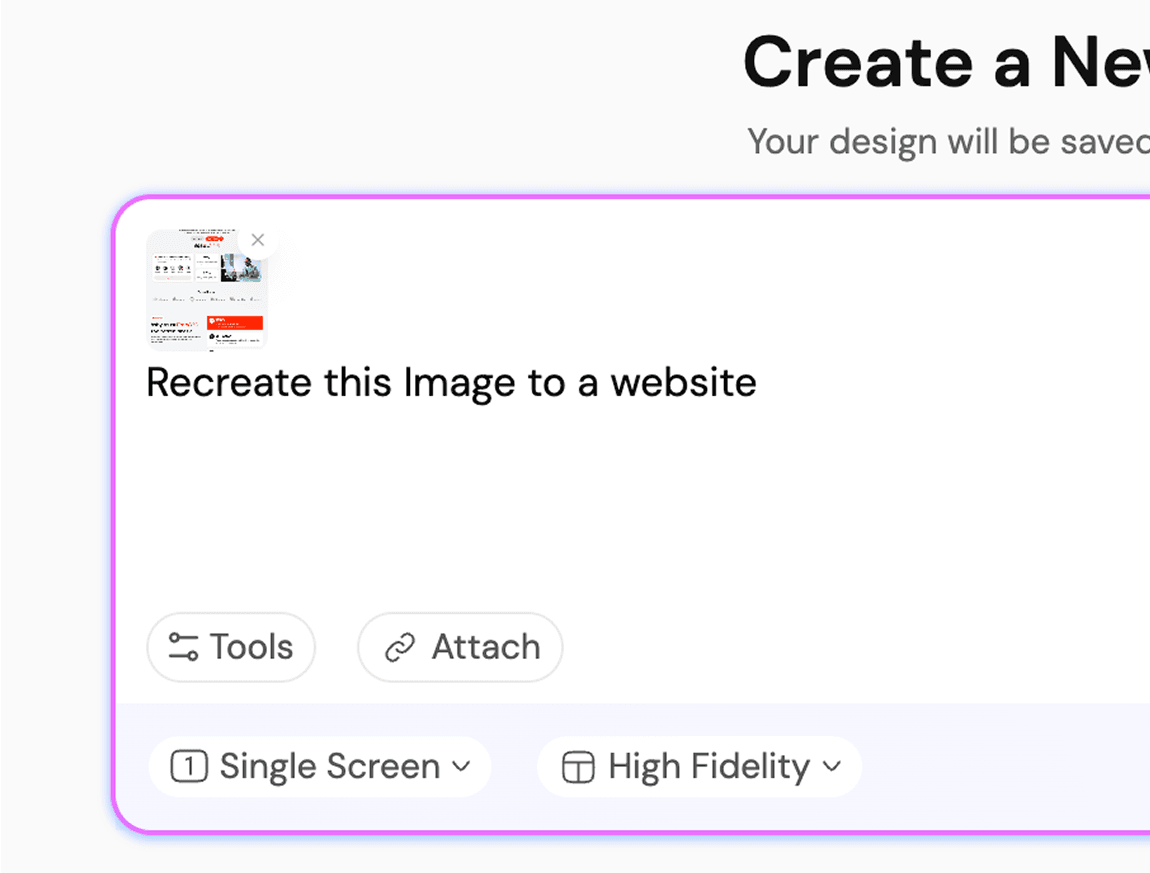
From Image to UI Design, Instantly

Lade deine Skizze oder dein Bild hoch

Mach aus jedem Bild eine UI

Instant Result

Upload photos as a reference.Let AI handle the rest.

Instant Result

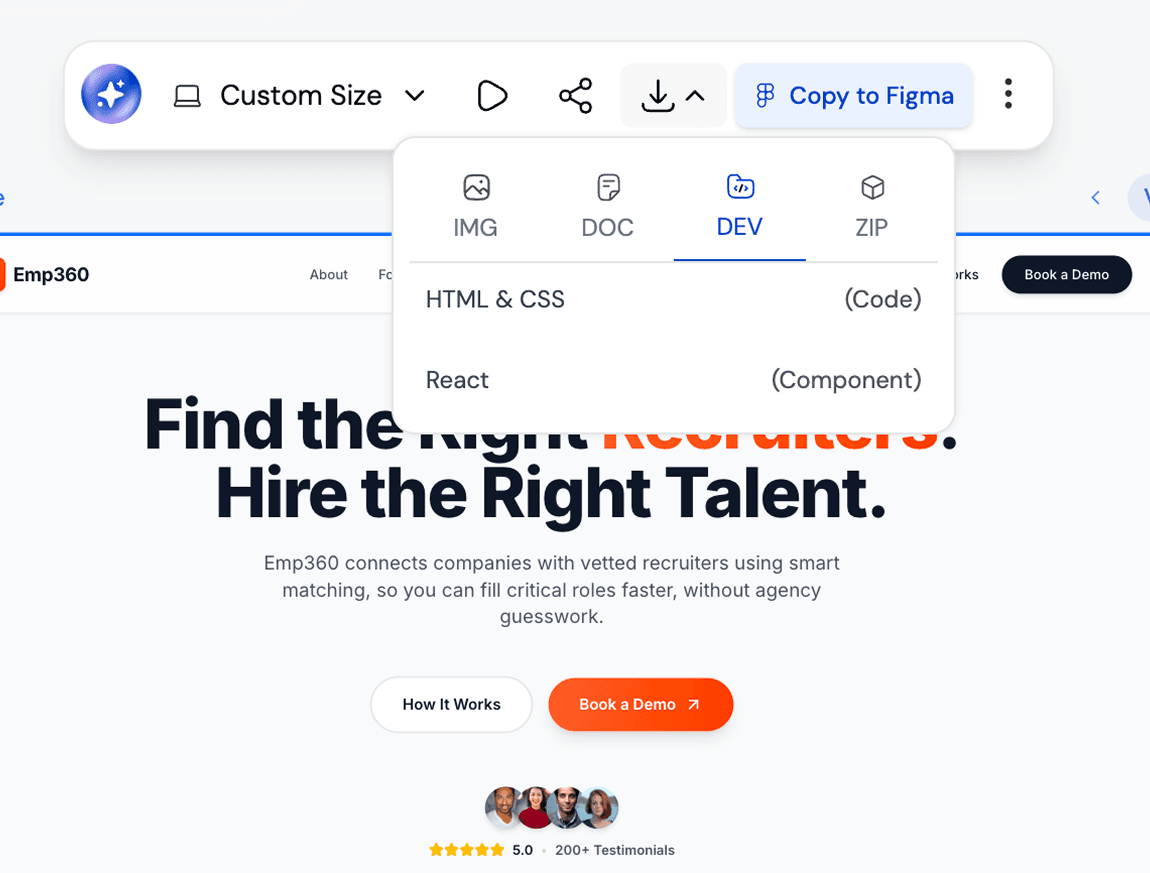
How AI Turns Images into Webpages Using HTML Code GenerationIMAGE TO FIGMA DESIGN

1

Upload the screenshot/image

Schritt 1
2

Get your editable UI

Schritt 2
3

Iterate or Export your Design

Schritt 3
1

Upload the screenshot/image

Schritt 1
2

Get your editable UI

Schritt 2
3

Iterate or Export your Design

Schritt 3

UXMagic vs Banani vs UXPilot vs Codia vs UizardBEST AI IMAGE TO FIGMA DESIGN GENERATORS FREE

Unlike design tools like Banani, UXPilot, Codia, or Uizard, UXMagic offers feature to turn images into UI designs seamlessly. It’s built for 2026 workflows, letting you generate, customize, and refine screenshots instantly. Want to see how we compare? Check out our in-depth comparison pages here.

FunktionBananiUXPilotUizardCodiaUXMagic
Screenshot to Design Figma Plugin
AI Screenshot Editor
AI Design Style/System Generator
Screenshot to Code
Figma Responsive AutoLayout
Faq

noch Fragen?wir haben Antworten.

UXMagic Copilot is the fastest way to go from screenshot to code and design. Whether you call it screenshot-to-code, screenshot AI, codia ai screenshot editor, image-to-Figma plugin, or screenshot to UI tool, our AI powers it all.

You can upload screenshot of your working product to a screenshot of another app that you like or even rough mockups. Desktop apps, websites, mobile apps, dashboards and all UI design types are supported.

Yes. Every screenshot can be customised inside UXMagic using prompts and styles to generate UI flows and exported directly to Figma. You can also use our AI UI Generator Figma plugin to convert image to ui directly in Figma.

Unlike tools such as Uizard, Banani, UXPilot, or Codia, UXMagic goes beyond simple image tracing. Our AI Figma Plugin and AI Image to UI transforms sketches, screenshots, or references into responsive designs editable with prompt, creates UI Flows in same style, and exports developer ready UI directly in Figma or HTML code.

Every design generated in UXMagic can be exported directly into Figma. The output is fully editable, responsive, and follows Figma’s auto-layout.

Community

von echten Menschen gebaut.endlos remixt.

Keine Ergebnisse gefunden.

Sei die erste Person, die hier etwas veröffentlicht

UXMAGIC-FUNKTIONEN

Entdecke unsere Funktionen

Sketch to UI

Sketch to UI

Convert your sketches into polished digital interfaces.

Clone a Website

Clone a Website

Recreate any website design by simply providing a URL.

Image to Wireframe

Image to Wireframe

Convert screenshots or UI images into clean, editable wireframes instantly with AI and start building real interfaces faster.

Stimmen

wir wollen nicht angeben.also lassen wir die Nutzer sprechen.

Designer, Gründer und Entwickler, die mit UXMagic schneller vorankommen.

deine nächste idee
verdient es zu existieren

hör auf, drüber nachzudenken. tipp es einfach ein. Unfertig, halbgar, egal. Wir machen etwas Echtes daraus.

Produkt

  • Vorlagen
  • Community
  • Preispläne
  • Partnerprogramm
  • UXMagic MCP
  • Claude MCP
  • KI-Infos

Ressourcen

  • Hilfe-Center
  • Figma-Bibliothek
  • React-Bibliothek
  • Mobile-App-Vorlagen
  • Dokumentation
  • Tutorials

Funktionen

  • Prompt zu UI
  • Bild zu UI
  • Skizze zu UI
  • Website klonen
  • Aus Figma importieren
  • AI Wireframe Generator
  • AI Mockup Generator
  • AI Prototype Generator
  • AI Dashboard Generator
  • Alle Funktionen

Vergleichen

  • vs. UX Pilot
  • vs. Relume
  • vs. MagicPath
  • vs. Magic Patterns
  • vs. Banani
  • vs. Galileo AI
  • vs v0
  • vs Lovable
  • vs Base44
  • Alle Wettbewerber

Blog

  • KI im UX-Design-Workflow: Was wirklich funktioniert
  • Prompt-Vorlagen für SaaS-Dashboards
  • Echte Prompts, mit denen wir Produkt-Flows generieren
  • Prompt Engineering für UX-Designer
  • Die besten Wireframing-Tools 2026: 10 kostenlose & Pro-Optionen im Vergleich
  • Alle Blogartikel

Unternehmen & Support

  • Karriere
  • Kontakt
  • Datenschutzerklärung
  • Nutzungsbedingungen
  • Cookie-Einstellungen
  • Folge uns auf Slack
  • Folge uns auf Twitter
  • Folge uns auf LinkedIn
  • Folge uns auf YouTube
  • Folge uns auf Instagram

© 2026 UXMagic AI Technologies Inc.