UXMagic होम
  • English
  • Español
  • हिन्दी
  • Bahasa Indonesia
  • Tiếng Việt
  • Português
  • Русский
  • 中文
  • العربية
  • Deutsch
  • Français
  • फ़ीचर्स
  • लाइब्रेरीज़
  • टेम्पलेट्स
  • प्राइसिंग
  • एफिलिएट
  • रिसोर्सेज़
UXMagic होम
  • English
  • Español
  • हिन्दी
  • Bahasa Indonesia
  • Tiếng Việt
  • Português
  • Русский
  • 中文
  • العربية
  • Deutsch
  • Français
UXMagic होम

लाइब्रेरीज़

टेम्पलेट्सनया
कम्युनिटी फ़्रेम
प्राइसिंग
एफिलिएट

रिसोर्सेज़

हमें फ़ॉलो करें:
  • Slack पर हमें फ़ॉलो करें
  • Twitter पर हमें फ़ॉलो करें
  • LinkedIn पर हमें फ़ॉलो करें
  • YouTube पर हमें फ़ॉलो करें
  • Instagram पर हमें फ़ॉलो करें

From Image to UI Design, Instantly

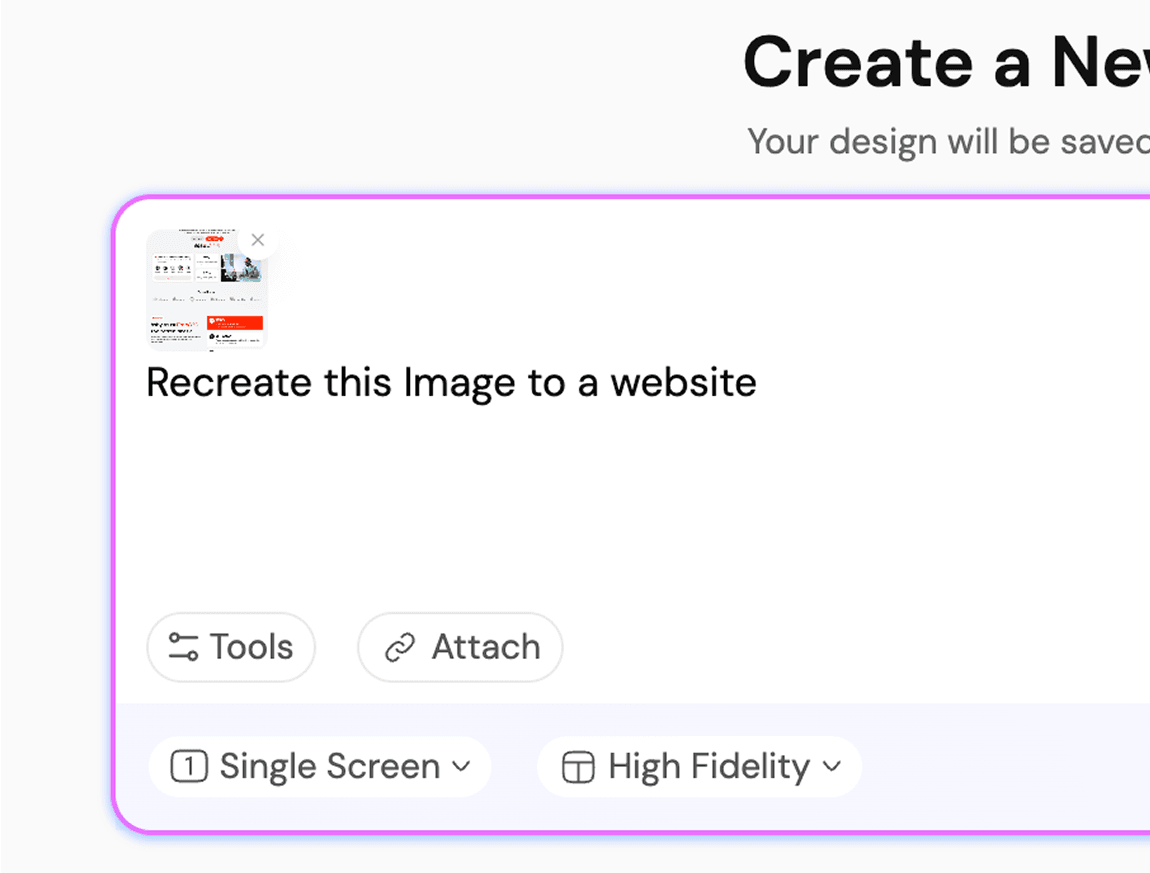
अपना स्केच/इमेज अपलोड करें

किसी भी इमेज को UI में बदलें

Instant Result

Upload photos as a reference.Let AI handle the rest.

Instant Result

How AI Turns Images into Webpages Using HTML Code GenerationIMAGE TO FIGMA DESIGN

1

Upload the screenshot/image

चरण 1
2

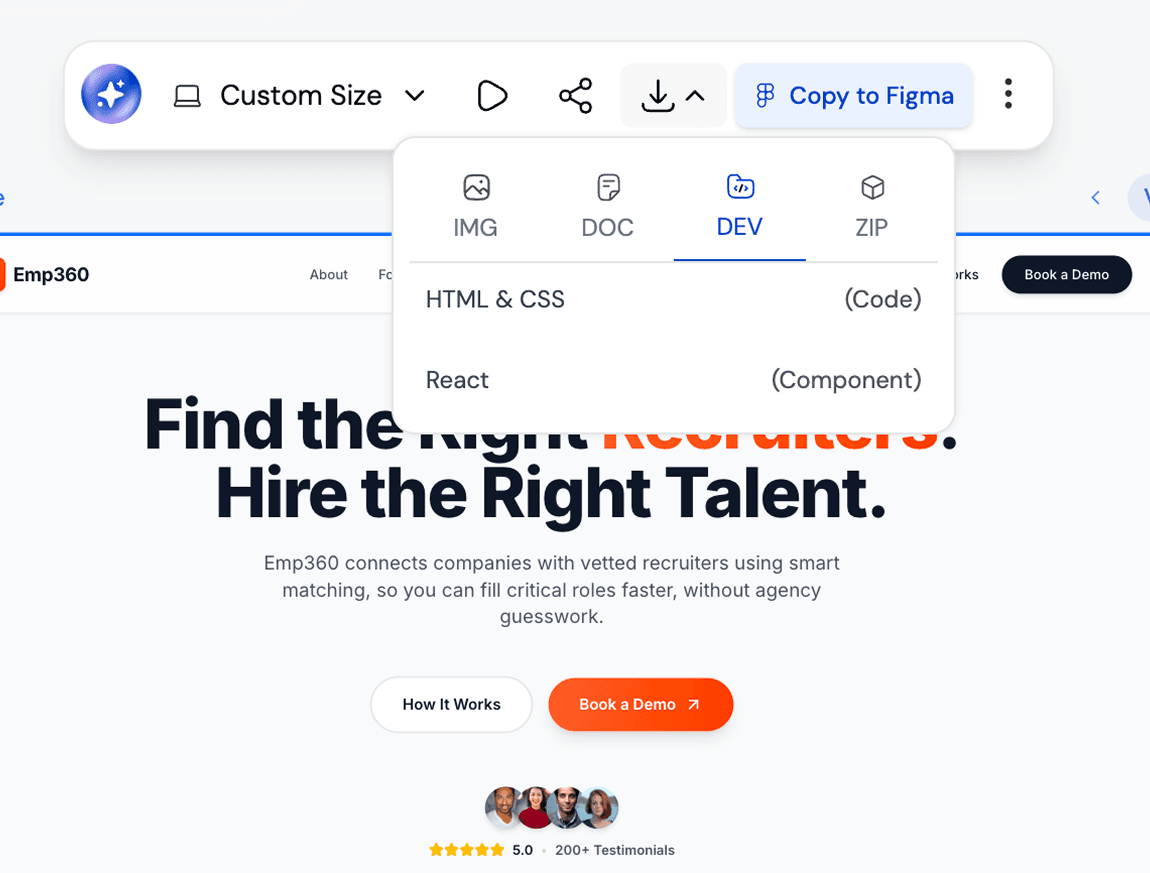
Get your editable UI

चरण 2
3

Iterate or Export your Design

चरण 3
1

Upload the screenshot/image

चरण 1
2

Get your editable UI

चरण 2
3

Iterate or Export your Design

चरण 3

UXMagic vs Banani vs UXPilot vs Codia vs UizardBEST AI IMAGE TO FIGMA DESIGN GENERATORS FREE

Unlike design tools like Banani, UXPilot, Codia, or Uizard, UXMagic offers feature to turn images into UI designs seamlessly. It’s built for 2026 workflows, letting you generate, customize, and refine screenshots instantly. Want to see how we compare? Check out our in-depth comparison pages here.

फ़ीचरBananiUXPilotUizardCodiaUXMagic
Screenshot to Design Figma Plugin
AI Screenshot Editor
AI Design Style/System Generator
Screenshot to Code
Figma Responsive AutoLayout
सामान्य प्रश्न

कोई सवाल है?हमारे पास जवाब हैं।

UXMagic Copilot is the fastest way to go from screenshot to code and design. Whether you call it screenshot-to-code, screenshot AI, codia ai screenshot editor, image-to-Figma plugin, or screenshot to UI tool, our AI powers it all.

You can upload screenshot of your working product to a screenshot of another app that you like or even rough mockups. Desktop apps, websites, mobile apps, dashboards and all UI design types are supported.

Yes. Every screenshot can be customised inside UXMagic using prompts and styles to generate UI flows and exported directly to Figma. You can also use our AI UI Generator Figma plugin to convert image to ui directly in Figma.

Unlike tools such as Uizard, Banani, UXPilot, or Codia, UXMagic goes beyond simple image tracing. Our AI Figma Plugin and AI Image to UI transforms sketches, screenshots, or references into responsive designs editable with prompt, creates UI Flows in same style, and exports developer ready UI directly in Figma or HTML code.

Every design generated in UXMagic can be exported directly into Figma. The output is fully editable, responsive, and follows Figma’s auto-layout.

समुदाय

असली लोगों ने बनाया।बार-बार रीमिक्स किया गया।

कोई परिणाम नहीं मिला।

यहाँ कुछ प्रकाशित करने वाले पहले व्यक्ति बनें

UXMAGIC फ़ीचर

हमारे फ़ीचर देखें

Sketch to UI

Sketch to UI

Convert your sketches into polished digital interfaces.

Clone a Website

Clone a Website

Recreate any website design by simply providing a URL.

Image to Wireframe

Image to Wireframe

Convert screenshots or UI images into clean, editable wireframes instantly with AI and start building real interfaces faster.

प्रशंसापत्र

हम शेखी नहीं बघारना चाहते।इसलिए सुनिए यूज़र्स क्या कहते हैं।

डिज़ाइनर, फ़ाउंडर और डेवलपर जो UXMagic से तेज़ी से काम कर रहे हैं।

आपका अगला आइडिया
दुनिया में आने का हक़दार है

सोचते मत रहिए, बस टाइप कर दीजिए। अधूरा, बिखरा हुआ, जैसा भी हो — हम उसे कुछ असली बना देंगे।

प्रोडक्ट

  • टेम्पलेट्स
  • कम्युनिटी
  • प्राइसिंग प्लान
  • एफिलिएट प्रोग्राम
  • UXMagic MCP
  • Claude MCP
  • AI जानकारी

रिसोर्सेज़

  • सहायता केंद्र
  • Figma लाइब्रेरी
  • React लाइब्रेरी
  • मोबाइल ऐप टेम्पलेट्स
  • डॉक्यूमेंटेशन
  • ट्यूटोरियल्स

फ़ीचर्स

  • प्रॉम्प्ट से UI
  • इमेज से UI
  • स्केच से UI
  • वेबसाइट क्लोन करें
  • Figma से इंपोर्ट करें
  • AI Wireframe Generator
  • AI Mockup Generator
  • AI Prototype Generator
  • AI Dashboard Generator
  • सभी फ़ीचर्स

तुलना करें

  • बनाम UX Pilot
  • बनाम Relume
  • बनाम MagicPath
  • बनाम Magic Patterns
  • बनाम Banani
  • बनाम Galileo AI
  • vs v0
  • vs Lovable
  • vs Base44
  • सभी कॉम्पिटिटर्स

ब्लॉग्स

  • UX डिज़ाइन वर्कफ़्लो में AI: असल में क्या काम करता है
  • SaaS डैशबोर्ड के लिए प्रॉम्प्ट टेम्पलेट्स
  • प्रोडक्ट फ़्लो जेनरेट करने के लिए हमारे असली प्रॉम्प्ट्स
  • UX डिज़ाइनरों के लिए प्रॉम्प्ट इंजीनियरिंग
  • 2026 के बेहतरीन वायरफ़्रेमिंग टूल्स: 10 फ्री और प्रो विकल्पों की तुलना
  • सभी ब्लॉग्स

कंपनी और सपोर्ट

  • करियर
  • संपर्क करें
  • प्राइवेसी पॉलिसी
  • उपयोग की शर्तें
  • कुकी सेटिंग्स
  • Slack पर हमें फ़ॉलो करें
  • Twitter पर हमें फ़ॉलो करें
  • LinkedIn पर हमें फ़ॉलो करें
  • YouTube पर हमें फ़ॉलो करें
  • Instagram पर हमें फ़ॉलो करें

© 2026 UXMagic AI Technologies Inc.