UXMagic होम
  • English
  • Español
  • हिन्दी
  • Bahasa Indonesia
  • Tiếng Việt
  • Português
  • Русский
  • 中文
  • العربية
  • Deutsch
  • Français
  • फ़ीचर्स
  • लाइब्रेरीज़
  • टेम्पलेट्स
  • प्राइसिंग
  • एफिलिएट
  • रिसोर्सेज़
UXMagic होम
  • English
  • Español
  • हिन्दी
  • Bahasa Indonesia
  • Tiếng Việt
  • Português
  • Русский
  • 中文
  • العربية
  • Deutsch
  • Français
UXMagic होम

लाइब्रेरीज़

टेम्पलेट्सनया
कम्युनिटी फ़्रेम
प्राइसिंग
एफिलिएट

रिसोर्सेज़

हमें फ़ॉलो करें:
  • Slack पर हमें फ़ॉलो करें
  • Twitter पर हमें फ़ॉलो करें
  • LinkedIn पर हमें फ़ॉलो करें
  • YouTube पर हमें फ़ॉलो करें
  • Instagram पर हमें फ़ॉलो करें

प्रोडक्ट डिज़ाइन के लिएपूरा वर्कफ़्लो

टूल बदले बिना आइडिया से प्रोडक्शन-रेडी UI तक पहुँचें। UXMagic डिज़ाइन प्रक्रिया के हर चरण को संभालता है।

मुख्य क्षमताएँ

UXMagic को क्या बनाता है अलग

AI PRD Generator

AI PRD Generator

Describe your product concept. UXMagic generates a structured PRD and matching UI screens together ready to review or refine.

AI MVP Builder

AI MVP Builder

Describe your startup concept. UXMagic generates every screen in the journey ready to test, pitch, or hand off to developers.

Design to Code Generator

Design to Code Generator

Upload a screenshot, mockup, or Figma design. UXMagic generates clean, production-ready code - not a rough draft your team has to rebuild.

Signup Flow Generator

Signup Flow Generator

Describe the registration journey. UXMagic generates a complete, multi-screen signup flow - ready to test. Export to Figma or code.

AI React Generator

AI React Generator

Describe the interface. UXMagic generates a production-ready screen design and exports clean React code not HTML you have to adapt yourself.

AI Product Builder

AI Product Builder

Describe your product. UXMagic generates every screen - connected and consistent. No coding needed. Export to Figma or code.

HTML to Design

HTML to Design

Paste a URL or HTML. Get a fully editable design - no plugin needed. Refine with prompts, then export to Figma or code.

AI App Builder

AI App Builder

Describe your idea. UXMagic generates connected, multi-screen designs. Refine, then export to Figma or code.

AI Website Redesigner

AI Website Redesigner

Clone or upload a image, describe changes, and UXMagic delivers an editable redesign in seconds.

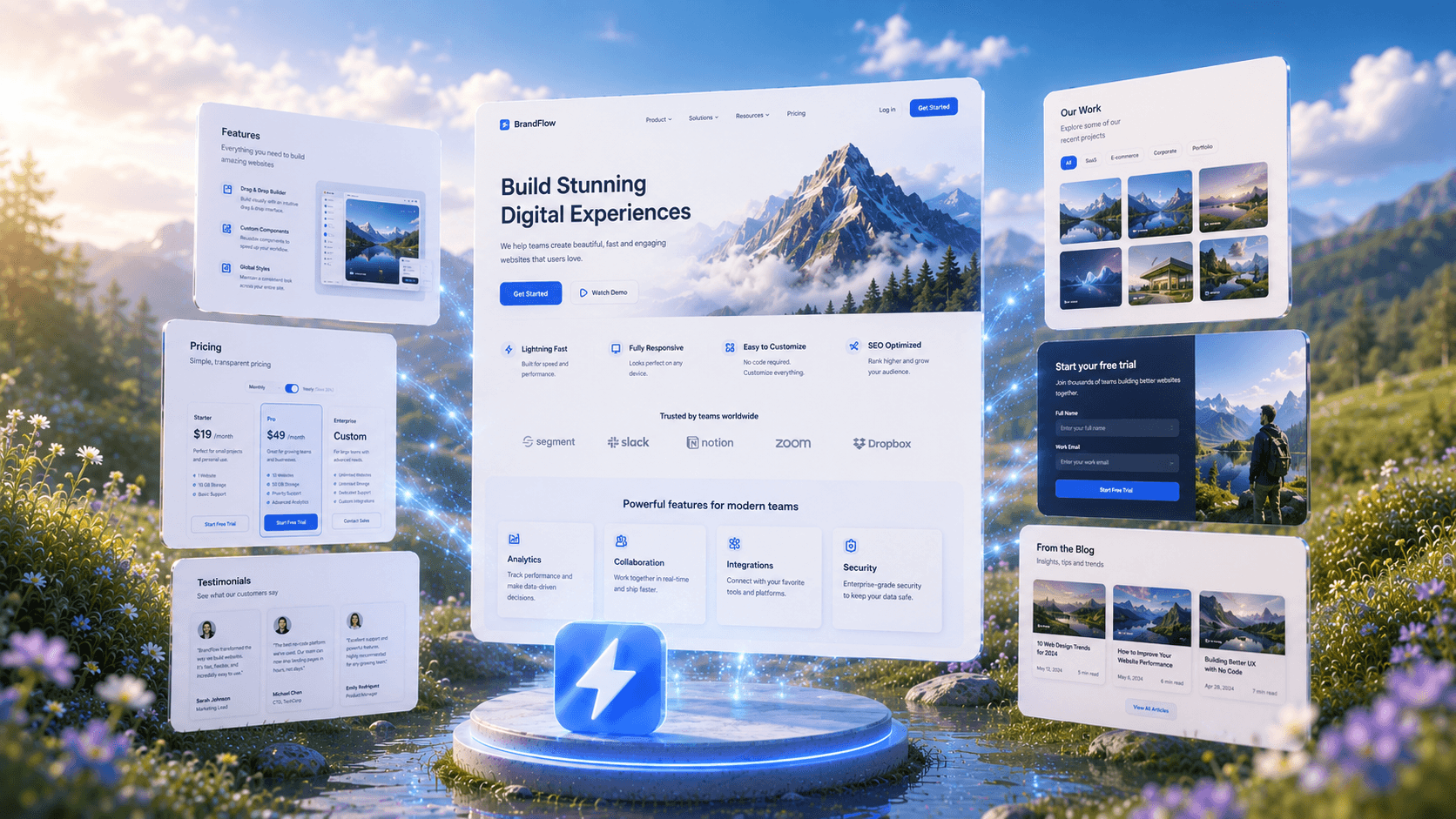
AI Website Generator

AI Website Generator

Describe your website and UXMagic generates the complete design, ready to refine or export.

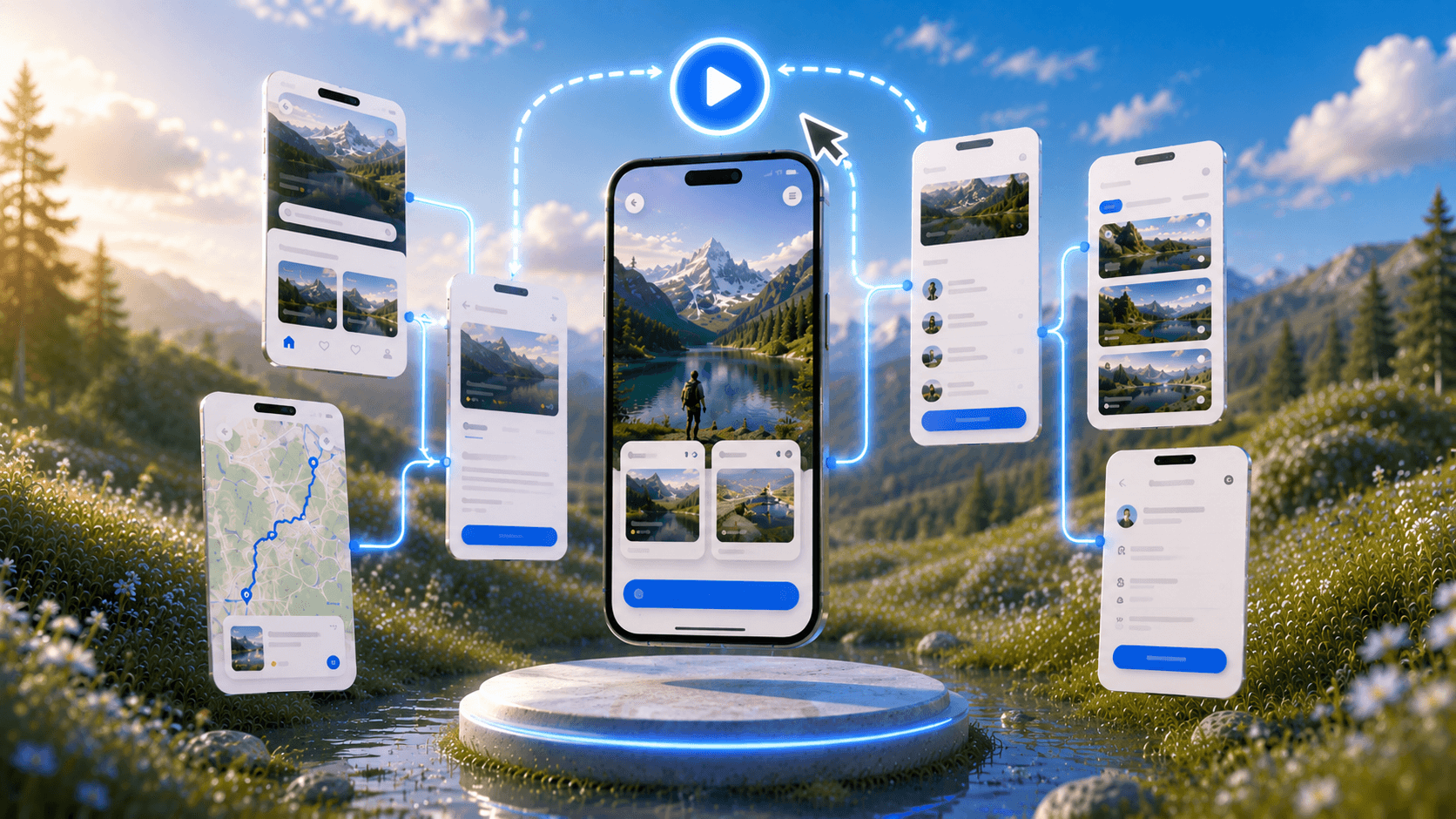
Prototype Generator

Prototype Generator

Describe your product and UXMagic generates a complete, clickable prototype ready to test.

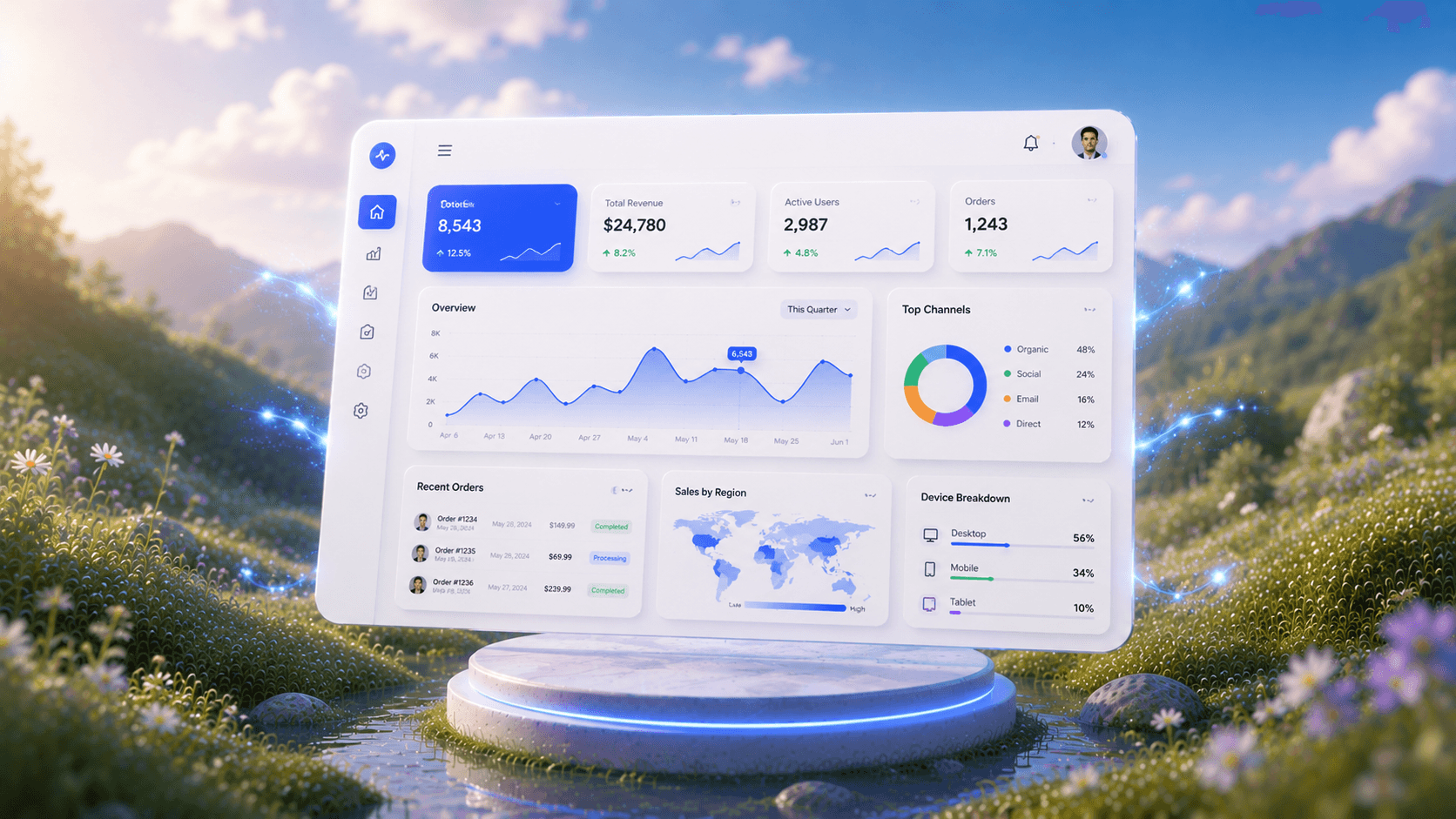
AI Dashboard Generator

AI Dashboard Generator

Describe your dashboard and UXMagic instantly generates a complete layout with charts, metrics, and navigation.

AI Mockup Generator

AI Mockup Generator

UXMagic's AI mockup generator turns any idea into a polished, ready-to-use mockup from a simple prompt. No design experience required.

Figma AI

Figma AI

Describe your idea and UXMagic instantly generates fully editable, high-fidelity screens ready for Figma—no designing from scratch required.

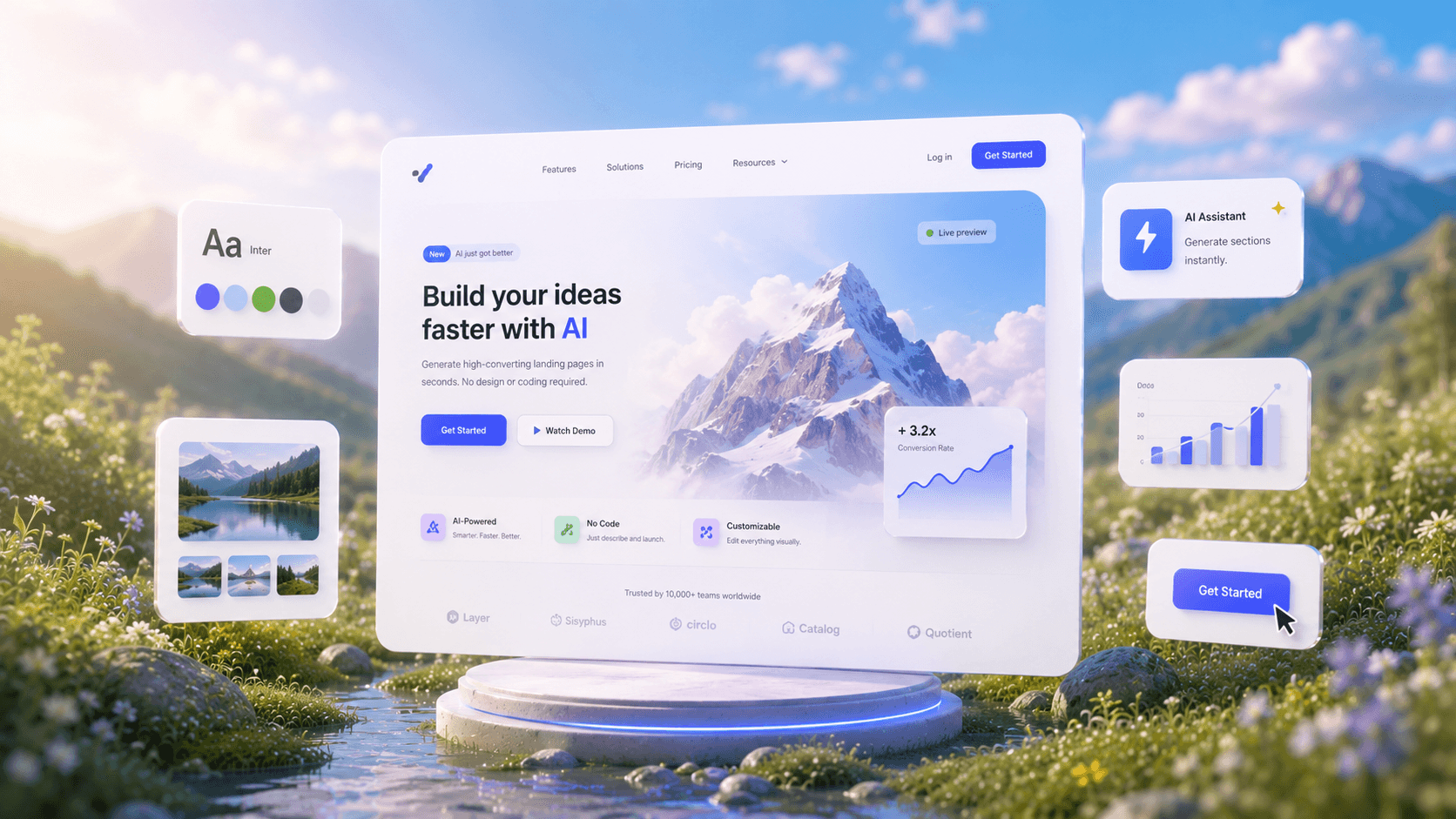
AI Landing Page Generator

AI Landing Page Generator

Describe your idea and get a high-converting landing page instantly—no design or coding required.

Import Designs from Figma

Import Designs from Figma

Seamlessly integrate with your existing Figma projects and workflows.

Clone any Website

Clone any Website

Recreate any website design by simply providing a URL.

Prompt to UI

Prompt to UI

Turn text prompts, screenshots, or URLs into structured.

Image to UI

Image to UI

Upload a design screenshot to get production-ready code.

Sketch to UI

Sketch to UI

Convert your sketches into polished digital interfaces.

AI Wireframe Generator

AI Wireframe Generator

Generate low-fidelity wireframes to plan your design structure.

Image/Screenshot to Wireframe

Image/Screenshot to Wireframe

Convert screenshots or UI images into clean, editable wireframes instantly with AI and start building real interfaces faster.

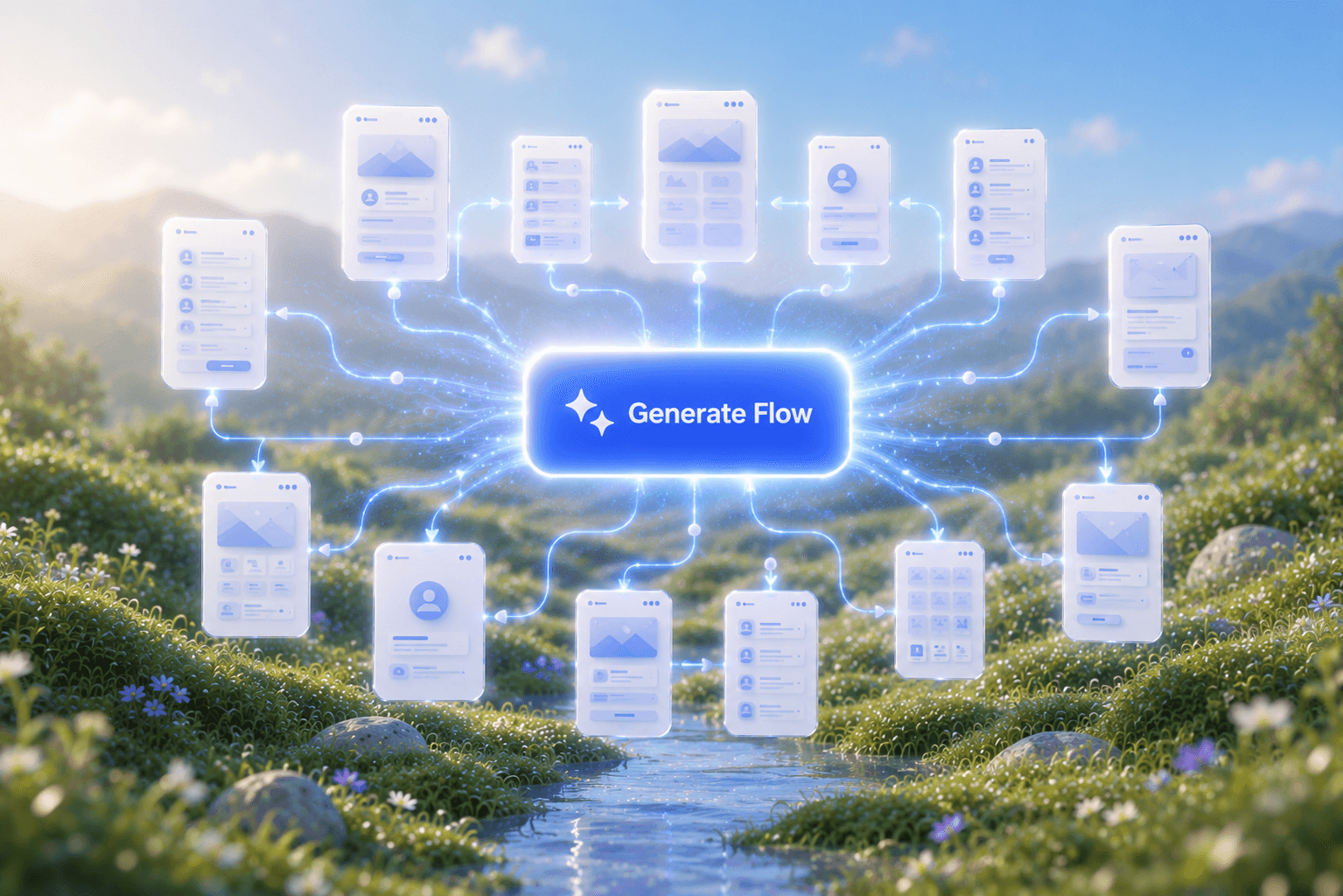
Flow Mode (Multiple Screens)

Flow Mode (Multiple Screens)

Stop designing screen by screen. Flow Mode generates your entire UI flow from one prompt.

Style Guide Generator

Style Guide Generator

Generate a brand style guide: colors, typography, spacing, and components, ready to export to Figma in seconds.

हमारे समुदाय से जुड़ें

अपना काम साझा करें, मदद लें, अपडेट पाएँ और UXmagic.ai के दूसरे लोगों से जुड़ें

आपका अगला आइडिया
दुनिया में आने का हक़दार है

सोचते मत रहिए, बस टाइप कर दीजिए। अधूरा, बिखरा हुआ, जैसा भी हो — हम उसे कुछ असली बना देंगे।

प्रोडक्ट

  • टेम्पलेट्स
  • कम्युनिटी
  • प्राइसिंग प्लान
  • एफिलिएट प्रोग्राम
  • UXMagic MCP
  • Claude MCP
  • AI जानकारी

रिसोर्सेज़

  • सहायता केंद्र
  • Figma लाइब्रेरी
  • React लाइब्रेरी
  • मोबाइल ऐप टेम्पलेट्स
  • डॉक्यूमेंटेशन
  • ट्यूटोरियल्स

फ़ीचर्स

  • प्रॉम्प्ट से UI
  • इमेज से UI
  • स्केच से UI
  • वेबसाइट क्लोन करें
  • Figma से इंपोर्ट करें
  • AI Wireframe Generator
  • AI Mockup Generator
  • AI Prototype Generator
  • AI Dashboard Generator
  • सभी फ़ीचर्स

तुलना करें

  • बनाम UX Pilot
  • बनाम Relume
  • बनाम MagicPath
  • बनाम Magic Patterns
  • बनाम Banani
  • बनाम Galileo AI
  • vs v0
  • vs Lovable
  • vs Base44
  • सभी कॉम्पिटिटर्स

ब्लॉग्स

  • UX डिज़ाइन वर्कफ़्लो में AI: असल में क्या काम करता है
  • SaaS डैशबोर्ड के लिए प्रॉम्प्ट टेम्पलेट्स
  • प्रोडक्ट फ़्लो जेनरेट करने के लिए हमारे असली प्रॉम्प्ट्स
  • UX डिज़ाइनरों के लिए प्रॉम्प्ट इंजीनियरिंग
  • 2026 के बेहतरीन वायरफ़्रेमिंग टूल्स: 10 फ्री और प्रो विकल्पों की तुलना
  • सभी ब्लॉग्स

कंपनी और सपोर्ट

  • करियर
  • संपर्क करें
  • प्राइवेसी पॉलिसी
  • उपयोग की शर्तें
  • कुकी सेटिंग्स
  • Slack पर हमें फ़ॉलो करें
  • Twitter पर हमें फ़ॉलो करें
  • LinkedIn पर हमें फ़ॉलो करें
  • YouTube पर हमें फ़ॉलो करें
  • Instagram पर हमें फ़ॉलो करें

© 2026 UXMagic AI Technologies Inc.