Design to Code GeneratorFrom Upload to Production
See How AI ConvertsDesigns to Code Instantly
Trusted by Designers and Developers
Faster than manual design
Responsive by default
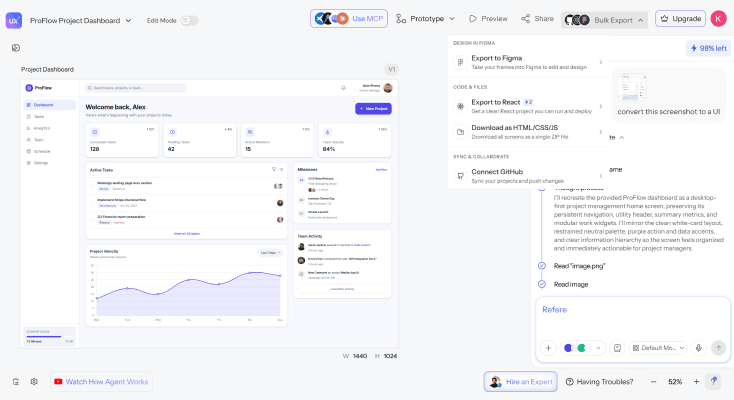
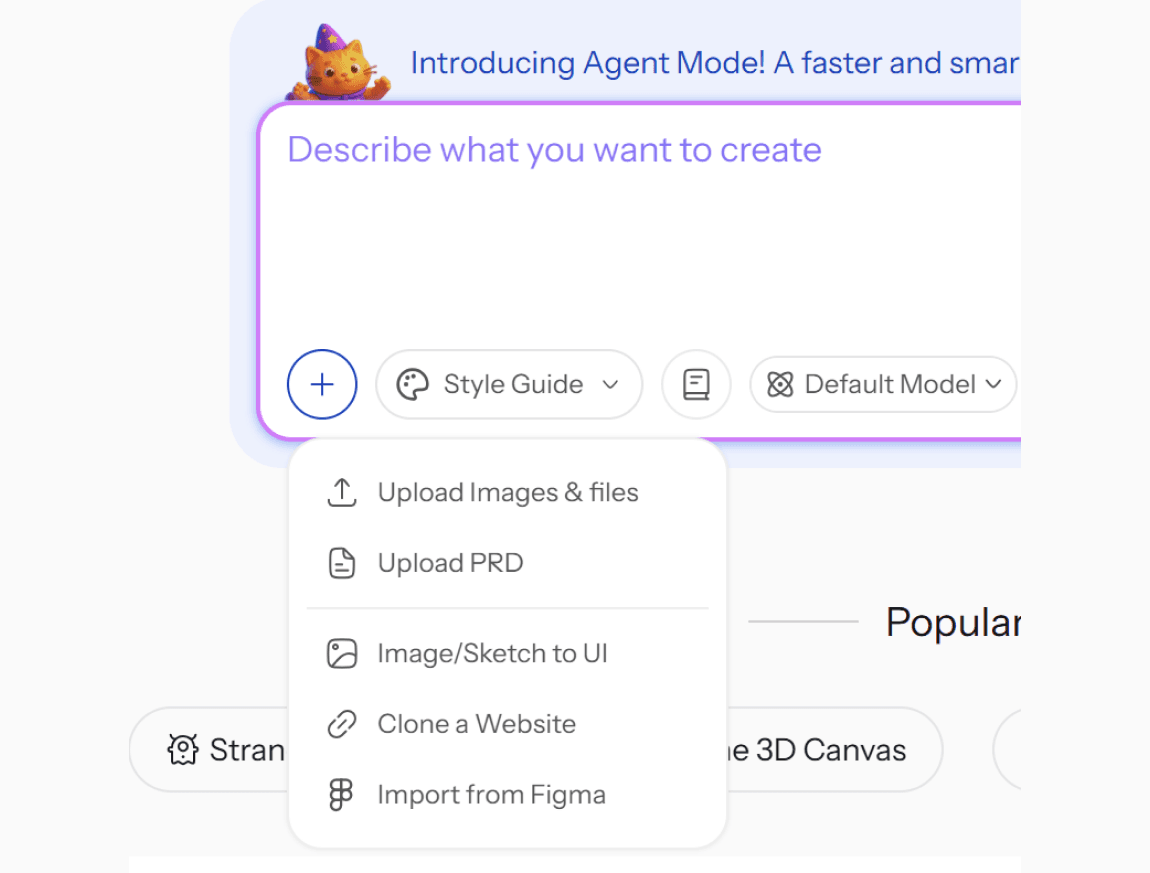
Upload screenshotsor Figma files
Drop in screenshots, mockups, PDFs, or sketches from any source, or import directly from Figma. UXMagic analyzes the visual structure and generates a design to html code generator output that preserves your original layout and hierarchy.
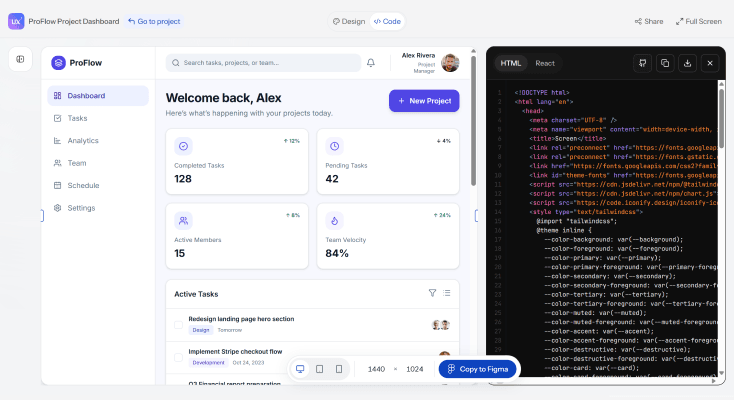
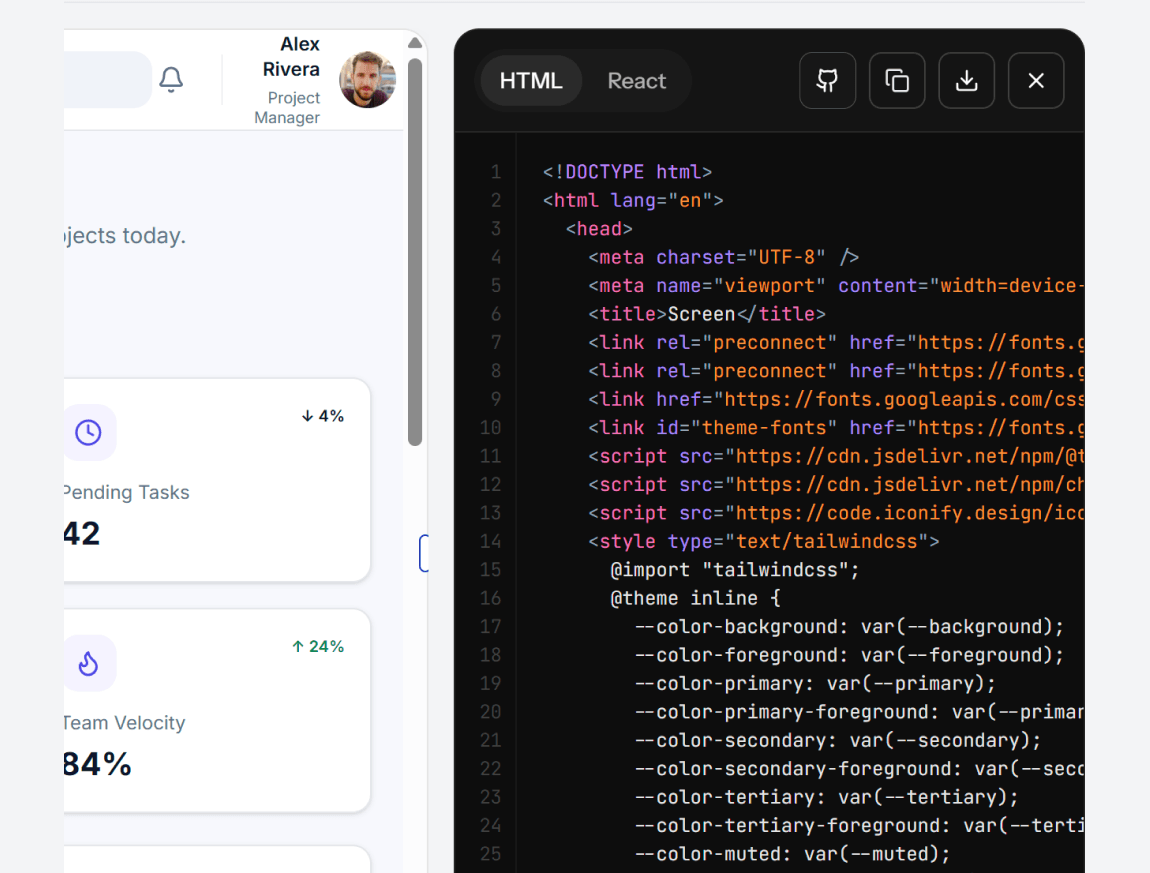
Get real, structured,responsive code
UXMagic converts your design into clean, standards-compliant code that adapts across devices - genuine design to code generation, not a flattened approximation. Every element keeps proper positioning and styling intact.
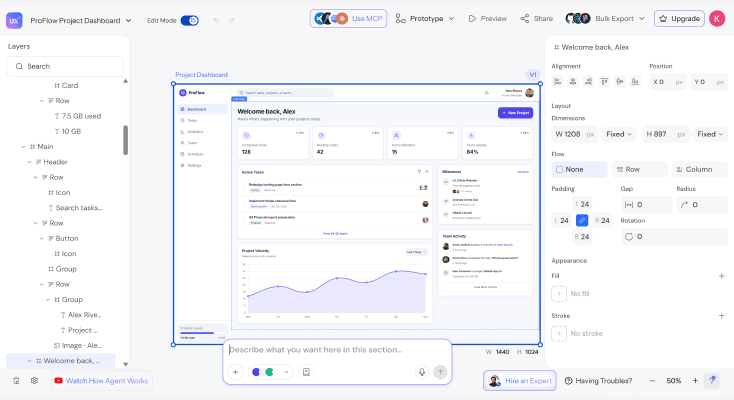
Refine the conversionwith text prompts
Adjust layout structure, component grouping, or responsive behavior by describing the change you need. UXMagic updates the code in place, so you iterate without restarting the conversion from scratch.
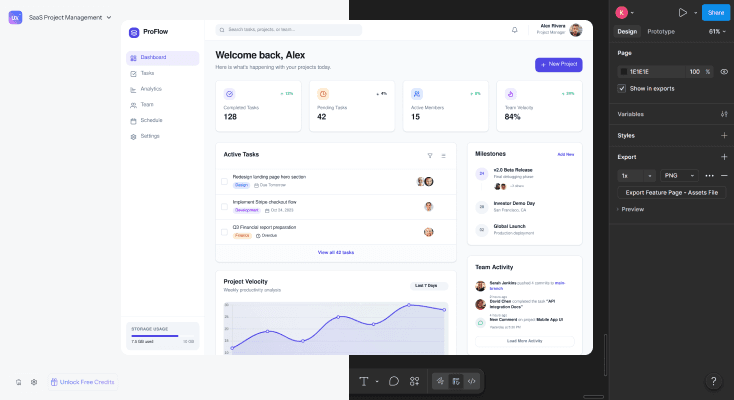
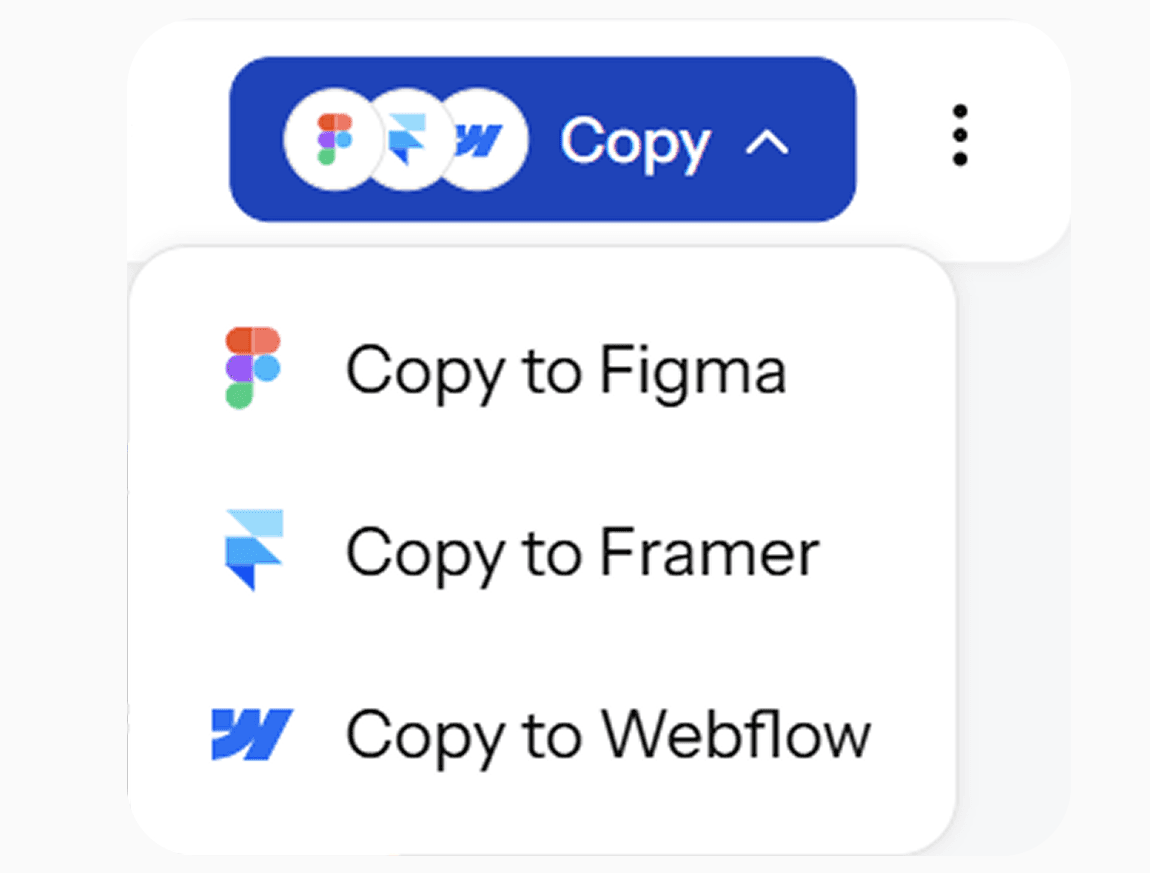
Export to Figma orstraight to development
Send the converted design to Figma for team review, or download production-ready code your engineering team can implement directly - both paths available from the same conversion.
What you walk away with
Structured code, not a rough draft
Real, semantic, standards-compliant code that preserves your original layout and hierarchy, something your engineering team can actually build from, not rewrite first.
A conversion you can refine, not restart
Adjust layout structure or responsive behavior by describing the change. UXMagic updates the existing conversion in place instead of forcing a full regeneration.
Figma and code, from the same conversion
Send the design to Figma for collaborative review, or export straight to production-ready code with both paths available from one upload.
UXMagic vs Figma vs UXPilot vs Builder.io vs Anima vs Locofy
A lot of tools call themselves a design to code generator. Here's what separates them when you look at what teams actually need:
| फ़ीचर | Figma (native AI) | UXPilot | Builder.io | Anima | Locofy | UXMagic |
|---|---|---|---|---|---|---|
| Upload screenshots, mockups, or sketches | ||||||
| Import directly from Figma | ||||||
| Real Auto Layout / structured output (not div soup) | ||||||
| Refine conversion with follow-up prompts | ||||||
| Export to production-ready code | ||||||
| Design system/token consistency across screens |
कोई सवाल है?हमारे पास जवाब हैं।
A design to code generator converts a visual design - a screenshot, mockup, or Figma file into real, structured code, instead of requiring a developer to manually rebuild the interface by hand. UXMagic's design to code generator preserves layout, hierarchy, and styling in the conversion.
Clean, structured, responsive code that matches your uploaded design, plus an editable Figma version of the same interface for design review before development starts.
Import your Figma file or a screenshot of it directly into UXMagic. The AI analyzes the layout, component structure, and styling, then generates production-ready code that matches the design - no manual Dev Mode inspection required.
Screenshots, mockups, PDFs, sketches, and Figma files all work as input. UXMagic analyzes whatever visual structure is available and converts it into structured, editable code.
UXMagic analyzes the actual layout, spacing, and hierarchy of the uploaded design rather than guessing at an approximation, producing code that closely matches the original refine further with follow-up prompts if any section needs adjustment.
Dev Mode requires manually inspecting every element and hand-translating CSS values one at a time. UXMagic generates the full structured code conversion automatically, so there's no manual value-by-value extraction step.
Yes. Import your existing design tokens and component styles, and UXMagic maps the conversion to your actual system instead of generating generic, unrelated styling.
असली लोगों ने बनाया।बार-बार रीमिक्स किया गया।
यहाँ कुछ प्रकाशित करने वाले पहले व्यक्ति बनें