Accueil UXMagic
  • English
  • Español
  • हिन्दी
  • Bahasa Indonesia
  • Tiếng Việt
  • Português
  • Русский
  • 中文
  • العربية
  • Deutsch
  • Français
  • Fonctionnalités
  • Bibliothèques
  • Modèles
  • Tarifs
  • Affiliation
  • Ressources
Accueil UXMagic
  • English
  • Español
  • हिन्दी
  • Bahasa Indonesia
  • Tiếng Việt
  • Português
  • Русский
  • 中文
  • العربية
  • Deutsch
  • Français
Accueil UXMagic

Bibliothèques

ModèlesNouveau
Créations de la communauté
Tarifs
Affiliation

Ressources

Suivez-nous sur :
  • Suivez-nous sur Slack
  • Suivez-nous sur Twitter
  • Suivez-nous sur LinkedIn
  • Suivez-nous sur YouTube
  • Suivez-nous sur Instagram

Le workflow completpour le design produit

Passez de l’idée à une UI prête pour la production sans changer d’outil. UXMagic prend en charge chaque étape du processus de design.

CAPACITÉS clés

Ce qui rend UXMagic différent

AI PRD Generator

AI PRD Generator

Describe your product concept. UXMagic generates a structured PRD and matching UI screens together ready to review or refine.

AI MVP Builder

AI MVP Builder

Describe your startup concept. UXMagic generates every screen in the journey ready to test, pitch, or hand off to developers.

Design to Code Generator

Design to Code Generator

Upload a screenshot, mockup, or Figma design. UXMagic generates clean, production-ready code - not a rough draft your team has to rebuild.

Signup Flow Generator

Signup Flow Generator

Describe the registration journey. UXMagic generates a complete, multi-screen signup flow - ready to test. Export to Figma or code.

AI React Generator

AI React Generator

Describe the interface. UXMagic generates a production-ready screen design and exports clean React code not HTML you have to adapt yourself.

AI Product Builder

AI Product Builder

Describe your product. UXMagic generates every screen - connected and consistent. No coding needed. Export to Figma or code.

HTML to Design

HTML to Design

Paste a URL or HTML. Get a fully editable design - no plugin needed. Refine with prompts, then export to Figma or code.

AI App Builder

AI App Builder

Describe your idea. UXMagic generates connected, multi-screen designs. Refine, then export to Figma or code.

AI Website Redesigner

AI Website Redesigner

Clone or upload a image, describe changes, and UXMagic delivers an editable redesign in seconds.

AI Website Generator

AI Website Generator

Describe your website and UXMagic generates the complete design, ready to refine or export.

Prototype Generator

Prototype Generator

Describe your product and UXMagic generates a complete, clickable prototype ready to test.

AI Dashboard Generator

AI Dashboard Generator

Describe your dashboard and UXMagic instantly generates a complete layout with charts, metrics, and navigation.

AI Mockup Generator

AI Mockup Generator

UXMagic's AI mockup generator turns any idea into a polished, ready-to-use mockup from a simple prompt. No design experience required.

Figma AI

Figma AI

Describe your idea and UXMagic instantly generates fully editable, high-fidelity screens ready for Figma—no designing from scratch required.

AI Landing Page Generator

AI Landing Page Generator

Describe your idea and get a high-converting landing page instantly—no design or coding required.

Import Designs from Figma

Import Designs from Figma

Seamlessly integrate with your existing Figma projects and workflows.

Clone any Website

Clone any Website

Recreate any website design by simply providing a URL.

Prompt to UI

Prompt to UI

Turn text prompts, screenshots, or URLs into structured.

Image to UI

Image to UI

Upload a design screenshot to get production-ready code.

Sketch to UI

Sketch to UI

Convert your sketches into polished digital interfaces.

AI Wireframe Generator

AI Wireframe Generator

Generate low-fidelity wireframes to plan your design structure.

Image/Screenshot to Wireframe

Image/Screenshot to Wireframe

Convert screenshots or UI images into clean, editable wireframes instantly with AI and start building real interfaces faster.

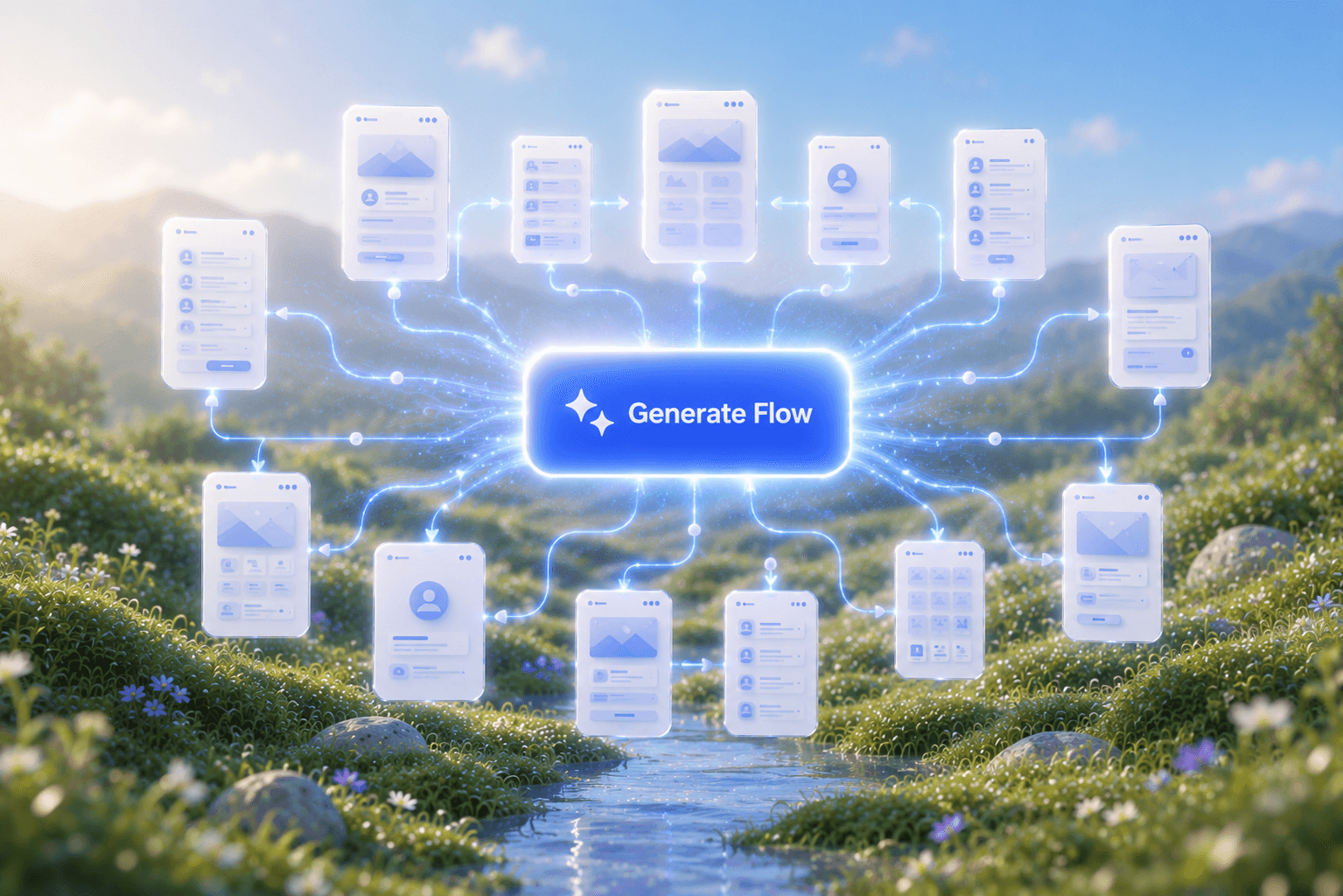
Flow Mode (Multiple Screens)

Flow Mode (Multiple Screens)

Stop designing screen by screen. Flow Mode generates your entire UI flow from one prompt.

Style Guide Generator

Style Guide Generator

Generate a brand style guide: colors, typography, spacing, and components, ready to export to Figma in seconds.

Rejoignez notre communauté

Partagez vos créations, demandez de l’aide, restez informé et échangez avec les autres membres d’UXmagic.ai


votre prochaine idée
mérite d'exister

arrêtez d'y penser. écrivez-la, tout simplement. Mal formulée, à moitié aboutie, peu importe. On la transformera en quelque chose de réel.

Produit

  • Modèles
  • Communauté
  • Plans tarifaires
  • Programme d'affiliation
  • UXMagic MCP
  • Claude MCP
  • Infos IA

Ressources

  • Centre d'aide
  • Bibliothèque Figma
  • Bibliothèque React
  • Templates d'applications mobiles
  • Documentation
  • Tutoriels

Fonctionnalités

  • Prompt vers UI
  • Image vers UI
  • Croquis vers UI
  • Cloner un site web
  • Importer depuis Figma
  • AI Wireframe Generator
  • AI Mockup Generator
  • AI Prototype Generator
  • AI Dashboard Generator
  • Toutes les fonctionnalités

Comparer

  • vs UX Pilot
  • vs Relume
  • vs MagicPath
  • vs Magic Patterns
  • vs Banani
  • vs Galileo AI
  • vs v0
  • vs Lovable
  • vs Base44
  • Tous les concurrents

Blog

  • L'IA dans le workflow UX : ce qui fonctionne vraiment
  • Templates de prompts pour dashboards SaaS
  • Les vrais prompts que nous utilisons pour générer des parcours produit
  • Le prompt engineering pour designers UX
  • Meilleurs outils de wireframing en 2026 : 10 options gratuites & pro comparées
  • Tous les articles

Entreprise & Support

  • Carrières
  • Nous contacter
  • Politique de confidentialité
  • Conditions d'utilisation
  • Paramètres des cookies
  • Suivez-nous sur Slack
  • Suivez-nous sur Twitter
  • Suivez-nous sur LinkedIn
  • Suivez-nous sur YouTube
  • Suivez-nous sur Instagram

© 2026 UXMagic AI Technologies Inc.