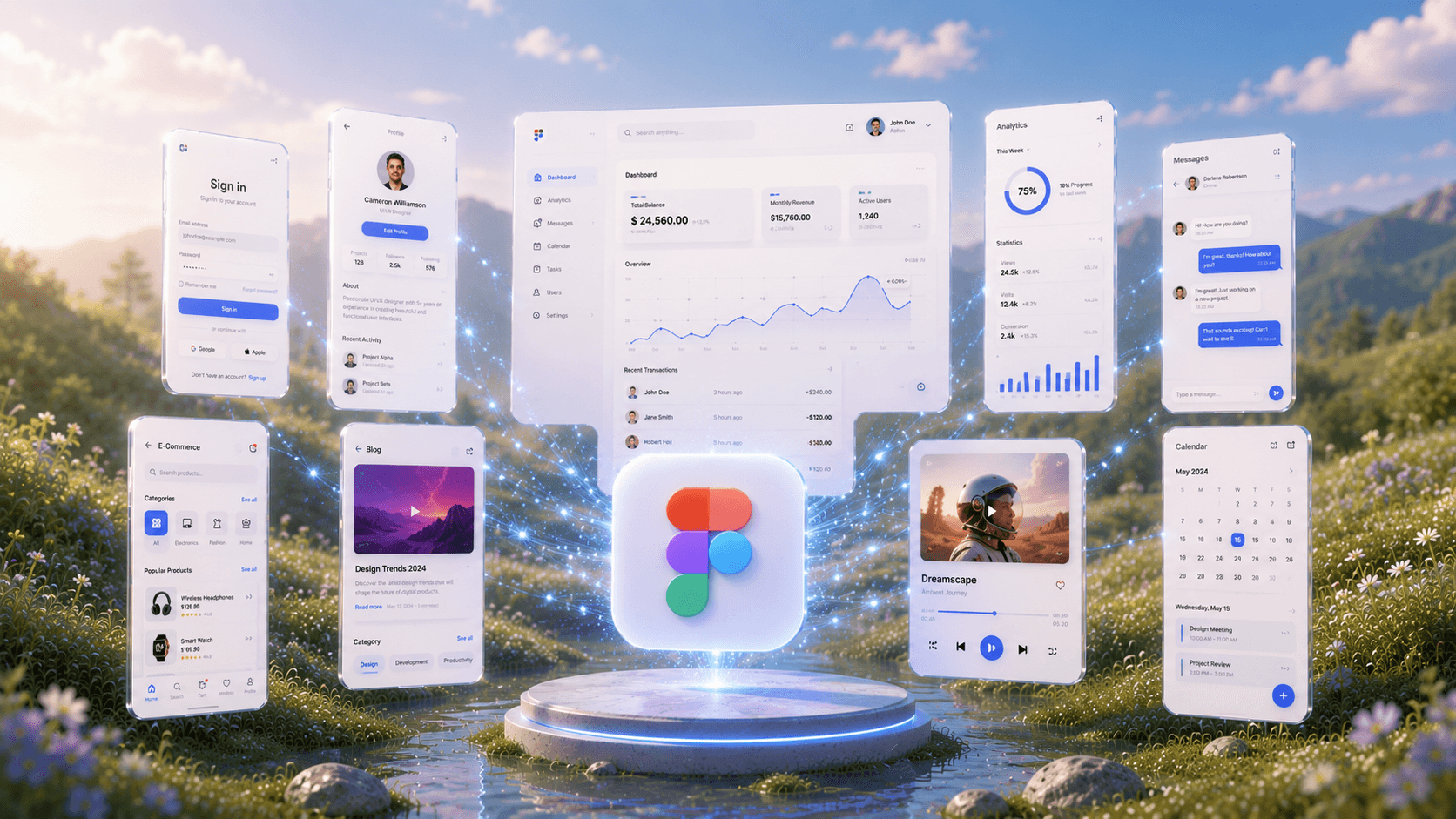
AI Prototype GeneratorFrom Idea to Interaction
See How AI GeneratesPrototypes Instantly
Trusted by Designers and Developers
Faster than manual design
Responsive by default
A prototype thatactually behaves like one
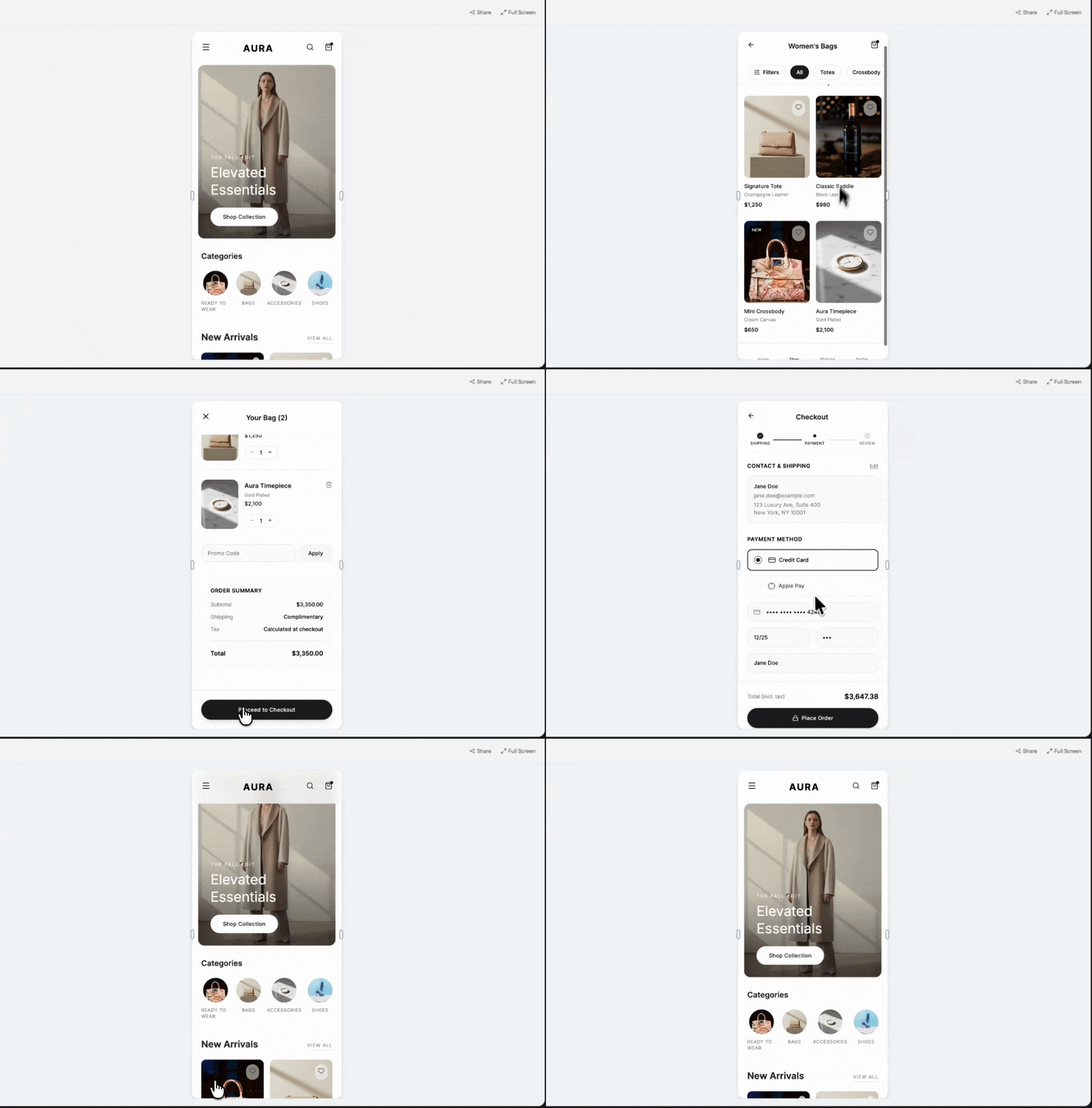
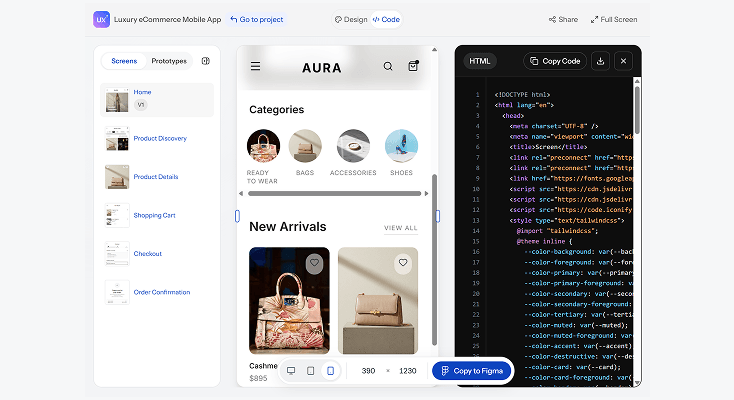
A static mockup shows what something looks like. A prototype shows what it feels like to use. UXMagic's AI prototype generator connects every screen it creates into a clickable flow from the start, so you can move through your product the way a real user would, not just look at a series of disconnected images.
Multiple screens,one coherent flow
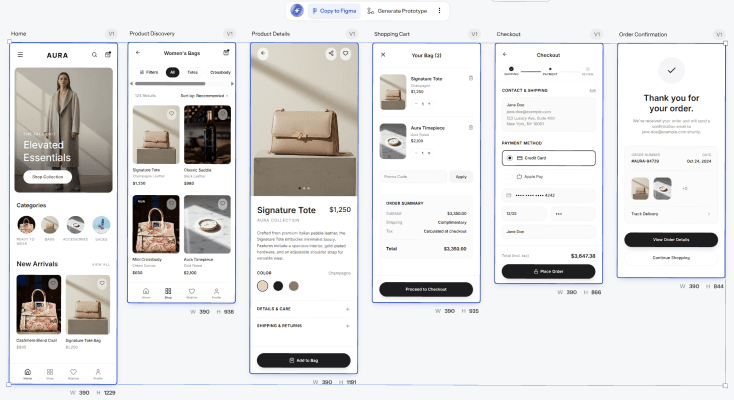
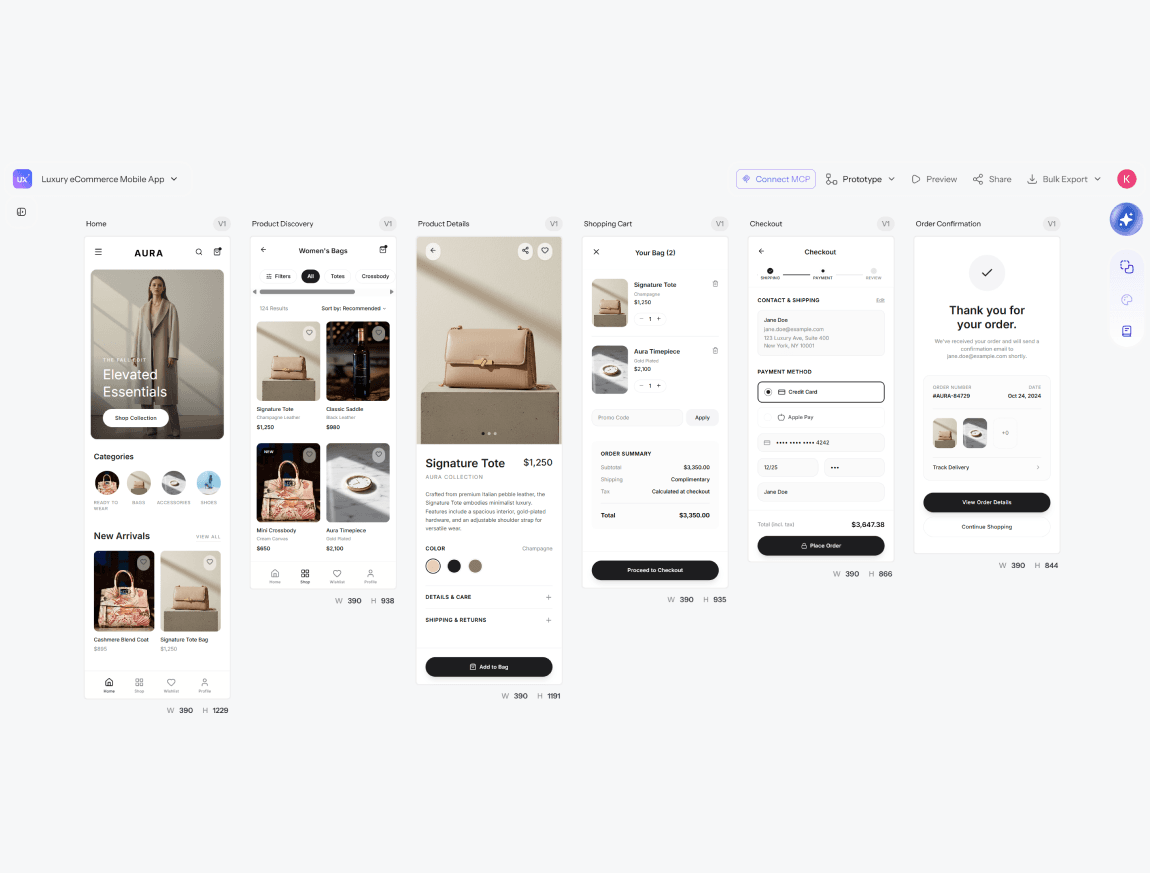
Describe your product once and UXMagic builds out the full journey, onboarding, core screens, confirmation states, all linked together with working navigation between them. No manually wiring up click targets after the fact.
Test it beforeanyone builds it
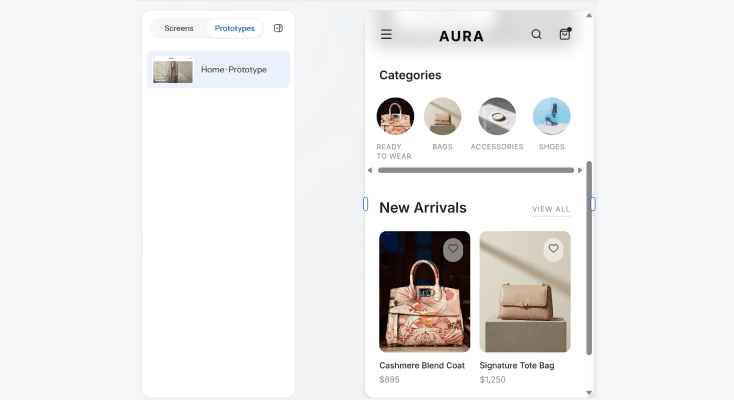
Share a link and let your team, stakeholders, or test users click through the actual flow before a single line of production code gets written. Catching a confusing step at the prototype stage is a five-minute fix. Catching it after launch is not.
From prototypeto production path
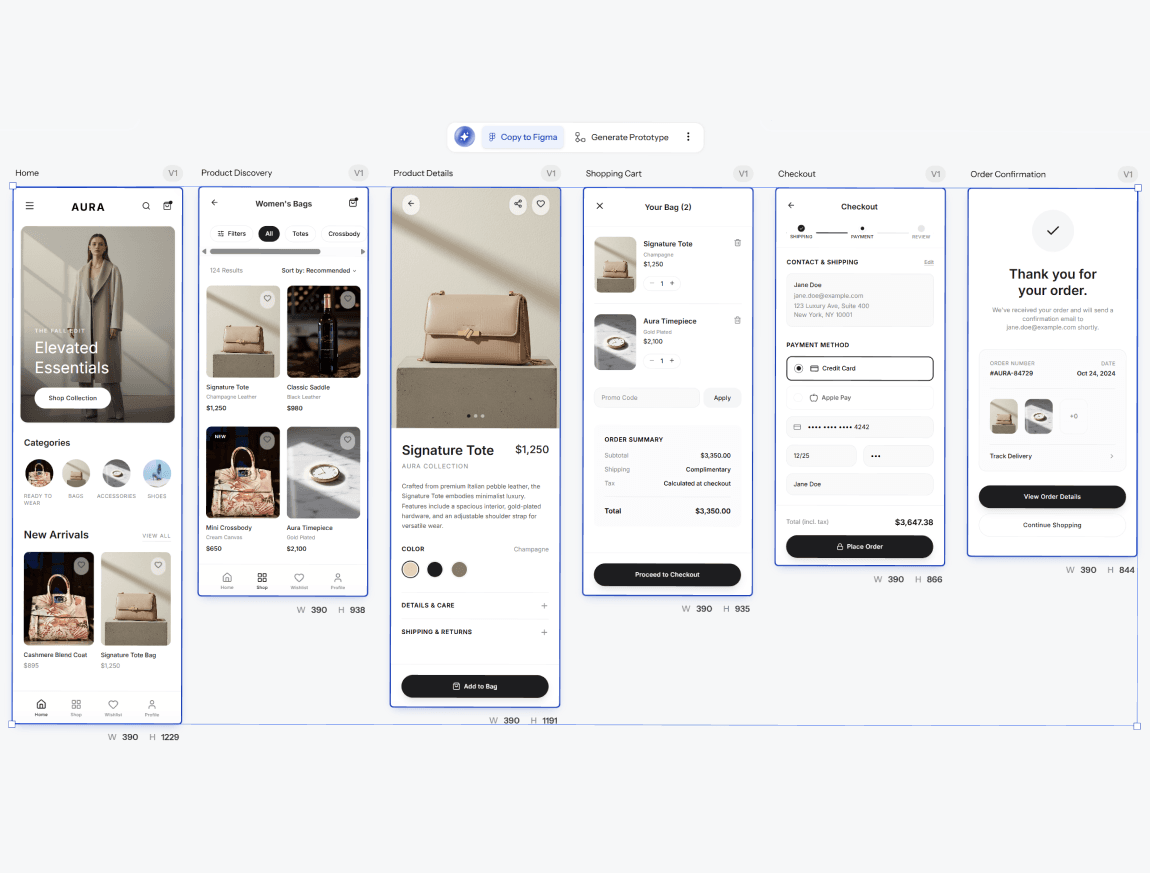
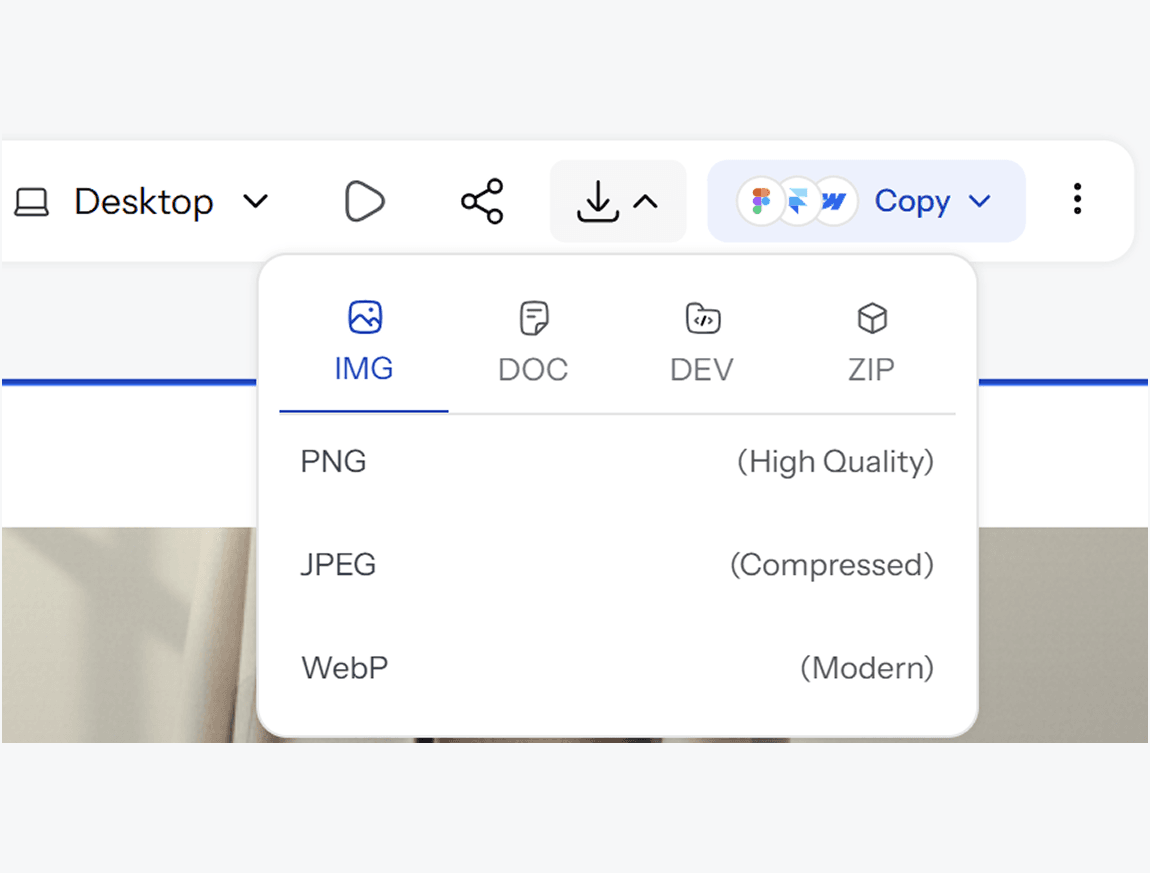
Once the flow is validated, UXMagic exports the prototype as editable Figma layers or clean, structured code, so the thing people just clicked through is the same thing that gets built, not a reference someone has to recreate.
What you walk away with
A flow you can actually walk through
Not a slideshow of static screens. A connected, clickable sequence that behaves the way the real product will, so feedback on it actually means something.
Validation before you build
Catch confusing steps, missing states, or awkward transitions while it still costs you minutes to fix, not after development time has already gone into building the wrong thing.
A direct path from test to build
Once the prototype is validated, export straight to Figma or code. The flow people clicked through becomes the flow that ships, not a reference that gets rebuilt from scratch.
UXMagic vs Figma vs UXPilot vs Banani vs Uizard vs Google Stitch
A lot of tools call themselves a prototype generator. Here is what actually matters when the prototype needs to behave like the real thing:
| Fonctionnalité | Figma (native AI) | UXPilot | Banani | Uizard | Google Stitch | UXMagic |
|---|---|---|---|---|---|---|
| AI prompt to prototype | ||||||
| Multi-screen flow generated together | ||||||
| Clickable navigation between screens | ||||||
| Works without a Figma account | ||||||
| Shareable link for stakeholder testing | ||||||
| Reference image or brand asset matching | ||||||
| Export to Figma | ||||||
| Production-ready code export | ||||||
| Stable, non-experimental product status |
des questions ?nous avons les réponses.
An AI prototype generator is a tool that turns a text description into a working, clickable prototype, complete with multiple connected screens, rather than a single static design. Instead of building each screen and manually linking them together, you describe the flow and the AI generates both the screens and the navigation between them.
A mockup shows what a screen looks like. A prototype shows how it behaves, including the connections between screens and the flow a user follows to complete a task. UXMagic's AI prototype generator builds that interactivity in from the start, so you can click through the experience rather than just view static images.
Describe the product or flow you are building, such as a signup sequence or a checkout process. UXMagic generates the connected screens and navigation automatically. From there you can click through the flow, refine specific screens, or share it for feedback.
Yes. Once your prototype is generated, share a link so teammates, stakeholders, or test users can click through the actual flow. This makes it possible to catch confusing steps or missing states before any development time goes into building them.
No. UXMagic is built so that founders, product managers, and teams without design training can generate a working prototype just as easily as a trained designer. The AI handles screen structure, navigation logic, and visual layout.
UXMagic has a free tier that lets you generate and test prototypes without a credit card. Paid plans unlock more generations, additional screens per project, and advanced export options for teams prototyping regularly.
Yes. UXMagic exports your finished prototype as editable Figma layers or as clean, production-ready code, so the flow you tested becomes the flow that actually gets built rather than something a developer has to recreate.
Mobile app flows, web application journeys, onboarding sequences, checkout processes, dashboards, and more. UXMagic generates the full multi-screen flow together so every screen connects logically to the next.
Figma's AI prototyping lives inside Figma Make, which generates interactive prototypes with real logic but requires a Figma account and keeps you inside the Figma ecosystem throughout. UXMagic works independently, generating the full clickable flow before you ever need to open Figma, and exports into it only once you are ready.
Yes. Upload a reference image, logo, or existing design, and UXMagic applies the matching visual style across every screen in the generated prototype, so the flow looks consistent with your brand from the first screen to the last.
créé par de vraies personnes.remixé à l’infini.
Soyez la première personne à publier ici