Trang chủ UXMagic
  • English
  • Español
  • हिन्दी
  • Bahasa Indonesia
  • Tiếng Việt
  • Português
  • Русский
  • 中文
  • العربية
  • Deutsch
  • Français
  • Tính năng
  • Thư viện
  • Mẫu
  • Bảng giá
  • Tiếp thị liên kết
  • Tài nguyên
Trang chủ UXMagic
  • English
  • Español
  • हिन्दी
  • Bahasa Indonesia
  • Tiếng Việt
  • Português
  • Русский
  • 中文
  • العربية
  • Deutsch
  • Français
Trang chủ UXMagic

Thư viện

MẫuMới
Khung cộng đồng
Bảng giá
Tiếp thị liên kết

Tài nguyên

Theo dõi chúng tôi trên:
  • Theo dõi chúng tôi trên Slack
  • Theo dõi chúng tôi trên Twitter
  • Theo dõi chúng tôi trên Linkedin
  • Theo dõi chúng tôi trên Youtube
  • Theo dõi chúng tôi trên Instagram

Quy trình hoàn chỉnhcho thiết kế sản phẩm

Đi từ ý tưởng đến UI sẵn sàng cho sản phẩm mà không cần đổi công cụ. UXMagic lo trọn từng bước của quy trình thiết kế.

NĂNG LỰC CỐT LÕI

Điều làm nên sự khác biệt của UXMagic

AI PRD Generator

AI PRD Generator

Describe your product concept. UXMagic generates a structured PRD and matching UI screens together ready to review or refine.

AI MVP Builder

AI MVP Builder

Describe your startup concept. UXMagic generates every screen in the journey ready to test, pitch, or hand off to developers.

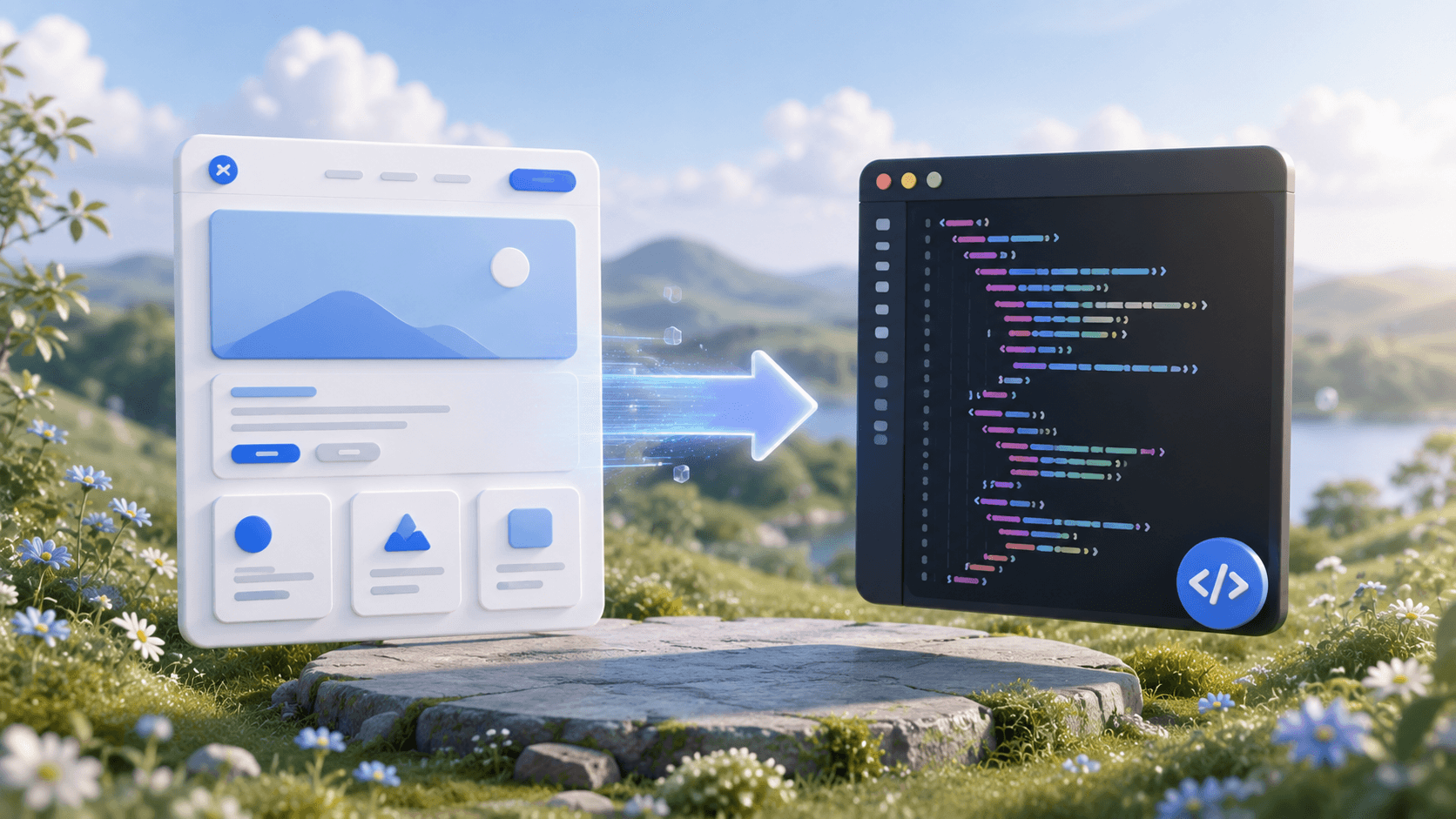
Design to Code Generator

Design to Code Generator

Upload a screenshot, mockup, or Figma design. UXMagic generates clean, production-ready code - not a rough draft your team has to rebuild.

Signup Flow Generator

Signup Flow Generator

Describe the registration journey. UXMagic generates a complete, multi-screen signup flow - ready to test. Export to Figma or code.

AI React Generator

AI React Generator

Describe the interface. UXMagic generates a production-ready screen design and exports clean React code not HTML you have to adapt yourself.

AI Product Builder

AI Product Builder

Describe your product. UXMagic generates every screen - connected and consistent. No coding needed. Export to Figma or code.

HTML to Design

HTML to Design

Paste a URL or HTML. Get a fully editable design - no plugin needed. Refine with prompts, then export to Figma or code.

AI App Builder

AI App Builder

Describe your idea. UXMagic generates connected, multi-screen designs. Refine, then export to Figma or code.

AI Website Redesigner

AI Website Redesigner

Clone or upload a image, describe changes, and UXMagic delivers an editable redesign in seconds.

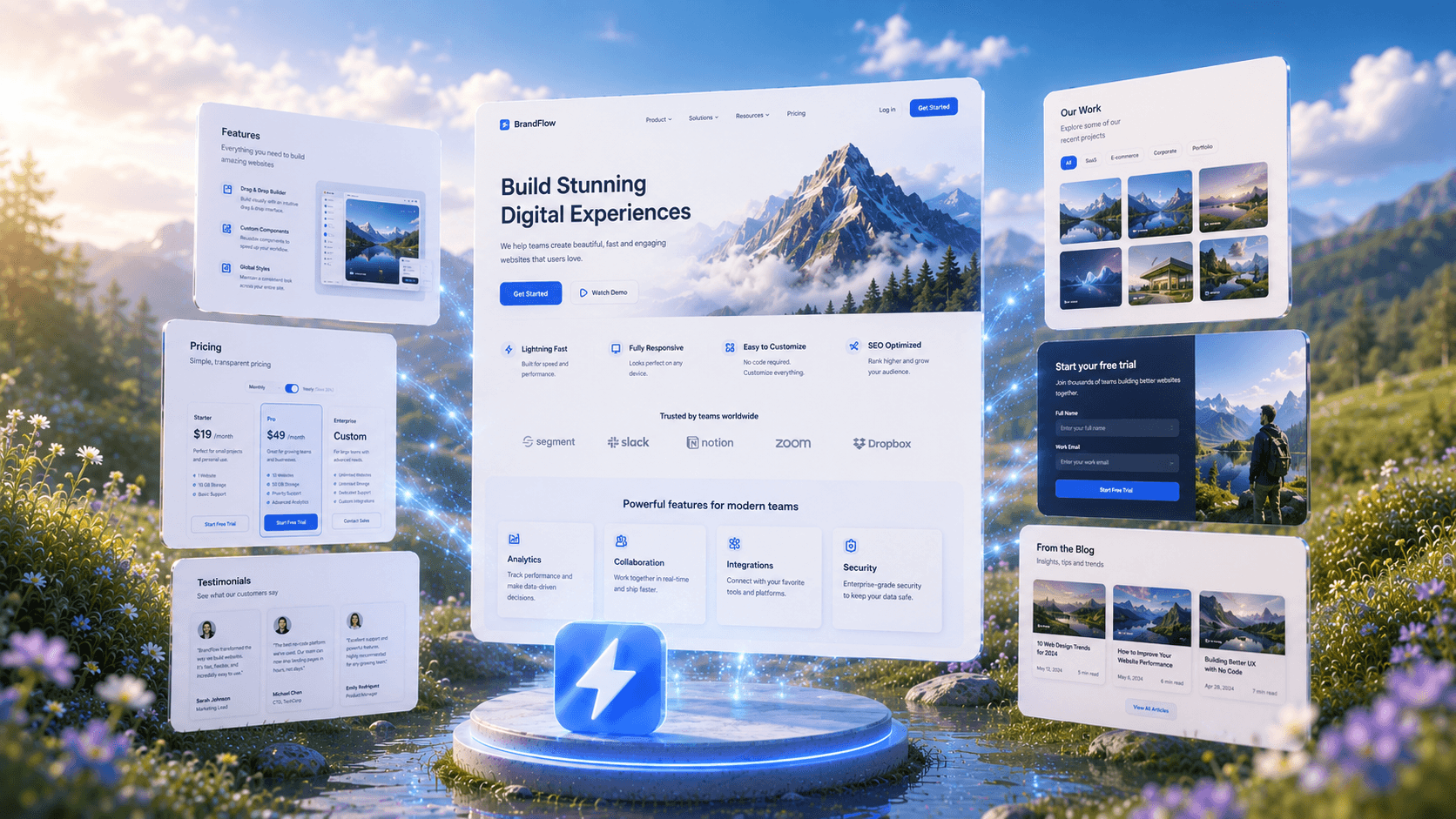
AI Website Generator

AI Website Generator

Describe your website and UXMagic generates the complete design, ready to refine or export.

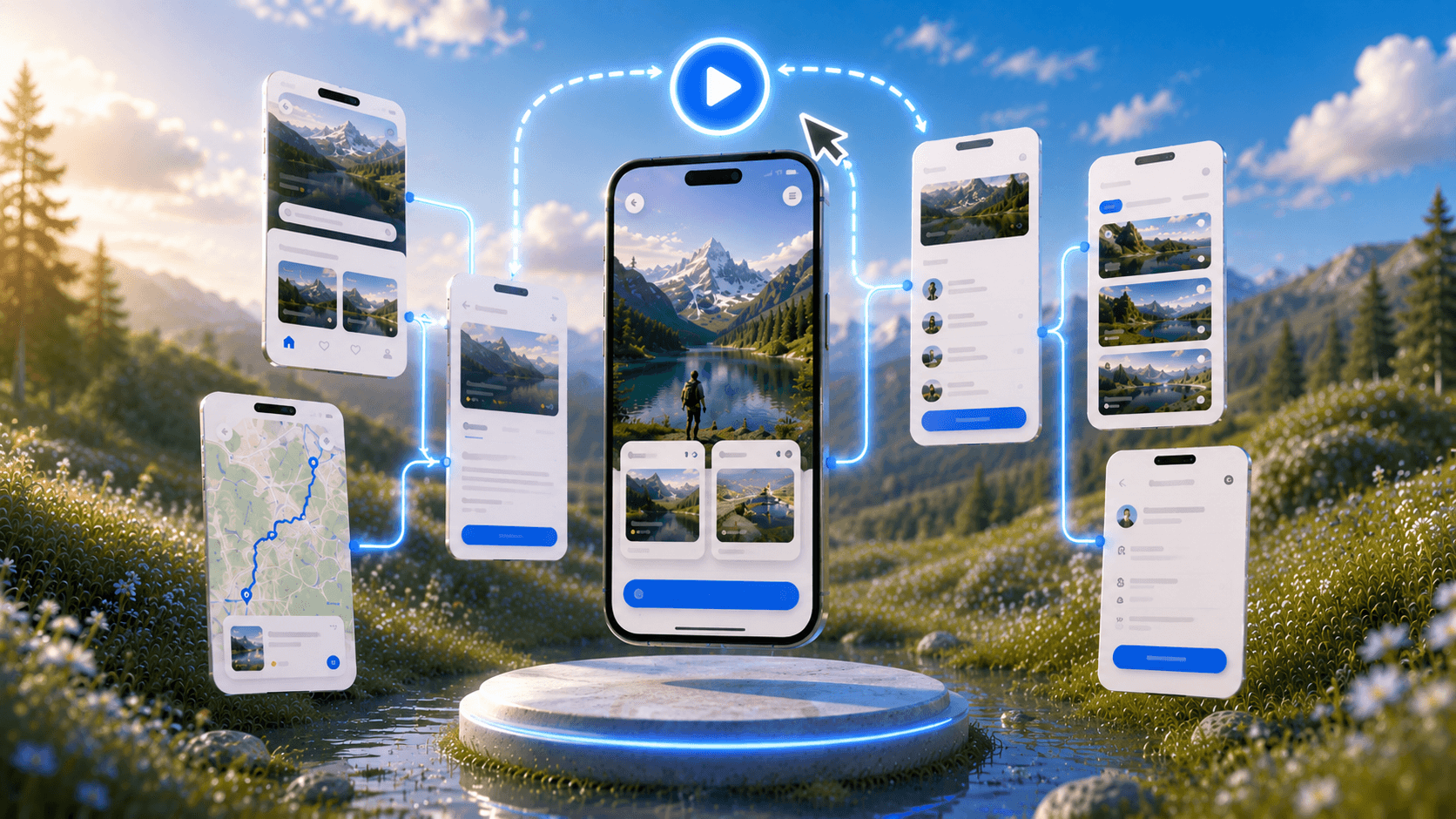
Prototype Generator

Prototype Generator

Describe your product and UXMagic generates a complete, clickable prototype ready to test.

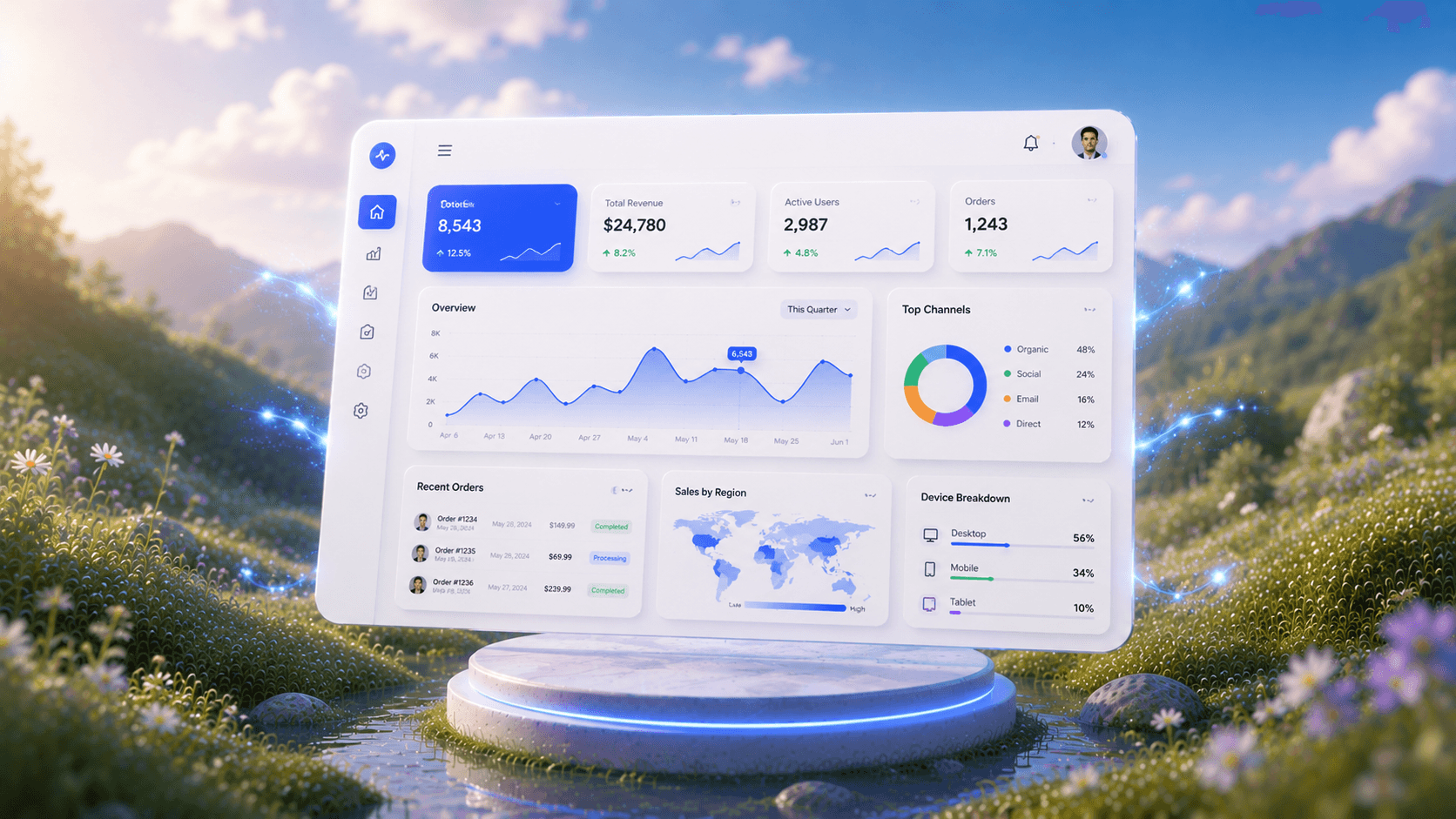
AI Dashboard Generator

AI Dashboard Generator

Describe your dashboard and UXMagic instantly generates a complete layout with charts, metrics, and navigation.

AI Mockup Generator

AI Mockup Generator

UXMagic's AI mockup generator turns any idea into a polished, ready-to-use mockup from a simple prompt. No design experience required.

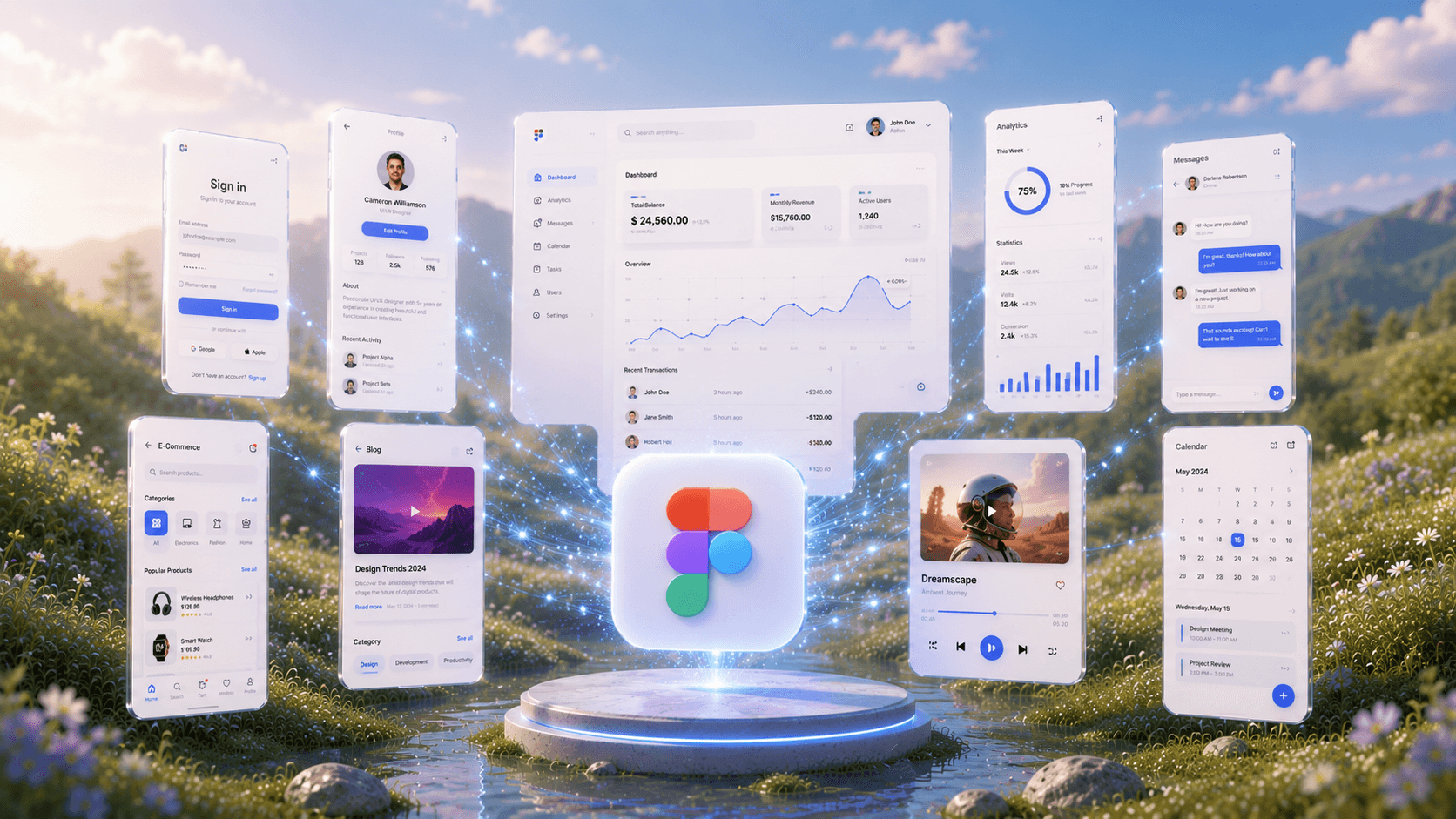
Figma AI

Figma AI

Describe your idea and UXMagic instantly generates fully editable, high-fidelity screens ready for Figma—no designing from scratch required.

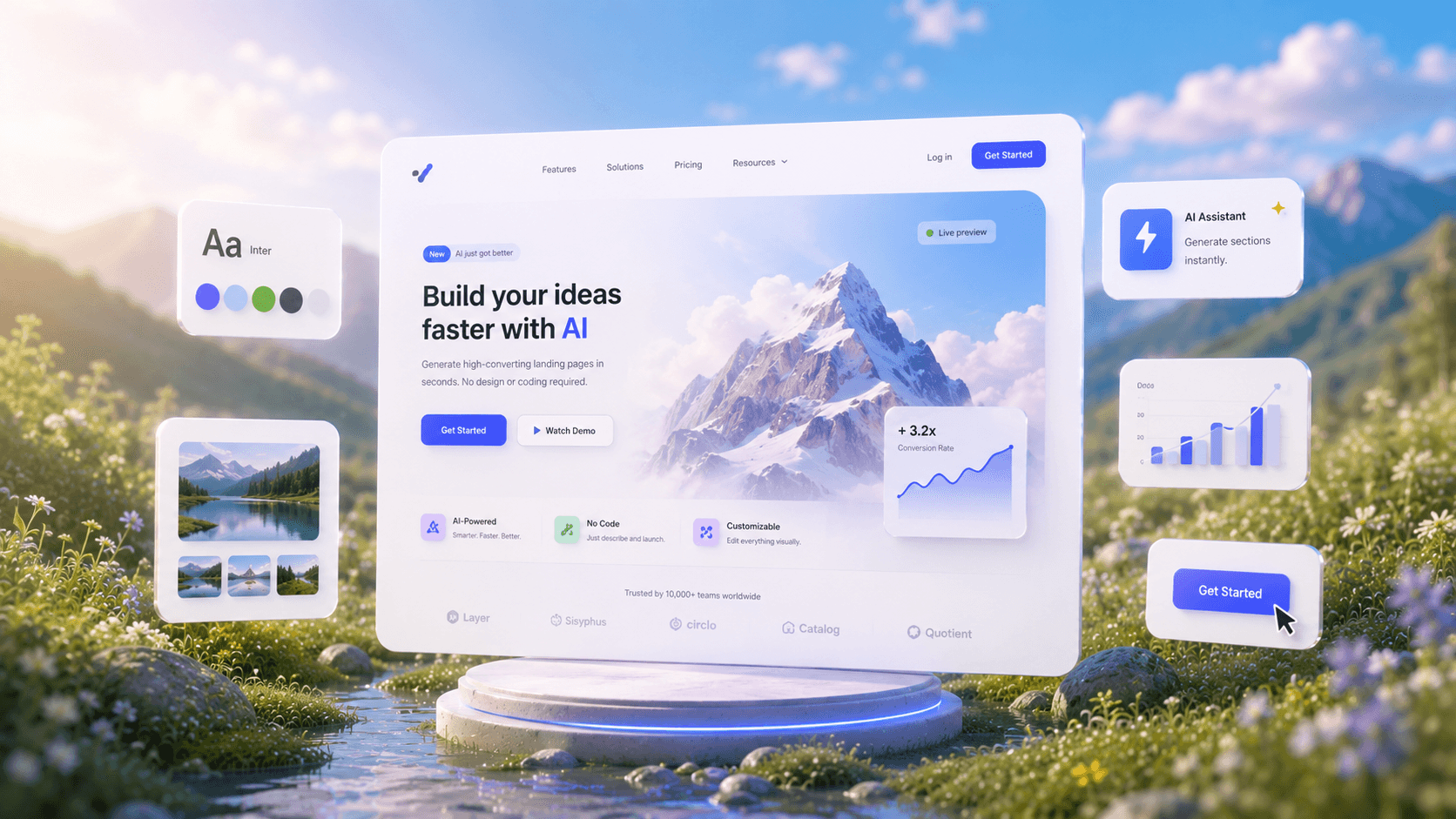
AI Landing Page Generator

AI Landing Page Generator

Describe your idea and get a high-converting landing page instantly—no design or coding required.

Import Designs from Figma

Import Designs from Figma

Seamlessly integrate with your existing Figma projects and workflows.

Clone any Website

Clone any Website

Recreate any website design by simply providing a URL.

Prompt to UI

Prompt to UI

Turn text prompts, screenshots, or URLs into structured.

Image to UI

Image to UI

Upload a design screenshot to get production-ready code.

Sketch to UI

Sketch to UI

Convert your sketches into polished digital interfaces.

AI Wireframe Generator

AI Wireframe Generator

Generate low-fidelity wireframes to plan your design structure.

Image/Screenshot to Wireframe

Image/Screenshot to Wireframe

Convert screenshots or UI images into clean, editable wireframes instantly with AI and start building real interfaces faster.

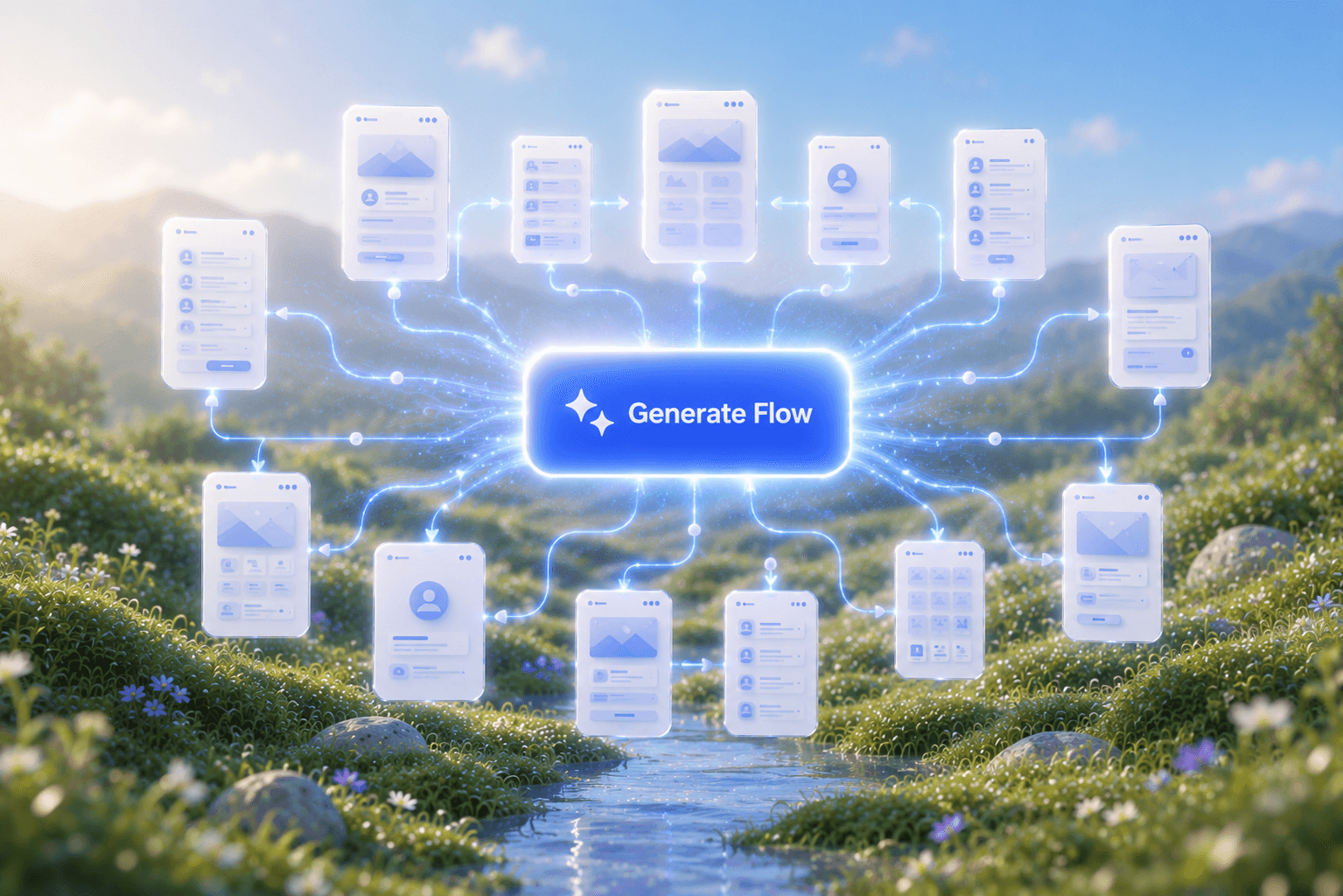
Flow Mode (Multiple Screens)

Flow Mode (Multiple Screens)

Stop designing screen by screen. Flow Mode generates your entire UI flow from one prompt.

Style Guide Generator

Style Guide Generator

Generate a brand style guide: colors, typography, spacing, and components, ready to export to Figma in seconds.

Tham gia cộng đồng của chúng tôi

Chia sẻ sản phẩm, tìm hỗ trợ, cập nhật tin tức và kết nối với những người dùng UXmagic.ai khác

ý tưởng tiếp theo của bạn
xứng đáng được ra đời

đừng chỉ nghĩ về nó nữa. cứ gõ ra đi. Vụng về, dang dở, sao cũng được. Chúng tôi sẽ biến nó thành điều có thật.

Sản phẩm

  • Mẫu
  • Cộng đồng
  • Các gói giá
  • Chương trình tiếp thị liên kết
  • UXMagic MCP
  • Claude MCP
  • Thông tin AI

Tài nguyên

  • Trung tâm trợ giúp
  • Thư viện Figma
  • Thư viện React
  • Mẫu ứng dụng di động
  • Tài liệu
  • Hướng dẫn

Tính năng

  • Từ câu lệnh thành UI
  • Từ hình ảnh thành UI
  • Từ bản phác thảo thành UI
  • Sao chép website
  • Nhập từ Figma
  • AI Wireframe Generator
  • AI Mockup Generator
  • AI Prototype Generator
  • AI Dashboard Generator
  • Tất cả tính năng

So sánh

  • vs UX Pilot
  • vs Relume
  • vs MagicPath
  • vs Magic Patterns
  • vs Banani
  • vs Galileo AI
  • vs v0
  • vs Lovable
  • vs Base44
  • Tất cả đối thủ

Blog

  • AI trong quy trình thiết kế UX: Điều gì thực sự hiệu quả
  • Mẫu câu lệnh cho dashboard SaaS
  • Những câu lệnh thực tế chúng tôi dùng để tạo luồng sản phẩm
  • Prompt Engineering cho UX Designer
  • Công cụ Wireframe tốt nhất năm 2026: So sánh 10 lựa chọn miễn phí & trả phí
  • Tất cả bài viết

Công ty & Hỗ trợ

  • Tuyển dụng
  • Liên hệ
  • Chính sách bảo mật
  • Điều khoản sử dụng
  • Cài đặt cookie
  • Theo dõi chúng tôi trên Slack
  • Theo dõi chúng tôi trên Twitter
  • Theo dõi chúng tôi trên Linkedin
  • Theo dõi chúng tôi trên Youtube
  • Theo dõi chúng tôi trên Instagram

© 2026 UXMagic AI Technologies Inc.