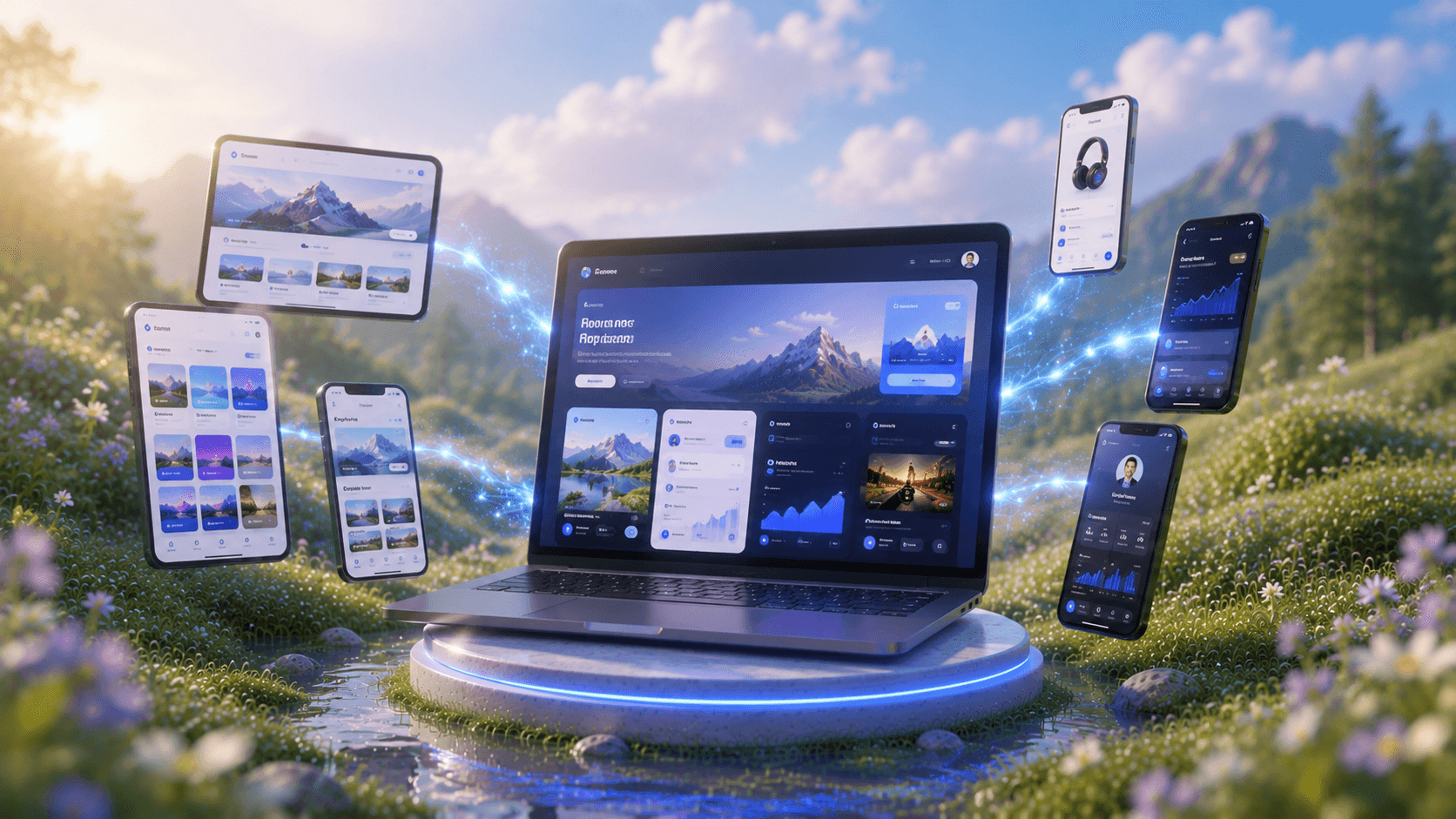
Signup Flow GeneratorFrom Idea to Onboarding
See How AI buildsSignup Flow
Trusted by Designers and Developers
Faster than manual design
Responsive by default
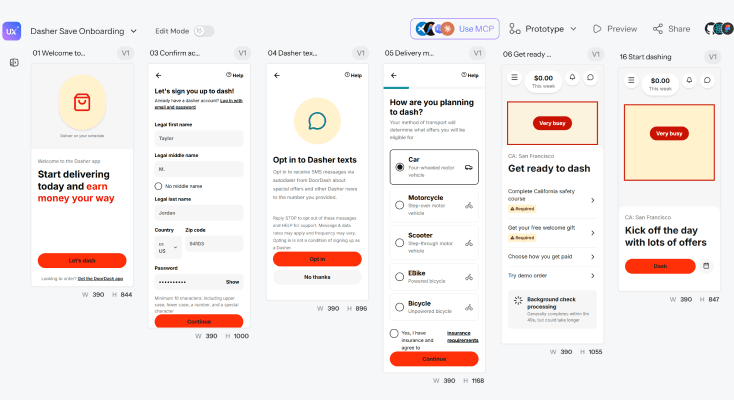
DoorDash-DasherSignup Flow
Turn the 6 attached screenshots in order, from the first step to the last into UI designs for DoorDash-Dasher. They are the steps in the "Onboarding from Save" flow. Match each screen as closely as you can-layout, spacing, colors, fonts, and text and create one editable design per step so they feel like the same flow together.
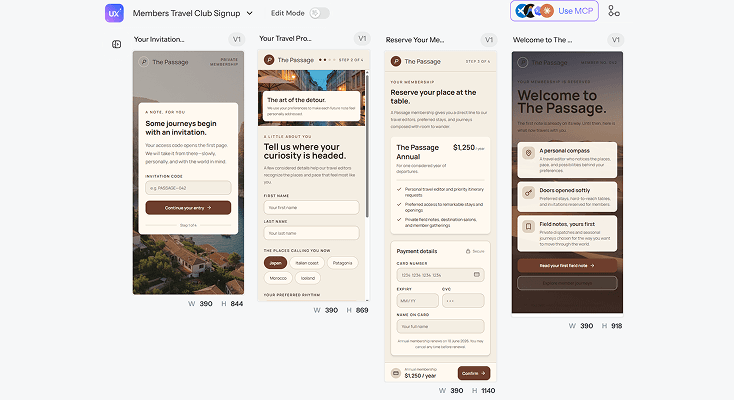
Travel ClubSignup Flow
Design a sign-up flow for a members-only travel club - invitation code entry, profile creation with preference selection (destinations, travel style), payment details, and a welcome screen revealing member benefits. Editorial typography, warm neutral tones, full-bleed imagery - it should feel like an invitation, not a form.
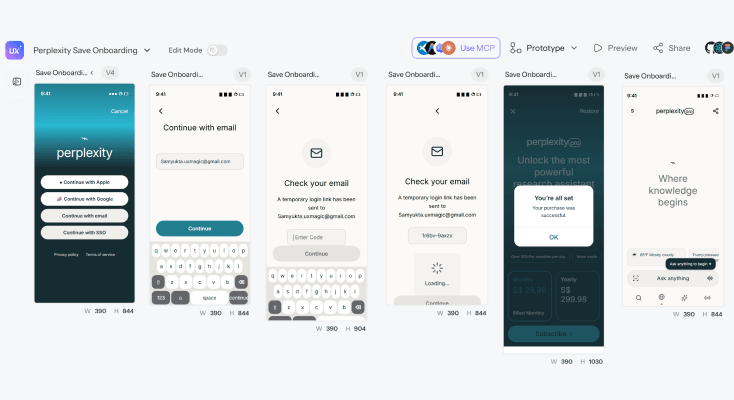
Perplexity AppSignup Flow
Turn the 6 attached screenshots in order, from the first step to the last into UI designs for Perplexity. They are the steps in the "Onboarding from Save" flow. Match each screen as closely as you can-layout, spacing, colors, fonts, and text and create one editable design per step so they feel like the same flow together.
Analytics PlatformSignup Flow
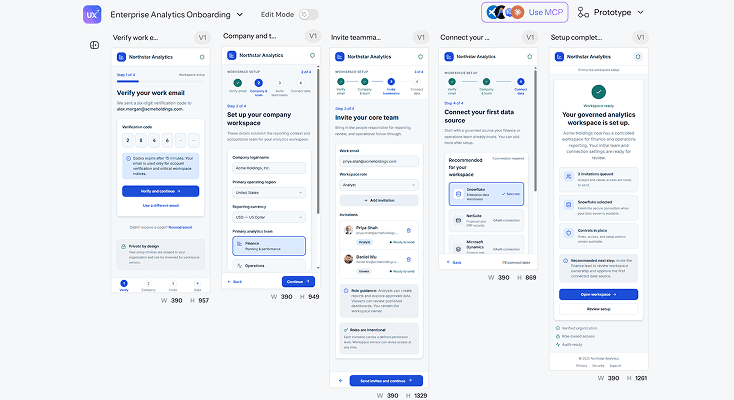
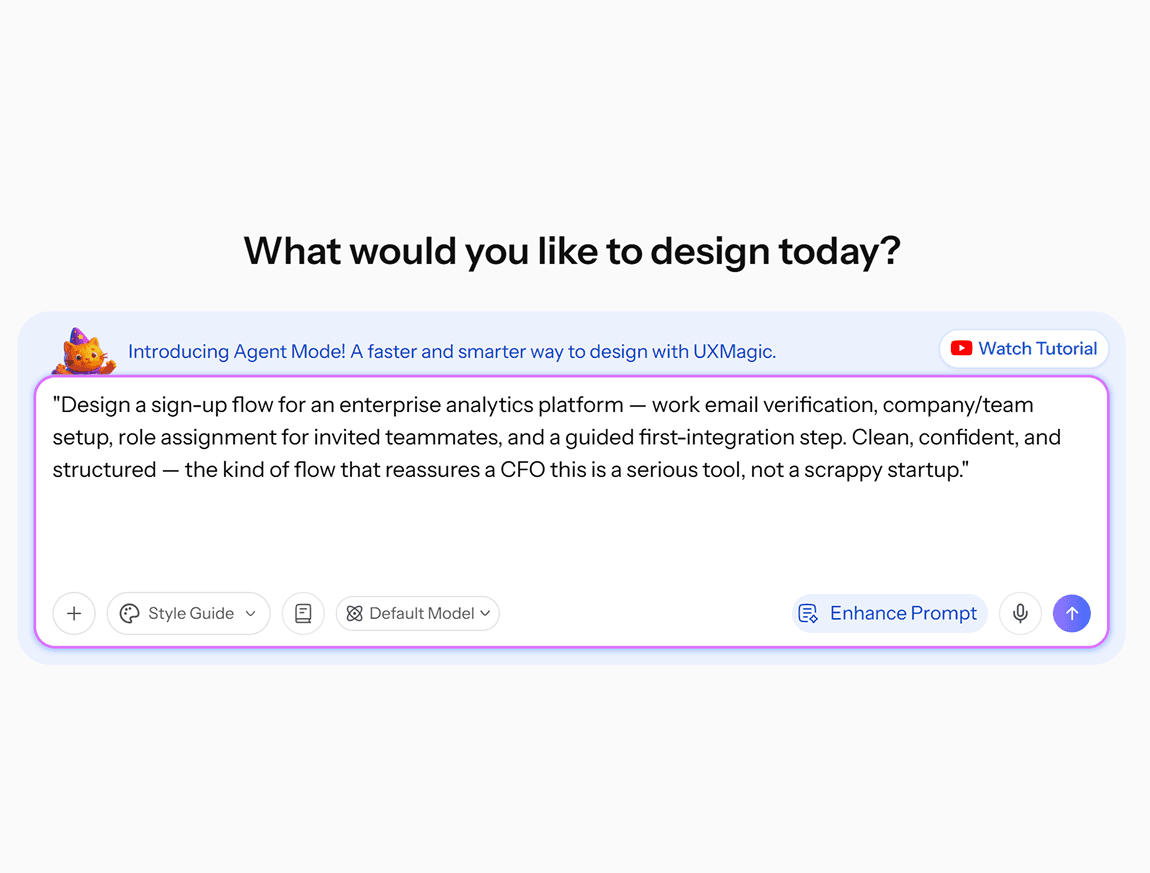
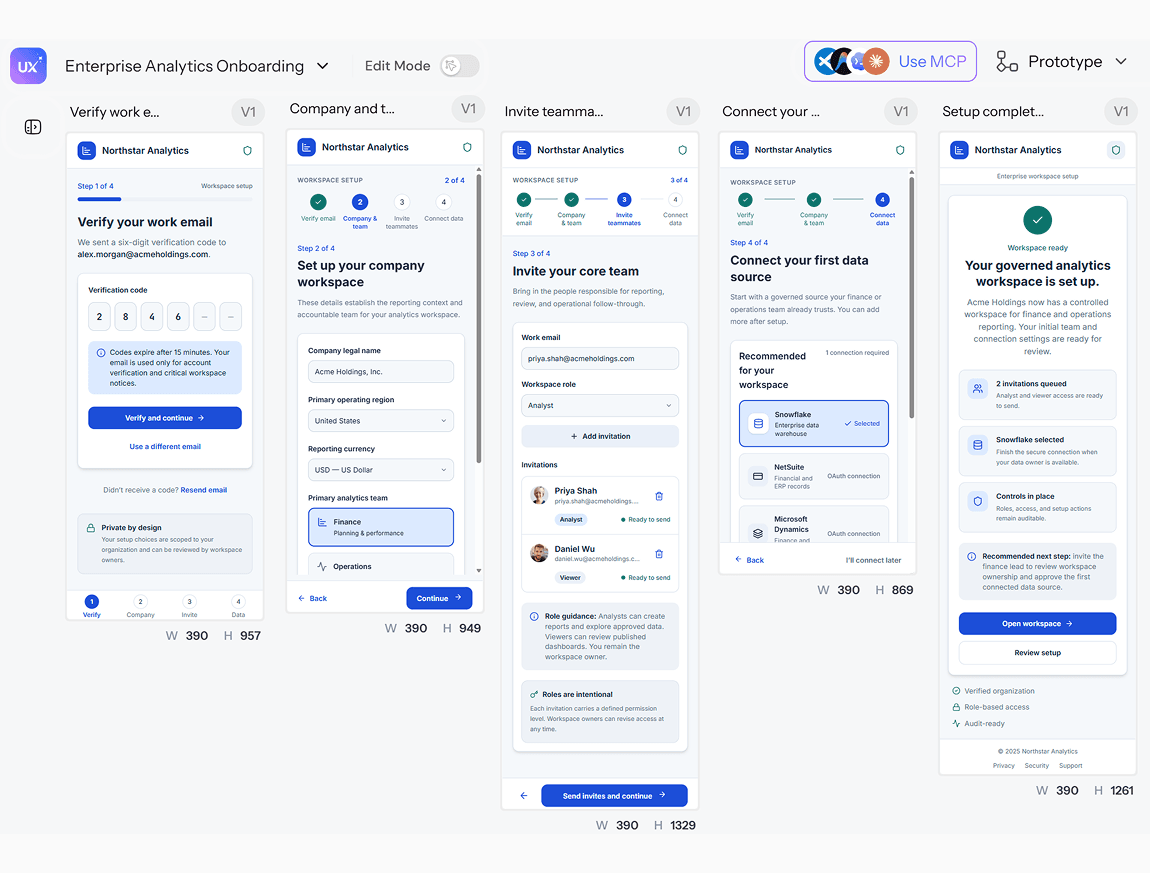
Design a sign-up flow for an enterprise analytics platform - work email verification, company/team setup, role assignment for invited teammates, and a guided first-integration step. Clean, confident, and structured - the kind of flow that reassures a CFO this is a serious tool, not a scrappy startup.
What you walk away with
A complete flow, not isolated screens
Every step - registration, verification, plan selection, first use - generated as one connected sequence, so nothing critical gets missed between signup and actual engagement.
A flow you can reorder, not rebuild
Add a verification step, drop a field, or reorder onboarding screens by describing the change. Test different sequences without redoing the work from scratch each time.
Figma and code, from one generation
Export into Figma for collaborative annotation, or download clean code your engineering team can build from directly both from the same signup flow.
UXMagic vs Figma vs UXPilot vs Lovable vs Bolt.new vs Banani vs Anima
A lot of tools generate a single signup screen. Here's what separates a real signup flow generator from a static form builder:
| Tính năng | Figma (native AI) | UXPilot | Lovable | Bolt.new | Banani | Anima | UXMagic |
|---|---|---|---|---|---|---|---|
| Full multi-screen signup sequence, not one form | |||||||
| Reorder/add steps with a follow-up prompt | |||||||
| Design-first (no forced backend/database) | |||||||
| Design system/token consistency across steps | |||||||
| Export to Figma as editable layers | |||||||
| Export to production-ready code |
có thắc mắc?chúng tôi có câu trả lời.
A signup flow generator produces a complete sequence of registration and onboarding screens from a text description - form fields, verification steps, plan selection - instead of requiring each screen to be manually designed one at a time.
A connected, multi-screen sequence covering registration, verification, and onboarding, structured in a logical order and ready for review, refinement, or export.
Depending on your product, a signup flow can include account creation, email or phone verification, plan or pricing selection, profile setup, and a first-use or welcome screen. Describe the steps your product actually needs, and UXMagic generates that specific sequence.
Yes. Adjust form fields, reorder steps, add or remove verification screens, and refine the visual design with follow-up prompts - the flow updates in place rather than requiring a full rebuild.
A template is a fixed starting point you adapt manually. UXMagic generates a flow structured around your actual requirements - your specific fields, your specific steps - rather than a generic template you have to reshape to fit.
Yes. Export your signup flow to Figma for team review, or download production-ready code your engineering team can implement directly.
được tạo bởi người thật.phối lại không giới hạn.
Hãy là người đầu tiên đăng tải nội dung tại đây