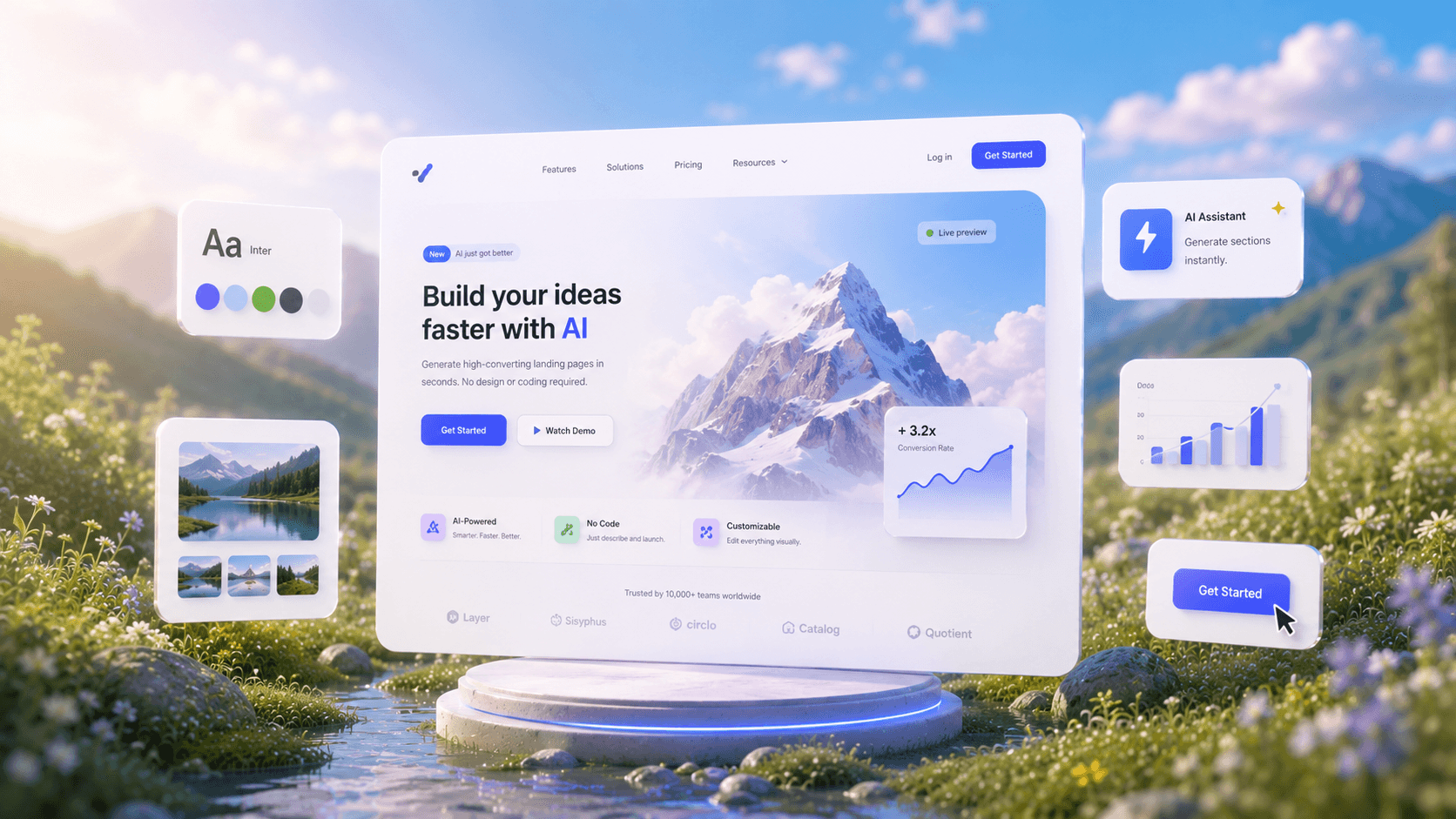
Create Mockups with AIIn Seconds.
See How AI GeneratesMockups Instantly
Trusted by Designers and Developers
Faster than manual design
Responsive by default
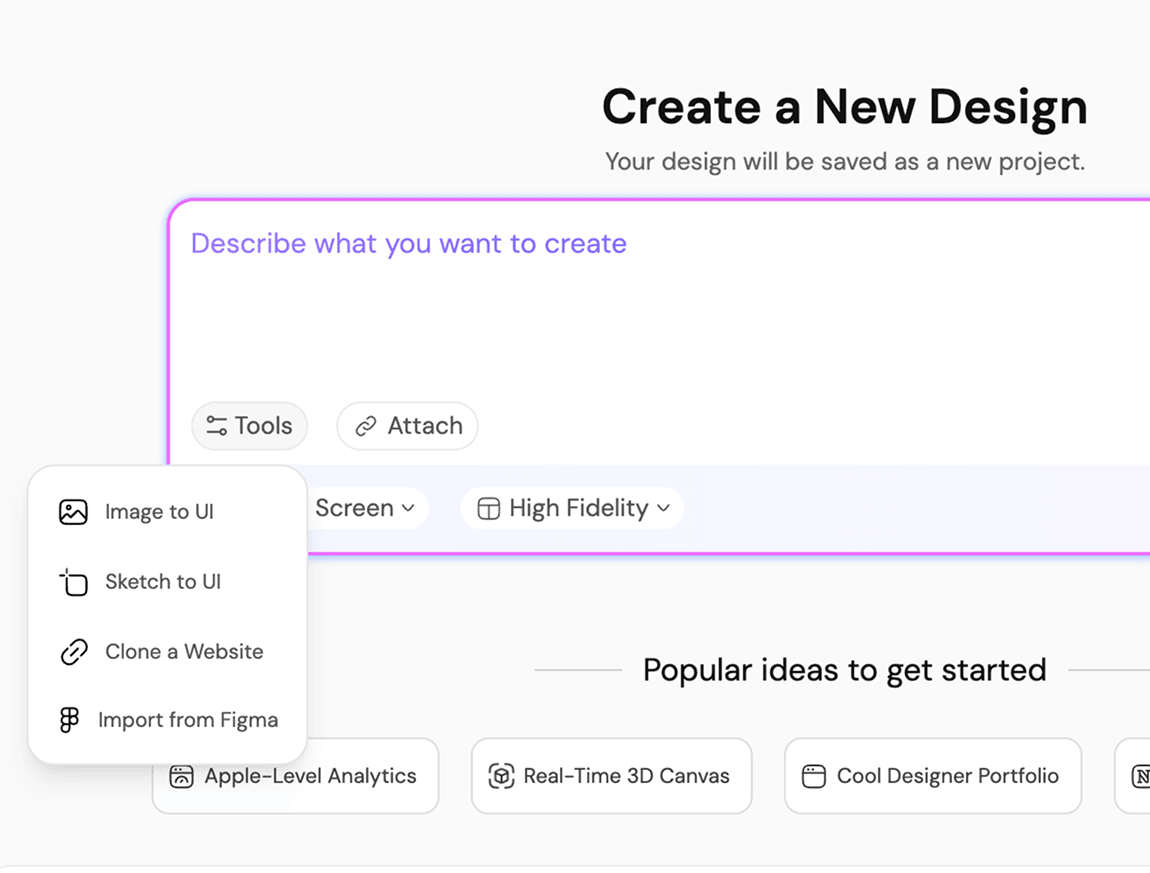
Type it, see itship it
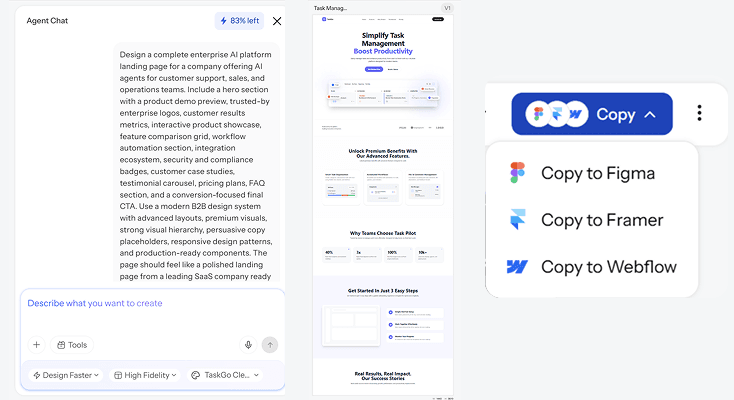
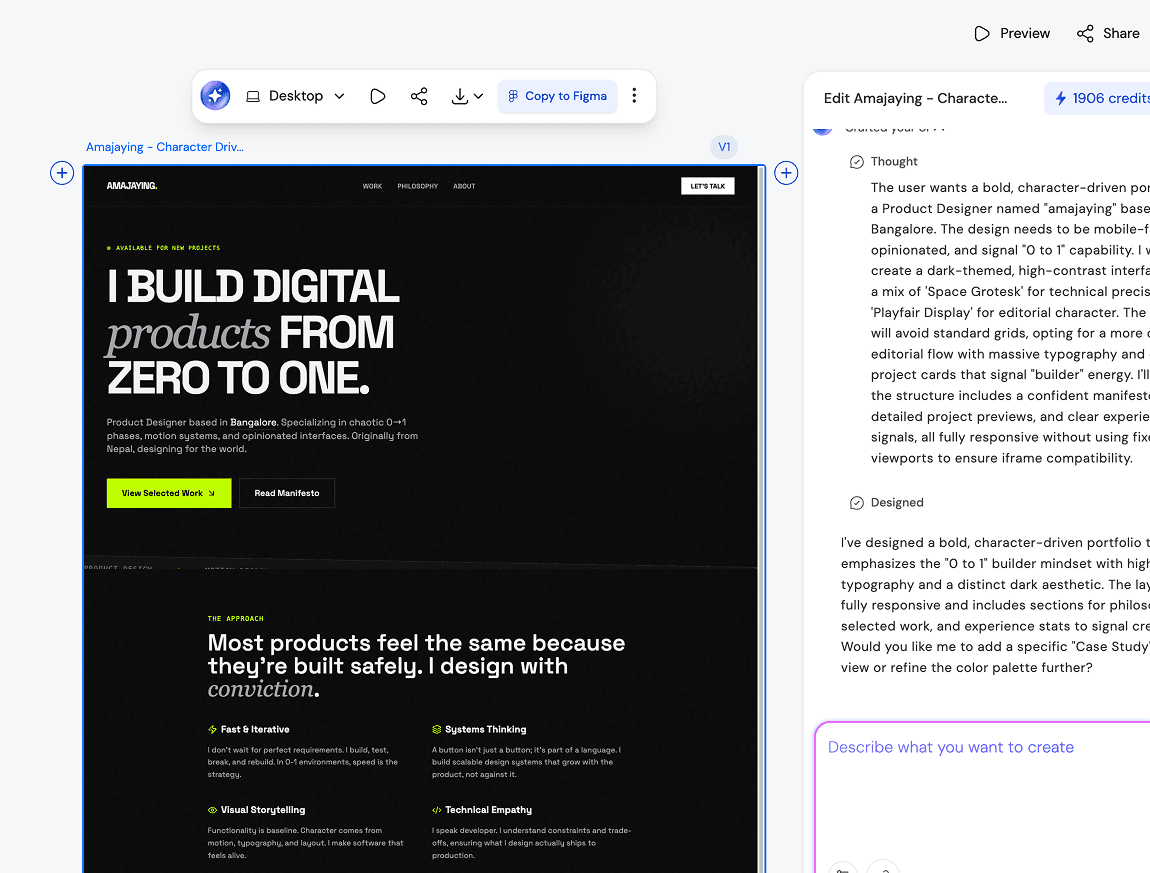
A mockup generator should not require you to already know what good design looks like. With UXMagic, you describe what you are building, a login screen, a pricing page, an app dashboard, and the AI mockup generator builds the full layout for you. No templates to hunt through, no component library to learn first. Just a prompt and a result you can actually use.
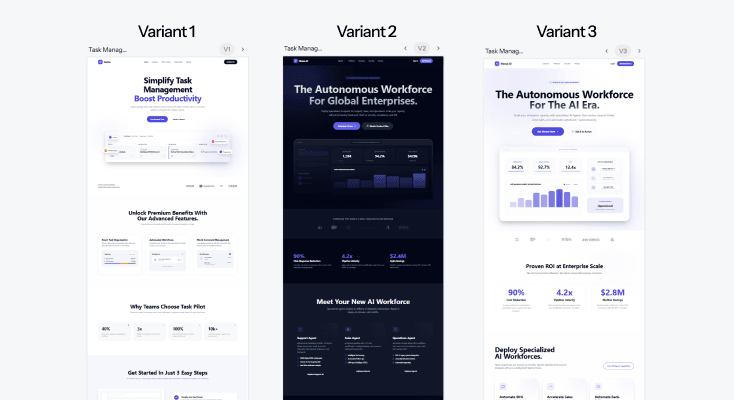
One concept,several directions
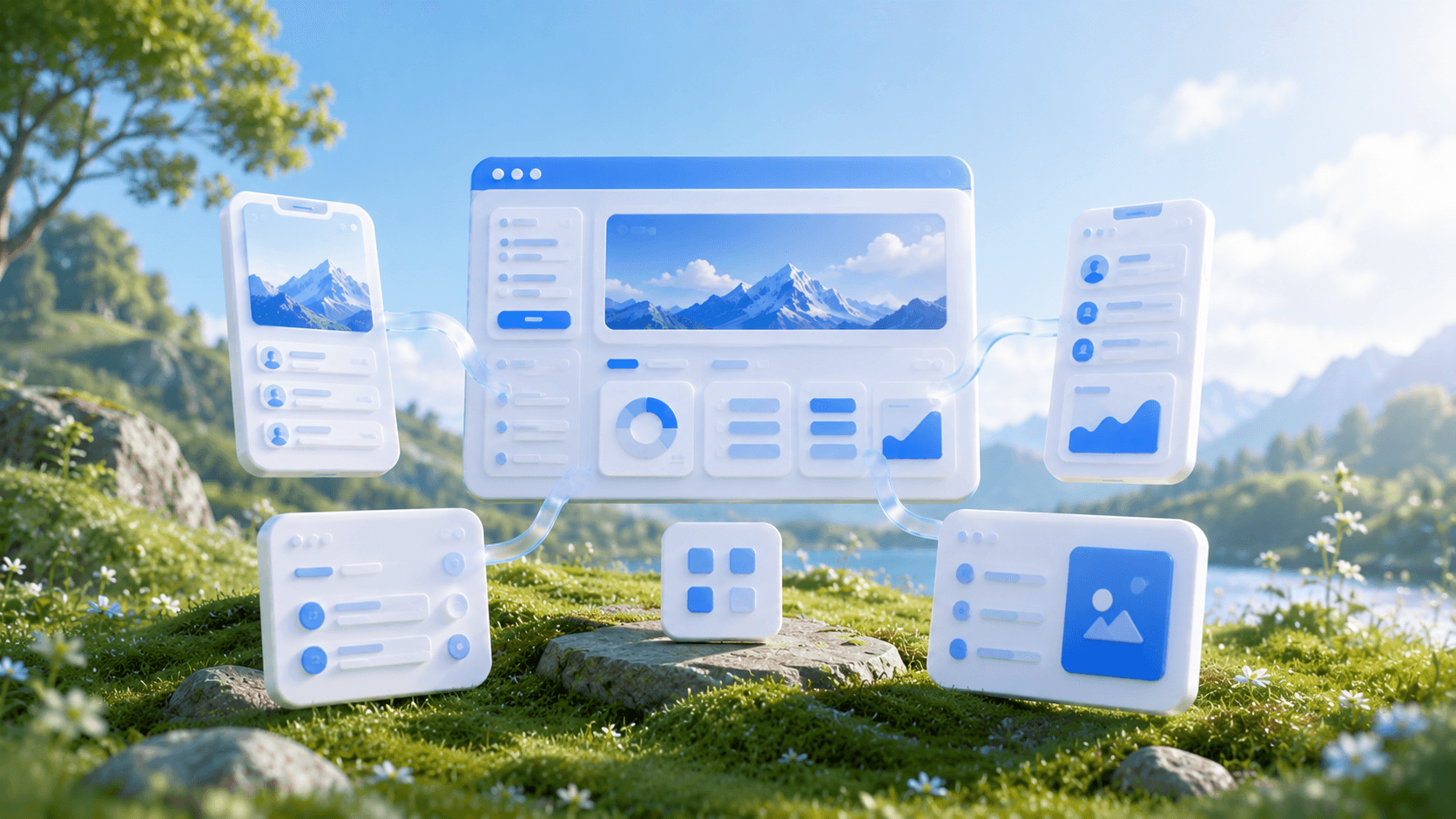
Every project has more than one way it could look. UXMagic generates multiple mockup styles from a single prompt, so instead of committing to the first idea, you can compare directions side by side and pick the one that actually fits your product before you invest time refining it.
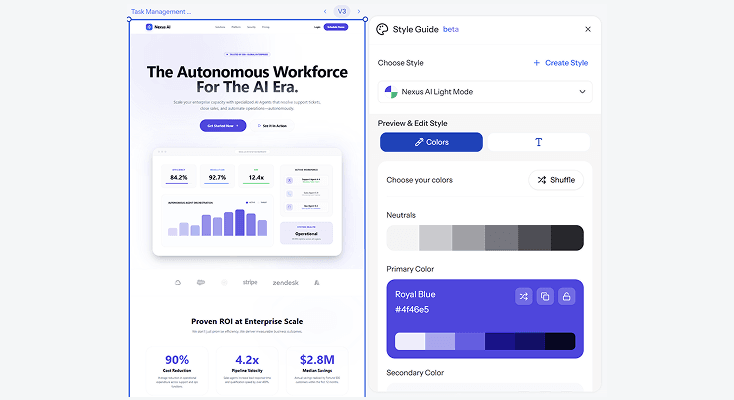
Mockups that alreadyknow your brand
Upload a reference image, a logo, or an existing design, and UXMagic's AI extracts the visual language and applies it directly to your new mockup. Colors, type, spacing, all pulled from what you already have. This is what makes the output feel intentional instead of generic.
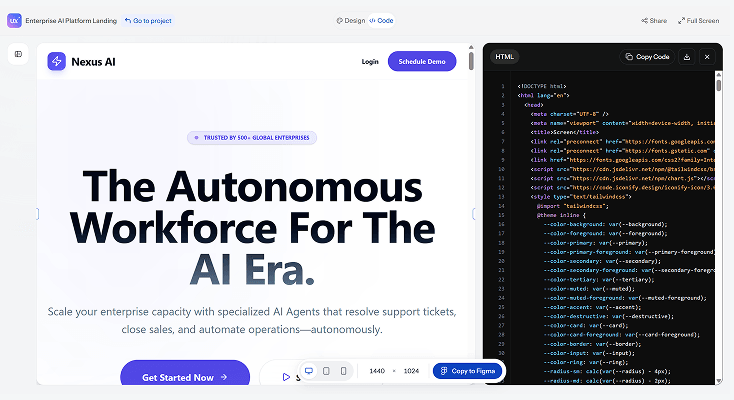
From mockup toproduction ready design/code
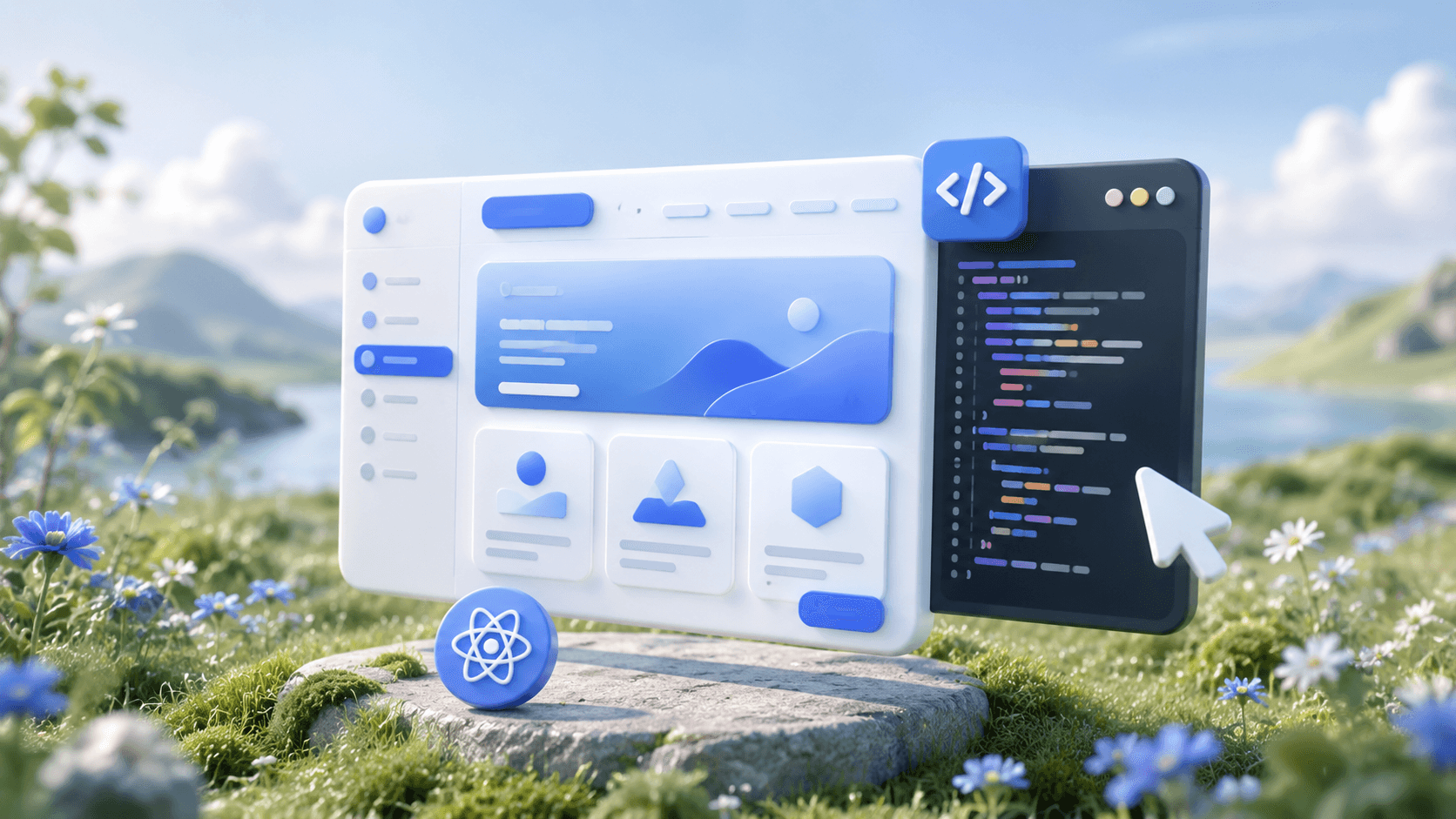
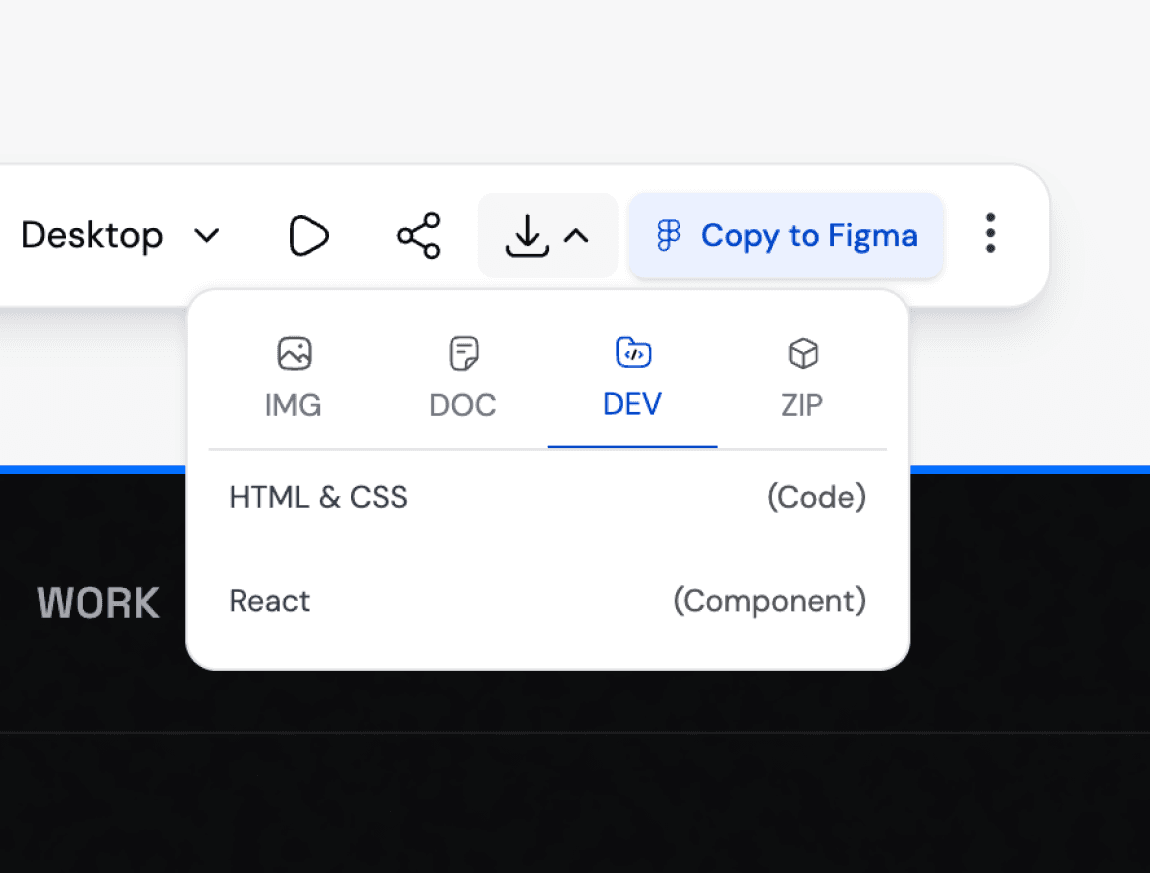
A mockup that only exists as a static image is half finished. UXMagic exports clean, implementation-ready files so your mockup can move straight into a real build, whether that means handing it to a developer or continuing to refine it as a full product design.
What you walk away with
A mockup that looks like it took hours, not seconds
UXMagic's output is built on real design patterns and structured layouts, not generic placeholder graphics. What you get looks considered, because it actually was.
A mockup you can build from
This is not a flat image meant only for a slide deck. Every mockup comes with implementation-ready structure so it can move into actual product development without a rebuild.
Room to explore before you commit
Generate several directions from the same idea instead of locking into the first result. Compare, refine, and choose the version that genuinely fits before moving forward.
UXMagic vs Figma vs UXPilot vs Banani vs Uizard vs Google StitchFEATURE COMPARISON
A lot of tools call themselves a mockup generator. Here is what matters when you actually need one that works:
| Tính năng | Figma (native AI) | UXPilot | Banani | Uizard | Google Stitch | UXMagic |
|---|---|---|---|---|---|---|
| AI prompt to mockup | ||||||
| Multiple style variations per prompt | ||||||
| Upload reference image for style matching | ||||||
| Brand style extraction and application | ||||||
| Consistent layout across multi-screen flows | ||||||
| Conversion-aware layout logic | ||||||
| Implementation-ready export |
có thắc mắc?chúng tôi có câu trả lời.
An AI mockup generator is a tool that turns a text prompt or reference image into a complete visual design, without needing to build it manually. Instead of placing every element by hand, you describe what you want and the AI produces a structured mockup ready to refine, present, or build from. UXMagic's AI mockup generator focuses on producing output that holds up beyond a first glance, with real layout structure underneath.
Type a description of what you want, such as "a checkout page for an online store" or "a fitness app onboarding flow." UXMagic generates the mockup in seconds. From there you can refine specific elements, try a different style, or export it once you are happy with the result.
Yes. UXMagic produces several style variations from a single prompt so you are not stuck with only one interpretation of your idea. This makes it easier to explore different directions early, before you commit time to refining a single version.
No. UXMagic is built so that founders, marketers, and product managers without design training can produce a usable mockup just as easily as a trained designer. The AI handles layout, spacing, and visual hierarchy, so you are not starting from a blank canvas with no reference point.
UXMagic has a free tier that lets you generate and edit mockups without needing a credit card. Paid plans unlock more generations, additional style variations, and advanced brand customization features for teams producing mockups regularly.
Website mockups, app mockups, dashboards, landing pages, e-commerce layouts, onboarding flows, and more. UXMagic also adapts mockups across device sizes, so the same concept can become a mobile screen or a desktop layout without rebuilding it from scratch.
A wireframe is a rough structural sketch focused on layout and hierarchy, usually without color or detailed styling. A mockup is a more finished, visual representation that shows what the final product will actually look like. UXMagic can generate both, starting from a simple structural layout and building up to a polished, high-fidelity mockup.
Yes. Upload a reference image, logo, or existing design file, and UXMagic will extract the visual style, colors, and structure to generate a new mockup that matches it. This is useful when you already have a brand identity and want your mockup to reflect it accurately.
Figma's native AI mockup features, like First Draft, work inside the Figma editor and require a Figma account to access. UXMagic works independently, generating multiple style variations and applying brand references in ways that Figma's built-in tools do not currently support. You can also export implementation-ready output directly from UXMagic without needing to move into Figma at all.
Yes. UXMagic exports mockups as implementation-ready files so your design can move directly into development or further design work. There are no watermarks or paywalled exports blocking you from using what you create.
được tạo bởi người thật.phối lại không giới hạn.
Hãy là người đầu tiên đăng tải nội dung tại đây