Trang chủ UXMagic
  • English
  • Español
  • हिन्दी
  • Bahasa Indonesia
  • Tiếng Việt
  • Português
  • Русский
  • 中文
  • العربية
  • Deutsch
  • Français
  • Tính năng
  • Thư viện
  • Mẫu
  • Bảng giá
  • Tiếp thị liên kết
  • Tài nguyên
Trang chủ UXMagic
  • English
  • Español
  • हिन्दी
  • Bahasa Indonesia
  • Tiếng Việt
  • Português
  • Русский
  • 中文
  • العربية
  • Deutsch
  • Français
Trang chủ UXMagic

Thư viện

MẫuMới
Khung cộng đồng
Bảng giá
Tiếp thị liên kết

Tài nguyên

Theo dõi chúng tôi trên:
  • Theo dõi chúng tôi trên Slack
  • Theo dõi chúng tôi trên Twitter
  • Theo dõi chúng tôi trên Linkedin
  • Theo dõi chúng tôi trên Youtube
  • Theo dõi chúng tôi trên Instagram

Figma to Code in Minutes with AI-Powered Design Iteration

Instant Result

Your Figma designsshouldn’t stop at frames
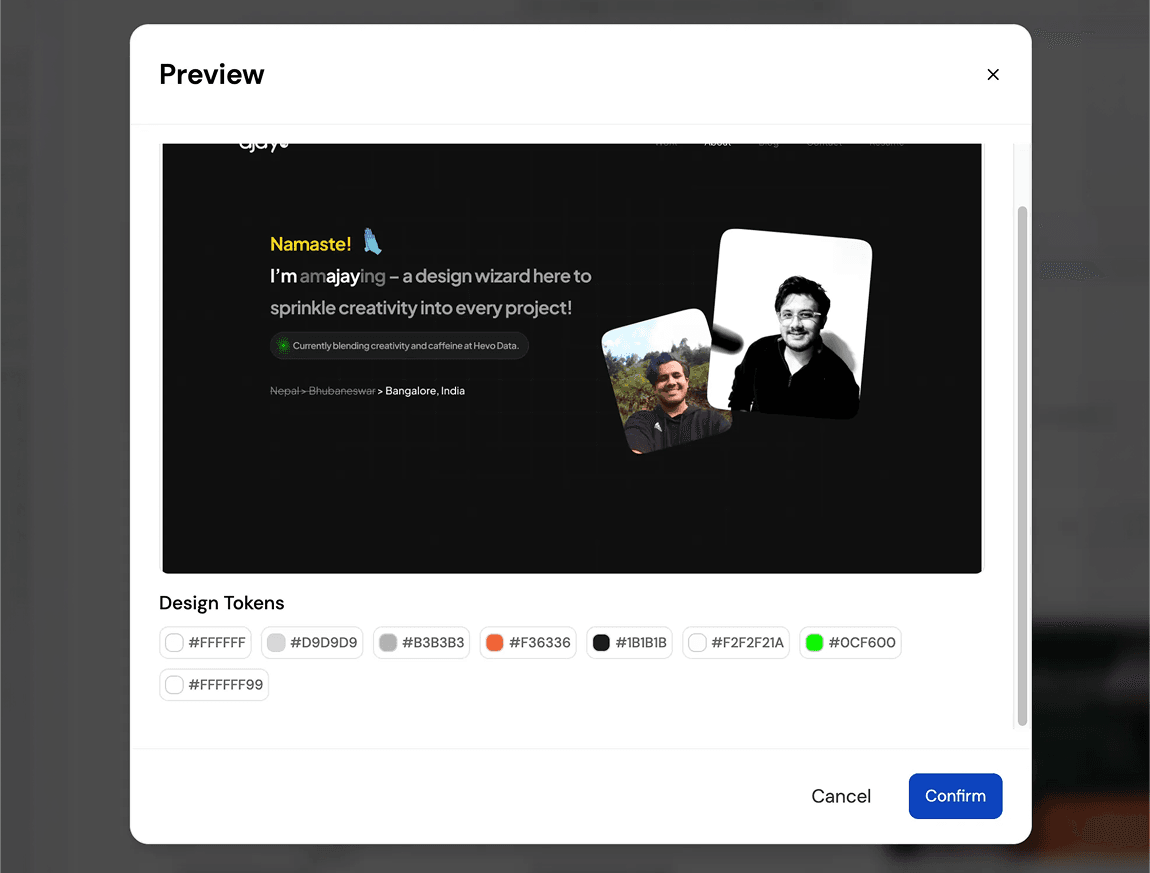
How Teams Convert Figma to Code Without Losing Structure:TURN IMAGE TO FIGMA DESIGN

1

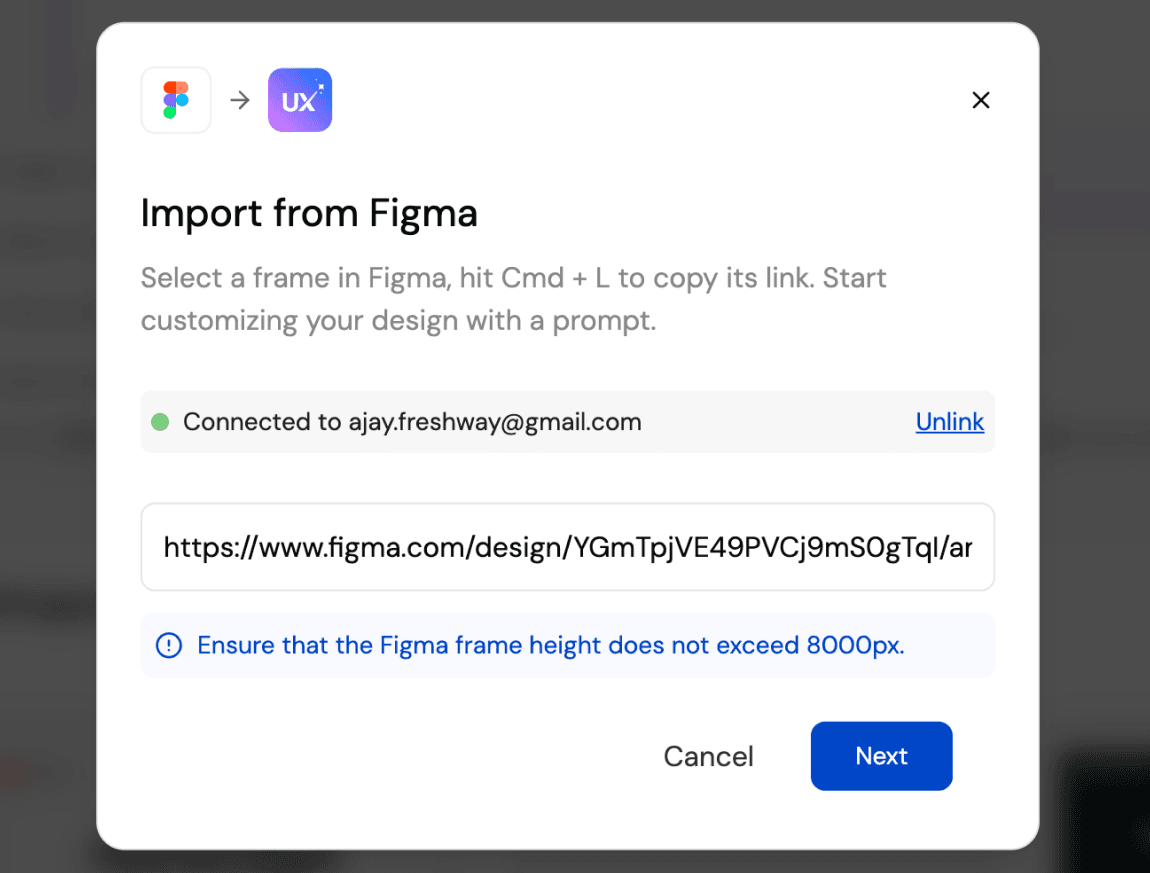
Connect your Figma File

Bước 1
2

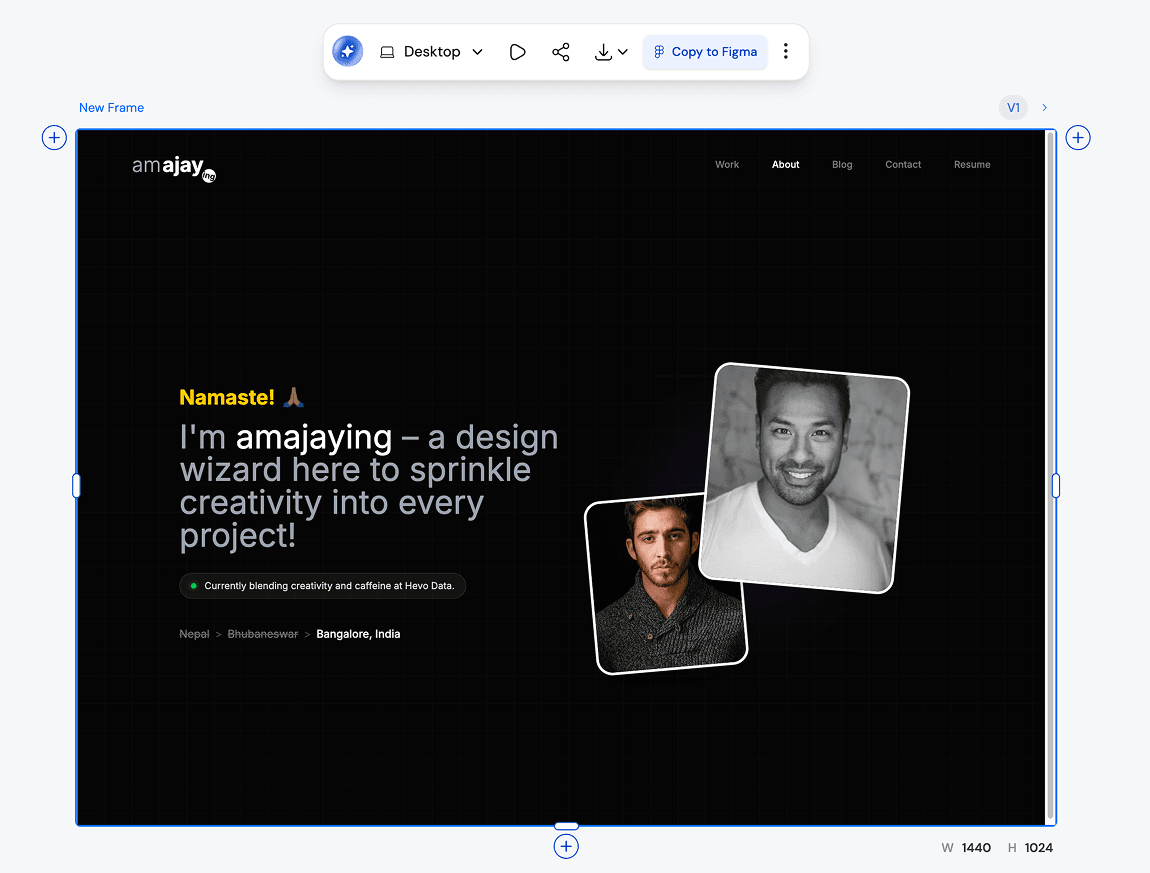
Generate UI and code as a starting point

Bước 2
3

Iterate, refine, and ship faster

Bước 3
1

Connect your Figma File

Bước 1
2

Generate UI and code as a starting point

Bước 2
3

Iterate, refine, and ship faster

Bước 3

UXMagic vs UXPilot vs Uizard vs BananiFEATURE COMPARISON

Unlike Uizard, Banani, or UXPilot, UXMagic keeps your Figma styles intact while adding AI-powered ideation, making it perfect for teams who want speed without sacrificing brand consistency.

Tính năngUXPilotUizardBananiUXMagic
Import from Figma
AI Iteration with Brand Styles
Export Back to Figma
Code Generation
Responsive AutoLayout
Faq

có thắc mắc?chúng tôi có câu trả lời.

Yes. UXMagic respects your brand guidelines, typography, and color tokens. When you use AI to ideate or generate new screens, your original Figma styles remain intact.

Absolutely. Once you’re done iterating in UXMagic, you can export back to Figma. Your designs come with Auto Layout, style consistency, and responsiveness already applied.

You can import your Figma design files directly into UXMagic with one click. UXMagic automatically brings in your frames, layers, and style guide so you can start iterating with AI immediately—without changing anything inside your Figma workspace.

Yes. UXMagic lets you view and copy production-ready code for your imported Figma designs. It supports HTML, CSS, and responsive layout so developers can move faster.

Unlike Uizard, UXPilot, or Banani, UXMagic allows you to work directly with your existing Figma files and brand styles, not just generate new mockups. With UXMagic, you can import from Figma, iterate using AI, export back with Auto Layout intact, and even generate developer-friendly code—all in one workflow.

Cộng đồng

được tạo bởi người thật.phối lại không giới hạn.

Không tìm thấy kết quả.

Hãy là người đầu tiên đăng tải nội dung tại đây

TÍNH NĂNG UXMAGIC

Khám phá các tính năng của chúng tôi

Prompt to UI

Prompt to UI

Instantly turn text descriptions into functional UI designs.

Design Faster with Figma AI

Design Faster with Figma AI

Describe your idea and generate high-fidelity Figma-ready screens instantly.

AI Style Guide Generator

AI Style Guide Generator

Generate a brand style guide: colors, typography, spacing, and components, ready to export to Figma in seconds.

Image to Wireframe

Image to Wireframe

Convert screenshots or UI images into clean, editable wireframes instantly with AI and start building real interfaces faster.

Flow Mode (Multiple Screens)

Flow Mode (Multiple Screens)

Stop designing screen by screen. Flow Mode generates your entire UI flow from one prompt.

đánh giá

chúng tôi không muốn khoe khoang.nên hãy nghe người dùng nói.

Các nhà thiết kế, nhà sáng lập và lập trình viên dùng UXMagic để làm việc nhanh hơn.

ý tưởng tiếp theo của bạn
xứng đáng được ra đời

đừng chỉ nghĩ về nó nữa. cứ gõ ra đi. Vụng về, dang dở, sao cũng được. Chúng tôi sẽ biến nó thành điều có thật.

Sản phẩm

  • Mẫu
  • Cộng đồng
  • Các gói giá
  • Chương trình tiếp thị liên kết
  • UXMagic MCP
  • Claude MCP
  • Thông tin AI

Tài nguyên

  • Trung tâm trợ giúp
  • Thư viện Figma
  • Thư viện React
  • Mẫu ứng dụng di động
  • Tài liệu
  • Hướng dẫn

Tính năng

  • Từ câu lệnh thành UI
  • Từ hình ảnh thành UI
  • Từ bản phác thảo thành UI
  • Sao chép website
  • Nhập từ Figma
  • AI Wireframe Generator
  • AI Mockup Generator
  • AI Prototype Generator
  • AI Dashboard Generator
  • Tất cả tính năng

So sánh

  • vs UX Pilot
  • vs Relume
  • vs MagicPath
  • vs Magic Patterns
  • vs Banani
  • vs Galileo AI
  • vs v0
  • vs Lovable
  • vs Base44
  • Tất cả đối thủ

Blog

  • AI trong quy trình thiết kế UX: Điều gì thực sự hiệu quả
  • Mẫu câu lệnh cho dashboard SaaS
  • Những câu lệnh thực tế chúng tôi dùng để tạo luồng sản phẩm
  • Prompt Engineering cho UX Designer
  • Công cụ Wireframe tốt nhất năm 2026: So sánh 10 lựa chọn miễn phí & trả phí
  • Tất cả bài viết

Công ty & Hỗ trợ

  • Tuyển dụng
  • Liên hệ
  • Chính sách bảo mật
  • Điều khoản sử dụng
  • Cài đặt cookie
  • Theo dõi chúng tôi trên Slack
  • Theo dõi chúng tôi trên Twitter
  • Theo dõi chúng tôi trên Linkedin
  • Theo dõi chúng tôi trên Youtube
  • Theo dõi chúng tôi trên Instagram

© 2026 UXMagic AI Technologies Inc.