Trang chủ UXMagic
  • English
  • Español
  • हिन्दी
  • Bahasa Indonesia
  • Tiếng Việt
  • Português
  • Русский
  • 中文
  • العربية
  • Deutsch
  • Français
  • Tính năng
  • Thư viện
  • Mẫu
  • Bảng giá
  • Tiếp thị liên kết
  • Tài nguyên
Trang chủ UXMagic
  • English
  • Español
  • हिन्दी
  • Bahasa Indonesia
  • Tiếng Việt
  • Português
  • Русский
  • 中文
  • العربية
  • Deutsch
  • Français
Trang chủ UXMagic

Thư viện

MẫuMới
Khung cộng đồng
Bảng giá
Tiếp thị liên kết

Tài nguyên

Theo dõi chúng tôi trên:
  • Theo dõi chúng tôi trên Slack
  • Theo dõi chúng tôi trên Twitter
  • Theo dõi chúng tôi trên Linkedin
  • Theo dõi chúng tôi trên Youtube
  • Theo dõi chúng tôi trên Instagram

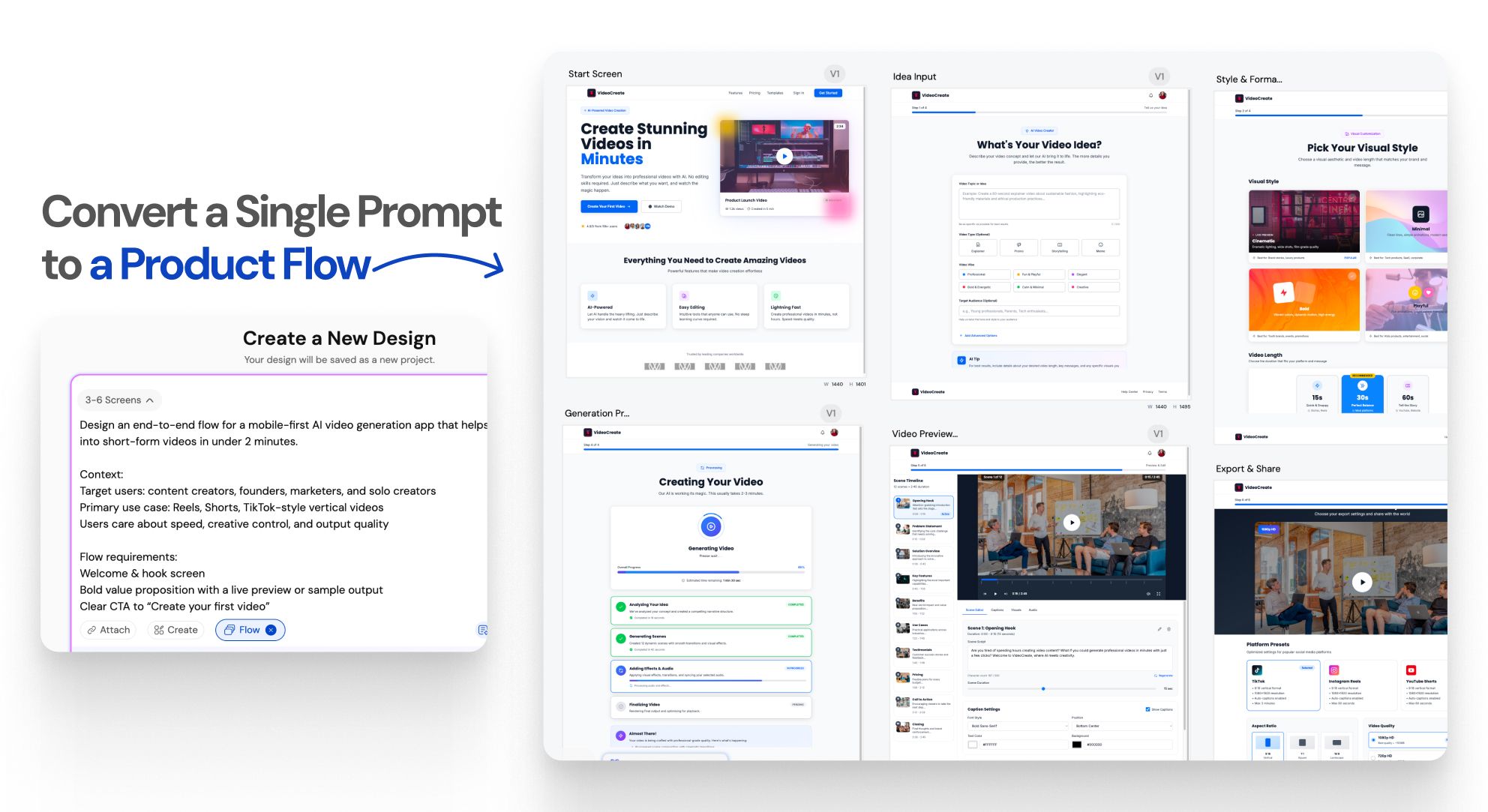
Generate Multiple Screenswith AI-Instantly

Instant Result

One prompt.An entire UI flow.

Instant Result

Design doesn’t stop at one screen anymoreWORKFLOW

1

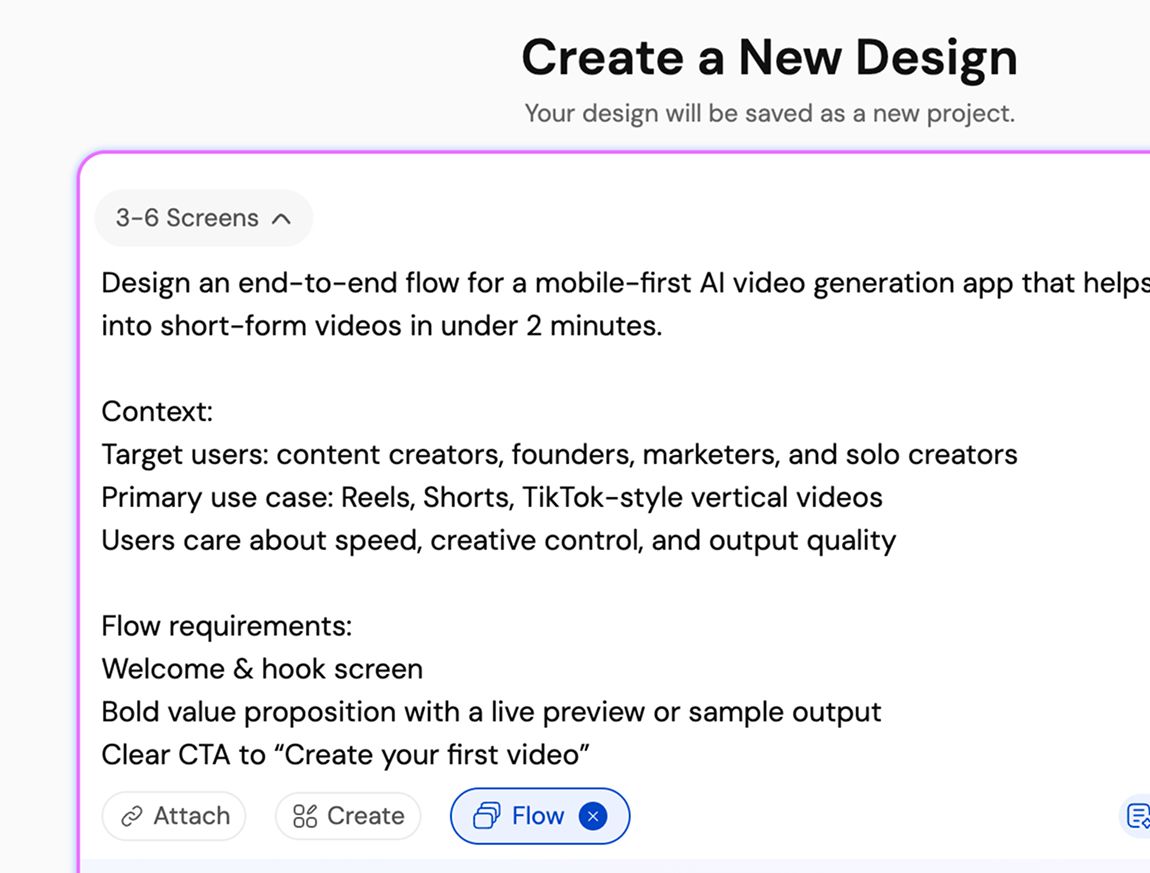
Describe your product or user flow

Bước 1
2

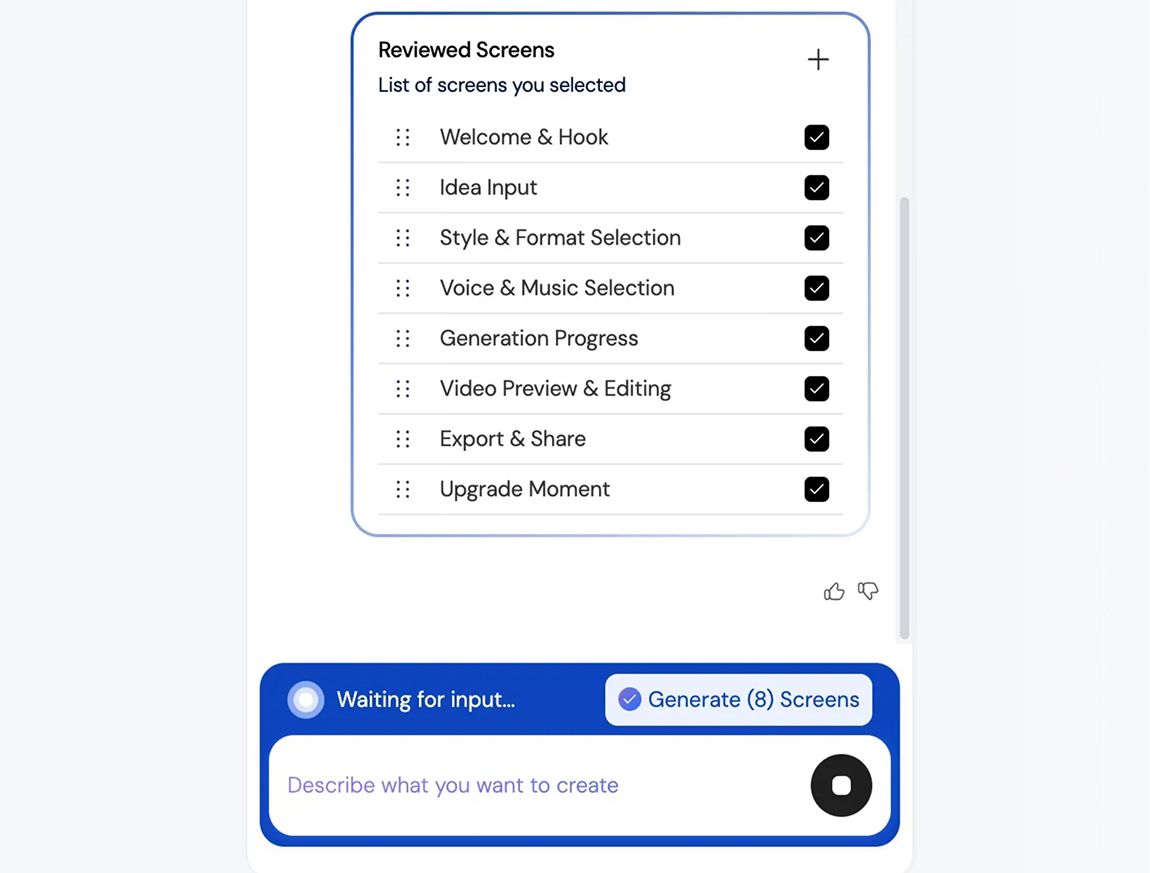
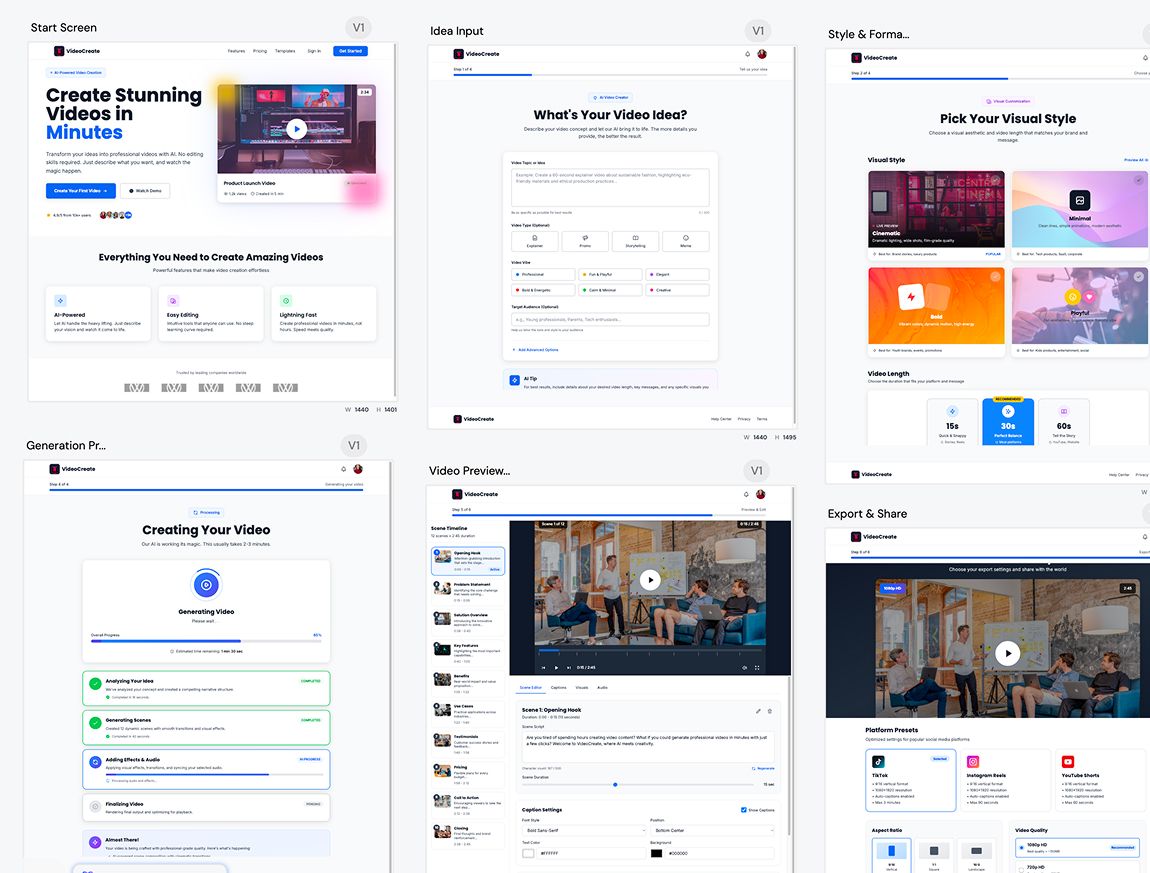
Generate a connected UI flow

Bước 2
3

Refine, iterate, build faster, and ship better UI/UX

Bước 3
1

Describe your product or user flow

Bước 1
2

Generate a connected UI flow

Bước 2
3

Refine, iterate, build faster, and ship better UI/UX

Bước 3

UXMagic vs Banani vs UXPilot vs Uizard vs Visily vs Figma Make vs Framer AICOMPETITORS

Tính năngBananiUXPilotUizardVisilyFigma AIFramer AIUXMagic
Multi-Screen Generation
Structured App Flow Creation
Consistency Across Entire Flow
Idea to Full App Flow in One Prompt
Faq

có thắc mắc?chúng tôi có câu trả lời.

Flow Mode is an AI UI flow generator that creates multiple connected screens from a single prompt. It helps teams design complete user journeys instead of isolated screens, keeping context and consistency across the entire flow.

You describe your product idea or user flow in text. Flow Mode analyzes screens, states, and transitions, then generates a connected UI flow automatically, instantly, so it doesn’t delay your productivity.

Most AI UI tools generate single, disconnected screens. Flow Mode focuses on multi-screen experiences, maintaining continuity, layout structure, and design consistency across the entire user journey.

You can generate onboarding flows, authentication flows, dashboards, settings, SaaS workflows, mobile app journeys, and multi-step user experiences.

Yes. All generated screens are fully editable. Either you can iterate on them on UXMagic or edit them in Figma, allowing you to customize layouts, components, spacing, and visuals without limitations.

100% Yes. Flow Mode applies consistent typography, spacing, components, and layout patterns across every screen in the flow to ensure a cohesive UI.

Yes. You can use your existing style guide or imported design system to generate UI flows that follow your brand rules and visual standards.

Yes. Flow Mode is built for designers, founders, and product teams. No design experience is required to generate structured, high-quality UI flows.

Flow Mode reduces screen-by-screen design work, speeds up iteration, preserves context across flows, and helps teams move faster from idea to validated UI.

Cộng đồng

được tạo bởi người thật.phối lại không giới hạn.

Không tìm thấy kết quả.

Hãy là người đầu tiên đăng tải nội dung tại đây

TÍNH NĂNG UXMAGIC

Khám phá các tính năng của chúng tôi

Import from Figma

Import from Figma

Import your Figma design files directly into UXMagic with one click.

Clone a Website

Clone a Website

Recreate any website design by simply providing a URL.

đánh giá

chúng tôi không muốn khoe khoang.nên hãy nghe người dùng nói.

Các nhà thiết kế, nhà sáng lập và lập trình viên dùng UXMagic để làm việc nhanh hơn.

ý tưởng tiếp theo của bạn
xứng đáng được ra đời

đừng chỉ nghĩ về nó nữa. cứ gõ ra đi. Vụng về, dang dở, sao cũng được. Chúng tôi sẽ biến nó thành điều có thật.

Sản phẩm

  • Mẫu
  • Cộng đồng
  • Các gói giá
  • Chương trình tiếp thị liên kết
  • UXMagic MCP
  • Claude MCP
  • Thông tin AI

Tài nguyên

  • Trung tâm trợ giúp
  • Thư viện Figma
  • Thư viện React
  • Mẫu ứng dụng di động
  • Tài liệu
  • Hướng dẫn

Tính năng

  • Từ câu lệnh thành UI
  • Từ hình ảnh thành UI
  • Từ bản phác thảo thành UI
  • Sao chép website
  • Nhập từ Figma
  • AI Wireframe Generator
  • AI Mockup Generator
  • AI Prototype Generator
  • AI Dashboard Generator
  • Tất cả tính năng

So sánh

  • vs UX Pilot
  • vs Relume
  • vs MagicPath
  • vs Magic Patterns
  • vs Banani
  • vs Galileo AI
  • vs v0
  • vs Lovable
  • vs Base44
  • Tất cả đối thủ

Blog

  • AI trong quy trình thiết kế UX: Điều gì thực sự hiệu quả
  • Mẫu câu lệnh cho dashboard SaaS
  • Những câu lệnh thực tế chúng tôi dùng để tạo luồng sản phẩm
  • Prompt Engineering cho UX Designer
  • Công cụ Wireframe tốt nhất năm 2026: So sánh 10 lựa chọn miễn phí & trả phí
  • Tất cả bài viết

Công ty & Hỗ trợ

  • Tuyển dụng
  • Liên hệ
  • Chính sách bảo mật
  • Điều khoản sử dụng
  • Cài đặt cookie
  • Theo dõi chúng tôi trên Slack
  • Theo dõi chúng tôi trên Twitter
  • Theo dõi chúng tôi trên Linkedin
  • Theo dõi chúng tôi trên Youtube
  • Theo dõi chúng tôi trên Instagram

© 2026 UXMagic AI Technologies Inc.