الصفحة الرئيسية لـ UXMagic
  • English
  • Español
  • हिन्दी
  • Bahasa Indonesia
  • Tiếng Việt
  • Português
  • Русский
  • 中文
  • العربية
  • Deutsch
  • Français
  • المزايا
  • المكتبات
  • القوالب
  • الأسعار
  • التسويق بالعمولة
  • الموارد
الصفحة الرئيسية لـ UXMagic
  • English
  • Español
  • हिन्दी
  • Bahasa Indonesia
  • Tiếng Việt
  • Português
  • Русский
  • 中文
  • العربية
  • Deutsch
  • Français
الصفحة الرئيسية لـ UXMagic

المكتبات

القوالبجديد
تصاميم المجتمع
الأسعار
التسويق بالعمولة

الموارد

تابعنا على:
  • تابعنا على Slack
  • تابعنا على Twitter
  • تابعنا على LinkedIn
  • تابعنا على YouTube
  • تابعنا على Instagram

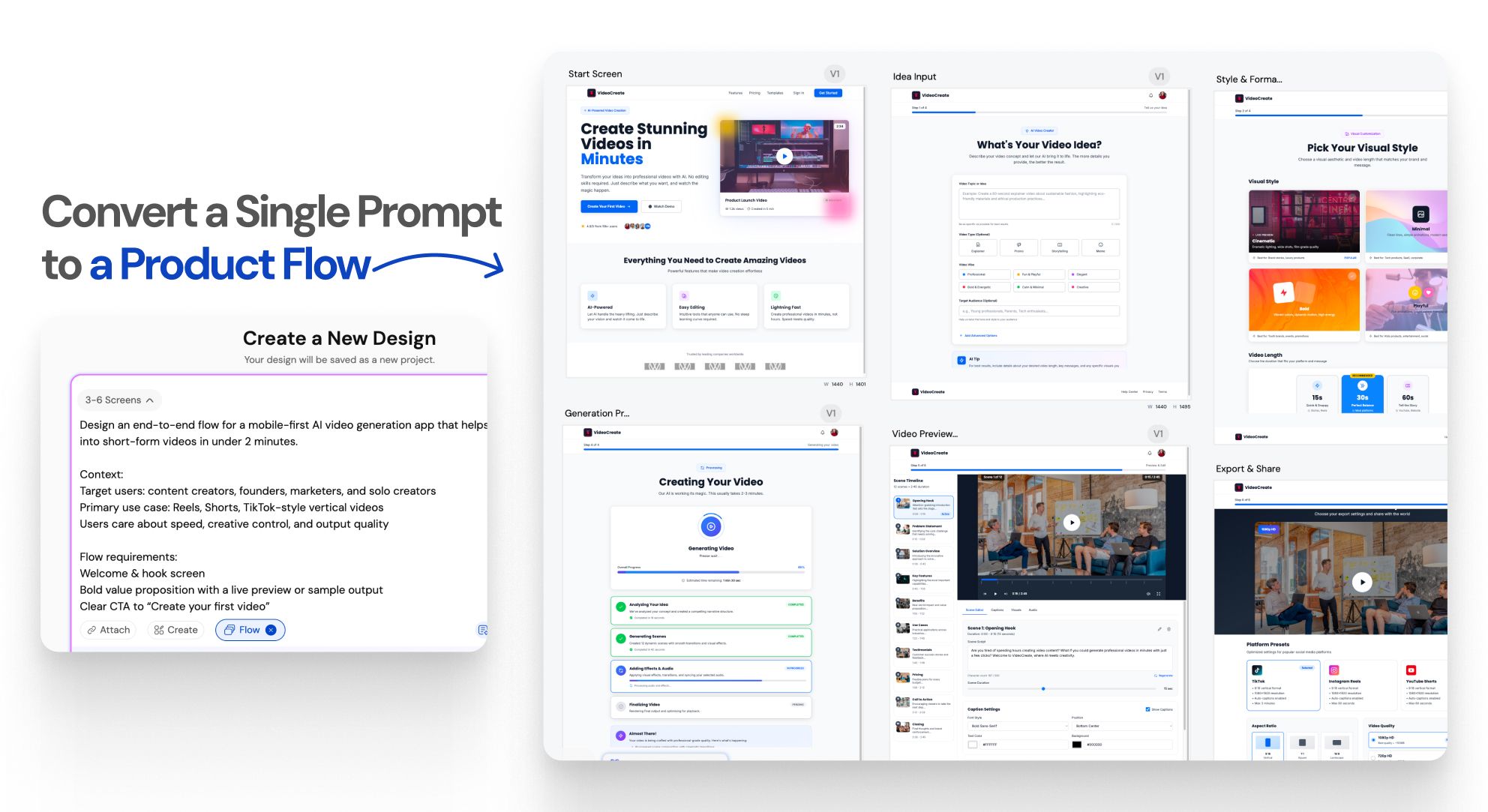
Generate Multiple Screenswith AI-Instantly

Instant Result

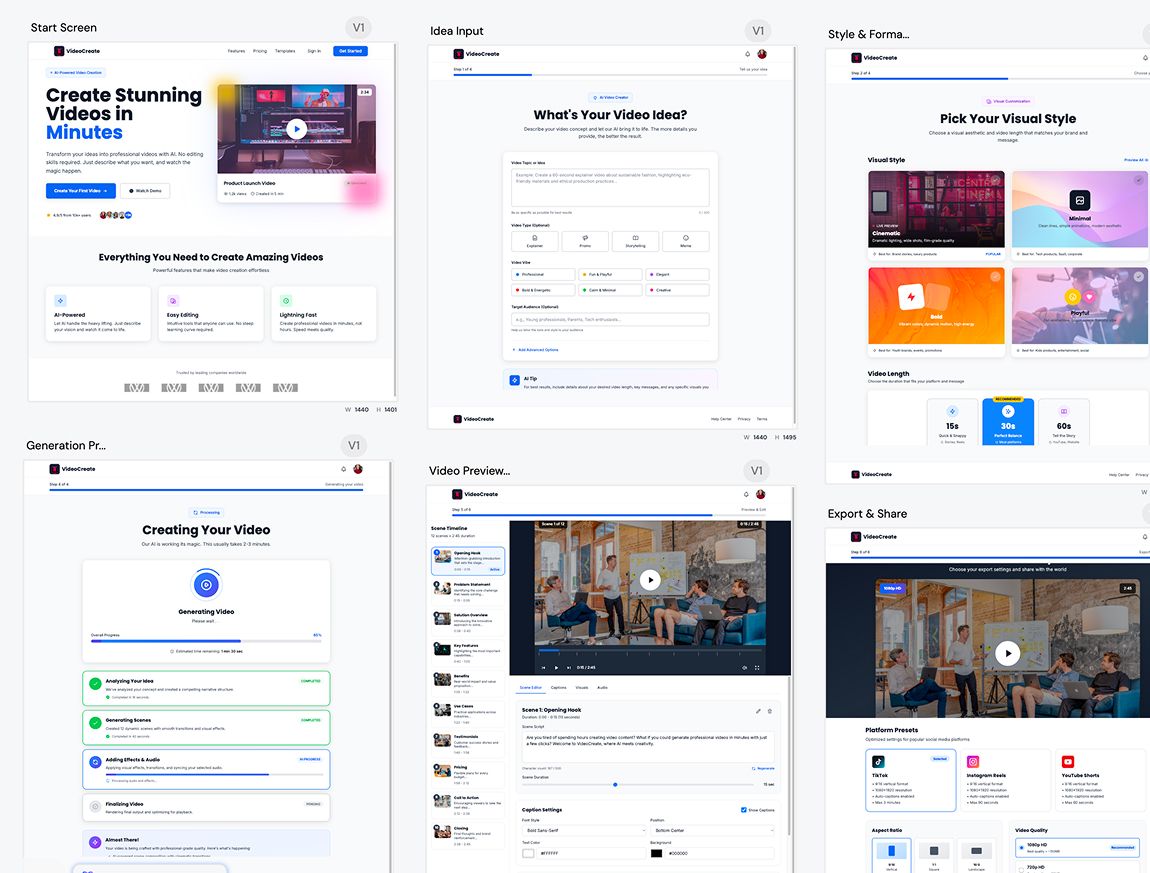
One prompt.An entire UI flow.

Instant Result

Design doesn’t stop at one screen anymoreWORKFLOW

1

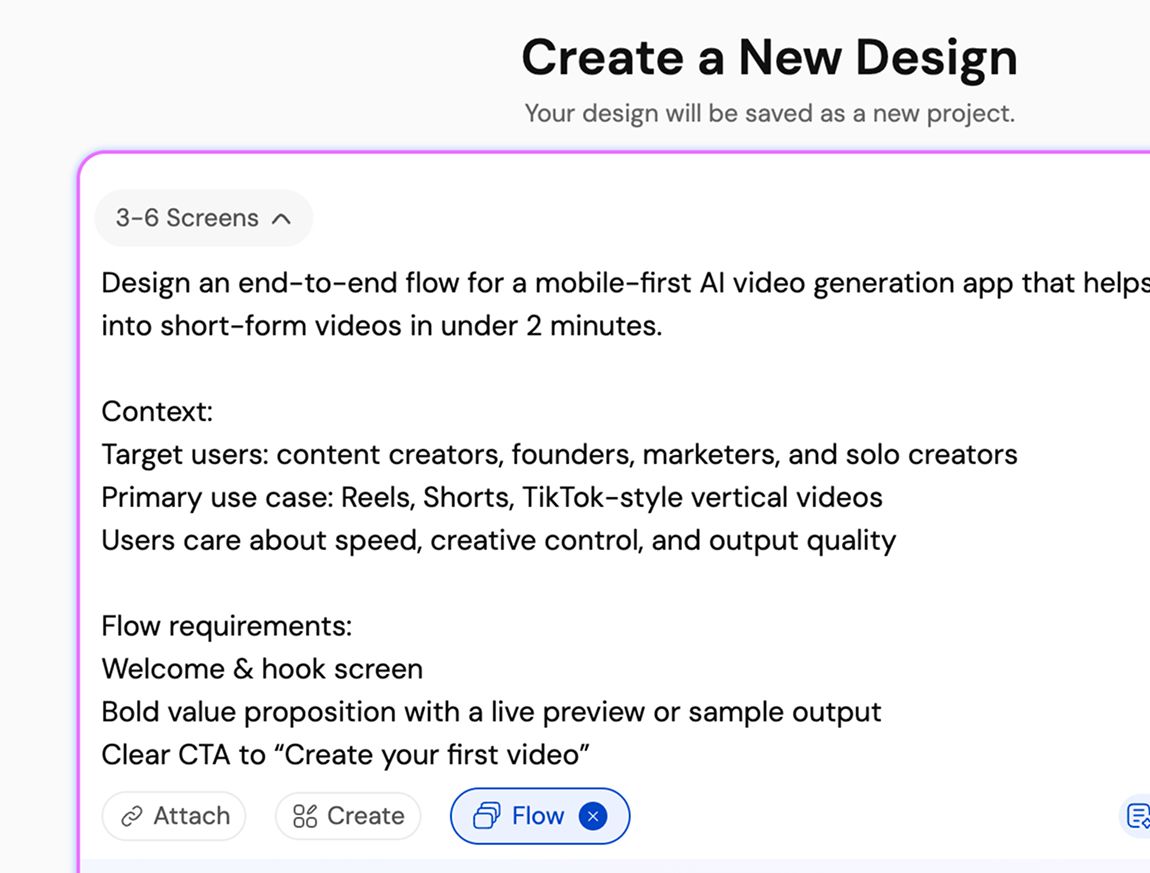
Describe your product or user flow

الخطوة 1
2

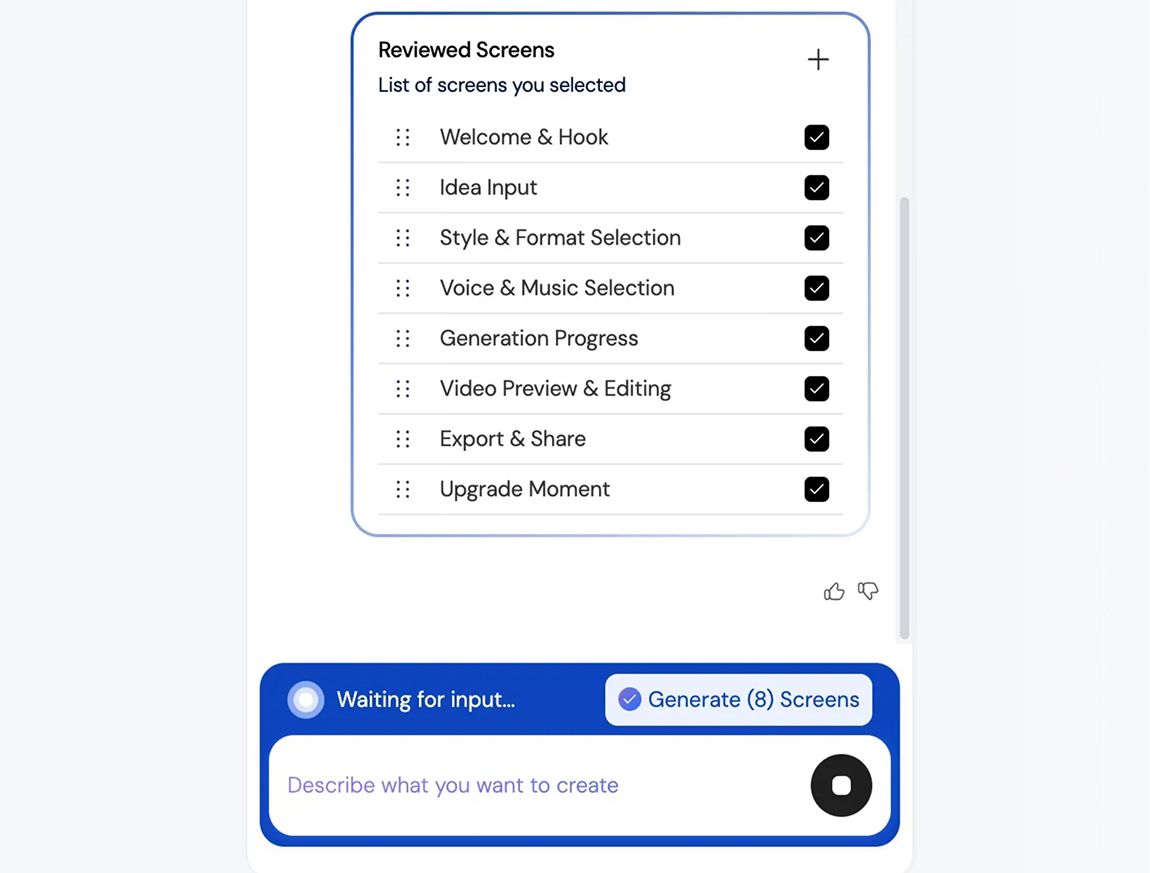
Generate a connected UI flow

الخطوة 2
3

Refine, iterate, build faster, and ship better UI/UX

الخطوة 3
1

Describe your product or user flow

الخطوة 1
2

Generate a connected UI flow

الخطوة 2
3

Refine, iterate, build faster, and ship better UI/UX

الخطوة 3

UXMagic vs Banani vs UXPilot vs Uizard vs Visily vs Figma Make vs Framer AICOMPETITORS

الميزةBananiUXPilotUizardVisilyFigma AIFramer AIUXMagic
Multi-Screen Generation
Structured App Flow Creation
Consistency Across Entire Flow
Idea to Full App Flow in One Prompt
الأسئلة الشائعة

لديك أسئلة؟لدينا الإجابات.

Flow Mode is an AI UI flow generator that creates multiple connected screens from a single prompt. It helps teams design complete user journeys instead of isolated screens, keeping context and consistency across the entire flow.

You describe your product idea or user flow in text. Flow Mode analyzes screens, states, and transitions, then generates a connected UI flow automatically, instantly, so it doesn’t delay your productivity.

Most AI UI tools generate single, disconnected screens. Flow Mode focuses on multi-screen experiences, maintaining continuity, layout structure, and design consistency across the entire user journey.

You can generate onboarding flows, authentication flows, dashboards, settings, SaaS workflows, mobile app journeys, and multi-step user experiences.

Yes. All generated screens are fully editable. Either you can iterate on them on UXMagic or edit them in Figma, allowing you to customize layouts, components, spacing, and visuals without limitations.

100% Yes. Flow Mode applies consistent typography, spacing, components, and layout patterns across every screen in the flow to ensure a cohesive UI.

Yes. You can use your existing style guide or imported design system to generate UI flows that follow your brand rules and visual standards.

Yes. Flow Mode is built for designers, founders, and product teams. No design experience is required to generate structured, high-quality UI flows.

Flow Mode reduces screen-by-screen design work, speeds up iteration, preserves context across flows, and helps teams move faster from idea to validated UI.

المجتمع

صُنع بأيدي أشخاص حقيقيين.يُعاد مزجه بلا حدود.

لم يتم العثور على نتائج.

كن أول من ينشر شيئًا هنا

مزايا UXMAGIC

تعرّف على مزايانا

Import from Figma

Import from Figma

Import your Figma design files directly into UXMagic with one click.

Clone a Website

Clone a Website

Recreate any website design by simply providing a URL.

آراء المستخدمين

لا نريد التباهي.لذا إليك ما يقوله المستخدمون.

مصممون ومؤسسون ومطورون يستخدمون UXMagic للعمل بشكل أسرع.

فكرتك القادمة
تستحق أن ترى النور

توقف عن التفكير فيها واكتبها فحسب. حتى لو كانت ناقصة أو غير مكتملة، لا يهم. سنحوّلها إلى شيء حقيقي.

المنتج

  • القوالب
  • المجتمع
  • خطط الأسعار
  • برنامج العمولة
  • UXMagic MCP
  • Claude MCP
  • معلومات الذكاء الاصطناعي

الموارد

  • مركز المساعدة
  • مكتبة Figma
  • مكتبة React
  • قوالب تطبيقات الجوال
  • التوثيق
  • الدروس التعليمية

المزايا

  • من أمر إلى واجهة
  • من صورة إلى واجهة
  • من رسم إلى واجهة
  • استنساخ موقع
  • استيراد من Figma
  • AI Wireframe Generator
  • AI Mockup Generator
  • AI Prototype Generator
  • AI Dashboard Generator
  • كل المزايا

قارن

  • مقارنة مع UX Pilot
  • مقارنة مع Relume
  • مقارنة مع MagicPath
  • مقارنة مع Magic Patterns
  • مقارنة مع Banani
  • مقارنة مع Galileo AI
  • vs v0
  • vs Lovable
  • vs Base44
  • كل المنافسين

المدونات

  • الذكاء الاصطناعي في سير عمل تصميم تجربة المستخدم: ما الذي ينجح فعلًا
  • قوالب أوامر جاهزة للوحات تحكم SaaS
  • أوامر حقيقية نستخدمها لإنشاء تدفقات المنتجات
  • هندسة الأوامر لمصممي تجربة المستخدم
  • أفضل أدوات المخططات الهيكلية في 2026: مقارنة بين 10 خيارات مجانية واحترافية
  • كل المدونات

الشركة والدعم

  • الوظائف
  • تواصل معنا
  • سياسة الخصوصية
  • شروط الاستخدام
  • إعدادات ملفات تعريف الارتباط
  • تابعنا على Slack
  • تابعنا على Twitter
  • تابعنا على LinkedIn
  • تابعنا على YouTube
  • تابعنا على Instagram

© 2026 UXMagic AI Technologies Inc.