Beranda UXMagic
  • English
  • Español
  • हिन्दी
  • Bahasa Indonesia
  • Tiếng Việt
  • Português
  • Русский
  • 中文
  • العربية
  • Deutsch
  • Français
  • Fitur
  • Pustaka
  • Template
  • Harga
  • Afiliasi
  • Sumber Daya
Beranda UXMagic
  • English
  • Español
  • हिन्दी
  • Bahasa Indonesia
  • Tiếng Việt
  • Português
  • Русский
  • 中文
  • العربية
  • Deutsch
  • Français
Beranda UXMagic

Pustaka

TemplateBaru
Frame Komunitas
Harga
Afiliasi

Sumber Daya

Ikuti kami di:
  • Ikuti kami di Slack
  • Ikuti kami di Twitter
  • Ikuti kami di LinkedIn
  • Ikuti kami di YouTube
  • Ikuti kami di Instagram

Generate Multiple Screenswith AI-Instantly

Instant Result

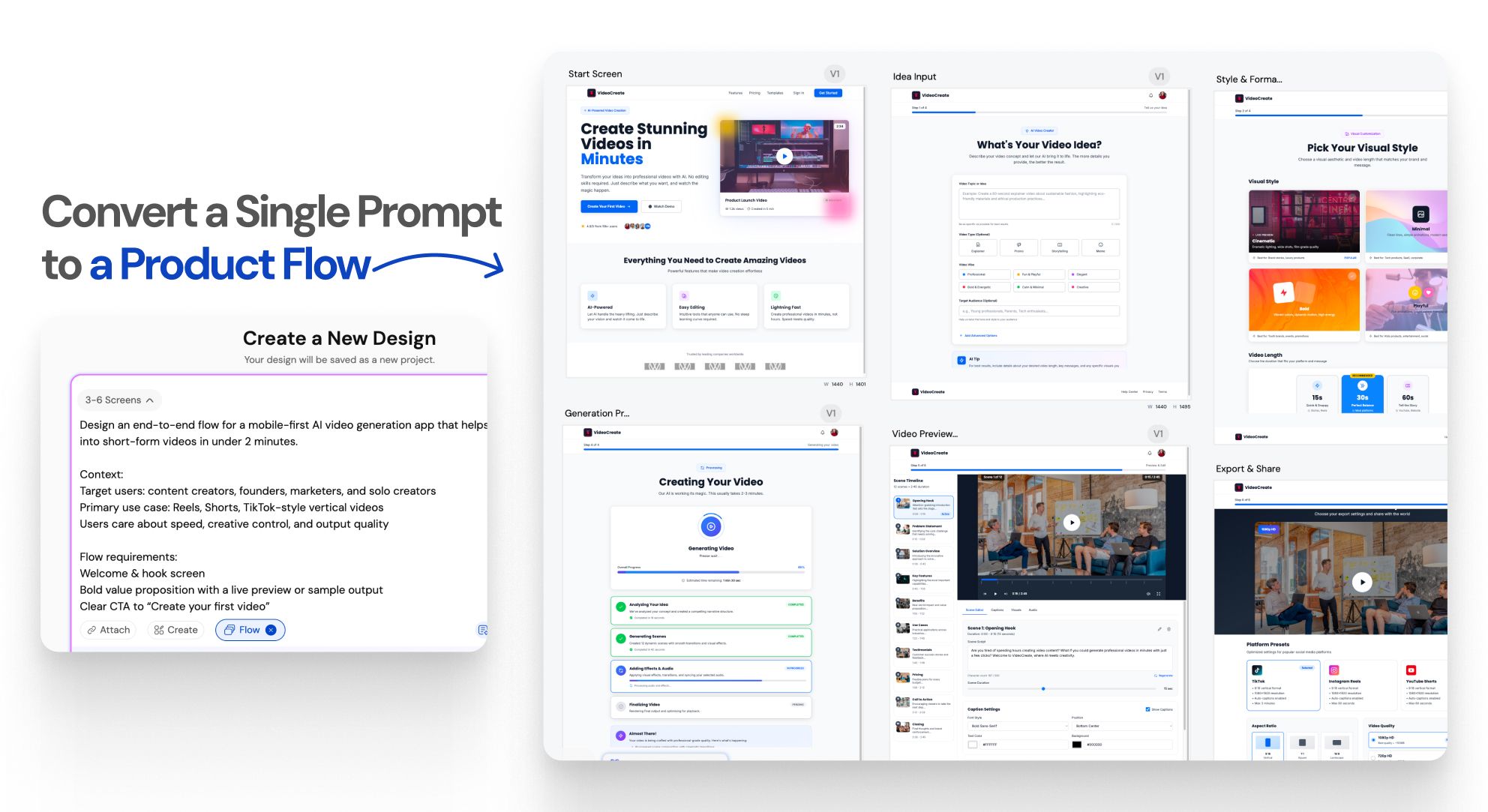
One prompt.An entire UI flow.

Instant Result

Design doesn’t stop at one screen anymoreWORKFLOW

1

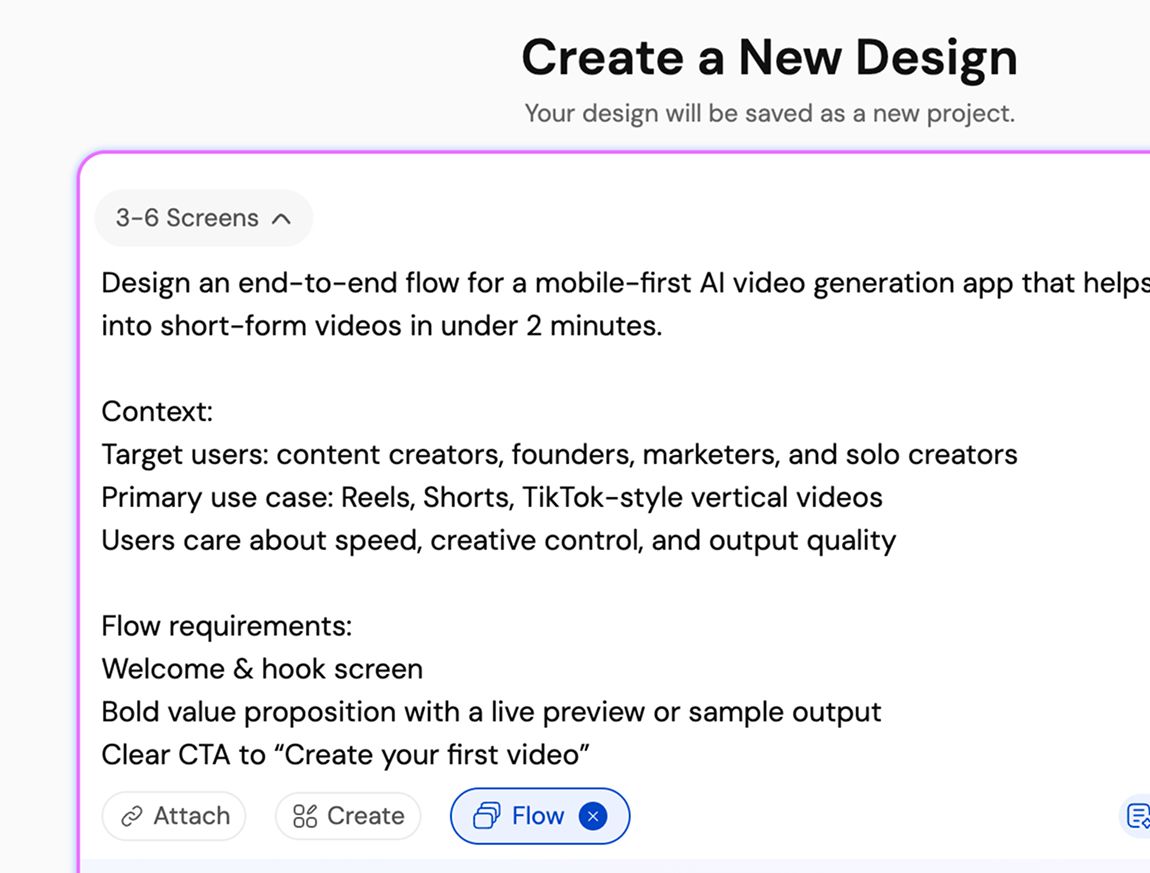
Describe your product or user flow

Langkah 1
2

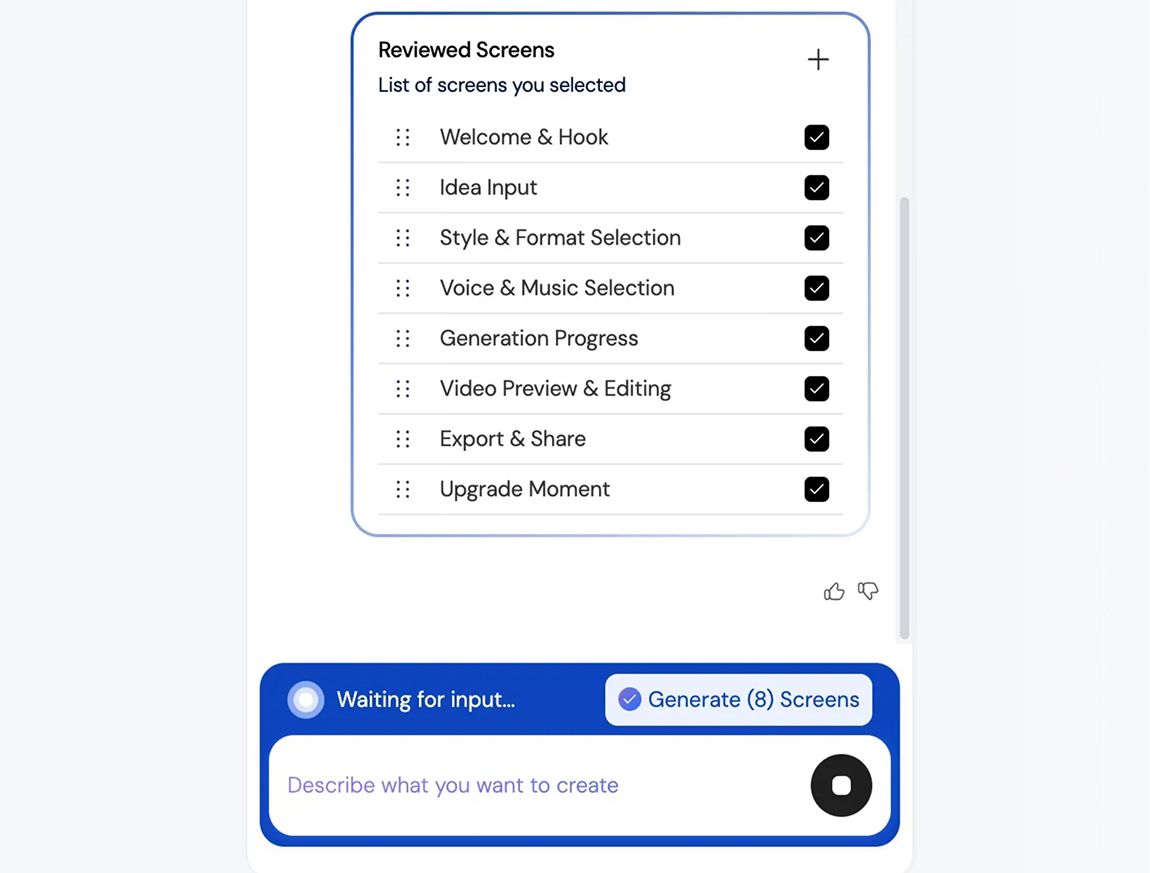
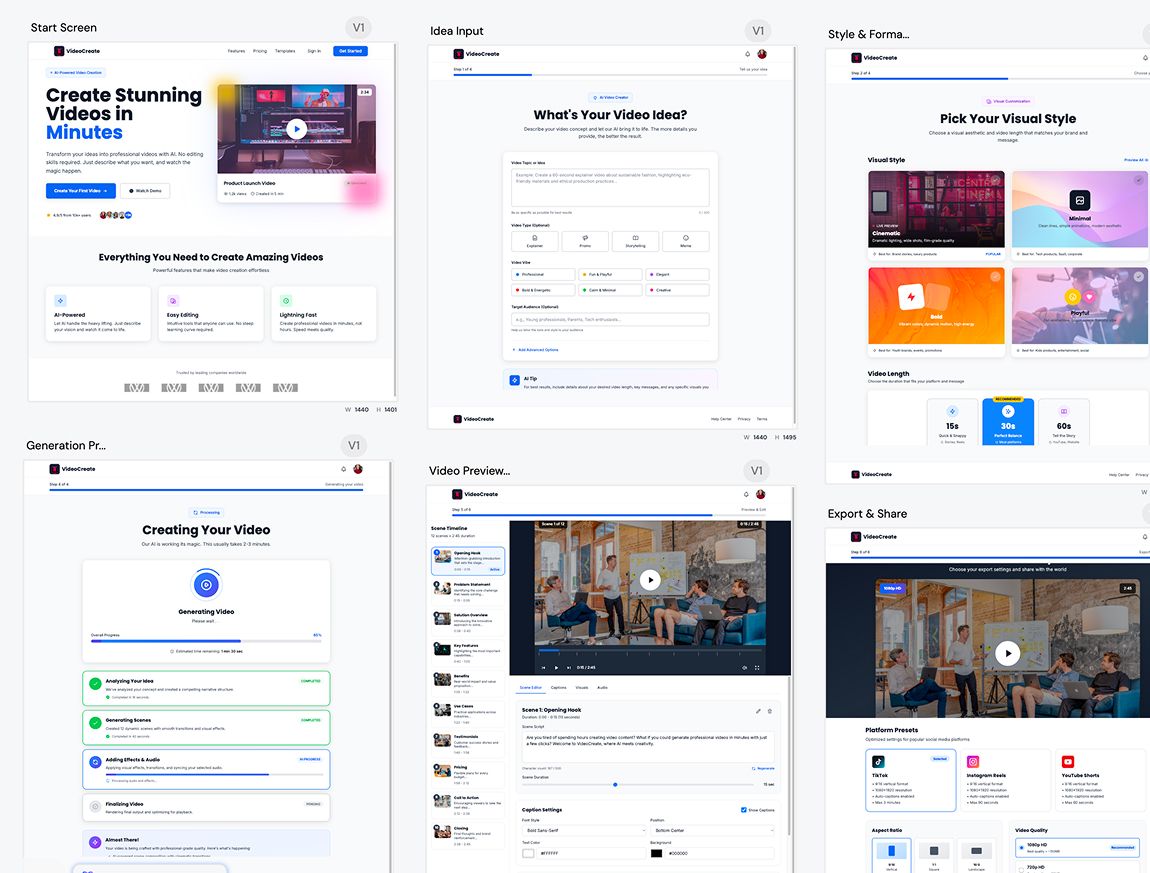
Generate a connected UI flow

Langkah 2
3

Refine, iterate, build faster, and ship better UI/UX

Langkah 3
1

Describe your product or user flow

Langkah 1
2

Generate a connected UI flow

Langkah 2
3

Refine, iterate, build faster, and ship better UI/UX

Langkah 3

UXMagic vs Banani vs UXPilot vs Uizard vs Visily vs Figma Make vs Framer AICOMPETITORS

FiturBananiUXPilotUizardVisilyFigma AIFramer AIUXMagic
Multi-Screen Generation
Structured App Flow Creation
Consistency Across Entire Flow
Idea to Full App Flow in One Prompt
Faq

punya pertanyaan?kami punya jawabannya.

Flow Mode is an AI UI flow generator that creates multiple connected screens from a single prompt. It helps teams design complete user journeys instead of isolated screens, keeping context and consistency across the entire flow.

You describe your product idea or user flow in text. Flow Mode analyzes screens, states, and transitions, then generates a connected UI flow automatically, instantly, so it doesn’t delay your productivity.

Most AI UI tools generate single, disconnected screens. Flow Mode focuses on multi-screen experiences, maintaining continuity, layout structure, and design consistency across the entire user journey.

You can generate onboarding flows, authentication flows, dashboards, settings, SaaS workflows, mobile app journeys, and multi-step user experiences.

Yes. All generated screens are fully editable. Either you can iterate on them on UXMagic or edit them in Figma, allowing you to customize layouts, components, spacing, and visuals without limitations.

100% Yes. Flow Mode applies consistent typography, spacing, components, and layout patterns across every screen in the flow to ensure a cohesive UI.

Yes. You can use your existing style guide or imported design system to generate UI flows that follow your brand rules and visual standards.

Yes. Flow Mode is built for designers, founders, and product teams. No design experience is required to generate structured, high-quality UI flows.

Flow Mode reduces screen-by-screen design work, speeds up iteration, preserves context across flows, and helps teams move faster from idea to validated UI.

Komunitas

dibuat oleh orang sungguhan.diremix tanpa henti.

Tidak ada hasil ditemukan.

Jadilah yang pertama memublikasikan sesuatu di sini

FITUR UXMAGIC

Lihat fitur kami

Import from Figma

Import from Figma

Import your Figma design files directly into UXMagic with one click.

Clone a Website

Clone a Website

Recreate any website design by simply providing a URL.

testimoni

kami tak ingin menyombong.jadi inilah kata para pengguna.

Desainer, founder, dan developer yang bekerja lebih cepat dengan UXMagic.

idemu yang berikutnya
layak untuk diwujudkan

berhenti cuma memikirkannya. langsung ketik saja. Berantakan, setengah jadi, apa pun itu. Kami yang akan mengubahnya jadi sesuatu yang nyata.

Produk

  • Template
  • Komunitas
  • Paket Harga
  • Program Afiliasi
  • UXMagic MCP
  • Claude MCP
  • Info AI

Sumber Daya

  • Pusat Bantuan
  • Pustaka Figma
  • Pustaka React
  • Template Aplikasi Mobile
  • Dokumentasi
  • Tutorial

Fitur

  • Prompt ke UI
  • Gambar ke UI
  • Sketsa ke UI
  • Kloning situs web
  • Impor dari Figma
  • AI Wireframe Generator
  • AI Mockup Generator
  • AI Prototype Generator
  • AI Dashboard Generator
  • Semua Fitur

Bandingkan

  • vs UX Pilot
  • vs Relume
  • vs MagicPath
  • vs Magic Patterns
  • vs Banani
  • vs Galileo AI
  • vs v0
  • vs Lovable
  • vs Base44
  • Semua Kompetitor

Blog

  • AI dalam Alur Kerja Desain UX: Apa yang Benar-Benar Berhasil
  • Template Prompt untuk Dashboard SaaS
  • Prompt Nyata yang Kami Gunakan untuk Membuat Alur Produk
  • Prompt Engineering untuk Desainer UX
  • Alat Wireframing Terbaik 2026: Perbandingan 10 Opsi Gratis & Pro
  • Semua Blog

Perusahaan & Dukungan

  • Karier
  • Hubungi Kami
  • Kebijakan Privasi
  • Ketentuan Penggunaan
  • Pengaturan Cookie
  • Ikuti kami di Slack
  • Ikuti kami di Twitter
  • Ikuti kami di LinkedIn
  • Ikuti kami di YouTube
  • Ikuti kami di Instagram

© 2026 UXMagic AI Technologies Inc.