Inicio de UXMagic
  • English
  • Español
  • हिन्दी
  • Bahasa Indonesia
  • Tiếng Việt
  • Português
  • Русский
  • 中文
  • العربية
  • Deutsch
  • Français
  • Funciones
  • Bibliotecas
  • Plantillas
  • Precios
  • Afiliados
  • Recursos
Inicio de UXMagic
  • English
  • Español
  • हिन्दी
  • Bahasa Indonesia
  • Tiếng Việt
  • Português
  • Русский
  • 中文
  • العربية
  • Deutsch
  • Français
Inicio de UXMagic

Bibliotecas

PlantillasNuevo
Diseños de la comunidad
Precios
Afiliados

Recursos

Síguenos en:
  • Síguenos en Slack
  • Síguenos en Twitter
  • Síguenos en LinkedIn
  • Síguenos en YouTube
  • Síguenos en Instagram

Generate Multiple Screenswith AI-Instantly

Instant Result

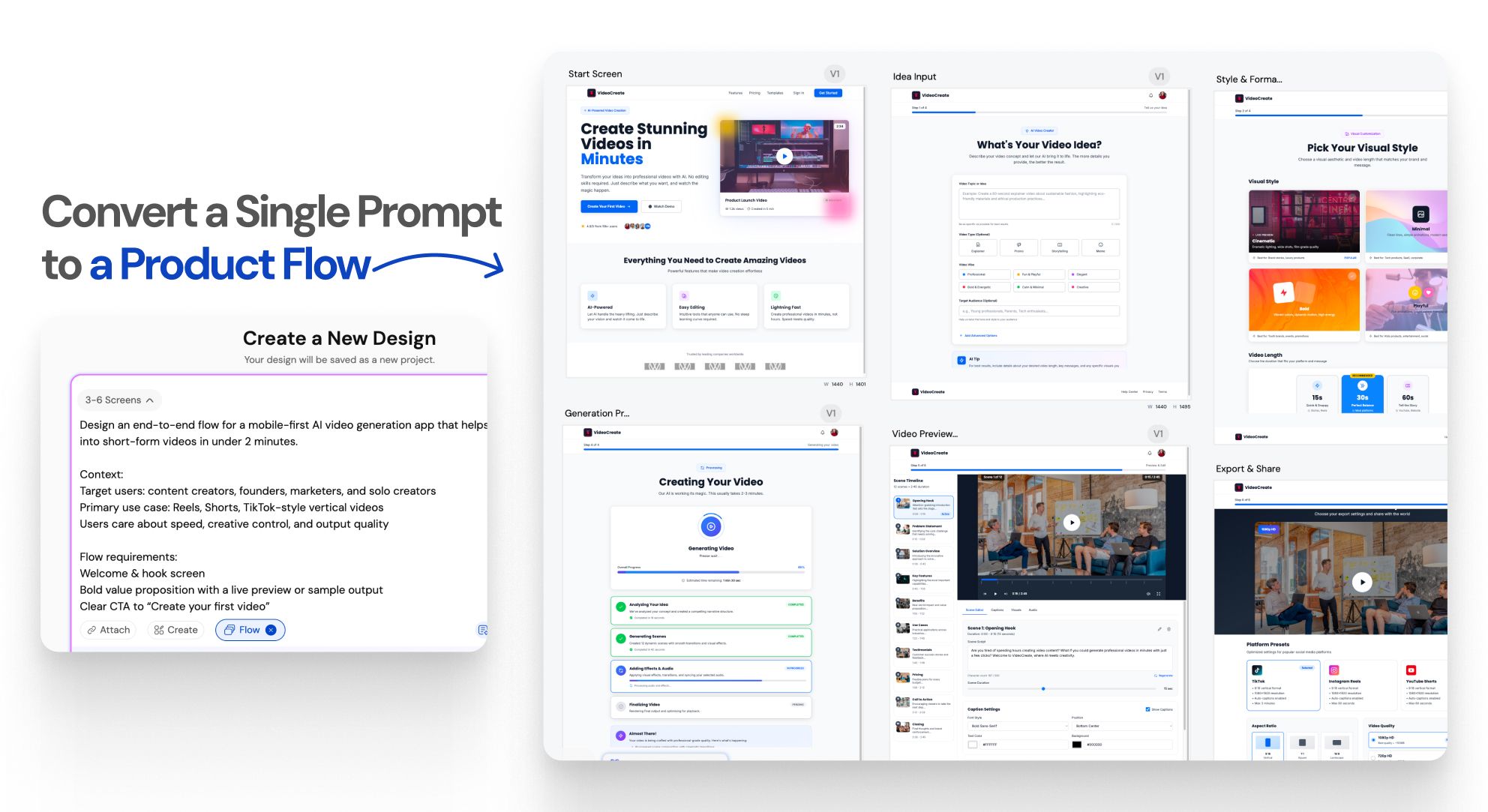
One prompt.An entire UI flow.

Instant Result

Design doesn’t stop at one screen anymoreWORKFLOW

1

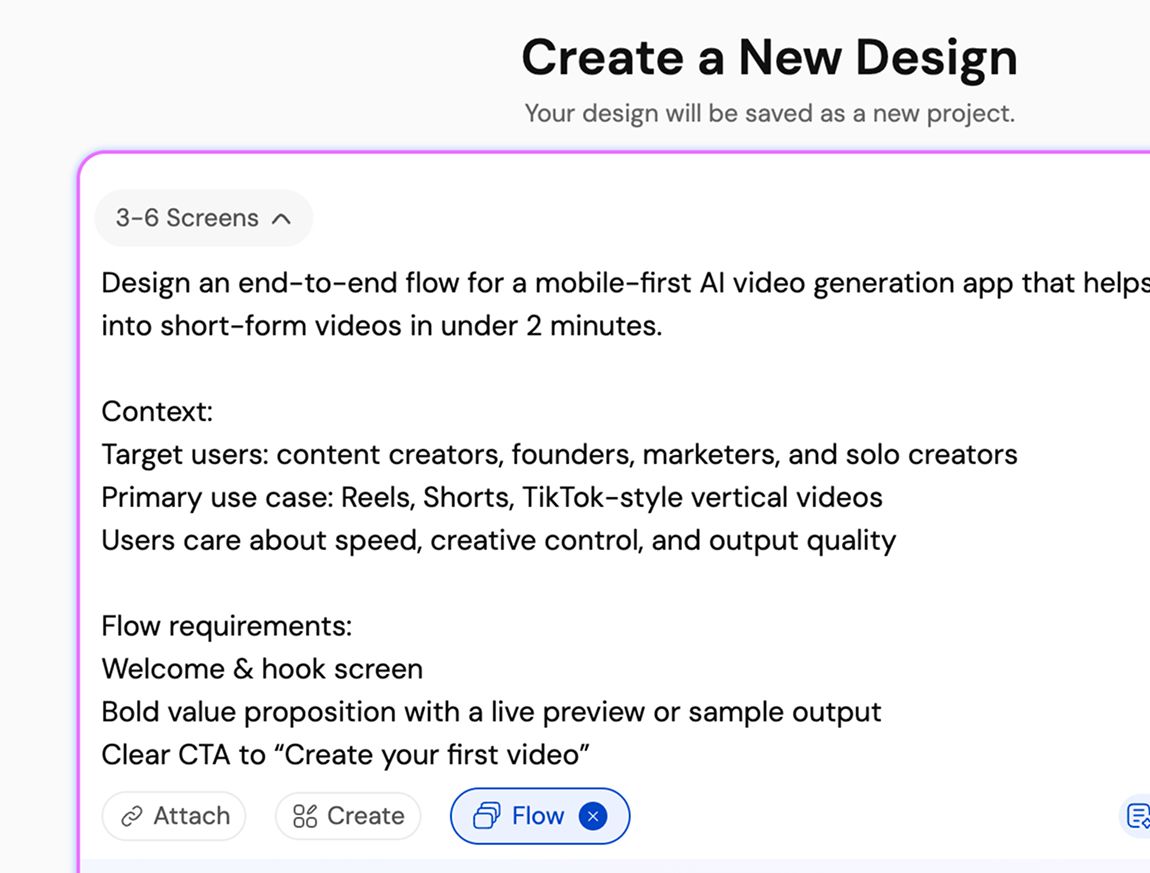
Describe your product or user flow

Paso 1
2

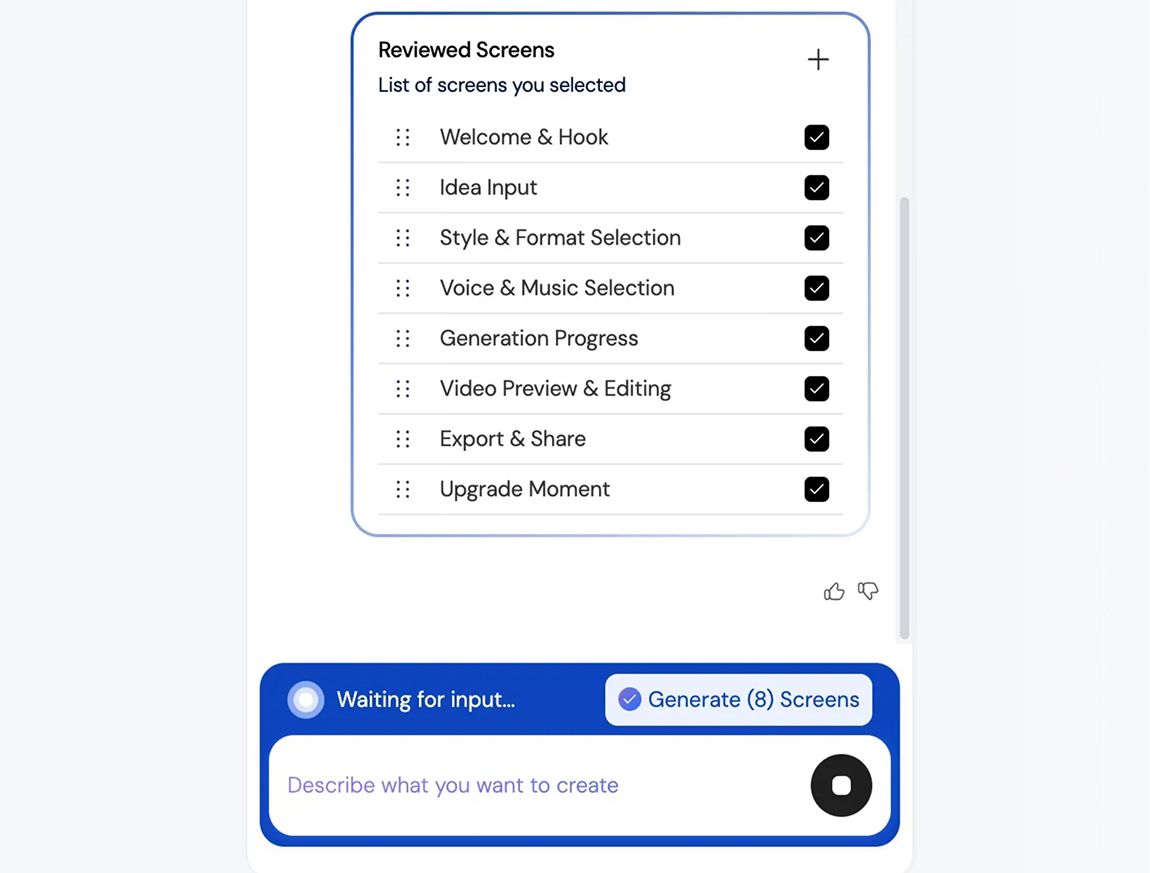
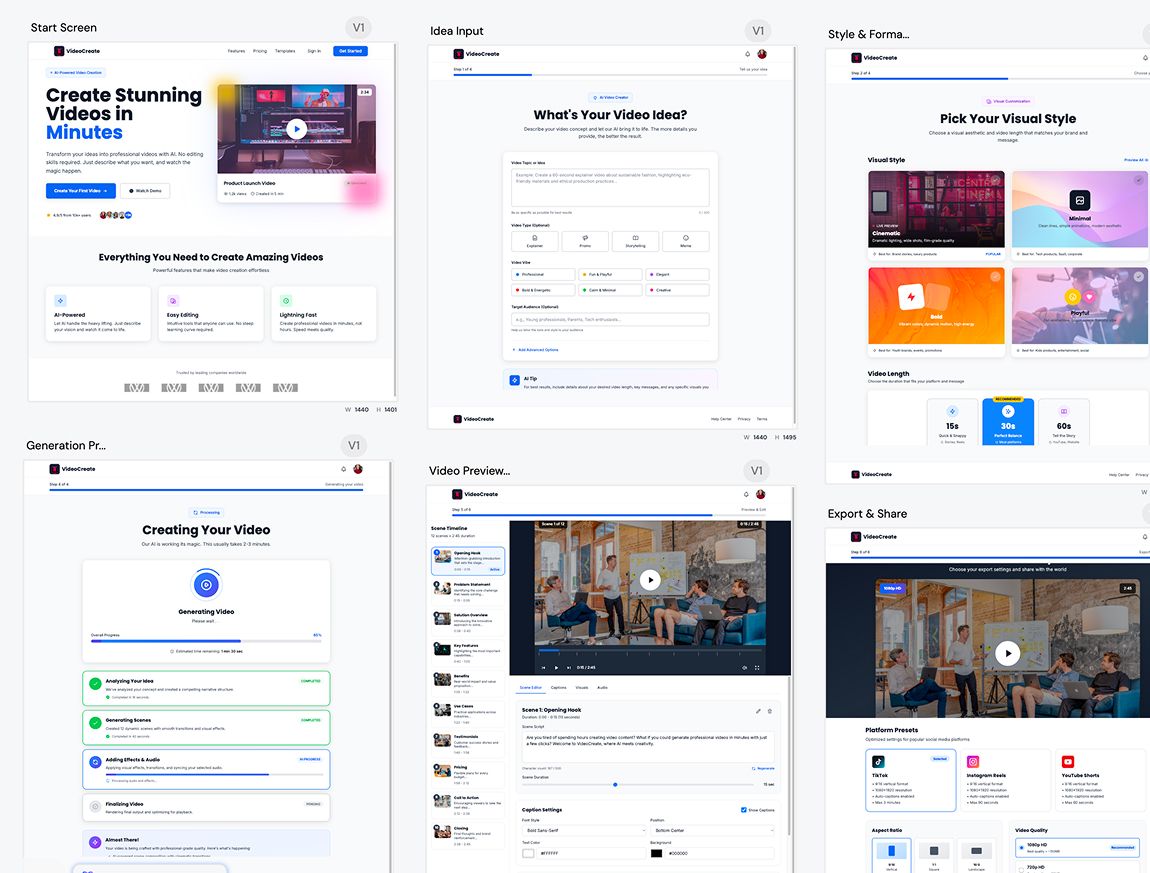
Generate a connected UI flow

Paso 2
3

Refine, iterate, build faster, and ship better UI/UX

Paso 3
1

Describe your product or user flow

Paso 1
2

Generate a connected UI flow

Paso 2
3

Refine, iterate, build faster, and ship better UI/UX

Paso 3

UXMagic vs Banani vs UXPilot vs Uizard vs Visily vs Figma Make vs Framer AICOMPETITORS

FunciónBananiUXPilotUizardVisilyFigma AIFramer AIUXMagic
Multi-Screen Generation
Structured App Flow Creation
Consistency Across Entire Flow
Idea to Full App Flow in One Prompt
Faq

¿tienes preguntas?tenemos respuestas.

Flow Mode is an AI UI flow generator that creates multiple connected screens from a single prompt. It helps teams design complete user journeys instead of isolated screens, keeping context and consistency across the entire flow.

You describe your product idea or user flow in text. Flow Mode analyzes screens, states, and transitions, then generates a connected UI flow automatically, instantly, so it doesn’t delay your productivity.

Most AI UI tools generate single, disconnected screens. Flow Mode focuses on multi-screen experiences, maintaining continuity, layout structure, and design consistency across the entire user journey.

You can generate onboarding flows, authentication flows, dashboards, settings, SaaS workflows, mobile app journeys, and multi-step user experiences.

Yes. All generated screens are fully editable. Either you can iterate on them on UXMagic or edit them in Figma, allowing you to customize layouts, components, spacing, and visuals without limitations.

100% Yes. Flow Mode applies consistent typography, spacing, components, and layout patterns across every screen in the flow to ensure a cohesive UI.

Yes. You can use your existing style guide or imported design system to generate UI flows that follow your brand rules and visual standards.

Yes. Flow Mode is built for designers, founders, and product teams. No design experience is required to generate structured, high-quality UI flows.

Flow Mode reduces screen-by-screen design work, speeds up iteration, preserves context across flows, and helps teams move faster from idea to validated UI.

Comunidad

creado por personas reales.remezclado sin fin.

No se encontraron resultados.

Sé la primera persona en publicar algo aquí

FUNCIONES DE UXMAGIC

Descubre nuestras funciones

Import from Figma

Import from Figma

Import your Figma design files directly into UXMagic with one click.

Clone a Website

Clone a Website

Recreate any website design by simply providing a URL.

testimonios

no queremos presumir.así que esto es lo que dicen los usuarios.

Diseñadores, fundadores y desarrolladores que usan UXMagic para avanzar más rápido.

tu próxima idea
merece existir

deja de darle vueltas. solo escríbela. Mal, a medias, como sea. Nosotros la convertiremos en algo real.

Producto

  • Plantillas
  • Comunidad
  • Planes de precios
  • Programa de afiliados
  • UXMagic MCP
  • Claude MCP
  • Información para IA

Recursos

  • Centro de ayuda
  • Biblioteca de Figma
  • Biblioteca de React
  • Plantillas de apps móviles
  • Documentación
  • Tutoriales

Funciones

  • De prompt a UI
  • De imagen a UI
  • De boceto a UI
  • Clonar sitio web
  • Importar desde Figma
  • AI Wireframe Generator
  • AI Mockup Generator
  • AI Prototype Generator
  • AI Dashboard Generator
  • Todas las funciones

Comparar

  • vs UX Pilot
  • vs Relume
  • vs MagicPath
  • vs Magic Patterns
  • vs Banani
  • vs Galileo AI
  • vs v0
  • vs Lovable
  • vs Base44
  • Todos los competidores

Blogs

  • IA en el flujo de trabajo de diseño UX: lo que realmente funciona
  • Plantillas de prompts para dashboards SaaS
  • Prompts reales que usamos para generar flujos de producto
  • Prompt engineering para diseñadores UX
  • Las mejores herramientas de wireframing en 2026: 10 opciones gratuitas y de pago comparadas
  • Todos los blogs

Empresa y soporte

  • Empleo
  • Contáctanos
  • Política de privacidad
  • Términos de uso
  • Configuración de cookies
  • Síguenos en Slack
  • Síguenos en Twitter
  • Síguenos en LinkedIn
  • Síguenos en YouTube
  • Síguenos en Instagram

© 2026 UXMagic AI Technologies Inc.