Beranda UXMagic
  • English
  • Español
  • हिन्दी
  • Bahasa Indonesia
  • Tiếng Việt
  • Português
  • Русский
  • 中文
  • العربية
  • Deutsch
  • Français
  • Fitur
  • Pustaka
  • Template
  • Harga
  • Afiliasi
  • Sumber Daya
Beranda UXMagic
  • English
  • Español
  • हिन्दी
  • Bahasa Indonesia
  • Tiếng Việt
  • Português
  • Русский
  • 中文
  • العربية
  • Deutsch
  • Français
Beranda UXMagic

Pustaka

TemplateBaru
Frame Komunitas
Harga
Afiliasi

Sumber Daya

Ikuti kami di:
  • Ikuti kami di Slack
  • Ikuti kami di Twitter
  • Ikuti kami di LinkedIn
  • Ikuti kami di YouTube
  • Ikuti kami di Instagram

From Image to UI Design, Instantly

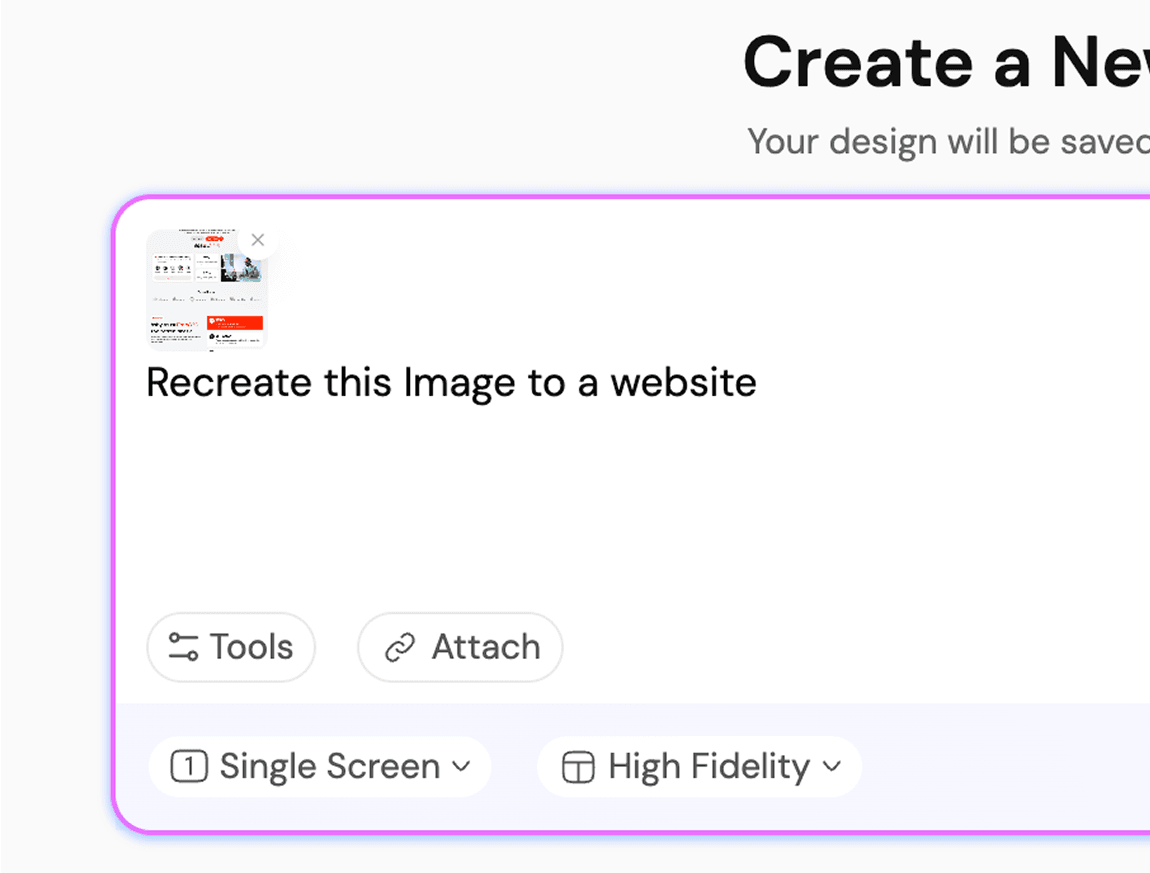
Unggah Sketsa/Gambar kamu

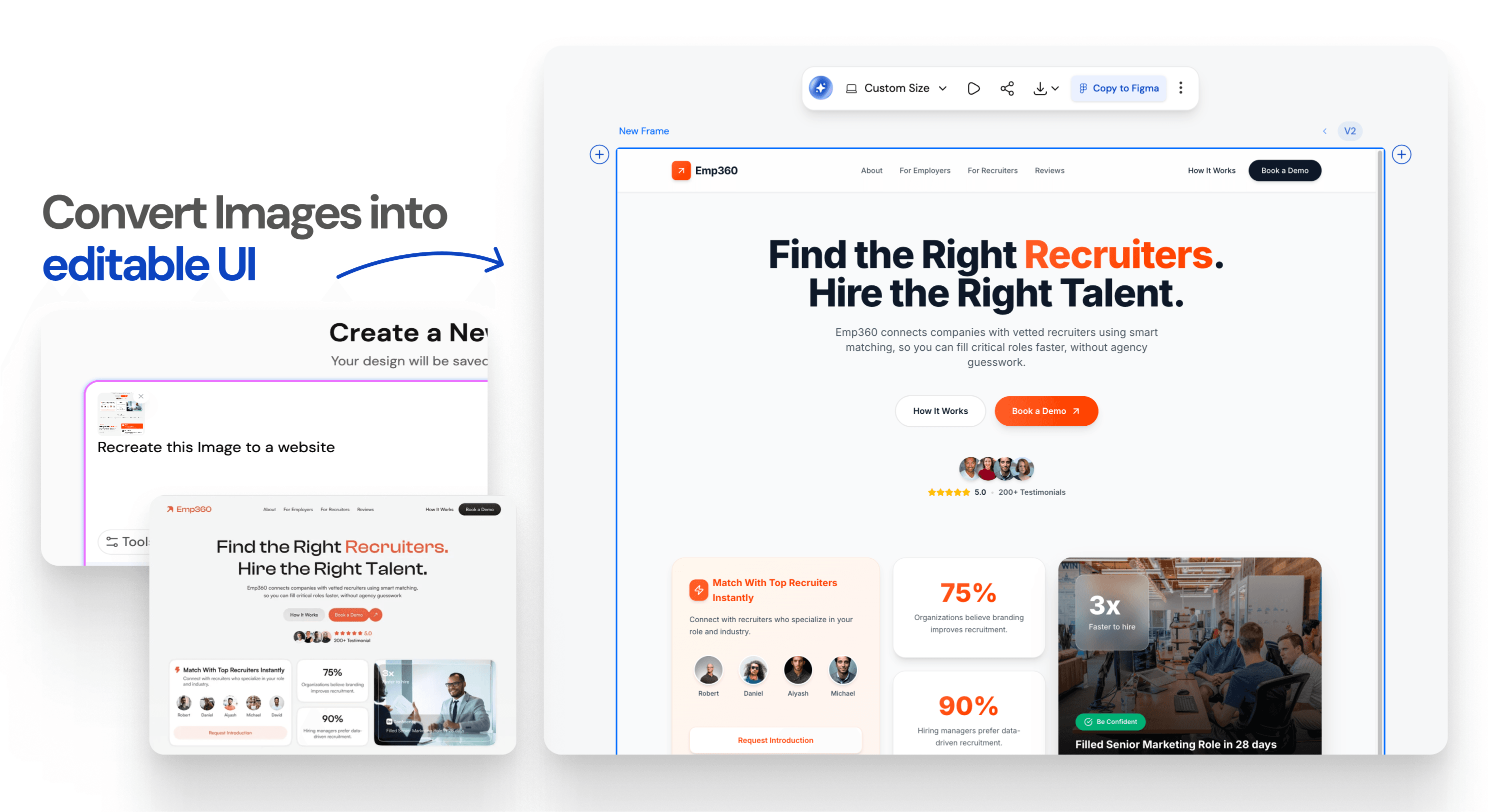
Ubah gambar apa pun menjadi UI

Instant Result

Upload photos as a reference.Let AI handle the rest.
Instant Result

How AI Turns Images into Webpages Using HTML Code GenerationIMAGE TO FIGMA DESIGN

1

Upload the screenshot/image

Langkah 1
2

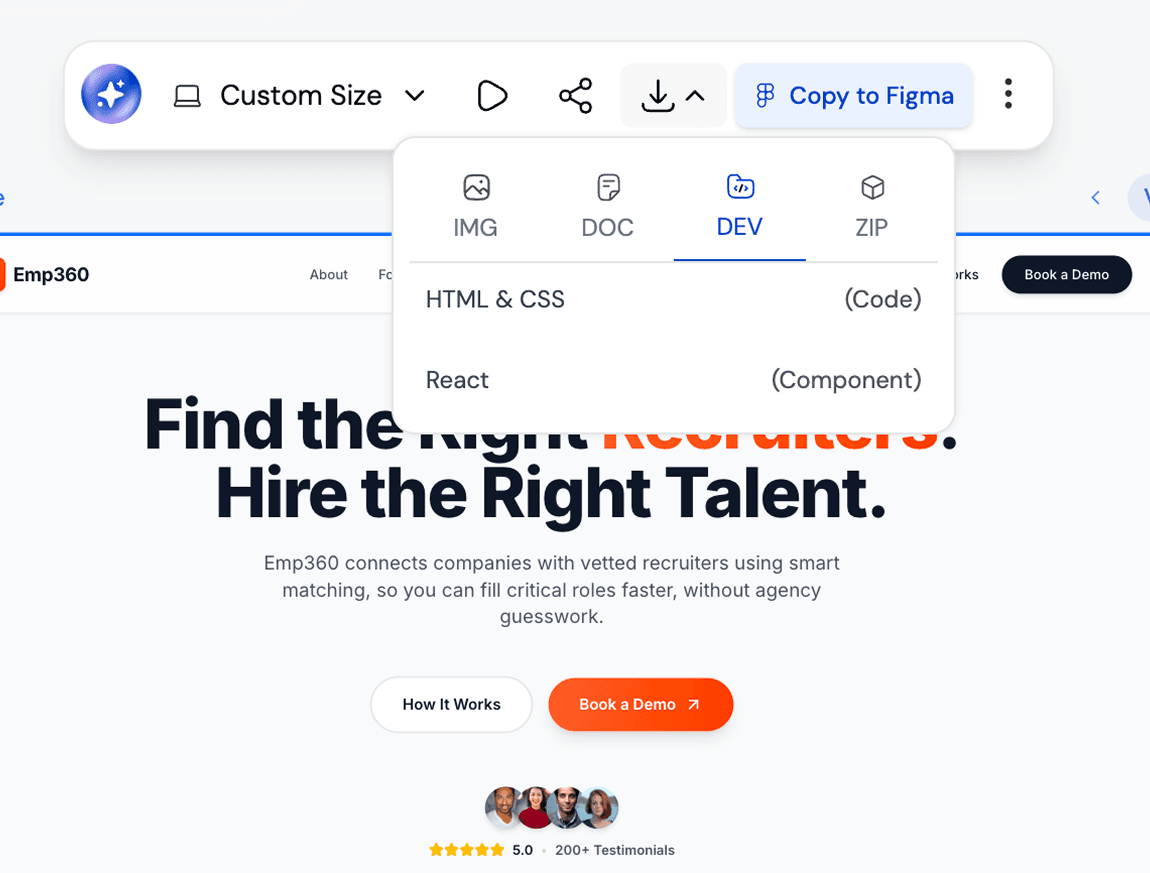
Get your editable UI

Langkah 2
3

Iterate or Export your Design

Langkah 3
1

Upload the screenshot/image

Langkah 1
2

Get your editable UI

Langkah 2
3

Iterate or Export your Design

Langkah 3

UXMagic vs Banani vs UXPilot vs Codia vs UizardBEST AI IMAGE TO FIGMA DESIGN GENERATORS FREE

Unlike design tools like Banani, UXPilot, Codia, or Uizard, UXMagic offers feature to turn images into UI designs seamlessly. It’s built for 2026 workflows, letting you generate, customize, and refine screenshots instantly. Want to see how we compare? Check out our in-depth comparison pages here.

FiturBananiUXPilotUizardCodiaUXMagic
Screenshot to Design Figma Plugin
AI Screenshot Editor
AI Design Style/System Generator
Screenshot to Code
Figma Responsive AutoLayout
Faq

punya pertanyaan?kami punya jawabannya.

UXMagic Copilot is the fastest way to go from screenshot to code and design. Whether you call it screenshot-to-code, screenshot AI, codia ai screenshot editor, image-to-Figma plugin, or screenshot to UI tool, our AI powers it all.

You can upload screenshot of your working product to a screenshot of another app that you like or even rough mockups. Desktop apps, websites, mobile apps, dashboards and all UI design types are supported.

Yes. Every screenshot can be customised inside UXMagic using prompts and styles to generate UI flows and exported directly to Figma. You can also use our AI UI Generator Figma plugin to convert image to ui directly in Figma.

Unlike tools such as Uizard, Banani, UXPilot, or Codia, UXMagic goes beyond simple image tracing. Our AI Figma Plugin and AI Image to UI transforms sketches, screenshots, or references into responsive designs editable with prompt, creates UI Flows in same style, and exports developer ready UI directly in Figma or HTML code.

Every design generated in UXMagic can be exported directly into Figma. The output is fully editable, responsive, and follows Figma’s auto-layout.

Komunitas

dibuat oleh orang sungguhan.diremix tanpa henti.

Tidak ada hasil ditemukan.

Jadilah yang pertama memublikasikan sesuatu di sini

FITUR UXMAGIC

Lihat fitur kami

Sketch to UI

Sketch to UI

Convert your sketches into polished digital interfaces.

Clone a Website

Clone a Website

Recreate any website design by simply providing a URL.

Image to Wireframe

Image to Wireframe

Convert screenshots or UI images into clean, editable wireframes instantly with AI and start building real interfaces faster.

testimoni

kami tak ingin menyombong.jadi inilah kata para pengguna.

Desainer, founder, dan developer yang bekerja lebih cepat dengan UXMagic.

idemu yang berikutnya
layak untuk diwujudkan

berhenti cuma memikirkannya. langsung ketik saja. Berantakan, setengah jadi, apa pun itu. Kami yang akan mengubahnya jadi sesuatu yang nyata.

Produk

  • Template
  • Komunitas
  • Paket Harga
  • Program Afiliasi
  • UXMagic MCP
  • Claude MCP
  • Info AI

Sumber Daya

  • Pusat Bantuan
  • Pustaka Figma
  • Pustaka React
  • Template Aplikasi Mobile
  • Dokumentasi
  • Tutorial

Fitur

  • Prompt ke UI
  • Gambar ke UI
  • Sketsa ke UI
  • Kloning situs web
  • Impor dari Figma
  • AI Wireframe Generator
  • AI Mockup Generator
  • AI Prototype Generator
  • AI Dashboard Generator
  • Semua Fitur

Bandingkan

  • vs UX Pilot
  • vs Relume
  • vs MagicPath
  • vs Magic Patterns
  • vs Banani
  • vs Galileo AI
  • vs v0
  • vs Lovable
  • vs Base44
  • Semua Kompetitor

Blog

  • AI dalam Alur Kerja Desain UX: Apa yang Benar-Benar Berhasil
  • Template Prompt untuk Dashboard SaaS
  • Prompt Nyata yang Kami Gunakan untuk Membuat Alur Produk
  • Prompt Engineering untuk Desainer UX
  • Alat Wireframing Terbaik 2026: Perbandingan 10 Opsi Gratis & Pro
  • Semua Blog

Perusahaan & Dukungan

  • Karier
  • Hubungi Kami
  • Kebijakan Privasi
  • Ketentuan Penggunaan
  • Pengaturan Cookie
  • Ikuti kami di Slack
  • Ikuti kami di Twitter
  • Ikuti kami di LinkedIn
  • Ikuti kami di YouTube
  • Ikuti kami di Instagram

© 2026 UXMagic AI Technologies Inc.