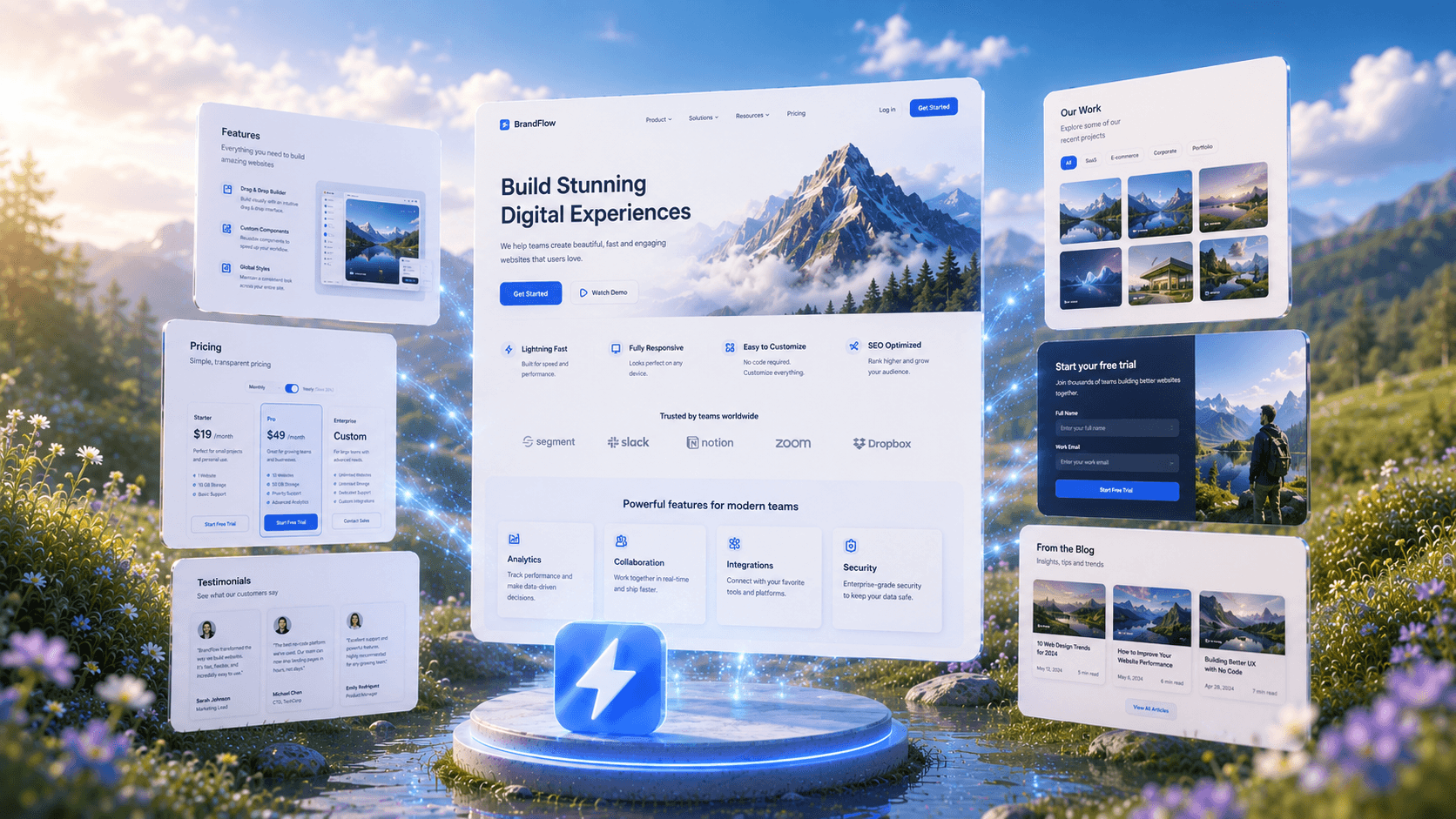
AI UI Design Generator Create Editable Figma UI in Seconds
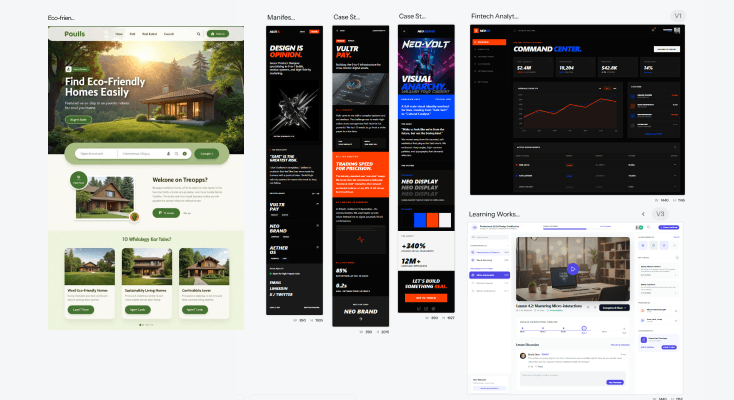
See How AI GeneratesUI Designs Instantly
Trusted by Designers and Developers
Faster than manual design
Responsive by default
Stop wireframingwhat AI can build for you
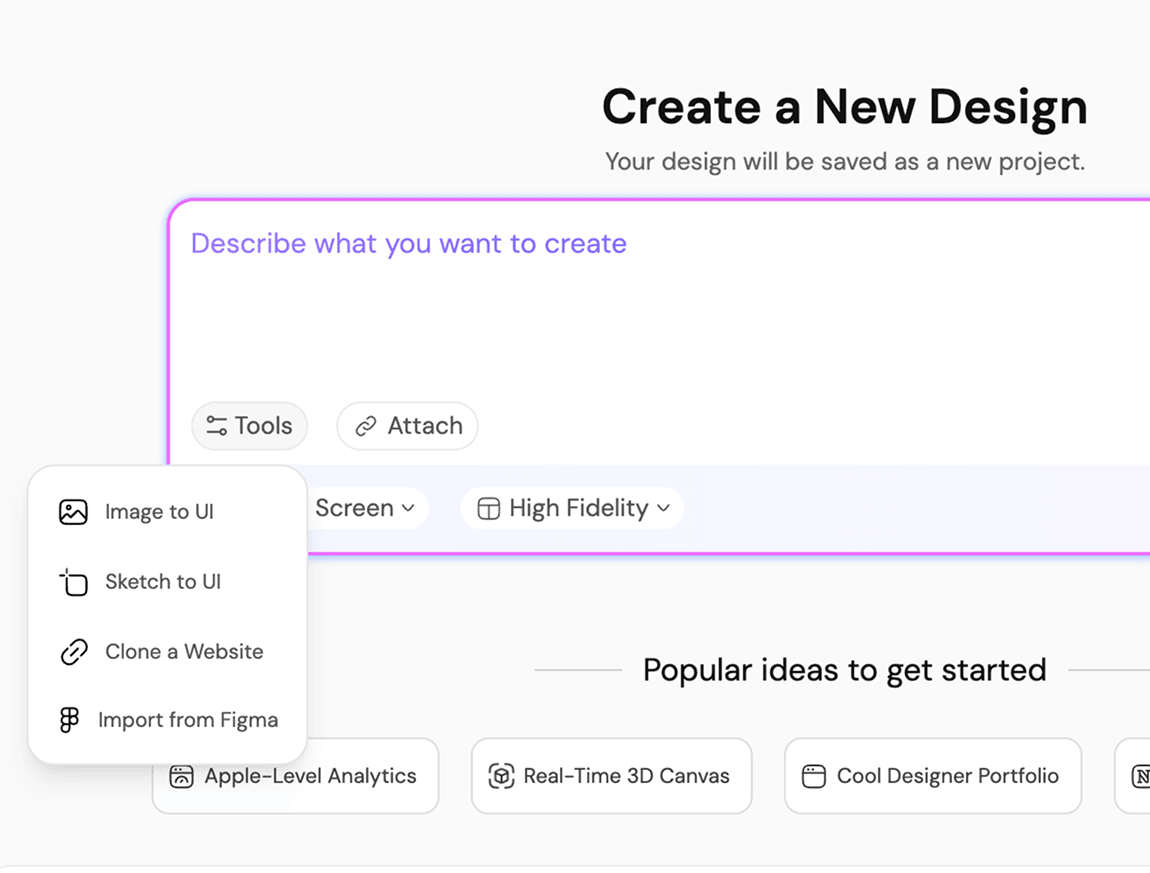
An AI UI design generator creates user interface designs automatically using artificial intelligence. Instead of starting from scratch, UXMagic generates complete UI layouts from a text prompt, a screenshot, a sketch, or a live website URL. No other AI UI builder gets you from idea to editable design this fast or see how these stack up in our best wireframing tools comparison."
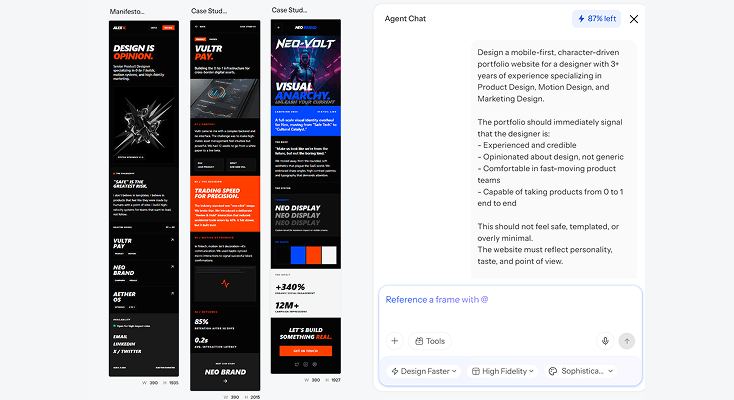
Generative UIthat understands design intent
UXMagic is not just a screen generator. It is a generative UI engine that understands layout logic, spacing systems, and component hierarchy. Every design it produces is structured, consistent, and ready to customize, not a random visual output you have to rebuild from scratch.
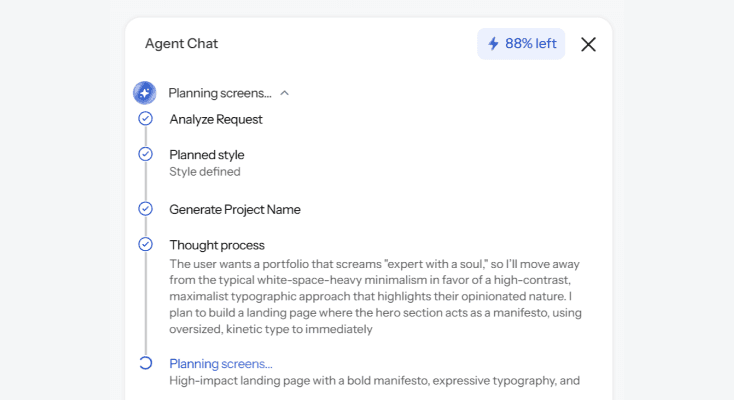
From ideationto production in one flow
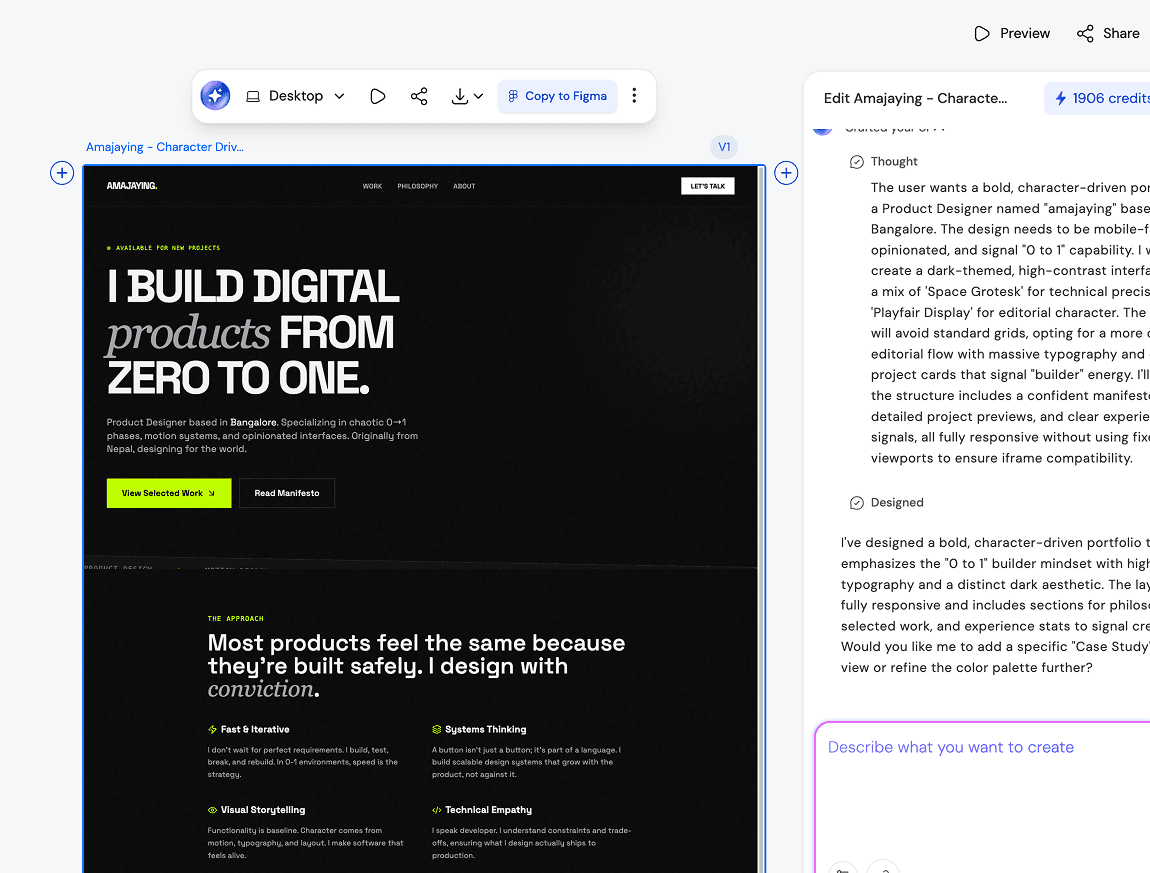
UXMagic is the best AI UI design generator for real product workflows. Generated designs are structured, editable, and export directly to Figma with organized layers and auto-layout. No static mockups. No rebuilding screenshots. Just production-ready UI from your first prompt.
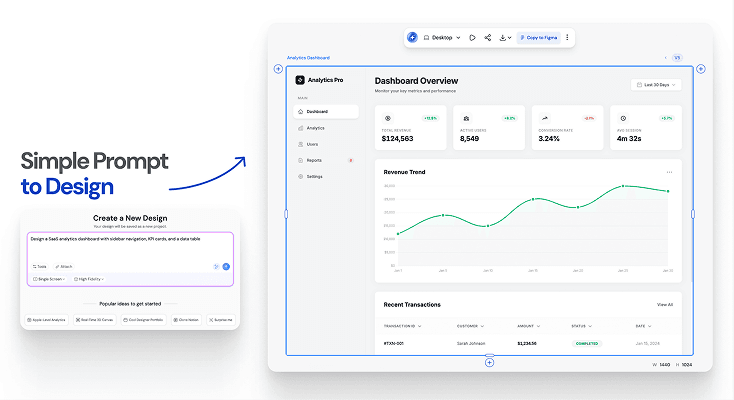
Design for anyscreen, style, or product
Whether you are designing a mobile app, a web dashboard, or a SaaS product, UXMagic's AI UI builder adapts layouts and components to fit your screen constraints perfectly. Desktop, tablet, or mobile, every output is responsive and ready to use.
What you walk away with
A UI that is actually production-ready
Not a mockup. Not a static image. UXMagic generates structured, editable interfaces with correct spacing, consistent components, and organized layers you can use immediately. Better than any AI UI generator free option out there.
Designs that work on every screen
Generated layouts adapt to desktop, tablet, and mobile automatically. No manual breakpoints. No extra configuration. Every screen size is handled from the start.
Code and design, both export-ready
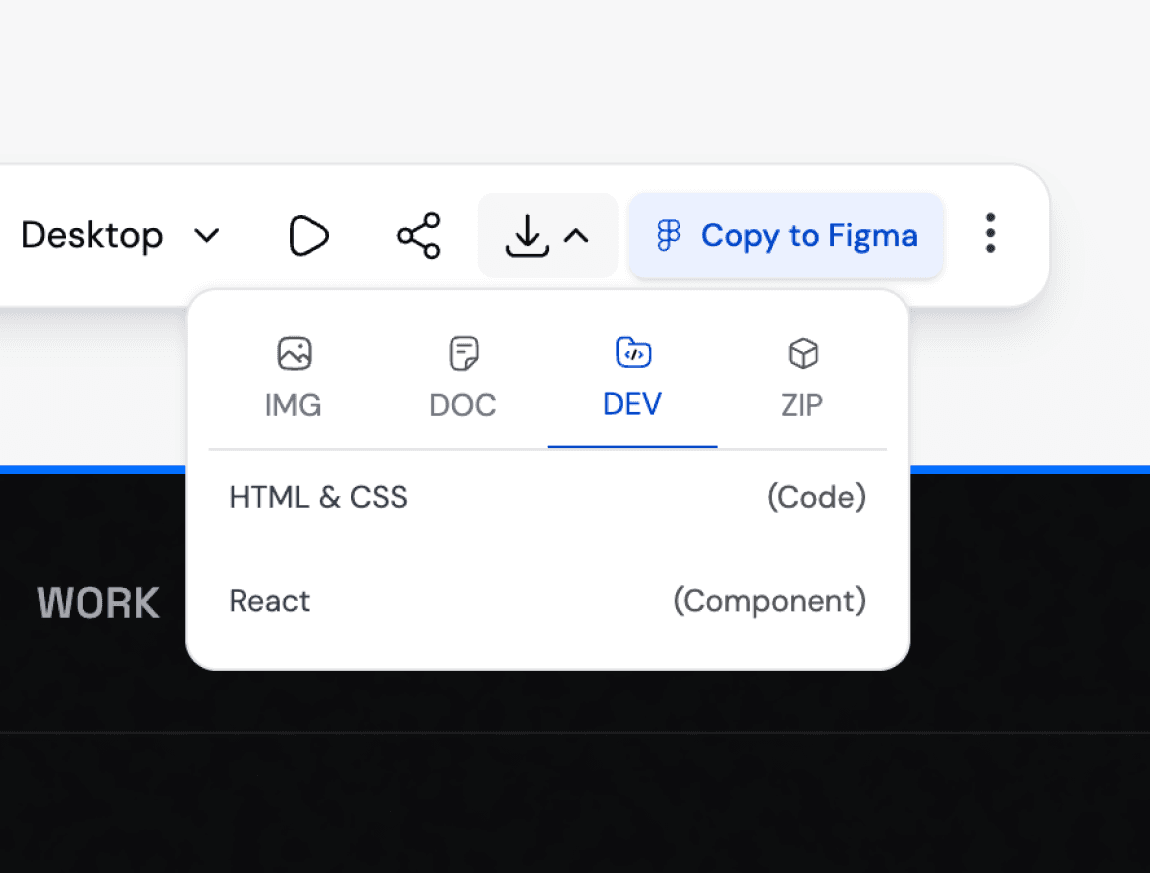
Push to Figma for design handoff or download production-ready React, HTML, or CSS. The best AI UI design generator fits your workflow, not the other way around.
UXMagic vs Banani vs UXPilot vs Uizard vs Anima vs Figma Make vs Google Stitch (Galileo AI )BEST AI UI DESIGN GENERATORS FREE
Generating UI should give you more than a pretty image. With UXMagic, you get a fully editable generative UI design, a structured user interface builder, AI that iterates with you, and production-ready code, all in one flow. Here is how that stacks up against every major AI UI design generator on the market:
| الميزة | Banani | UXPilot | Uizard | Anima | Figma Make | Google Stitch (Galileo AI) | UXMagic |
|---|---|---|---|---|---|---|---|
| AI designs in Figma Plugin | |||||||
| AI prompt to UI | |||||||
| Make wireframes with AI | |||||||
| Image to Figma | |||||||
| AI design style and system | |||||||
| Export to Figma | |||||||
| Code generation | |||||||
| Figma responsive autolayout | |||||||
| Generative UI from text prompt | |||||||
| Mobile UI design | |||||||
| Multi-screen flow generation | |||||||
| Chat and iterate on designs | |||||||
| User interface design online | |||||||
| No coding required | |||||||
| Free tier available |
لديك أسئلة؟لدينا الإجابات.
An AI UI design generator is a tool that creates user interface designs automatically using artificial intelligence. UXMagic goes beyond basic screen generation, it produces structured, editable layouts with correct spacing, component hierarchy, and design system logic so you can customize and build on top of them immediately. Unlike basic UI design online tools, UXMagic generates a UI that is actually ready for production workflows.
Yes. UXMagic's AI reads your prompt, screenshot, sketch, or a live URL and generates a complete, multi-screen UI not just a single mockup. Every screen comes out as structured, editable layers (not a flat image), ready to refine, export to Figma, or ship as production code.
You can generate virtually any type of user interface, mobile app screens, web dashboards, SaaS product pages, onboarding flows, landing pages, and more. UXMagic works as both a single screen GUI maker and a full user interface builder for complete multi-screen flows with consistent structure throughout. It even handles complex generative UI layouts with nested components and auto-layout.
No. UXMagic is built for designers, developers, and product teams alike. Type a prompt, generate the UI, and customize from there. No coding required to generate. No design experience required to edit. It is the most accessible UI design AI tool available for teams at any skill level.
Yes, fully. Every generated design is broken into editable layers and components. Swap colors, update copy, change fonts, rearrange sections. The generated UI is your starting point, not a locked template. Whether you are working from a text prompt or a screenshot reference, everything stays editable inside UXMagic.
You can export to Figma for handoff or further design work, or download production-ready code in React or HTML/CSS for your developers to implement directly. UXMagic's built-in UX AI generator pipeline means you go from prompt to production without switching tools.
Yes. UXMagic is free to start, no credit card required. The free plan includes 30 one-time credits, 5 projects, and up to 5 screens, so you can generate real UI and judge the output quality before upgrading to Pro.
Every design generated in UXMagic can be exported directly into Figma. The output is fully editable, responsive, and follows Figma's auto-layout. Whether you are using UXMagic as an AI UI builder or a full user interface design online tool, your Figma export is always production-ready and organized into clean, named layers your team can work with immediately.
Unlike tools like Uizard, Banani, UXPilot, Galileo, or Figma Make, UXMagic combines AI UI/UX design generation, Figma design system integration, and AI UX design workflows into one powerful platform. Explore the full breakdown in our AI UI tools comparison guide.
Generative UI refers to interfaces created automatically by AI based on a prompt, reference, or input data. UXMagic's generative user interface engine analyzes your input, applies layout logic and spacing systems, and produces a complete, structured design in seconds. It is not a random generation. It is an intelligent, context-aware UI design ai that understands how real interfaces are built.
The fastest way to use AI for user interface design is to describe what you are building in plain language and let UXMagic generate the layout, components, and structure for you. You can also upload a sketch, screenshot, or URL as a reference. From there, edit, iterate, and export. It is the most practical answer to how to use ai for user interface design without needing a design background.
ChatGPT can describe a layout or write code snippets, but it doesn't generate an actual visual, editable interface. UXMagic is purpose-built for UI generation: it turns the same kind of prompt into a real, structured design you can drag, edit, restyle, and export directly to Figma or code something a general-purpose chat model can't do on its own.
Describe what you want to build in plain language (or upload a screenshot, sketch, or reference URL) and UXMagic's free plan generates a complete, editable UI in seconds, no design or coding experience required.
صُنع بأيدي أشخاص حقيقيين.يُعاد مزجه بلا حدود.
كن أول من ينشر شيئًا هنا