UXMagic Startseite
  • English
  • Español
  • हिन्दी
  • Bahasa Indonesia
  • Tiếng Việt
  • Português
  • Русский
  • 中文
  • العربية
  • Deutsch
  • Français
  • Funktionen
  • Bibliotheken
  • Vorlagen
  • Preise
  • Partnerprogramm
  • Ressourcen
UXMagic Startseite
  • English
  • Español
  • हिन्दी
  • Bahasa Indonesia
  • Tiếng Việt
  • Português
  • Русский
  • 中文
  • العربية
  • Deutsch
  • Français
UXMagic Startseite

Bibliotheken

VorlagenNeu
Community-Designs
Preise
Partnerprogramm

Ressourcen

Folge uns auf:
  • Folge uns auf Slack
  • Folge uns auf Twitter
  • Folge uns auf LinkedIn
  • Folge uns auf YouTube
  • Folge uns auf Instagram
  1. Templates
  2. /
  3. Education
  4. /
  5. Interactive Mechanism Explainer Template
Full screen
Loading the design…

Interactive Mechanism Explainer Template

The Antikythera Mechanism — Somebody worked this out with a file

A single-screen interactive built around one object you can turn: the Antikythera mechanism, rendered in WebGL with its gear trains moving. A stats strip carries the numbers and a drawer holds the detail, so nothing scrolls off.

Free to browse and preview. Starting a project from a template needs a paid plan.

Or make it yours as it opens

Leave blank to start from the design as it is

About this template

The whole design is an argument for the single-screen format. One object, one set of controls, one drawer of supporting detail — a reader can understand the entire thing without ever losing sight of it, which is impossible on a scrolling page.

It is the right starting point when the subject is a mechanism rather than a story: a device, an algorithm, a machine, a model. The drawer is what makes that work, because it lets the page carry depth without spending vertical space on it.

What's included (4)

  1. 1Somebody worked this out with a file.
  2. 2Stats
  3. 3The handle
  4. 4A calendar computer, in bronze

Design system

Palette

  • --ink: #f2efe6
  • --ink-2: #b9b2a2
  • --ink-3: #7e786c
  • --line: rgba(228, 220, 200, 0.13)
  • --line-2: rgba(228, 220, 200, 0.28)
  • --panel: rgba(10, 11, 10, 0.68)

Typefaces

  • Spectral
  • JetBrains Mono

Who it's for

  • Museums and collections with a single hero object
  • Hardware and engineering companies explaining a mechanism
  • Educational products built around one interactive
  • Research demos and conference pieces

Specification

Layout
1440px wide
Page length
One screen, no scroll
Sections
4
Colour scheme
Dark
Typefaces
2
  • Scroll-driven — the page responds as you move down it
  • Live WebGL graphics, rendered in the browser
  • Fits one screen exactly, with nothing below the fold
  • No photography — everything is drawn in code, so it stays sharp

How to use this template

  1. 1

    Look through the design

    Scroll the live preview on this page. It is the real interactive mechanism explainer template running in the browser, not a screenshot, so what you see is what you get.

  2. 2

    Say what you want it to be

    Type your business, product or subject into the box, or leave it blank to start from the design exactly as it is. Starting a project from a template is a paid-plan feature; looking through them is not.

  3. 3

    Let it be rebuilt around you

    The copy, the palette and the imagery are rewritten for your subject while the layout, typography and motion of the original are kept.

  4. 4

    Keep editing, then export

    Open it on the canvas to change anything by prompt or by hand, then publish it or export the code.

Questions

Why does it not scroll?

+

It is a fixed-viewport design on purpose — the object stays in view and the detail comes out of the drawer instead. It is the format that suits a single mechanism.

Can I add sections to it?

+

This one is meant to stay a single screen. If you need a scrolling page, start from one of the long-form templates and ask for this kind of interactive inside it.

Is this interactive mechanism explainer template free to use?

+

Browsing is free and needs no account — you can scroll the whole design on this page, at desktop and at mobile width, before deciding anything. Starting a project from a template is on the paid plans.

Can I change the colours and fonts?

+

Yes — every colour in this design is a named token and every typeface is declared once, so asking for your own brand rewrites a handful of declarations rather than regenerating the page. This template currently uses Spectral and JetBrains Mono.

Do I need an account to look at the templates?

+

No. Every template page, its live preview and all the category pages are open to anyone — no account, no sign-up wall. An account and a paid plan are needed only when you start a project from one.

Do I need to know how to design or code?

+

No. You describe what you want in plain language and the page is rebuilt around it. If you do write code, you can export the HTML and CSS and take it with you.

Can I use it for a commercial project?

+

Yes. Pages you make from a template are yours to publish and to use commercially.

More Education templates

See all education templates
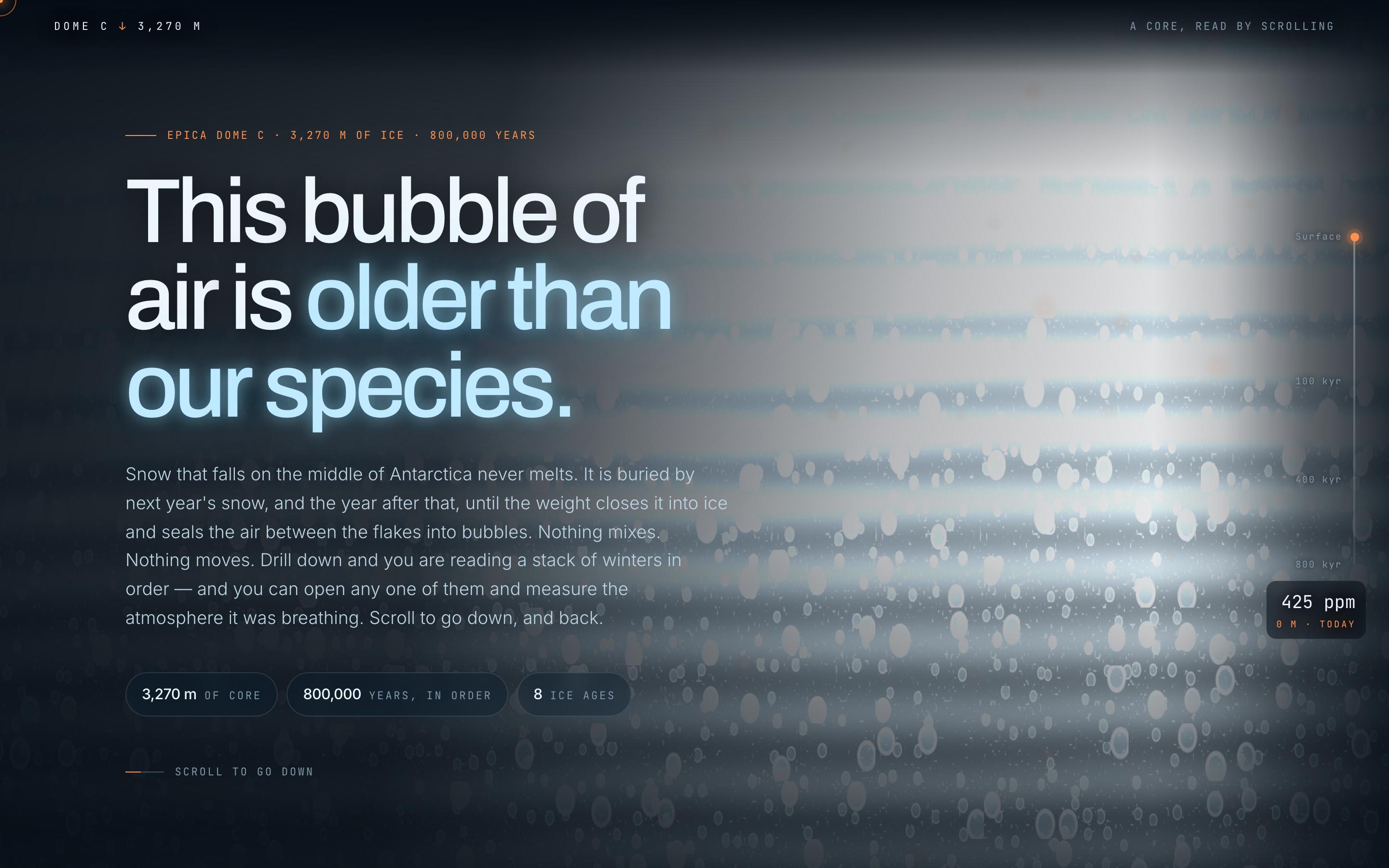
Climate Science Scrollytelling Template — preview

Climate Science Scrollytelling Template

Education

Antarctic Ice Core

This bubble of air is older than our species

CanvasWebGLScroll-driven
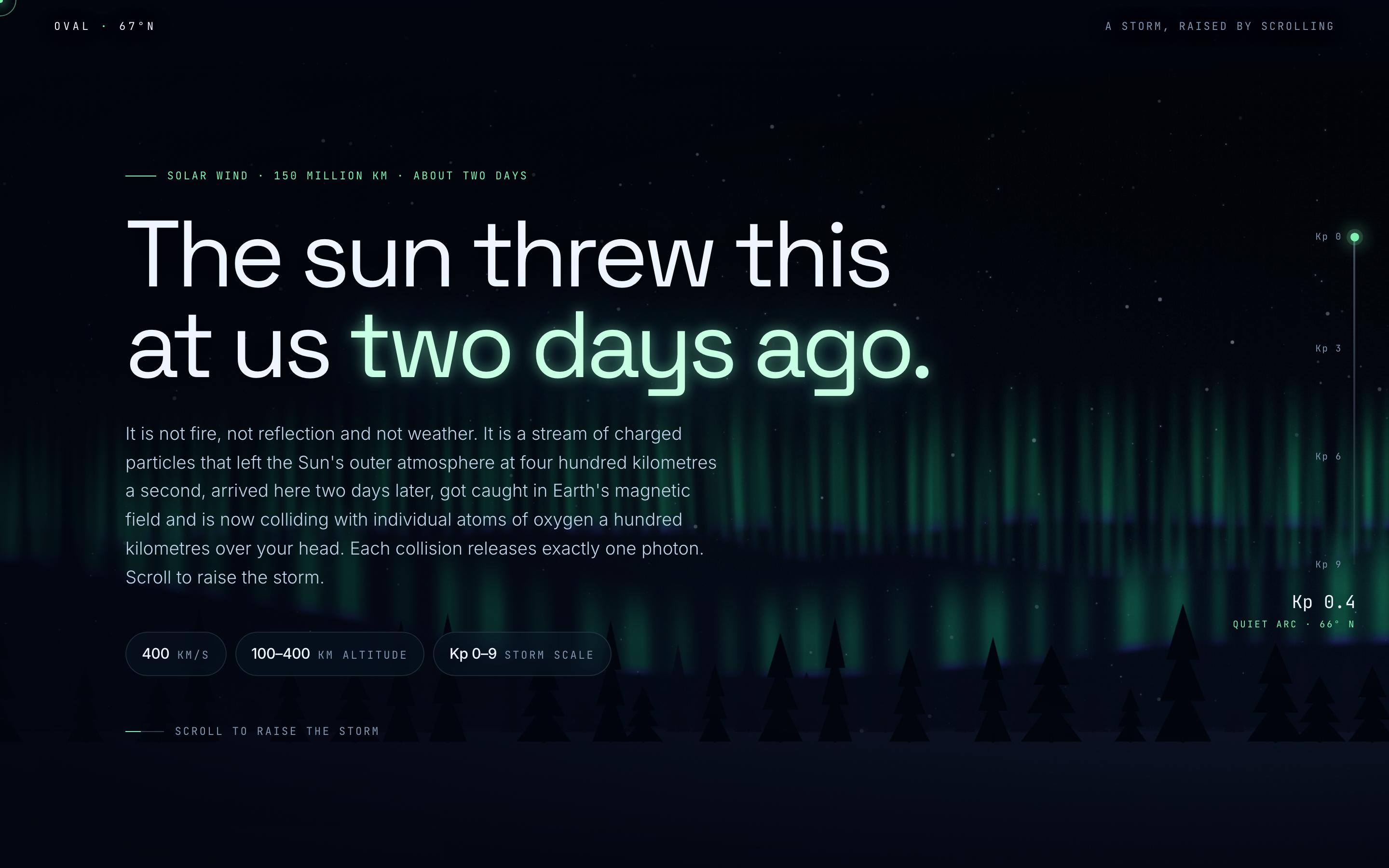
Space Weather Explainer Template — preview

Space Weather Explainer Template

Education

Aurora Borealis

The sun threw this at us two days ago

CanvasWebGLScroll-driven
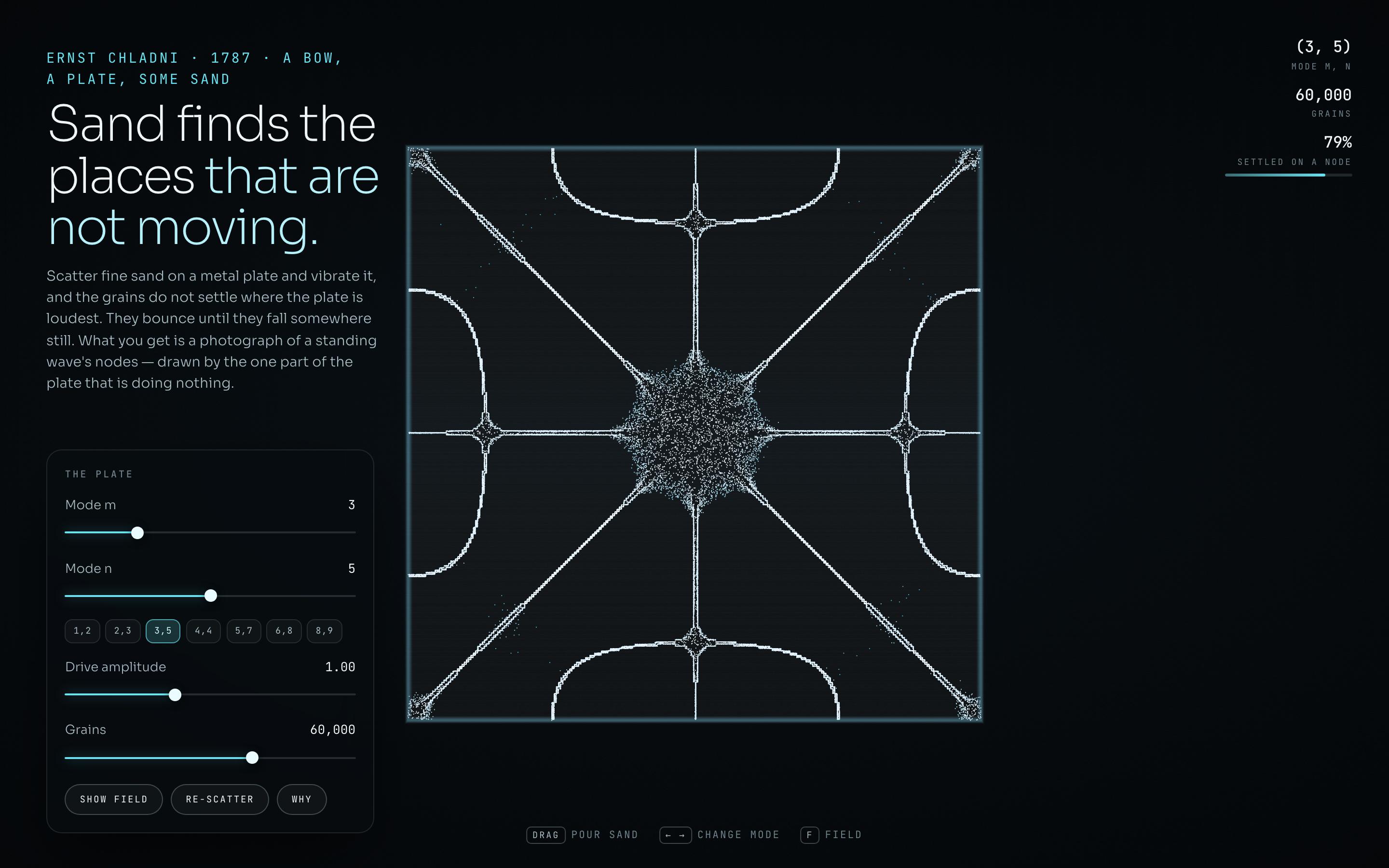
Generative Art Landing Page Template — preview

Generative Art Landing Page Template

Education

Chladni Plate

Sand finds the places that are not moving

CanvasWebGLSingle screen
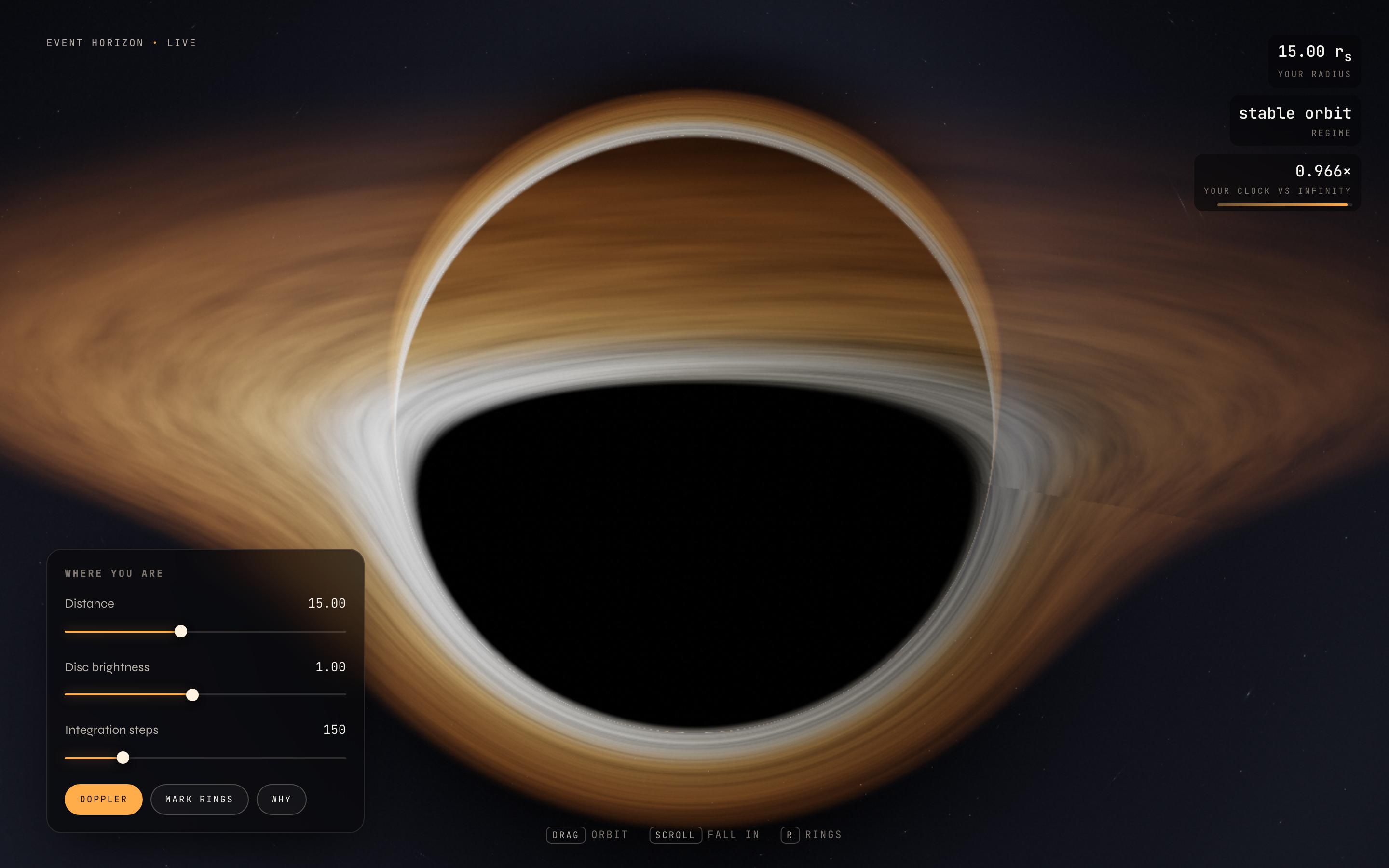
Astrophysics Visualisation Template — preview

Astrophysics Visualisation Template

Education

Event Horizon

photons bending around a black hole

CanvasWebGLSingle screen
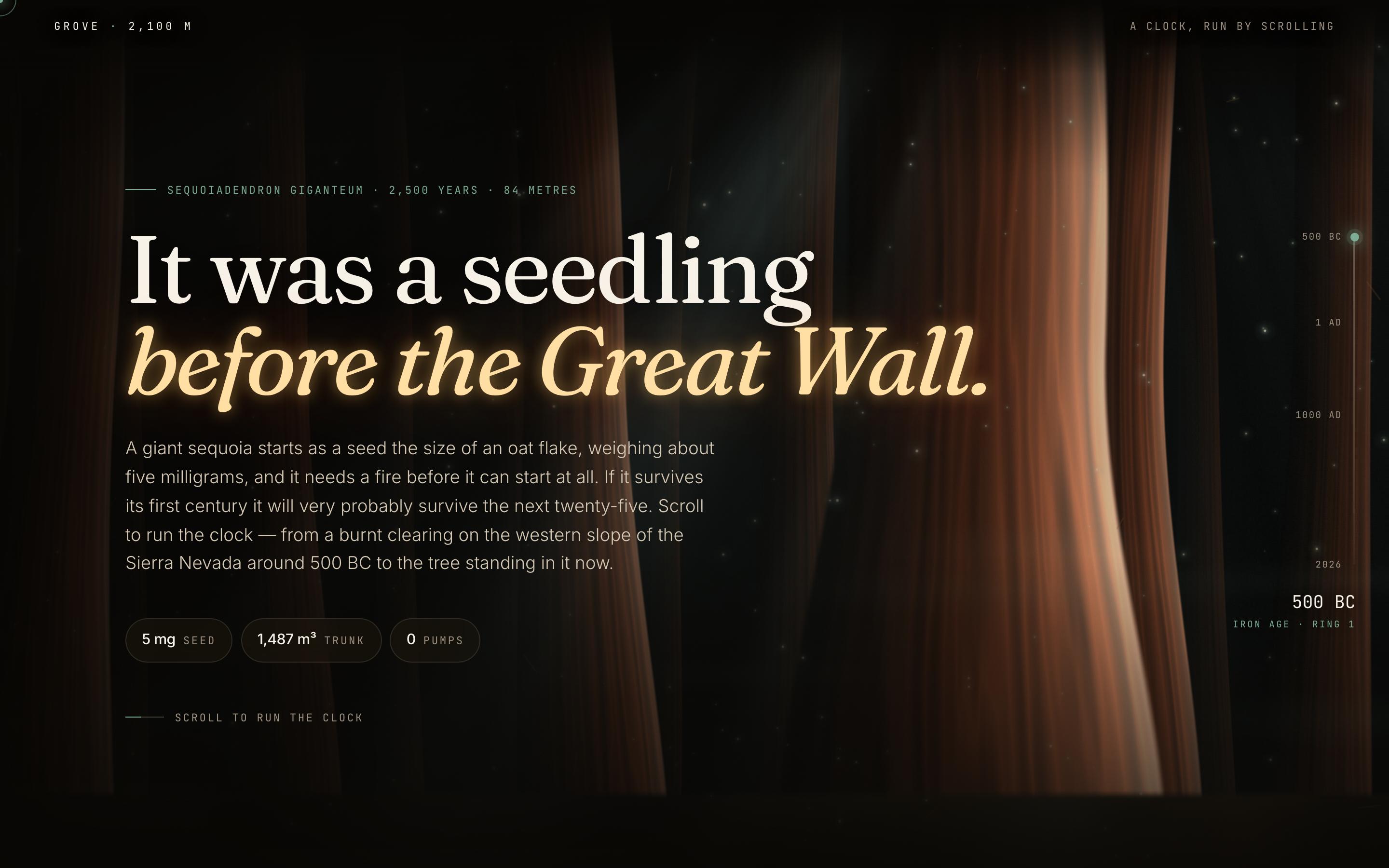
Nature Conservation Website Template — preview

Nature Conservation Website Template

Education

Giant Sequoia

It was a seedling before the Great Wall

CanvasWebGLScroll-driven
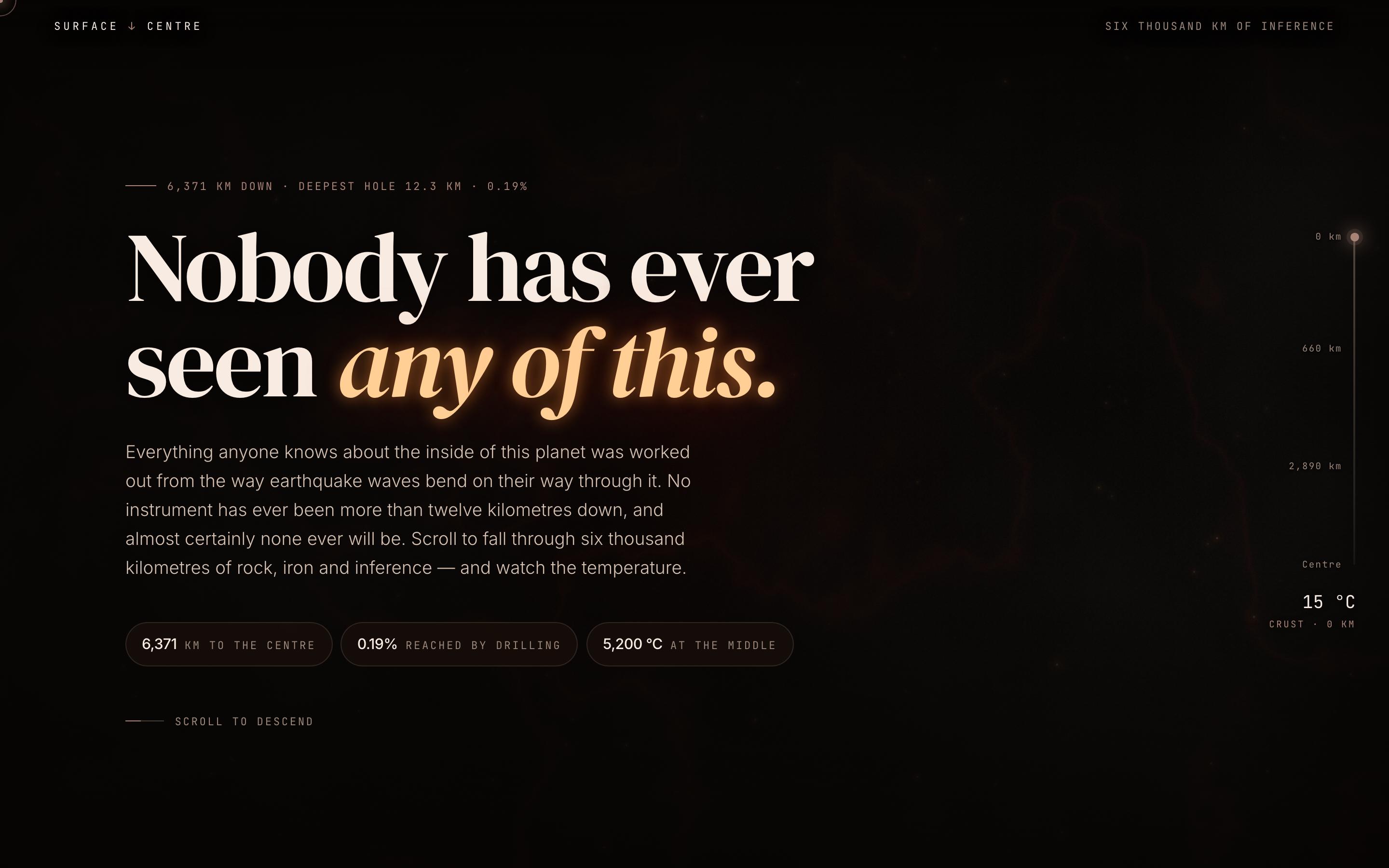
Geology Explainer Website Template — preview

Geology Explainer Website Template

Education

Inner Earth

six thousand kilometres of inference

CanvasWebGLScroll-driven

deine nächste idee
verdient es zu existieren

hör auf, drüber nachzudenken. tipp es einfach ein. Unfertig, halbgar, egal. Wir machen etwas Echtes daraus.

Produkt

  • Vorlagen
  • Community
  • Preispläne
  • Partnerprogramm
  • UXMagic MCP
  • Claude MCP
  • KI-Infos

Ressourcen

  • Hilfe-Center
  • Figma-Bibliothek
  • React-Bibliothek
  • Mobile-App-Vorlagen
  • Dokumentation
  • Tutorials

Funktionen

  • Prompt zu UI
  • Bild zu UI
  • Skizze zu UI
  • Website klonen
  • Aus Figma importieren
  • AI Wireframe Generator
  • AI Mockup Generator
  • AI Prototype Generator
  • AI Dashboard Generator
  • Alle Funktionen

Vergleichen

  • vs. UX Pilot
  • vs. Relume
  • vs. MagicPath
  • vs. Magic Patterns
  • vs. Banani
  • vs. Galileo AI
  • vs v0
  • vs Lovable
  • vs Base44
  • Alle Wettbewerber

Blog

  • KI im UX-Design-Workflow: Was wirklich funktioniert
  • Prompt-Vorlagen für SaaS-Dashboards
  • Echte Prompts, mit denen wir Produkt-Flows generieren
  • Prompt Engineering für UX-Designer
  • Die besten Wireframing-Tools 2026: 10 kostenlose & Pro-Optionen im Vergleich
  • Alle Blogartikel

Unternehmen & Support

  • Karriere
  • Kontakt
  • Datenschutzerklärung
  • Nutzungsbedingungen
  • Cookie-Einstellungen
  • Folge uns auf Slack
  • Folge uns auf Twitter
  • Folge uns auf LinkedIn
  • Folge uns auf YouTube
  • Folge uns auf Instagram

© 2026 UXMagic AI Technologies Inc.