Accueil UXMagic
  • English
  • Español
  • हिन्दी
  • Bahasa Indonesia
  • Tiếng Việt
  • Português
  • Русский
  • 中文
  • العربية
  • Deutsch
  • Français
  • Fonctionnalités
  • Bibliothèques
  • Modèles
  • Tarifs
  • Affiliation
  • Ressources
Accueil UXMagic
  • English
  • Español
  • हिन्दी
  • Bahasa Indonesia
  • Tiếng Việt
  • Português
  • Русский
  • 中文
  • العربية
  • Deutsch
  • Français
Accueil UXMagic

Bibliothèques

ModèlesNouveau
Créations de la communauté
Tarifs
Affiliation

Ressources

Suivez-nous sur :
  • Suivez-nous sur Slack
  • Suivez-nous sur Twitter
  • Suivez-nous sur LinkedIn
  • Suivez-nous sur YouTube
  • Suivez-nous sur Instagram
  1. Templates
  2. /
  3. Portfolio
  4. /
  5. Design Engineer Portfolio Template
Full screen
Loading the design…

Design Engineer Portfolio Template

Inês Taveira — Design Engineer — design engineer, Lisbon · Patch bay

A dark portfolio organised as a patch bay: the work, the open-source contributions, the capabilities and the career, wired together rather than listed. It is the most structurally inventive portfolio in the library.

Free to browse and preview. Starting a project from a template needs a paid plan.

Or make it yours as it opens

Leave blank to start from the design as it is

About this template

Design engineering sits between two disciplines and most portfolios in it pick a side. The patch-bay device is what lets this one hold both — capabilities and career are addressable as connections rather than as a résumé, so the page shows range without reading as a list of jobs.

The keys section at the end is a small, deliberate touch: the page is navigable from the keyboard, which for this audience is a credential in itself.

What's included (10)

  1. 1Inês Taveira
  2. 2Patch bay · the portfolio, wired
  3. 3About
  4. 4Work
  5. 5Open source plugins
  6. 6Five signals
  7. 7Career
  8. 8Contact
  9. 9Pfoot
  10. 10Keyboard mouse

Design system

Palette

  • --bg: #12100e
  • --bg2: #171411
  • --face: #221e1a
  • --face2: #2b2621
  • --edge: #3a332c
  • --edge2: #51483f
  • --ink: #f3ece2
  • --ink2: #cfc4b6
  • --ink3: #a69a8c
  • --tok: #e9c14a
  • --sys: #6cc4b0
  • --plg: #ef6f4f

Typefaces

  • Chivo
  • Chivo Mono

Who it's for

  • Design engineers and design-systems engineers
  • Front-end engineers applying to product companies
  • Hybrid design and engineering candidates
  • Anyone whose value is in the overlap between two disciplines

Specification

Layout
1440px wide
Page length
11,800px
Sections
10
Colour scheme
Dark
Typefaces
2
  • Scroll-driven — the page responds as you move down it
  • 3 canvas visualisations, drawn live
  • No photography — everything is drawn in code, so it stays sharp

How to use this template

  1. 1

    Look through the design

    Scroll the live preview on this page. It is the real design engineer portfolio template running in the browser, not a screenshot, so what you see is what you get.

  2. 2

    Say what you want it to be

    Type your business, product or subject into the box, or leave it blank to start from the design exactly as it is. Starting a project from a template is a paid-plan feature; looking through them is not.

  3. 3

    Let it be rebuilt around you

    The copy, the palette and the imagery are rewritten for your subject while the layout, typography and motion of the original are kept.

  4. 4

    Keep editing, then export

    Open it on the canvas to change anything by prompt or by hand, then publish it or export the code.

Questions

What is the patch bay?

+

It is the page's organising device — capabilities and work are shown as connections rather than as lists. It is decorative and structural at once.

Can I make it light?

+

Yes. Ask for a light palette and the whole system re-themes, including the patch bay.

Is this design engineer portfolio template free to use?

+

Browsing is free and needs no account — you can scroll the whole design on this page, at desktop and at mobile width, before deciding anything. Starting a project from a template is on the paid plans.

Can I change the colours and fonts?

+

Yes — every colour in this design is a named token and every typeface is declared once, so asking for your own brand rewrites a handful of declarations rather than regenerating the page. This template currently uses Chivo and Chivo Mono.

Do I need an account to look at the templates?

+

No. Every template page, its live preview and all the category pages are open to anyone — no account, no sign-up wall. An account and a paid plan are needed only when you start a project from one.

Do I need to know how to design or code?

+

No. You describe what you want in plain language and the page is rebuilt around it. If you do write code, you can export the HTML and CSS and take it with you.

Can I use it for a commercial project?

+

Yes. Pages you make from a template are yours to publish and to use commercially.

More Portfolio templates

See all portfolio templates
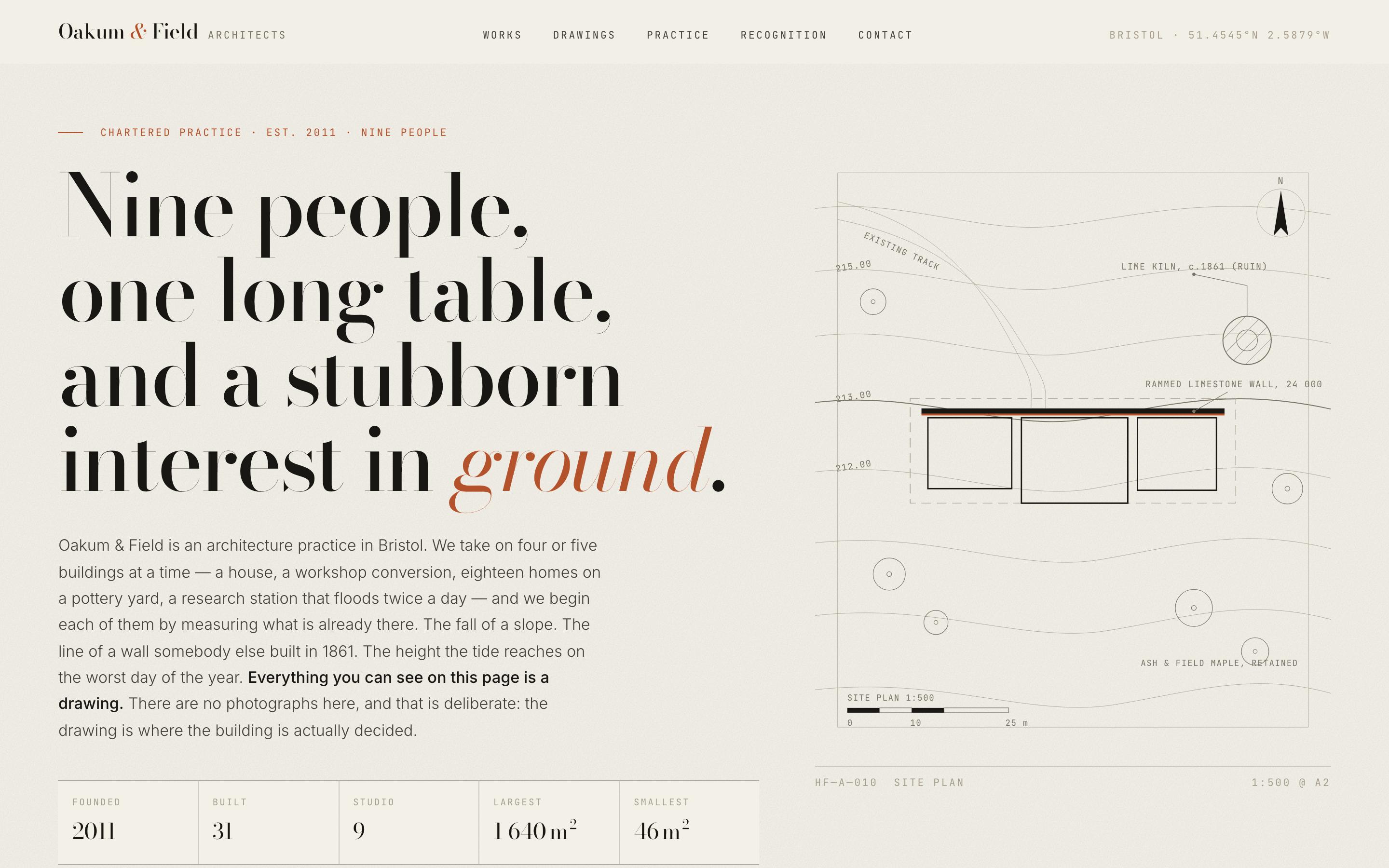
Architecture Portfolio Website Template — preview

Architecture Portfolio Website Template

Portfolio

Oakum & Field — Architects

architects, Bristol. Everything on this page is drawn.

Scroll-driven
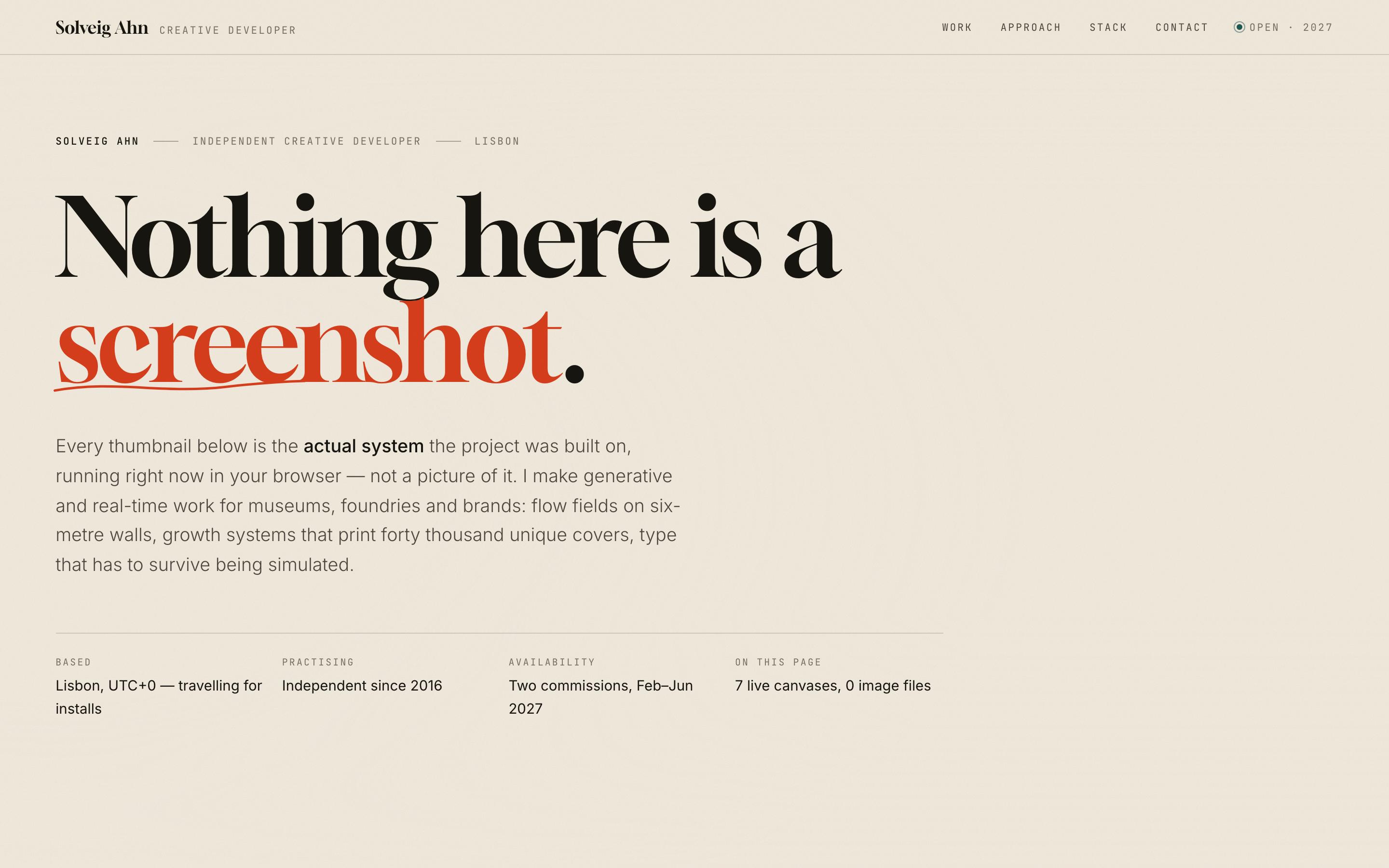
Creative Developer Portfolio Template — preview

Creative Developer Portfolio Template

Portfolio

Solveig Ahn — Creative Developer

creative developer. Nothing here is a screenshot.

CanvasScroll-driven
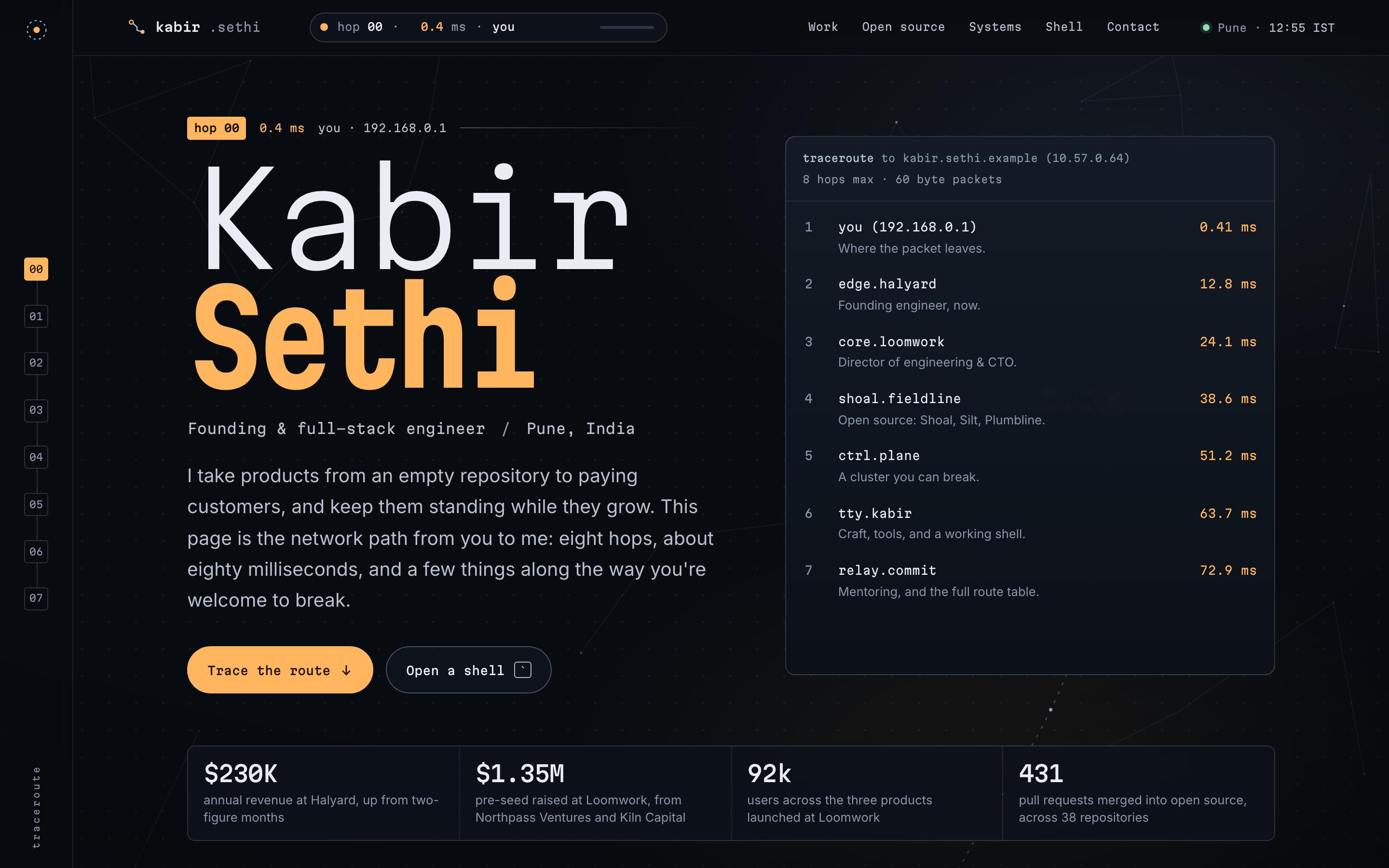
Software Engineer Portfolio Template — preview

Software Engineer Portfolio Template

Portfolio

Kabir Sethi — Founding Engineer

founding & full-stack engineer · traceroute

CanvasScroll-driven
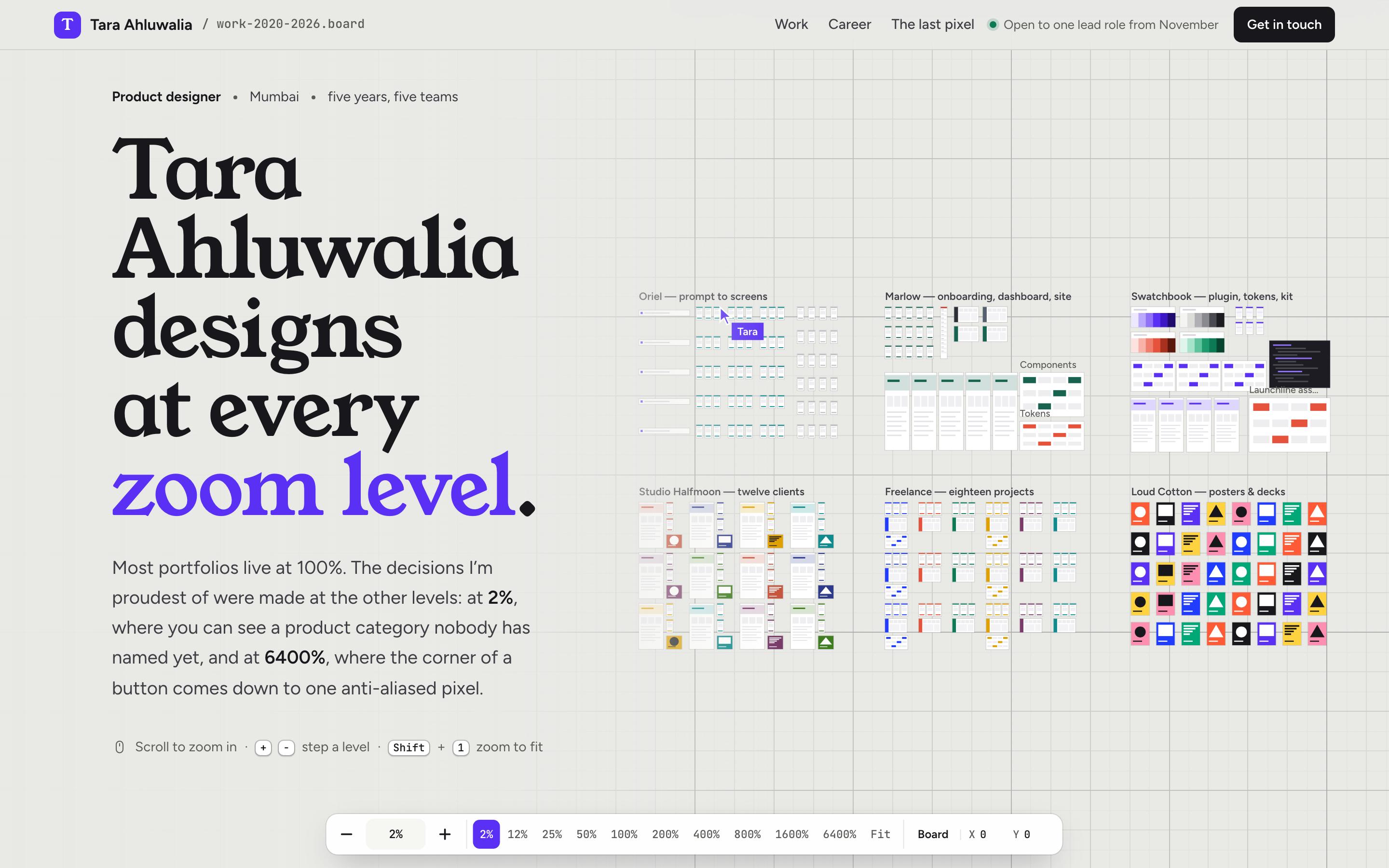
Product Designer Portfolio Template — preview

Product Designer Portfolio Template

Portfolio

Tara Ahluwalia — Product Designer

product designer, from 2% to 6400%

CanvasScroll-driven
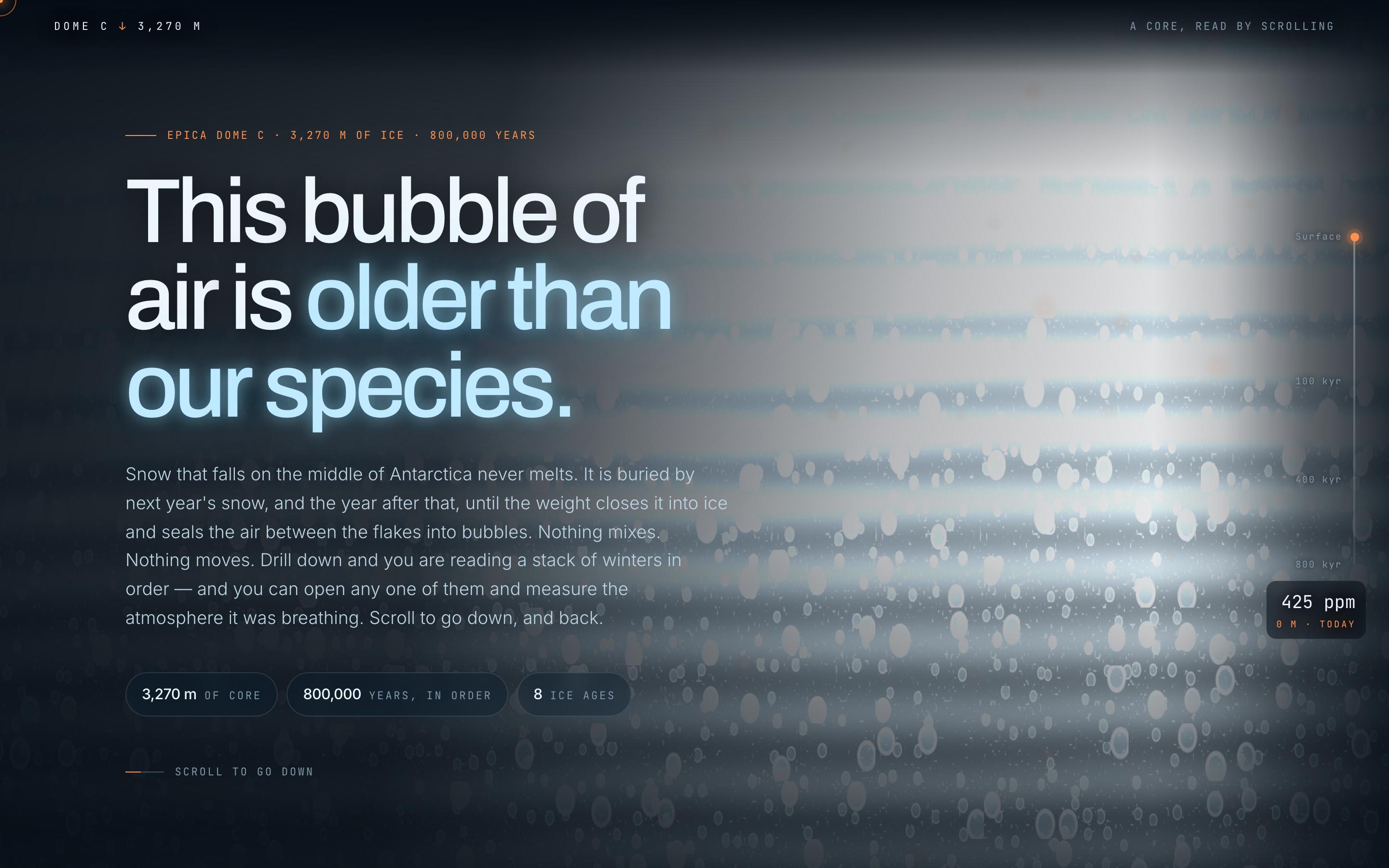
Climate Science Scrollytelling Template — preview

Climate Science Scrollytelling Template

Education

Antarctic Ice Core

This bubble of air is older than our species

CanvasWebGLScroll-driven
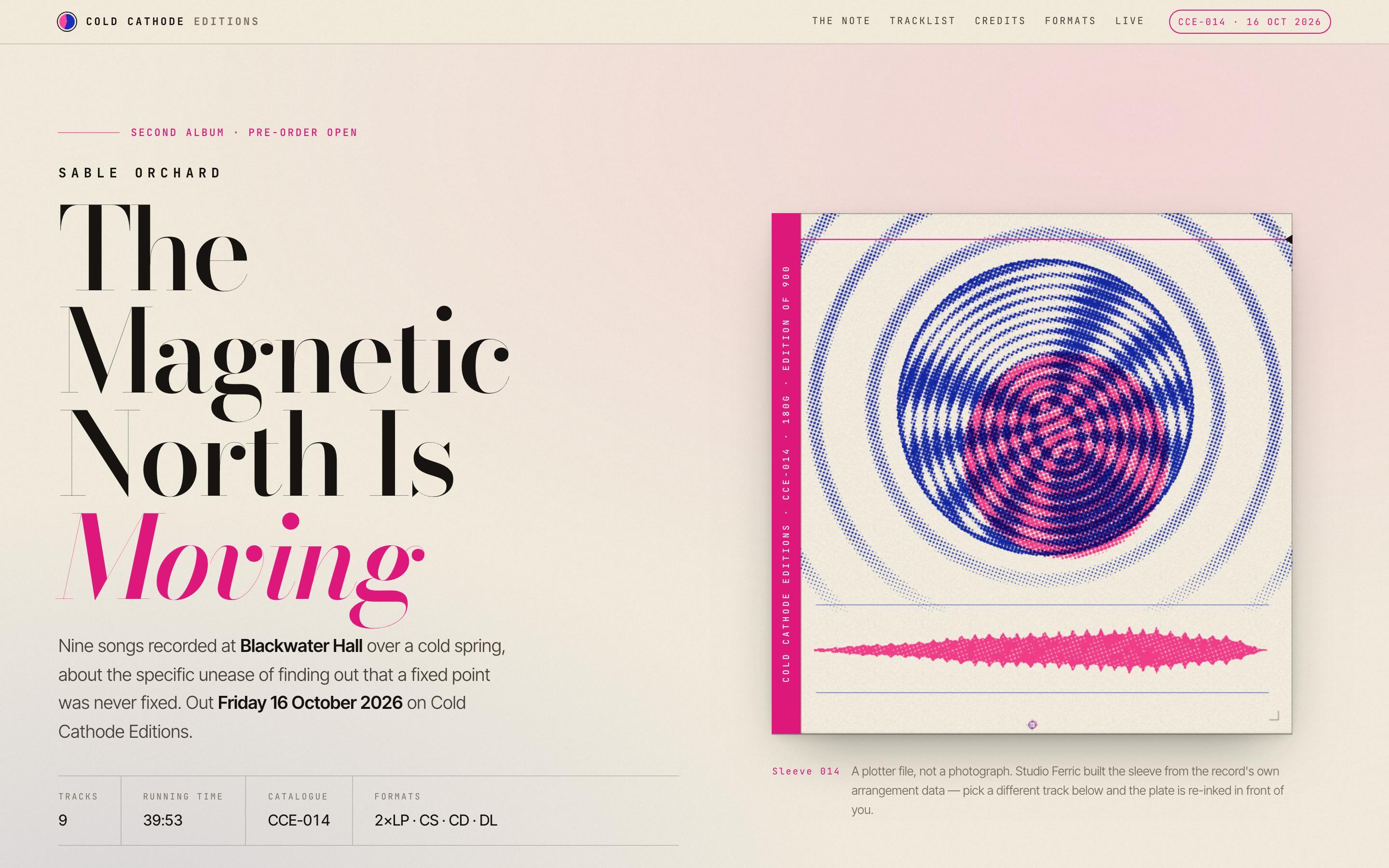
Album Release Website Template — preview

Album Release Website Template

Entertainment

Sable Orchard — Album Release

The Magnetic North Is Moving · Cold Cathode Editions

CanvasScroll-driven

votre prochaine idée
mérite d'exister

arrêtez d'y penser. écrivez-la, tout simplement. Mal formulée, à moitié aboutie, peu importe. On la transformera en quelque chose de réel.

Produit

  • Modèles
  • Communauté
  • Plans tarifaires
  • Programme d'affiliation
  • UXMagic MCP
  • Claude MCP
  • Infos IA

Ressources

  • Centre d'aide
  • Bibliothèque Figma
  • Bibliothèque React
  • Templates d'applications mobiles
  • Documentation
  • Tutoriels

Fonctionnalités

  • Prompt vers UI
  • Image vers UI
  • Croquis vers UI
  • Cloner un site web
  • Importer depuis Figma
  • AI Wireframe Generator
  • AI Mockup Generator
  • AI Prototype Generator
  • AI Dashboard Generator
  • Toutes les fonctionnalités

Comparer

  • vs UX Pilot
  • vs Relume
  • vs MagicPath
  • vs Magic Patterns
  • vs Banani
  • vs Galileo AI
  • vs v0
  • vs Lovable
  • vs Base44
  • Tous les concurrents

Blog

  • L'IA dans le workflow UX : ce qui fonctionne vraiment
  • Templates de prompts pour dashboards SaaS
  • Les vrais prompts que nous utilisons pour générer des parcours produit
  • Le prompt engineering pour designers UX
  • Meilleurs outils de wireframing en 2026 : 10 options gratuites & pro comparées
  • Tous les articles

Entreprise & Support

  • Carrières
  • Nous contacter
  • Politique de confidentialité
  • Conditions d'utilisation
  • Paramètres des cookies
  • Suivez-nous sur Slack
  • Suivez-nous sur Twitter
  • Suivez-nous sur LinkedIn
  • Suivez-nous sur YouTube
  • Suivez-nous sur Instagram

© 2026 UXMagic AI Technologies Inc.