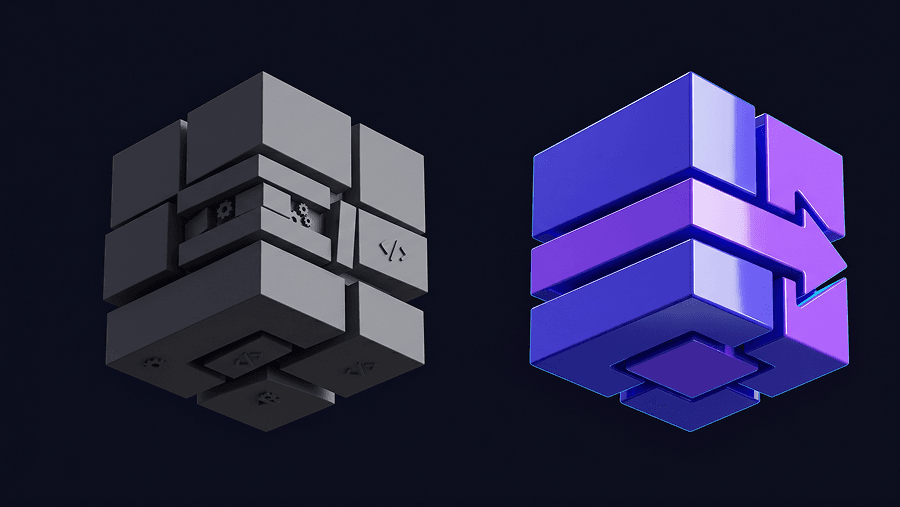
The verification tax of fixing bad AI-generated UI now takes longer than designing screens manually from scratch. If your team keeps correcting hallucinated padding, broken navigation logic, and drifting typography after every prompt, your AI stack isn’t accelerating anything.
The blank canvas problem was solved years ago. The real problem in 2026 is context collapse across flows.
This is where the difference between Claude Design and UXMagic becomes obvious. Not in screenshots. In whether your system still works by screen six.
The Reality of Claude Design: Features, Artifacts, and Token Burn
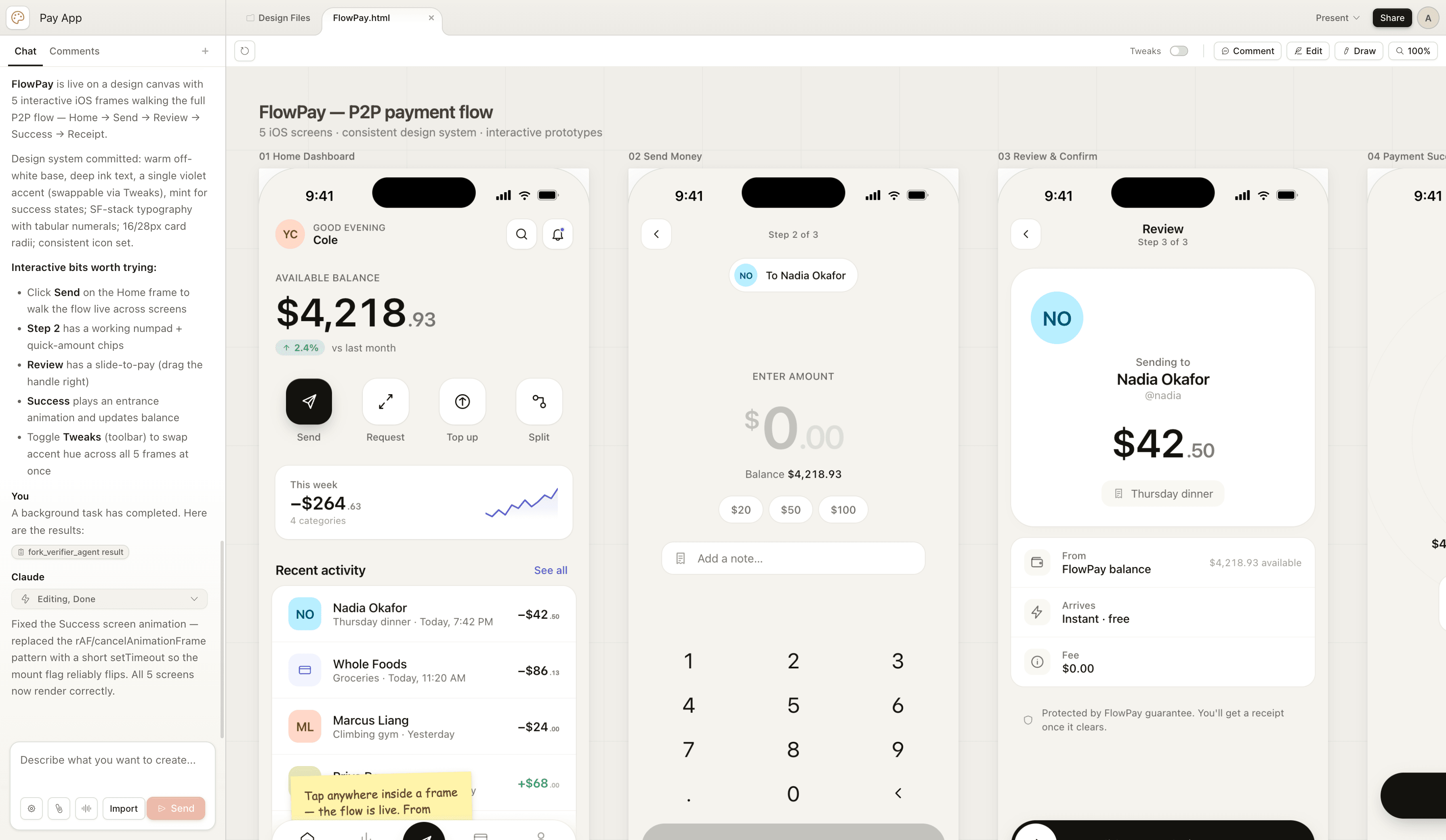
Claude Design can generate visually convincing UI fast. It produces HTML, CSS, JavaScript, and React-style previews that look production-ready at first glance.
But preview fidelity is not deployment fidelity.
A real Claude workflow typically includes:
- extracting typography and spacing tokens into DESIGN.md
- running Cowork VM analysis
- switching to Terminal Claude Code
- configuring MCP servers
- opening localhost WebSocket bridges
- syncing frames into Figma
Most blog posts skip this part. That’s the part teams actually struggle with.
If adjusting a margin requires CLI orchestration and socket bridges, the workflow isn’t faster. It’s redistributed complexity.
This is exactly the shift designers hit after solving their blank canvas problem with AI-assisted workflows: https://uxmagic.ai/blog/blank-canvas-syndrome-ai-ux-workflow
Setup Friction Inside Claude Code + MCP Architectures
Claude Design isn’t a canvas tool. It’s an orchestration stack.
Before generation starts, teams must prepare a structured design context.
That means aggregating:
- spacing scales
- typography tokens
- component libraries
- hierarchy rules
- layout constraints
Then exporting everything into DESIGN.md.
After that, rendering requires switching environments so the system can:
- open WebSocket connections
- connect MCP servers
- sync with Figma plugins
- push frames to canvas
Most teams underestimate how much environment switching slows iteration velocity.
Designers shouldn’t need terminal sessions to adjust interface structure.
UXMagic removes this entire orchestration layer by generating production-ready UI flows inside a unified environment instead of requiring Cowork VM + CLI + MCP bridging just to render components.
That difference compounds across every screen.
The Verification Tax: Hidden Costs of Iterative AI UI Generation
Most AI UI generators optimize first-screen output speed.
Professional workflows depend on multi-screen consistency speed.
That mismatch creates verification tax.
Verification tax includes:
- fixing hallucinated auto-layout spacing
- restoring typography tokens
- correcting accessibility contrast violations
- repairing padding drift
- reapplying component hierarchy logic
If correction time exceeds creation time, the workflow is broken.
This is why serious teams now treat conversational UI output as structured drafts, not production assets.
A better workflow keeps designers inside a human-in-the-loop AI design system where outputs remain predictable instead of probabilistic: https://uxmagic.ai/blog/human-in-the-loop-ai-design-workflow
Token Depletion Is a Workflow Risk, Not a Pricing Detail
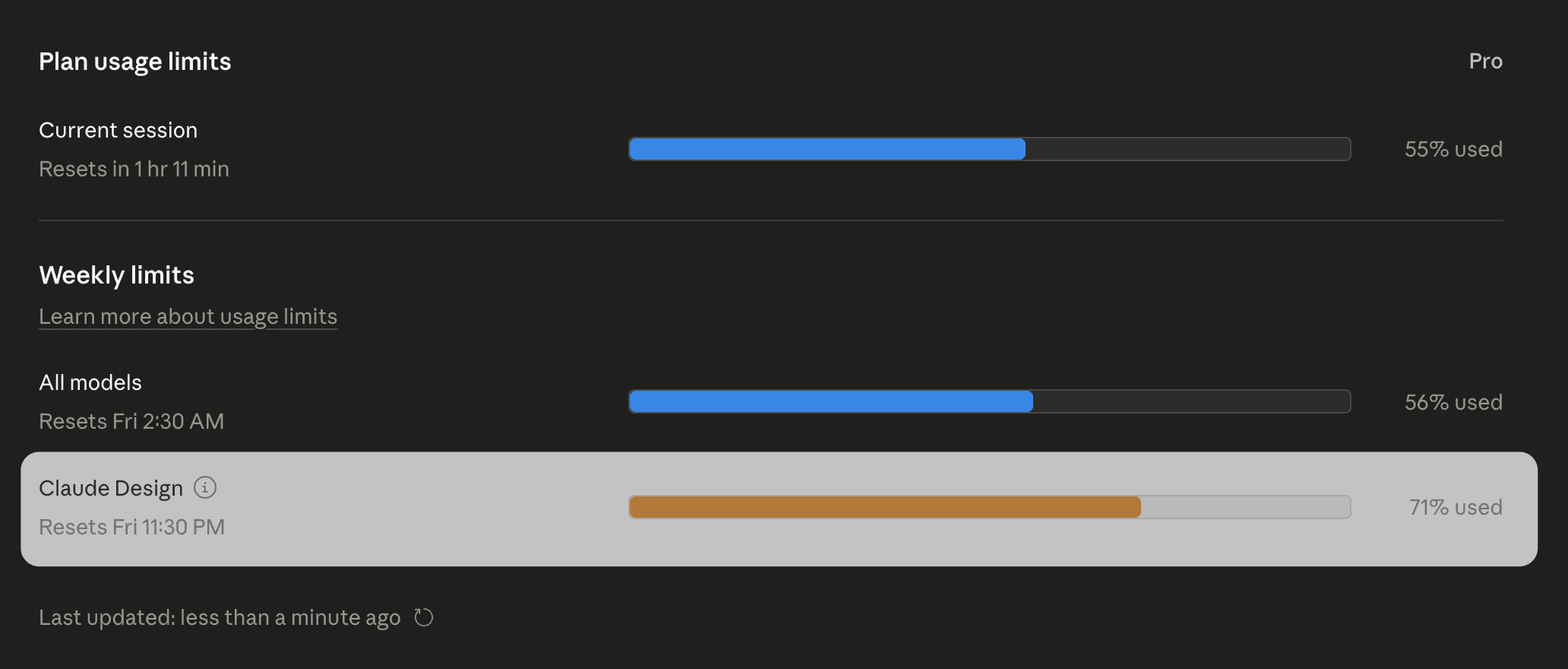
Claude Design regenerates layouts instead of modifying them incrementally.
That means every small change can trigger:
- layout recomposition
- component recalculation
- typography regeneration
- preview refresh
Token usage spikes quickly.
Teams regularly hit usage limits mid-iteration, not mid-project.
When iteration stops because the system runs out of tokens, the pipeline stops with it.
This isn’t a billing issue. It’s an architecture issue.
Why Vibe Coding Breaks Production UI Workflows
“Vibe coding” means prompting UI directly into existence without planning component structure first.
It works for:
- demo screens
- landing pages
- early MVP experiments
It fails for:
- reusable component systems
- accessibility enforcement
- persistent state logic
- deterministic token application
Engineering teams reject these exports because they look modular but behave like static renderings.
Inline styles replace structured styling logic.
Component isolation disappears.
Accessibility metadata gets skipped.
Visual velocity is not engineering velocity.
Teams that avoid this trap rely on structured prompt scaffolds instead of screenshot prompts. Here’s how production teams already do that: https://uxmagic.ai/blog/production-ready-ai-design-prompts-saas
The Flat Namespace Organizational Crisis
Claude Artifacts exist in a flat namespace.
There are:
- no folders
- no nested structure
- no rollback hierarchy
If the model modifies something incorrectly, recovering earlier architecture requires manual reconstruction.
That works for three screens.
It collapses at thirty.
Design systems need version structure. Chat interfaces don’t provide it.
Design System Ingestion Still Breaks Under Context Pressure
Uploading DESIGN.md improves early outputs.
It does not guarantee consistency across flows.
As sessions grow longer, models revert toward statistical defaults:
- generic spacing
- default font stacks
- averaged layout hierarchies
- material-style shadows
That’s not a failure mode. That’s how probabilistic models behave.
Prediction cannot enforce strict token systems across long journeys.
Overcoming Context Collapse in Multi-Screen UX Flows
This is where most conversational workflows fail.
Example: six-step onboarding sequence.
Screen 1 respects tokens Screen 3 introduces accent drift Screen 5 resets typography hierarchy
Now scale that to forty screens.
Context collapse becomes inevitable.
UXMagic’s Flow Mode solves this by preserving variables across entire journeys instead of regenerating each screen independently. Designers don’t re-prompt token rules. The system inherits them automatically.
That eliminates verification loops entirely instead of patching them screen-by-screen.
This is the shift already happening inside modern AI-assisted UX delivery pipelines: https://uxmagic.ai/blog/ai-in-ux-design-workflow
Practical Scenario: Enterprise Dashboard Generation Failure
A product manager prompts a multi-tenant analytics dashboard.
Initial artifact looks correct.
Then tablet responsiveness is requested.
The system regenerates layout structure and:
- breaks grid alignment
- shifts padding tokens
- removes spacing hierarchy
Fixing alignment regenerates layout again.
Tokens burn.
Iteration stops.
Manual rebuild begins.
Practical Scenario: Multi-Step Fintech Onboarding Drift
Six-screen onboarding flow.
Requirements:
- persistent primary button system
- progress indicator continuity
- typography consistency
Outputs:
screen 1 correct screen 3 accent drift screen 5 typography reset
Designer manually restores structure.
Speed advantage disappears.
Verification tax returns.
Practical Scenario: The Developer Handoff Illusion
A founder exports generated React UI to engineering assuming it is production-ready.
Engineering review reveals:
- no state handling
- inline CSS styling
- missing aria-label accessibility support
- detached component logic
Pull request rejected immediately.
Integration takes longer than rebuilding manually.
Prompt-generated UI is not production architecture.
Where UXMagic Replaces the Claude Workflow Breakpoints
Teams don’t replace tools because screenshots look better.
They replace tools when pipelines stop failing.
UXMagic resolves three structural breakdowns conversational systems introduce:
Context collapse
Flow Mode preserves tokens across entire journeys instead of regenerating screens independently.
Setup friction
No MCP servers. No localhost sockets. No VM orchestration layers.
Verification tax
Outputs follow deterministic component logic instead of probabilistic layout guesses.
This is why teams typically migrate away from conversational generation mid-flow—not mid-experiment.
Claude Design proves AI can generate interfaces quickly, but speed at the screen level doesn’t translate to reliability at the flow level. Once token drift, MCP setup friction, and verification overhead enter the workflow, teams spend more time fixing output than shipping product. Deterministic flow-based systems like UXMagic shift AI from experimental prototyping to production-ready interface architecture.
Prediction: Within 12 months, teams won’t evaluate AI UI tools by how fast they generate a screen, they’ll evaluate whether those screens stay consistent across an entire product.
Generate Consistent UI Flows Without Token Drift
Stop repairing spacing, typography, and component logic screen by screen. Try UXMagic free and build your first production-ready multi-screen flow in minutes.