AI React GeneratorFrom Prompt to Production Code
See How AI GeneratesReact UI Instantly
Trusted by Designers and Developers
Faster than manual design
Responsive by default
React componentsfrom a prompt
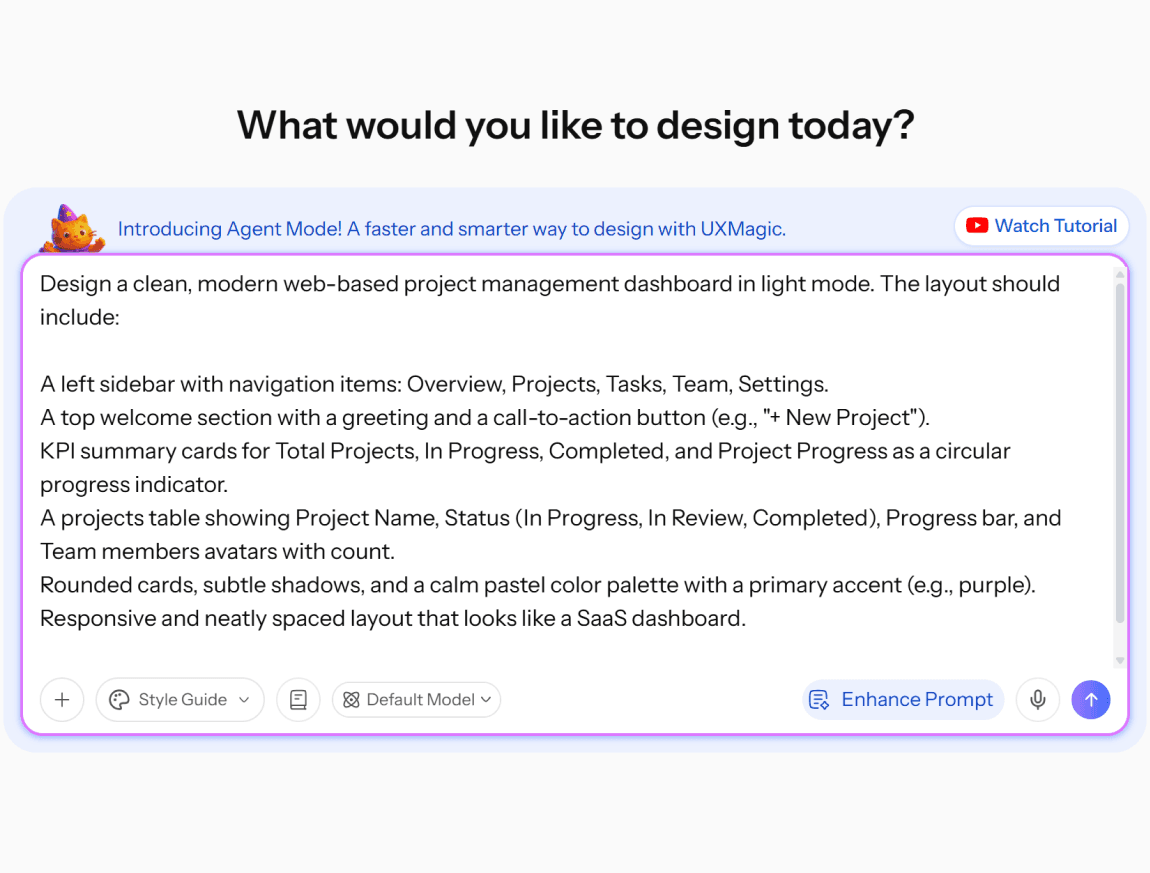
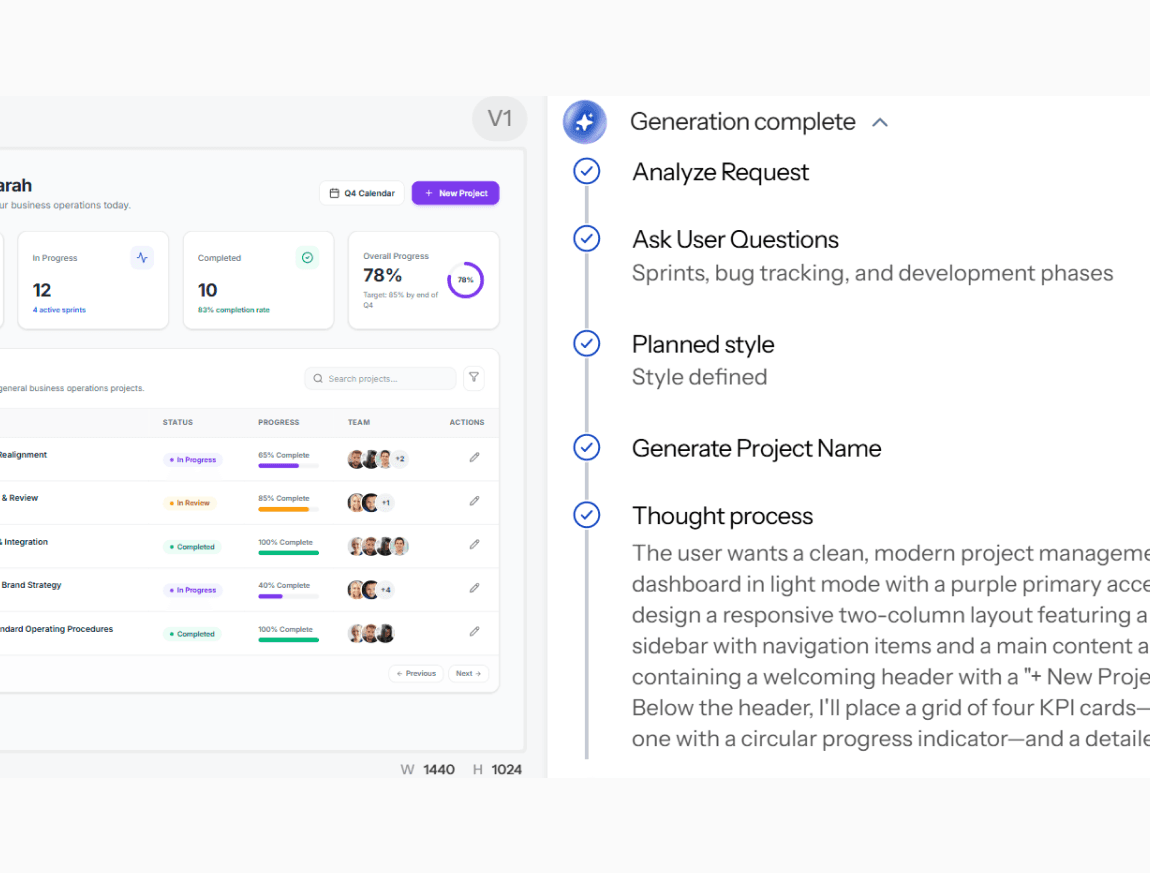
Describe the interface you need in plain language. UXMagic generates a structured screen design - layout, components, visual hierarchy that translates directly into clean, exportable React code, not markup you have to hand-adapt afterward.
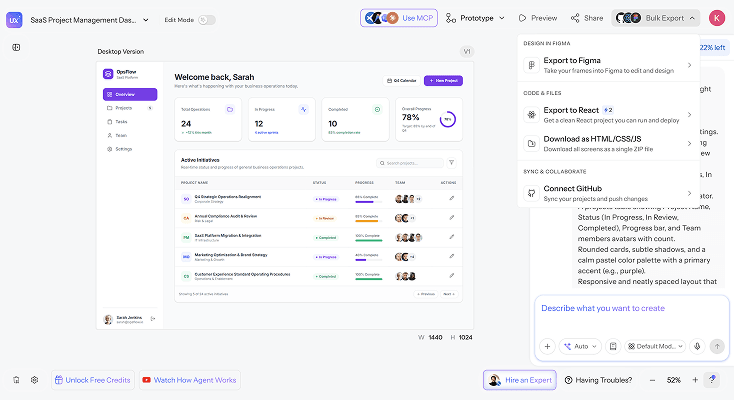
Production-readyReact code
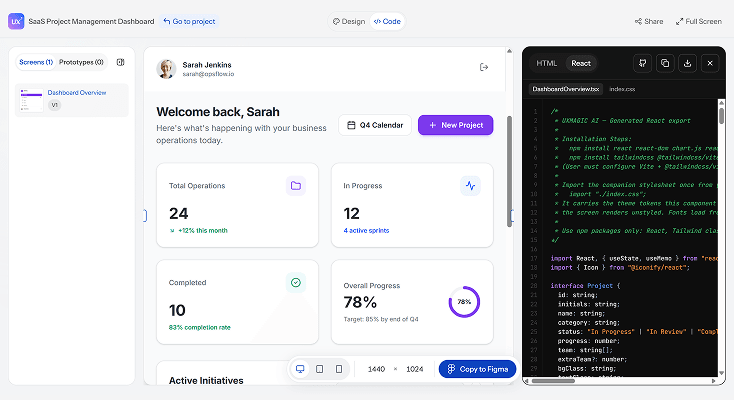
Download the generated UI as production-ready React code, structured with real components and props, not just static HTML. This is genuine react code generation, not a design that merely resembles a React layout.
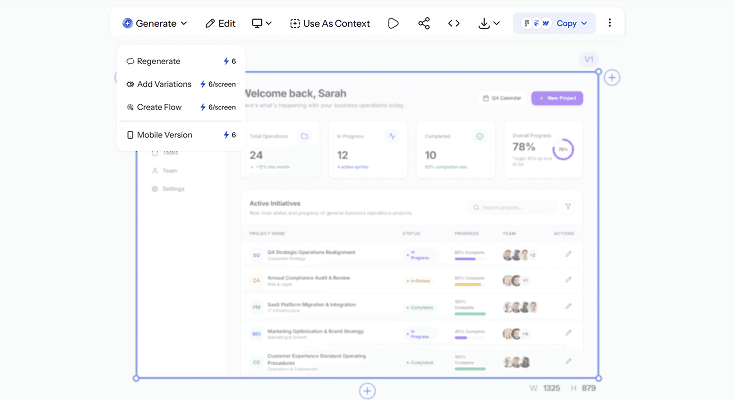
Iterate visuallybefore writing code
Refine layouts, adjust component structure, and explore design variations with follow-up prompts before generating final code. Validate the interface visually first, so your exported React components match what your team actually approved.
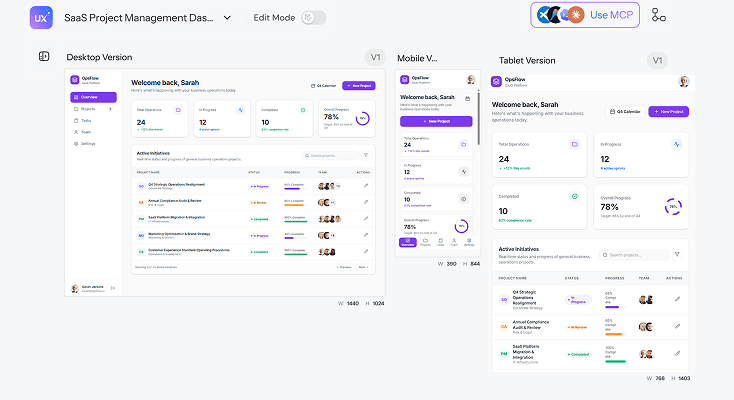
Consistent across every screen
Generate a React UI generator output that stays visually and structurally consistent across connected screens shared components, shared design tokens instead of each screen reinventing its own button styles and spacing.
What you walk away with
Real React code, not adapted HTML
Structured components with real props and hierarchy - a genuine AI react code generator output your team can drop into an existing codebase, not markup someone has to rewrite as React first.
Approved design, before any code
Iterate visually, compare variations, and get sign-off on the interface first - so the React components you export match what was actually approved, not a first draft nobody reviewed.
Figma and code, from the same generation
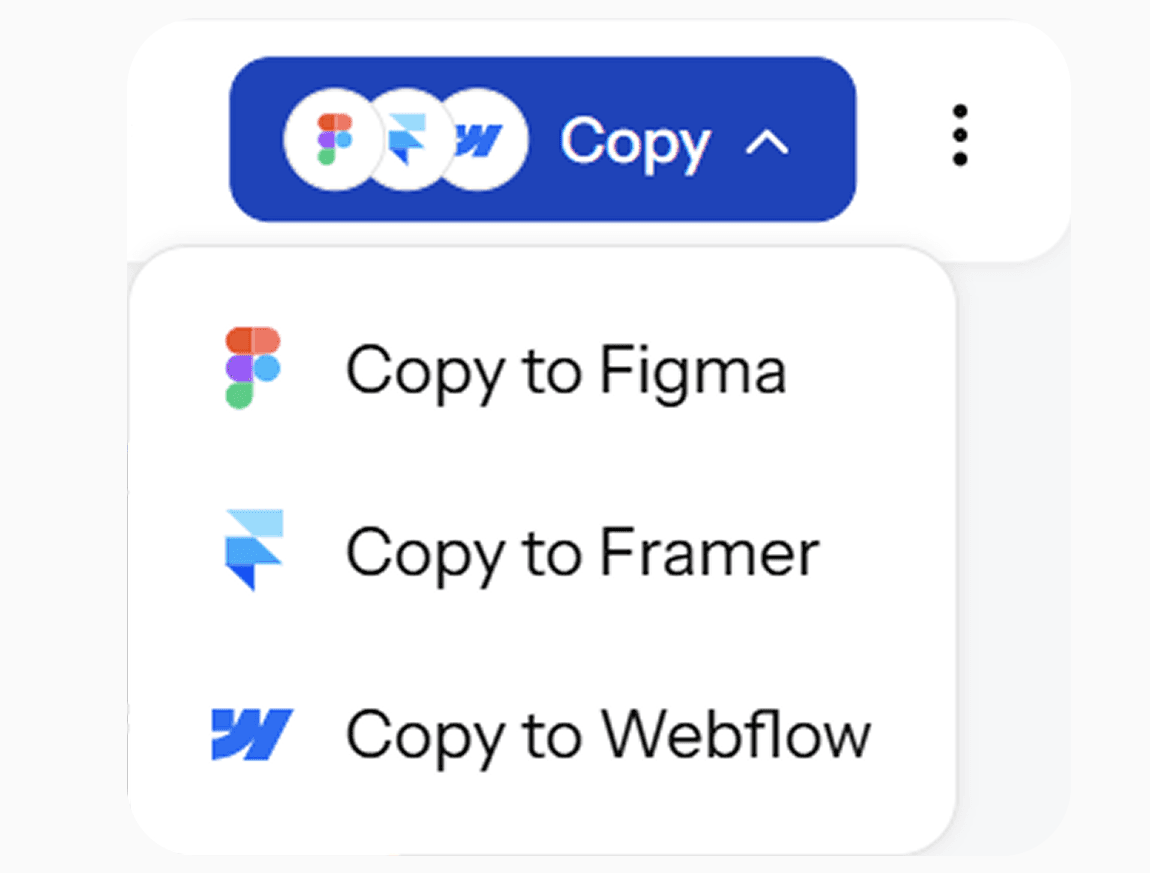
Send the design to Figma for collaborative review, or export straight to React - both paths available from one generation, not a separate tool for each.
UXMagic vs Figma vs UXPilot vs v0 by Vercel vs Bolt.new vs Cursor
A lot of tools call themselves an AI React generator. Here's what separates them when you look at what teams actually need:
| Fitur | Figma (native AI) | UXPilot | v0 by Vercel | Bolt.new | Cursor | UXMagic |
|---|---|---|---|---|---|---|
| Generates real React components (not just HTML) | ||||||
| Visual design step before code generation | ||||||
| Multiple design variations per prompt | ||||||
| Design system/token consistency across screens | ||||||
| Native Figma export (editable layers) |
punya pertanyaan?kami punya jawabannya.
An AI React generator produces React UI components directly from a text description, instead of requiring manual coding for every screen. UXMagic's AI react generator creates a structured design first, then exports it as real React code with actual components and props.
A complete interface design layout, components, visual hierarchy that exports as production-ready React code, plus an editable Figma version of the same screen for design review.
Clean, structured React code using real components rather than flattened markup, alongside HTML export if your project needs it. The output is built to be dropped into an existing codebase, not rewritten first.
Yes. Import your existing Figma components, styles, and tokens, and UXMagic generates new React components using your actual brand system instead of generic defaults.
Manually coding a UI from scratch means writing every component, state, and style by hand. UXMagic generates the structured design and React code from a description in seconds, so you start from a working draft instead of a blank editor.
Yes. Refine layouts, adjust component structure, and compare design variations with follow-up prompts before generating the final React export, so the code matches an approved design rather than a first guess.
dibuat oleh orang sungguhan.diremix tanpa henti.
Jadilah yang pertama memublikasikan sesuatu di sini