Redesign a WebsiteUsing AI Instantly
See How AI RedesignsWebsites Instantly
Trusted by Designers and Developers
Faster than manual design
Responsive by default
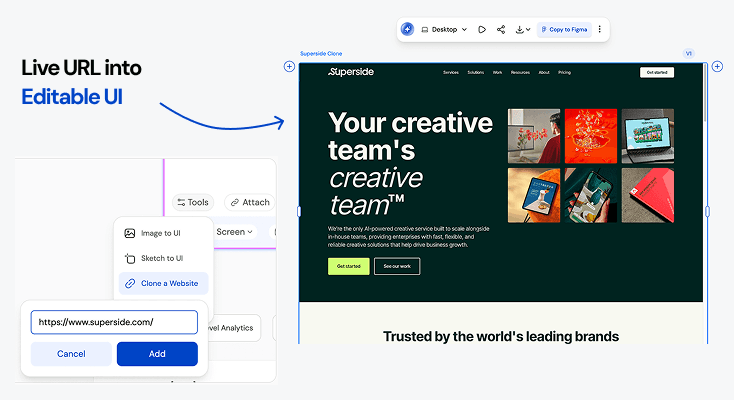
Superside WebsiteURL to UI
Convert the live website at https://www.superside.com/ into an editable UI in Figma. Preserve all key layouts, text hierarchy, images, and visual styling. Generate a fully editable, production-ready design system with components, spacing, and typography intact.
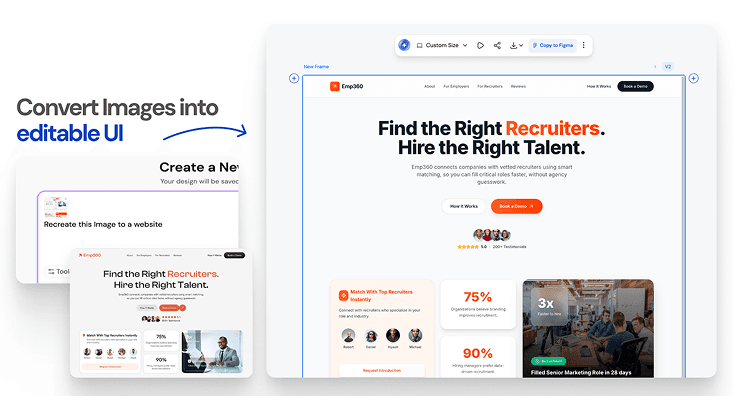
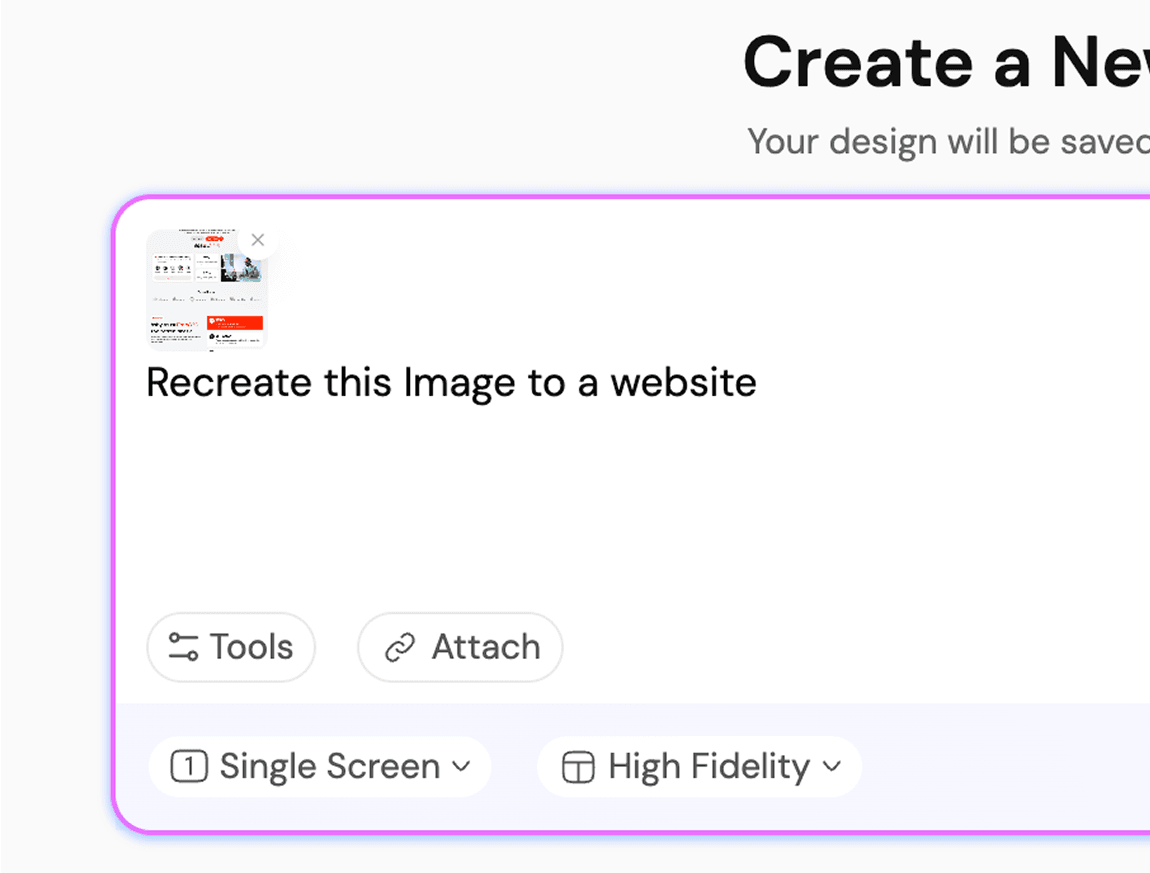
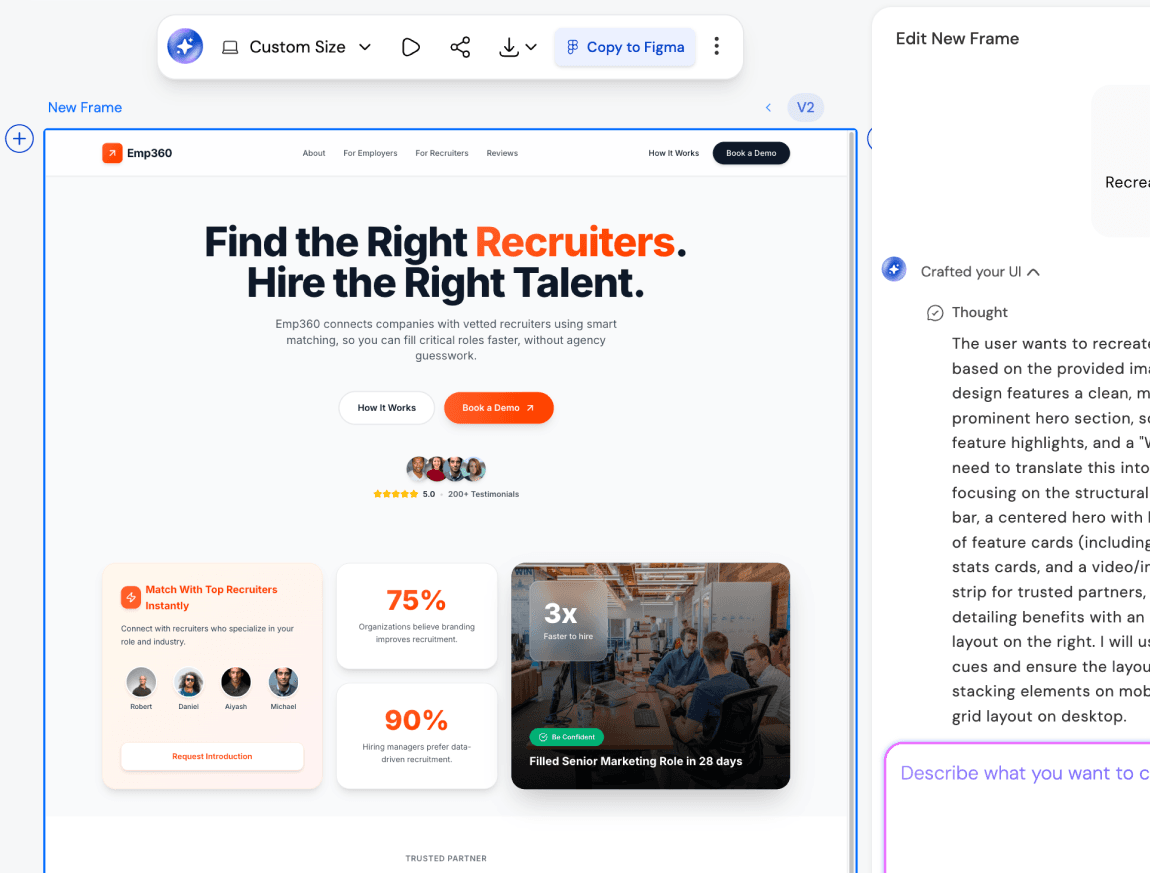
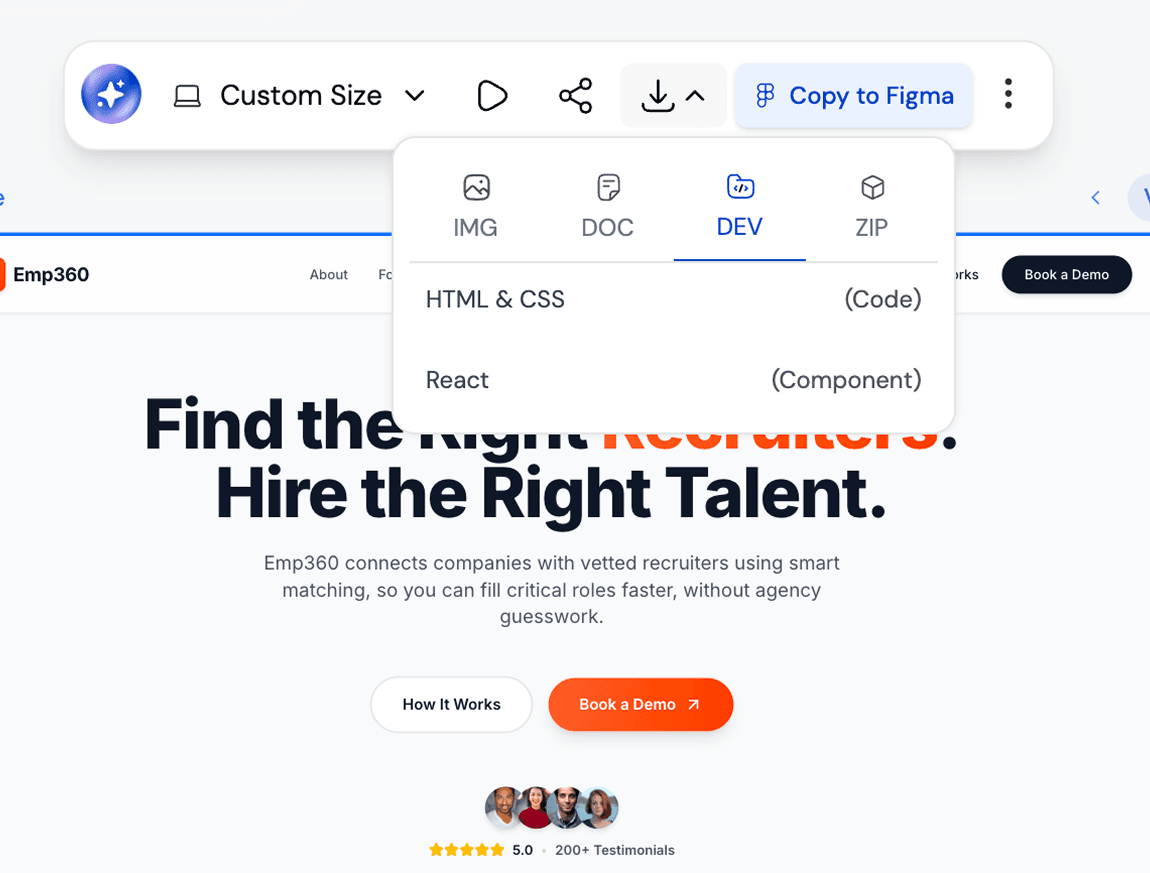
Emp360screenshot to UI
Convert the uploaded screenshot of the Emp360 website into an editable UI in Figma. Maintain the layout, typography, color palette, and visual hierarchy. Generate fully editable components, spacing, and multi-screen flows, so the design is production-ready.
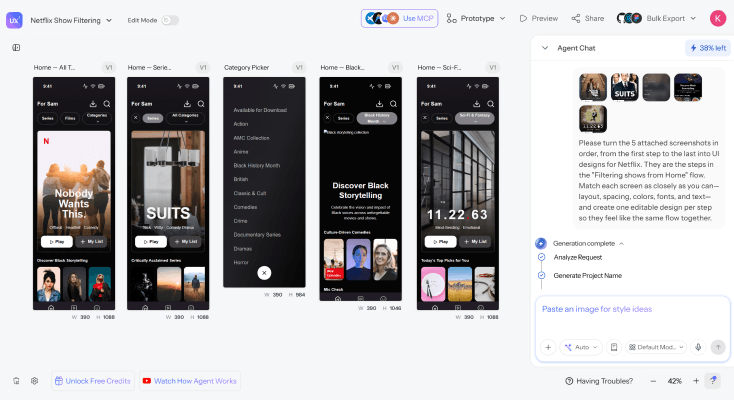
NetflixRedesign
Turn the 5 attached screenshots in order, from the first step to the last into UI designs for Netflix. They are the steps in the "Filtering shows from Home" flow. Match each screen as closely as you can - layout, spacing, colors, fonts, and text and create one editable design per step so they feel like the same flow together.
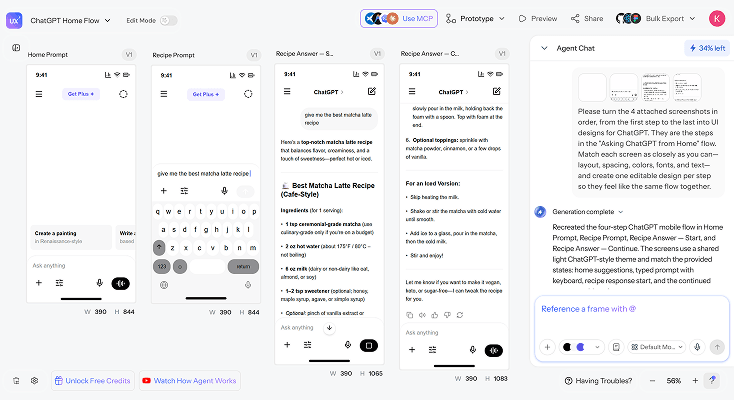
ChatGPTRedesign
Turn the 4 attached screenshots in order, from the first step to the last into UI designs for ChatGPT. They are the steps in the "Asking ChatGPT from Home" flow. Match each screen as closely as you can - layout, spacing, colors, fonts, and text and create one editable design per step so they feel like the same flow together. For more templates checkout UXMagic's Mobile App Templates
What you walk away with
Built from your actual site, not a template
Your pages, navigation, and content hierarchy carry through the redesign. You're not starting over - you're keeping what already works and rebuilding the visual system around it.
Figma layers and production-ready code
Export into Figma as real, editable layers for refinement and handoff, or download clean code your engineering team can actually ship - not a flattened image or a rough draft that needs rebuilding.
Consistent across every page
Home, about, pricing, contact - all redesigned with the same design tokens and navigation logic, so the finished site feels like one product instead of a polished homepage bolted onto untouched inner pages.
UXMagic vs Figma vs UXPilot vs Banani vs Uizard vs Google Stitch vs Replit
A lot of tools call themselves an AI website redesigner. Here's what separates them when you look at what teams actually need:
| Возможность | Figma (native AI) | UXPilot | Banani | Uizard | Google Stitch | Replit | UXMagic |
|---|---|---|---|---|---|---|---|
| Redesign from an uploaded screenshot | |||||||
| Clone a live URL to redesign | |||||||
| Multi-page, connected redesign (not just homepage) | |||||||
| Export to Figma as editable layers | |||||||
| Export to production-ready code | |||||||
| Design system/token consistency across pages |
есть вопросы?у нас есть ответы.
An AI website redesigner is a tool that takes your existing website - via screenshot or a live URL - and generates a modernized version of it, including updated layout, styling, and visual hierarchy. Instead of rebuilding your site from scratch, you redesign a website using AI by starting from what already exists.
Clone your current site or upload a screenshot, describe the direction you want - a cleaner layout, updated typography, a different color system and UXMagic generates a complete redesign in seconds. Refine specific sections with follow-up prompts, then export.
Paste your site's URL into UXMagic's website cloner, and it captures your current layout, structure, and visual patterns automatically. This is the fastest way to clone a website ahead of a redesign - no manual screenshotting, no copy-pasting HTML and the cloned structure becomes the direct input for your AI-generated redesign.
Yes. UXMagic's AI website redesign tool is built so founders, marketers, and product teams without a design or development background can generate a modernized website as easily as a trained designer. The AI handles layout, spacing, and visual hierarchy.
Yes. UXMagic analyzes your current site's structure before generating a redesign, so your existing pages, navigation, and content hierarchy carry through - the AI modernizes the visual system without discarding what already works.
A web designer typically takes days to weeks to deliver a first redesign concept, with revisions adding further time. An AI website redesigner generates a complete, modernized version in seconds, which you can then refine with prompts - compressing what used to be a multi-week process into an afternoon.
Yes. UXMagic redesigns connected, multi-page flows - not just a single isolated screen - so your about page, pricing page, and contact page get the same modernized treatment and design consistency as your homepage.
UXMagic has a free tier that lets you generate and edit website redesigns without a credit card. Paid plans unlock more generations, additional pages per project, and advanced export options.
Yes. UXMagic exports your redesign directly into Figma as editable layers for further refinement, and also generates clean, production-ready code so your redesigned website can move directly into development.
создано реальными людьми.бесконечно переосмыслено.
Станьте первым, кто опубликует здесь что-нибудь