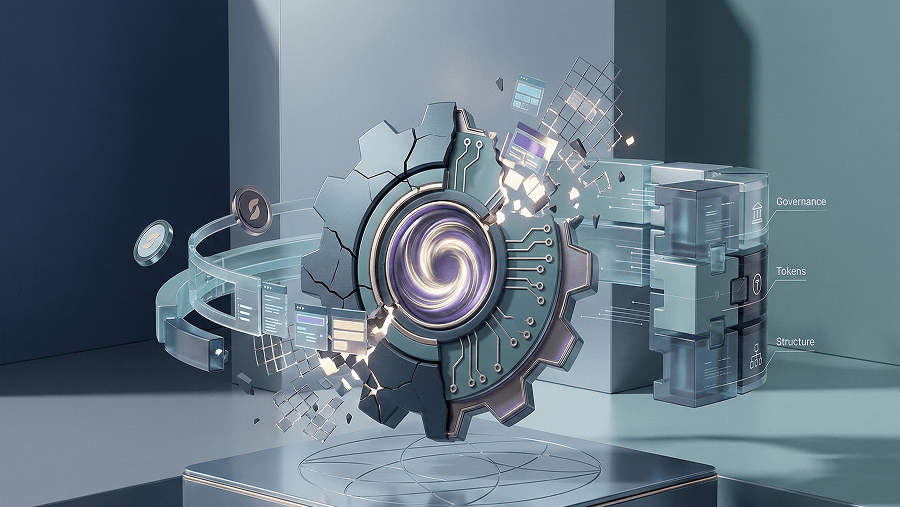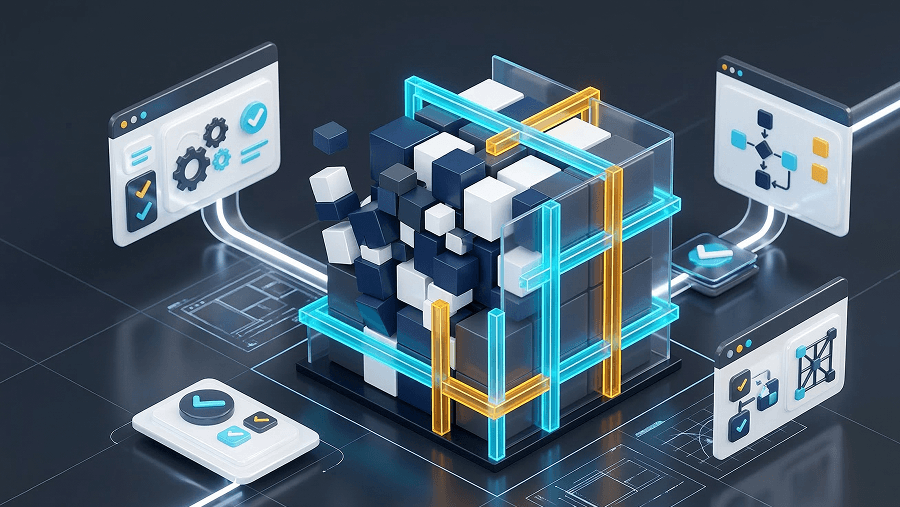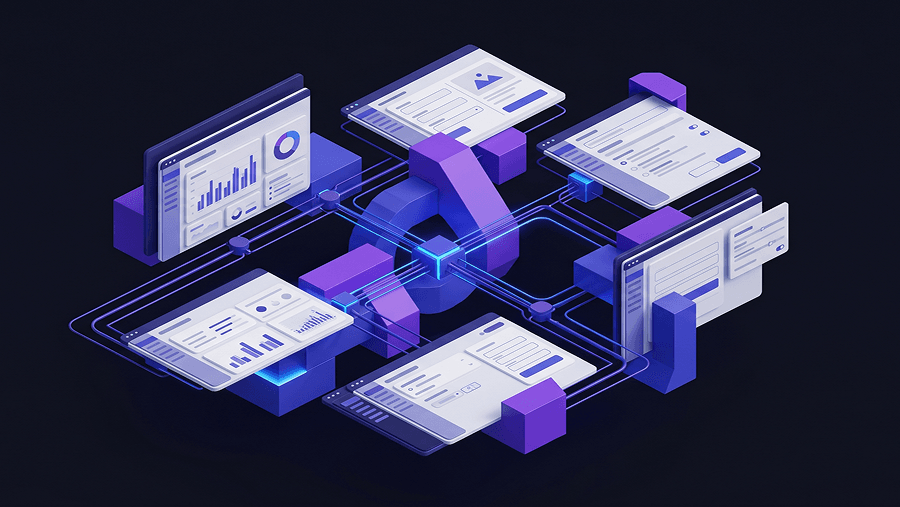
The most dangerous phrase in modern product development is: “The AI generated a working prototype let’s just ship it.”
Generative UI tools are quietly killing design exploration. Teams skip validation because the interface looks finished, then wonder why usability collapses in production. Design thinking isn’t dead. But the way most teams execute it today is broken.
If you’re asking what is design thinking in an AI workflow, the answer isn’t academic anymore. It’s operational: which parts stay human, which parts scale with machines, and how to prototype 10× faster without shipping polished nonsense.
What Is Design Thinking (And Why AI Broke the Traditional Model)
Design thinking is still a human-centered problem-solving framework. What changed is the execution speed and the failure modes.
Traditionally, teams moved through exploration slowly: research, synthesis, wireframes, prototypes, validation. Generative UI collapsed that timeline. Now a prompt produces something that looks production-ready before the problem is even stable.
That creates a dangerous illusion of progress.
The shift from traditional to generative design thinking
Traditional Design (TD) assumed friction was useful. Low-fidelity sketches forced teams to explore alternatives before committing. Whiteboards protected strategy.
Generative Design Thinking (GDT) removes that friction.
Instead of sketching five rough concepts, teams now generate dozens of high-fidelity variants instantly. The upside is velocity. The downside is anchoring to the first output.
Most guides tell you AI “democratizes design.” That’s wrong. AI accelerates execution, not judgment.
Generative models predict likely interface patterns from training data. They don’t understand:
- business constraints
- niche workflows
- cognitive walkthrough failures
- accessibility contrast requirements
- domain-specific interaction logic
So when stakeholders see polished UI early, they assume the logic is correct. That’s how teams ship polished garbage.
Why the Double Diamond still matters
The Double Diamond methodology survives the AI shift because divergence still matters.
Exploration → synthesis → validation didn’t disappear. It just got compressed.
The real change is where speed applies:
- empathy stays human
- definition becomes structured context
- ideation becomes multiplied
- prototyping becomes automated
- testing becomes continuous
If you skip divergence because AI outputs look finished, you’re not accelerating design thinking. You’re deleting it.
This is exactly why teams that understand how designers actually use AI in real projects move faster without sacrificing usability they treat generation as exploration, not authority.
The 5 Most Dangerous Mistakes Designers Make with AI
AI didn’t remove UX mistakes. It scaled them.
Here are the five patterns quietly breaking product teams right now.
- The “Ship It” trap
Executives see a polished interface and assume the strategy is done.
So testing disappears.
Lean UX collapses.
Validation becomes optional.
Result: production interfaces that were never exposed to real users.
If AI lets you prototype 10× faster, you’re obligated to validate 10× faster. Otherwise you’re just shipping hallucinations at scale.
- The death of design exploration
Low-fidelity wireframes used to protect divergence.
Generative UI skips that step.
Now teams anchor to the first idea because it already looks finished.
You’ve probably heard this sentence in a review:
“Can we just iterate this version?”
That’s how exploration dies.
The fix isn’t avoiding AI. It’s generating multiple architectural directions before committing. Flow-level generation restores optionality.
- Accessibility cleanup debt
Most AI UI tools optimize aesthetics, not usability.
Typical outputs include:
- failing WCAG contrast ratios
- microscopic tap targets
- broken navigation expectations
- inconsistent interaction states
Designers end up fixing hallucinations instead of designing solutions.
If accessibility isn’t explicitly prompted or audited manually you’re inheriting silent usability debt. This is why teams increasingly rely on structured prompting workflows like those described in prompting AI for WCAG-compliant interfaces instead of trusting default outputs.
- “Vibe coding” replacing UX thinking
Developer-first AI tools generate interfaces directly from verbal descriptions.
They look impressive.
They also bypass research entirely.
Because these systems lack contextual awareness of cognitive limitations, they routinely produce flows that fail heuristic evaluation. Organizations that rely exclusively on vibe coding eventually ship unusable products at scale.
UX isn’t disappearing. It’s becoming a systems-level editorial role.
- Context starvation inside prompt boxes
Most AI design tools actively prevent good prompting.
Small text inputs force shallow context.
Shallow context produces hallucinated flows.
Then designers get blamed for bad outputs.
Real enterprise interfaces require:
- multi-page PRDs
- constraint hierarchies
- edge-case logic
- state transitions
Without those inputs, the model guesses.
That’s why teams adopting layered prompting strategies like the ones documented in production-ready AI design prompts for SaaS workflows consistently outperform single-prompt generation attempts.
The AI-Augmented Design Thinking Workflow
Design thinking didn’t disappear. It reorganized itself around machine leverage.
Here’s what actually changed across the five phases.
Phase 1 & 2: Empathy and definition (why humans must lead)
Empathy remains biological.
AI cannot observe hesitation in interviews. It cannot detect unstated friction. It cannot interpret behavioral contradictions in qualitative research.
What AI can do:
- transcribe interviews
- cluster sentiment signals
- surface opportunity patterns
- summarize large datasets
But defining the problem still belongs to humans.
The most common failure here is synthetic personas.
If your empathy maps come from an LLM instead of ethnographic observation, you’re solving a statistical stereotype not a real user problem.
Definition now becomes the system prompt for the entire workflow.
Weak constraints produce weak prototypes.
Strong constraints produce scalable exploration.
This is why modern teams increasingly rely on structured human-in-the-loop AI design workflows instead of treating AI as an autonomous decision maker.
Phase 3: Ideation (the AI multiplier)
Ideation is where generative systems shine.
Instead of sketching five directions manually, designers can generate hundreds.
But there’s a catch.
AI doesn’t initiate useful thinking. It expands constrained thinking.
If you start ideation with a blank prompt, you’ll get generic interfaces. If you start with structured constraints, you’ll get meaningful divergence.
This is where frameworks like Six Thinking Hats become useful forcing functions. They push models to explore:
- emotional interpretations
- logical alternatives
- risk-focused variants
- optimistic expansions
- constraint-driven structures
Without directional prompting, ideation collapses into pattern recycling.
If you’ve ever experienced blank-canvas paralysis after relying too heavily on AI suggestions, that’s not coincidence, it’s a predictable outcome described in the blank canvas syndrome in AI UX workflows analysis.
Phase 4: Rapid prototyping (how to 10× speed without losing quality)
This is where velocity explodes and where most teams break their process.
Instead of linking components manually, designers now generate flows directly from structured prompts.
Benefits include:
- instant multi-variant prototypes
- faster stakeholder alignment
- earlier usability testing
- lower iteration cost
The danger is the “single prompt myth.”
No LLM can produce a production-ready enterprise interface in one interaction.
Real workflows use the Zoom-In Method:
- provide a dense PRD
- generate a macro flow (~50% fidelity)
- refine page-level interactions
- validate edge cases
- iterate states progressively
Skipping this layering guarantees hallucination.
Phase 5: Continuous testing and Lean UX validation
AI predictions are not user validation.
Testing still requires humans.
Generative prototypes must be exposed to:
- cognitive walkthroughs
- heuristic evaluation
- behavioral observation
- hypothesis-driven experiments
AI can scale analytics. It cannot replace observation.
If your interface hasn’t been tested by users, it’s still a guess—no matter how polished it looks.
Agile and Lean UX are now more necessary than ever because generation speed increases the risk of shipping irrelevant features.
Prototyping UI Flows from Text Prompts: The UXMagic Approach
Most AI UI generators produce isolated screens.
Real products require connected flows.
That difference changes everything.
Scenario 1: Enterprise dashboard redesign
A Series B SaaS company needs a new analytics dashboard in 72 hours.
The typical AI approach:
Prompt: “Create a B2B analytics dashboard.”
Result:
- generic chart layouts
- hallucinated data structures
- inaccessible contrast ratios
- unusable engineering handoff
Stakeholders approve the visuals anyway.
Engineering later discovers nothing maps to the API.
Project reset.
Now compare a flow-based workflow.
Instead of generating one screen, the designer defines constraints inside a structured PRD and generates multiple architectural dashboard variations.
Because UXMagic ingests deep context instead of guessing from short prompts, the output reflects actual system logic. Three alternatives reach users before production begins.
Exploration survives.
Scenario 2: Multi-step mobile checkout integration
A retail startup needs a conditional four-step checkout flow with alternative payment methods.
Screen-level generation tools produce disconnected views:
- inconsistent microcopy
- broken progress indicators
- dead navigation loops
Designers spend hours repairing prototype logic.
Flow-level generation changes the process.
Instead of building screens individually, the designer defines:
- conditional billing logic
- Apple Pay prominence
- multi-step sequencing
UXMagic generates the connective structure automatically, enabling immediate cognitive walkthroughs without manual repair work.
That’s the difference between generating interfaces and generating interaction systems.
Why flow-centric generation matters
Screen generators optimize aesthetics.
Flow generators optimize usability.
This matters because heuristic evaluation happens across transitions, not inside static layouts.
Flow Mode ensures:
- state continuity
- navigation accuracy
- logic validation readiness
Which means testing starts earlier and cleanup disappears later.
Stop treating AI prototypes like finished products
Protect empathy. Generate multiple flows. Validate faster than you ship.
Then try generating three architectural variants from one structured prompt and see which one actually survives user testing.
AI didn’t break design thinking. It exposed where teams were already cutting corners.
Keep empathy human, treat AI outputs as hypotheses, and generate flows not screens. The teams that survive this shift won’t design faster because of automation. They’ll design smarter because they control where automation belongs.
Generate testable UI flows not just screens
Stop fixing broken AI mockups after the fact. Try UXMagic free and generate structured, production-ready flows from your PRD in minutes.