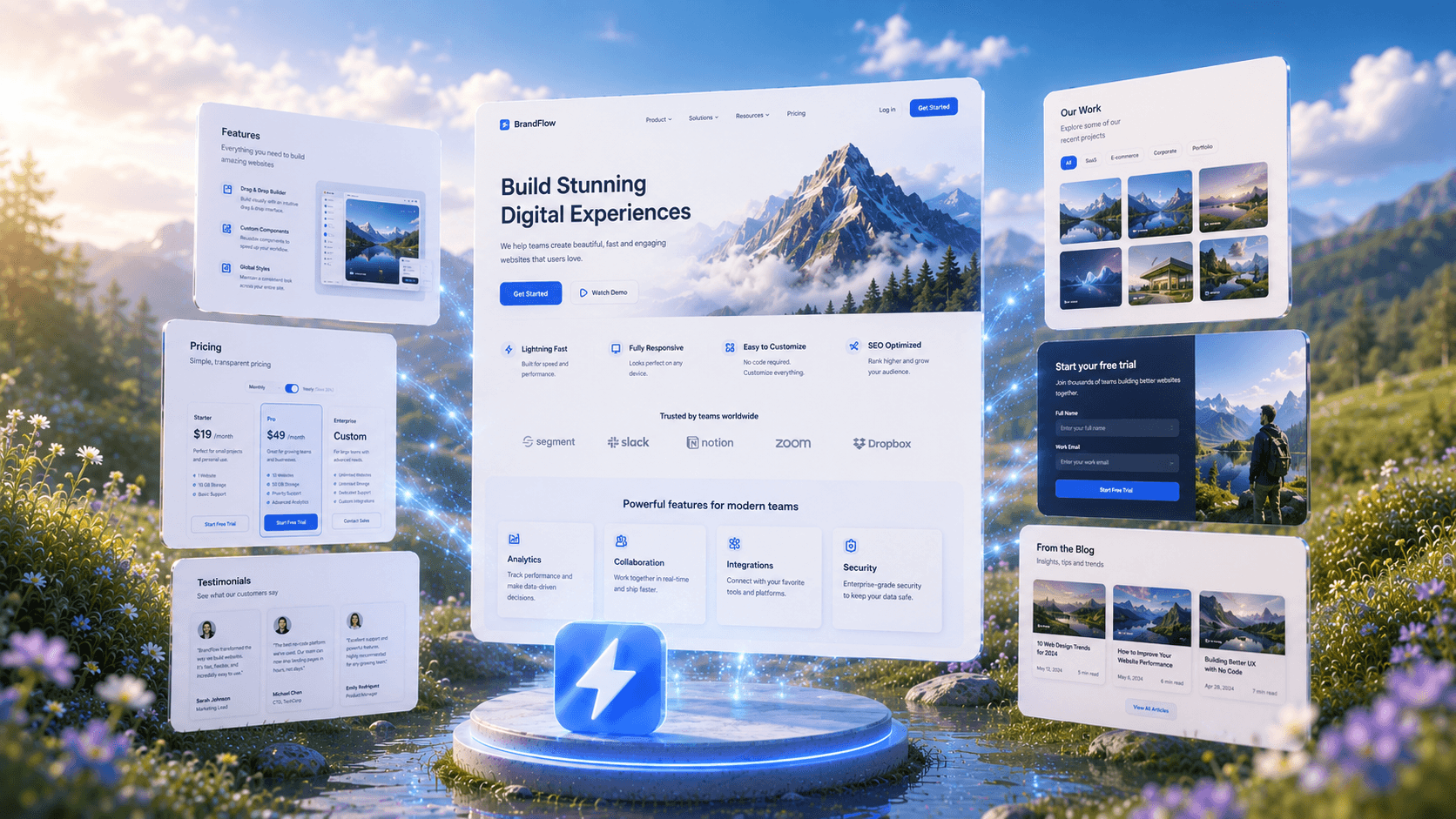
AI App BuilderDesign in Seconds
See How AI buildsApps Instantly
Trusted by Designers and Developers
Faster than manual design
Responsive by default
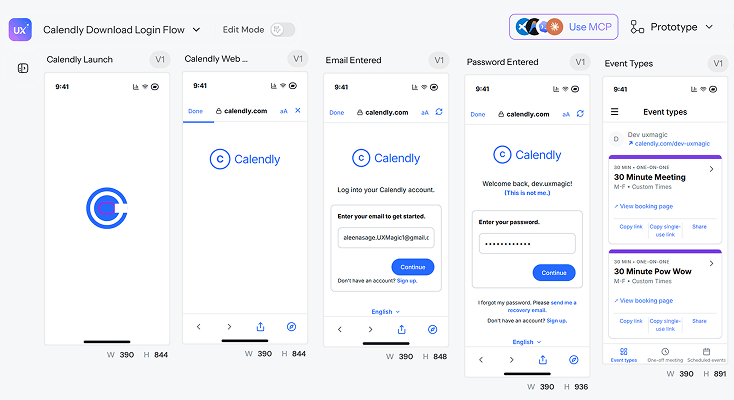
CalendlyApp
Please turn the 5 attached screenshots in order, from the first step to the last into UI designs for Calendly. They are the steps in the "Logging in from Download flow" flow. Match each screen as closely as you can-layout, spacing, colors, fonts, and text and create one editable design per step so they feel like the same flow together.
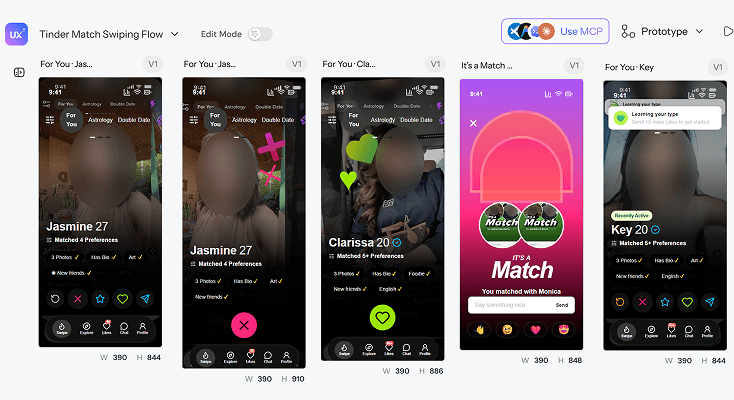
TinderApp
Please turn the 5 attached screenshots in order, from the first step to the last into UI designs for Tinder. They are the steps in the "Swiping for a match from For you" flow. Match each screen as closely as you can-layout, spacing, colors, fonts, and text and create one editable design per step so they feel like the same flow together.
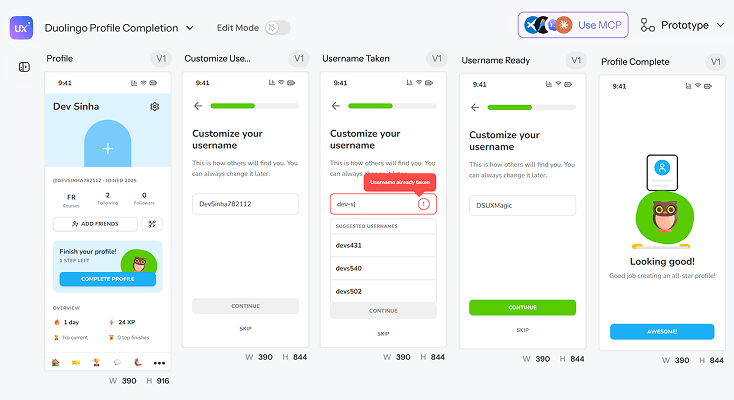
DuolingoApp
Please turn the 5 attached screenshots in order, from the first step to the last into UI designs for Duolingo. They are the steps in the "Completing a profile from Profile" flow. Match each screen as closely as you can-layout, spacing, colors, fonts, and text and create one editable design per step so they feel like the same flow together.
InstagramApp
Please turn the 5 attached screenshots in order, from the first step to the last into UI designs for Instagram. They are the steps in the "Home from Download flow" flow. Match each screen as closely as you can-layout, spacing, colors, fonts, and text and create one editable design per step so they feel like the same flow together. For more app references checkout UXMagic's Mobile App Templates.
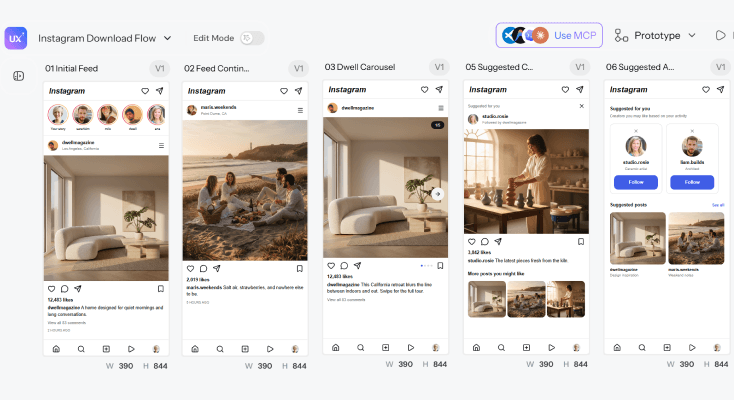
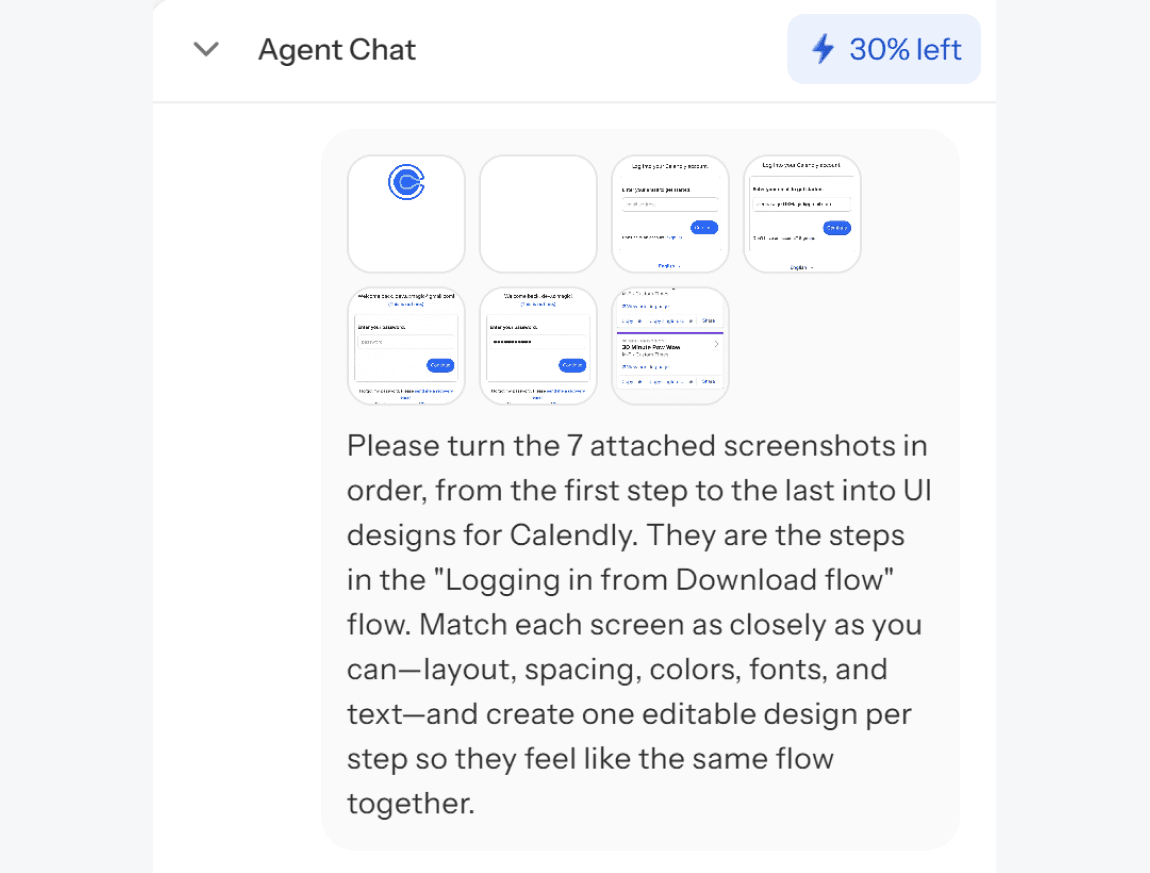
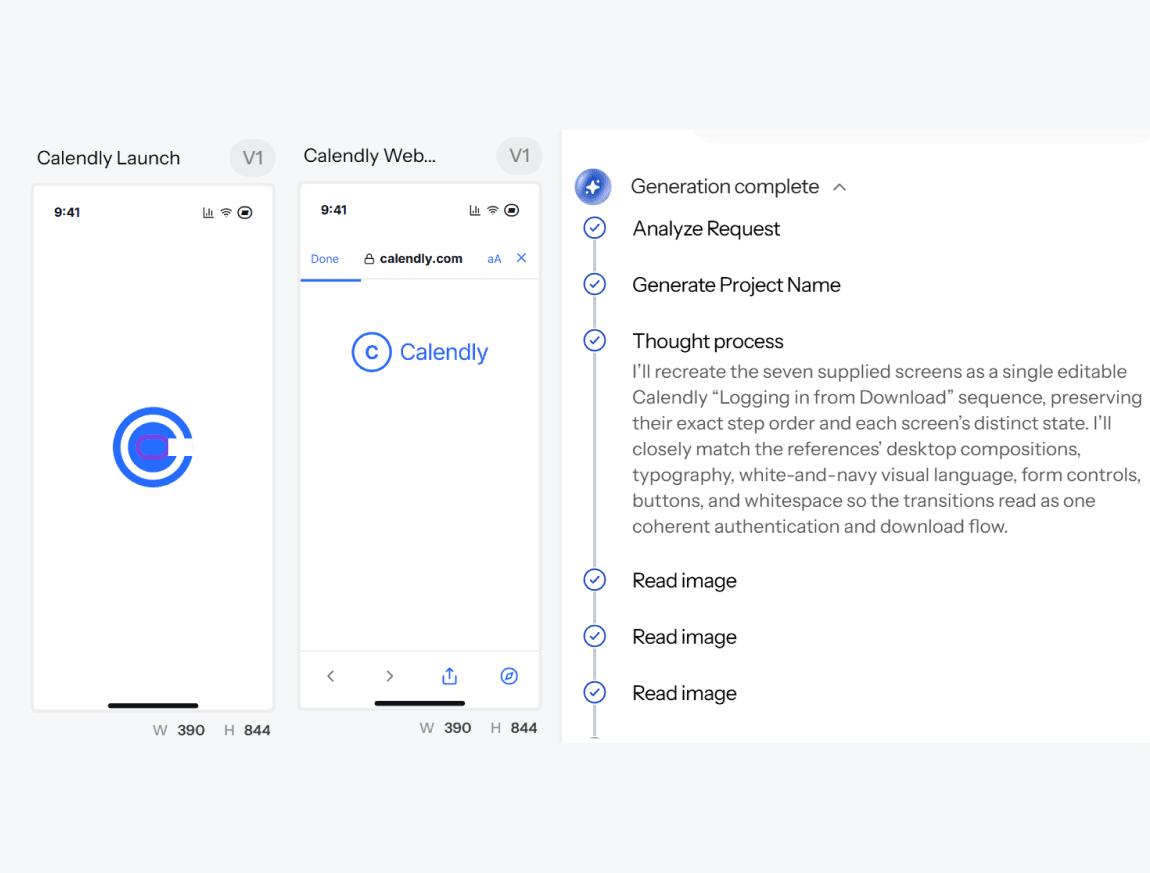
What you walk away with
A complete, connected app not isolated screens
Every screen shares the same navigation logic, design tokens, and visual language, so your app design holds together as one product instead of a set of disconnected mockups.
Figma layers and production-ready code
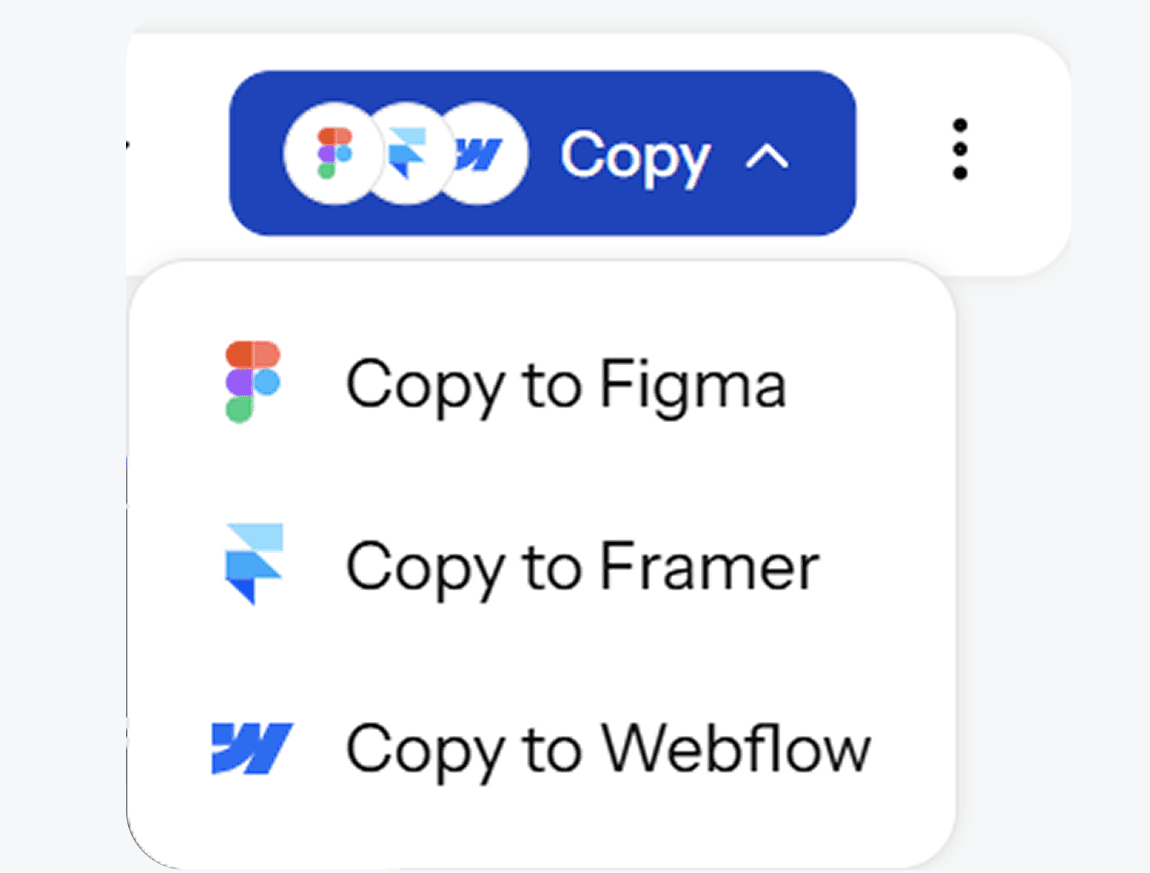
Export into Figma as real, editable layers for review and iteration, or download clean code your engineering team can actually build from not a flattened image or a rough draft.
Multiple directions before you commit
Generate distinct visual approaches for your app and compare layouts, styles, and interface patterns side by side, choose a direction with confidence instead of guessing on the first attempt.
UXMagic vs Figma vs UXPilot vs Base44 vs Lovable vs Bolt.new vs FlutterFlow
A lot of tools call themselves an AI app builder. Here's what separates them when you look at what teams actually need:
| Fitur | Figma (native AI) | UXPilot | Base44 | Lovable | Bolt.new | FlutterFlow | UXMagic |
|---|---|---|---|---|---|---|---|
| Multi-screen, connected app design | |||||||
| Design-first (no forced backend/database) | |||||||
| Design system/token consistency across screens | |||||||
| Native Figma export (editable layers) | |||||||
| Full code export | |||||||
| Explore multiple design directions per prompt |
punya pertanyaan?kami punya jawabannya.
An AI app builder is a tool that generates app interfaces from a text description - including screens, navigation, and layout - instead of requiring manual wireframing or design work. UXMagic's ai app builder produces a complete, connected set of screens based on your description in seconds.
Yes. UXMagic offers a free ai app builder tier that lets you generate and edit app designs without a credit card. Paid plans unlock additional generations, more screens per project, and advanced export options.
Describe the app you want - the key screens, features, and user flow - and UXMagic generates a complete, connected set of app interfaces. Refine specific screens with follow-up prompts, then export to Figma or code.
No. UXMagic's no code ai app builder is built for founders, product managers, and teams without a design or development background. The AI handles layout, navigation logic, and visual hierarchy - you describe what you want in plain language.
Yes. UXMagic works as an ai mobile app builder as well as a web app builder - generating iOS, Android, or responsive web app screens from the same text-based workflow.
No-code platforms like Bubble focus on building and hosting a functional backend application. UXMagic is an ai powered app builder focused on the design layer - generating connected, production-ready interfaces you can export to Figma for review or to code for your engineering team to build on top of.
Yes. UXMagic accepts screenshots, sketches, and reference images as a starting point, so you can build an ai app design based on an existing direction rather than starting from a blank prompt.
Yes. UXMagic exports your generated app design directly into Figma as editable layers, and also generates clean, production-ready code so your app can move straight into development.
dibuat oleh orang sungguhan.diremix tanpa henti.
Jadilah yang pertama memublikasikan sesuatu di sini