UXMagic 首页
  • English
  • Español
  • हिन्दी
  • Bahasa Indonesia
  • Tiếng Việt
  • Português
  • Русский
  • 中文
  • العربية
  • Deutsch
  • Français
  • 功能
  • 资源库
  • 模板
  • 价格
  • 联盟计划
  • 资源
UXMagic 首页
  • English
  • Español
  • हिन्दी
  • Bahasa Indonesia
  • Tiếng Việt
  • Português
  • Русский
  • 中文
  • العربية
  • Deutsch
  • Français
UXMagic 首页

资源库

模板新
社区设计
价格
联盟计划

资源

关注我们:
  • 在 Slack 上关注我们
  • 在 Twitter 上关注我们
  • 在 LinkedIn 上关注我们
  • 在 YouTube 上关注我们
  • 在 Instagram 上关注我们
  1. Templates
  2. /
  3. Education
  4. /
  5. Flocking Simulation Web Template
Full screen
Loading the design…

Flocking Simulation Web Template

Murmuration — Nobody is in charge of this

A single-screen flocking simulation — thousands of agents following three local rules and producing a murmuration that nobody is directing. The parameters are exposed as controls, so the visitor can break it and watch it reassemble.

Free to browse and preview. Starting a project from a template needs a paid plan.

Or make it yours as it opens

Leave blank to start from the design as it is

About this template

Emergence is the hardest idea to explain in words and the easiest to demonstrate, which is why this page is a demonstration. The three rules are named in the drawer; the proof is the thing moving on the canvas above it.

It transfers well to any product built on many small agents or many small decisions: swarm robotics, distributed systems, agent-based models, crowd simulation. The format stays; the subject changes.

What's included (4)

  1. 1Nobody is in charge of this.
  2. 2Stats
  3. 3Local rules
  4. 4Three rules and no meeting

Design system

Palette

  • --ink: #f6efe8
  • --ink-2: #cbbdb2
  • --ink-3: #8f8177
  • --line: rgba(240, 220, 200, 0.14)
  • --line-2: rgba(240, 220, 200, 0.30)
  • --panel: rgba(14, 11, 16, 0.62)

Typefaces

  • Manrope
  • JetBrains Mono

Who it's for

  • Agent-based modelling and simulation products
  • Distributed-systems and robotics companies
  • Complexity and systems-science education
  • Creative-coding portfolios

Specification

Layout
1440px wide
Page length
One screen, no scroll
Sections
4
Colour scheme
Dark
Typefaces
2
  • Scroll-driven — the page responds as you move down it
  • Live WebGL graphics, rendered in the browser
  • Fits one screen exactly, with nothing below the fold
  • No photography — everything is drawn in code, so it stays sharp

How to use this template

  1. 1

    Look through the design

    Scroll the live preview on this page. It is the real flocking simulation web template running in the browser, not a screenshot, so what you see is what you get.

  2. 2

    Say what you want it to be

    Type your business, product or subject into the box, or leave it blank to start from the design exactly as it is. Starting a project from a template is a paid-plan feature; looking through them is not.

  3. 3

    Let it be rebuilt around you

    The copy, the palette and the imagery are rewritten for your subject while the layout, typography and motion of the original are kept.

  4. 4

    Keep editing, then export

    Open it on the canvas to change anything by prompt or by hand, then publish it or export the code.

Questions

How many agents does it run?

+

Thousands, computed in the browser each frame — it is a live simulation, which is why changing a parameter changes the behaviour immediately.

Can I use this to explain a software system?

+

Yes. It is a good fit whenever the interesting behaviour comes from many small parts rather than one big one.

Is this flocking simulation web template free to use?

+

Browsing is free and needs no account — you can scroll the whole design on this page, at desktop and at mobile width, before deciding anything. Starting a project from a template is on the paid plans.

Can I change the colours and fonts?

+

Yes — every colour in this design is a named token and every typeface is declared once, so asking for your own brand rewrites a handful of declarations rather than regenerating the page. This template currently uses Manrope and JetBrains Mono.

Do I need an account to look at the templates?

+

No. Every template page, its live preview and all the category pages are open to anyone — no account, no sign-up wall. An account and a paid plan are needed only when you start a project from one.

Do I need to know how to design or code?

+

No. You describe what you want in plain language and the page is rebuilt around it. If you do write code, you can export the HTML and CSS and take it with you.

Can I use it for a commercial project?

+

Yes. Pages you make from a template are yours to publish and to use commercially.

More Education templates

See all education templates
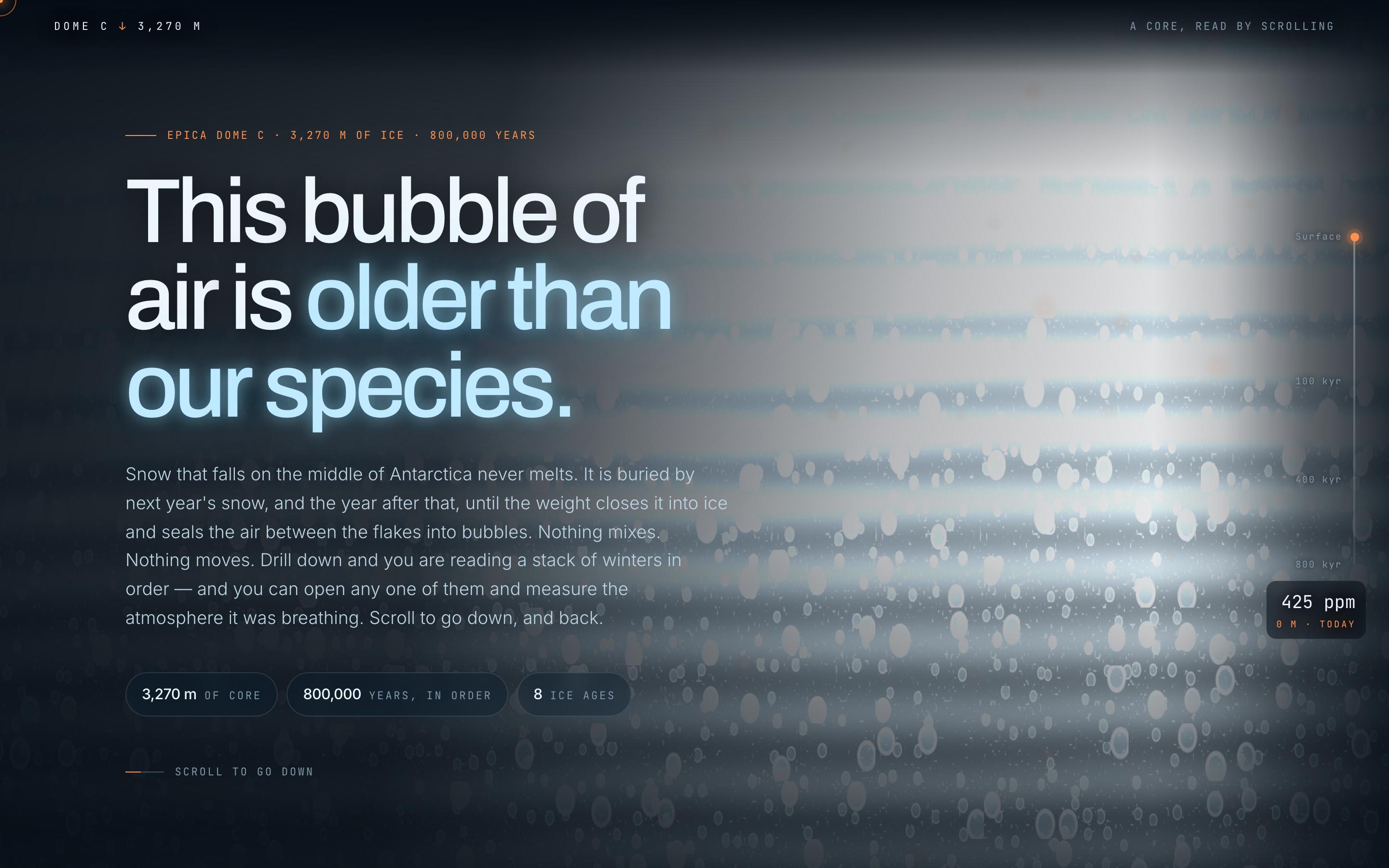
Climate Science Scrollytelling Template — preview

Climate Science Scrollytelling Template

Education

Antarctic Ice Core

This bubble of air is older than our species

CanvasWebGLScroll-driven
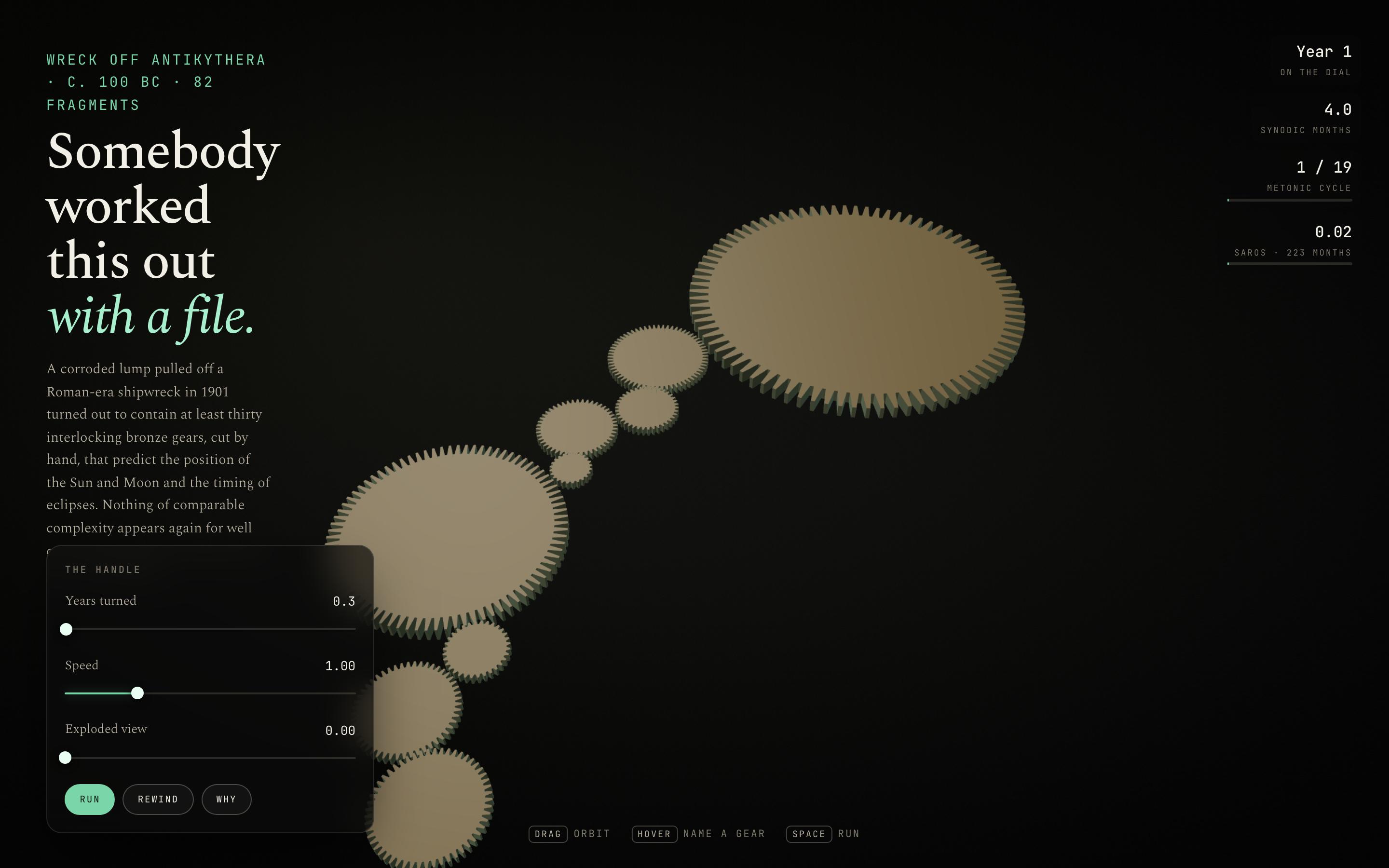
Interactive Mechanism Explainer Template — preview

Interactive Mechanism Explainer Template

Education

The Antikythera Mechanism

Somebody worked this out with a file

CanvasWebGLSingle screen
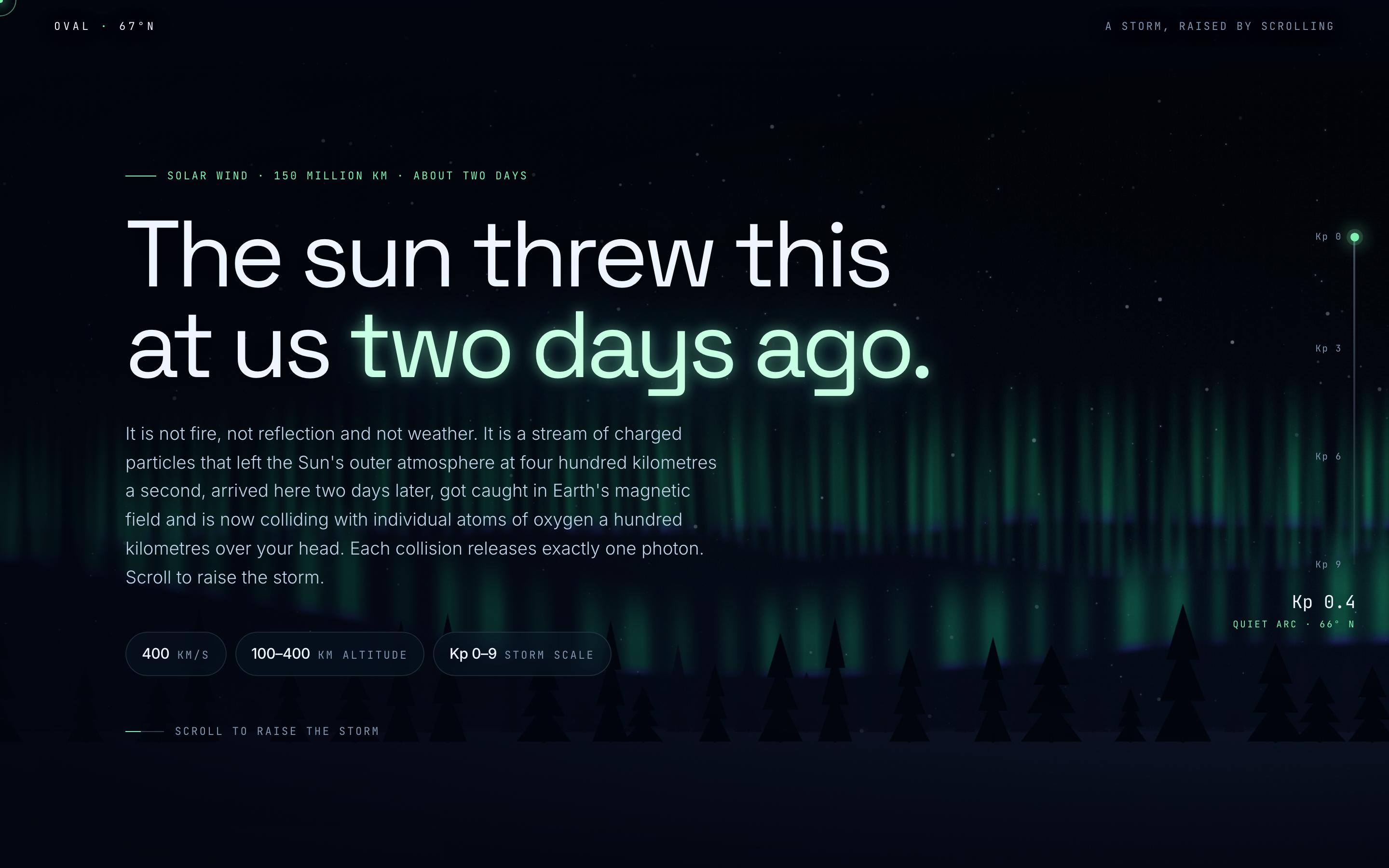
Space Weather Explainer Template — preview

Space Weather Explainer Template

Education

Aurora Borealis

The sun threw this at us two days ago

CanvasWebGLScroll-driven
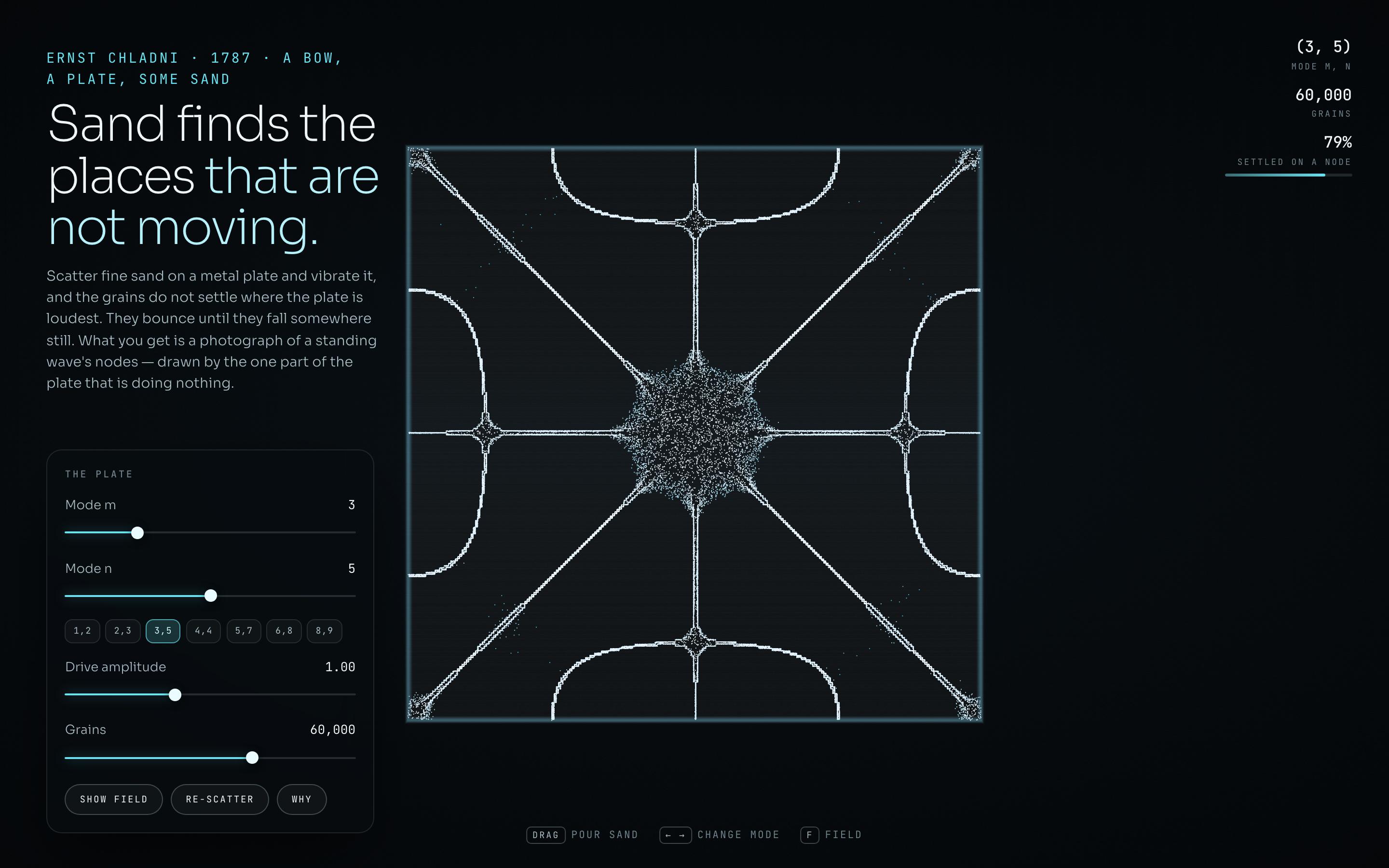
Generative Art Landing Page Template — preview

Generative Art Landing Page Template

Education

Chladni Plate

Sand finds the places that are not moving

CanvasWebGLSingle screen
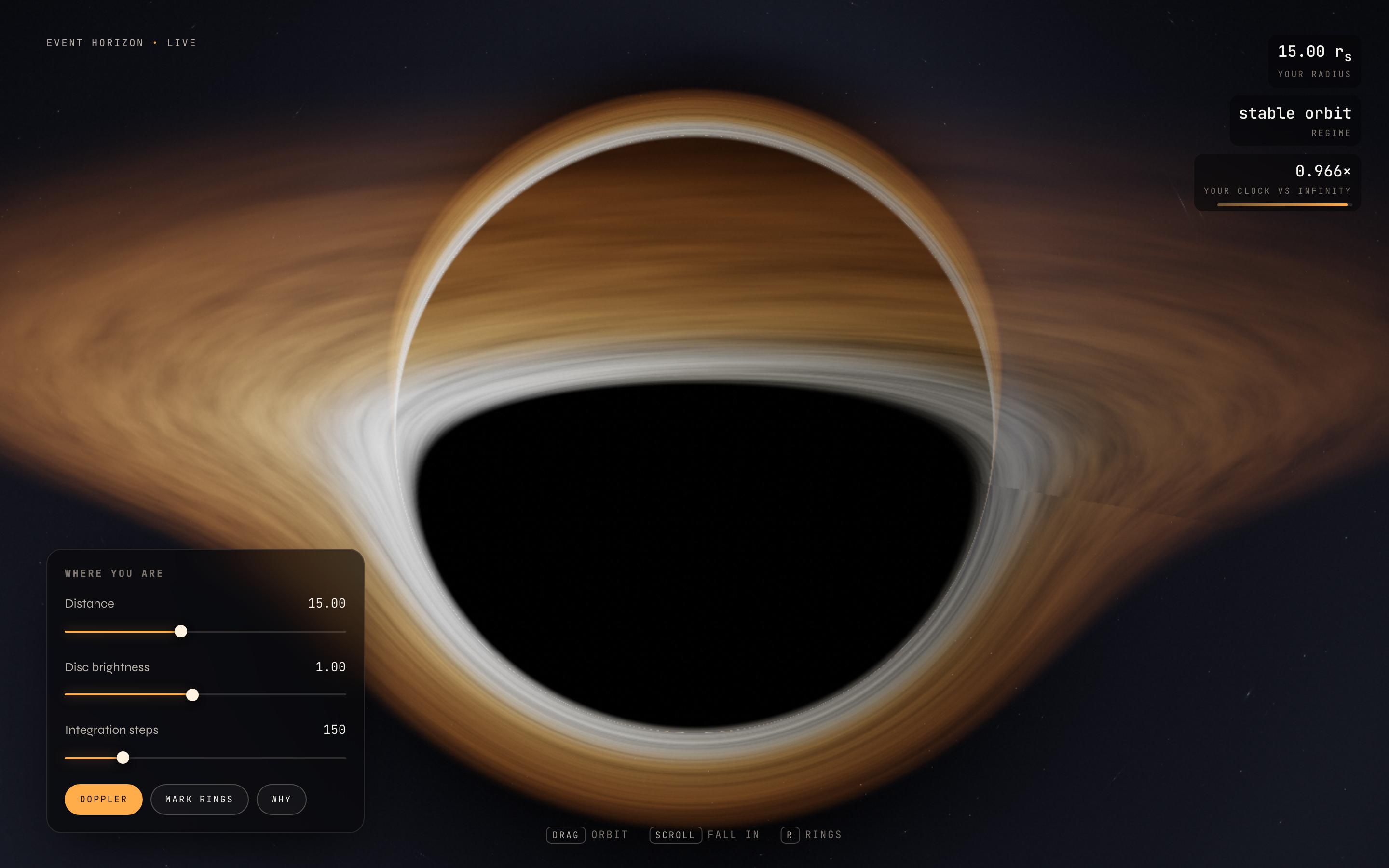
Astrophysics Visualisation Template — preview

Astrophysics Visualisation Template

Education

Event Horizon

photons bending around a black hole

CanvasWebGLSingle screen
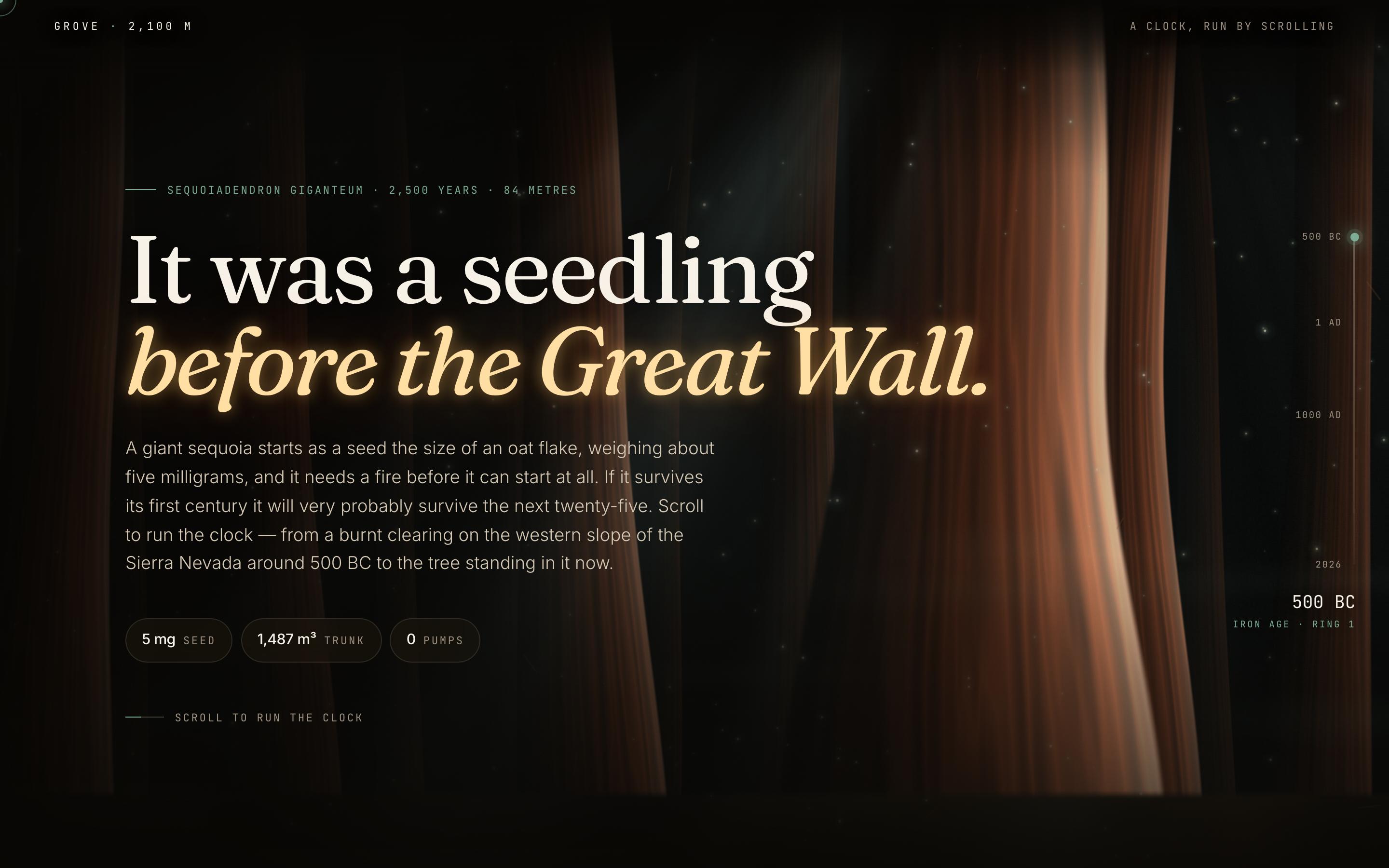
Nature Conservation Website Template — preview

Nature Conservation Website Template

Education

Giant Sequoia

It was a seedling before the Great Wall

CanvasWebGLScroll-driven

你的下一个想法
值得被实现

别再空想了,直接打出来。写得糙、想得半成品都没关系,我们会把它变成真实的作品。

产品

  • 模板
  • 社区
  • 价格方案
  • 联盟计划
  • UXMagic MCP
  • Claude MCP
  • AI 信息

资源

  • 帮助中心
  • Figma 组件库
  • React 组件库
  • 移动应用模板
  • 文档
  • 教程

功能

  • 提示词转 UI
  • 图片转 UI
  • 草图转 UI
  • 克隆网站
  • 从 Figma 导入
  • AI Wireframe Generator
  • AI Mockup Generator
  • AI Prototype Generator
  • AI Dashboard Generator
  • 全部功能

对比

  • vs UX Pilot
  • vs Relume
  • vs MagicPath
  • vs Magic Patterns
  • vs Banani
  • vs Galileo AI
  • vs v0
  • vs Lovable
  • vs Base44
  • 全部竞品对比

博客

  • AI 融入 UX 设计工作流:哪些方法真正有效
  • SaaS 仪表盘提示词模板
  • 我们用来生成产品流程的真实提示词
  • 写给 UX 设计师的提示词工程
  • 2026 年最佳线框图工具:10 款免费与专业版对比
  • 全部博客

公司与支持

  • 招聘
  • 联系我们
  • 隐私政策
  • 使用条款
  • Cookie 设置
  • 在 Slack 上关注我们
  • 在 Twitter 上关注我们
  • 在 LinkedIn 上关注我们
  • 在 YouTube 上关注我们
  • 在 Instagram 上关注我们

© 2026 UXMagic AI Technologies Inc.