Clone Any Website with AIGet Editable Figma Designs Instantly
See How Website CloningWorks Instantly
Trusted by Designers and Developers
Accuracy on Figma + React export
Responsive by default
Stop rebuildingwhat already exists
Cloning a website means deeply analyzing the layouts, assets, and structure of any live site and instantly transforming it into a fully editable design. Instead of manually recreating layouts, colors, typography, and components from scratch, UXMagic's clone AI does it automatically, saving you up to 70% of the time it would take to rebuild manually. No other application cloner gets you this far this fast or start from scratch with our AI UI generator.
Design and structure,not backend complexity
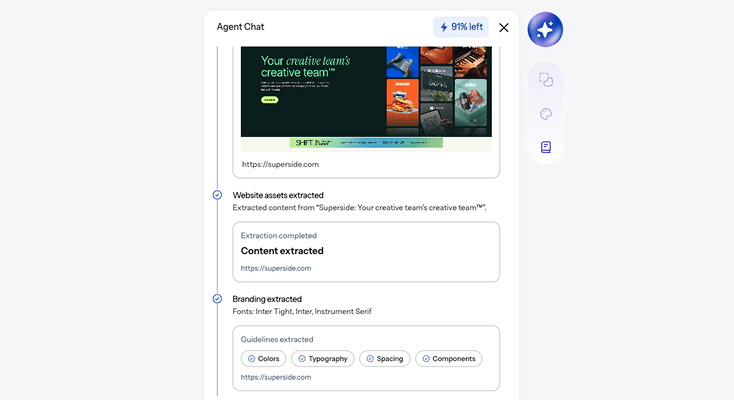
UXMagic focuses purely on design and structure, not backend functionality. You get a clean, accurate replica of how a site looks and feels, without the complexity of server logic, databases, or proprietary code. Think of it as the smartest website copy tool available, one that understands layout the way a designer does, not just a web crawler.
Learn from the bestreplica sites in the world
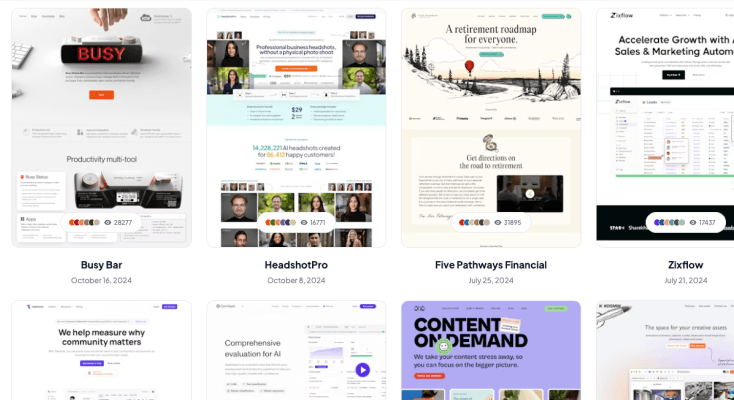
Cloning gives you an inside look at how professional replica designer websites are actually built. See exactly how industry-leading interfaces organize their layouts, components, and visual hierarchy. Use that as your foundation instead of guessing from a screenshot. The best designs are already out there. Now you can learn from them directly.
The cleaneststarting point for any redesign
When migrating or updating an old site, cloning gives you a clean version of the current state to build on. UXMagic recreates layouts, assets, and components with up to 95% accuracy so you can redesign, iterate, and ship faster using real-world interfaces as your starting point. It is the best clone program for teams who need to move fast without sacrificing quality.
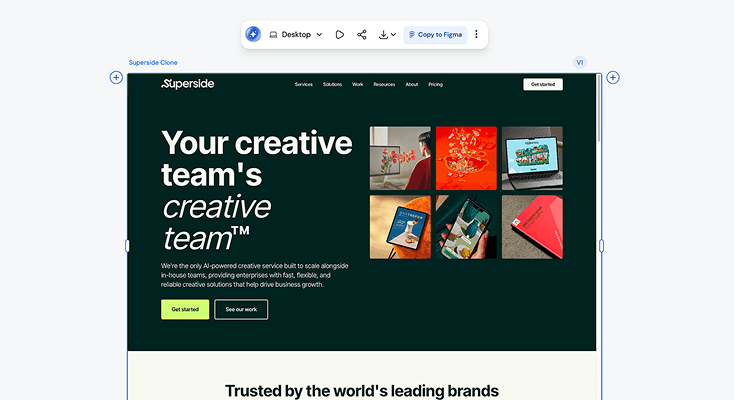
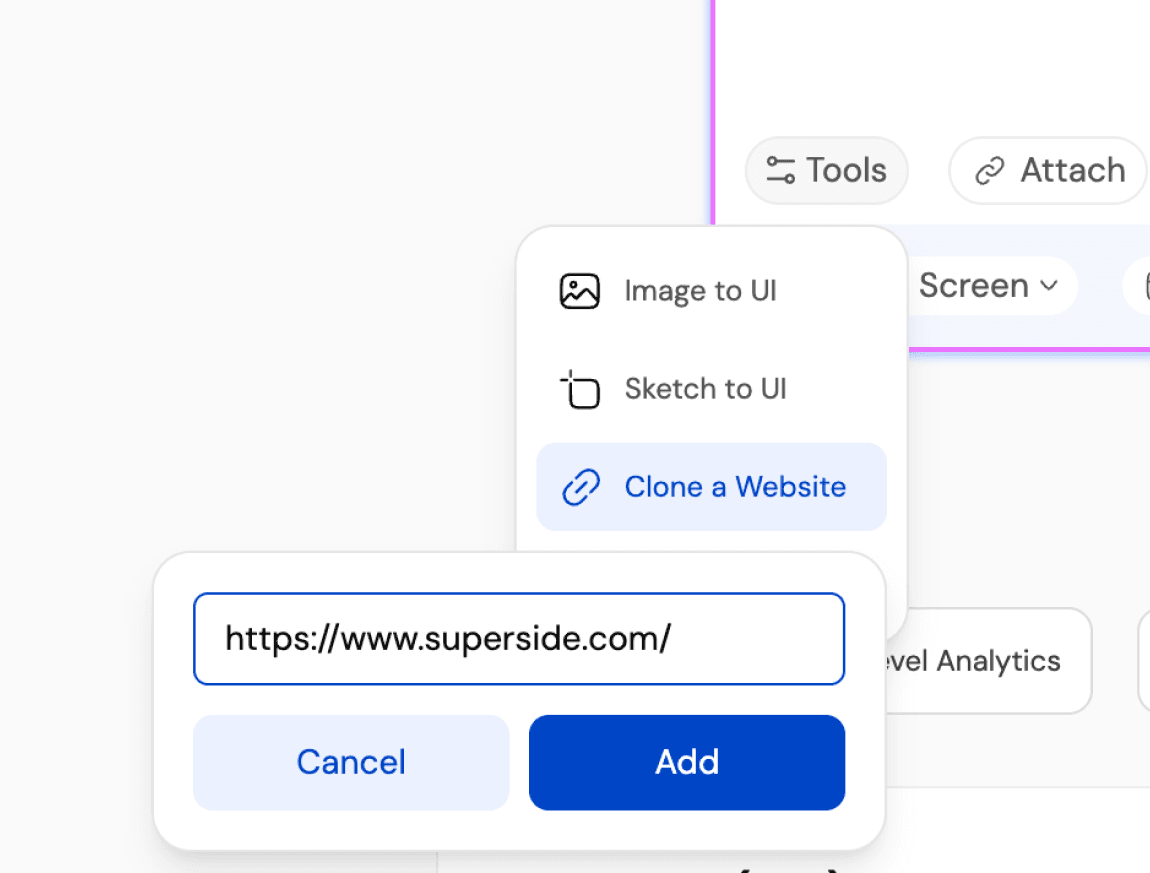
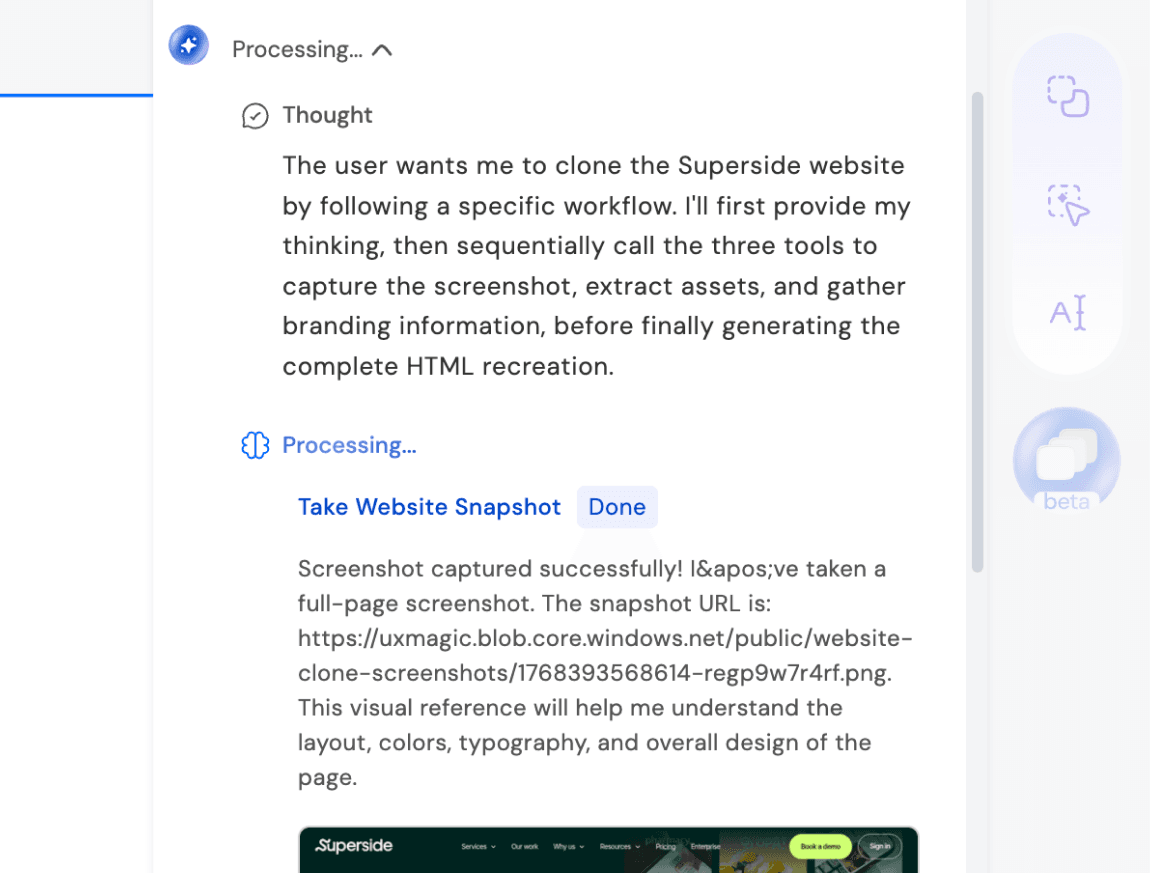
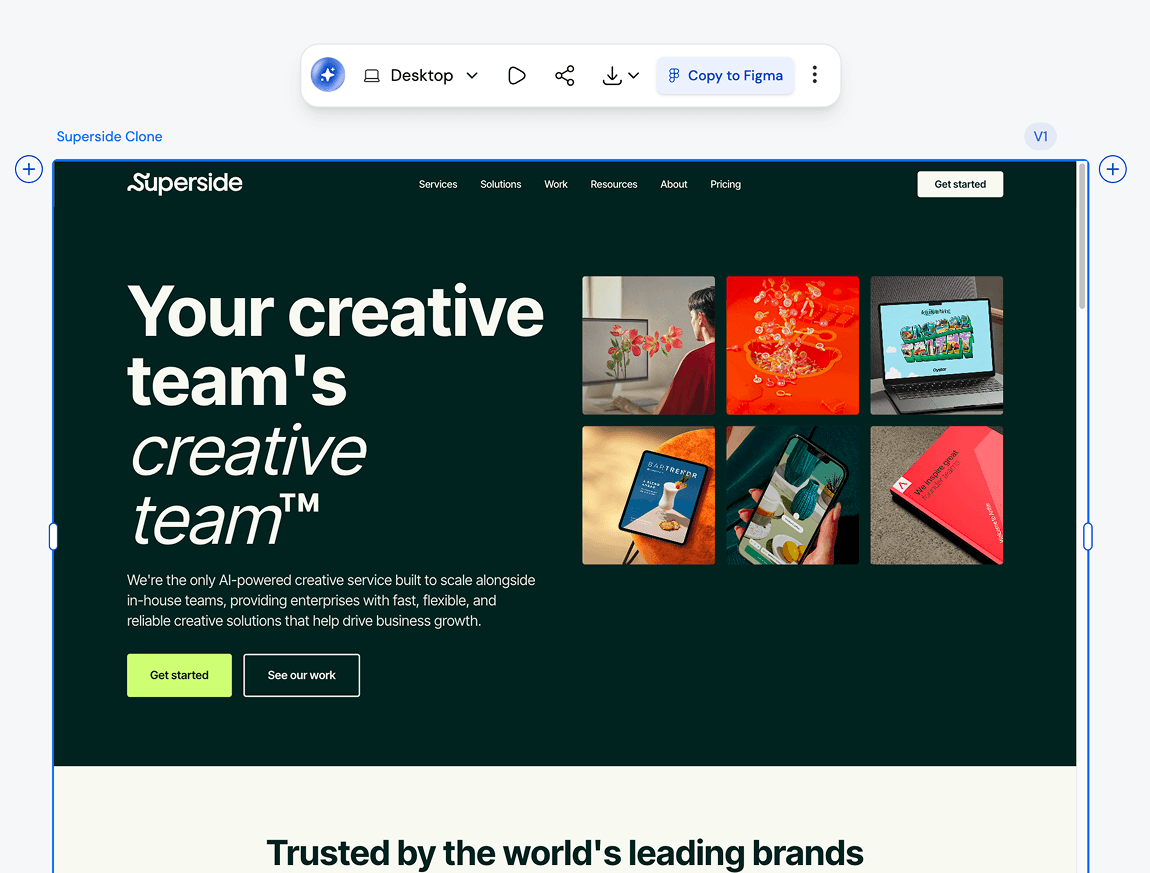
What you walk away with
A replica that's actually usable
Not a screenshot. Not a rough approximation. UXMagic is the most accurate website copier online, capturing layout, typography, spacing, and components with up to 95% accuracy, organized into layers you can edit immediately. Better than any best website copier online free option out there.
Designs that work on every screen
Cloned layouts adapt to desktop, tablet, and mobile automatically. No manual breakpoints, no extra configuration. Every screen size, handled from the start.
Code and design, both export-ready
Push to Figma for design handoff or download production-ready HTML, React, or CSS. The clone tool fits into your workflow, not the other way around.
UXMagic vs Same.new vs UXPilot vs Anima vs Webflow vs RelumeFEATURE COMPARISON
Cloning a site should give you more than a static copy. With UXMagic, you get an editable Figma file, a reusable design system, AI to iterate on it, and production-ready code, all in one flow. Here is how that stacks up against every major website cloner and ai website copier on the market:
| 功能 | Same.new | UXPilot | Anima | Webflow | Relume | UXMagic |
|---|---|---|---|---|---|---|
| Preserves typography/colors | ||||||
| AI-assisted editing and iteration | ||||||
| Export to Figma | ||||||
| Production-ready code export | ||||||
| Multi-page cloning | ||||||
| Responsive AutoLayout | ||||||
| Component deconstruction | ||||||
| Figma plugin support | ||||||
| No coding required | ||||||
| Style Guide | ||||||
| Clone from URL | ||||||
| Clone from screenshot |
有疑问?我们来解答。
A website cloner is a tool that analyzes a live website and recreates its layout, structure, and visual design in an editable format. UXMagic's AI website cloner goes beyond screenshots, it deconstructs the page into organized layers and components so you can customize and build on top of it immediately. Unlike basic website copier tools, UXMagic preserves design intent, not just visual appearance.
Cloning recreates the visual structure and layout of a site as an editable design. Duplicating typically means copying a site's code or CMS structure exactly, which is what tools like clone wordpress website plugins do. UXMagic's clone tool focuses on design, giving you a clean, structured starting point to redesign or build on, not a byte-for-byte technical copy. It is the difference between replicate vs duplicate, and knowing which one actually moves your project forward.
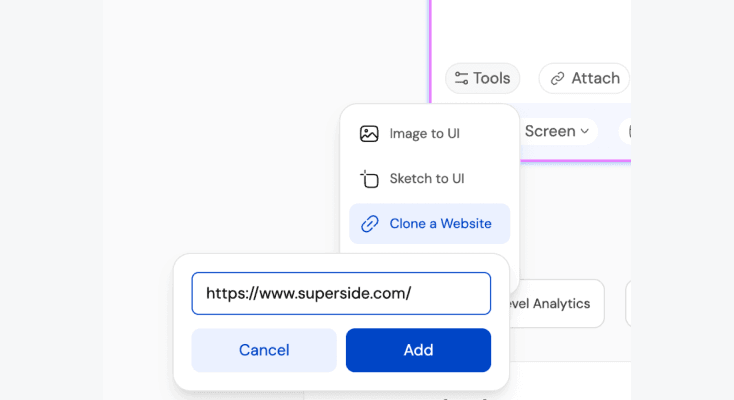
Yes. UXMagic analyzes the live layout, structure, typography, color palette, and content of any public URL and rebuilds it as a fully editable design in seconds - no code inspection or manual rebuilding required.
You can clone virtually any publicly accessible website, landing pages, SaaS product pages, portfolios, e-commerce stores, agency sites, and more. UXMagic works as a multi-cloning site tool, meaning it handles single pages or full multi-page sites with consistent structure throughout. It even works for duplicatable websites with complex layouts and deeply nested components.
No. UXMagic is built for designers, developers, and product teams alike. Paste a URL, generate the clone, and customize from there. No coding required to clone. No design experience required to edit. No copy and paste designs experience needed either.
Yes. UXMagic preserves fonts, colors, spacing, and grid structure with up to 95% accuracy. Once cloned, every style element is fully editable, so you can keep the original look, swap in your brand identity, or experiment with different visual directions without rebuilding from scratch. It is as close to a replica designer website as you can get without building it manually.
Absolutely. Once cloned, apply your brand colors, typography, and imagery directly inside UXMagic. The structure is inherited from the reference site, the identity is entirely yours. Think of it as the best clone program for making any design truly your own without starting from zero.
Yes, fully. Every clone is broken into editable layers and components. Swap colors, update copy, change fonts, rearrange sections. The cloned design is your starting point, not a locked template. Whether you are working from best replica sites or a completely custom reference, everything stays editable.
You can export to Figma for handoff or further design work, or use UXMagic's built-in ai website downloader to get production-ready code in React or HTML/CSS for your developers to implement directly. You can also copy a website's code structure and adapt it for your own stack.
UXMagic clones design structure and layout, not proprietary code or content. Using a reference site as design inspiration is standard practice in the industry and no different from how designers have always worked. This is not the same as building a fake website creator or duplicating copyrighted content. Always replace copy, images, and brand elements with your own before publishing.
Paste the site's URL into UXMagic, and it generates an editable, high-fidelity clone of the layout and design in seconds. From there you can edit colors, swap content, and export to Figma or production code with no coding needed.
UXMagic is the best tool for cloning a site's layout and content because it converts live URLs into fully editable, structured screens. Unlike screenshot-based or manual website copier tools, it preserves real layout logic so the design actually works. It is the most accurate ai website cloner available, and the only multi-cloning site solution built specifically for professional design workflows. No other application cloner comes close for teams who need speed without sacrificing quality.
由真实用户创作。无限次再创作。
成为第一个在这里发布内容的人