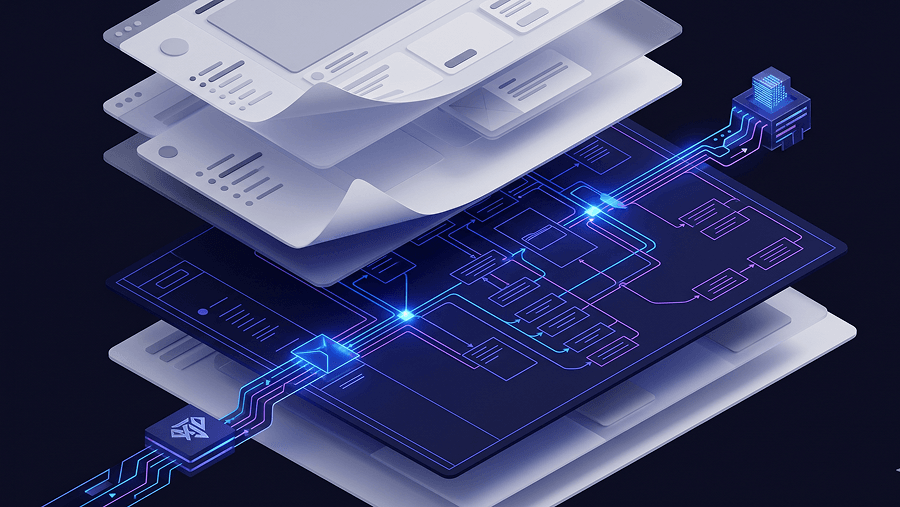
You know the exact feeling: spending three weeks wiring variables and endless noodle connections in Figma, only to watch a user fail the core navigation on the very first click. Prototyping is supposed to save engineering hours and validate product logic. Instead, modern workflows turned it into pixel-pushing theater.
Here’s the uncomfortable truth: most teams don’t have a prototyping problem. They have a fidelity timing problem. They invest polish before logic works and then defend broken flows because they already sunk 40 hours into them.
Understanding what a prototype is today means understanding how AI compresses the path from requirement to testable interaction. The definition hasn’t changed. The workflow economics absolutely have.
What Exactly Is a Prototype in UX Design?
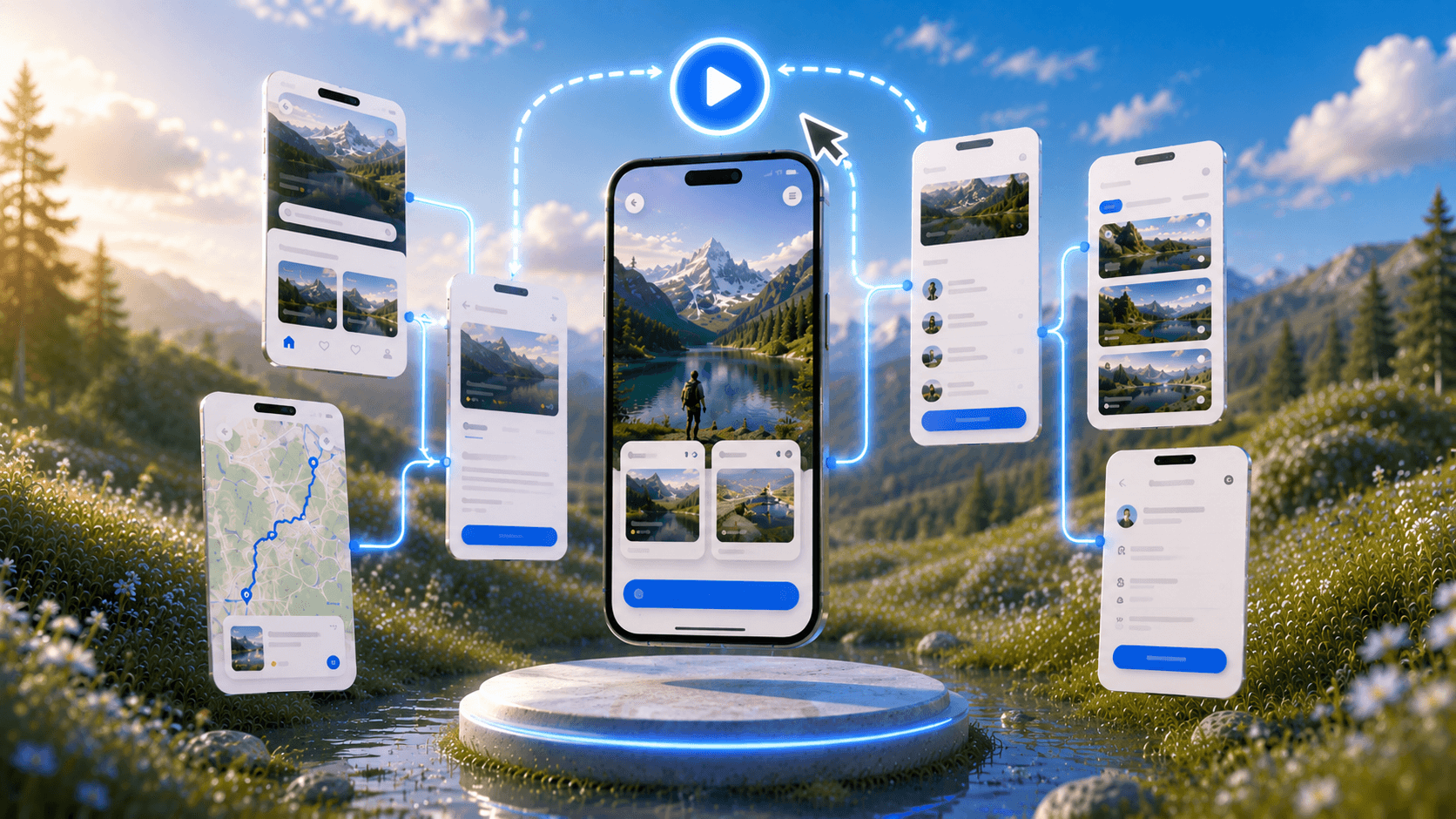
A prototype is an interactive simulation of a product’s user flows used to validate logic before engineering begins.
Not visuals. Not polish. Not brand alignment.
Logic.
Most guides define prototypes as “interactive mockups.” That’s incomplete. A prototype exists to answer one question:
Can a user complete the task the business needs them to complete?
Inside the Triple Diamond model, prototyping sits squarely in Solution Discovery. It’s where hypotheses become testable interaction paths not presentation artifacts.
Teams that treat prototypes as presentation deliverables instead of validation tools slow themselves down immediately.
The Difference Between a Wireframe, a Mockup, and a Prototype
Here’s where most confusion starts.
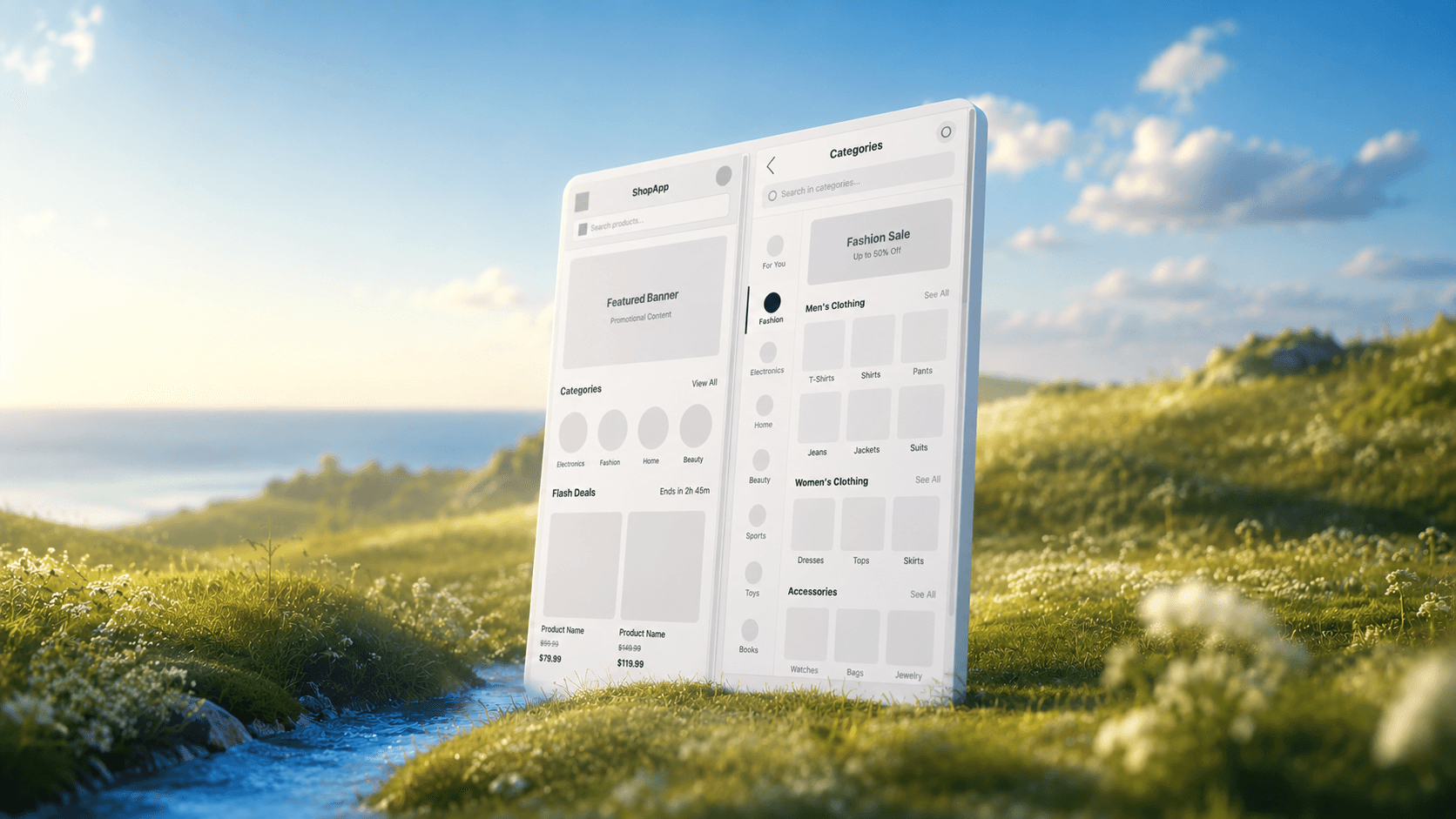
Wireframes
- Static structure
- No interaction logic
- Require imagination from stakeholders
- Often redundant if a design system exists
Mockups
- Visual detail
- Typography and spacing decisions
- Brand alignment
- Still mostly static
Prototypes
- Connected screens
- Conditional logic
- Task completion testing
- Usability validation
Wireframes used to be necessary when interaction models were expensive to simulate. That constraint doesn’t exist anymore.
If your team already understands the requirement, moving straight from PRD to clickable flow is faster and clearer. This is exactly why modern workflows increasingly rely on translating requirements into text prompts instead of drawing gray boxes first.
A prototype isn’t documentation. It’s a rehearsal.
The Prototyping Fidelity Spectrum: How Much Detail Do You Actually Need?
Fidelity is not a design milestone. It’s a budget decision.
Low-fidelity screens take 15–30 minutes each. High-fidelity screens take 4–8 hours each.
Using the wrong fidelity at the wrong time destroys iteration speed.
Low-Fidelity: Validating Logic at High Speed
Low-fidelity prototypes exist to answer:
- Can users navigate the flow?
- Does information architecture make sense?
- Are decision points obvious?
- Does sequencing reduce cognitive overload?
They intentionally avoid aesthetics so stakeholders focus on structure.
Most teams skip usability clarity here because they jump straight into styling.
That’s backwards.
Logic always comes before layout refinement.
If your prototype is testing navigation, typography decisions are irrelevant noise.
High-Fidelity: The Aesthetics and the Economic Trap
High-fidelity prototypes are expensive.
They simulate:
- real component behavior
- production typography
- spacing systems
- micro-interactions
- accessibility considerations
- conditional states
That’s useful but only after structure is validated.
The biggest mistake teams make is treating high fidelity as the “next step.”
It isn’t.
It’s the last justified investment before engineering handoff or executive approval.
Premature polish creates sunk-cost resistance. Designers hesitate to change flows because untangling variable logic becomes painful. If you’ve ever spent hours debugging component states instead of improving interaction design, you’ve already experienced this trap.
The Traditional UX Prototyping Workflow (And Why It’s Breaking)
Classic UX process:
PRD → wireframes → review → mockups → review → prototype → review → testing → rebuild
That worked when interaction simulation was expensive.
Now it creates friction everywhere.
The Sunk Cost Fallacy of Pixel-Pushing
Here’s what actually happens in practice:
A designer spends two weeks wiring a 40-screen dashboard prototype. Usability testing reveals step one doesn’t make sense.
Now everything breaks.
Variables must be rebuilt. Components relinked. logic rewritten.
Suddenly iteration becomes emotionally expensive.
Prototypes should be disposable. Legacy tooling makes them fragile.
That’s why teams start avoiding change even when change is necessary.
Turf Wars: When Product Managers and Designers Clash
This conflict shows up in almost every fast-moving team.
PM: “We need something testable this week.” Designer: “We need two weeks for high-fidelity flows.”
So the PM builds a prototype in code.
Engineering ships it.
Design loses control of the experience.
This isn’t ego. It’s speed mismatch.
When teams replace manual assembly with intent-driven generation, prototypes become fast enough to keep ownership inside design. That’s exactly how teams resolve cross-functional turf wars before they escalate into workflow breakdown.
Variable and Logic Bloat in Legacy Tools
Modern design tools quietly turned designers into pseudo-developers.
Conditional logic state transitions component variables responsive overrides
These features are powerful but they slow iteration.
If building a dropdown requires managing interaction trees across screens, the tool stopped serving the designer.
It started serving the artifact.
And artifacts shouldn’t control iteration speed.
Stakeholder Aesthetic Fixation
High-fidelity prototypes trigger the wrong conversations too early.
Instead of evaluating navigation logic, stakeholders debate:
- border radius
- shadow intensity
- logo size
- color tone
Now validation sessions become branding debates.
Low-fidelity prototypes prevent this distraction entirely.
The Wireframe Dogma Bottleneck
Most teams still believe wireframes are mandatory.
They aren’t.
If your team already understands requirements, wireframes duplicate effort without adding clarity.
Modern workflows move directly from intent to interaction.
This is where tools like UXMagic remove the blank-canvas phase entirely turning written requirements into structured flows without a dedicated gray-box step. It’s the same shift described in solving blank canvas syndrome for designers working under time pressure.
How AI Is Rewriting the Rules of Prototyping
AI didn’t change what prototypes are.
It changed how fast they exist.
That difference matters more than most teams realize.
The Danger of Generic “Vibe Coding” AI Tools
Single-screen AI mockups look impressive.
They’re also misleading.
Common problems include:
- broken layout continuity between screens
- inconsistent spacing logic
- missing component states
- weak visual hierarchy
- default Tailwind-style aesthetics
- no structural architecture
They generate screenshots, not systems.
A prototype must test interaction logic across multiple states. If screen B doesn’t logically follow screen A, the artifact is unusable.
That’s why production workflows require structured flow generation not decorative output.
Generating Production-Ready UI Flows from Text
Intent-driven AI changes the designer’s role.
Instead of assembling components manually, designers:
- define constraints
- shape hierarchy
- validate navigation logic
- refine accessibility decisions
Tools like UXMagic generate connected interaction flows directly from structured prompts, ensuring screen relationships remain consistent across states. Instead of wiring logic manually, designers shift into editing and auditing mode.
That’s a workflow shift not a feature upgrade.
It also eliminates the biggest hidden cost in prototyping:
the fear of deleting work.
When flows generate instantly, iteration becomes free.
And when iteration is free, experimentation returns.
3 Real-World Prototyping Scenarios
Theory sounds convincing until timelines break.
Here’s what actually changes when teams adopt logic-first prototyping.
Scenario 1: The B2B Enterprise Dashboard Redesign
A SaaS platform needs a bulk-credit allocation workflow for enterprise admins.
Traditional process:
Designer builds 40 screens over two weeks.
Testing reveals users prefer a modal structure instead of multi-page navigation.
Everything gets rebuilt.
Generic AI attempt:
PM generates a dashboard mockup.
It looks polished but interprets the workflow as a public profile layout instead of a secure enterprise environment.
No usable flow emerges.
Intent-driven generation approach:
Three structures generated immediately:
- multi-page workflow
- modal workflow
- side-panel workflow
Users test all three.
Correct logic identified on day one.
Two weeks saved.
Scenario 2: The E-Commerce Advanced Search Filter
Complex filtering requires: dynamic updates semantic search behavior edge-case handling responsive feedback states
Wireframes fail here because interaction cannot be simulated.
Stakeholders approve structure without understanding behavior.
Engineering builds it.
Users hit a dead-end “no results” state.
Flow breaks.
Interactive generation solves this early by exposing response states before implementation begins, allowing teams to design fallback paths immediately.
Scenario 3: Resolving PM and Designer Friction
Startup timeline:
PM needs onboarding testable by Friday.
Design timeline:
Two weeks.
PM builds rogue prototype.
Brand breaks.
Accessibility ignored.
Engineering proceeds anyway.
Alternative workflow:
PRD translated directly into structured flow.
Clickable prototype delivered within minutes.
Speed restored.
Design ownership preserved.
Engineering receives production-ready UI instead of improvised markup.
A prototype isn’t a polished deliverable it’s a fast decision tool for validating interaction logic before engineering begins. Teams that skip premature high-fidelity work and generate structured flows earlier learn faster, reduce friction with PMs, and avoid rebuilding entire architectures after usability testing fails.
A prototype isn’t a deliverable, it’s a disposable decision tool. The faster you’re willing to throw one away, the faster your product improves.
Stop Wiring Screens Manually
If your prototype takes longer to rebuild than to test, it’s already too expensive.
Generate a structured flow from your requirements instead of assembling it screen by screen. Try UXMagic free and turn your next product hypothesis into a clickable interaction path in minutes not weeks.
Generate a Testable Flow in Minutes
Stop wiring screens manually. Turn your product requirement into a structured interactive prototype and validate navigation logic before engineering starts. Try UXMagic free.