
TL;DR: The best AI prototyping tools in 2026 split by what the prototype has to prove. For a clickable multi-screen journey with a shared theme, start with UXMagic's AI prototype generator. Teams living in Figma should use Figma Make, PMs aligning stakeholders will get far with UX Pilot, Uizard or Miro, developers who need working logic should use v0 or Lovable, and interaction-heavy products still belong in ProtoPie. Prices below were checked in September 2026.
A prototype earns its keep by answering questions before engineering starts. Can a new user finish onboarding without help? Does the navigation make sense on the third screen, not just the first? Will a developer understand what happens after "Submit"? If you want the fundamentals first, our explainer on what a prototype is in UX design covers why so many teams build them wrong.
AI has changed how fast you can get to that point. It has also flooded the market with tools that look alike in a demo and behave very differently on a ten-screen flow. Some make beautiful single screens. Some generate running code. A few are built around connected journeys. This guide sorts the best AI prototyping tools by the job you need done, then gives you a pricing table and a way to choose.
We describe each tool from its own documentation and pricing pages, plus our team's day-to-day experience of the category. Where a figure changes often (credits, plan names), we say where it came from.
Quick picks: the best AI prototyping tools by use case
| Use case | Best picks | Why |
|---|---|---|
| Connected multi-screen flows | UXMagic | Plans the screens, designs them on one theme, prototype mode on the canvas |
| Teams already in Figma | Figma Make, UX Pilot | Native Figma output or a Figma plugin |
| Product managers | UX Pilot, Uizard, Miro | Fast concepts, easy sharing, low learning curve |
| Free exploration | Google Stitch | $0 with a daily cap |
| Developers and working logic | v0, Lovable | Running code, real data |
| Design-system-aligned code | Magic Patterns | Generates against your own components |
| Complex interactions | ProtoPie | Sensors, variables, conditional logic |
| Marketing sites | Relume | Sitemap-first website prototypes |
What makes a good AI prototyping tool?
Most prototyping software looks good for five minutes. The differences show up when you design a real product with multiple connected screens, feedback rounds and a developer waiting on the other end. Judge a tool against the workflow you will actually run:
| What to check | Why it matters |
|---|---|
| Multi-screen generation | Can it produce a journey, or only one screen at a time? |
| Consistency across screens | Does the tenth screen still share the first one's theme and navigation? |
| Editing | Can you change one thing without regenerating the whole screen? |
| Interactivity | Can someone click through it, and can you share that link? |
| Handoff | Editable Figma layers, readable code, or a flat image? |
| Pricing model | Will credits discourage the iterations that make a prototype useful? |
Three shifts explain why the category looks so different from two years ago.
Flows replaced single screens. A lovely login screen proves very little. Teams now expect the AI to understand how a user moves from onboarding to dashboard to settings, and to keep those screens consistent. We argued this in why single-screen AI design is a dead end, and it is the main reason we built flow mode.
Iteration cost matters more than generation speed. Every tool can make a first draft in seconds. The expensive part is the fifth and sixth round. A tool that charges the same to recolour a button as to redesign a page will quietly stop your team exploring.
Handoff decides whether the prototype survives. The question is no longer "can it generate UI?" but "can engineering build from it?" Our guide to the best design handoff tools covers that end of the pipeline.
Best AI prototyping tool for connected flows
UXMagic
Best for: founders, PMs and designers who need a clickable multi-screen journey that stays on one theme and exports cleanly.
UXMagic is an AI UI design tool that turns a prompt, screenshot, sketch, URL or Figma file into editable, high-fidelity screens on an infinite canvas. For prototyping, the important part is how a flow gets made. When you start a project, the AI first proposes a screen plan: a named list of screens with a one-line purpose each. You approve it, edit it (rename, reorder, add or remove screens) or reject it and re-describe what you want. Only then does it design.
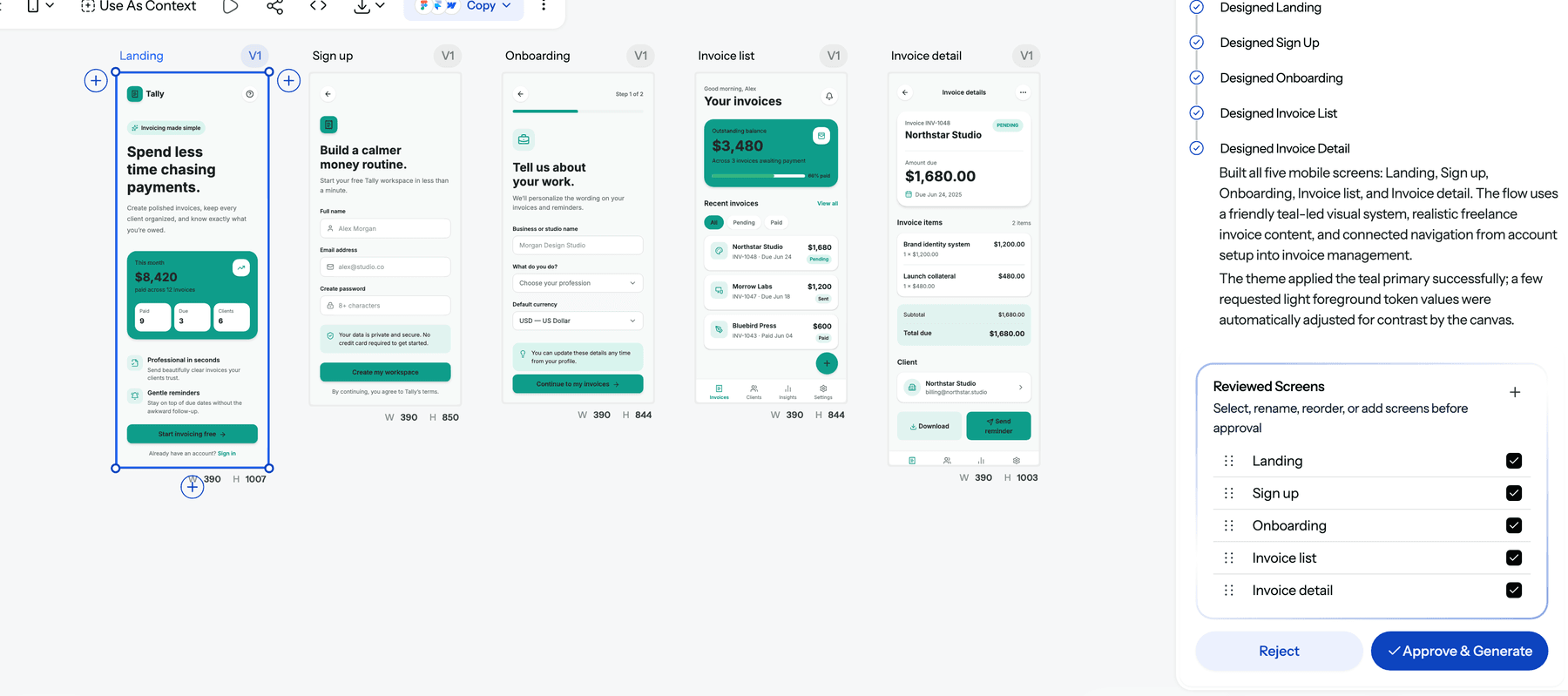
Flow mode then designs the whole journey, sharing a theme and a navigation structure across screens. Screens appear on the canvas one at a time as they finish, so you can start reviewing early. Colours, fonts, radii and spacing are stored as design tokens on the project, so "make it dark" moves every screen together instead of letting one drift. Need a "forgot password" screen later? Ask for it, and it is designed into the existing theme.
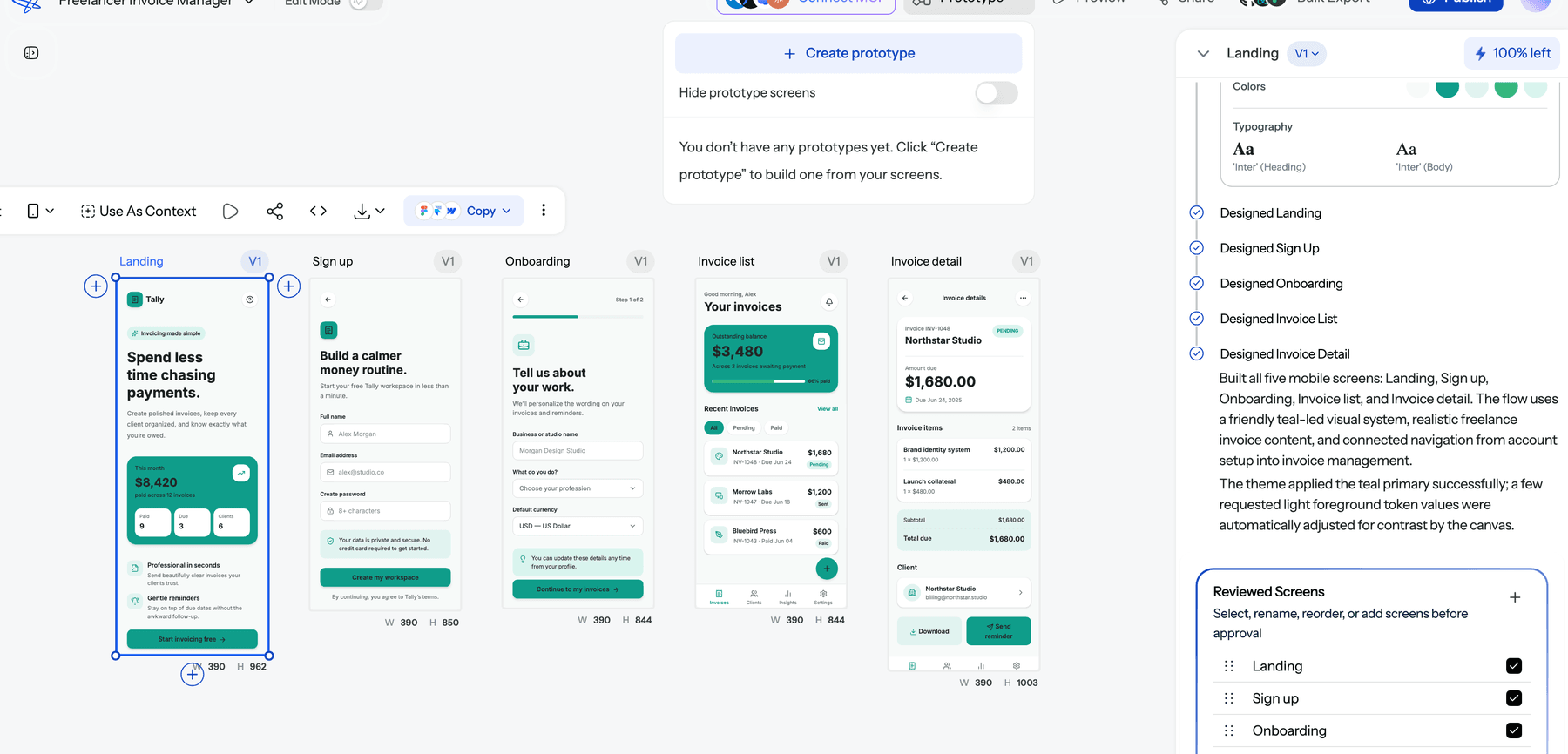
When the screens are ready, the Prototype button in the canvas top bar switches to prototype mode, which opens a "Create prototype" panel over your flow. From there you can share a preview with stakeholders or testers.
You don't have to start from a prompt. You can turn a hand-drawn sketch into UI, rebuild a screenshot as editable screens, clone a live website or import an existing Figma file. If you want to settle structure before visuals, wireframe mode generates low-fidelity screens first.
For handoff, you can export to Figma with real auto-layout, or export HTML or React with Tailwind, per screen or as a whole multi-screen React project. You can also publish the project as a hosted site.
Where it falls short: exported code is a front end with no data layer, routing or state management, so a prototype that needs a real backend belongs in Lovable or v0. UXMagic is not built for pixel-level illustration, and it does not do sensor or hardware-level interactions the way ProtoPie does.
Pricing: the Free plan refreshes 20 credits every day, for up to 3 screens a day across 5 projects, with flow mode, wireframes and code export included and no card required. Pro is $35 a month, or $17.50 a month billed annually, with 2,400 credits a month (up to 400 screens), unlimited projects and 250 Figma exports. A new screen costs 3 credits and a targeted edit 0.2, per how credits work.
For the full workflow, read our guide on how to design UI with AI, or see how the same approach applies to a signup flow.
Prototype a whole flow, not one screen
Describe the journey, approve the screen plan, and click through it in prototype mode. The free plan refreshes 20 credits every day.

Best AI prototyping tools for Figma teams
Figma Make
Best for: design teams whose components, libraries and reviews already live in Figma.
Figma now puts AI into prototyping in two places. Inside Figma Design, Add interactions lets you select top-level frames and have Figma AI decide how to connect them, which saves the tedious noodle-dragging. Figma Make goes further: you prompt it with text or reference images and it generates interactive, code-backed prototypes that you can keep refining with natural language. The appeal is obvious if your design system is already in Figma, because nothing leaves the ecosystem.
Where it falls short: Make is only available on Full seats on paid plans, so the free Starter plan cannot use it day to day. Every seat carries a monthly AI credit allowance that Figma now enforces, and heavy iteration eats into it. Long multi-screen journeys still need manual stitching to stay consistent.
Pricing: a Professional Full seat is $16 a month billed annually with 3,000 AI credits a month; Organization is $55 and Enterprise $90, per Figma's pricing page. Our Figma pricing guide explains which seat each role needs.
Read our explainer on what Figma AI is, or compare the best Figma Make alternatives.
UX Pilot
Best for: designers and PMs who want usability signals alongside the UI.
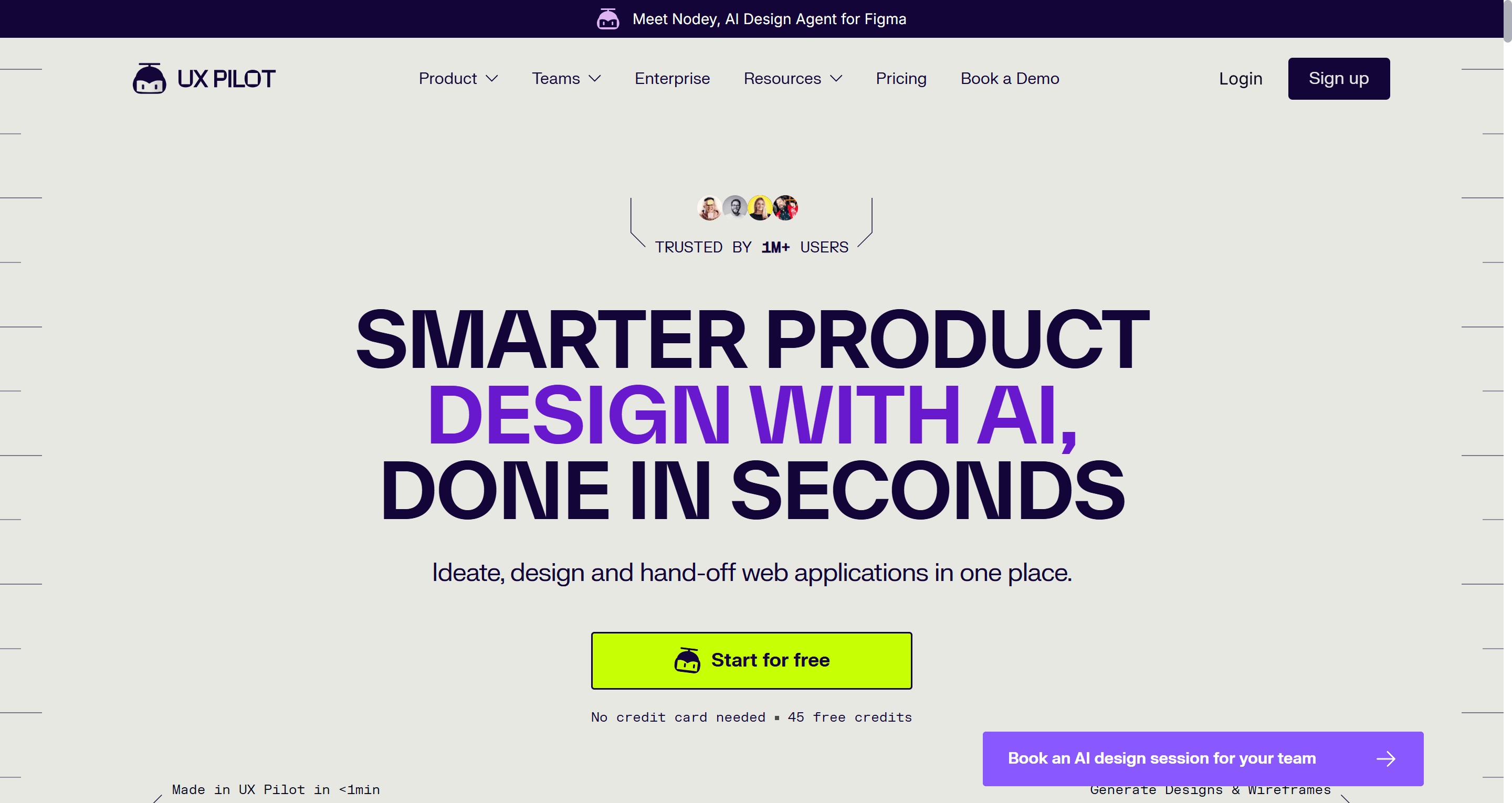
UX Pilot generates wireframes and high-fidelity screens from prompts, sketches or screenshots, and connects to Figma through a plugin. What sets it apart for prototyping is the review layer: predictive heatmaps and design review help you question a layout before anyone tests it. That makes it useful when you need to defend a design decision, not just show one.
Where it falls short: the free plan covers one project, and credits go quickly on hi-fi iterations. Code export is HTML and CSS rather than a component-based front end, and longer journeys need more manual work to keep consistent.
Pricing: Free with 80 daily credits and one project; Pro is $22 a month billed annually with 750 credits and five projects; Teams is $31 per user a month billed annually.
Read our UX Pilot review or our list of UX Pilot alternatives.
Best AI prototyping tools for product managers
Uizard
Best for: non-designers who need a clickable concept for a pitch or a stakeholder review.
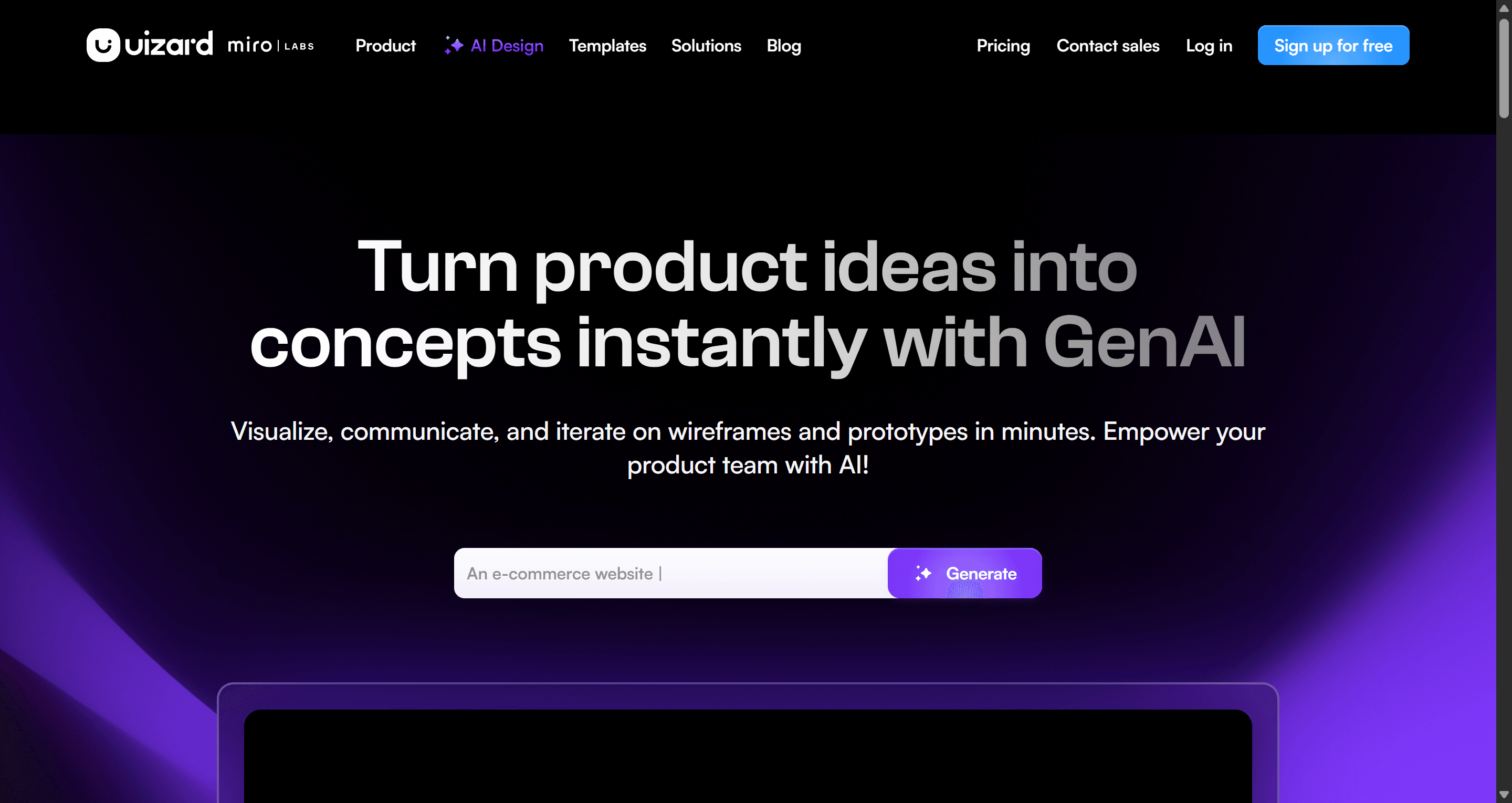
Uizard was one of the first tools to make AI UI accessible to founders and PMs. Its Autodesigner generates multi-screen concepts from a prompt, it can scan hand-drawn wireframes and screenshots, and screens can be linked into a clickable flow in a simple editor. The learning curve is about as low as it gets.
Where it falls short: output leans toward generic templates, and there is no direct Figma export (screens export as images or PDF, with component-level CSS and React in Handoff mode). Most teams rebuild before production.
Pricing: Free includes 3 AI generations a month and 2 projects. Pro is $12 per creator a month billed annually with 500 generations; Business is $39.
Read our Uizard review and our Uizard alternatives roundup.
Miro AI Prototypes
Best for: teams that brainstorm on a Miro board and want to turn the stickies into a first clickable flow in the same place.
Miro Prototypes generates single or multi-screen UI flows on the board from a prompt, a screenshot or selected board content, then previews them as a clickable simulation. Its strength is proximity: the research notes, the journey map and the prototype sit side by side, which keeps workshops moving.
Where it falls short: Prototypes moved into the Business plan in mid-2026, so Free and Starter can't use it. Each generated screen costs 5 AI credits from a pooled allowance, and the output is for alignment rather than handoff.
Pricing: Starter is $8 and Business $20 per member a month, billed yearly. Our Miro pricing breakdown covers credits in detail, and our Miro alternatives for UX teams covers what to pair it with.
Best free AI prototyping tool
Google Stitch
Best for: quick, free exploration of a concept before you commit to a tool.
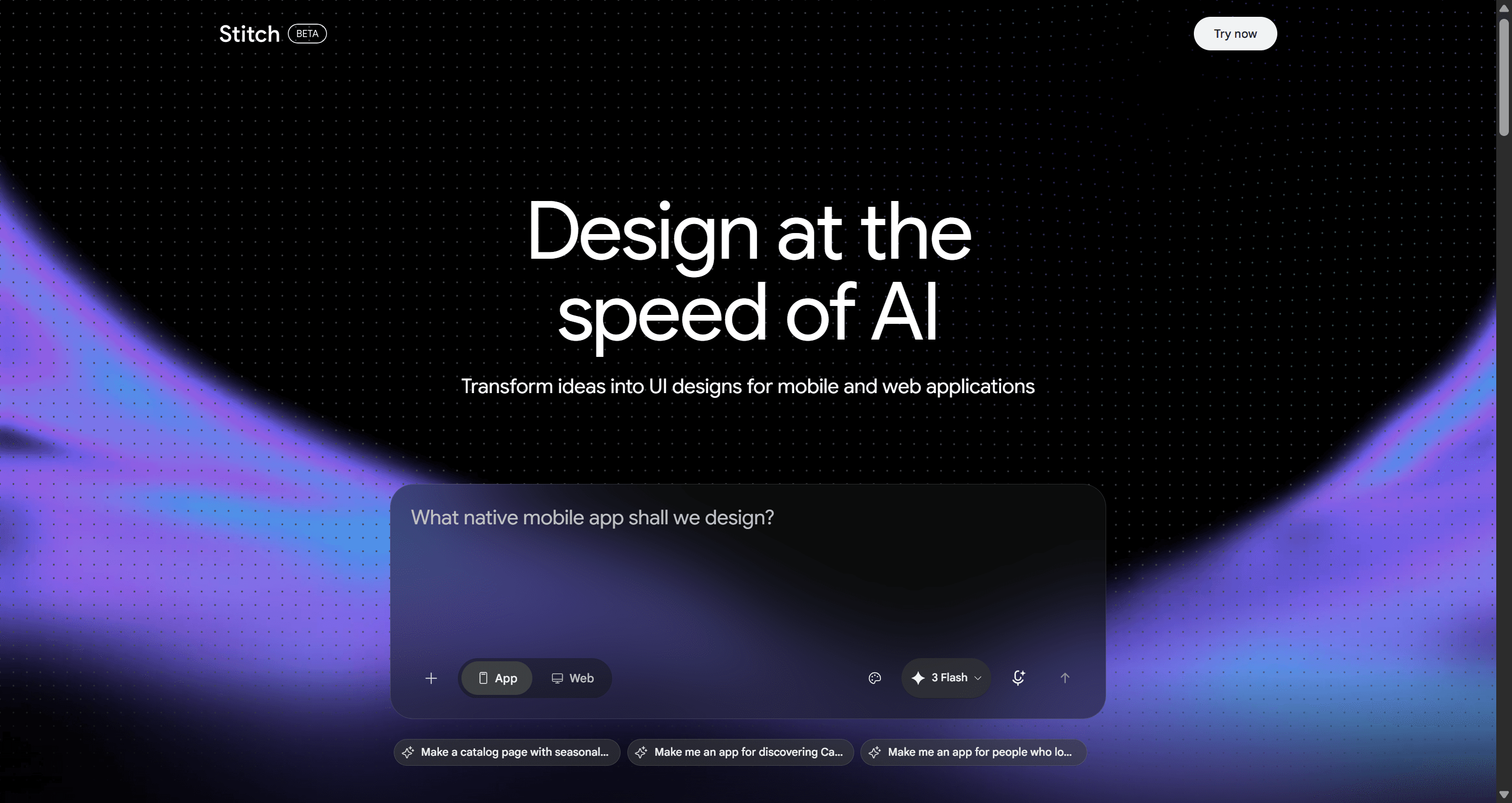
Stitch is Google Labs' AI UI designer, and it absorbed Galileo AI. You describe an app or upload an image, and Gemini lays out polished screens in seconds. In 2026 Google added an infinite canvas with a design agent and an interactive "Play" preview for screens stitched together, plus ways to paste designs into Figma or export front-end code.
Where it falls short: Stitch can link screens into a prototype, but keeping a ten-screen journey on one theme still takes prompting discipline. Google has not published its usage limits on a pricing page, so heavy use is hard to plan around.
Pricing: $0, no paid tier, with a daily cap you cannot pay to raise. Our Google Stitch pricing guide explains what is known about the limits.
Read our Google Stitch review or our list of Google Stitch alternatives.
Best AI prototyping tools for developers
v0 by Vercel
Best for: prototypes that need real logic, states and data, built in React.
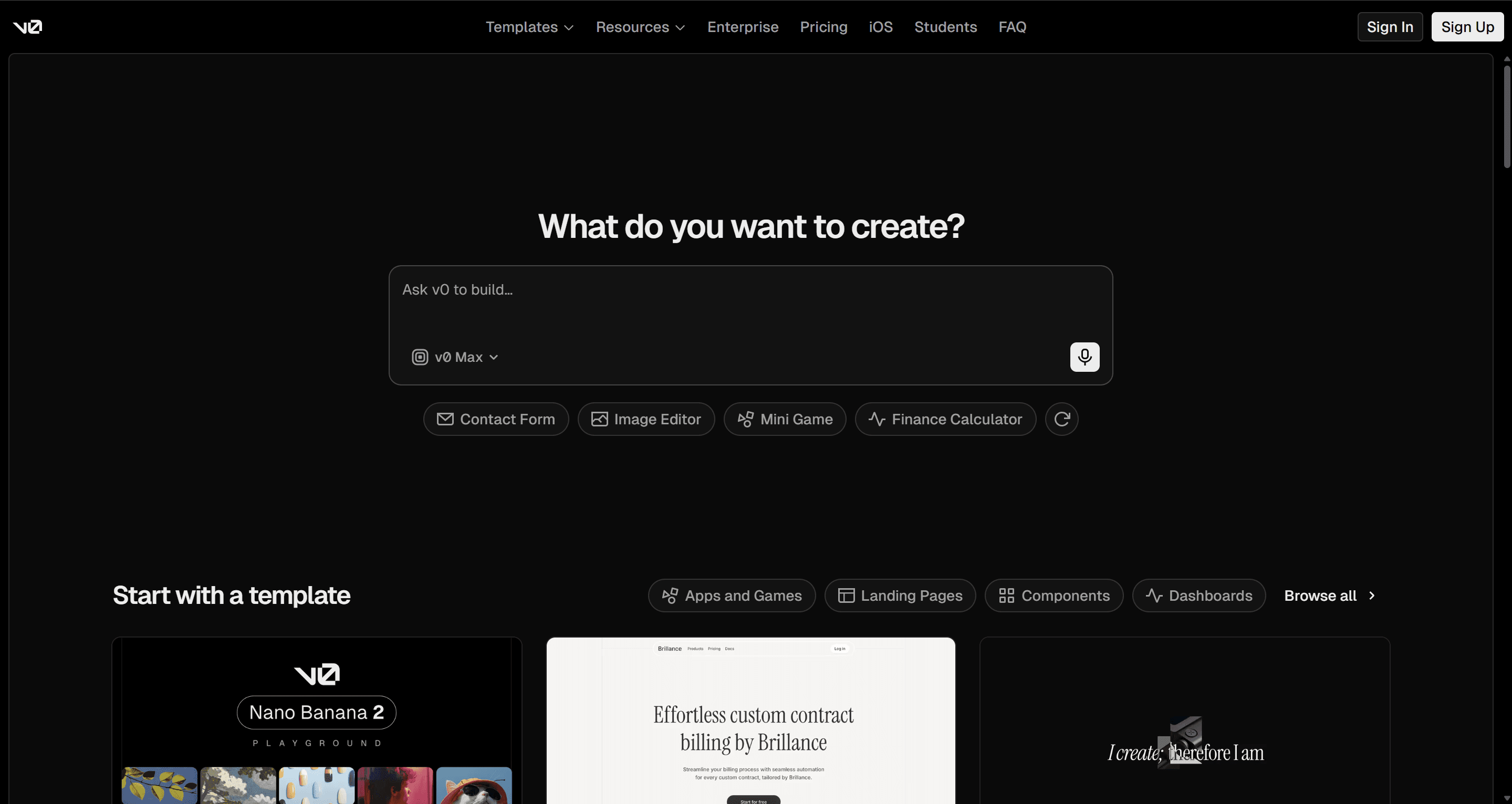
v0 generates working React and Next.js apps from prompts, styled with Tailwind and shadcn/ui, and deploys them on Vercel. When a prototype has to calculate something, validate a form or call an API, a code-first tool proves more than any click-through can.
Where it falls short: there is no visual design canvas in the Figma sense, and designs converge on the shadcn look unless you push them. It is weaker for exploring UX options than for building one you have already chosen.
Pricing: the Free plan includes $5 of monthly credits and a limit of 7 messages a day; paid plans start at $30 per user a month.
Read our v0 by Vercel review or our v0 alternatives list.
Lovable
Best for: founders who want a working MVP, with a backend, instead of a prototype of one.
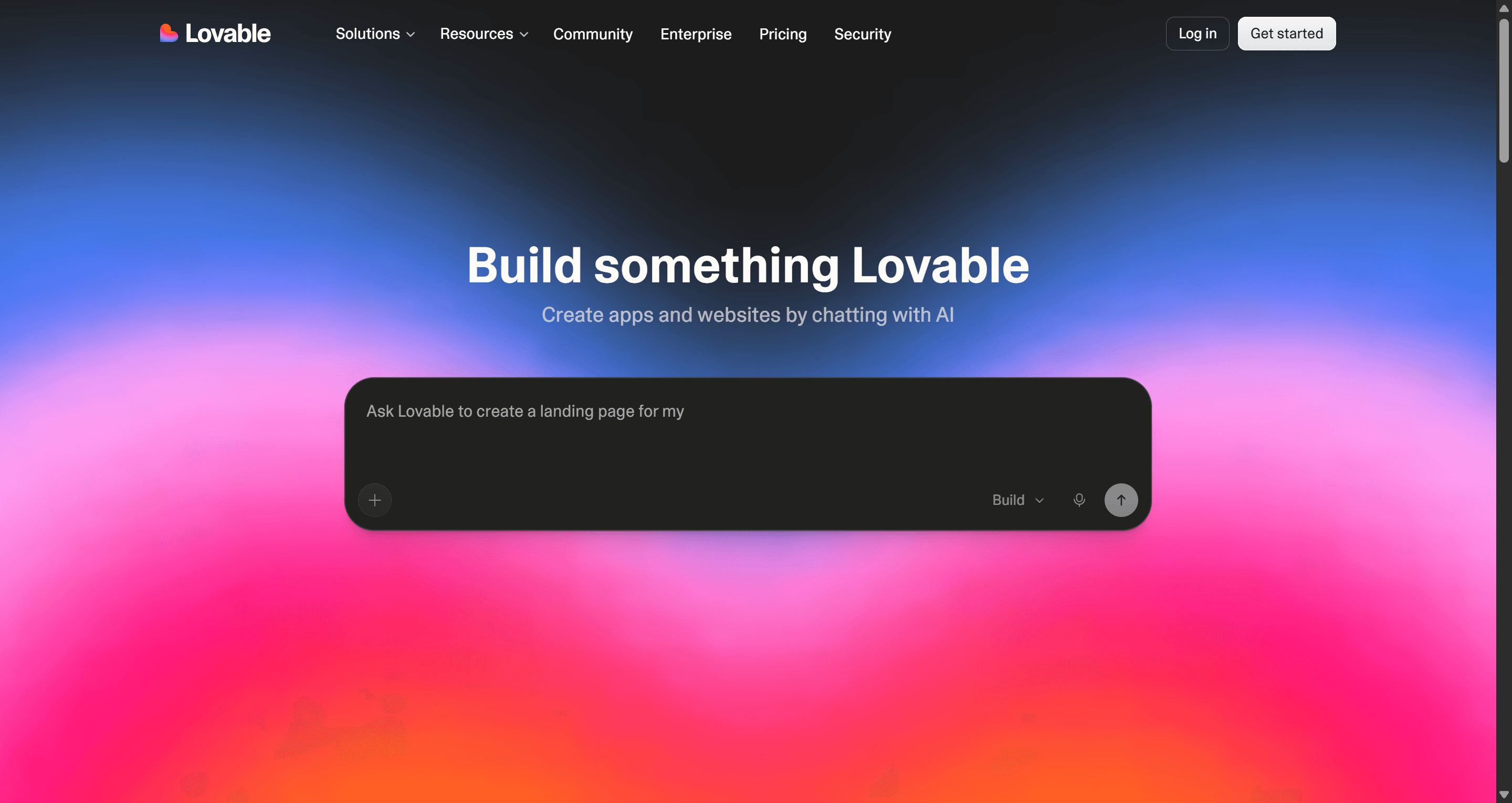
Lovable builds full-stack web apps from a prompt: front end, database, authentication and hosting, with GitHub sync for handoff. For a high-stakes demo that has to run on real data, that is a different league from a click-through. Our guide to what an MVP is in SaaS design explains when that jump is worth it.
Where it falls short: every change in build mode costs credits, including layout tweaks, so exploring UI options in Lovable gets expensive. Many teams settle the screens in a design tool first and then build.
Pricing: Free gives 5 credits a day (up to 30 a month). Pro starts at $25 a month ($21 billed annually) for 100 credits. Our Lovable pricing guide explains how credits burn.
Read our Lovable review and our Lovable alternatives. For more options aimed at non-coders, see our guide to AI app builder tools.
Magic Patterns
Best for: product and engineering teams that want prototypes built from their own components.
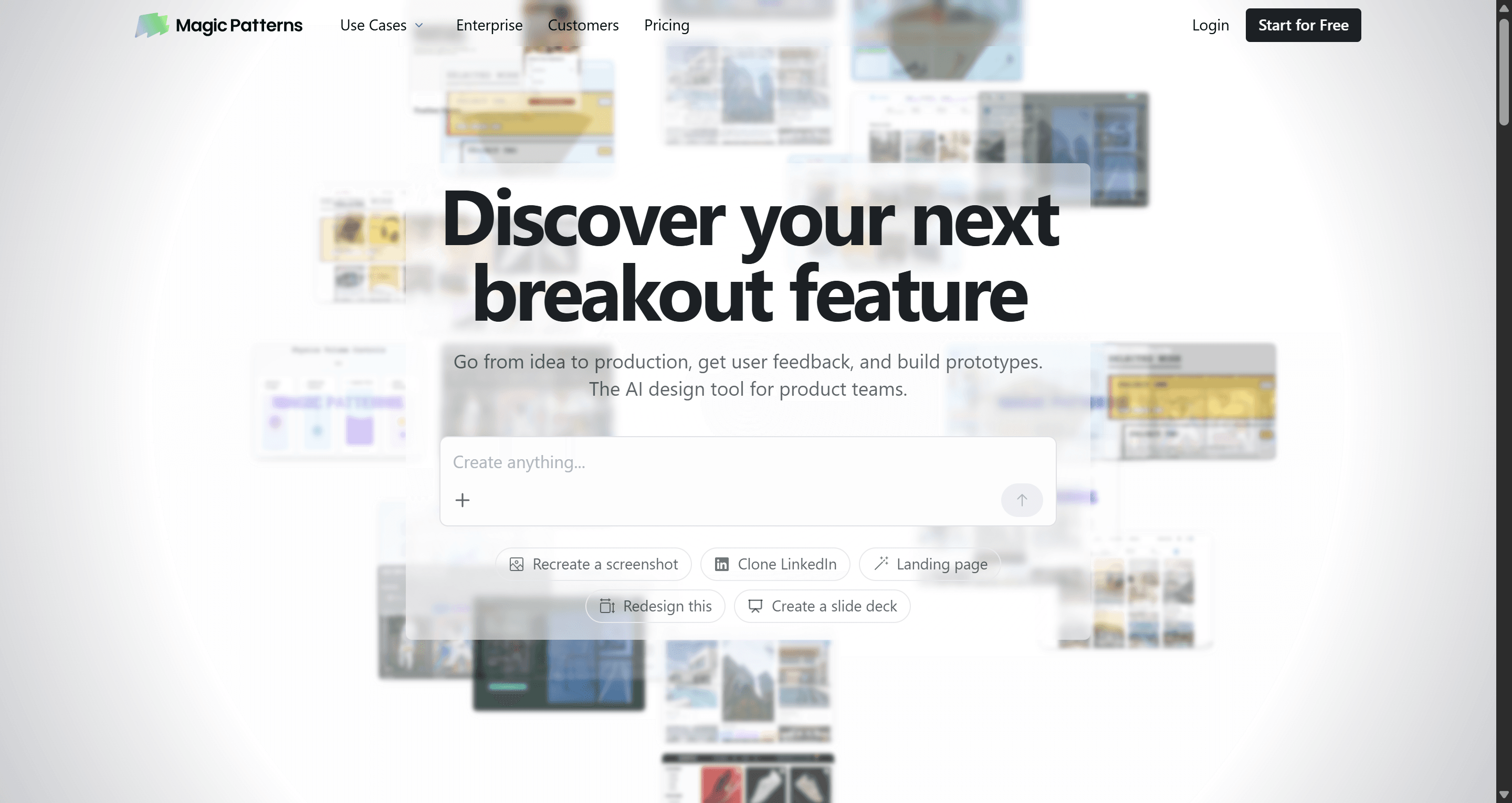
Magic Patterns generates React prototypes that follow an existing design system, so the output looks like your product rather than a generic template. For a PM validating a feature inside an established app, that consistency saves a round of rework.
Where it falls short: it is less useful from a blank canvas, and since March 2026 credits are usage-based, so a big multi-page prototype costs noticeably more than a small tweak.
Pricing: a limited free tier, Starter at $20 per seat a month and Business at $100 per seat a month.
Read our Magic Patterns review or our Magic Patterns alternatives.
Best for complex interactions
ProtoPie
Best for: interaction-heavy products such as mobile gestures, automotive, IoT and anything that needs conditional logic.
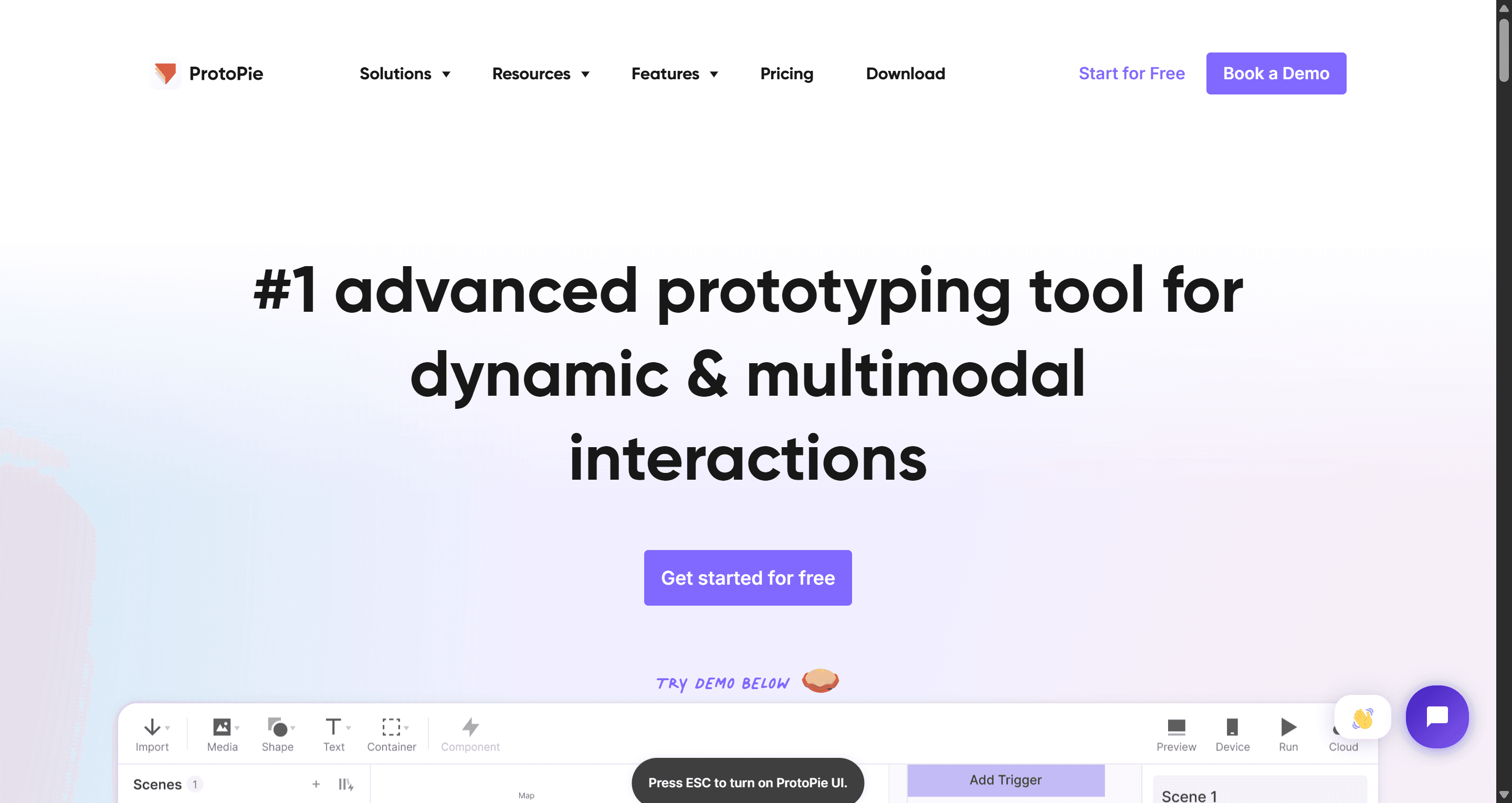
ProtoPie sits apart from everything else on this list. It is not mainly an interface generator; it makes prototypes behave like real products, with variables, conditions, sensors and cross-device interactions, all without code. Its pricing page now mentions AI that drafts the logic for you while you keep control of the details. Screens usually come from Figma, and ProtoPie adds the behaviour.
Where it falls short: it has the steepest learning curve here, and you still need to design the screens somewhere else first.
Pricing: per ProtoPie's pricing page, Free includes 2 prototypes, Basic is $25 a month for 20 prototypes and Pro is $47 a month for unlimited prototypes, with annual discounts.
Best for marketing site prototypes
Relume
Best for: agencies and marketers planning a website's structure before visual design.
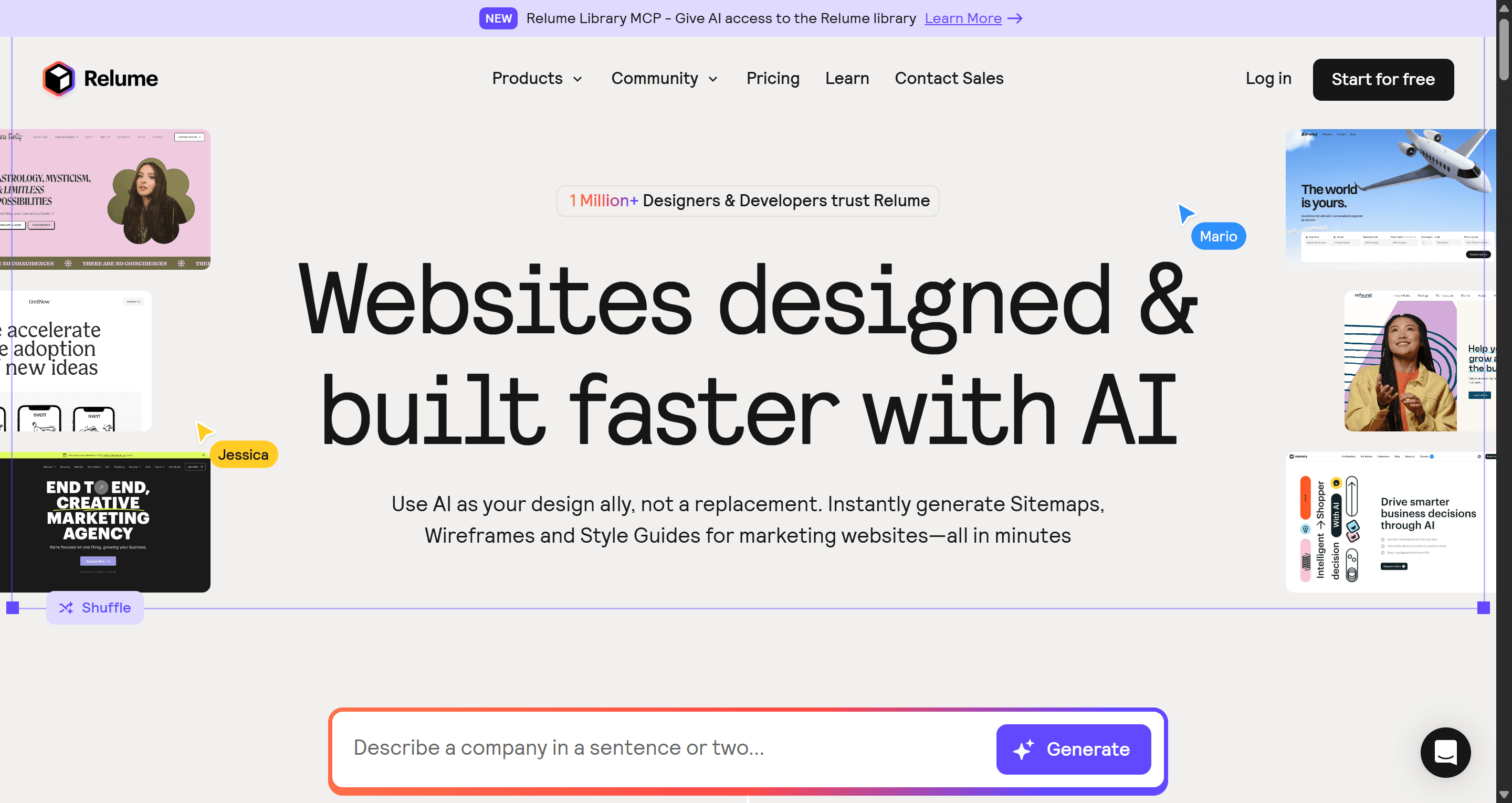
Relume starts from a sitemap. Describe the company and it proposes the page structure, generates section-by-section wireframes with real copy, then applies a style guide. Its component library exports to Figma, Webflow and React.
Where it falls short: it is built for websites, not app flows with states and logic, and interactivity is limited.
Pricing: the Site Builder lists Starter from $18 a month and Pro from $40 a month, per Relume's pricing page. Read our Relume review. If you are choosing where the site will live, our Framer vs Webflow comparison helps.
Honorable mentions
- Framer AI for designers who want to generate and publish an animated marketing site on one platform.
- Banani for quick prompt-to-UI variants of a few app screens; our UXMagic vs Banani comparison covers how it differs.
- Axure RP for logic-heavy, specification-grade prototypes in enterprise teams.
- Proto.io for classic mobile app click-throughs without AI generation.
AI prototyping tools pricing comparison
| Tool | Free plan | Paid entry price | Output |
|---|---|---|---|
| UXMagic | 20 credits a day | Pro $17.50/mo billed annually | Canvas flows, Figma, HTML/React |
| Figma Make | Not on Starter | $16/mo Professional Full seat | Figma prototypes, code-backed apps |
| UX Pilot | 80 daily credits, 1 project | Pro $22/mo billed annually | Figma, HTML/CSS |
| Uizard | 3 AI generations/mo | Pro $12/mo billed annually | Images, PDF, component code |
| Miro | No Prototypes on Free | Business $20/member/mo yearly | Board-based clickable flows |
| Google Stitch | Free, daily cap | No paid tier | Figma paste, front-end code |
| v0 | $5 monthly credits | From $30/user/mo | React apps |
| Lovable | 5 credits a day | Pro $25/mo | Full-stack apps |
| Magic Patterns | Limited | Starter $20/seat/mo | React on your components |
| ProtoPie | 2 prototypes | Basic $25/mo | Interactive prototypes |
| Relume | Free tier | Starter from $18/mo | Figma, Webflow, React |
Prices were checked in September 2026 on each vendor's own pricing page or taken from our dedicated pricing guides.
How to choose the right AI prototyping tool
Start with the question the prototype has to answer, not the tool.
- "Does this journey work?" You need connected screens that someone can click through. Use a flow-first tool like UXMagic's flow mode, and write your prompt as a journey, not a list of screens. Our guide to prompting for user flows shows how.
- "Does it fit our design system?" Stay close to where the system lives: Figma Make for Figma libraries, Magic Patterns for coded components.
- "Will people get it?" For early stakeholder alignment, a rough concept is enough. Uizard, Miro or a low-fidelity pass with an AI wireframe generator will do. Our guide to low vs high fidelity explains when polish helps and when it gets in the way.
- "Does the logic hold?" Use working code: v0 or Lovable.
- "Does the interaction feel right?" Use ProtoPie.
A workflow that suits most product teams in 2026 looks like this:
- Map the flow. Sketch the journey or list the screens. A user flow diagram helps if the logic branches.
- Generate and review the plan. In UXMagic, fixing the screen plan costs 1 credit; fixing eight wrong screens later costs far more.
- Design the flow and iterate with targeted edits. Ask for the specific change ("make the hero shorter") rather than a full regeneration. Keep usability basics in mind; our guide to the laws of UX is a quick checklist.
- Test the prototype. Click through it yourself, then share it with five users. The rapid prototyping playbook covers how many loops to run.
- Hand off. Export to Figma for design polish or to code for engineering. If your team works from Figma, our Figma Make tutorial shows how to carry work across.
If you are starting from paper, our sketch to prototype workflow walks through the same loop from a napkin drawing.
Our recommendation
There is no single best AI prototyping tool, only the one that matches what you need to prove. If the prototype is a code demo, go code-first. If it is a gesture or a car dashboard, go ProtoPie. If your team lives in Figma and has seats to spare, try Figma Make.
For the most common case, a product team that needs a believable multi-screen journey to test, pitch or hand off, we built UXMagic for that job. It plans the screens before it designs them, keeps every screen on one theme, lets you click through the flow in prototype mode, and exports to Figma or React when you are done. It won't give you a backend or hardware-level interactions, and we would rather tell you that now. For a wider view of the market, see our roundup of the best AI design tools in 2026.
Most of these tools have a free plan, so test two or three with the same flow before you commit. The differences show up by screen five.
Related guides
- 15 Best UX/UI Design Tools for 2026, Plus a Startup Stack
- Best Wireframing Tools in 2026: 10 AI, Free and Classic Picks
- Top 7 AI Tools for Design Consistency in 2026 (UI, UX, and Design Systems)
- 9 Best MagicPath Alternatives in 2026, Grouped by How You Work
- 8 Claude Design Alternatives in 2026, Free and Open Source Included
- Best Figma AI Plugins in 2026: 12 Picks for UI, Assets and Code
- Figma Agent Review 2026: What the Beta Does, Costs and Misses
- 10 Best a0.dev Alternatives for Building Mobile Apps with AI (2026)
- Canva Alternatives for UI Design: 9 Tools Built for Product Screens
- AI Wireframe Generator for Mobile Apps: Best Tools & Workflows (2026)
Test your flow before you build it
Plan, design and click through a multi-screen prototype in UXMagic, then export to Figma or React. No card required.