Inicio de UXMagic
  • English
  • Español
  • हिन्दी
  • Bahasa Indonesia
  • Tiếng Việt
  • Português
  • Русский
  • 中文
  • العربية
  • Deutsch
  • Français
  • Funciones
  • Bibliotecas
  • Plantillas
  • Precios
  • Afiliados
  • Recursos
Inicio de UXMagic
  • English
  • Español
  • हिन्दी
  • Bahasa Indonesia
  • Tiếng Việt
  • Português
  • Русский
  • 中文
  • العربية
  • Deutsch
  • Français
Inicio de UXMagic

Bibliotecas

PlantillasNuevo
Diseños de la comunidad
Precios
Afiliados

Recursos

Síguenos en:
  • Síguenos en Slack
  • Síguenos en Twitter
  • Síguenos en LinkedIn
  • Síguenos en YouTube
  • Síguenos en Instagram

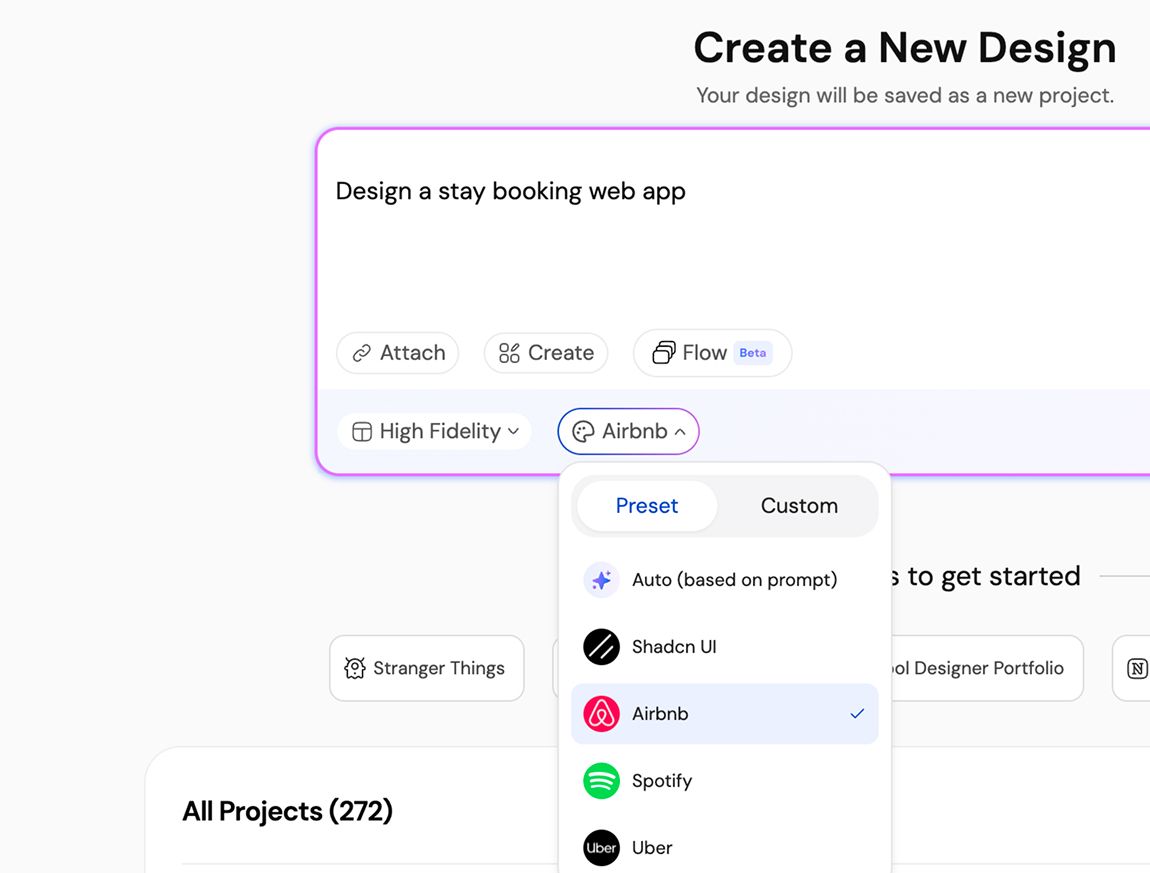
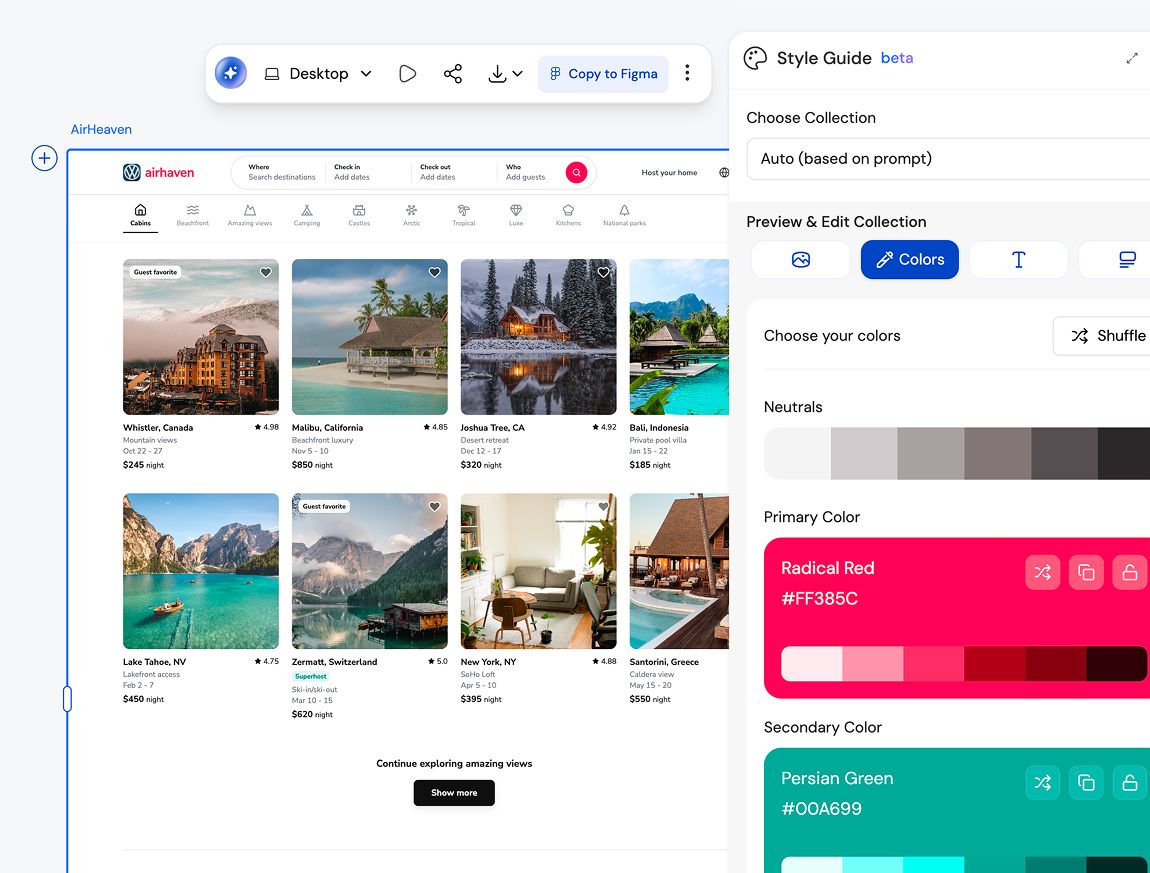
Create a Brand Style Guidethat Scales

Instant Result

Every great product starts with a style guide
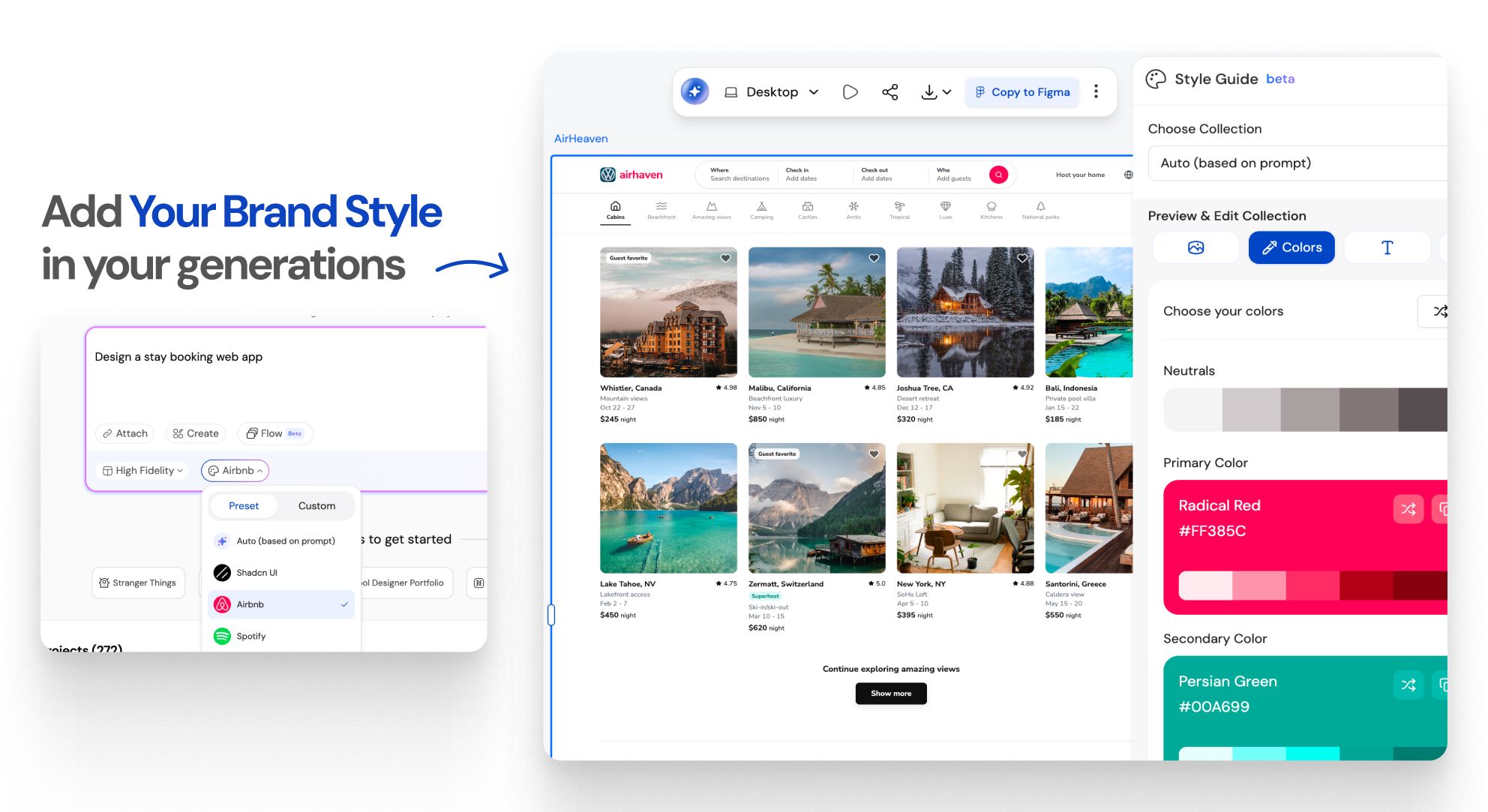
Instant Result

How to Create a Style Guide for Consistent UI/UXWORKFLOW

1

Provide your input

Paso 1
2

Get your design generated

Paso 2
3

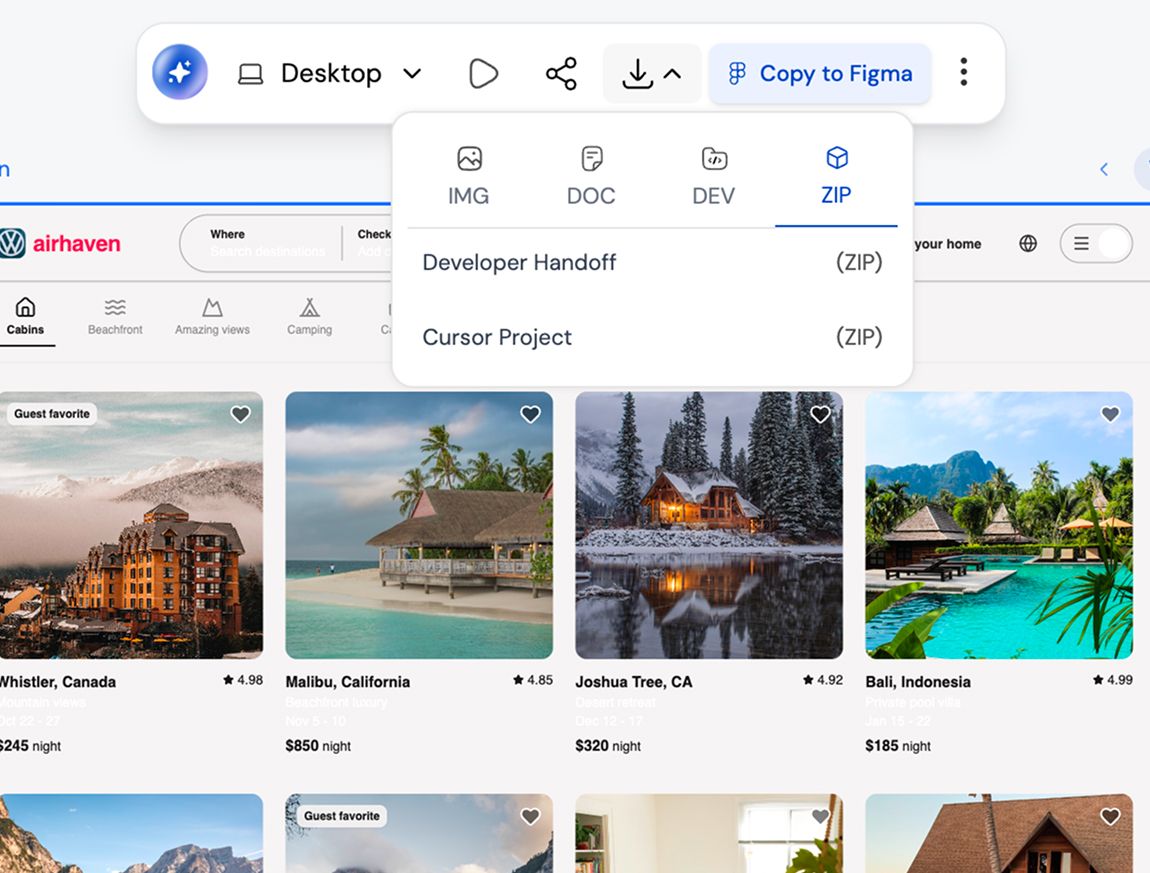
Export to Figma, HTML/React, or Cursor

Paso 3
1

Provide your input

Paso 1
2

Get your design generated

Paso 2
3

Export to Figma, HTML/React, or Cursor

Paso 3

UXMagic vs Banani vs UXPilot vs Visily vs Figma Make vs Framer AICOMPETITORS

Unlike other AI user interface design tools like Banani, UXPilot, Uizard, Visily, Figma Make (Figma AI) & Framer, UXMagic brings next-generation design AI integration and generative AI UI design features tailored for 2026 workflows. 👉 Want to see how we compare? Check out our in-depth comparison pages.

FunciónBananiUXPilotUizardVisilyFigma AIFramer AIUXMagic
Auto Style Guide Generation
Automatic Color System Creation
Spacing & Layout System Logic
Cross-Consistency Enforcement
Brand Kit → Structured System
Global Style Editing
Figma-Ready Structured Export
Faq

¿tienes preguntas?tenemos respuestas.

A style guide defines visual rules like colors, typography, spacing, and components. A design system builds on that foundation by adding reusable components, patterns, and usage guidelines. UXMagic helps you move from a style guide to a design system without starting from scratch.

Yes. UXMagic is built for both designers and non-designers. You can generate a complete, structured style guide using text input, screenshots, or URLs without knowing Figma or design theory.

Absolutely. Every style guide is fully editable in Figma, so your team can customize colors, typography, components, and spacing to match your brand perfectly.

Yes. You can import existing Figma styles and components into UXMagic to extend, refine, or regenerate your style guide while keeping brand consistency intact.

That’s exactly who it’s built for. Style guides reduce design rework, prevent visual drift, and help teams scale without slowing down.

Yes. Upload existing screens or URLs and generate a refreshed style guide that aligns with your new brand direction.

Comunidad

creado por personas reales.remezclado sin fin.

No se encontraron resultados.

Sé la primera persona en publicar algo aquí

FUNCIONES DE UXMAGIC

Descubre nuestras funciones

Prompt to UI

Prompt to UI

Instantly turn text descriptions into functional UI designs.

Flow Mode (Multiple Screens)

Flow Mode (Multiple Screens)

Stop designing screen by screen. Flow Mode generates your entire UI flow from one prompt.

testimonios

no queremos presumir.así que esto es lo que dicen los usuarios.

Diseñadores, fundadores y desarrolladores que usan UXMagic para avanzar más rápido.

tu próxima idea
merece existir

deja de darle vueltas. solo escríbela. Mal, a medias, como sea. Nosotros la convertiremos en algo real.

Producto

  • Plantillas
  • Comunidad
  • Planes de precios
  • Programa de afiliados
  • UXMagic MCP
  • Claude MCP
  • Información para IA

Recursos

  • Centro de ayuda
  • Biblioteca de Figma
  • Biblioteca de React
  • Plantillas de apps móviles
  • Documentación
  • Tutoriales

Funciones

  • De prompt a UI
  • De imagen a UI
  • De boceto a UI
  • Clonar sitio web
  • Importar desde Figma
  • AI Wireframe Generator
  • AI Mockup Generator
  • AI Prototype Generator
  • AI Dashboard Generator
  • Todas las funciones

Comparar

  • vs UX Pilot
  • vs Relume
  • vs MagicPath
  • vs Magic Patterns
  • vs Banani
  • vs Galileo AI
  • vs v0
  • vs Lovable
  • vs Base44
  • Todos los competidores

Blogs

  • IA en el flujo de trabajo de diseño UX: lo que realmente funciona
  • Plantillas de prompts para dashboards SaaS
  • Prompts reales que usamos para generar flujos de producto
  • Prompt engineering para diseñadores UX
  • Las mejores herramientas de wireframing en 2026: 10 opciones gratuitas y de pago comparadas
  • Todos los blogs

Empresa y soporte

  • Empleo
  • Contáctanos
  • Política de privacidad
  • Términos de uso
  • Configuración de cookies
  • Síguenos en Slack
  • Síguenos en Twitter
  • Síguenos en LinkedIn
  • Síguenos en YouTube
  • Síguenos en Instagram

© 2026 UXMagic AI Technologies Inc.