Create a Brand Style Guidethat Scales
Every great product starts with a style guide
UXMagic vs Banani vs UXPilot vs Visily vs Figma Make vs Framer AICOMPETITORS
Unlike other AI user interface design tools like Banani, UXPilot, Uizard, Visily, Figma Make (Figma AI) & Framer, UXMagic brings next-generation design AI integration and generative AI UI design features tailored for 2026 workflows. 👉 Want to see how we compare? Check out our in-depth comparison pages.
| 功能 | Banani | UXPilot | Uizard | Visily | Figma AI | Framer AI | UXMagic |
|---|---|---|---|---|---|---|---|
| Auto Style Guide Generation | |||||||
| Automatic Color System Creation | |||||||
| Spacing & Layout System Logic | |||||||
| Cross-Consistency Enforcement | |||||||
| Brand Kit → Structured System | |||||||
| Global Style Editing | |||||||
| Figma-Ready Structured Export |
有疑问?我们来解答。
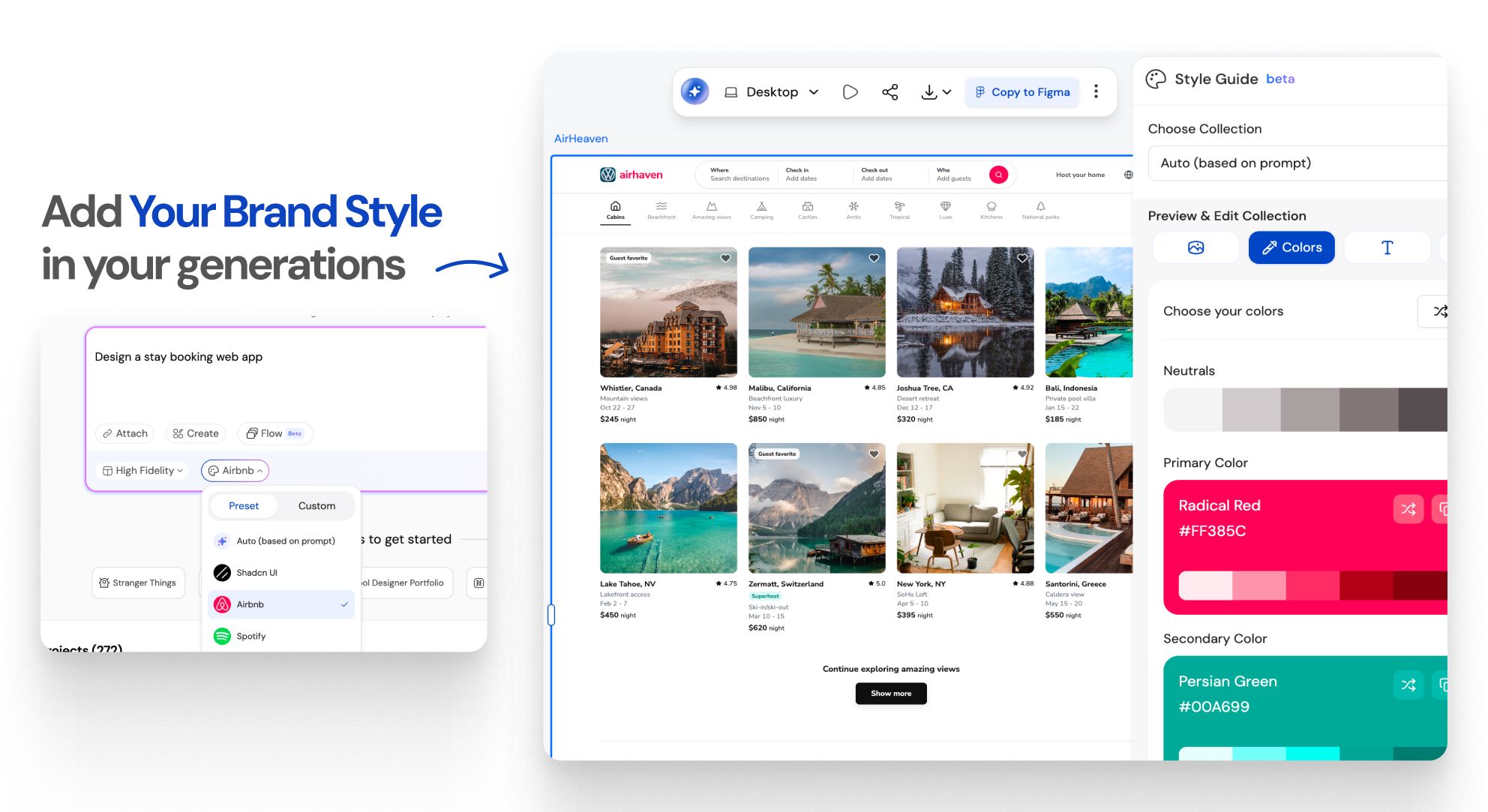
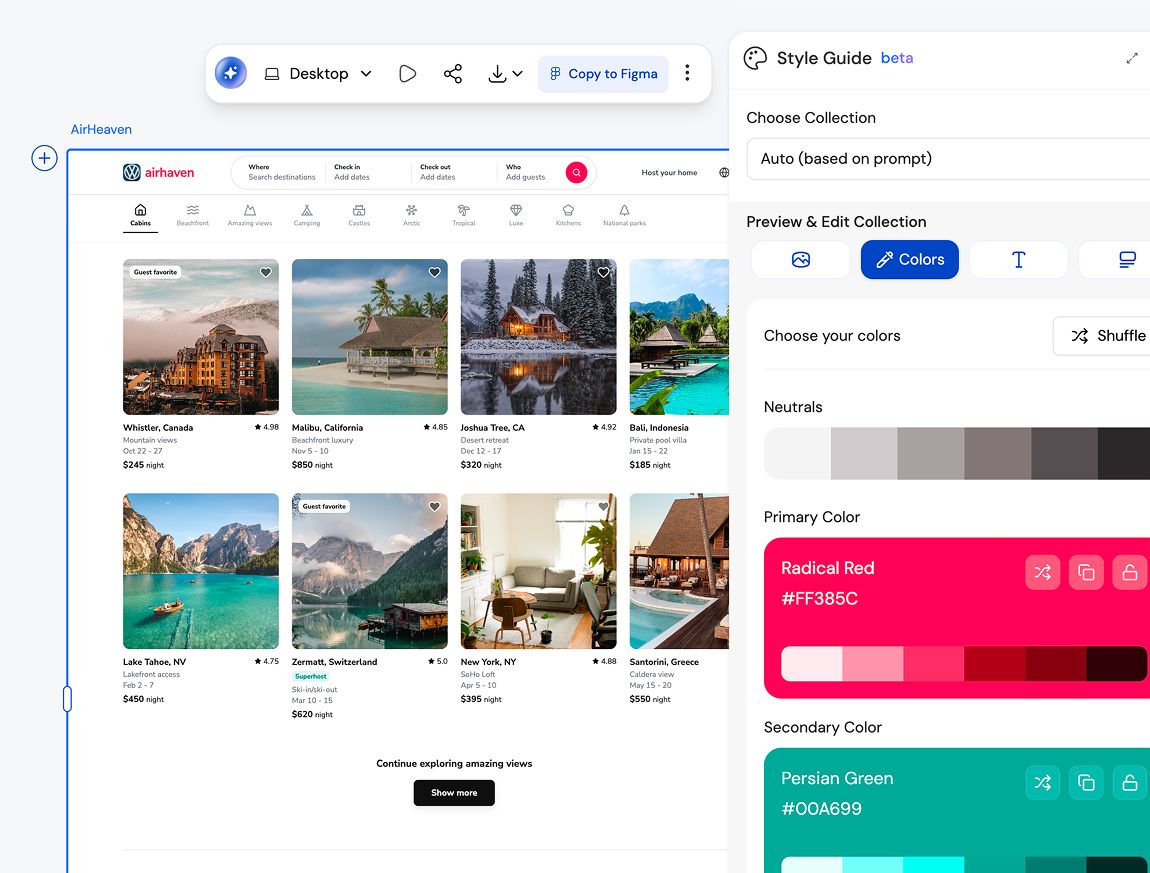
A style guide defines visual rules like colors, typography, spacing, and components. A design system builds on that foundation by adding reusable components, patterns, and usage guidelines. UXMagic helps you move from a style guide to a design system without starting from scratch.
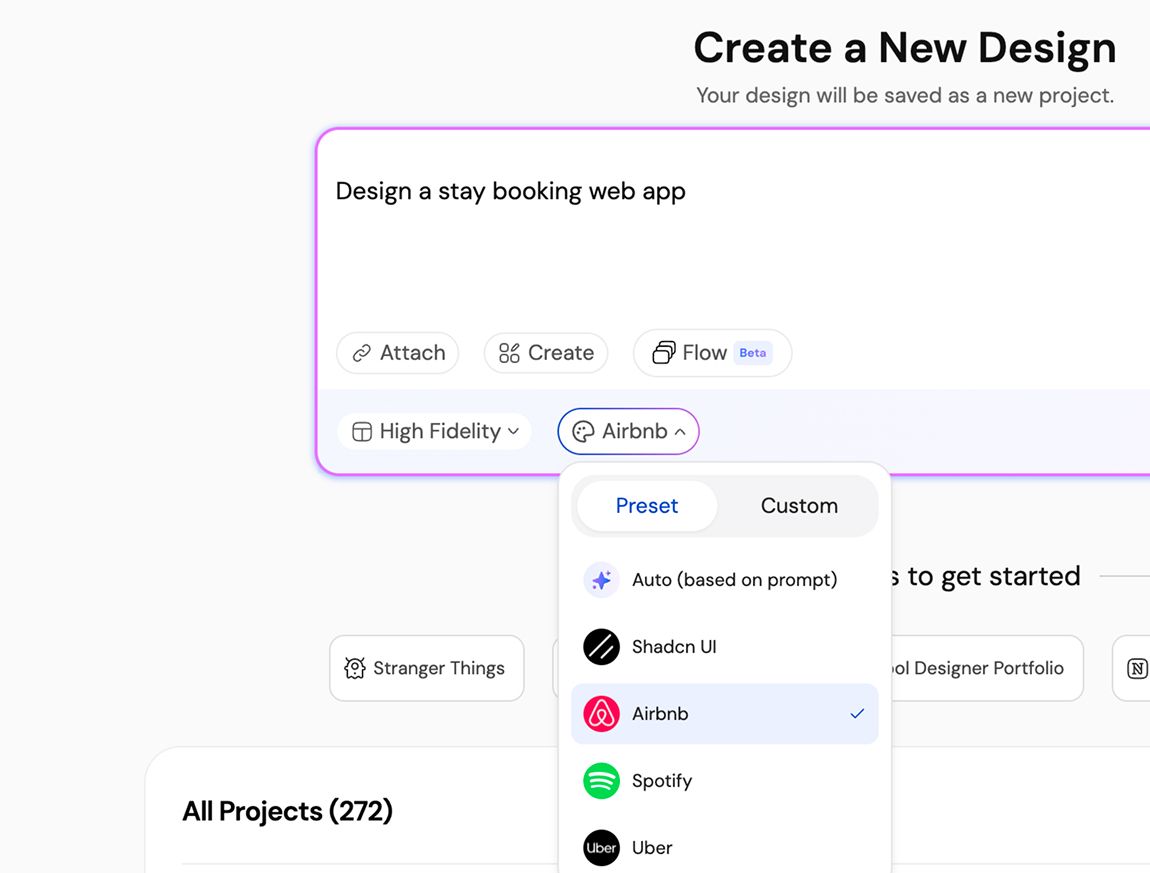
Yes. UXMagic is built for both designers and non-designers. You can generate a complete, structured style guide using text input, screenshots, or URLs without knowing Figma or design theory.
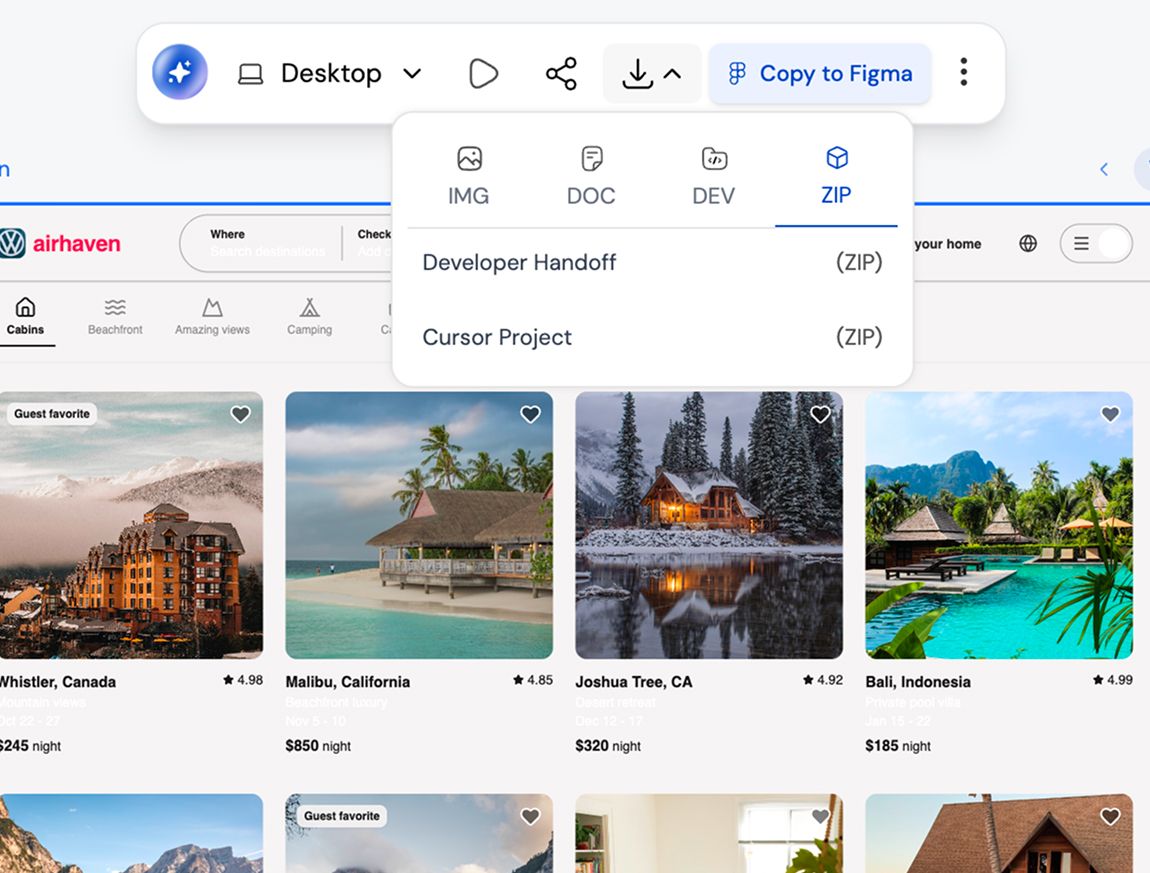
Absolutely. Every style guide is fully editable in Figma, so your team can customize colors, typography, components, and spacing to match your brand perfectly.
Yes. You can import existing Figma styles and components into UXMagic to extend, refine, or regenerate your style guide while keeping brand consistency intact.
That’s exactly who it’s built for. Style guides reduce design rework, prevent visual drift, and help teams scale without slowing down.
Yes. Upload existing screens or URLs and generate a refreshed style guide that aligns with your new brand direction.
由真实用户创作。无限次再创作。
成为第一个在这里发布内容的人