The “verification tax” of fixing bad AI-generated UI officially takes longer than designing screens from scratch. If your team is correcting hallucinated padding, broken navigation logic, and drifting typography after every prompt, your AI stack is slowing you down, not accelerating delivery.
Most designers searching for the best AI design tools in 2026 aren’t curious anymore. They’re defensive. They’re trying to stop context collapse mid-flow and prevent engineers from rejecting exported layouts.
Single-screen generators solved the blank canvas problem years ago. Today’s problem is consistency across 40 screens, not inspiration on the first one.
The Reality of AI Design Tools in 2026: Escaping the Verification Tax
Most “best AI design tools” lists are still optimized for 2024 workflows. They celebrate prompt-to-screen generation speed while ignoring what happens after screen two.
That’s where real teams lose time.
Here’s what the verification tax actually looks like:
- fixing hallucinated auto-layout spacing
- repairing accessibility contrast violations
- correcting token drift across flows
- rebuilding navigation logic manually
- rewriting unusable exported code
If correcting an AI layout takes longer than building it manually, the tool failed.
Modern product teams don’t need faster screenshots. They need persistent design logic across journeys.
This shift is why the blank canvas problem is already solved. The real constraint now is context collapse.
If your generator forgets your button system by screen three, it’s not helping your workflow. It’s sabotaging it.
You can see how teams integrate constraint-aware systems inside real pipelines in this breakdown of how designers actually use AI in real projects.
Why “Vibe Coding” Is Breaking Professional UX Workflows
“Vibe coding” sounds efficient until it reaches engineering.
Then it becomes cleanup work.
The premise is simple: type a prompt, generate screens, skip architecture. But skipping constraints creates structural debt immediately.
Most guides still frame vibe coding as empowerment. That’s wrong because it removes the one thing that keeps products coherent: system memory.
When stakeholders generate UI without tokens, components, or navigation logic:
- typography shifts mid-flow
- spacing becomes inconsistent
- accessibility breaks silently
- exports lose component structure
- developers reject the handoff
The designer becomes a janitor instead of an architect.
If you’ve seen this happen internally, the failure mode is predictable. It’s explained clearly in this teardown of what vibe coding actually does to design teams.
Single-screen generators accelerate the problem.
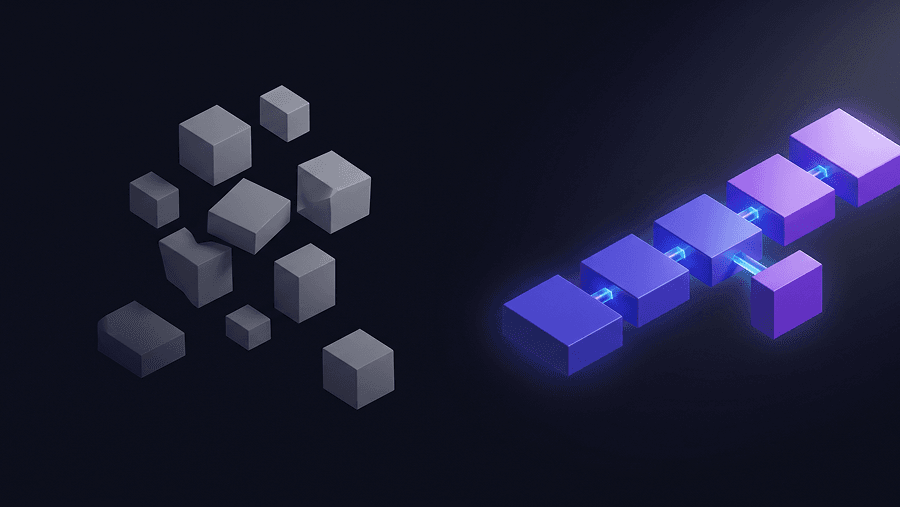
They rebuild every screen statistically instead of structurally. That means each output is a dice roll, not a workflow step.
Consistency is infrastructure. Not polish.
And any tool that treats consistency as optional is creating technical debt disguised as speed.
The 5 Best AI Design Tools for Product Teams (Ranked by Structural Integrity)
Not all AI design tools solve the same problem.
Some generate inspiration. Others generate architecture.
Only one category survives developer handoff.
- UXMagic: Best for Multi-Screen Flows and Context Memory
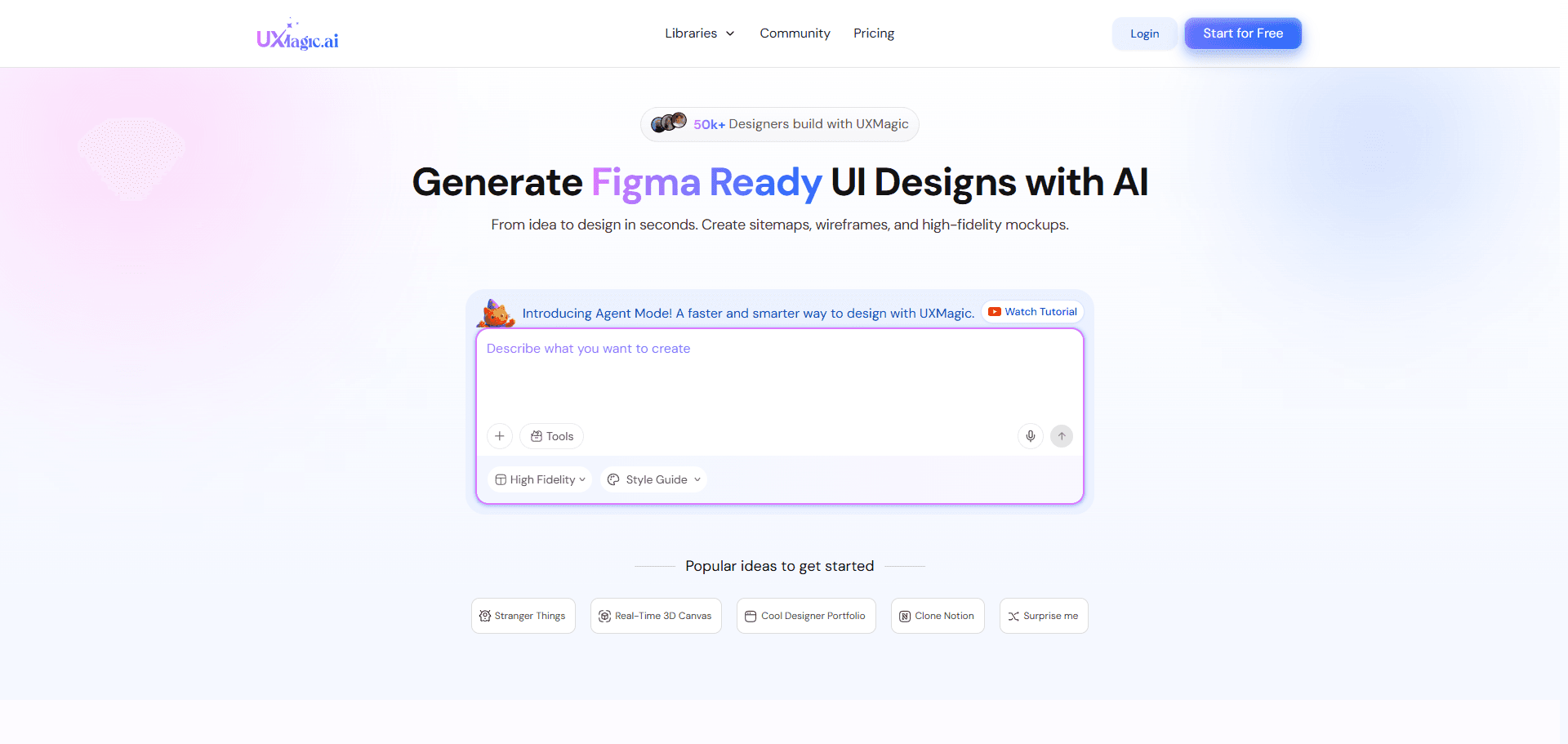
Most AI tools generate screens.
UXMagic generates journeys.
The difference matters because context collapse happens between screens—not inside them.
Instead of rebuilding layouts statistically every time, Flow Mode locks:
- typography tokens
- spacing systems
- component variants
- navigation logic
across the entire flow before rendering begins.
That eliminates style drift automatically.
This turns consistency from manual memory into infrastructure.
It also solves the second biggest workflow leak: regeneration loops.
Most platforms force full-screen refreshes just to fix a small layout issue. UXMagic uses agentic section editing instead, so teams can restructure individual components without destroying approved layouts.
That’s how you reduce credit burn while keeping iteration velocity high.
And when the sprint reaches engineering handoff, structured exports matter more than visual fidelity. UXMagic’s two-way Figma sync and React component output avoid the absolute-positioned spaghetti code that kills most AI prototypes before merge.
It behaves less like a generator and more like a compiler for design logic.
- Figma AI (Make): Best for Native Ecosystem Variations
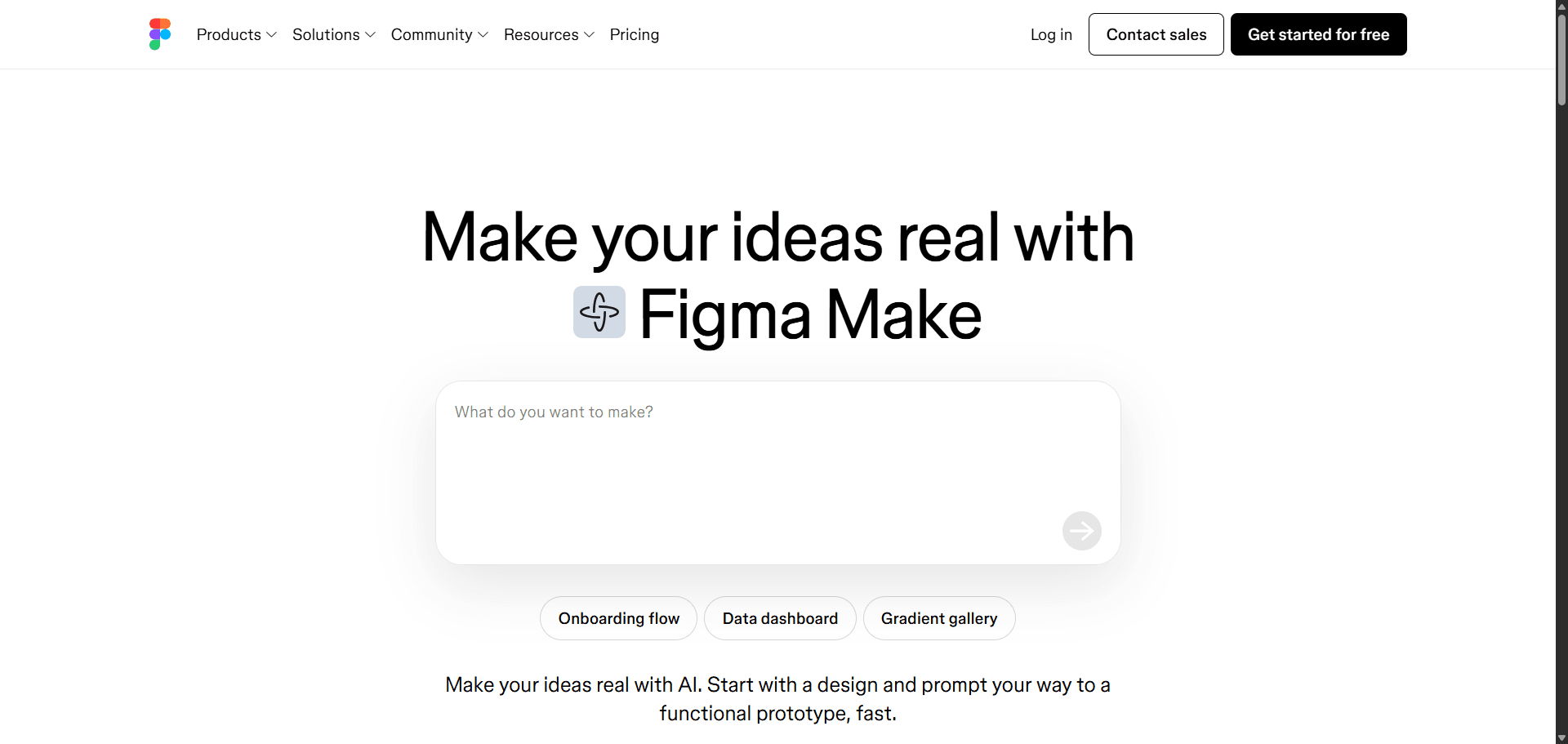
Figma AI is strong where teams already live inside the Figma ecosystem.
It works well for:
- rapid layout exploration
- small component variations
- landing page iteration
- lightweight prototypes
But it breaks under multi-screen flow pressure.
Context window degradation becomes visible quickly. Typography shifts. spacing changes. navigation logic resets.
Credit usage also becomes a bottleneck during iteration-heavy workflows.
For single-screen experimentation, it’s useful.
For deep SaaS architecture, it introduces drift faster than it removes effort.
- Uizard: Best for Rapid Low-Fidelity Drafting
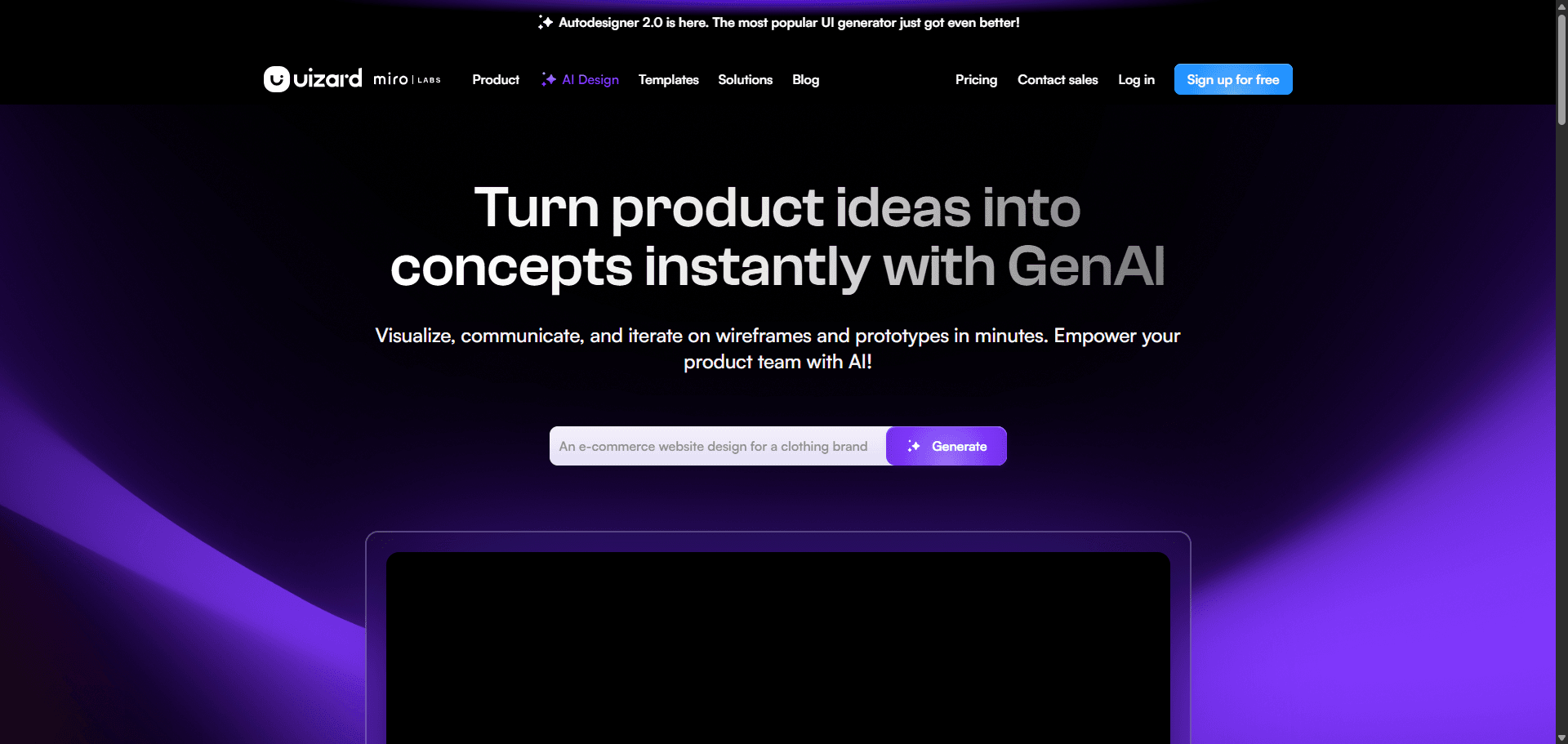
Uizard is optimized for speed over structure.
That makes it attractive to founders validating ideas quickly.
The problem appears during export.
Generated layouts often require complete manual refactoring inside professional environments because spacing systems and alignment logic don’t translate cleanly into structured component hierarchies.
Fast generation only helps if the output survives the next step.
If your team rebuilds everything after export, the speed advantage disappears.
- UX Pilot: Best for Automated Research Synthesis
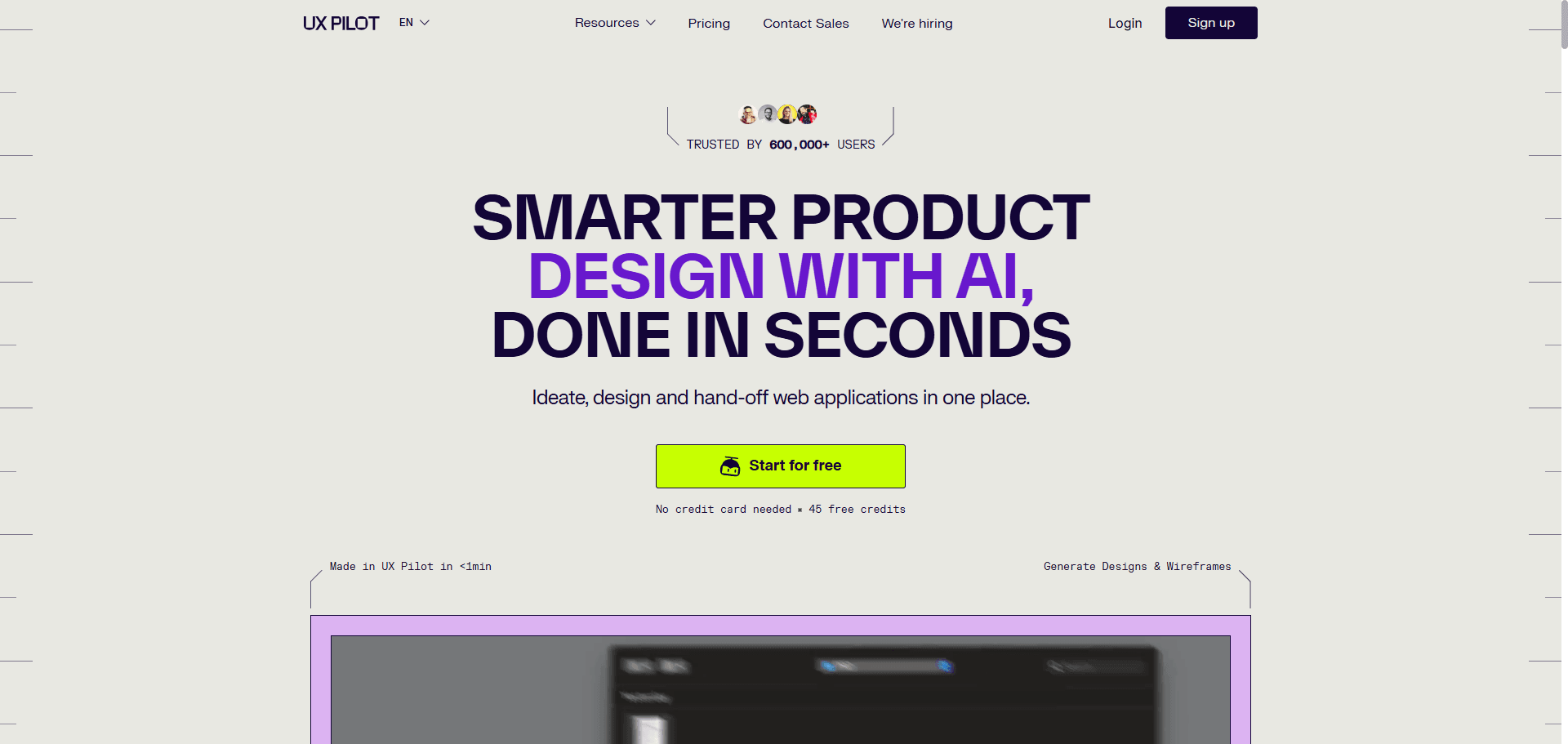
UX Pilot excels earlier in the workflow than most competitors.
It supports:
- research synthesis
- workflow structuring
- design exploration
- early ideation
But it struggles with final interface production.
Color palette conflicts, accessibility gaps, and disconnected screen logic limit its usefulness in later sprint stages.
It’s strongest as a research accelerator, not a production generator.
- Builder.io: Best for Direct-to-Code Prototyping
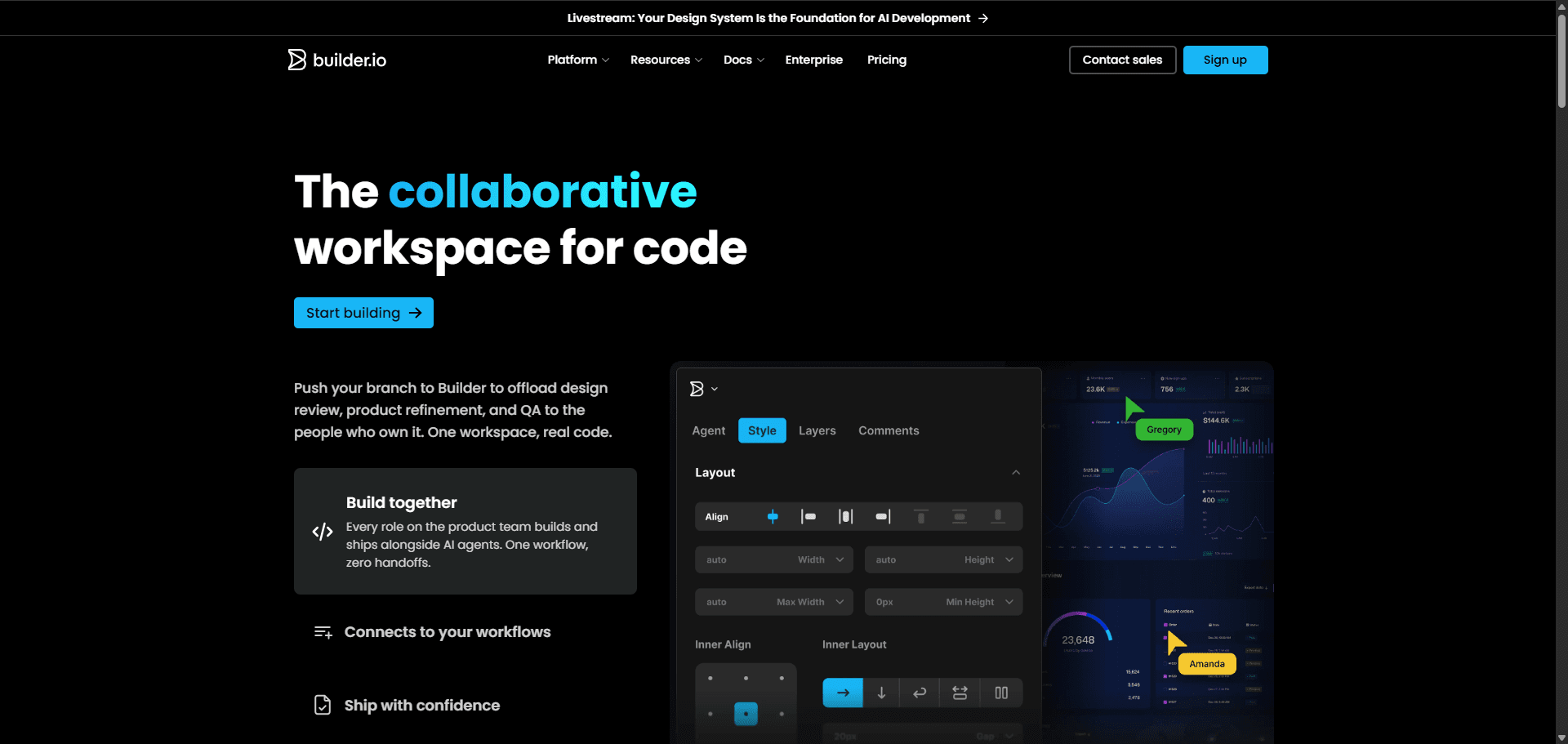
Builder.io focuses on bridging design and engineering earlier than most tools.
That makes it valuable for teams prioritizing implementation speed over visual iteration breadth.
Its strength is generating code-aligned layouts instead of mockups that require translation later.
Compared with tools that export static UI artifacts, this reduces handoff friction significantly.
Still, the workflow assumes structured inputs already exist. Without constraint engineering first, outputs inherit the same drift problems seen across other generators.
How to Build an AI Design Stack That Actually Saves Time
The best AI design tools only work inside constrained workflows.
If you start from a blank prompt, the model guesses.
Professionals don’t let it guess.
Here’s the structure modern teams follow.
You can see the broader version of this transition inside this guide to human-in-the-loop AI design workflows.
Step 1: Enforce Constraints Before Prompting
Context engineering happens before generation.
That includes:
- importing component libraries
- locking typography scales
- defining spacing rules
- mapping navigation structure
- defining journey states
Without these inputs, outputs become statistical averages.
Not product architecture.
This is why solving blank canvas syndrome with AI workflows isn’t the goal anymore. The goal is preventing drift after generation begins.
Step 2: Stop Designing Single Screens
Sequential prompting guarantees context collapse.
Instead of generating Screen 1, then Screen 2, then Screen 3, professional teams generate entire state systems at once:
- empty states
- error states
- success states
- interaction transitions
That keeps navigation logic consistent across the journey.
It also prevents token drift mid-flow.
Step 3: Use Agentic Section Editing Instead of Regeneration
Full-screen regeneration introduces randomness.
Localized editing preserves structure.
Modern workflows modify:
- pricing tables
- permission matrices
- dashboard density
- navigation grouping
without touching approved architecture.
This keeps iteration deterministic.
Step 4: Verify Accessibility and Edge Cases Manually
AI generates structure.
Designers verify behavior.
That means testing:
- contrast ratios
- interaction failures
- edge states
- navigation exceptions
before export.
Skipping verification recreates the verification tax later.
Step 5: Export Only Structured Components Engineers Accept
If exports contain absolute positioning or inline CSS, the workflow failed.
Structured outputs should map directly to:
- React components
- token systems
- auto-layout hierarchies
Otherwise the engineering team starts over.
This is where tools reviewed in the Google Stitch export analysis reveal ecosystem lock-in risks most teams overlook.
Production readiness isn’t visual accuracy.
It’s merge readiness.
Most AI design tools still optimize for screenshots, not systems. The teams shipping faster in 2026 aren’t prompting better, they’re enforcing constraints earlier. If your generator can’t hold typography, spacing, and navigation across an entire flow, it’s not accelerating delivery. It’s creating cleanup work.
Stop Paying the Verification Tax
If your AI generator forgets your design system between screens, it’s not accelerating your workflow, it’s creating cleanup work.
Switch to a flow-aware environment. Try UXMagic free and generate a structurally consistent multi-screen journey before your next sprint review.
Stop Fixing Broken AI Screens
Generate full product flows with locked tokens, consistent navigation, and merge-ready exports. Try UXMagic free and remove verification tax from your next sprint.