TL;DR: The best Figma Make alternative depends on what you need after the prompt. For consistent multi-screen flows that go back into Figma as auto-layout frames, use UXMagic and its Figma plugin. For free exploration, Google Stitch. For React components, v0, Magic Patterns or Subframe. For working apps with a backend, Lovable or Bolt. Comparing every AI design tool, not just these? See our best AI design tools of 2026.
Figma Make is a good idea executed inside a very particular box. It turns a prompt, or an existing Figma frame, into an interactive app you can publish, and it lives right next to the files your team already works in. If that is exactly what you need, stay.
Most people searching for Figma Make alternatives are not unhappy with the idea. They are unhappy with one of three things: the price of a Full seat and the credit limits that come with it, the fact that Make is built around one prototype at a time rather than a whole product flow, or the gap between what Make generates and what engineers will actually merge.
This guide, updated for September 2026, groups ten tools like Figma Make by the job you need done. We build UXMagic, so we tell you where it fits and where another tool is the better choice.
Why teams look for Figma Make alternatives in 2026
Access and cost. Figma Make is only available on Full seats on paid plans; Dev, Collab and free Starter users can trial it but not use it day to day. A Professional Full seat is $16/month with 3,000 AI credits a month, Organization is $55 with 3,500, and Enterprise is $90 with 4,250, all per Figma's pricing page.
Credit limits. Since March 18, 2026 Figma enforces those seat credit limits. Extra credits come as a shared team add-on subscription or pay-as-you-go, per Figma's AI credits update. Figma launched those add-ons at 5,000 credits for $120/month and raised the credits per add-on from August 25, 2026 (2x on Professional, 1.6x on Organization and Enterprise), and current add-on prices are shown in the admin dashboard. Either way, a Make request can cost 30 to 100+ credits, so heavy Make users either ration prompts or pay for more. Our Figma pricing guide breaks down the seat and credit maths.
Single prototypes, not flows. Make is strongest when you want one interactive thing. Teams designing a five-screen onboarding or a SaaS dashboard with settings, billing and empty states still have to hold the system together themselves.
Handoff. Make writes code for its own runtime. You can copy a preview back into Figma Design as layers, but if your goal is clean Figma frames or code in your own repo, a purpose-built tool is often shorter.
If you want the full picture of Figma's own AI features first, read what Figma AI is, and our UXMagic vs Figma Make comparison covers the head-to-head.
Quick picks: Figma Make alternatives by use case
| Use case | Best pick | Runner-up | Free tier |
|---|---|---|---|
| Multi-screen flows that go back into Figma | UXMagic | UX Pilot | Yes, 20 credits/day |
| Designing inside Figma with a plugin | UXMagic plugin | UX Pilot | Yes |
| Free exploration | Google Stitch | UXMagic Free | Yes, Labs limits |
| Matching an existing product's design system | Magic Patterns | Subframe | Yes, capped |
| React components for developers | v0 | Subframe | Yes, capped |
| Working MVP with a backend | Lovable | Bolt | Yes, capped |
| Marketing websites | Framer AI | UXMagic publish | Yes, capped |
| Fast single-prompt UI concepts | Banani | Google Stitch | Yes, capped |
Best Figma Make alternatives for Figma-first designers
These tools are for people whose real deliverable is still a Figma file. They generate outside or alongside Figma, then hand back editable frames.
- UXMagic
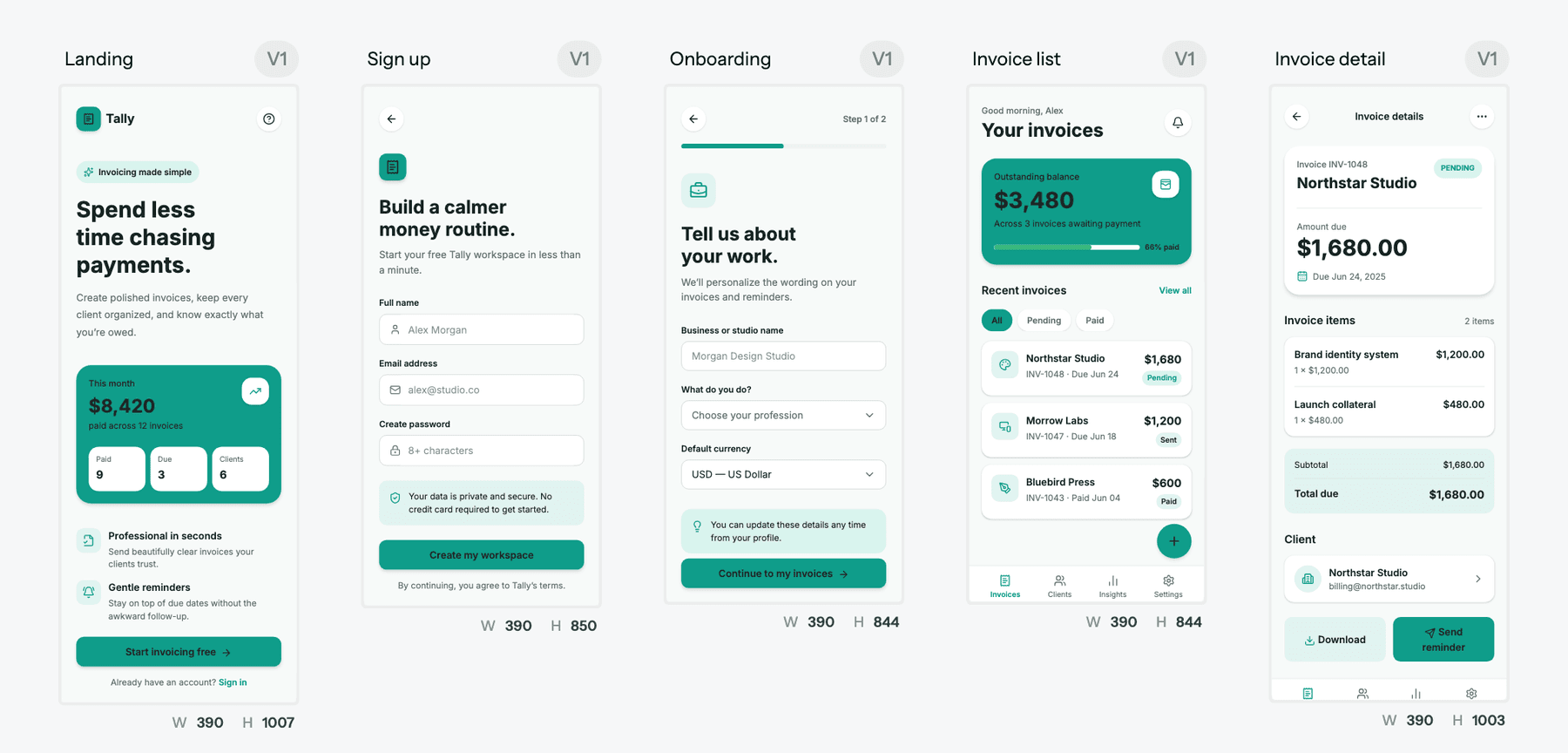
UXMagic is an AI UI/UX design tool that designs whole journeys rather than single screens. You describe what you want, the AI proposes a screen plan (a named list of screens with a one-line purpose each), you approve or edit it, and then it designs each screen on an infinite canvas while you watch. Colours, fonts, radii and spacing live on the project as design tokens, so "make it dark" moves every screen together. The Flow Mode guide explains the plan-then-design loop.
Where it differs most from Figma Make is how it moves in and out of Figma:
- Import from Figma. Connect your Figma account, paste a link to a frame, and UXMagic brings across the layout and auto-layout structure, text with its type styles, colours and effects, images and vectors. You can choose to use the frame's styles as the project theme, then iterate on it in chat. The import from Figma help article has the steps.
- Export to Figma. Screens go to Figma as auto-layout frames that resize properly, with editable text layers, real fills, gradients and shadows, and layers named by section. You can refine in Figma and bring the frame back for more AI work. See export to Figma.
- The Figma plugin. Inside Figma you can generate UI from a prompt, turn a website URL into editable layers, or convert a screenshot into frames with auto-layout, all on the same credit balance as the web app. The Figma plugin guide covers install and use.
- HTML to Figma. Paste a URL and HTML to design returns an editable design with named frames and real auto-layout, no browser extension needed.
It also starts from a screenshot or image, a URL you want to clone, or a product doc, exports HTML or React with Tailwind, and publishes live sites. If you prefer to start from ready-made sections, the Figma component library has navigation bars, pricing sections, forms and more to copy into your file.
Best for: designers, PMs and founders who want an AI-generated, consistent multi-screen flow that ends up as clean Figma frames or front-end code.
Where it falls short: it is not a pixel-level illustration tool and it does not build a backend, so exported code is a front end you wire into your app. Figma import is very close but not identical (Figma is a vector canvas, the web is a box model), and frames built with auto-layout import far better than absolutely positioned ones. Free accounts get one Figma export.
Pricing: Free gives 20 credits a day (up to 3 screens a day across 5 projects, plus 1 Figma export), no card required. Pro is $35/month, or $17.50/month billed annually, with 2,400 credits a month (up to 400 screens) and 250 Figma exports. Details are in plans and limits.
- UX Pilot
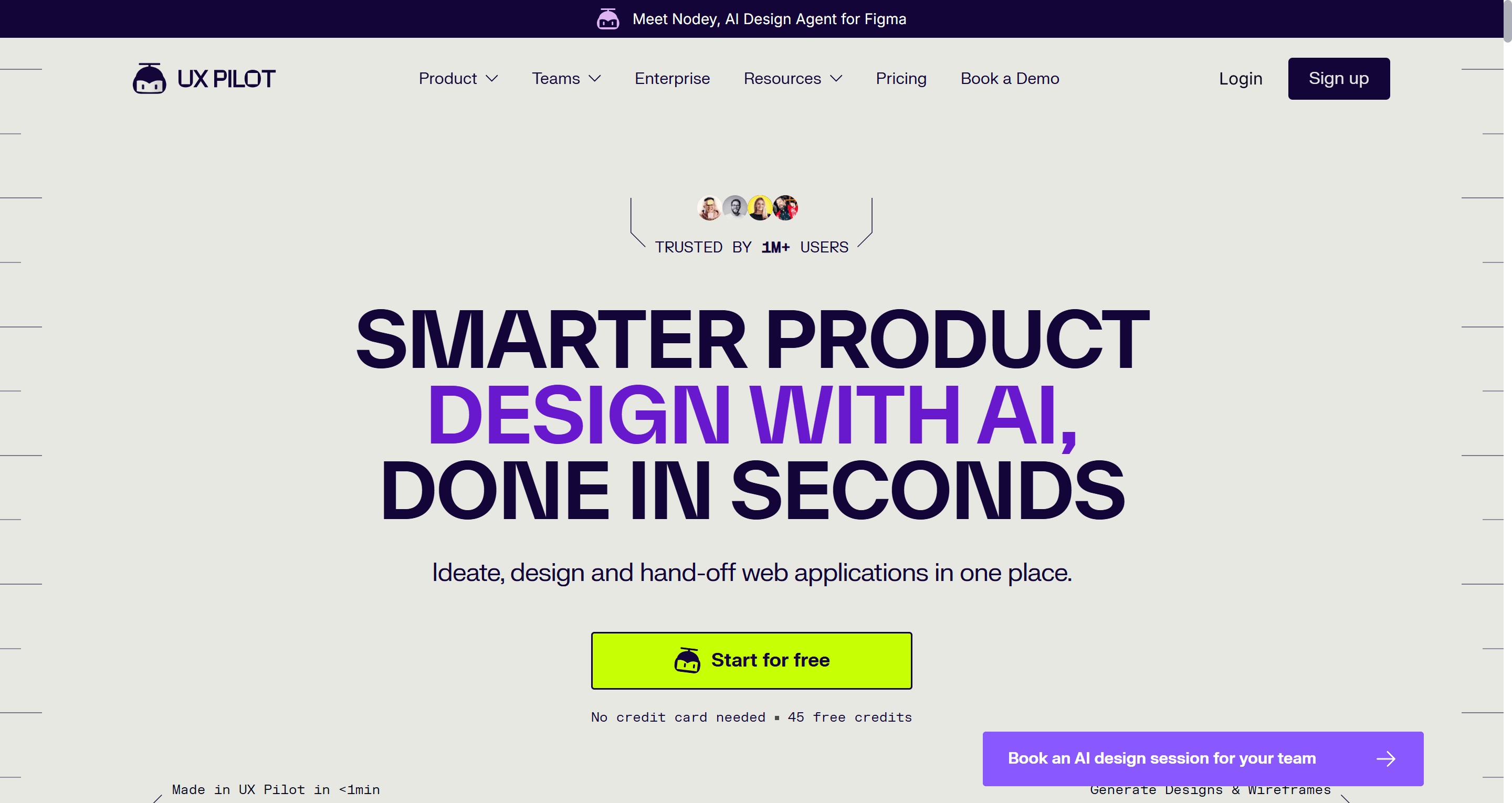
UX Pilot works both as a web app and a Figma plugin. It generates wireframes and hi-fi screens from prompts, supports connected user flows, and advertises Figma two-way sync, code export, predictive heatmaps and automated design review. For a designer who wants AI help without learning a new canvas, it is one of the most direct tools like Figma Make.
Best for: UX designers who want wireframes and hi-fi screens delivered straight into Figma, plus quick design reviews.
Where it falls short: credits go quickly on hi-fi generation, and output leans generic without a strong style reference. Keeping a system consistent across a long flow takes more manual work than a token-based tool.
Pricing: free plan with no card required; Pro is $22 a month billed annually for 750 credits, and Teams is priced per user, according to UX Pilot's plans page.
Read our full UX Pilot review, or our roundup of Figma AI plugins for UI generation if you want to stay entirely inside Figma.
Bring your Figma frames to life with AI
Import a frame, generate the rest of the flow on the same theme, and export it back to Figma with auto-layout. Free plan, no card required.

Best free Figma Make alternative
- Google Stitch
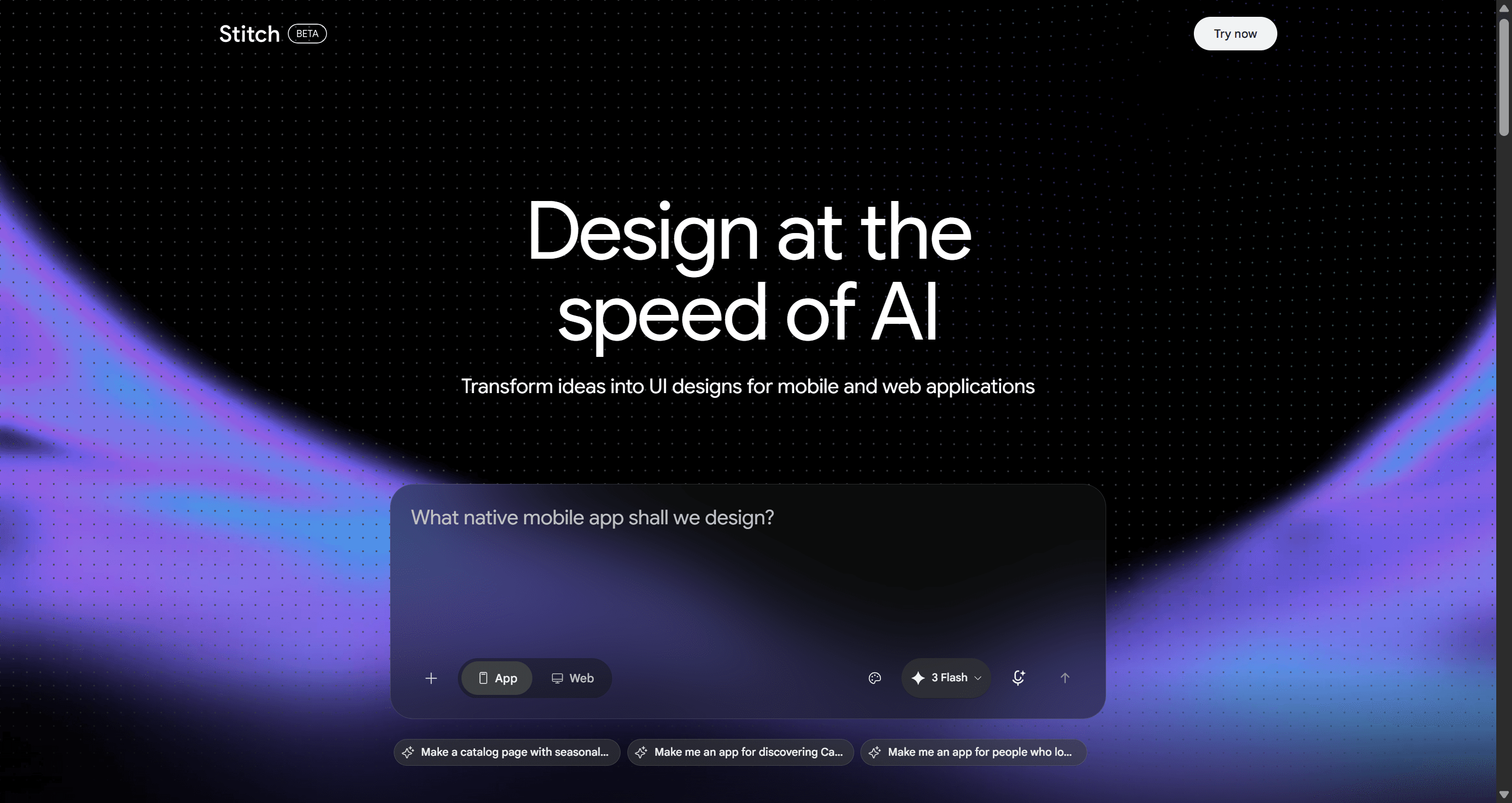
Google Stitch (formerly Galileo AI) is Google Labs' answer to Figma Make, and it is the obvious free Figma Make alternative. Powered by Gemini models, it generates screens on an infinite canvas, can lay out several connected screens at once, and supports text or voice prompts. It introduced DESIGN.md, a portable markdown file that captures colour, type and spacing rules, and it can send designs to Figma, export code, or push to Google Antigravity. At Google I/O in May 2026 Google added real-time streaming to the canvas and publishing via Netlify.
Best for: founders and designers who want to explore visual directions at zero cost.
Where it falls short: it is still an experiment with monthly generation limits and no paid tier or support commitments. Consistency across a longer flow needs manual care, and collaboration and team features are thin compared with commercial tools.
Pricing: free during the Google Labs phase, with monthly usage limits.
Read our full Google Stitch review, our Google Stitch alternatives guide, or the UXMagic vs Google Stitch comparison.
Best for matching an existing product
- Magic Patterns
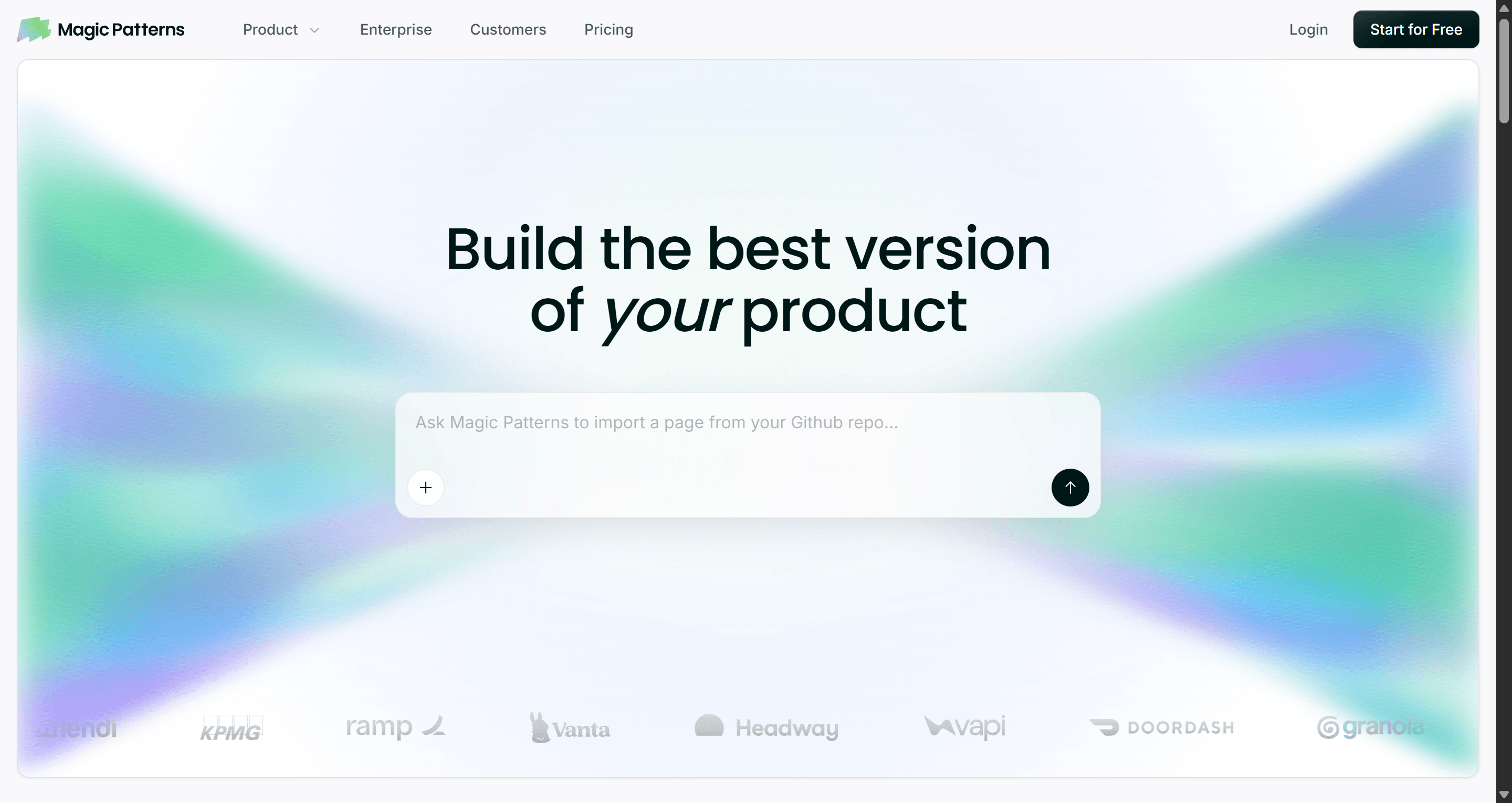
Magic Patterns is aimed at teams that already have a product and a design system. You can feed it your components and tokens, capture existing pages as a starting point, and generate new features that look like your product rather than a generic template. Output is React with Tailwind, and designs can go to Figma.
Best for: product teams adding features to an existing app who care about matching what is already shipped.
Where it falls short: it is centred on components and single features more than full journeys, and the credit model rewards careful prompting (Magic Patterns estimates a single generation at roughly 25 credits).
Pricing: Free with monthly credits; Starter at $20 per seat per month ($17 billed annually) with 1,000 extra credits; Business at $100 per seat per month with 5,000.
Read our full Magic Patterns review.
Best Figma Make alternatives for developers
- v0 by Vercel
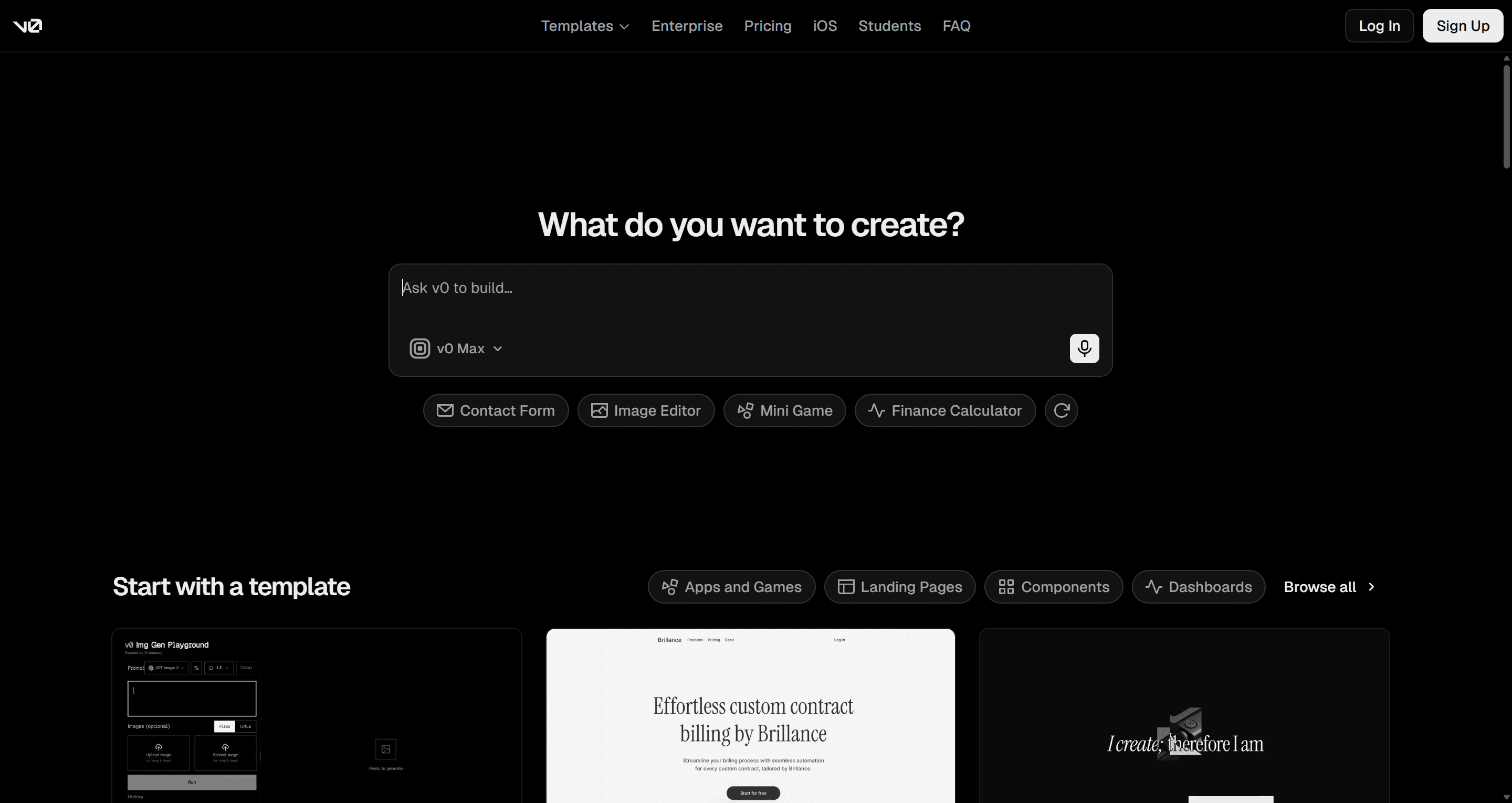
v0 generates React and Next.js interfaces styled with shadcn/ui and Tailwind, and deploys to Vercel in a click. On paid plans you can import a Figma file into a chat, which makes it a natural next step for developers who receive Figma designs and want working components.
Best for: developers already on React, shadcn/ui and Vercel who want components they can drop into a repo.
Where it falls short: it is a code tool first. There is no design canvas to reason about a flow, visual edits are limited, and usage-based pricing means long iteration sessions add up.
Pricing: Free with $5 of monthly credits and a 7-message daily limit; Plus at $30 per user per month; Business at $100 per user per month.
Read our full v0 review, or the sibling guide to v0 alternatives.
- Subframe
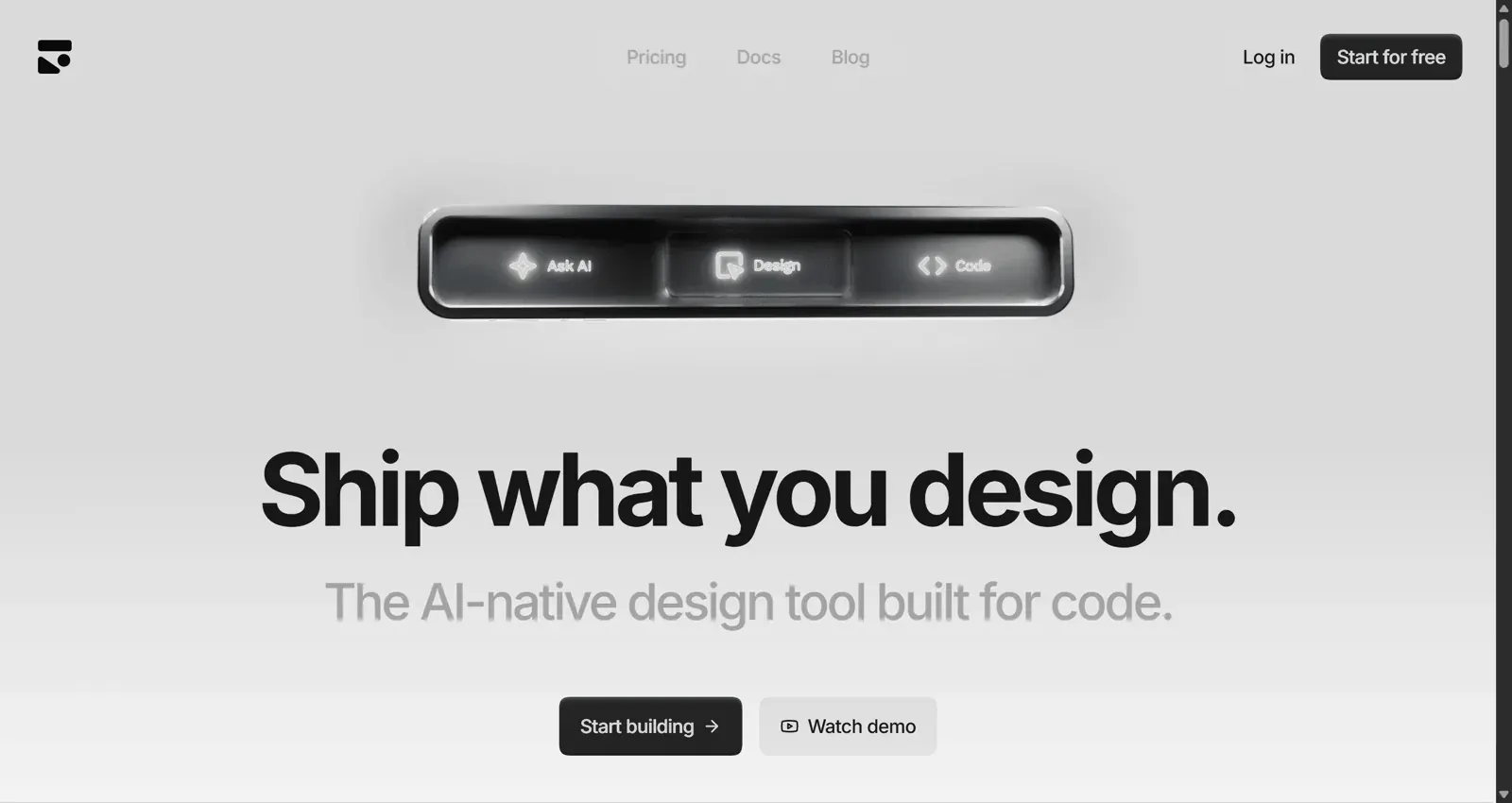
Subframe is now a macOS app that puts a design canvas, a coding agent and a browser in one window. What you draw on the canvas is HTML and React, it syncs with your codebase's components and tokens, and it connects to Claude Code or Codex through your own subscription.
Best for: design engineers and small product teams who want design and implementation to be the same artifact.
Where it falls short: it is Mac-only, it assumes a React codebase and some comfort with coding agents, and it is not a Figma workflow at all.
Pricing: Free for one project; Pro at $20 per editor per month.
Read our full Subframe review.
Best Figma Make alternatives for working apps
If you picked Figma Make because it can publish something that runs, these tools go further with real backends.
- Lovable
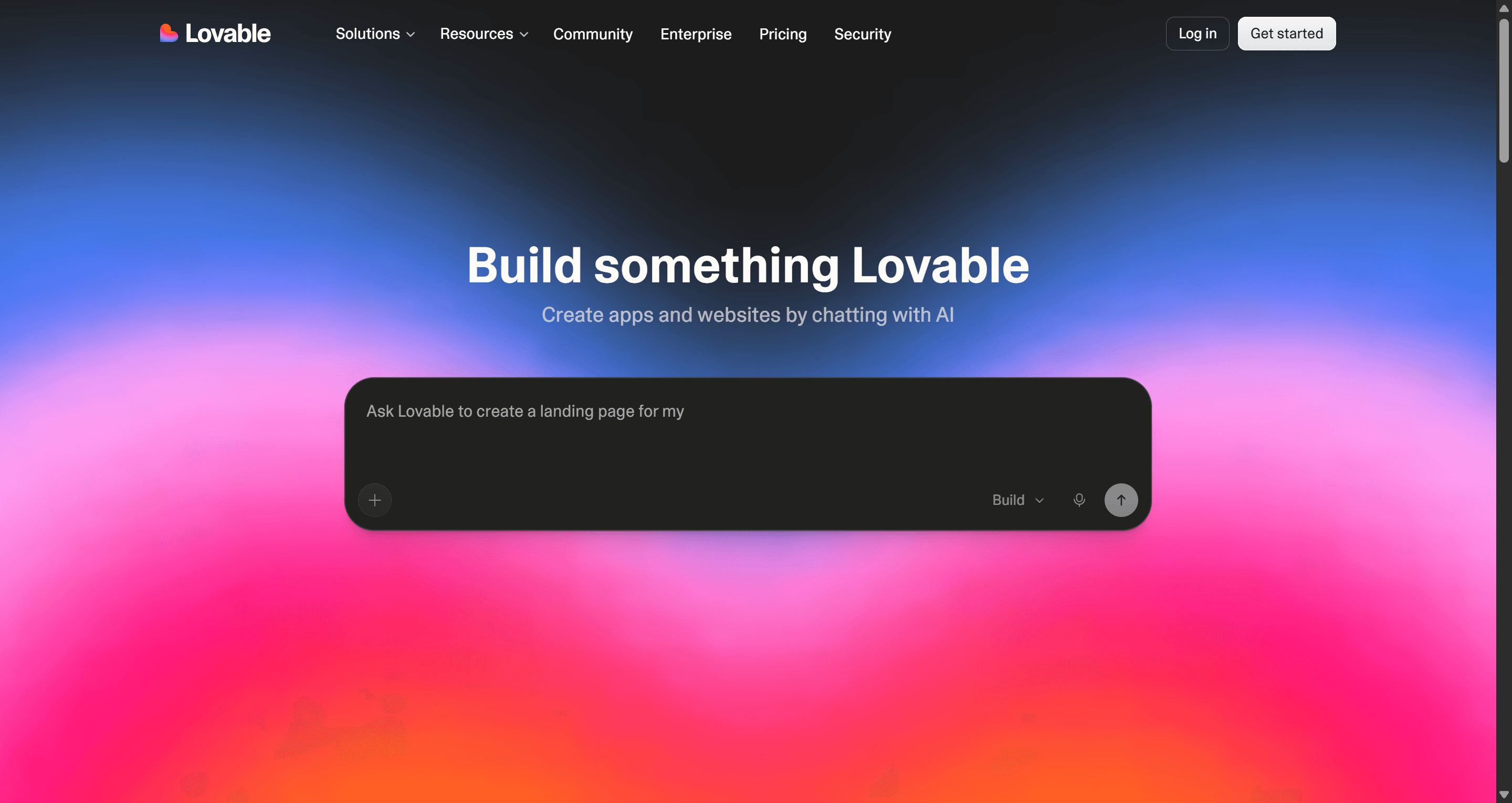
Lovable turns a prompt into a full-stack web app with authentication, a database and one-click deploy. It is the tool that popularised vibe coding and a large part of why Figma built Make.
Best for: founders validating an MVP who need real sign-up, data and payments rather than a clickable mock.
Where it falls short: design quality depends on the prompt, and structural changes can burn credits fast. Designing the journey first and then building it is usually cheaper than iterating on layout inside Lovable.
Pricing: Free with 5 build credits a day (up to 30 a month); Pro from $25/month for 100 credits; Business from $50/month.
Read our full Lovable review and our Lovable alternatives.
- Bolt.new
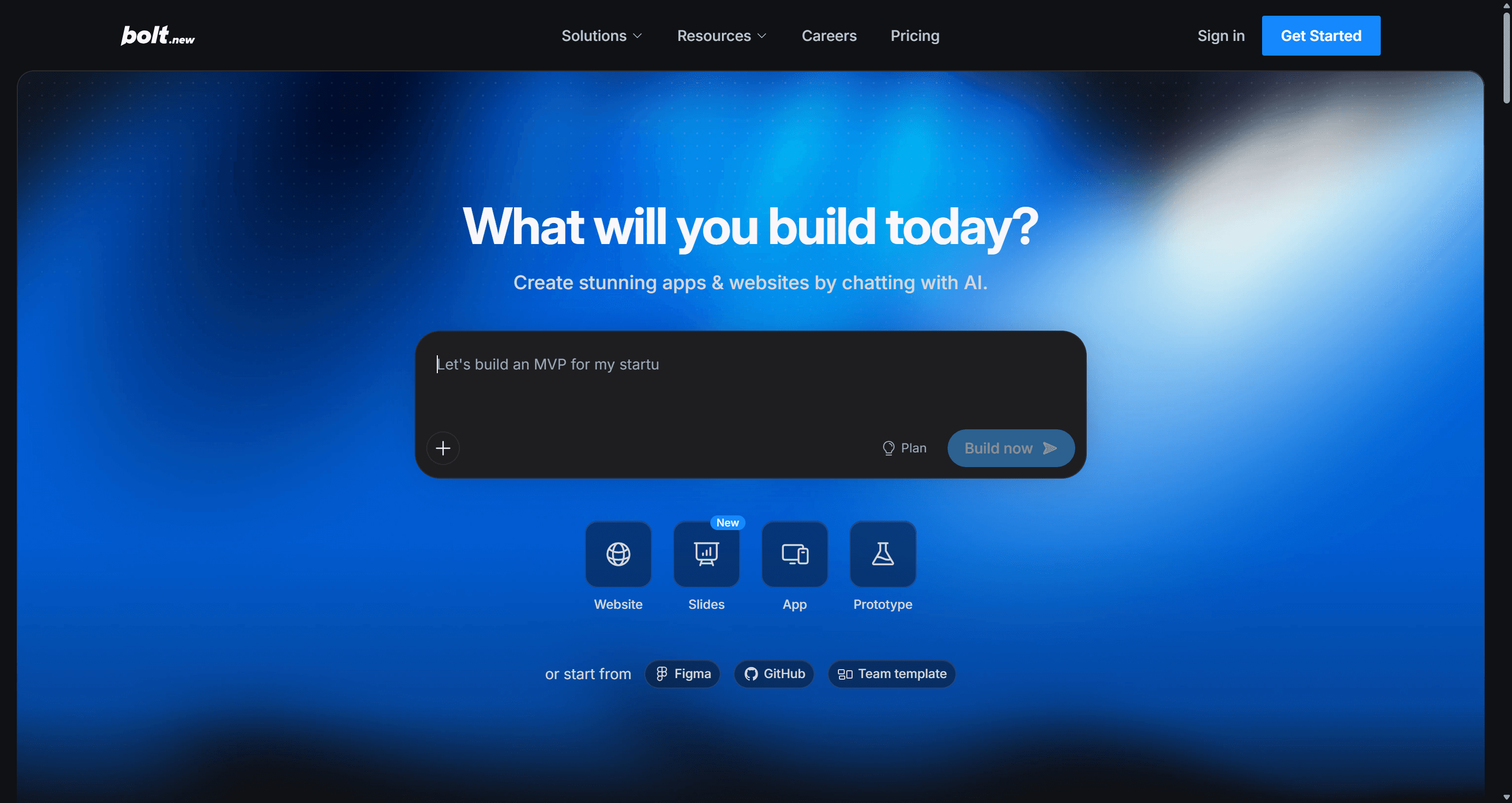
Bolt.new, from StackBlitz, runs a full development environment in the browser and can import a Figma frame by URL into a new or existing project. Every file is visible and editable, so a developer can take over when the AI stalls.
Best for: technical founders and developers who want Make-style speed with full access to the code.
Where it falls short: token usage climbs quickly on large projects, and the UI it generates is functional rather than designed.
Pricing: Free with 1M tokens a month (300K daily limit); Pro at $25/month starting at 10M tokens; Teams at $30 per member per month.
Read our Bolt.new review or see UXMagic vs Bolt. Our vibe coding tools comparison puts Bolt and Lovable side by side.
Best for marketing websites
- Framer AI
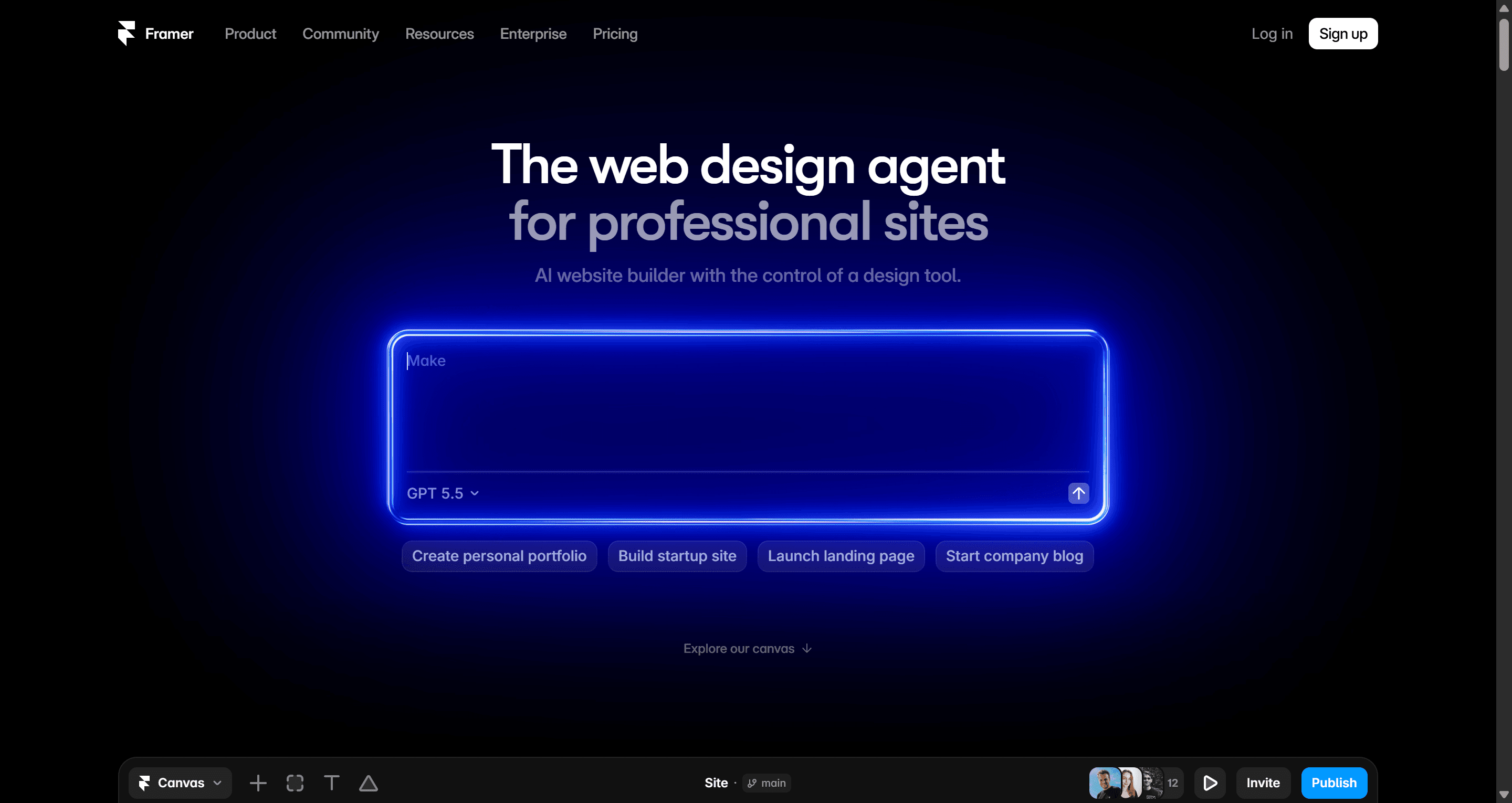
If what you were really making in Figma Make was a landing page, Framer is the better destination. Its AI agent creates editable pages, sections, copy and visuals in your project, can populate CMS collections and build code components, and Framer handles hosting and SEO.
Best for: marketers and designers shipping marketing sites and landing pages.
Where it falls short: it is a website builder, not an app or product-flow tool, and extra editors add to the bill.
Pricing: Free with 500 AI credits to try; Basic at $10/month and Pro at $30/month billed yearly; additional editors are $20/month.
See UXMagic vs Framer AI for how the two compare for sites.
Best for quick single-prompt concepts
- Banani
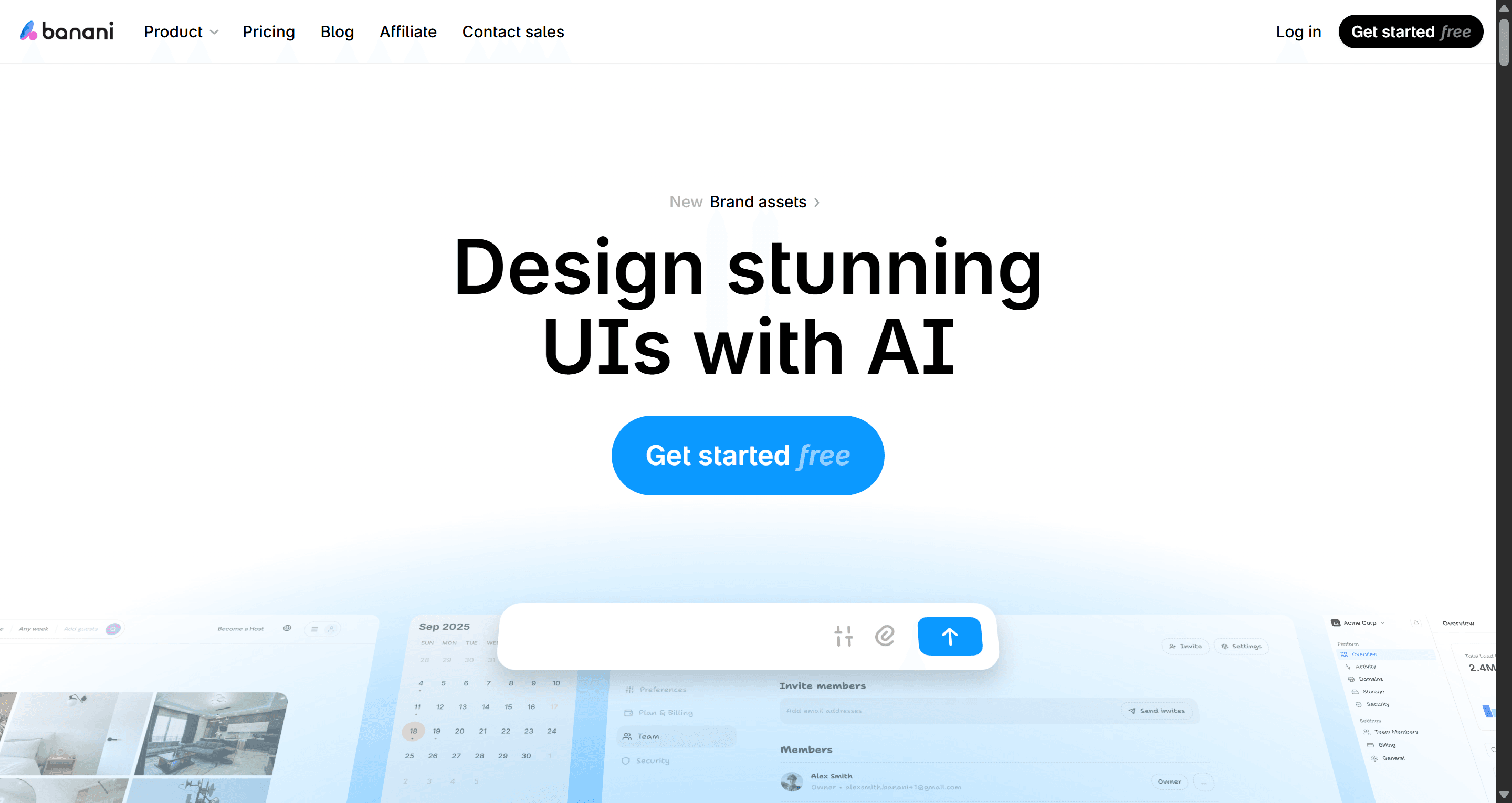
Banani generates UI screens from prompts on a Figma-like canvas, with chat editing, image-to-design, copy-paste Figma export on paid plans, and code export with MCP. Its newer agent mode generates designs with shared components.
Best for: designers who want fast visual concepts and a simple credit model.
Where it falls short: the free tier is small (12 monthly credits plus 3 a day), unlimited Figma export starts on the paid Plus plan, and it focuses on screens more than end-to-end handoff.
Pricing: Free; Plus at $20/month or $12/month billed yearly; Pro at $50/month or $30/month billed yearly.
Read UXMagic vs Banani for a feature-by-feature comparison, or the Banani comparison page.
Figma Make competitors: pricing compared
| Tool | Free tier | Paid from | Figma workflow |
|---|---|---|---|
| Figma Make | No (trial only) | $16/mo Professional Full seat | Native; copy preview back as layers |
| UXMagic | 20 credits/day | $35/mo or $17.50/mo yearly | Frame import, auto-layout export, plugin |
| UX Pilot | Yes | $22/mo billed annually | Plugin and two-way sync |
| Google Stitch | Free (Labs limits) | No paid plan | Export to Figma |
| Magic Patterns | Monthly credits | $20/seat/mo | Export to Figma |
| v0 | $5 credits/mo | $30/user/mo | Figma import on paid plans |
| Subframe | 1 project | $20/editor/mo | Code-first, no Figma step |
| Lovable | 5 credits/day | $25/mo | Code-first |
| Bolt.new | 1M tokens/mo | $25/mo | Figma frame import |
| Framer AI | 500 AI credits | $10/mo yearly | Site builder |
| Banani | 12 credits/mo + 3/day | $20/mo or $12/mo yearly | Copy-paste export (paid) |
Prices were checked against each vendor's pricing page or docs in September 2026 and change often, so confirm before you buy.
How to choose a Figma Make alternative
Answer four questions and the list narrows fast.
1. Is your deliverable a Figma file, code or a live product? If it is a Figma file, pick a tool with real Figma output: UXMagic, UX Pilot or Stitch. If it is code in your repo, v0, Subframe or Magic Patterns. If it is a working product, Lovable or Bolt.
2. One screen or a whole flow? Single-screen generators are fine for concepts. For onboarding, checkout or a dashboard with settings, a tool that plans the flow and holds a shared theme saves hours of cleanup. Our guide on how to design UI with AI walks through that flow-first approach, and the wireframe vs mockup vs prototype explainer helps decide which fidelity you actually need.
3. Do you have existing designs to start from? If you have Figma frames, choose a tool that imports them rather than re-prompting from scratch. If you have a live site, HTML to Figma or a screenshot is faster than describing it. Our image to Figma converter comparison covers the screenshot route in depth.
4. How predictable does the cost need to be? Daily free credits (UXMagic, Lovable) suit exploring; seat-based plans (Subframe, Magic Patterns) suit teams; usage-based plans (v0, Bolt) suit developers who iterate in bursts.
A Figma-first workflow that skips Figma Make
This is the round trip we see working best for teams who live in Figma but want AI to do the heavy lifting:
- Start from what you have. Import the Figma frame that defines your product's look, and let UXMagic adopt its styles as the project theme. No frame yet? Start from a prompt, a screenshot, or a template.
- Plan the journey. Describe the flow ("sign up, onboarding, dashboard, empty state, settings"), then edit the proposed screen plan before anything is designed. Fixing the plan costs 1 credit; fixing eight wrong screens costs far more, as how credits work explains.
- Iterate with targeted edits. Ask for specific changes ("shorten the hero", "use a table instead of cards") rather than regenerating whole screens.
- Export back to Figma. Export the flow together as auto-layout frames, name your screens first, and finish detail work in Figma.
- Hand off to code. When the design is settled, export HTML or React, or use the design to code generator. If you are going the other way, our guide to Figma to HTML without plugins covers the options.
Developers can also let Claude, Cursor or VS Code read and edit the same designs through the UXMagic MCP server.
Design the whole flow, then send it to Figma
Approve a screen plan, watch every screen come out on one theme, and export auto-layout frames to Figma. 20 free credits every day.
Other alternatives worth a look
A few tools did not make the ten but may suit specific cases:
- Claude Design, Anthropic's design surface for paid Claude plans, for teams who already work in Claude. See our Claude Design alternatives and the Claude Design vs UXMagic comparison.
- Low-fidelity wireframing tools, if you want to settle structure before any visual design. Our best wireframing tools guide covers free and paid options, and UXMagic's AI wireframe generator works in the same project as hi-fi.
- Prototyping-specific tools, if you need clickable demos for user testing. Our best prototyping tools roundup compares them.
Our recommendation
Stay on Figma Make if your team is already paying for Full seats, mostly builds single interactive prototypes, and is happy for the output to live in Make.
Choose a Figma Make alternative when your needs are more specific. For code, v0 or Subframe. For a working MVP, Lovable or Bolt. For zero cost, Google Stitch. For marketing sites, Framer.
Choose UXMagic when the real job is a consistent multi-screen product flow that has to end up in Figma or in code. It imports your existing Figma frames, keeps one theme across every screen, exports auto-layout frames back to Figma, and works inside Figma through the plugin. It will not build your backend or replace Figma for pixel-level craft, and it is honest about that. You can compare plans on the pricing page and start on the free tier.
Related guides
- 9 Best Uizard Alternatives in 2026, Grouped by Use Case
- 9 Best MagicPath Alternatives in 2026, Grouped by How You Work
- Top 7 AI Tools for Design Consistency in 2026 (UI, UX, and Design Systems)
- AI Design to Code Tools: The Complete 2026 Guide by Input Type
- Lovable vs Bolt in 2026: Which AI App Builder Fits Your Project?
- 10 Best Bolt.new Alternatives in 2026: Free, Paid and Open Source
- 15 Best UX/UI Design Tools for 2026, Plus a Startup Stack
- Best AI App Builder in 2026: 10 Tools Compared by Use Case
- Figma Agent Review 2026: What the Beta Does, Costs and Misses
- Lovable Pricing 2026: Plans, Credits, and What an App Really Costs
Try the Figma Make alternative built for flows
Import from Figma, generate a consistent multi-screen flow, and export clean auto-layout frames or React. Free plan, no card required.