
Most UXPilot review 2026 posts obsess over how fast the tool generates screens.
That’s the wrong question.
The real question is whether those screens survive contact with your design system, your Figma file, and your developer handoff pipeline. If they don’t, the “speed” just turns into verification debt you pay later.
If you’ve already shipped real SaaS flows, you’re not evaluating inspiration tools anymore. You’re evaluating whether UXPilot’s Blitz model actually reduces production effort or quietly increases it.
UXPilot AI Review 2026: The Reality of Generative UI
What is UXPilot? (Beyond the Blitz Execution Model)
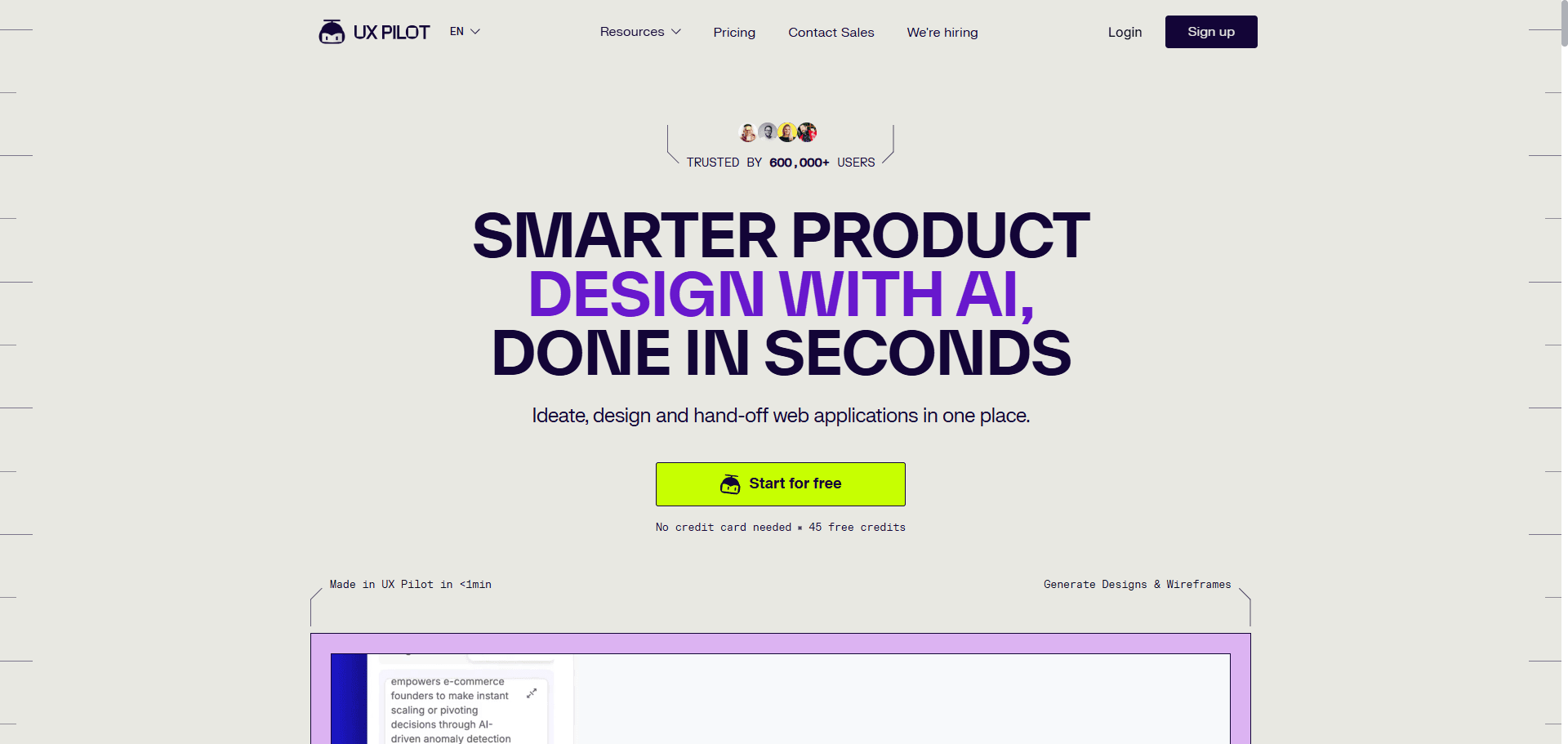
UXPilot is an AI UI generator built around a speed-first workflow.
Its core pitch is simple:
- Generate layouts in seconds
- Map flows automatically
- Export to Figma
- Produce usable frontend-ready code
The Blitz model reportedly creates dashboards and structured layouts up to 16× faster than manual workflows. That sounds impressive until you test what happens after export.
The real evaluation isn’t generation speed. It’s whether those layouts remain structurally usable inside production tooling.
UXPilot Pricing Breakdown: Is the Pro Plan Worth $22/Month?
UXPilot’s pricing structure is straightforward and credit-based:
| Plan | Price | Credits | Best For |
|---|---|---|---|
| Free | $0 | 90 | Testing the platform |
| Standard | $12/month | 420 | Freelancers |
| Pro | $22/month | 1,200 | Product designers |
| Enterprise | Custom | Unlimited/custom | Agencies |
The Pro plan looks inexpensive at first glance.
But pricing only matters if the outputs reduce downstream labor. If your team spends 45 minutes repairing every exported screen, the tool isn’t saving money ,it’s redistributing cost into cleanup
Deep Dive: UXPilot Features vs. Real-World Limitations
The AI Wireframe Generator: Speed vs. Structural Logic
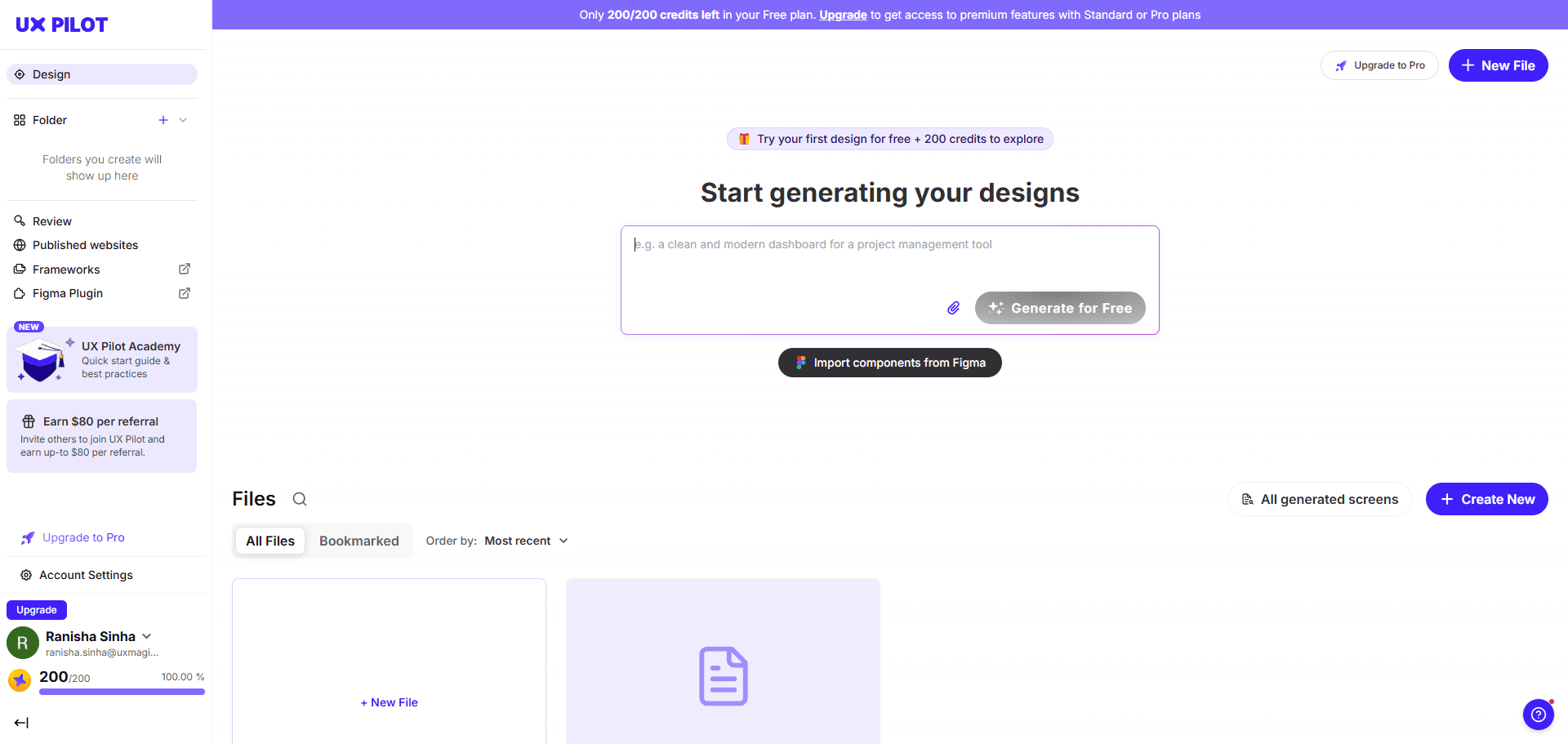
Most guides praise instant high-fidelity generation.
That’s backwards.
Jumping directly to polished UI skips structural validation—the step where actual product thinking happens. Stakeholders immediately critique colors instead of workflows.
High-speed rendering is useful for:
- macro architecture previews
- flow mapping
- layout exploration
It’s dangerous when used as production output.
This is why teams increasingly treat AI as a wireframe engine first, not a visual designer. If you’re still prompting for pixel-perfect dashboards before validating flows, you’re building technical debt early.
For a realistic picture of how designers actually structure AI-assisted workflows, see how teams apply AI inside shipping environments in this breakdown of real production usage: https://uxmagic.ai/blog/ai-in-ux-design-workflow
Dashboard Builder and the Flaws of Data Visualization
UXPilot’s dashboard generator produces impressive results quickly.
But dashboards aren’t static layouts. They’re responsive systems.
A typical failure pattern:
- columns don’t respect auto-layout
- tables behave like flat layers
- padding adjustments break alignment
- adding a column collapses structure
So the UI looks correct ,but behaves incorrectly.
In enterprise environments, designers often delete the generated table entirely and replace it with their internal component version. At that point, the AI becomes inspiration ,not infrastructure.
The Figma AI Plugin: Bridging the Handoff Gap
UXPilot’s plugin workflow follows three steps:
- Describe an interface or upload a PRD
- Generate layouts using Blitz
- Export via Retrieve in Figma
In practice, exports frequently degrade during extraction from the web generator into the Figma JSON tree.
Common issues:
- long scrolling pages get truncated
- charts fail to import correctly
- nested components break
- auto-layout structures become illogical
- brand tokens are ignored unless heavily constrained
Most reviews skip this part. That’s the part that determines whether the tool is usable in sprint environments.
The Hidden Cost of Stateless AI Design Tools
Understanding Verification Debt and Design Drift
Verification debt is what happens when every generated screen must be manually checked before handoff.
It usually appears like this:
- typography shifts between steps
- button radii mutate across flows
- spacing tokens drift
- navigation placement changes unexpectedly
This is called AI Context Amnesia.
Instead of generating a connected system, the tool produces isolated snapshots. Designers spend more time synchronizing screens than they would building flows from scratch.
If this problem sounds familiar, it’s the same friction described in discussions around why designers freeze at blank prompts in early AI workflows covered here: https://uxmagic.ai/blog/blank-canvas-syndrome-ai-ux-workflow
How UXMagic’s Flow Mode Solves AI Context Amnesia
Stateless generation creates disconnected artifacts.
Stateful generation creates systems.
Instead of regenerating each screen independently, UXMagic’s Flow Mode maintains persistent memory across flows so:
- typography scales stay locked
- spacing rules remain consistent
- navigation structure persists
- component variants don’t mutate mid-journey
That eliminates the verification debt loop before it starts.
It also enforces cognitive consistency requirements aligned with WCAG 3.2.3 and 3.2.4 something stateless generators frequently break unless manually corrected.
If accessibility consistency matters in your workflow, this is where structured prompting becomes essential: https://uxmagic.ai/blog/prompting-ai-wcag-22-accessible-ui
The Impact of AI on Senior UX Designers in 2026
The Erosion of Judgment and the “Curator Dilemma”
AI tools aren’t replacing junior designers first.
They’re reshaping senior ones.
When layouts arrive instantly, designers shift from authors to curators. Instead of constructing architecture intentionally, they select the least-wrong option from four generated variations.
Over time, that weakens:
- structural decision-making
- pattern selection discipline
- research interpretation depth
The danger isn’t automation.
It’s plausible outputs that look correct enough to accept without challenge.
Tool Showdown: UXPilot vs. Competitors
UXPilot vs Uizard: Structure vs. Simplicity
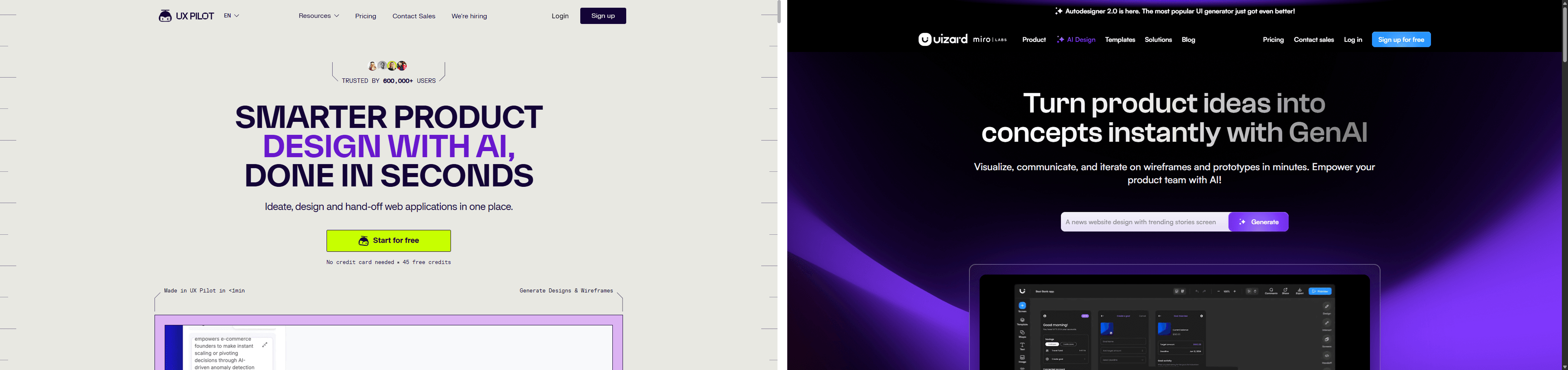
The difference is audience alignment.
Uizard prioritizes accessibility for:
- beginners
- product managers
- non-designers
That makes outputs fast ,but often generic.
UXPilot targets professional designers using complex prompts and layered constraints. Its outputs align closer to production expectations, but still suffer from stateless drift during multi-screen workflows.
So the tradeoff isn’t quality vs speed.
It’s structure vs simplicity.
UXPilot vs UXMagic: Stateless Ideation vs Stateful Production
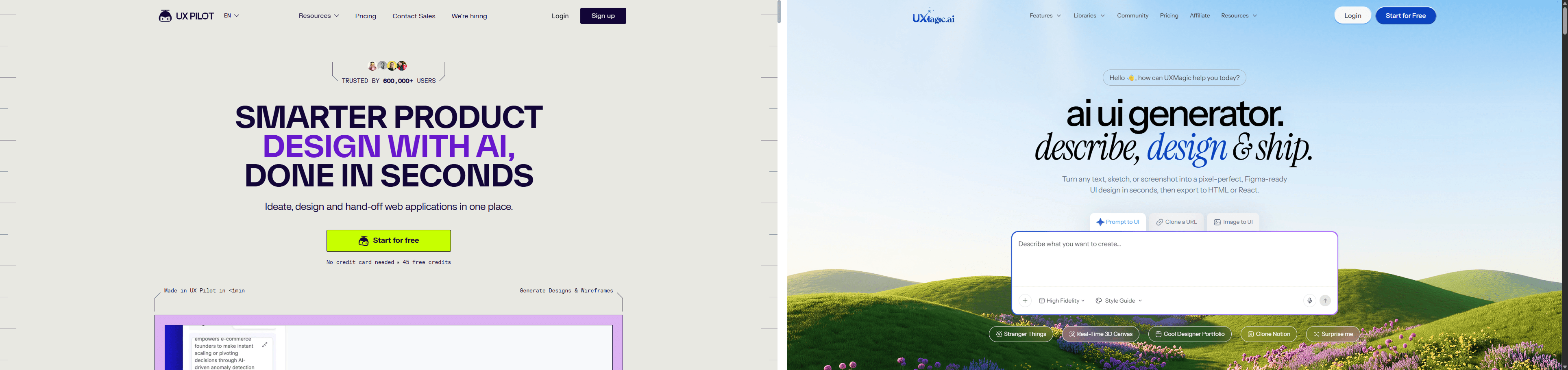
Here’s the architectural difference most comparisons ignore.
Stateless generators:
- treat screens independently
- ignore persistent tokens
- detach components during export
- require manual cleanup before handoff
UXMagic’s workflow starts earlier before generation ,by locking tokens and enforcing constraints during execution instead of after export.
That means:
- fewer detached components
- fewer spacing mismatches
- fewer typography resets
- fewer accessibility regressions
Instead of producing moodboards, it produces flows aligned with component libraries.
If you want examples of how teams structure those prompts in real environments, these production-ready templates show what that looks like in practice: https://uxmagic.ai/blog/production-ready-ai-design-prompts-saas
UXPilot Review 2026 Verdict: Should SaaS Teams Adopt It?
UXPilot is excellent at generating layouts quickly.
It struggles at maintaining systems across flows. That distinction matters more in 2026 than ever before.
Adopt it if your workflow needs:
- fast wireframe exploration
- dashboard inspiration
- early-stage architecture previews
- PRD-to-layout acceleration
Avoid relying on it as a production pipeline if your team depends on:
- strict design tokens
- reusable components
- accessibility consistency
- multi-screen state continuity
Velocity is not competence.
If your team moves faster than its understanding of the user, you’re shipping artifacts ,not experiences.
UXPilot is fast at generating layouts but unreliable at maintaining systems across flows. For ideation, it accelerates exploration. For production workflows with strict tokens, accessibility constraints, and component libraries, it introduces verification debt that cancels out most of its speed advantage.
Related guides
- Website Design Inspiration: Best Tools and Galleries for 2026
- Best Miro Alternatives for UX Teams in 2026
- Claude Design vs UXMagic: What Actually Breaks at Scale
- Best Mockup Tools in 2026: Fast UI Mockups Without the Friction
- What Is a Product Requirements Document (PRD)? A Designer’s Take
- Top 7 AI Tools for Design Consistency in 2026 (UI, UX, and Design Systems)
- The Spec-Driven Design Workflow for Product Managers (2026 Blueprint)
- Subframe Review 2026: Features, Pricing, and Top Alternatives
- UI vs UX: What's the Actual Difference in 2026?
- What Is a Mockup? Everything Product Teams Actually Need to Know
Stop Fixing Token Drift After Export
Generate connected product flows with locked typography, spacing, and components from the start. Try UXMagic free and skip the verification debt loop entirely.