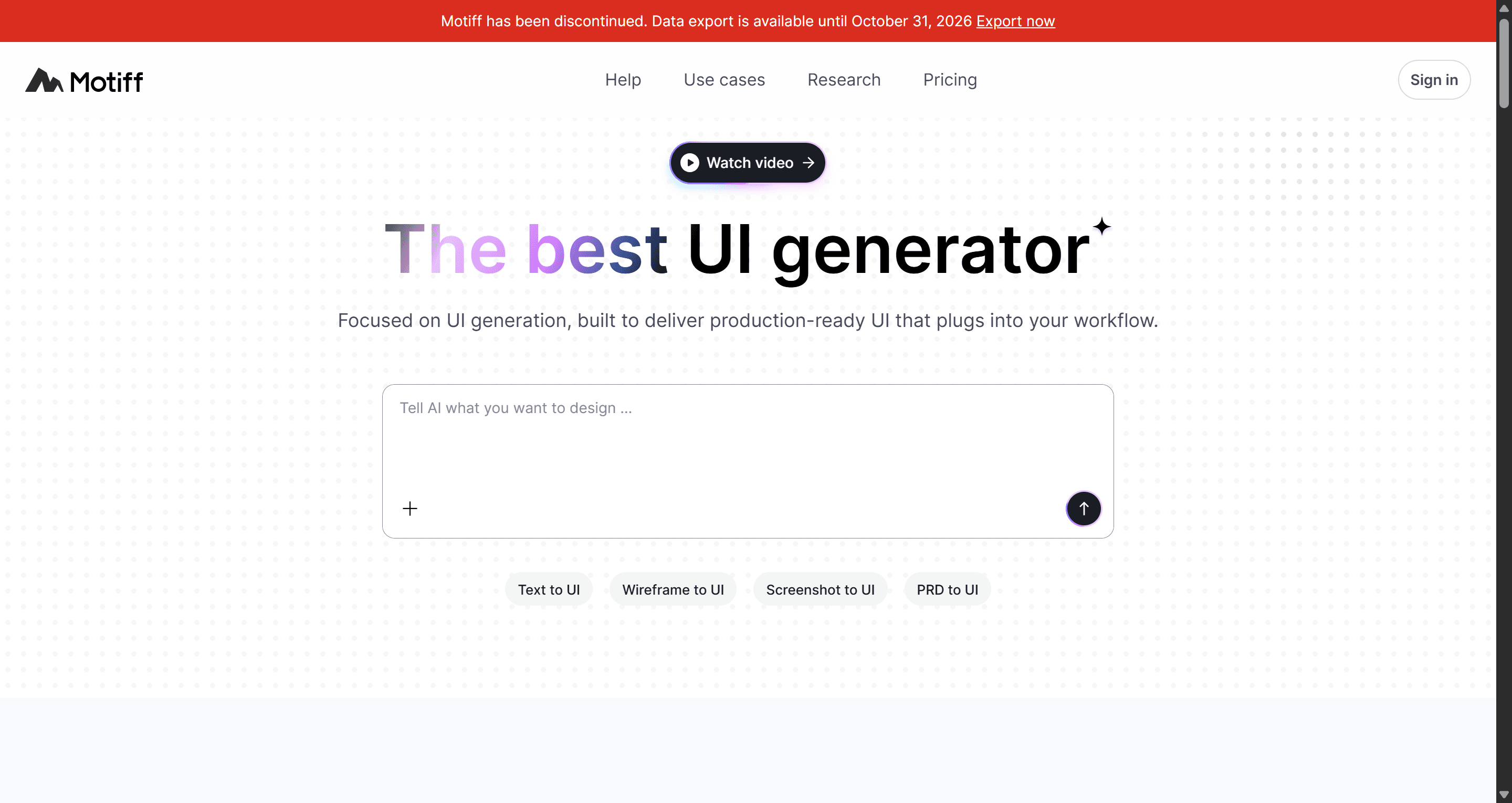
Evaluating Motiff in 2026 means confronting an immediate deadline: the platform goes permanently offline on June 23, 2026, and all remaining project data gets permanently deleted on October 31, 2026. Continuing to invest design cycles in a discontinued standalone canvas is how a team creates instant technical debt for itself. If you're still storing component libraries there, the clock matters more than the feature list.
You already understand Figma, auto-layout, component variants, and design tokens. This isn't a primer on what a UI wireframe is. It's the exact shutdown timeline, what Motiff actually offered while it was live, and where teams are migrating before the deletion deadline hits.
Most reviews written this year still treat Motiff as an active Figma competitor, which misses the point entirely. The real question isn't whether it could clone Figma's layer panel, it's whether your team has a plan to get files out before they're gone.
Motiff Shutdown Timeline: Key Dates and Refund Mechanics
The shutdown followed a legal dispute, not just a business decision made in isolation. Figma sued Motiff in September 2024 for breach of contract and copyright infringement, alleging the tool's editor was built by reverse-engineering Figma's own product under a subscription agreement. The two companies reached a global settlement in August 2025 Motiff agreed to stop selling its current Editor Tool worldwide (with a one-year exception in mainland China to re-engineer the product) and to reimburse Figma's legal costs.
The subsequent shutdown announcement carries three hard dates worth writing down:
April 24, 2026 - Motiff stopped accepting new registrations and subscription renewals. Refund processing began the same day.
June 23, 2026 - The platform goes fully offline. Existing users can sign in and use the service until this date, then it's gone.
October 31, 2026 - Final data deletion deadline. All account data gets permanently wiped after this point.
Refund handling depends on billing timing: if a subscription was active on April 24, that billing cycle continues as normal with no refund issued. All export features are free for every user now, regardless of subscription status no active plan required to pull your files out.
How to Export Legacy Motiff Assets to Figma and React
Export formats available include PNG, JPEG, WebP, PDF, Copy to Figma, HTML Code, React Code, and full Project ZIP archives. That range matters; a raw image export destroys every piece of structural information a design file actually needs.
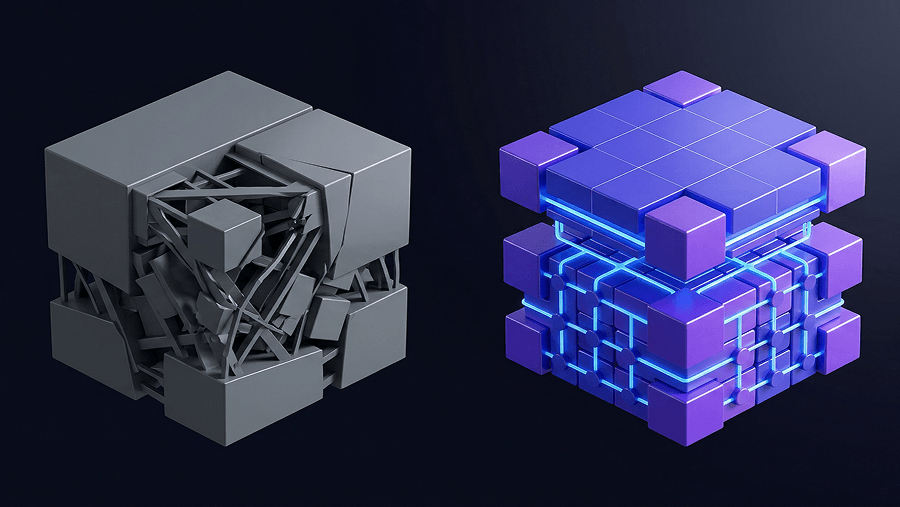
Exporting as a flat image is the fastest way to turn a design system into hundreds of hours of rebuilding work. Raster exports strip out auto-layout rules, layer hierarchies, and component variants entirely. What comes back into Figma is a picture of a design system, not the design system itself; someone still has to rebuild every constraint by hand.
The Copy to Figma and React Code export paths preserve meaningfully more structure, but they're not immune to import problems either. Migrating legacy AI-generated layouts into Figma frequently corrupts layer hierarchies, detaches component variants, and converts what used to be auto-layout frames into absolute-positioning groups a different failure mode than a flat image, but still a real one that eats real cleanup time.
What Motiff Actually Offered Before Discontinuation
Text-to-UI Performance and Multi-Modal Prompt Ingestion
Motiff accepted text prompts, hand-drawn wireframe sketches, screenshots, and PRD documents as generation input, a genuinely broad range compared to tools that only accept a text box. It also included a post-generation AI critique feature, evaluating finished screens for visual hierarchy, accessibility, and color choices.
Automated post-design AI critiques add workflow overhead most teams don't actually need. Reviewing a UI frame for compliance issues after it's already drawn is solving the problem too late. Design systems should enforce those constraints shadcn/ui, Material Design, or a custom brand token set programmatically during the generation pass itself, which makes a manual post-hoc critique step largely redundant.
Component Consistency Across Design Systems
Motiff supported multiple styling presets Auto styling, Material Design, Ant Design, and shadcn/ui letting teams anchor generation to an existing design language rather than a generic default. That's a reasonable approach in principle. Where legacy single-screen tools in this category tend to break down is holding that consistency across more than one generated screen at a time, which is a structural limitation, not a styling one.
Motiff Pricing Plans Prior to Discontinuation
Motiff ran a freemium model: a free Starter plan with 100 monthly credits, and a Pro tier priced between $16 and $20 per month for 1,000 credits. All subscriptions were halted on April 24, 2026, with prorated refunds issued to annual plan subscribers whose billing cycle hadn't already been locked in before that date.
Why Standalone AI Design Canvases Keep Failing
Building an independent web-based design canvas with an AI prompt bar layered on top is a flawed strategy on both the engineering and legal fronts. Rebuilding canvas rendering, real-time multiplayer collaboration, and a full vector engine from scratch creates enormous software overhead and, as the Figma lawsuit demonstrated, real intellectual property risk if any part of that rebuild leans too close to an incumbent's actual implementation.
Generating a single, isolated screen from a prompt is a shallow capability that slows down real product shipping. Real software design needs architectural context, connected navigation flows, persistent header and sidebar states, and shared component tokens across every view in a journey. Tools that can't generate a multi-screen flow force designers to spend hours manually aligning margins, typography, and component states across screens that were never designed to relate to each other in the first place.
A few specific, recurring bottlenecks worth watching for regardless of which tool replaces Motiff in your stack:
Unstructured group nesting legacy tools output flat frames with absolute coordinates instead of real auto-layout, requiring manual restructuring after every export.
Visual hierarchy breakdown prompting screen by screen causes font and color drift across a flow, since nothing is holding design tokens consistent between generations.
Static asset trapping relying on a tool that only exports raster images forces engineers to code interfaces from scratch, defeating the entire point of generating them in the first place.
Migrating to a Flow-First Generation Engine
Moving away from Motiff does not have to mean rebuilding every screen manually. The biggest migration challenge is not exporting files, it is preserving the structure behind them: layouts, components, design tokens, and user flows.
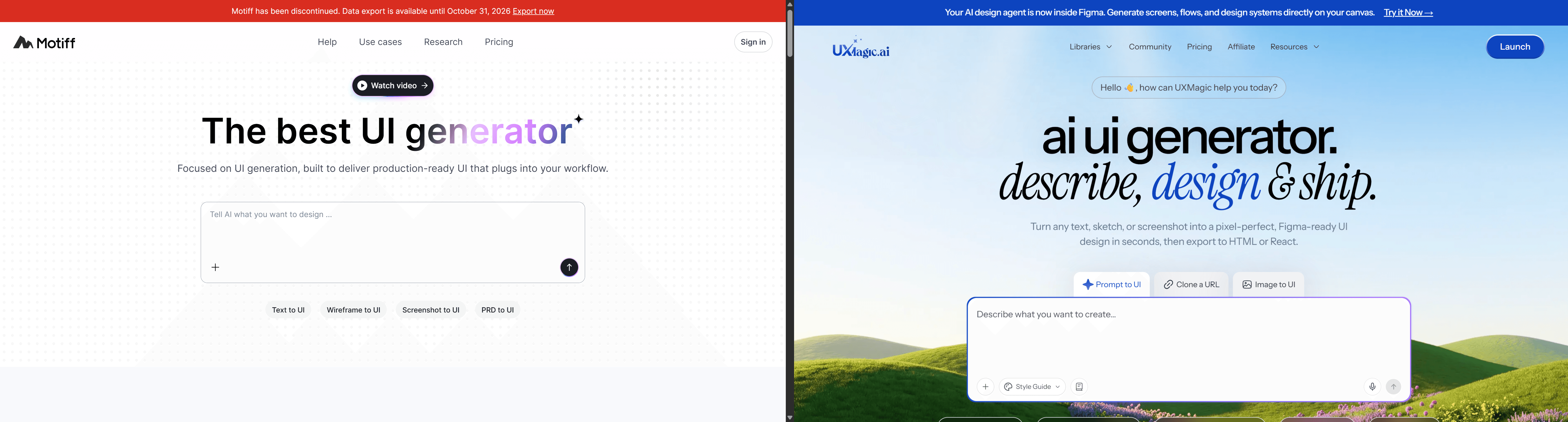
UXMagic helps teams reconstruct existing designs into production-ready experiences instead of starting from scratch. Upload legacy screenshots, exported assets, or existing references, and UXMagic transforms them into fully editable Figma designs with clean auto-layout structures, consistent components, and production-ready React code generated from the same workflow.
For teams rebuilding complex products, this means moving beyond flat screen recreation. A product manager can provide a PRD, product idea, or existing flow requirement, and UXMagic's Flow Mode generates a connected multi-screen experience with consistent navigation, reusable components, realistic states, and complete user journeys not isolated mockups.
A typical B2B SaaS onboarding flow that would take days to manually create in Figma can be generated as a structured product flow ready for stakeholder review, refinement, and developer handoff.
UXMagic also supports multiple starting points, making migration flexible. Teams can begin with screenshots, sketches, PRDs, or even generate wireframes. With website cloning capabilities, UXMagic can recreate existing interfaces as structured, editable designs while maintaining consistency across screens.
The result is a migration workflow that preserves what mattered in the original design while giving teams a faster path to modern, scalable product development.
Preserve Your Designs Before Migration
Stop rebuilding what flat exports destroyed. Try UXMagic free and reconstruct your legacy screens into clean, editable Figma layers before Motiff’s deletion deadline.
No, Motiff has been officially discontinued as part of a business restructuring following its intellectual property settlement with Figma. The platform stopped new registrations on April 24, 2026, its editing servers went permanently offline on June 23, 2026, and all remaining account data was permanently deleted on October 31, 2026.
All project data gets permanently wiped from Motiff's servers after October 31, 2026. Export features are free for every user regardless of subscription status, with formats including Copy to Figma, React Code, HTML Code, and full Project ZIP archives export before this deadline, since recovery isn't possible afterward.
Motiff's shutdown followed a global settlement with Figma in August 2025, resolving a lawsuit alleging copyright infringement and breach of contract. The settlement required Motiff to stop selling its Editor Tool worldwide outside mainland China, and the company subsequently announced a full business restructuring and platform sunset.
Motiff operated on a freemium model comprising a free Starter plan with 100 monthly credits and a Pro tier priced at $16 to $20 per month for 1,000 credits. All subscriptions were halted on April 24, 2026, with automatic prorated refunds issued to annual plan subscribers.
Teams migrating away from Motiff need a tool built around connected, multi-screen flow generation rather than isolated single frames, with export paths that preserve real auto-layout structure not flattened images. Prioritize platforms that output both editable Figma vector layers and production-ready code from the same generation pass.