The best mockup tools in 2026 aren’t the ones that generate pretty dashboards in five seconds. They’re the ones that eliminate the hours you spend fixing what the generator got wrong.
If you’ve ever watched an AI tool produce a “complete flow” only to spend the afternoon repairing spacing tokens, reconnecting navigation logic, and restoring component variants, you already know the problem. Speed without structural integrity is fake velocity.
In modern SaaS teams, the mockup tool isn’t a sketchpad anymore. It’s a constraint engine that translates PRDs into working interface architecture.
The Evolution of UI Mockup Tools in 2026
From Blank Canvas Paralysis to Generative Architecture
The blank canvas used to be a starting point. In 2026, it’s operational waste.
Modern mockup workflows begin upstream, inside PRDs, acceptance criteria, and API payload structures. Instead of sketching layouts manually, designers generate baseline architecture from constraints and edit from there.
If this shift feels familiar, it’s the same transition described in our breakdown of Blank Canvas Syndrome: the moment design stopped being drawing and became orchestration.
The fastest teams don’t open a canvas first. They interrogate logic first.
Why the “Verification Tax” Is Killing Design Velocity
Most guides rank mockup tools by generation speed. That’s the wrong metric.
The only metric that matters is verification time:
- fixing rogue spacing values
- restoring typography scales
- reconnecting auto-layout frames
- correcting hallucinated colors
- rebuilding broken component hierarchies
A tool that generates slower but stays token-compliant saves more time than one that produces impressive screenshots you have to rebuild from scratch.
Speed is marketing. Verification tax is reality.
Evaluating the Best Mockup Tools in 2026 for SaaS Product Teams
Not all mockup tools solve the same problem. Some generate visuals. Others generate architecture.
That distinction matters.
Figma & UXPin: The Centralized Token Databases
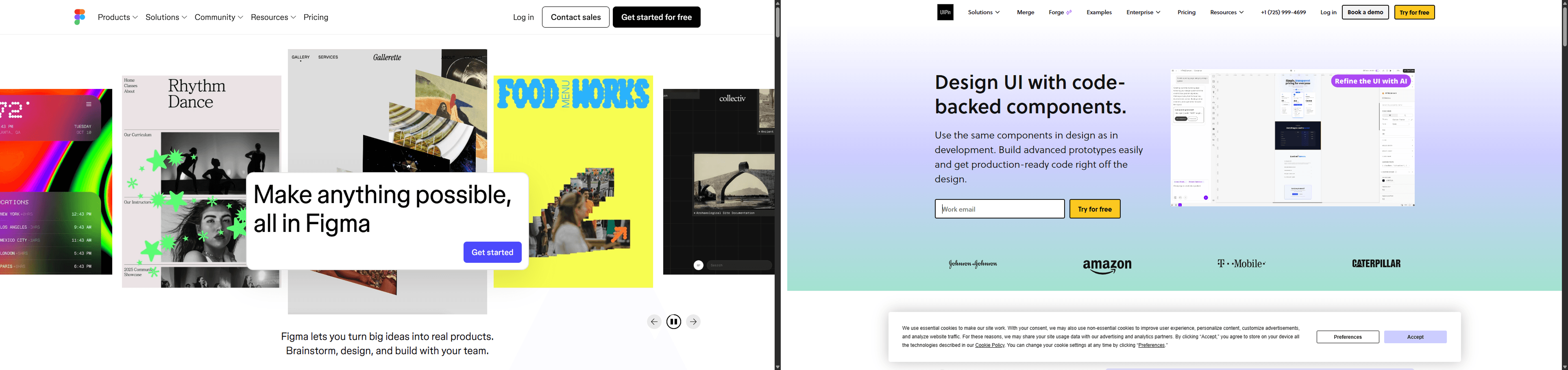
Figma is still essential, but it’s no longer where design starts.
In high-velocity workflows, Figma acts as:
- the source of truth for tokens
- the storage layer for components
- the staging ground for developer handoff
If your team is still exploring layout direction by drawing rectangles inside Figma, you’re spending senior design time on solved problems.
Design happens upstream now.
v0.dev and Bolt: The Developer-Led Component Engines
Tools like v0.dev and Bolt excel when engineering owns the interface layer.
They:
- generate deployable component scaffolding quickly
- prioritize React/Next.js-style outputs
- map visual structure closer to production code
But they still rely heavily on prompt precision. That shifts cognitive load back onto the designer as a linguistic micro-manager.
Prompting is fragile. Constraints are reliable.
If your team already experiments with structured prompting workflows, you’ll recognize the difference from the examples in real production-ready AI design prompts used in shipping environments.
UXMagic: The PRD-to-Design Constraint Engine
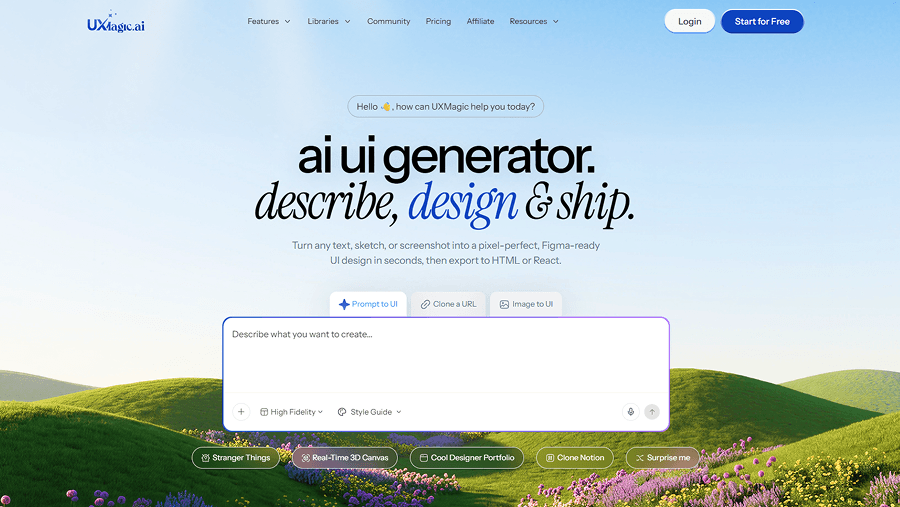
Most AI mockup tools generate screens. UXMagic generates systems.
Instead of describing what a dashboard “should look like,” you feed:
- acceptance criteria
- data schemas
- navigation structure
- edge-case logic
The output is baseline architecture, not decoration.
This matters because the biggest bottleneck in UI mockups today isn’t layout creation. It’s structural consistency across multi-screen flows.
UXMagic solves that by enforcing design tokens as hard constraints. If your system defines a 4px radius, the generator cannot invent 5px.
That removes the verification tax entirely from atomic styling.
Uizard & Banani: The Limitations of Rapid Ideation
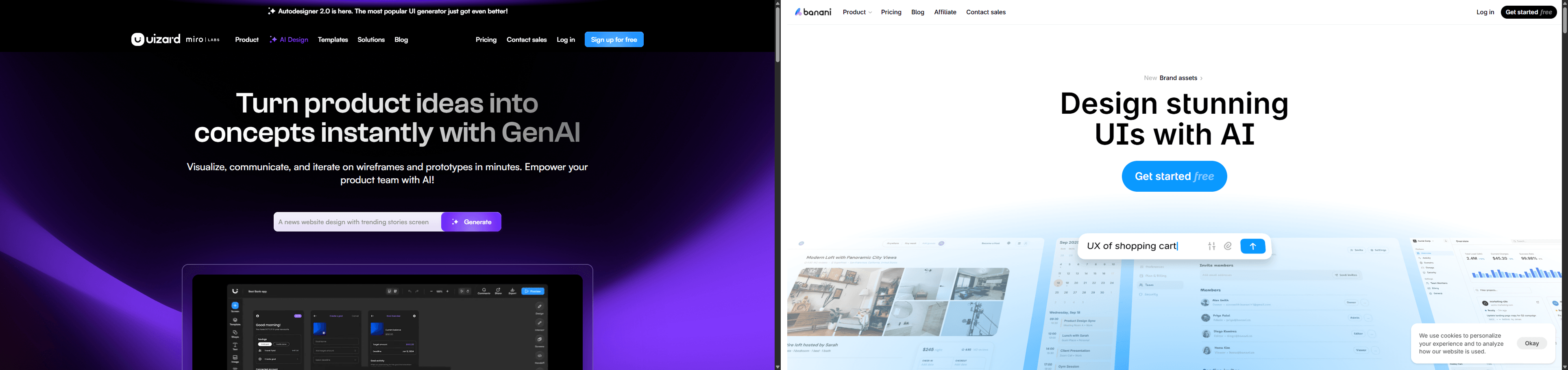
Tools built for non-designers optimize for speed of visualization, not production viability.
They’re useful for:
- stakeholder pitches
- concept framing
- early-stage exploration
They’re dangerous inside real product pipelines.
When founders hand these outputs directly to engineers, teams inherit:
- inconsistent tokens
- inaccessible typography
- missing interaction states
- disconnected navigation logic
That technical debt shows up later ,during implementation.
And by then it’s expensive.
How to Build a Frictionless PRD-to-UI Workflow
The best mockup tools in 2026 succeed because they eliminate translation steps between requirements and interface structure.
Here’s what that workflow actually looks like.
Ingesting Business Logic and Defining Edge Cases
Start with the PRD. Strip out adjectives. Keep constraints.
Extract:
- user stories
- acceptance criteria
- payload structures
- validation conditions
- localization limits
Then identify all states:
- loading
- empty
- partial data
- error
- extreme edge cases
Most generators only design the happy path. That’s why developers end up inventing the rest later.
A constraint-driven workflow designs the invisible architecture first.
Eliminating Token Drift Across Multi-Screen Journeys
Token drift is what happens when Screen 4 quietly stops matching Screen 1.
Typical symptoms:
- border radius shifts
- navigation disappears
- spacing changes
- typography scales mutate
Screen-by-screen generators can’t maintain structural memory. Flow-aware systems can.
UXMagic’s Flow Mode keeps navigation anchors and layout logic persistent across entire journeys instead of rebuilding each screen from scratch.
Consistency becomes infrastructure instead of manual effort.
If you’re exploring how designers integrate this kind of orchestration into real pipelines, the workflow outlined in how designers actually use AI in real projects shows where these tools replace ,not assist traditional layout steps.
Achieving a Code-Aware Semantic Developer Handoff
Mockups are no longer static artifacts.
The best workflows export:
- semantic component structure
- token-aligned layouts
- React/Tailwind-ready scaffolding
- preserved interaction logic
This eliminates the “Frankenstein handoff” problem where developers rebuild everything manually.
Instead of PNGs, teams ship architecture.
That shift only works when designers stay in the loop as system editors, not pixel operators ,a transition explained clearly in human-in-the-loop AI design workflows.
Common Failure Modes in AI-Generated UI Design
Most mockup tools fail in predictable ways. If you know where to look, you can spot them immediately.
Hallucinated Data and Structurally Useless Dashboards
Generic generators optimize for symmetry, not realism.
They populate layouts with:
- identical placeholder users
- perfectly balanced charts
- unrealistic timestamps
- missing nested structures
Then the UI breaks the moment real data appears.
Constraint-driven workflows inject production schemas early so layouts survive contact with actual databases.
Accessibility also collapses quickly in hallucinated layouts, especially in tables and dense interfaces ,which is why teams increasingly rely on structured accessibility prompting rather than visual guesswork, as shown in prompting AI for WCAG-aligned UI.
The Disappearance of Navigation Logic and Context
Single-screen generation creates disconnected Dribbble shots.
Symptoms include:
- vanishing sidebars
- shifting tab states
- inconsistent progress indicators
- missing back navigation
This happens because prompt-based generators forget previous context. Flow-aware systems don’t. They treat journeys as state machines, not screenshots.
Mockup tools in 2026 aren’t judged by how fast they generate screens ,they’re judged by how little correction they require afterward. Teams that move fastest now treat PRDs as constraint engines, generate flows instead of frames, and eliminate token drift before engineering ever gets involved.
Build Your First PRD-Driven Flow
Stop fixing spacing drift and broken navigation after generation. Create a token-locked multi-screen flow directly from your PRD in minutes with UXMagic.