
Building user interfaces directly in production code sounds efficient until the design tool locks the engineering stack strictly into React and caps free projects at five pages. Subframe promises to collapse the gap between design and development, and for a team fully committed to React and Tailwind, it genuinely delivers on that. This analysis evaluates Subframe's 2026 performance, pricing structure, and where multi-platform teams should look elsewhere.
You already understand auto-layout flexbox principles, component properties, and design system governance. This isn't a beginner's guide to visual editors. It's an evaluation of whether Subframe's code-first architecture provides genuine velocity gains, and exactly where that trade-off starts costing more than it saves.
Pros & Cons
Pros:
- Genuinely clean, production-ready React and Tailwind CSS output for React-committed teams
- Code-native canvas means what you design maps directly to real component properties, not an abstraction layer
- Free viewer seats on every plan, so read-only stakeholders cost nothing
Cons:
- Locked exclusively to React and Tailwind CSS - no path to HTML, Vue, Flutter, or other frameworks
- Editor seats cost $29/month each, which adds up fast for cross-functional teams
- Free tier caps at 1 project and 5 pages, too small to prototype a full multi-screen flow
- Users report canvas performance degrading on larger, more complex projects
What Is Subframe? Code-First UI Design Architecture Explained
Key Features: React Integration, Deterministic Code, and Canvas Editor
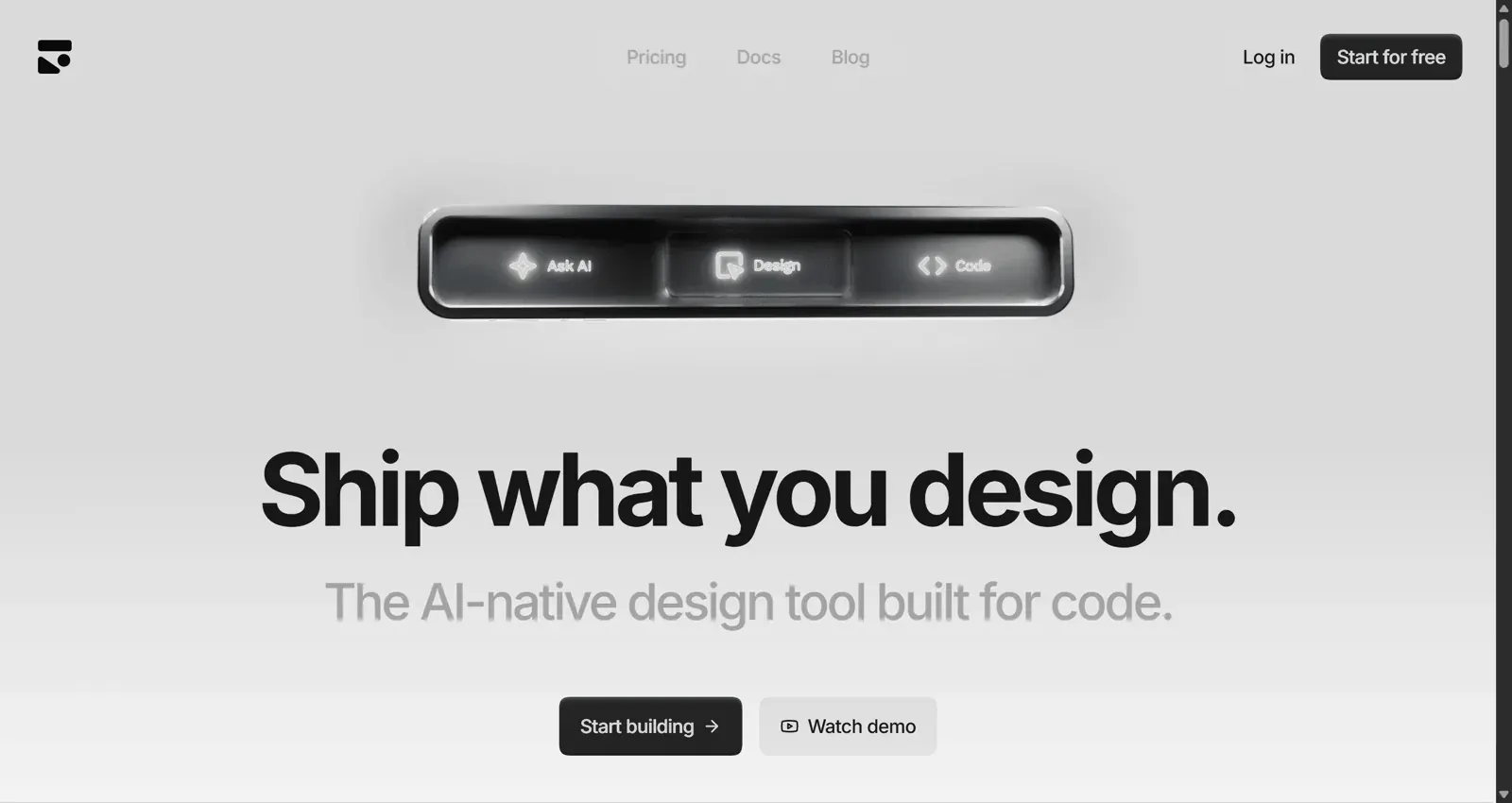
Subframe is a code-native visual editor that generates production-ready React code synced with Tailwind CSS utility classes as you design. The canvas manipulates real component properties directly rather than abstracted design layers, which is genuinely appealing if your entire stack already lives on React.
Target Audience: Vibe Coders vs. Multi-Platform UX Teams
Code-native design editors built exclusively around one framework carry a real trade-off worth naming plainly: locking the visual design phase strictly to React and Tailwind CSS restricts product strategy the moment requirements change. If an organization needs a static marketing page, a Vue-based web portal, or a Flutter mobile app, a React-only design tool can't cover that surface - the team either rebuilds it elsewhere or maintains a second tool alongside Subframe.
Subframe Pricing Breakdown
Free vs. Pro vs. Custom: Confirmed Tier Limits
Pulled directly from Subframe's official pricing documentation:
| Plan | Free | Pro | Custom |
|---|---|---|---|
| Price | $0 | $29/editor/month | Contact sales |
| Projects | 1 | Unlimited | Unlimited |
| Pages | 5 | Unlimited | Unlimited |
| Prototypes | 1 | Unlimited | Unlimited |
| AI usage | Limited | Unlimited | Unlimited |
| Version history | 24 hours | 7 days | Extended |
| Viewers | Free | Free | Free |
The Hidden Operational Costs of Per-Editor Billing Models
Per-editor seat pricing can work against cross-functional product discovery in practice. When inviting a product manager or founder to modify, copy or evaluate a layout variation means adding a $29/month seat, teams often default to static screenshots or manual back-and-forth review instead of opening the tool together. That's not a flaw unique to Subframe - most seat-based tools share it but it's worth budgeting explicitly if your team includes several occasional editors beyond core engineering.
Performance Evaluation: Strengths, Trade-Offs, and Limitations
Clean React and Tailwind CSS Code Generation
For a team fully committed to React and Tailwind, the code output genuinely is clean and production-ready - this is Subframe's real strength, not a marketing exaggeration.
Visual Editor Latency and Framework Lock-In Risks
Some users report the visual editor canvas slowing down noticeably on larger, more complex projects with many connected screens and deep component trees. Treat this as an observed limitation worth testing on your own project size, rather than a precisely benchmarked threshold - canvas performance depends on device, browser, and project complexity, and Subframe hasn't published an official screen-count ceiling. If it does become a bottleneck, teams tend to work around it by fragmenting larger applications across multiple project files.
Component-centric AI generation has a related limitation worth understanding. Generating single components via isolated AI prompts often called "vibe coding" tends to produce visually attractive elements that can fail to account for the broader flow they sit inside. Real product design generally benefits from consistent visual hierarchy and continuous multi-screen navigation, which single-component generation doesn't inherently provide without additional orchestration on top.
Here's what that looks like on a real project. A non-technical founder needs a multi-tenant dashboard - analytics graphs, billing management, team permissions to present to investors and prospective engineering hires. On Subframe's free plan, they hit the 5-page ceiling after the login page, dashboard overview, and two settings views, and without multi-screen AI flow capabilities, they're left manually aligning flexbox elements and component properties screen by screen.
A senior UX designer managing three concurrent client accounts, one on React, one needing static HTML/Tailwind, one requiring full Figma libraries for internal handoff, hits a related wall. Subframe works well for the React client but offers no path for the other two, since framework support is the core design decision here, not a missing feature.
Who Should NOT Use Subframe?
A few specific team profiles where Subframe is likely the wrong tool, regardless of budget:
- Non-React teams. If the codebase runs on Vue, Svelte, Flutter, or plain HTML, Subframe's entire value proposition - direct code-to-canvas mapping doesn't apply.
- Multi-platform teams. Any team shipping to more than one framework or maintaining a marketing site on a different stack will hit the same wall the agency scenario above did.
- Teams needing extensive multi-screen exploration early. The 5-page free tier and reported canvas slowdown on larger projects make Subframe a weaker fit for teams that want to rapidly explore many connected screens before committing to a direction.
- Large cross-functional teams with many occasional editors. At $29/editor/month, a team with several PMs, founders, or stakeholders who need occasional edit access - not just viewing will see costs scale quickly.
Top Subframe Alternatives in 2026
UXMagic: Best for Multi-Platform UI Flows and Instant Prompting
UXMagic converts prompts, sketches, or live URL structures directly into multi-screen user flows exportable to Figma, React, and HTML. Where Subframe functions as a manual drafting canvas for React developers specifically, UXMagic operates as a multi-platform generation engine - the direct fix for the three-client agency scenario above, since the same flow exports differently per client without rebuilding it three times.
Vercel v0: Best for Isolated React Component Generation
v0 shares Subframe's React-centric focus, generating individual components fast - a reasonable fit for a developer who wants a single component drafted quickly, not a connected multi-screen product.
Relume: Best for Webflow Sitemaps and Wireframe Systems
Relume occupies a genuinely different category - built for marketing site infrastructure and sitemap generation on Webflow, not application UI. It's a strong, purpose-built choice for that specific job, not a Subframe substitute for product design.
UXPilot: Best for In-Figma Generation
UXPilot works directly inside Figma with a distinctive predictive-heatmap layout feature - a genuinely different approach from Subframe's code-native canvas, useful for teams that want to stay in Figma rather than move to a code-first environment.
Banani: Best for Fast Component Drafting
Banani is built around fast, screen-by-screen prompting rather than Subframe's manual drafting canvas - a reasonable option for quick single-screen concepts, though like Subframe it doesn't natively handle connected multi-screen flows.
Subframe vs. UXMagic: Direct Feature and ROI Comparison
| Category | Subframe | UXMagic |
|---|---|---|
| Framework output | React + Tailwind only | Figma, React, and HTML |
| Free tier | 1 project, 5 pages | 5 projects, up to 5 screens |
| Paid tier | $29/editor/month | $17.5/month, 1,200 monthly credits, up to 200 screens |
| Generation model | Manual drafting canvas, single components | Prompt-to-UI, multi-screen Flow Mode |
| Non-React teams | Requires a separate tool | Native support |
Deterministic UI assembly arguably belongs at handoff, not initial ideation. Enforcing production code layout rules during early concept work can force designers and founders to configure flexbox properties when they'd benefit more from rapidly testing macro-level user flows first. UXMagic's Prompt to UI and Flow Mode transform text prompts, sketched wireframes, or live URLs into complete visual user journeys directly, keeping deterministic code generation at the export boundary rather than the starting point. Teams evaluating this trade-off more broadly can find further depth in this breakdown of AI-native product design workflows.
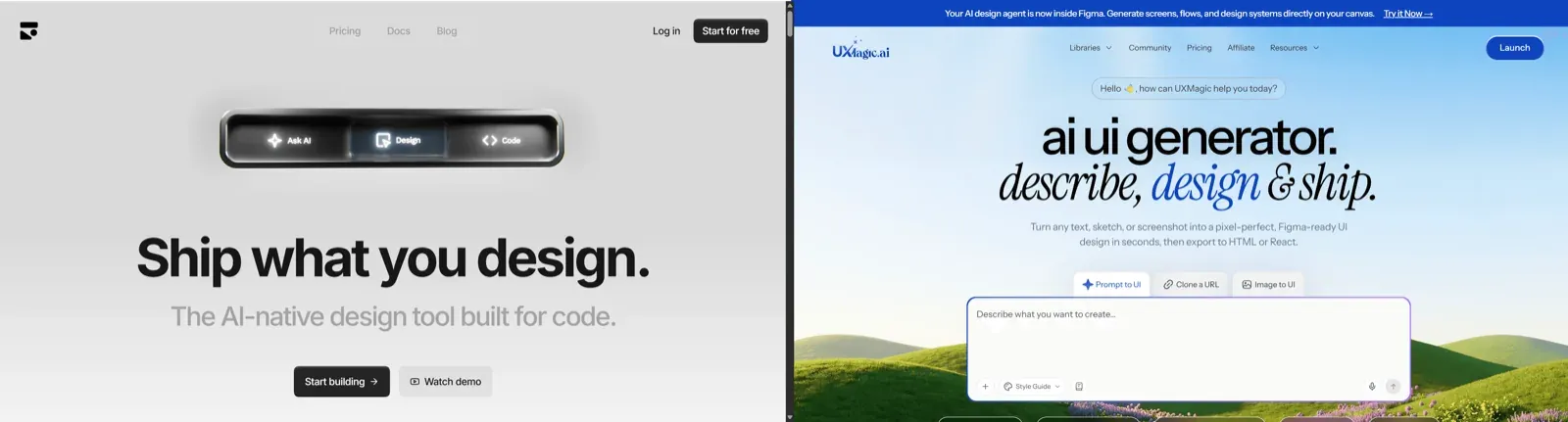
On raw numbers, UXMagic's flat $17.5/month tier covers significantly more usage than a single Subframe editor seat at $29/month, and that gap widens for any team with more than one occasional editor. That said, ROI ultimately depends on your actual stack - a React-committed team that never needs a second platform may still find Subframe's deeper code-native control worth the seat cost.
Final Verdict: When Should Product Teams Choose Subframe?
React and Tailwind teams can genuinely benefit from Subframe - the code-native canvas and clean output are real advantages when your stack matches exactly what the tool was built for. Where it becomes a weaker fit is everywhere outside that specific profile: multi-platform teams, teams with many occasional editors, or teams that need to explore a large multi-screen flow before committing to a direction.
Quick takeaways before committing:
- Confirm your stack is fully React and Tailwind CSS before evaluating Subframe seriously. That's the one dependency that determines fit more than any other factor.
- Calculate real per-editor scaling costs - factor in every PM, founder, or client who'll need edit access, not just core engineering.
- Separate flow ideation from code construction where possible - validate screen hierarchy and navigation before locking interfaces into rigid code components.
- Test canvas performance on a project close to your actual scale before committing budget, since reported slowdowns vary by project complexity.
Build Multi-Platform UI Flows Without Seat Costs
Generate multi-screen, multi-platform flows that your entire team can access without committing to a framework-locked workflow.