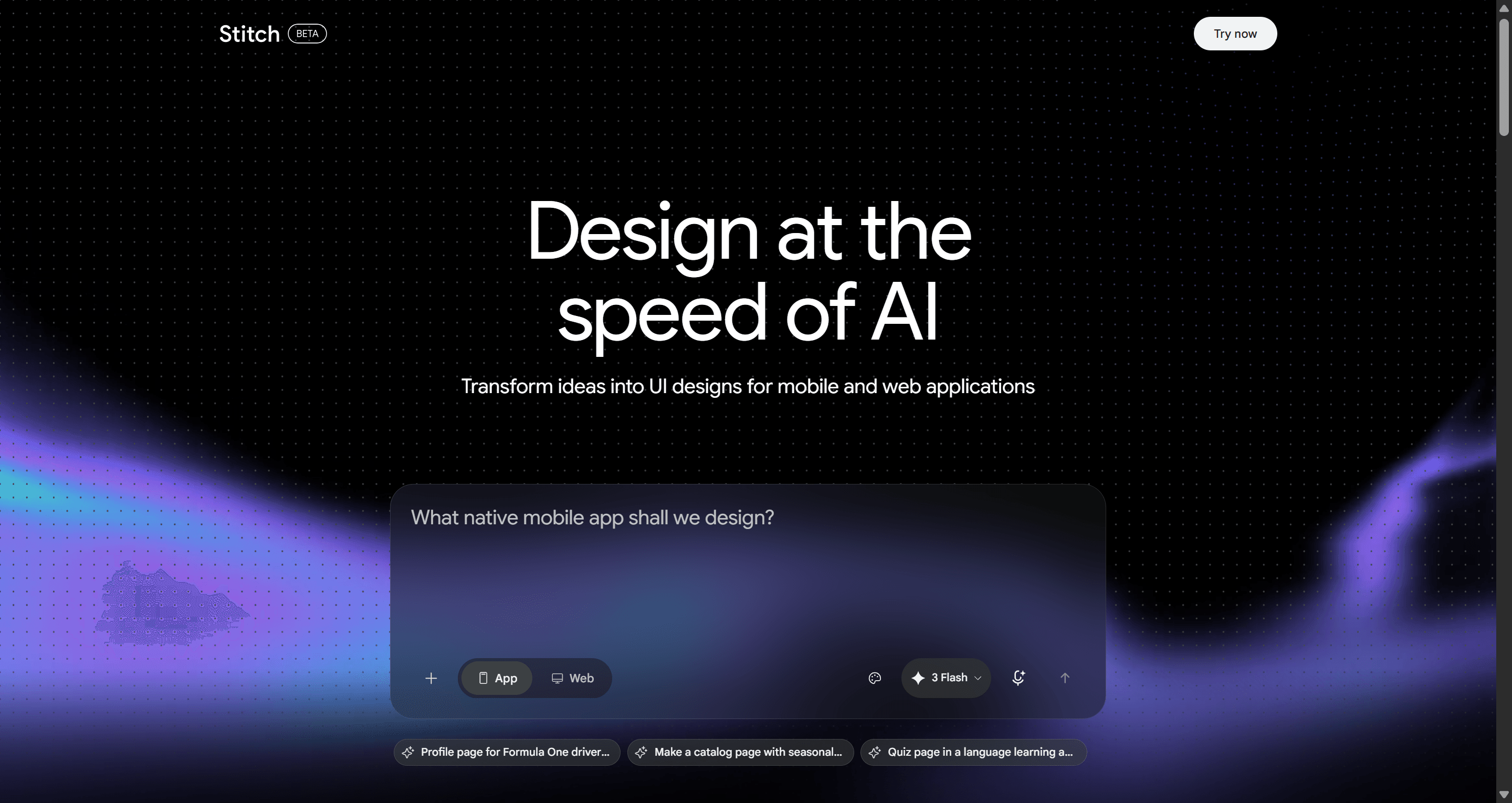
Galileo AI didn't fail. It evolved. The real question is whether what evolved into Google Stitch actually solves the problem designers face today, or just repackages the same limitation under a bigger name.
Searching for Galileo AI in 2026 lands you somewhere confusing either way. The main domain now serves enterprise LLM observability tracing, guardrails, agent metrics nothing to do with UI design. The actual text-to-UI generator you're probably looking for got acquired by Google and now lives inside Google Labs under a different name entirely.
Here's the short version: usegalileo.ai was acquired by Google in May 2025 and rebranded as Google Stitch. That's the tool most people mean when they search "Galileo AI." This review covers what happened, what Stitch is actually good at, where it genuinely struggles, and who should and shouldn't build a workflow around it.
Key Takeaways
usegalileo.ai was acquired by Google in May 2025 and rebranded as Google Stitch, now living inside Google Labs on Gemini architecture.
galileo.ai (the domain) is now a different product entirely enterprise LLM observability, unrelated to UI design.
Google Stitch is genuinely good at fast, single-screen exploration, quick concepts, mood-setting, early direction.
It struggles the moment a project needs more than one connected screen typography, spacing, and tokens drift from prompt to prompt.
Export quality needs manual cleanup auto-layout and component structure aren't reliably production-ready on export.
As an experimental Google Labs project, it carries availability risk most standalone SaaS tools don't.
What Happened to Galileo AI? The 2026 Market Shift
From usegalileo.ai to Google Stitch: The Acquisition Reality
The original Galileo AI the text-to-UI generator designers actually meant when they searched the name lived at usegalileo.ai. Google acquired it in May 2025 and folded the technology into Google Labs under a new name: Google Stitch, running on Gemini model architecture. The standalone SaaS product is gone.
To be fair, this kind of acquisition-and-fold-in isn't unusual for the AI tooling space, and it doesn't automatically mean the underlying technology got worse Gemini's backing arguably gives Stitch more model horsepower than the original product had access to. What it does mean is a change in what kind of product this is: a free, experimental Labs feature rather than a company whose entire business depends on the tool working reliably for you.
That distinction matters for planning purposes. Google Labs products don't typically come with enterprise SLAs or committed long-term availability. A team building a stable sprint pipeline around it should treat that as a real variable, not a hypothetical one.
Galileo.ai's Shift to Enterprise LLM Observability
Meanwhile, the galileo.ai domain itself now points somewhere else entirely as an enterprise platform for LLM observability, covering tracing, guardrails, and agent metrics for teams building AI products. It has nothing to do with UI generation. If you land there looking for a design tool, you're in the wrong product category, not the wrong page.
Evaluating Google Stitch (Ex-Galileo AI) for Modern Product Design
Text-to-UI Performance & Visual Quality
Google Stitch can produce a genuinely convincing single screen from a prompt that part of the original Galileo AI experience carried over well, and for a first-pass concept or a quick visual direction check, it does its job. The visual quality on an individual screen is a real strength worth crediting.
Where It Struggles: Multi-Screen Consistency
The limitation shows up once a project needs more than one screen that has to relate to the others. Request a second or third screen, and typography, color tokens, and spacing grids can drift, because the tool has no persistent memory of what it just generated a moment ago.
A few specific ways this shows up in practice:
Multi-state flows onboarding error states, empty states, modal stack interactions need manual reconstruction screen by screen, since the tool doesn't hold that logic across a sequence.
Exports tend to be flat visual mockups or loose vector shapes rather than production-grade Figma auto-layout frames with reusable component tokens.
Designers often spend real time cleaning up layer trees, detached instances, and inconsistent hex codes before a generated file is genuinely usable.
Here's what that looks like on a real project. A product manager at a Series A fintech company needs to generate a KYC onboarding flow: account creation, document upload, verification pending, dashboard landing. Prompted screen by screen, screen 1 comes back with a 16px radius modal and a dark nav bar; screen 2 comes back with an 8px radius full-width container and a light nav bar. The file exported to Figma as loose frames with no auto-layout on the form groups three hours of manual rebuilding just to make the sequence read as one product.
Pricing and Availability
Google Stitch is currently free to use inside Google Labs, with monthly generation allowances rather than a fixed subscription price. Google hasn't published a formal enterprise pricing tier for Stitch, specifically it's positioned as a Labs experiment, not a commercial product with a defined roadmap.
The separate galileo.ai enterprise platform (the LLM observability product, unrelated to UI design) offers a limited free tier capped at 5,000 monthly traces, with paid tiers above that for teams monitoring AI applications at scale.
What's worth flagging for planning purposes: "free" on an experimental Labs product isn't the same commitment as a paid SaaS tool's free tier. Generation limits, feature availability, and the product's existence itself are all subject to change without the kind of notice a standalone company would typically give its customers.
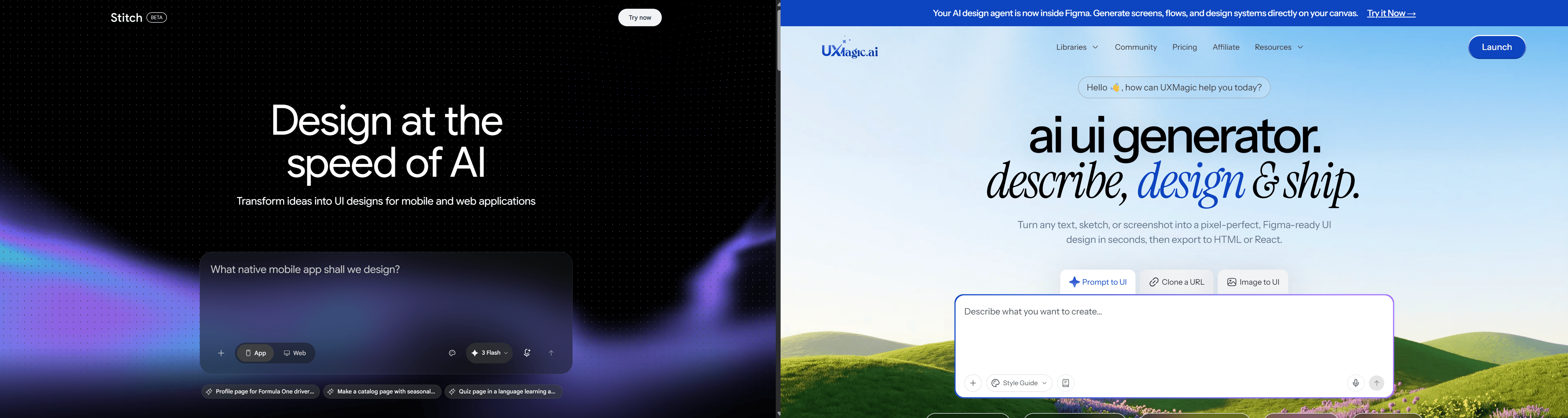
Galileo AI (Google Stitch) vs UXMagic
Capability
Google Stitch (ex-Galileo AI)
UXMagic
Best for
Fast, single-screen concepts
Full, connected multi-screen flows
Multi-screen generation in one operation
No — each screen is a separate prompt
Yes — Flow Mode generates the full sequence together
Component token consistency across screens
No — drifts prompt to prompt
Yes — enforced automatically across every screen
Native Auto Layout on export
Inconsistent, often missing
Yes — fully responsive by default
Layer naming and structure on export
Requires manual cleanup
Clean, organized on export
Long-term availability
Experimental Google Labs project, no SLA
Dedicated SaaS platform
Pricing
Free (Labs, generation-limited)
Free tier + paid plans
The core difference isn't visual quality on a single screen Stitch holds its own there. It's what happens the moment a second screen enters the picture. UXMagic's Flow Mode generates the entire connected sequence in one pass, so the token drift and manual reconciliation that define the Stitch workflow above simply don't happen in the first place.
Galileo AI (Google Stitch) vs Other Tools
Capability
Google Stitch (ex-Galileo AI)
Figma AI
Uizard
Bolt.new / Lovable
Category
Standalone text-to-UI (Labs)
In-file AI drafting
Wireframe-to-UI generator
Full-stack app builders
Multi-screen flow generation
No
No — isolated drafts
Limited
Yes, but code-first not design-first
Output type
Visual mockup
In-Figma component draft
Low-to-mid fidelity mockup
Working app code
Design system enforcement
No
Partial (native Figma libraries)
No
No
Best used for
Quick concept exploration
Drafting inside an existing Figma file
Early-stage wireframing
Shipping a functional prototype fast
Stitch and Figma AI solve genuinely different problems from Uizard or the code-first builders worth not treating this as one homogenous "AI design tool" category. Figma AI lives inside an existing file and drafts components a designer is already working on, which is a narrower, more assistive role than Stitch's standalone generation. Uizard leans toward early wireframing rather than high-fidelity output. Bolt.new and Lovable skip design entirely and generate working code, which solves a different problem (shipping fast) at the cost of any real design system control.
Positioned against all of them, Stitch's actual niche is narrow but real: free, fast, single-screen visual exploration, backed by a serious model (Gemini) but without the product commitment of a dedicated company behind it.
Who Should Use Google Stitch?
Stitch is a reasonable choice for a specific, narrow job: fast, disposable exploration on a single screen. A designer sketching visual direction for a stakeholder conversation, testing a color palette against a hero layout, or generating quick mood-board-style concepts before a project's scope is even locked will get real value out of it and it costs nothing to try.
It's also a fair pick for anyone who wants to experiment with Gemini's design generation capability without any financial commitment, since there's no signup friction beyond a Google account.
Who Should Avoid It?
Any team building toward an actual multi-screen product shouldn't treat Stitch as a production tool. If the deliverable is a real user flow onboarding, checkout, a multi-tab dashboard the single-screen limitation turns what should be a time-saver into a cleanup job.
Teams that need to standardize a repeatable design pipeline should also be cautious about depending on an experimental Labs product with no committed availability. That's a planning risk independent of how good the output looks on any given day.
Conclusion
Google Stitch is a capable tool for what it's actually built for: fast, single-screen exploration, free of charge, with no long-term commitment required. It's not a bad product, it's a narrow one, wearing a bigger name after the acquisition.
The moment a project needs more than one screen that has to relate to the others which is most real product work the tool's single-screen architecture becomes the bottleneck, not the generation speed. That's a structural limitation, not a training or prompting problem, so better prompts won't fix it.
The practical split: use Google Stitch for quick, throwaway exploration when you just need to see an idea rendered fast and don't need it to survive contact with a real product. For anything headed toward production a connected flow, a multi-screen MVP, a design system that has to hold together UXMagic's Flow Mode is built for that specific job: generating a full, connected sequence with consistent tokens and clean Figma export in one pass, rather than reconciling drift across separate prompts afterward.
Build Flows, Not Single Screens
If your next project is a connected flow, not a single concept screen, try UXMagic free and generate the full sequence in one pass without rebuilding disconnected screens later.
The original Galileo AI UI generator was acquired by Google in 2025 and rebranded as Google Stitch, which is currently free to use under Google Labs with monthly generation allowances. The separate enterprise platform at galileo.ai focuses on LLM observability and offers a limited free tier capped at 5,000 monthly traces.
usegalileo.ai was acquired by Google in May 2025. The standalone UI generator SaaS product was discontinued, and its text-to-UI technology was absorbed into Google Labs under the name Google Stitch, powered by Gemini model architecture.
Google Stitch runs on more powerful Gemini model architecture than the original product, which can mean stronger single-screen output. It inherited the same core limitation, though no persistent multi-screen consistency so "better" depends entirely on whether the job is single-screen exploration or a connected flow.
Not reliably as a connected experience. Stitch generates individual screens well, but building a full app means prompting each screen separately and manually reconciling the visual inconsistencies that result when it doesn't generate a cohesive, multi-screen app in one operation.
For professional product teams requiring multi-screen user flows, UXMagic is a leading alternative. While single-screen generators like Google Stitch produce isolated mockups, UXMagic generates complete, interconnected UI journeys with native Auto Layout structures and consistent visual style throughout.
Google Stitch allows users to copy generated UI screens into design environments, but the outputs frequently lack full production readiness. Generated frames often require manual auto-layout reconstruction, layer reorganization, and custom token mapping before engineering handoff.