
Maintaining product demo videos is arguably the most invisible productivity sink in modern SaaS development. Every interface update your engineering team ships quietly invalidates hours of recording, trimming filler words, rebuilding zoom effects, and rewriting narration.
In 2026, manual timeline editing is not craftsmanship. It is operational debt.
If you are searching for AI video tools for SaaS product demos, you are not trying to make prettier walkthroughs. You are trying to stop rebuilding them every sprint without lowering perceived product quality.
The Evolution of Product Demos in B2B SaaS
Most demo workflows were designed for a slower product world.
Quarterly releases meant recordings stayed usable for months. Editing time was predictable. Documentation cycles were manageable.
That assumption no longer holds.
Today’s SaaS interfaces change weekly and sometimes daily. Every UI change silently invalidates onboarding videos, sales walkthroughs, help-center tutorials, and internal enablement assets.
Teams are no longer searching for better recorders. They are searching for pipelines that convert raw capture into conversion-ready assets without timeline editing.
Why Manual Screen Recording Is Killing Team Velocity
Most comparison articles still recommend desktop editors.
That advice does not match how SaaS teams ship anymore.
Timeline editors assume stable interfaces, stable scripts, stable documentation, and stable release cycles.
None of those conditions exist now.
The UI Update Maintenance Loop
Every interface update breaks something:
- onboarding walkthroughs
- landing page demos
- support tutorials
- sales enablement videos
Teams routinely spend entire days re-recording assets that were already correct last week.
This is not creative work. It is maintenance overhead.
The Polish vs Conversion Gap
There is a persistent myth that rough recordings feel authentic.
Internally they might.
Externally they signal instability.
Enterprise buyers interpret cursor hesitation, filler words, and uneven pacing as product immaturity even when the architecture is strong.
Demo polish directly affects trial conversion trust.
The Manual Editing Bottleneck
Creating cinematic emphasis manually requires:
- timeline trimming
- cursor smoothing
- scripted narration alignment
- keyframe zoom animation
Most designers and founders should not be doing any of this work.
Modern AI pipelines treat recordings as raw telemetry instead of finished assets.
The Dual-Output Dilemma
Recording the video is only half the job.
Teams still need:
- help-center documentation
- onboarding instructions
- searchable SOPs
- support references
Traditional workflows duplicate effort immediately.
Teams record once and then document everything again manually.
That problem often begins earlier than expected at the interface generation stage itself. When screens are created as isolated artifacts instead of structured journeys, demo maintenance becomes unavoidable. Using an AI UI design generator that produces consistent multi-screen flows reduces the amount of walkthrough rebuilding required after every release.
If your documentation workflow still starts disconnected from interface generation, it usually traces back to the same structural friction described in How Designers Actually Use AI in Real Projects https://uxmagic.ai/blog/ai-in-ux-design-workflow
Top 10 AI Video Tools for SaaS Product Demos (2026)
This list focuses on operational walkthrough platforms instead of cinematic generators. If a tool does not improve maintenance speed, it does not belong in a SaaS demo workflow stack.
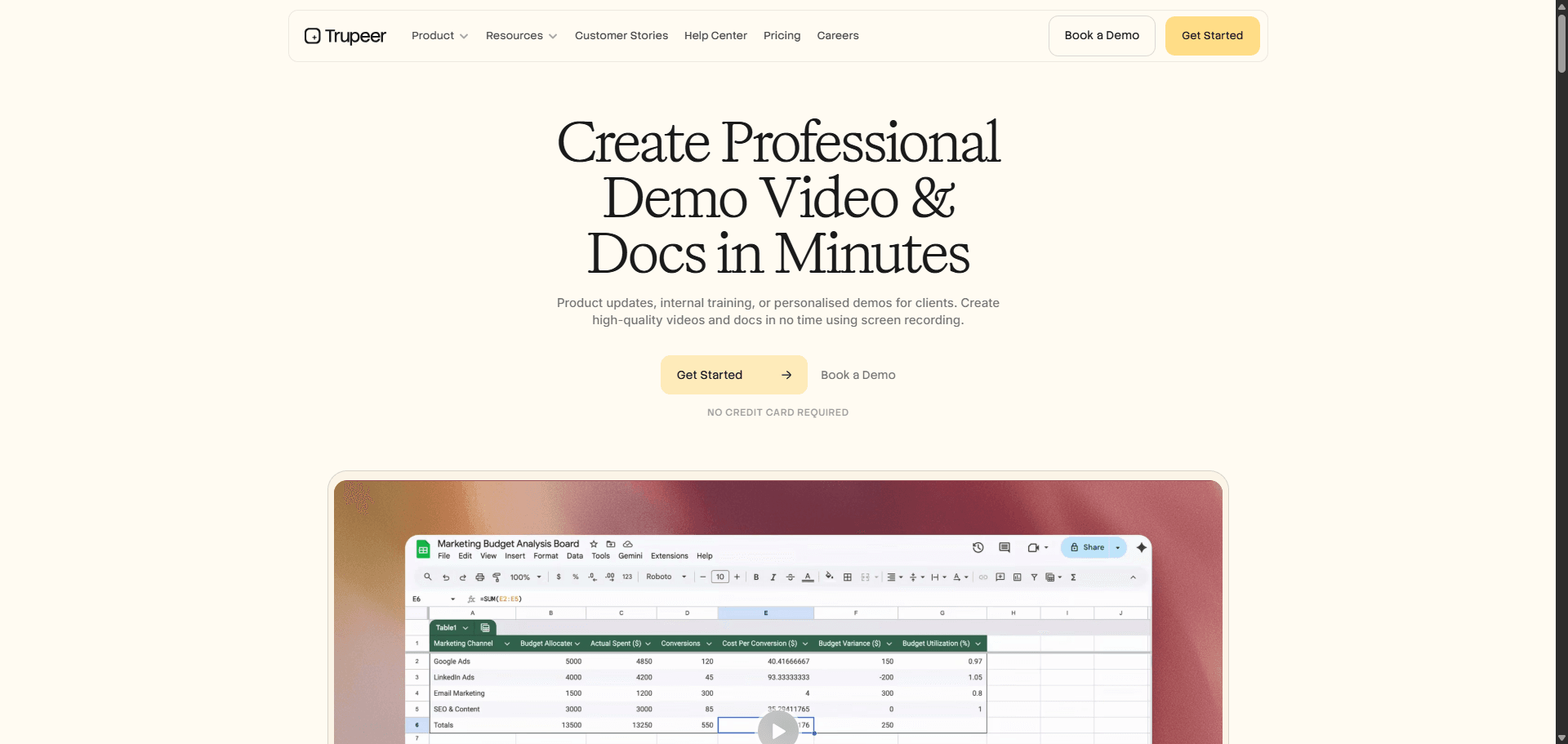
Trupeer (https://trupeer.ai/video) operates as an end-to-end walkthrough pipeline instead of a recorder.
It automatically:
- restructures narration
- removes filler words
- applies cinematic zoom paths
- generates synthetic voiceovers
- translates walkthroughs into 65 plus languages
Instead of polishing recordings manually, teams capture once and regenerate assets whenever interfaces change.
That is the shift modern demo pipelines require.
- Screen Studio
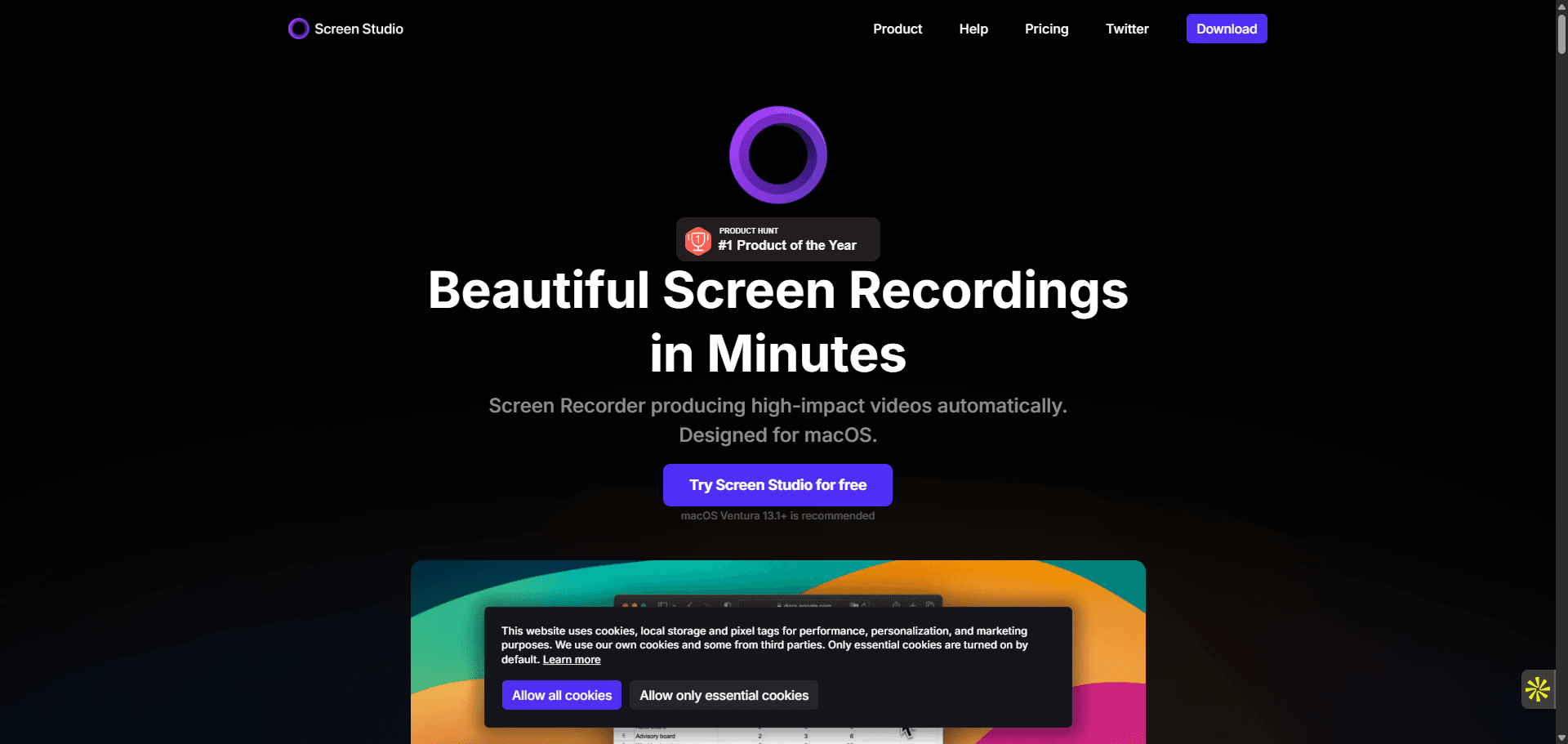
Screen Studio produces beautiful visual exports with smooth cursor motion and cinematic zoom.
But it remains a manual workflow layer.
It lacks:
- AI script generation
- translation automation
- synthetic voice pipelines
- documentation output
Strong for polished clips. Weak for maintenance-heavy demo ecosystems.
- Guidde
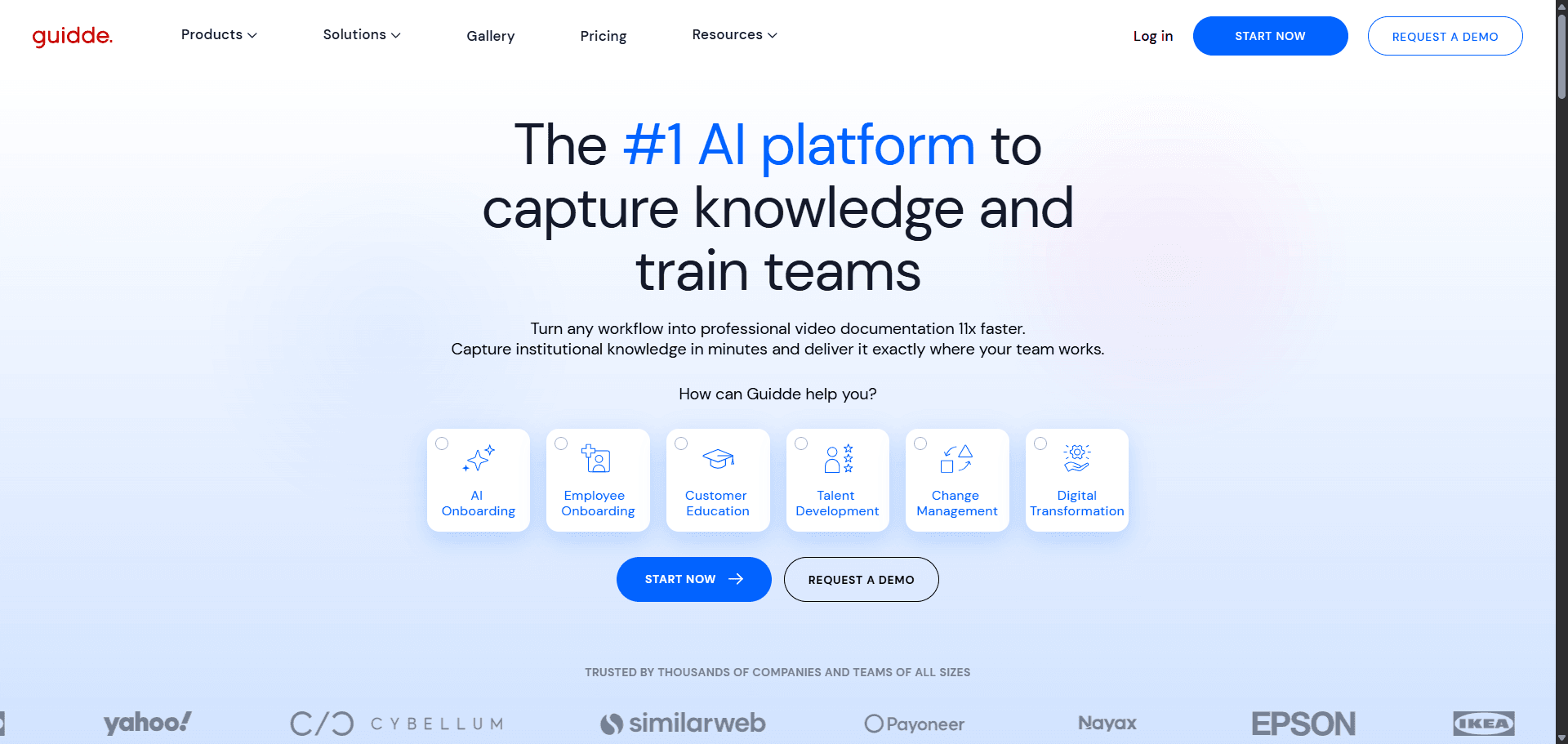
Guidde performs well inside structured documentation environments.
It integrates directly with:
- Zendesk
- Salesforce
- help-center stacks
However, advanced translation remains enterprise-tier gated. Voice generation also requires higher-tier upgrades.
This limits scalability for smaller global teams.
- Clueso
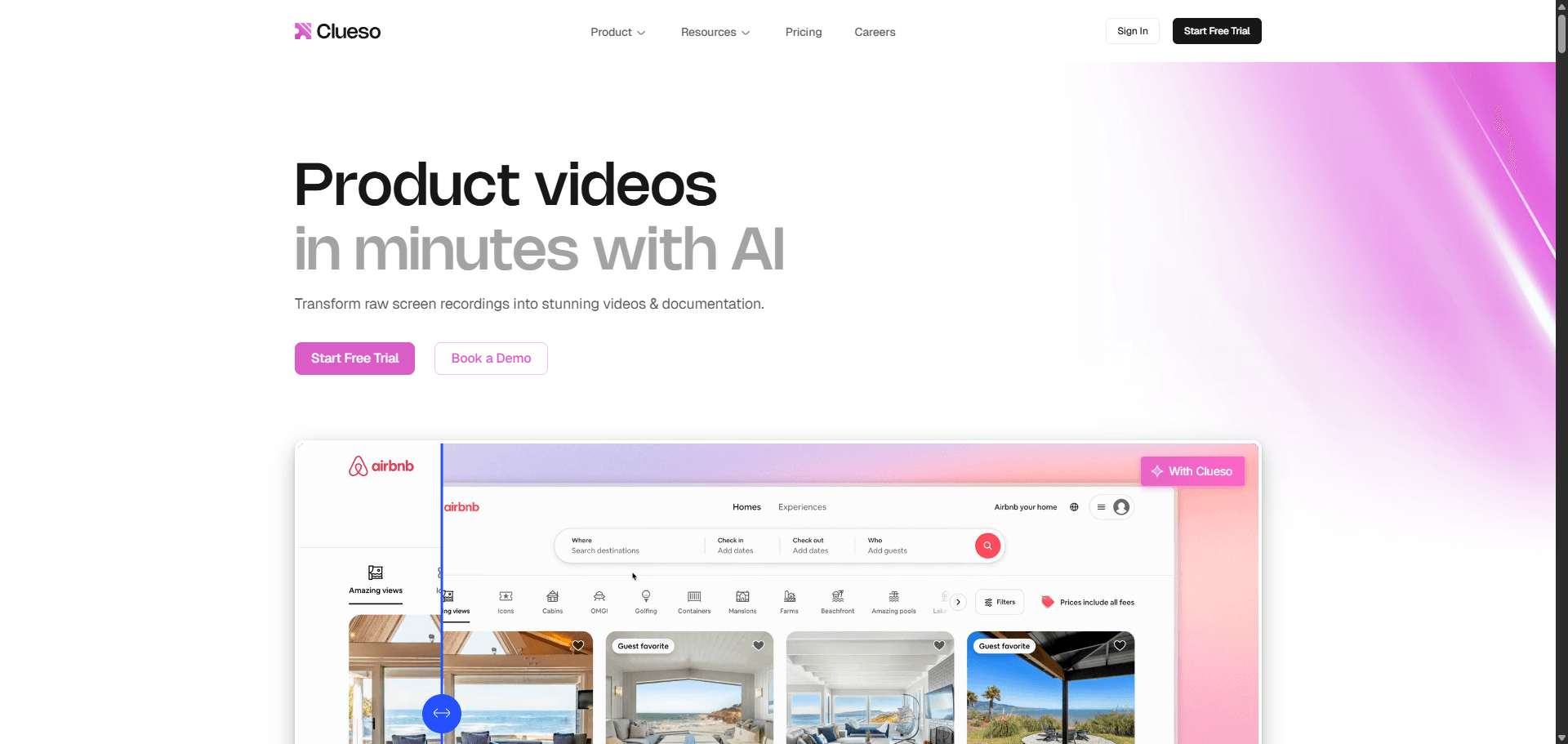
Clueso targets enterprise training workflows rather than product demo pipelines.
Its dual-output approach is valuable, but pricing begins around 150 dollars per month, which is three times higher than Trupeer’s entry tier.
It also lacks:
- avatar integrations
- custom-domain knowledge-base hosting
- accessible voice cloning outside enterprise tiers
Strong enterprise positioning. Limited accessibility for early-stage teams.
- Loom
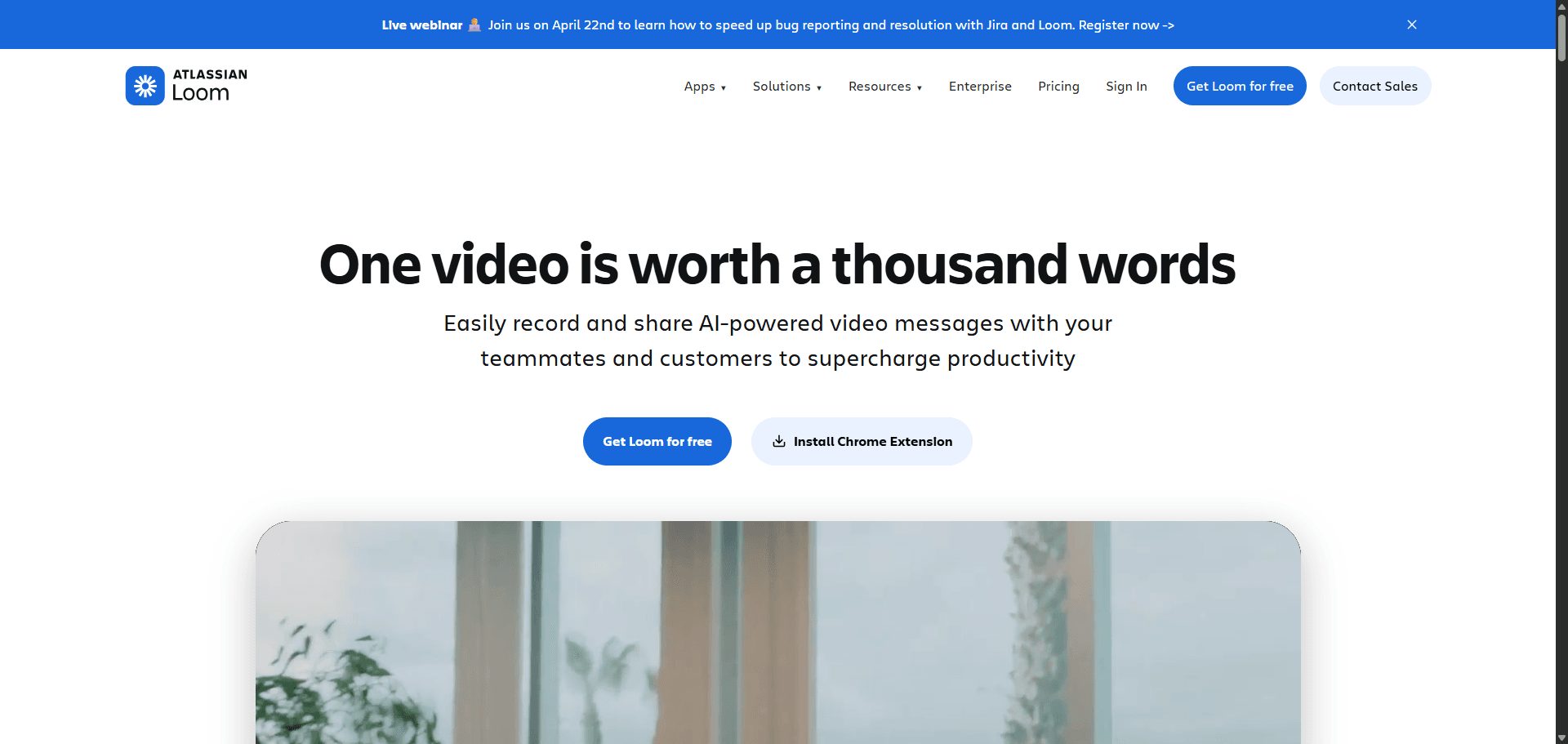
Loom dominates asynchronous internal communication.
But it still depends entirely on presenter performance quality.
It cannot:
- synthesize narration automatically
- correct navigation mistakes
- apply interface-aware zoom logic
- generate documentation outputs
Loom explains workflows. It does not maintain them.
- Synthesia
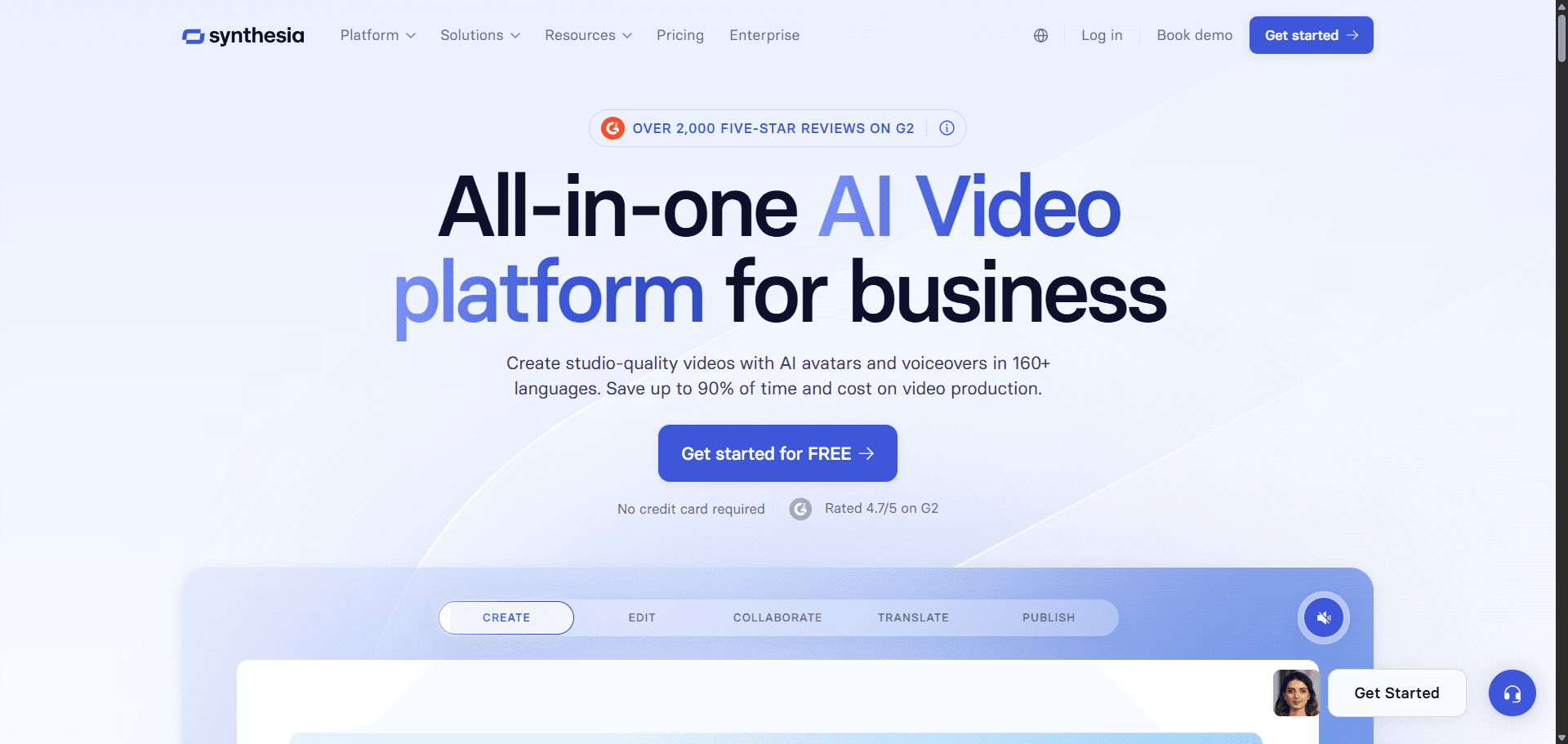
Synthesia excels at avatar-driven presentation delivery.
It performs well for:
- structured training content
- announcements
- scripted walkthrough narration
However, it lacks native telemetry-aware interface capture capabilities required for SaaS walkthrough automation.
- HeyGen
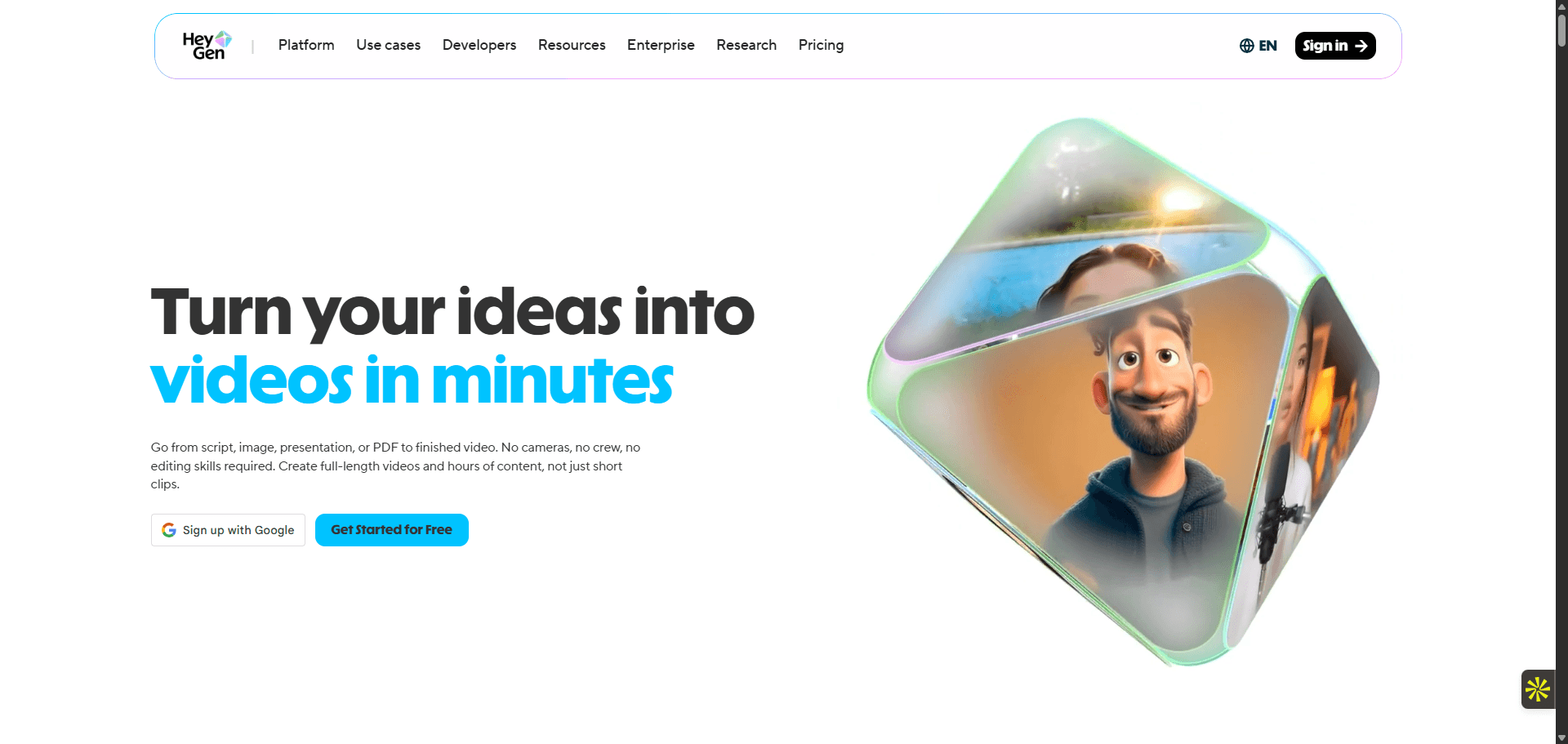
HeyGen produces highly realistic AI avatars.
It becomes powerful when paired with interface-capture pipelines. Alone, it cannot track cursor movement or generate walkthrough logic from UI interaction.
Best used as a presentation layer instead of a recording engine.
- Ngram
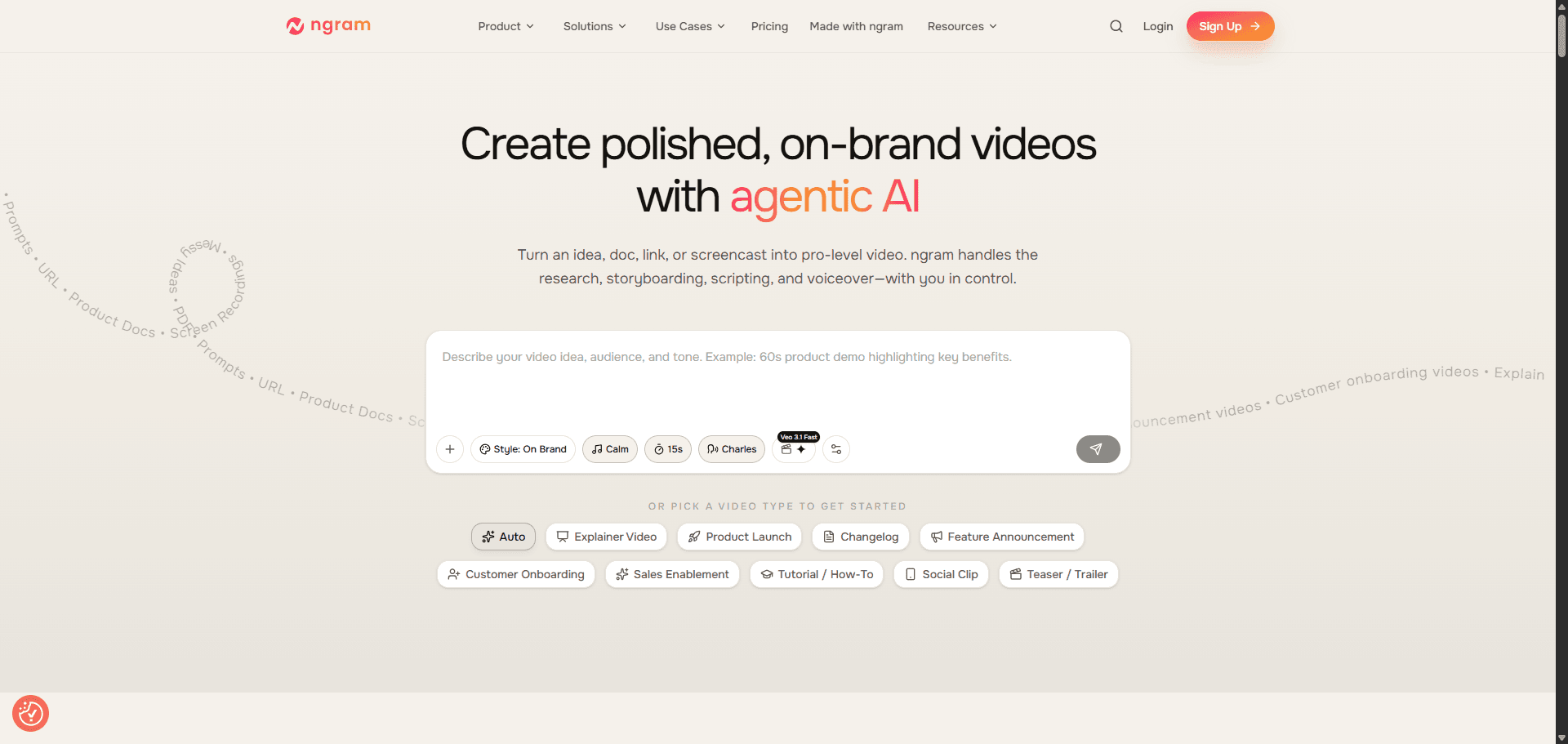
Documentation-focused telemetry engines like Ngram convert interaction capture into structured procedural content.
They perform well inside knowledge-base ecosystems but often lack integrated narration pipelines and localization layers.
Strong documentation support. Limited standalone demo scalability.
- Camtasia
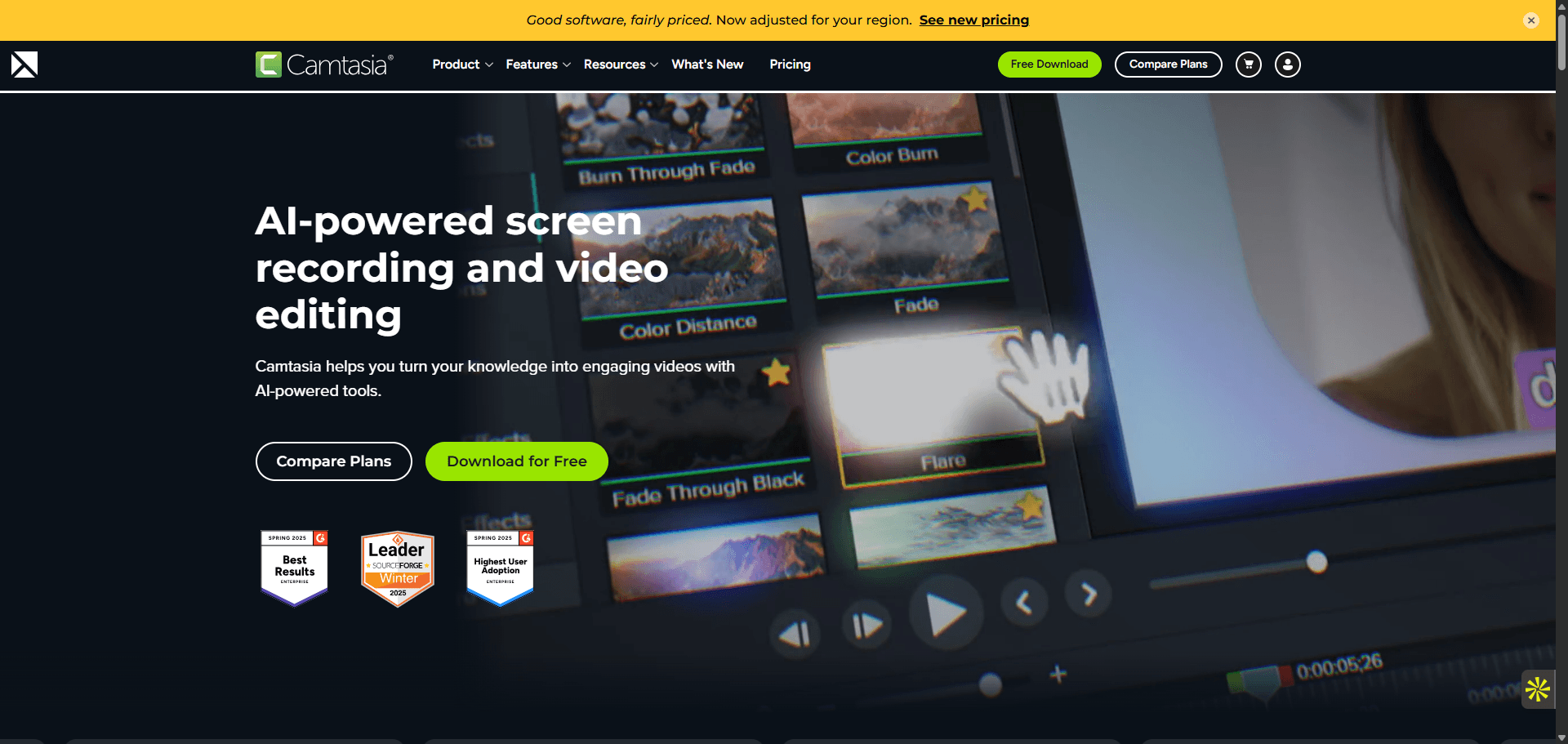
Camtasia still appears in most comparison lists.
But it assumes manual editing remains viable.
That assumption breaks in weekly release environments.
Timeline editors cannot keep pace with continuous deployment documentation cycles.
- Premiere Pro
Premiere Pro remains one of the most powerful video editors available.
It is also unnecessary for product walkthrough maintenance workflows.
Professional editors benefit from it. SaaS teams maintaining demos do not.
Most teams still treat demo videos like marketing assets. The fastest teams treat them like infrastructure. Once walkthroughs regenerate automatically after UI changes, documentation stops slowing releases and starts supporting them.
Related guides
- Best Miro Alternatives for UX Teams in 2026
- Landing Page Design Examples That Convert: The 2026 Strategy Guide
- Best Mockup Tools in 2026: Fast UI Mockups Without the Friction
- What Is a Product Requirements Document (PRD)? A Designer’s Take
- Design System vs. Style Guide vs. Component Library: What's the Difference?
- What Are Design Principles? 10 Principles Every Product Needs
- Ecommerce UX Design: What Actually Drives Conversion (Not Just Looks)
- Midjourney Pricing 2026: Plans, GPU Hours, and What Images Really Cost
- What Is UI Design? A Beginner’s Complete Guide (2026 Edition)
- Claude Design vs UXMagic: What Actually Breaks at Scale
Stop Re-Recording Product Demos Every Release
Generate consistent interface flows before recording so your walkthrough videos stay usable even as your UI evolves. Try UXMagic free.