If your last product workshop ended with a beautiful Miro board and zero usable screens, you’re not alone.
The search for the best Miro alternatives for UX teams in 2026 isn’t about finding another sticky-note canvas. It’s about escaping the digital graveyard where architecture dies between ideation and execution. Designers are tired of rebuilding flows from scratch in Figma. Founders are tired of paying per-seat subscriptions to “organize chaos.”
The real shift happening now: teams are replacing infinite canvases with structured, code-aware workflows that produce buildable UI from day one.
Why the Infinite Canvas is Failing UX Teams in 2026
Most guides still treat infinite whiteboards as creative freedom.
That’s wrong. They’re cognitive overload machines.
The Cognitive Overload of Digital Whiteboards
Physical whiteboards force decisions because space runs out. Digital ones don’t. So nothing gets finalized.
Instead, teams:
- scroll endlessly to find decisions
- interpret spaghetti-arrow diagrams
- re-explain workshop outcomes later
- lose architectural hierarchy completely
Your visuospatial working memory ends up managing canvas geography instead of solving product problems.
That’s not collaboration. That’s friction.
The “Digital Graveyard” of Unfinished Workflows
Whiteboards are excellent at divergent thinking and terrible at convergent execution.
Here’s the pattern every team recognizes:
Before
- run workshop Tuesday
- map flows in Miro
- export screenshots
- rebuild everything manually in Figma
- lose half the reasoning along the way
After switching to structured pipelines
- define flows inside a PRD
- generate multi-screen architecture directly
- preserve edge cases automatically
- push editable layouts into the design system immediately
This is the same shift described in modern AI-assisted UX workflows that move teams past sticky-note translation work entirely: https://uxmagic.ai/blog/ai-in-ux-design-workflow
FigJam vs Miro vs Mural: The Legacy Whiteboard Breakdown
Not all whiteboards fail for the same reason. Each one solves a different problem.
None solve execution.
FigJam: The Low-Friction Figma Extension
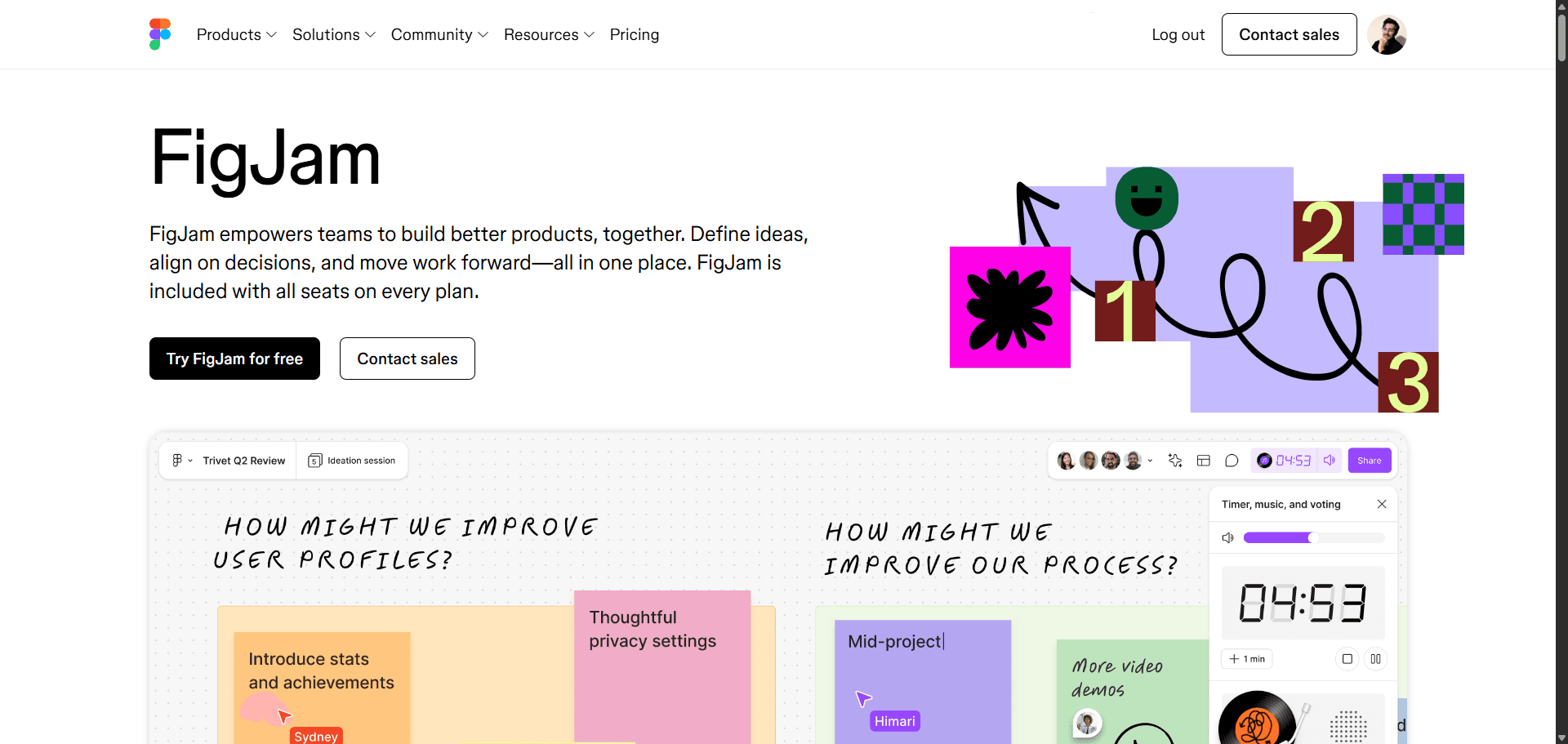
FigJam works best for teams already living inside Figma.
Strengths:
- minimal context switching
- fast internal ideation
- lower collaborative seat pricing
- familiar interaction patterns
Weakness:
It still produces artifacts designers must manually convert into UI structure later.
Good for alignment. Not for architecture.
Mural: The Enterprise Facilitator’s Engine
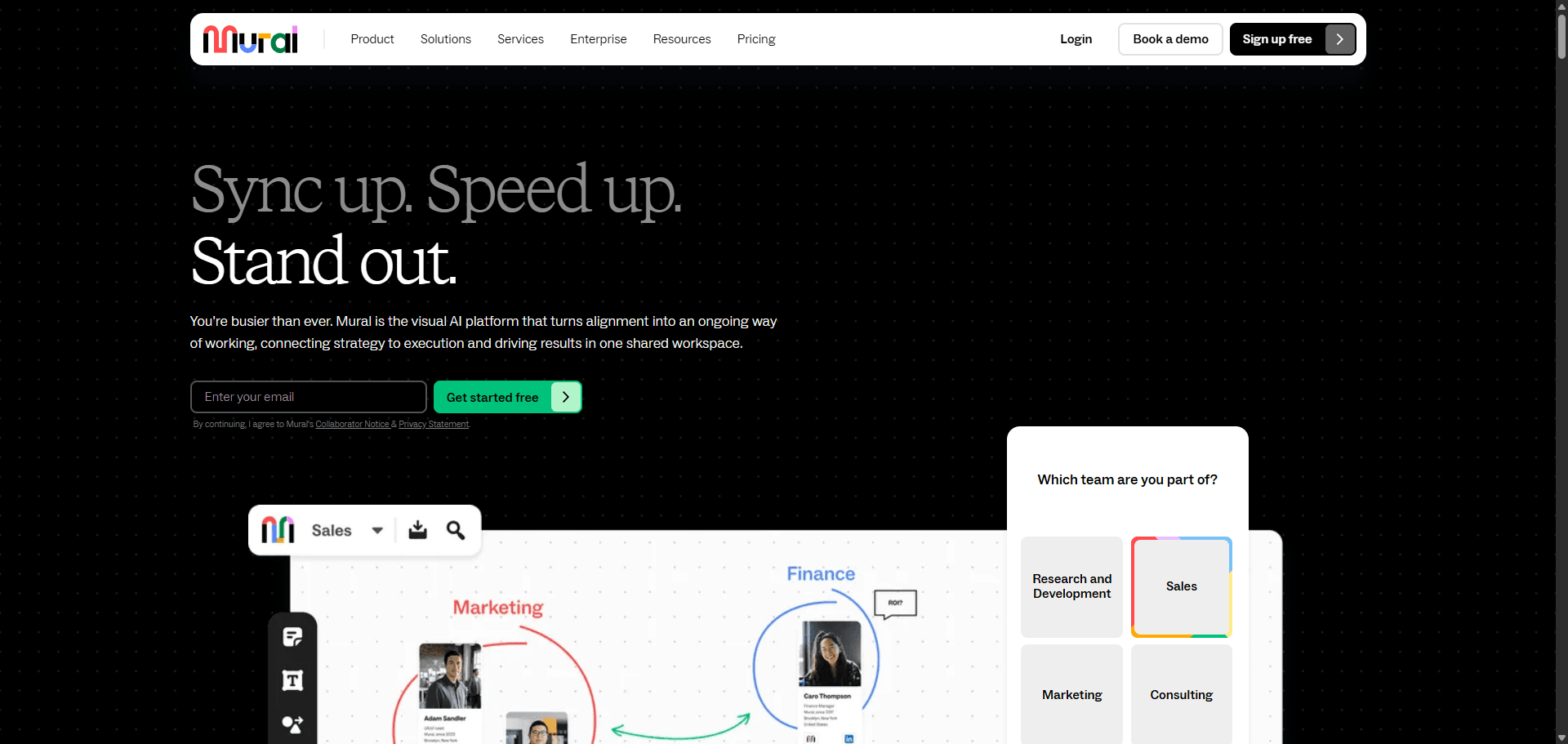
Mural isn’t really a UX design tool.
It’s a workshop governance tool.
Agencies use it when they need:
- guided navigation
- timed exercises
- private ideation modes
- structured executive participation
That makes it excellent for stakeholder facilitation.
But irrelevant for shipping UI.
Miro: The Cross-Functional Operations Heavyweight
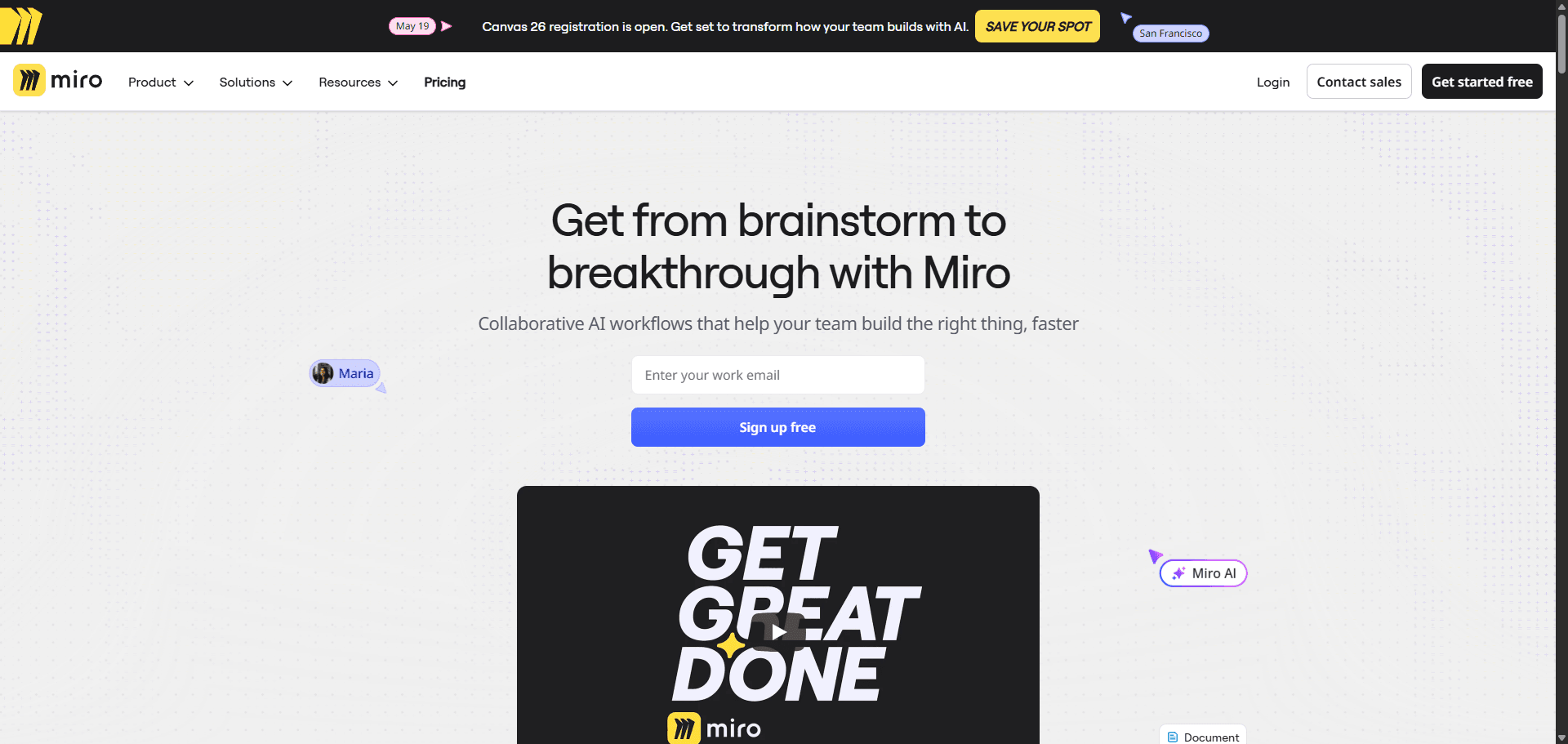
Miro has effectively become operations software.
Teams use it for:
- quarterly planning
- agile retrospectives
- marketing frameworks
- org alignment diagrams
For deep UX architecture, it introduces entry friction without producing buildable outputs.
That’s why designers experiencing blank-canvas paralysis are moving toward constraint-driven workflows instead: https://uxmagic.ai/blog/blank-canvas-syndrome-ai-ux-workflow
The Rise of AI-Native Design Tools and the Restricted Canvas
The infinite canvas era is ending.
The restricted canvas era is replacing it.
Why Context Amnesia Ruins Generative AI UI
Most AI UI generators still produce screens in isolation.
That leads to:
- drifting typography
- broken navigation consistency
- missing error states
- mismatched spacing logic
- token violations across flows
Designers then pay the “verification tax” fixing hallucinations manually.
Advanced systems solve this with persistent contextual memory across flows instead of one-screen generation at a time.
This is exactly why structured prompt strategies outperform generic prompting approaches in production UI generation: https://uxmagic.ai/blog/production-ready-ai-design-prompts-saas
Designing with Code Constraints and Tokens
AI shouldn’t invent design systems.
It should enforce them.
The strongest 2026 workflows lock:
- typography scales
- spacing variables
- semantic color palettes
- accessibility rules
- component hierarchies
before generation begins.
That turns AI from a sketch assistant into a system executor.
And it keeps accessibility requirements aligned automatically when generating flows at scale: https://uxmagic.ai/blog/prompting-ai-wcag-22-accessible-ui
Top UX-Focused Alternatives to Miro for Product Execution
If you’re evaluating the best Miro alternatives for UX teams in 2026, the real question is simple:
Does the tool generate structure or just capture ideas?
Here’s how the leading options compare.
UXMagic: Best for Multi-Screen Flow Generation and Consistency
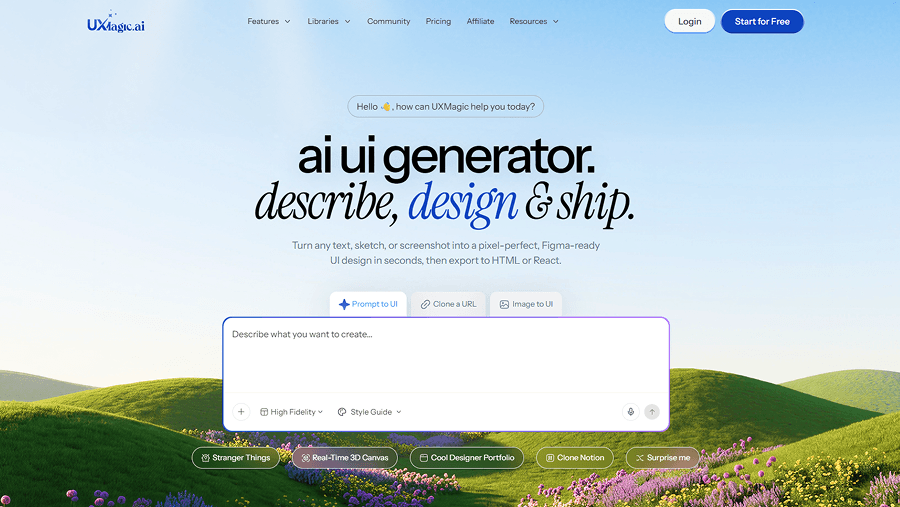
Most AI tools generate one screen at a time.
UXMagic generates entire journeys with persistent memory across the flow.
That means:
- navigation stays identical across steps
- typography scales remain locked
- spacing logic stays mathematically aligned
- component states remain synchronized
Its Flow Mode eliminates the stitching work designers usually do after generation.
It also enforces existing design tokens instead of improvising new ones, so outputs map directly to Figma variables and developer expectations.
And instead of producing static whiteboards, it pushes Auto Layout–ready interfaces directly into the design ecosystem with exportable React and HTML components.
This is where human-in-the-loop workflows matter most AI generates structure, designers finalize precision: https://uxmagic.ai/blog/human-in-the-loop-ai-design-workflow
UX Pilot: Best for Strict Design System Adherence
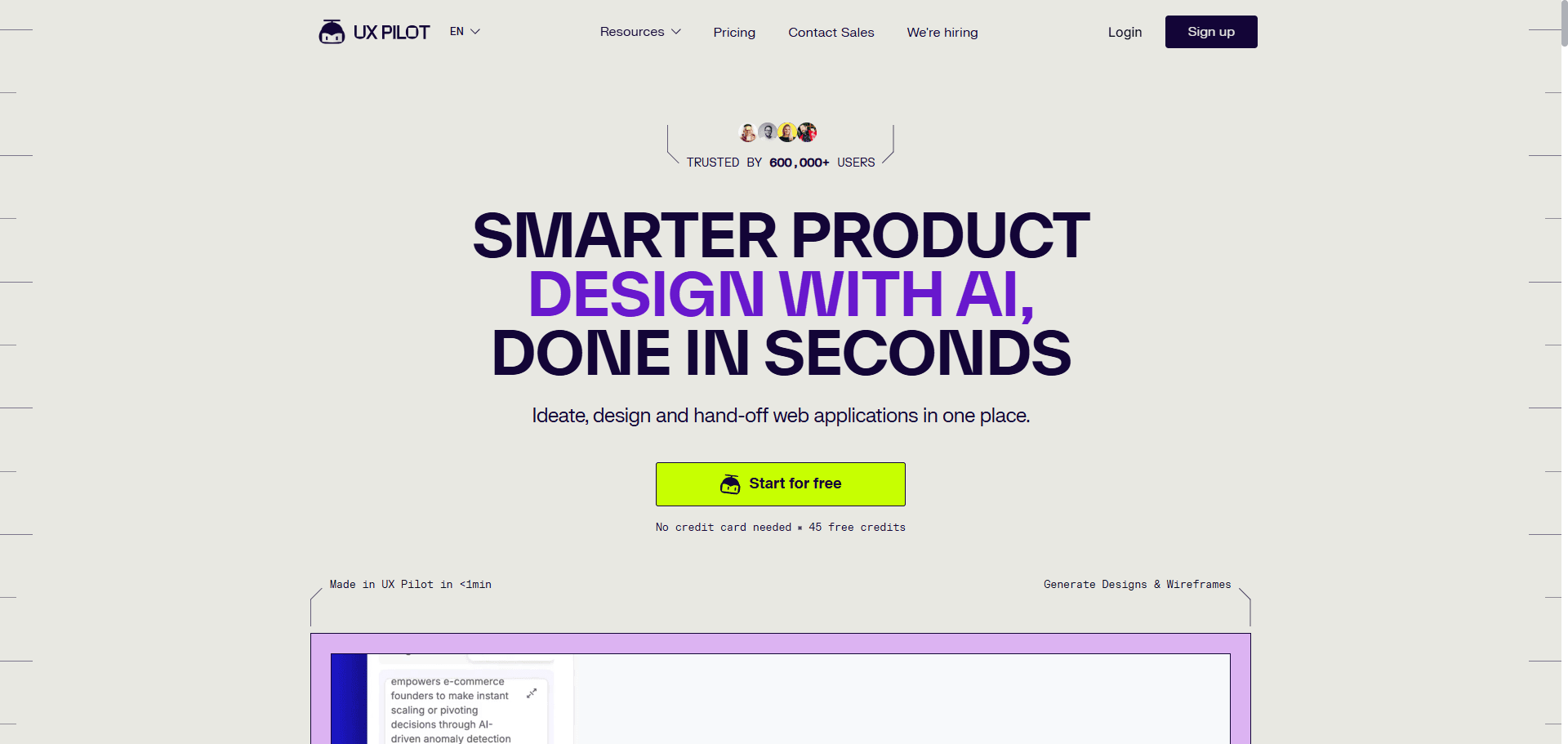
UX Pilot is strongest when token enforcement is the priority.
It works well inside organizations where:
- brand systems are rigid
- spacing scales are fixed
- typography hierarchies are locked
- visual drift is unacceptable
Its strength isn’t exploration.
It’s compliance.
Lovable AI: Best for Full-Stack MVP Code Generation
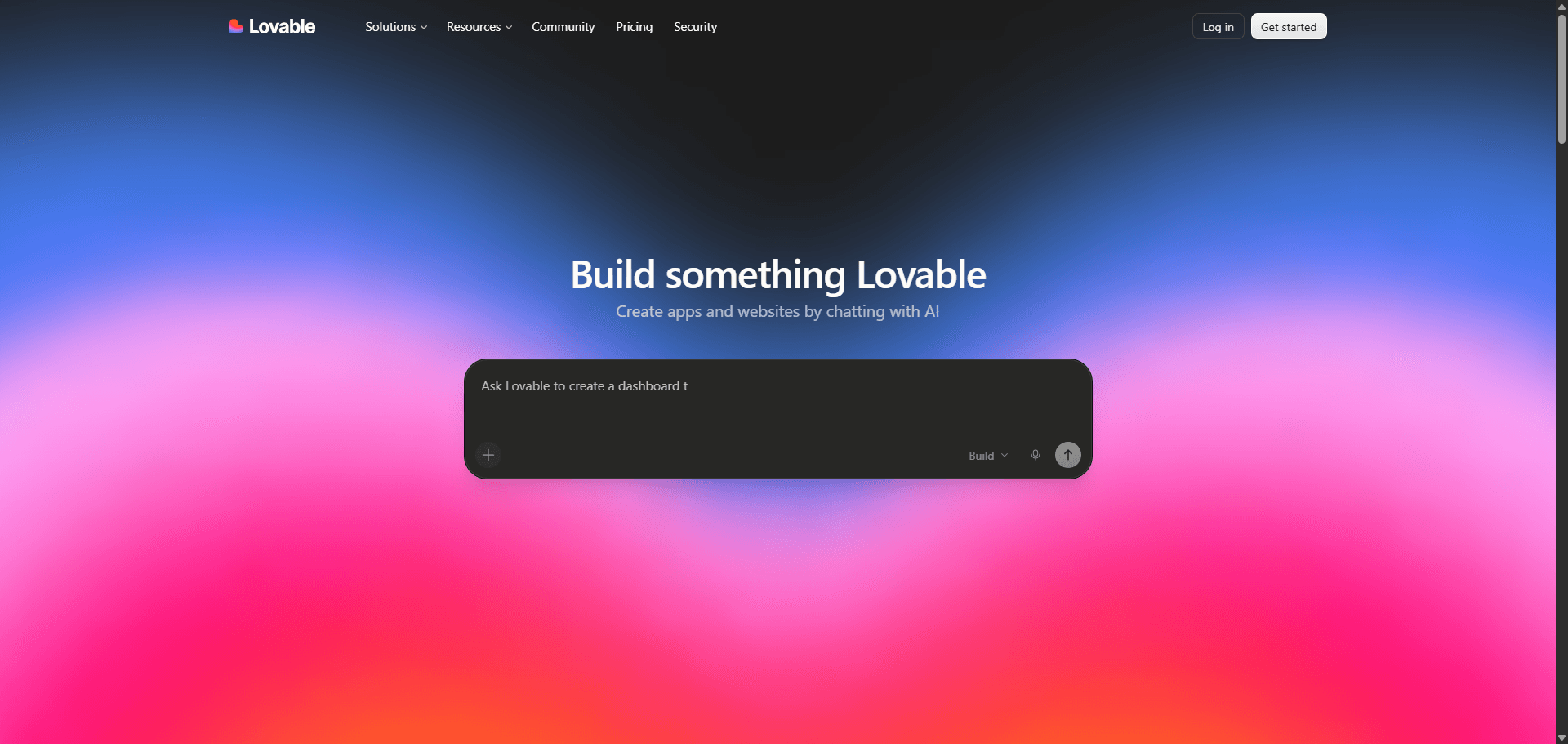
Lovable AI excels when speed matters more than visual control.
Founders choose it when they need:
- working React apps fast
- backend scaffolding quickly
- functional MVP validation immediately
Tradeoff:
UX teams lose fine-grained control over layout precision and system alignment.
That’s acceptable for prototypes.
Risky for production interfaces.
Fixing the Broken Design-to-Code Handoff in 2026
“Handoff” is a legacy idea.
Modern pipelines remove the boundary entirely.
Instead of exporting vectors and redlines, teams now:
- define structured problem statements inside PRDs
- lock token architecture before generation
- generate multi-screen flows simultaneously
- validate feasibility mid-generation with engineering
- export production-ready components directly
When flows are generated inside code-aware constraints from the start, developers stop asking:
- where the empty state lives
- which hex values to use
- how responsive behavior should work
- which interaction states exist
The final 10% stops being chaotic.
It becomes predictable.
Within 12 months, teams still starting product architecture on infinite canvases will look the same way we now look at exporting redlines for developers ,like a workaround from another era.
The best Miro alternatives in 2026 aren’t whiteboards with better sticky notes. They’re structured environments that preserve context, enforce tokens, and generate flows that developers can actually build. If your workflow still ends with manual translation into Figma, the problem isn’t collaboration, it’s the canvas.
Related guides
- What Is a Product Requirements Document (PRD)? A Designer’s Take
- What Is UX Design in 2026? A Practical Guide for Shipping Faster
- Claude Design vs UXMagic: What Actually Breaks at Scale
- How to Build a UX Portfolio That Gets You Hired in 2026
- Best Mockup Tools in 2026: Fast UI Mockups Without the Friction
- Website Wireframe in SaaS: Why Gray Boxes Are Dead
- What Is Design Thinking in 2026? (And Why Most Teams Get It Wrong)
- Wireframe Builder Guide: How to Create Production-Aligned UI Flows Without Design Skills
- The Spec-Driven Design Workflow for Product Managers (2026 Blueprint)
- What Is a Mockup? Everything Product Teams Actually Need to Know
Generate Real Product Flows, Not Whiteboards
Stop rebuilding workshop outputs manually. Try UXMagic and turn structured ideas into consistent multi-screen UI flows that map directly to your design system.